

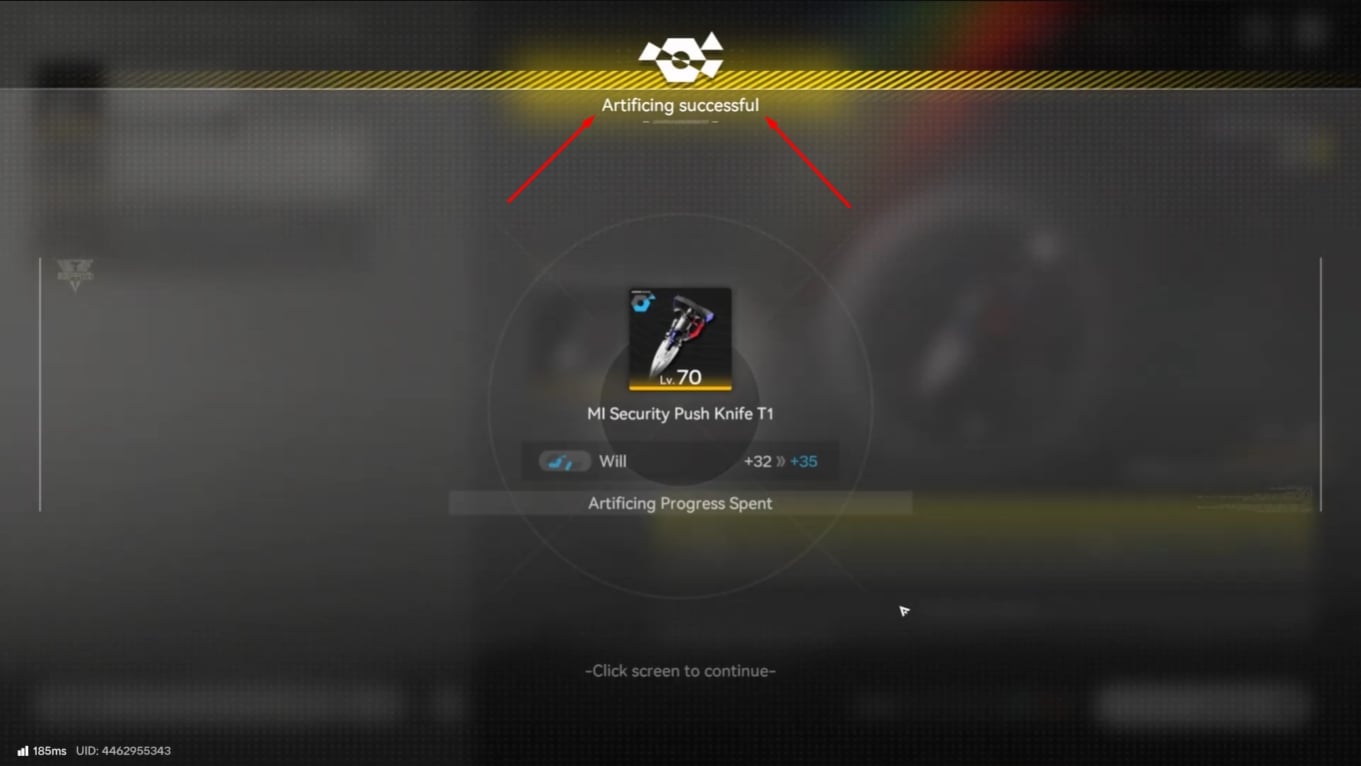
What to know
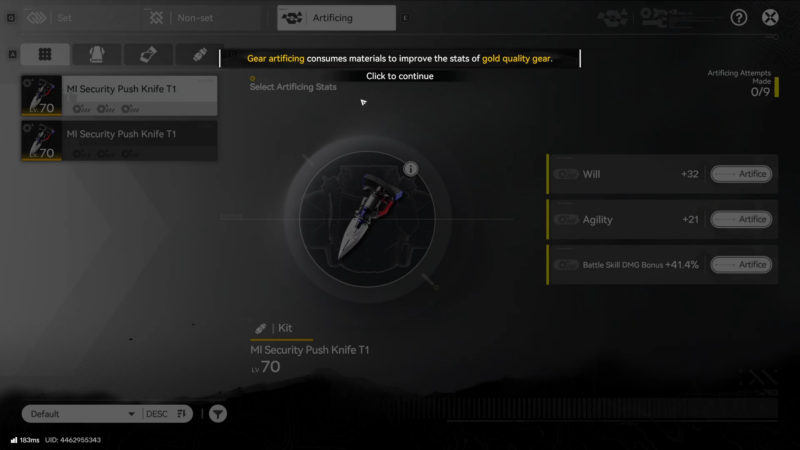
- Gear artificing is done from the Gear Assembly menu’s Artificing tab and targets one stat at a time.
- Each attempt consumes a region-matched Gear Artificing Catalyst and requires sacrificing a same-type, same-rarity gear piece.
- Failed attempts build artificing progress for that specific stat and gear; hitting the limit guarantees success on the next attempt.
- Using “Good Match” materials increases the chance of direct success on an attempt.
In Arknights: Endfield, Gear Artificing is the system used to push a finished gear piece beyond its base stats, and it is separate from simply crafting the gear itself. It is designed to be grindable and predictable over time because progress accumulates toward guaranteed success when attempts fail.
Quick reference: artificing requirements and rules
| Item / rule | What it means in practice |
|---|---|
| Where to do it | Open Gear Assembly, then use the Artificing tab/screen. |
| Sacrifice requirements | The consumed gear must match the target gear’s type and rarity (Armor→Armor, Gloves→Gloves, etc.). |
| Catalyst requirement | Each attempt requires a Gear Artificing Catalyst that matches the gear’s region; catalysts are bought from regional stock redistributors and can have limited stock. |
| Success smoothing | Failing builds artificing progress for that stat and gear, and reaching the limit guarantees the next attempt succeeds. |
| Better odds | Materials marked as “Good Match” raise the chance of direct success. |
Reference table: example gear pieces and set effects
The table below is a small sampling from a larger in-game gear list, included as a quick reference for how gear pieces, types, rarities, and set effects are represented.
| Gear (example) | Type | Rarity | Set | Set effect (3-piece) |
|---|---|---|---|---|
| AIC Heavy Armor | Armor | Green | AIC Heavy | Defeat an enemy restores 100 HP (5s cooldown); bonus stat: HP +500. |
| Roving MSGR Jacket | Armor | Blue | Roving MSGR | When HP is above 80%, Physical DMG +20%; bonus stat: Agility +50. |
| Catastrophe Heavy Armor | Armor | Purple | Catastrophe | Start of battle: immediately recover 50 SP; bonus stat: Ultimate Gain Efficiency +20%. |
How gear and sets work before artificing
Gear is crafted via the game’s gear crafting/assembly flow, and each operator equips four total pieces: 1 Armor, 1 Gloves, and 2 Kits. Gear set effects activate with 3 pieces from the same set, allowing one “off-set” piece if desired.
Gear pieces have fixed, non-random stat lines, so the base item is deterministic—artificing is where optimization and repeat investment happens.
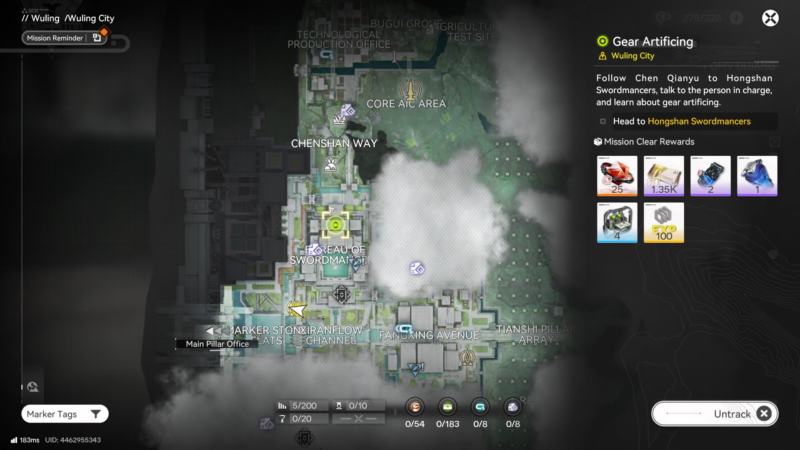
How to complete the Gear Artificing quest (full walkthrough)
Step 1: Make sure Gear Assembly is available
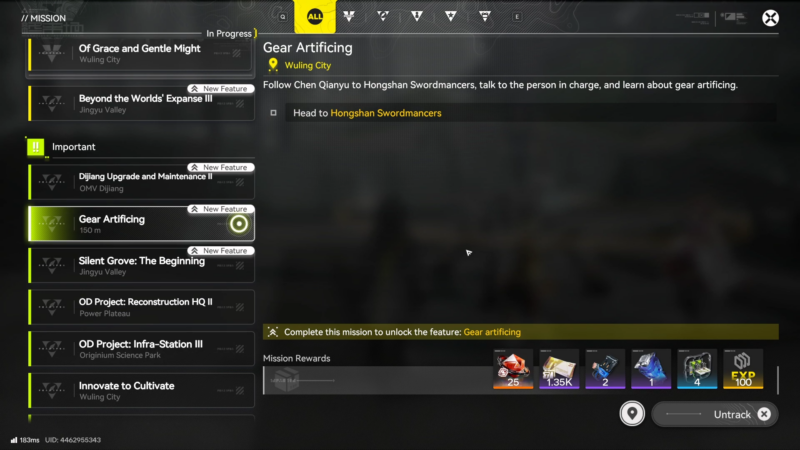
Progress until the game has introduced basic gear and the Gear Assembly feature, since artificing is accessed from that menu.
Step 2: Prepare a valid target gear piece
Select a piece that is worth keeping for a while (appropriate set effect and stat lines), because artificing is an additional resource sink on top of crafting. Since gear stats are fixed, pick the exact piece intended for long-term use before committing attempts.
Step 3: Craft or obtain a matching sacrifice piece
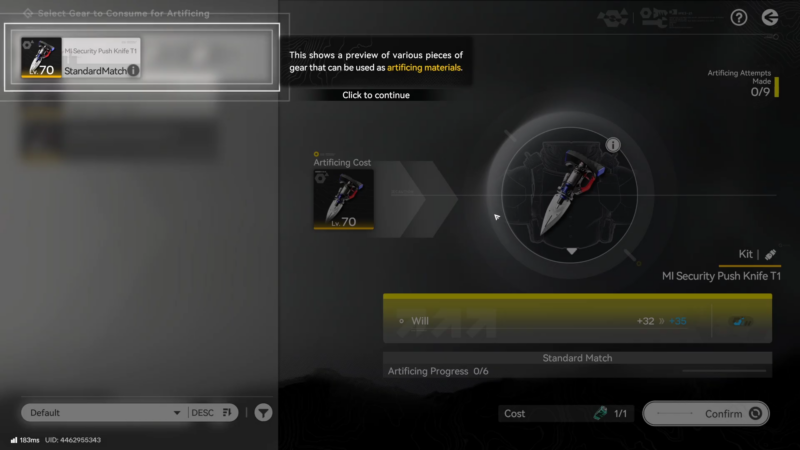
Acquire a second gear piece to sacrifice that matches:
- Same gear type as the target (Armor with Armor, Gloves with Gloves, etc.).
- Same rarity as the target.
Step 4: Get the correct regional Gear Artificing Catalyst
Obtain the catalyst for the gear’s region (the catalyst must match the region of the gear being artificed). Catalysts are purchased from stock redistributors and may be limited-stock, so planning purchases around the region(s) being geared is important.
Step 5: Open the Artificing screen and pick the stat to upgrade
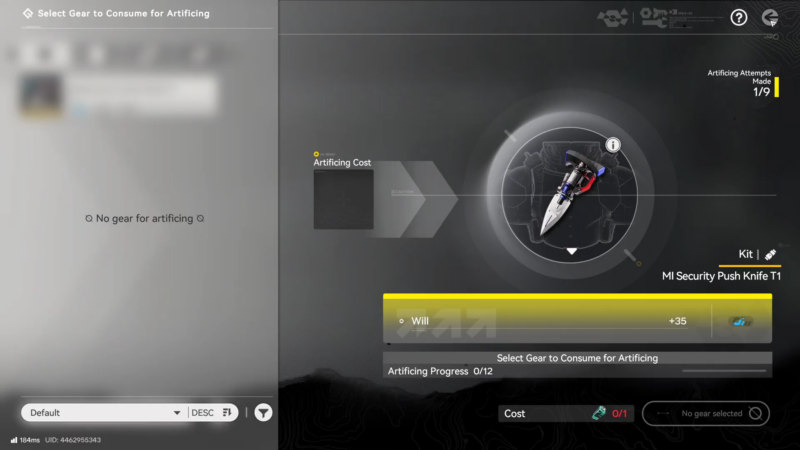
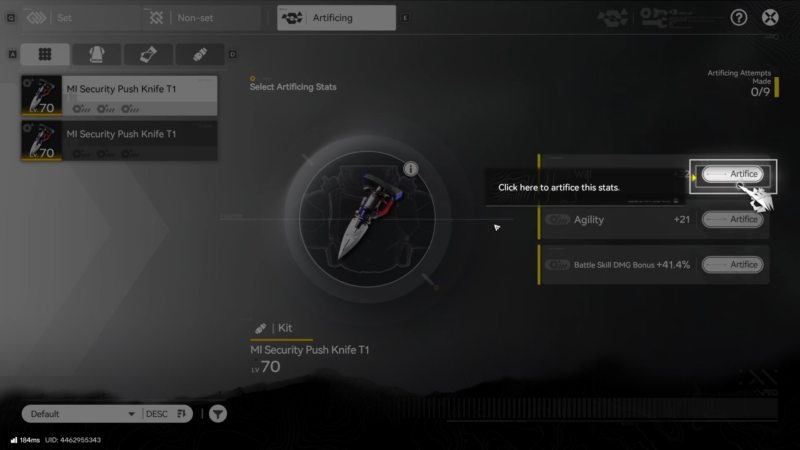
From Gear Assembly, open the Artificing tab/screen and select the target gear and the specific stat to artifice. The artificing system works per-stat, so each stat is progressed independently.
Step 6: Insert materials and confirm attempt
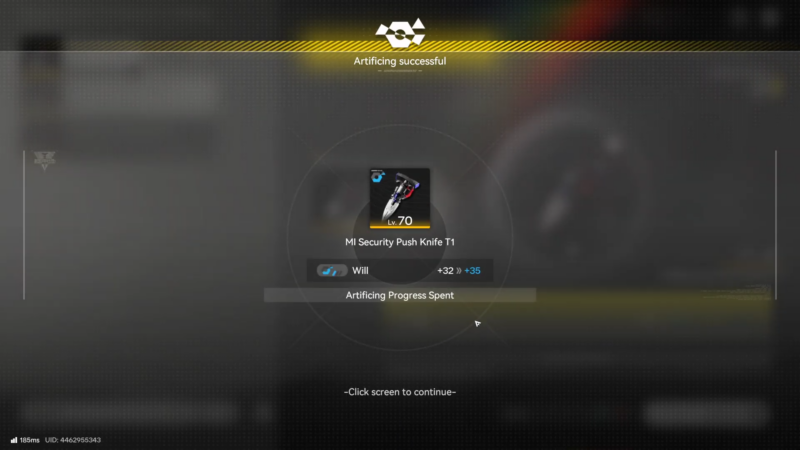
Slot the matching sacrifice gear and the required catalyst, then perform the artificing attempt. If the material is flagged as “Good Match,” it increases the chance of direct success on that attempt.
Step 7: If it fails, check progress and repeat with planning
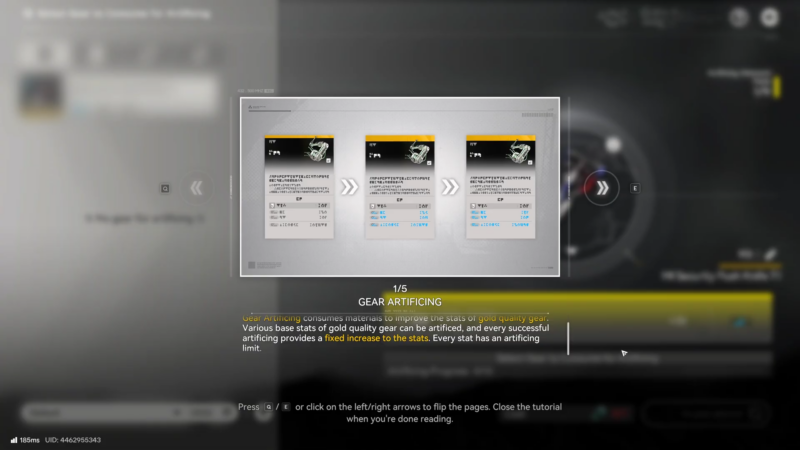
On failure, artificing progress is stored for that stat and gear, and once it reaches the limit, the next attempt is guaranteed to succeed. Continue attempts until the quest condition completes, using the progress meter as the indicator of when a guaranteed upgrade is coming.
Artificing outcomes, limits, and practical tips
Each artificing attempt targets a specific stat on the gear, and the system includes stored progress that eventually guarantees success, which reduces “bad luck streaks.” This also means mixing attempts across different stats spreads progress out, while focusing on one stat concentrates progress toward a sooner guarantee.
Because catalysts can be limited-stock at stock redistributors, it’s typically more efficient to reserve catalysts for gear that will not be replaced soon.
Rewards
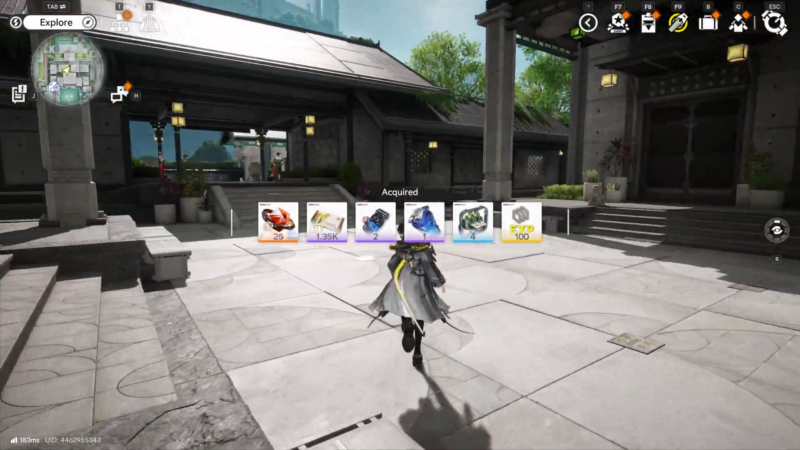
| Reward | Quantity |
|---|---|
| Orange item | 25 |
| Purple currency/material | 1.35K |
| Blue material | 2 |
| Purple/blue material | 1 |
| Green material | 4 |
| Yellow currency | 100 |
Gear Artificing as a good upgrade mechanic
After the quest clears, continue improving gear by repeating artificing on key stats while managing catalyst availability by region and stock limits. Gear Artificing is best treated as a long-term optimization tool: pick a gear piece worth keeping, then invest matching sacrifices and regional catalysts while using the progress system to secure guaranteed upgrades over time.




