

What to know
- Rails must be physically snapped to the machine’s green/blue output port, not just placed nearby.
- Items only move when the destination (storage, factory, launcher) actually needs them.
- Long or complex rail lines can “freeze” if edited while items are on them; rebuilding often fixes it.
- Make sure rails are supported and not broken by terrain or enemies; unsupported segments won’t work.
If your rails aren’t moving items in StarRupture, it’s usually not a bug, the game’s pull-based system and physics require proper connections and supported layouts. Items only move when the destination needs them, rails are correctly snapped, and no blockages exist. This guide covers how to identify and fix common rail issues, including multirail and splitter quirks, so your factory keeps running smoothly.
Fixing rails that aren’t moving items
In StarRupture, rails only move items when the destination actually needs them, so full or inactive storage will stop the flow. Make sure every segment runs from source to destination and is properly supported, adjusting for uneven terrain as needed. If items stall, walk the rail and pick up anything stuck on the tracks, clearing the front usually lets the rest continue. For multirails or splitters, rebuilding problem segments or saving and reloading the game often clears glitches caused by mid-construction edits. Following these steps typically gets your rails flowing smoothly again.
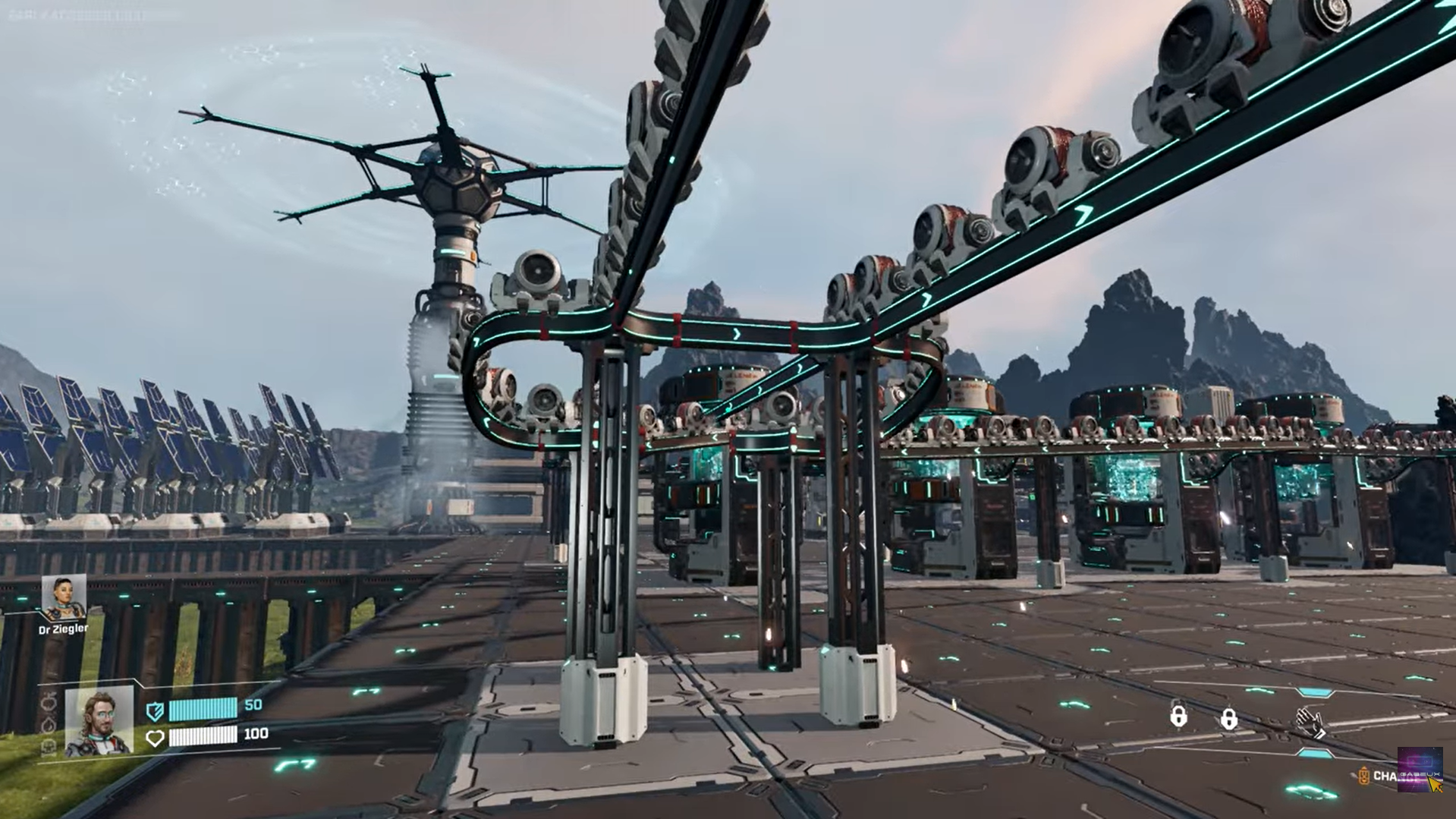
Multirails & splitter issues
Multirails, where you have multiple rail lines, splitters, or branching lanes, can behave differently than single rails and are more prone to hiccups:
- Only one lane flows at a time: Even if all lanes show power, items may only move on one line, or lanes may stop unexpectedly.
- Ghost states after editing: Editing a multirail or splitter mid‑build can leave parts of the rail “stuck” where the game thinks the segment is broken even when it visually isn’t.
- Save/reload fixes: Sometimes simply saving and reloading the game restores item movement on multirails.
- Rebuild problem segments: If a particular splitter or rail branch isn’t moving items, remove and reattach that segment, often fixing logic issues.
- Simplify layouts if needed: In some cases, players find that reducing parallel lines or reworking complex splits makes the system behave more reliably.
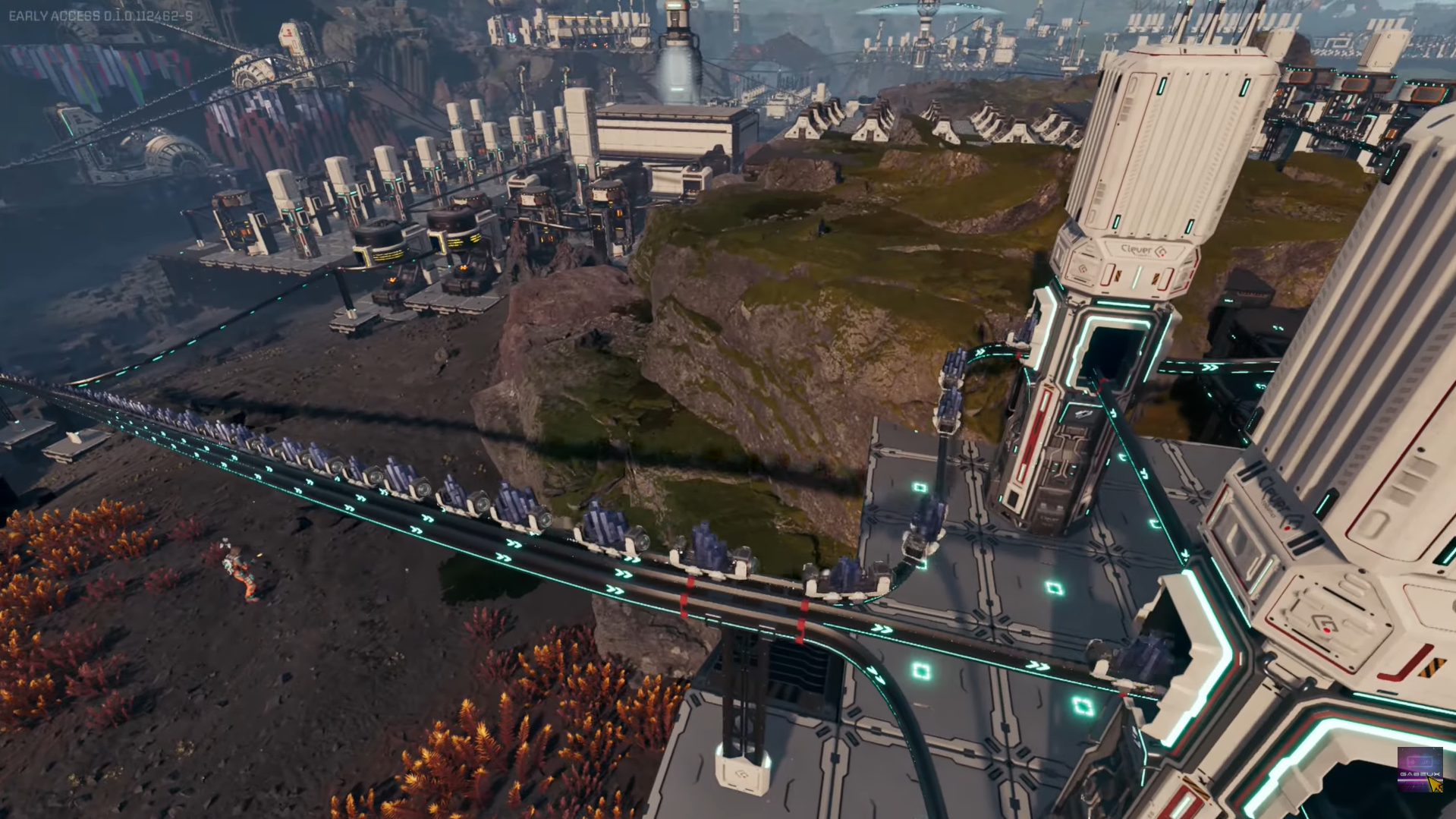
These quirks are still present in the current build and may be addressed in future patches, so when working with multirails, expect to troubleshoot lane logic actively.
Additional rail issues & tips
- Pull/request system: Rails only move items when a machine or storage actively requests them; idle rails may still be connected.
- Long loops can jam: Rails may stop in long loops or high-demand setups; usually caused by demand limits, not missing connections.
- Splitters & connectors glitches: Items can jump lanes, merge oddly, or only one lane works — common in multirails and splitters.
- Depots are buffers, not storage chests: Rails move items only if depots and connected machines request them; proper alignment prevents jams.
- Ghost/drone blocks: Moving or breaking rails while drones are en route can freeze segments until manually cleared or rebuilt.
Getting Your Rails Flowing Again
Most rail issues in StarRupture come down to three main causes: the rail isn’t properly snapped to the machine port, the destination isn’t requesting items, or the line was edited while items were on it. To fix this, ensure all connections are secure, clear any stuck items along the track, and rebuild any problematic sections. With these steps, your rails should start moving smoothly again, keeping your factory running efficiently.
Thanks for reaching the end! Share your experience or doubts in the comments below—we read them closely and try to reply as quickly as possible.




