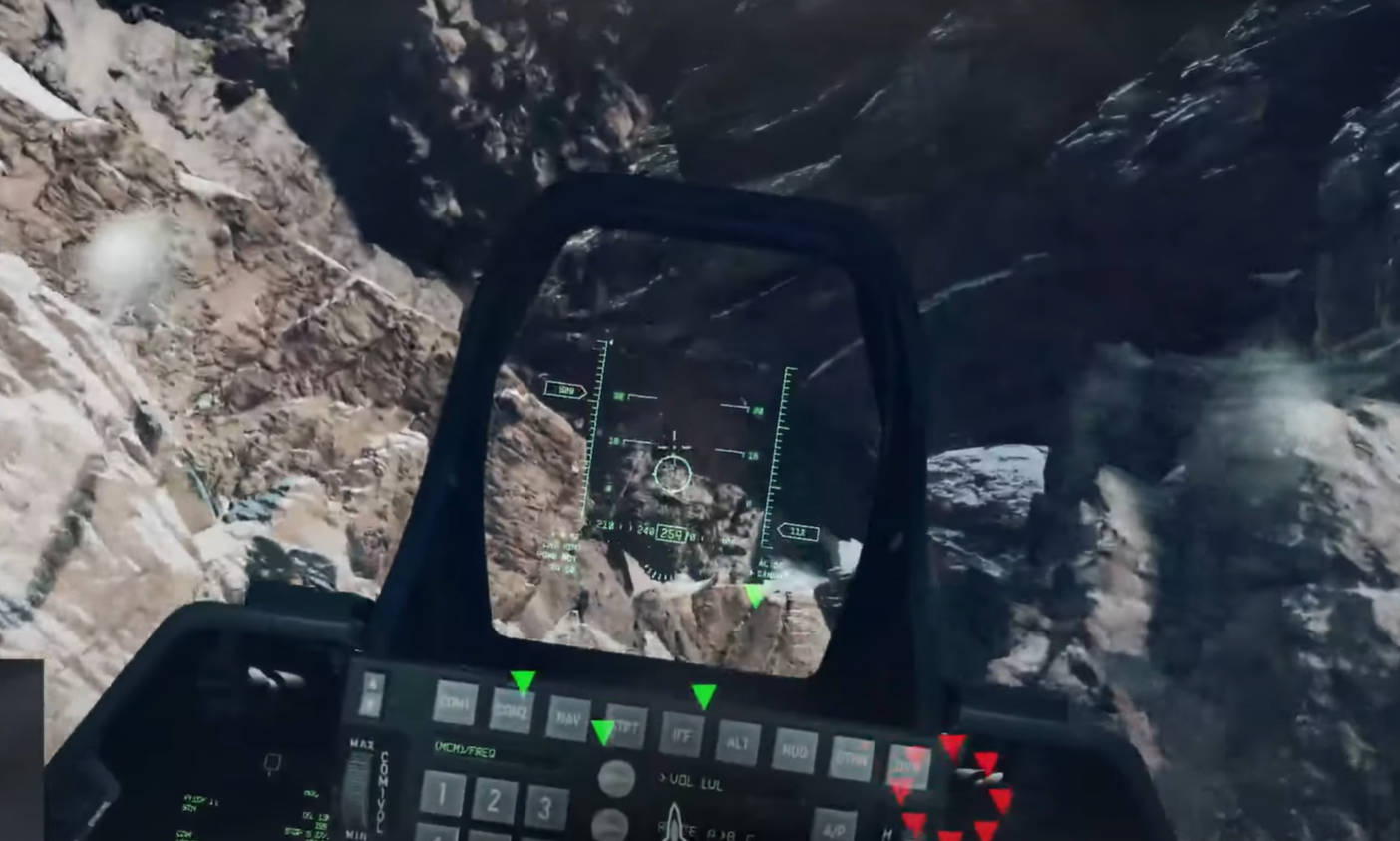
Here’s every working fix for Battlefield 6’s campaign not loading on PS5.
What to know
- A known “purchase-to-play” bug is preventing campaign and multiplayer from launching.
- Players report black screens or freezes when trying to continue or start missions.
- Basic fixes like cache clearing, reinstalls, and updates often solve the problem.
- EA and DICE are rolling out patches to resolve these launch errors.
Why Battlefield 6 campaign may not load on PS5
Many PS5 users are currently facing issues with Battlefield 6’s campaign not starting, freezing on a black screen, or showing a “missing content” message. These errors usually stem from corrupted installs, cache problems, outdated patches, or license syncing issues.
Below are the most effective fixes to get your campaign running smoothly again.
Fixes for Battlefield not loading on PS5e
| Fix # | Description | Common result | Time needed |
|---|---|---|---|
| 1 | Power cycle and update | Clears temporary bugs | 5–10 min |
| 2 | Clear cache & rebuild database | Fixes data corruption | 10–15 min |
| 3 | Reinstall campaign | Resolves missing content | 30–60 min |
| 4 | Switch graphics mode | Avoids black screen | 2 min |
| 5 | Restore licenses | Fixes PSN link issues | 5 min |
| 6 | Check network | Ensures online validation | 5 min |
| 7 | Await patch | Applies developer fix | — |
Fix 1: Power cycle and update everything
A full reboot helps refresh cached system data and clears minor loading issues.
- Turn off your PS5 completely (not Rest Mode).
- Unplug the console for about 30 seconds.
- Power it back on and launch Battlefield 6.
- Check for updates under Options → Check for Update.
- Update your PS5 system software by going to Settings → System → System Software → Update.
This ensures both the game and system firmware are compatible and bug-fixed.

Fix 2: Clear cache and rebuild PS5 database
This fix resolves corrupted cache or indexing problems that prevent the game from reading campaign data correctly.
- Turn off your PS5 completely.
- Hold the power button until two beeps are heard (enter Safe Mode).
- Choose Clear System Software Cache.
- Then select Rebuild Database.
- Restart your console and open Battlefield 6 again.
Fix 3: Reinstall the campaign data
Sometimes, parts of the campaign don’t install correctly. A reinstall ensures all content is intact.
- Highlight Battlefield 6 on the home screen.
- Press Options → Delete to remove it.
- Reinstall from your library or PlayStation Store.
- Confirm that campaign content is included in the installation package.
This often fixes “missing DLC” or “purchase to play” messages.
Fix 4: Adjust graphics mode to Performance
Many players report avoiding black screen freezes by switching graphics mode:
- Launch Battlefield 6 and open Settings → Graphics / Display Options.
- Change the mode from Balanced to Performance.
- Restart the game and attempt to load the campaign again.
This forces the game to prioritize stability over visual quality.
Fix 5: Re-sync licenses and log back into PSN
License mismatches can stop the campaign from launching, especially if the game was purchased digitally.
- Go to Settings → Users and Accounts → Other → Restore Licenses.
- Once done, log out of PSN and then sign back in.
- Relaunch Battlefield 6 and check if the campaign now loads properly.

Fix 6: Ensure a stable network connection
Some launch and license verification bugs rely on active online validation.
- Test your network via Settings → Network → Test Internet Connection.
- Prefer a wired Ethernet connection if Wi-Fi is unstable.
- Restart your router if needed and retry.
Fix 7: Wait for EA’s official patch
EA and DICE have acknowledged these campaign issues. They’re deploying fixes that target content validation errors and black screen freezes. If you’ve tried everything above and it still doesn’t load, waiting for the upcoming hotfix or reporting the bug through the EA Help site is the next step.
Getting Battlefield 6’s campaign working again
If your Battlefield 6 campaign won’t load on PS5, most players fix it through cache clearing, reinstalls, or toggling performance mode. The issue largely ties to early-release bugs, which EA is actively patching. Until the official hotfix arrives, these practical fixes should help restore campaign access and get you back into the fight.