

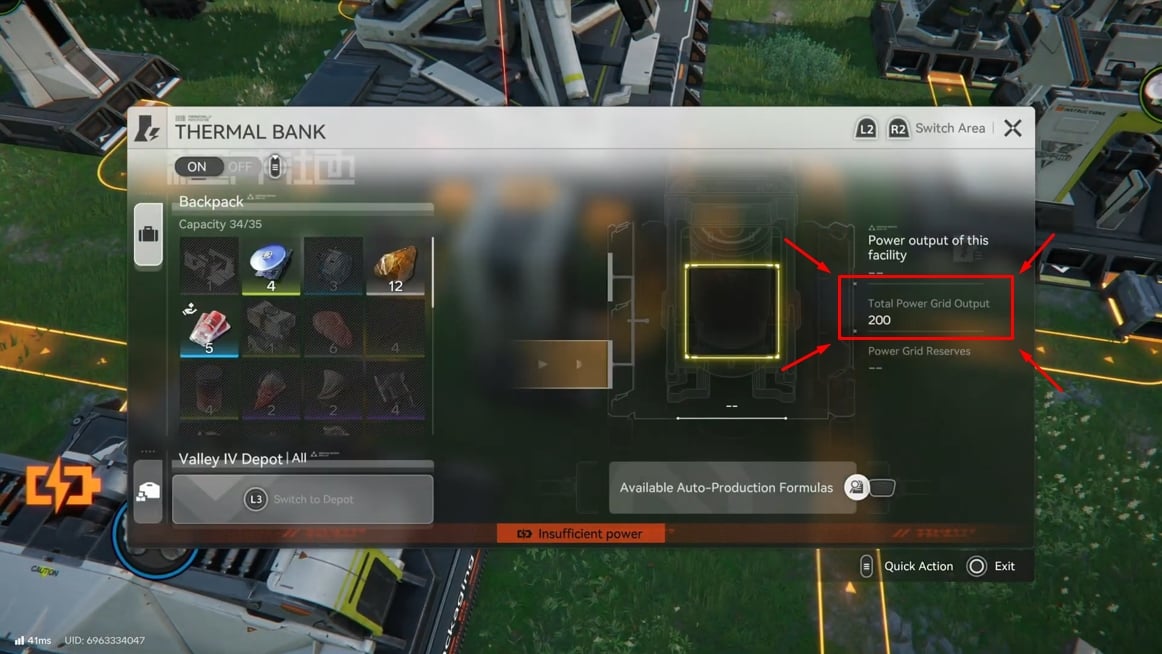
What to know
- Thermal Banks convert fuel into extra power capacity; they keep working as long as they have fuel.
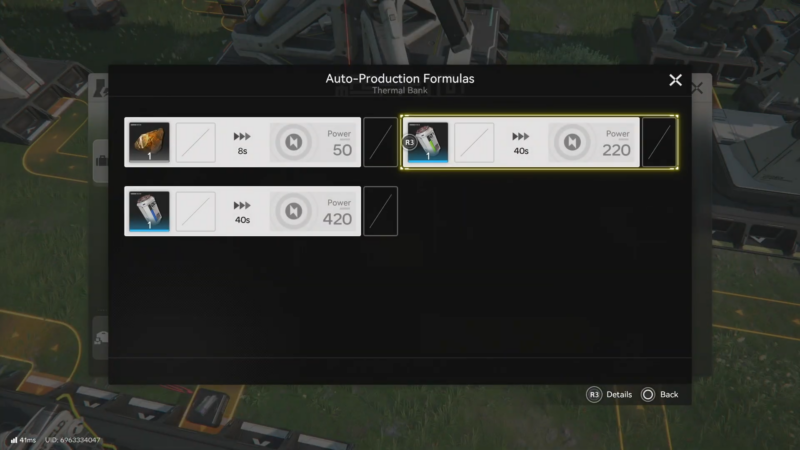
- Originium Ore is an early, simple fuel (50 power per ore in 8 seconds).
- Batteries are the real scaling option (LC/SC/HC batteries can output 220/420/1100 power over 40 seconds).
- Long-distance power links rely on Relay Towers, and each cable segment maxes out at 80 meters.
In Arknights: Endfield, when the factory grows, power demand rises from machines, miners, and long transmission chains, and once demand exceeds capacity the base can drop into a low-power state. The most stable approach is to build power capacity like any other production chain: generation (Thermal Banks), fuel production (ore to batteries), and distribution (relay towers and short, reliable cable hops).
Thermal Bank fuel outputs (quick reference)
| Fuel input | Processing time | Power output | Best use case |
|---|---|---|---|
| Originium Ore | 8 seconds | 50 power | Early expansion; cheap and simple baseline |
| LC Valley Battery | 40 seconds | 220 power | Early–mid scaling; compact, efficient |
| SC Valley Battery | 40 seconds | 420 power | Mid–late scaling; stronger density |
| HC Valley Battery | 40 seconds | 1100 power | High-demand builds; heavy scaling |
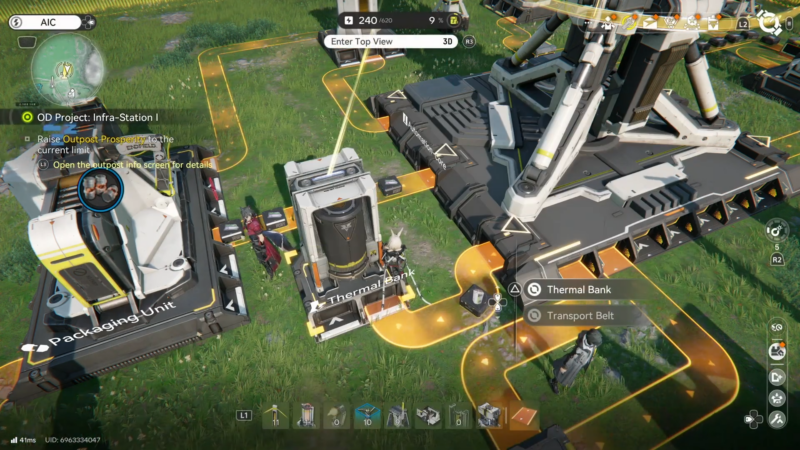
A practical efficiency note: providing roughly 200 power for 40 seconds using ore can take 20 ore across four Thermal Banks, while converting ore into LC Batteries can provide 440 power for 40 seconds across two Thermal Banks instead. That’s why many guides recommend switching from ore to batteries as soon as battery production is stable.
What “power overload” actually means in Endfield
A low-power state typically shows up when total demand exceeds Power Capacity, causing parts of the factory to stop or behave inconsistently. This is easy to hit around the early cap because expansion adds power draw faster than the initial grid can supply.
Power problems also get misdiagnosed as “overload” when a remote outpost is simply not connected correctly: power must be transmitted through connected nodes, and cable length between two connection points is limited to 80 meters, so one long cable won’t reach distant objectives.
Thermal Bank fundamentals: the building that breaks the 200 limit
Thermal Banks are designed to raise total power capacity by consuming fuel. As long as fuel is available, they continuously provide power to the connected AIC grid, making them the main tool for pushing past 200 and keeping large automation blocks online.
How to increase base power over 200 (Fix power overload)
Step 1: Verify the grid is actually connected (rule out “fake overload”)
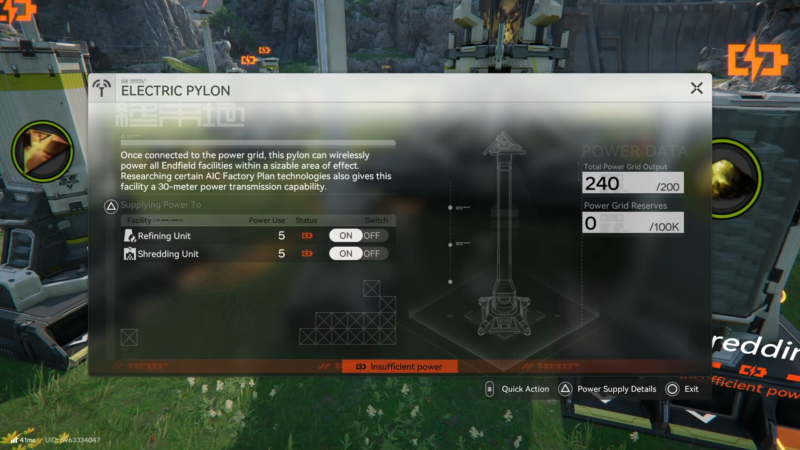
Open the build/transmission view and confirm the problem area is on the same powered network as the base. If a distant facility is offline, it may be outside the transmission reach or missing a relay hop rather than truly exceeding capacity.
Step 2: Respect the 80-meter cable rule when extending power
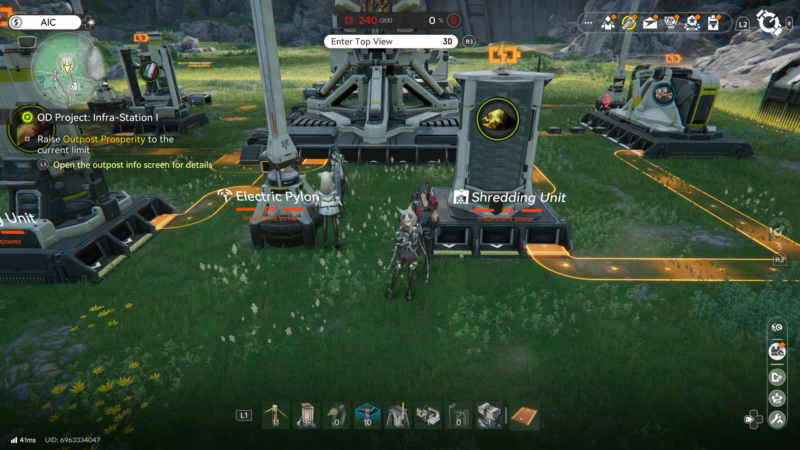
Start transmission from a powered node (hub/relay) and check the cable range; if it stops short, place a Relay Tower within that limit and connect it, then repeat toward the destination. This “hop-by-hop” method prevents broken links and makes troubleshooting far easier than attempting long, stretched runs.
Step 3: Unlock Thermal Banks and place them where fueling is easy
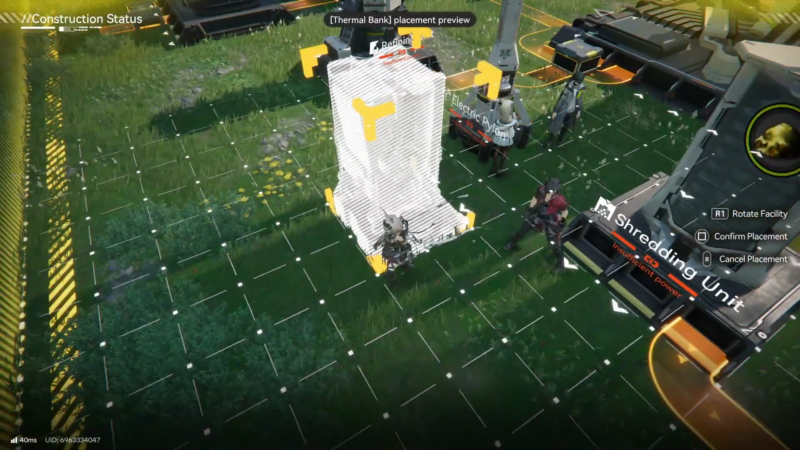
Thermal Banks are typically unlocked through the power-related research node (often labeled Power I in guides). Place them near main logistics lanes so fuel delivery stays consistent and doesn’t compete with critical production belts.
Step 4: Decide on an early “ore baseline” capacity target
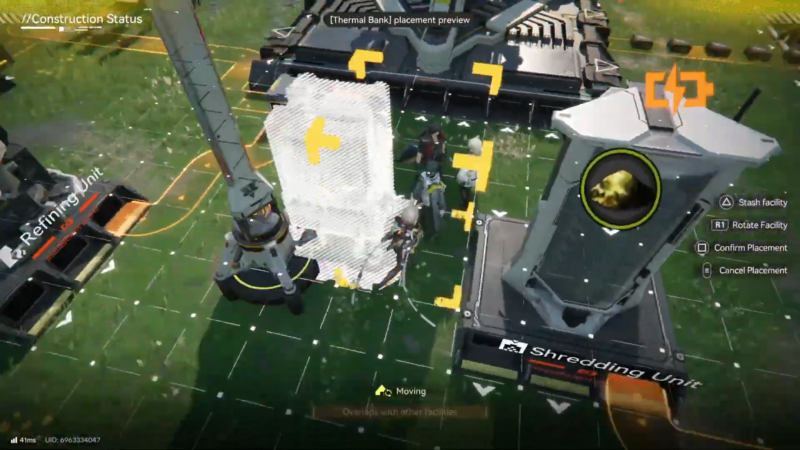
Feed Originium Ore first to get immediate headroom (50 power per ore, fast cycle). This works well as a temporary buffer to stop shutdowns while battery production is being built.
Step 5: Build a battery pipeline for long-term scaling
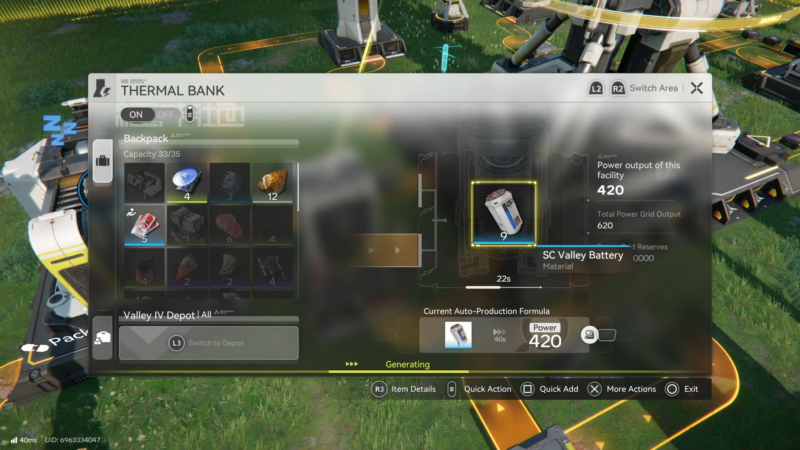
Switching to batteries is the major breakpoint for stable 200+ power. Route ore into battery crafting, then route batteries into Thermal Banks using loaders/unloaders and belts so fuel arrives without manual feeding.
Step 6: Split the factory into power blocks to prevent runaway demand
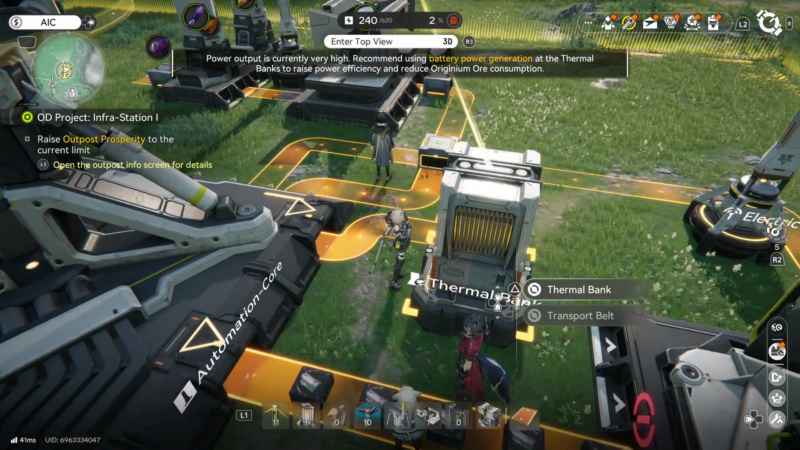
Instead of turning on a huge new line all at once, add generation first, then activate the new machines. If demand spikes still occur, add another Thermal Bank pair and increase battery throughput before expanding again.
Step 7: Keep a “power reserve” for exploration objectives
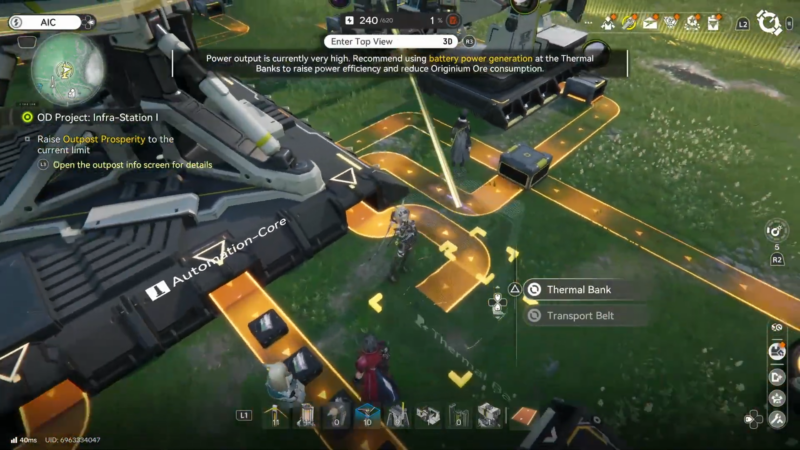
Several world objectives involve transmitting power to distant structures. Keeping spare capacity (rather than running at the edge) makes these tasks smoother because relay tower chains and remote nodes can temporarily add load.
Practical layouts that stay stable during expansion
Thermal Banks work best when treated like a small “power plant” module: dedicated input belt(s), optional buffer storage, and clean output connections to the main grid. Many players place multiple Thermal Banks together and feed them from a single battery line so capacity is scalable by copying the module.
On the distribution side, relay networks are more reliable when placed along natural paths with clear line-of-sight and consistent spacing. If a route crosses uneven terrain or cliffs, it may require additional relay points, and the 80-meter limit still applies between each connection.
Troubleshooting checklist (fast fixes)
| Symptom | Likely cause | Fix |
|---|---|---|
| Factory machines flicker on/off | Demand exceeds capacity | Add Thermal Banks; switch from ore to batteries for higher output density |
| Power spikes, then collapses later | Thermal Banks ran out of fuel | Increase battery throughput; add buffer storage; ensure belts aren’t jammed |
| Distant facility never powers | Relay chain incomplete or too long between points | Rebuild with relay hops; keep each segment within 80 meters |
| Base is stable until a new block turns on | No reserve capacity | Add generation first, then enable the block; scale in smaller increments |
Rewards table (what the fix enables)
| Upgrade gained after fixing overload | What becomes easier |
|---|---|
| Reliable 200+ capacity | Running multiple miners + production lines simultaneously |
| Battery-based power plant | Compact scaling without spamming many ore-fed units |
| Clean relay network | Powering distant objectives with fewer rebuilds |
| Consistent reserve margin | Expansion without constant low-power interruptions |
Scaling power past 200 without constant rebuilds
A stable 200+ setup comes from combining Thermal Banks with a battery fuel chain and a relay tower network built in 80-meter hops. Once generation and distribution are modular, power stops being a hard cap and becomes another scalable production line.




