What to know
- Watch any Roblox Twitch stream for 1 hour to qualify for the drop.
- Claim the reward from your Twitch drops inventory to get a redeem code.
- Enter the code in Fisch settings to receive the limited boat.
- Boat features a unique streaming PC design but has low speed and acceleration stats.
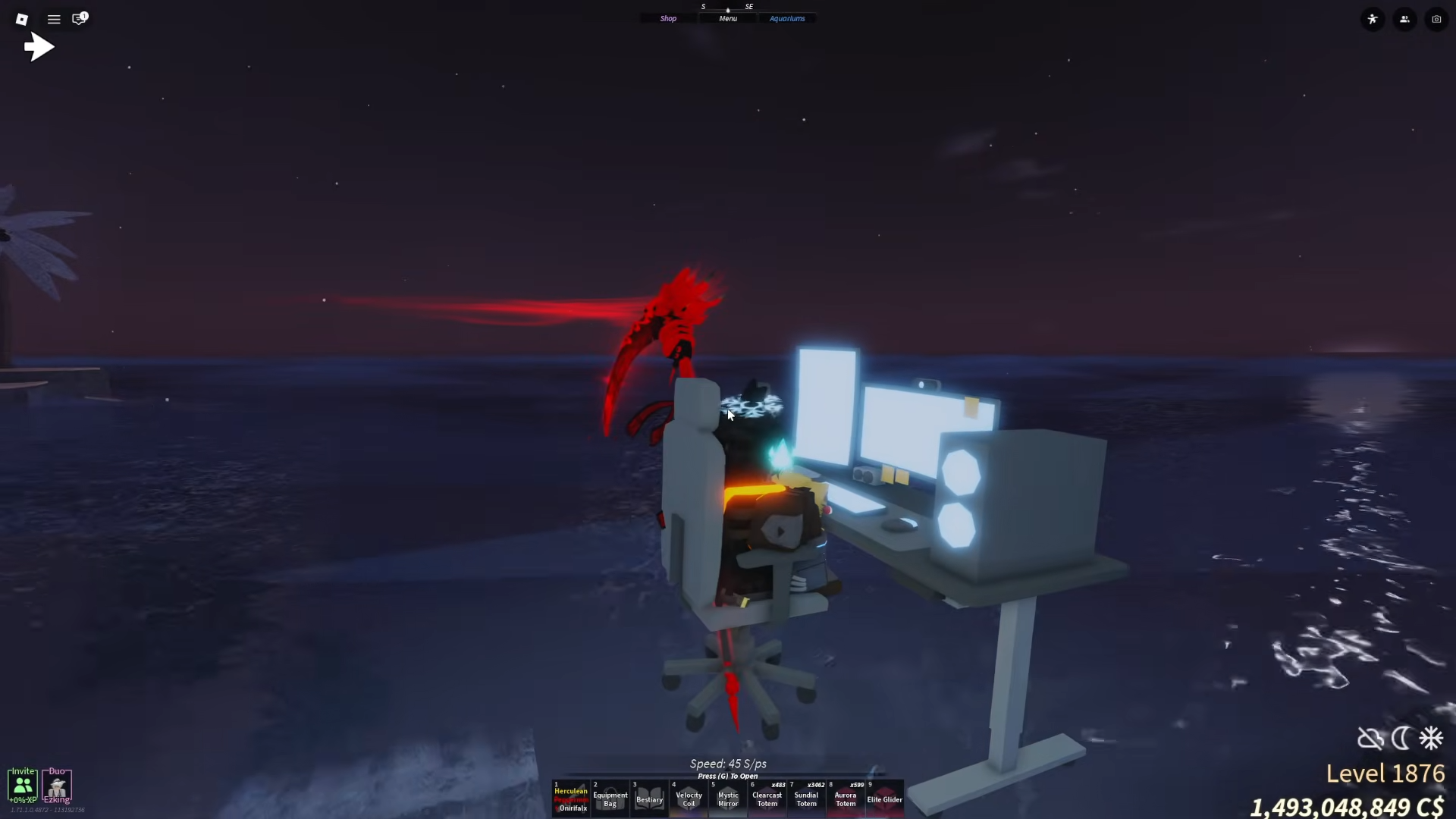
Roblox Fisch‘s limited-time Twitch collaboration lets you snag a secret boat not available through regular gameplay. This guide walks you through every step so you can add this collector’s item to your fleet without hassle.
| Aspect | Details |
|---|---|
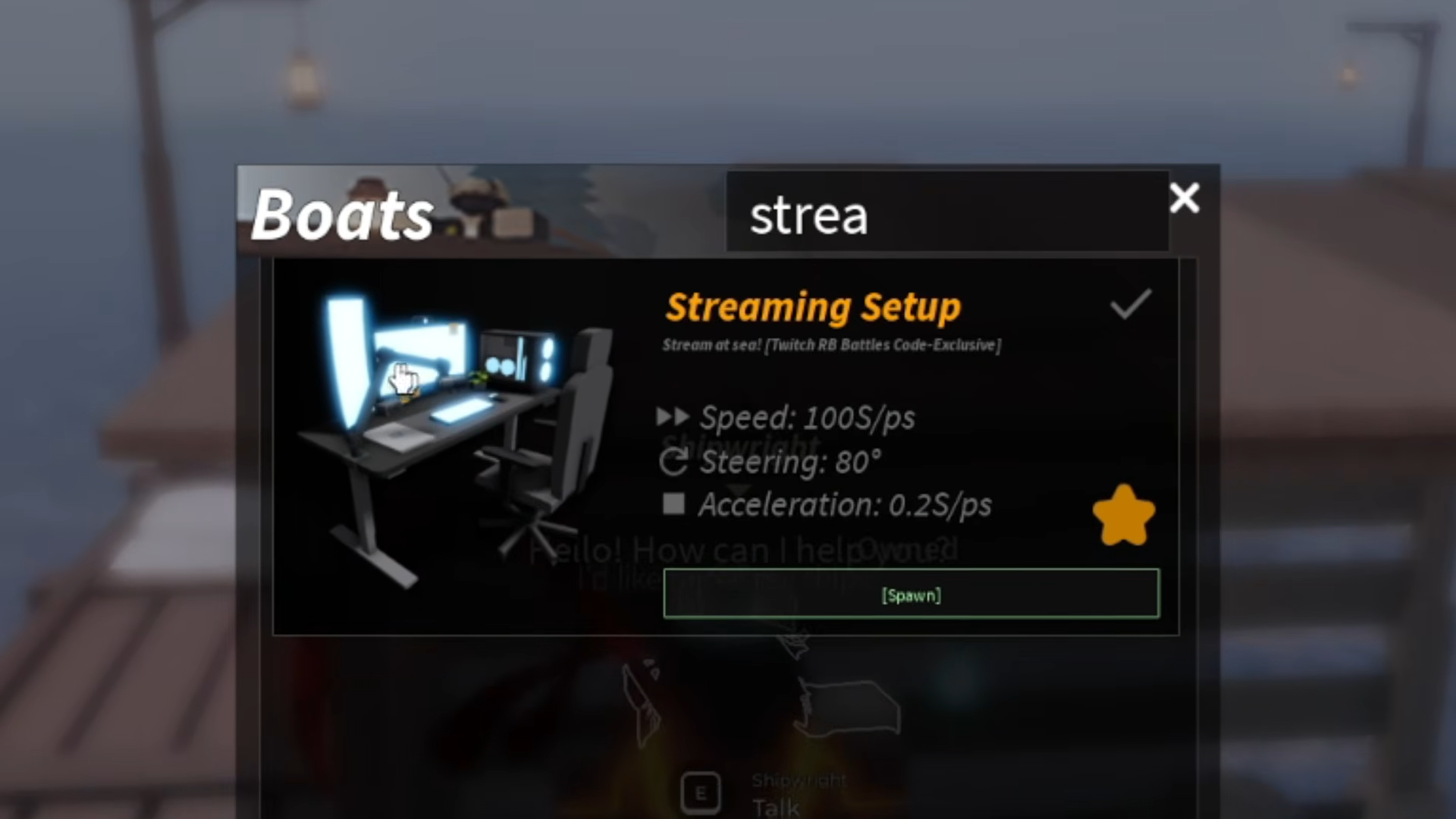
| Boat Name | Streaming Setup Boat |
| Rarity | Limited (Twitch exclusive) |
| Speed | 100 |
| Steering | 80 |
| Acceleration | 0.2 |
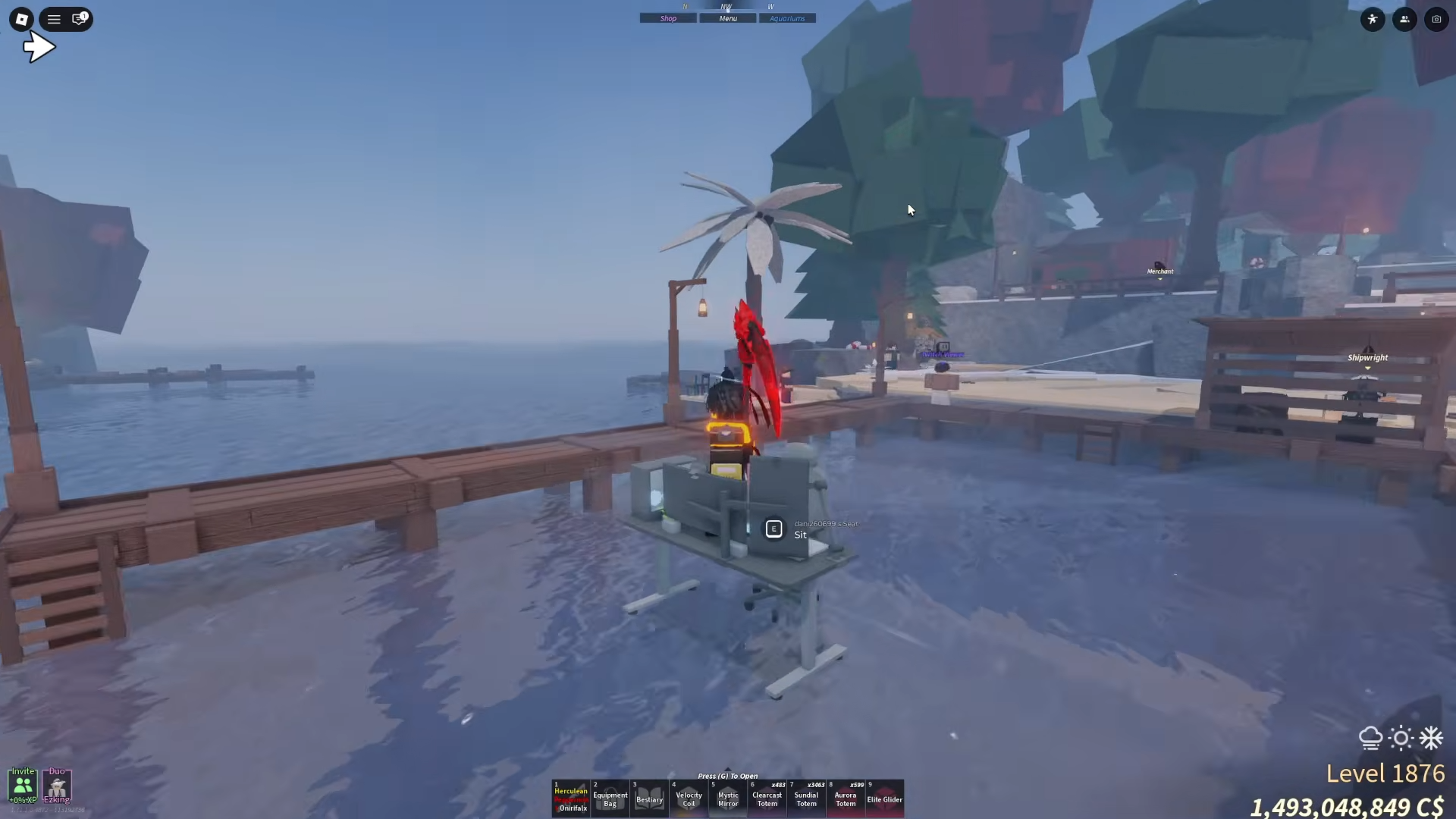
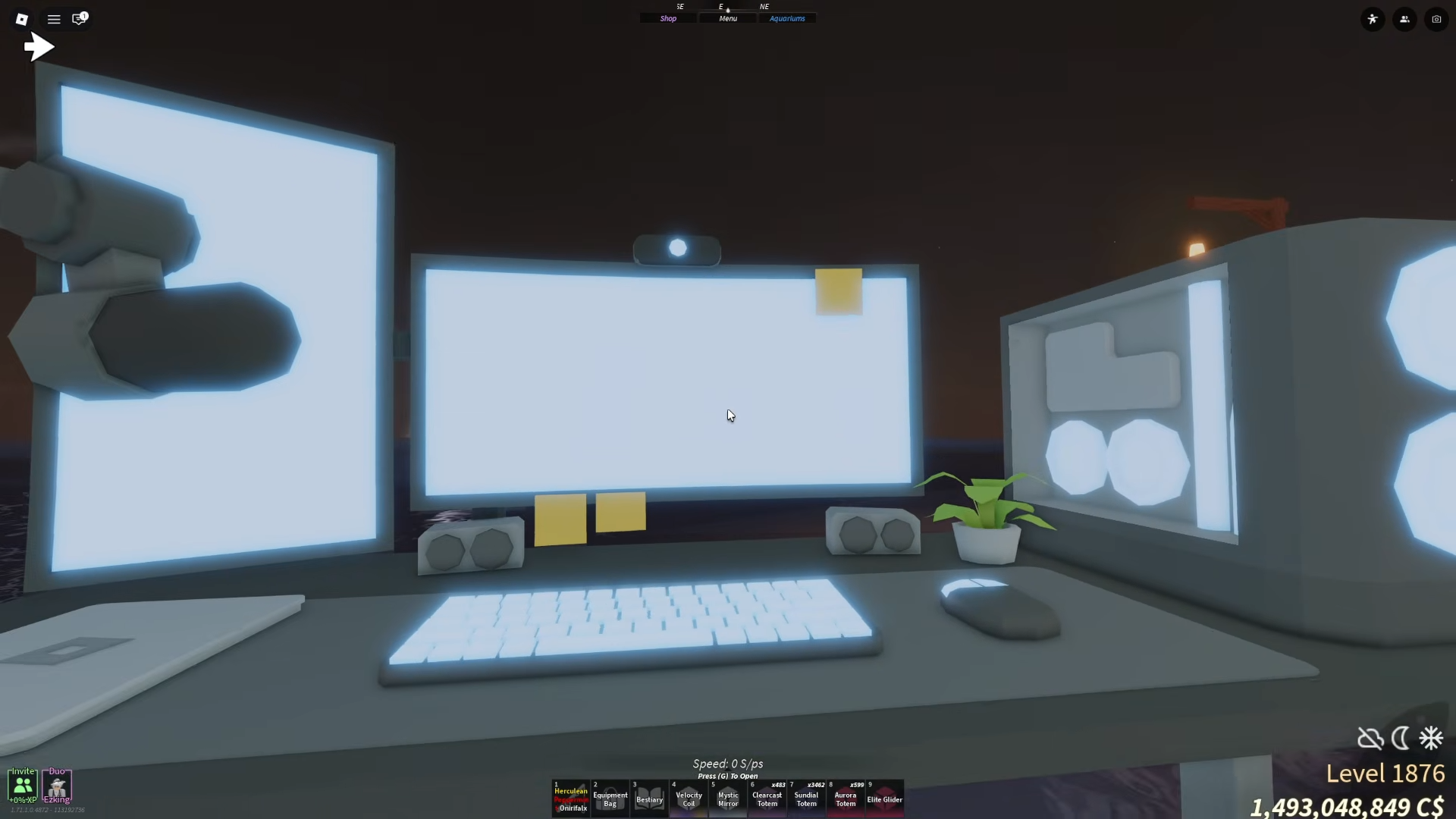
| Design | Full streaming PC setup |
How to unlock the Streaming Setup Boat
Follow these detailed steps to obtain the boat. Make sure your Twitch account is linked to Roblox if prompted during the process.
Step 1
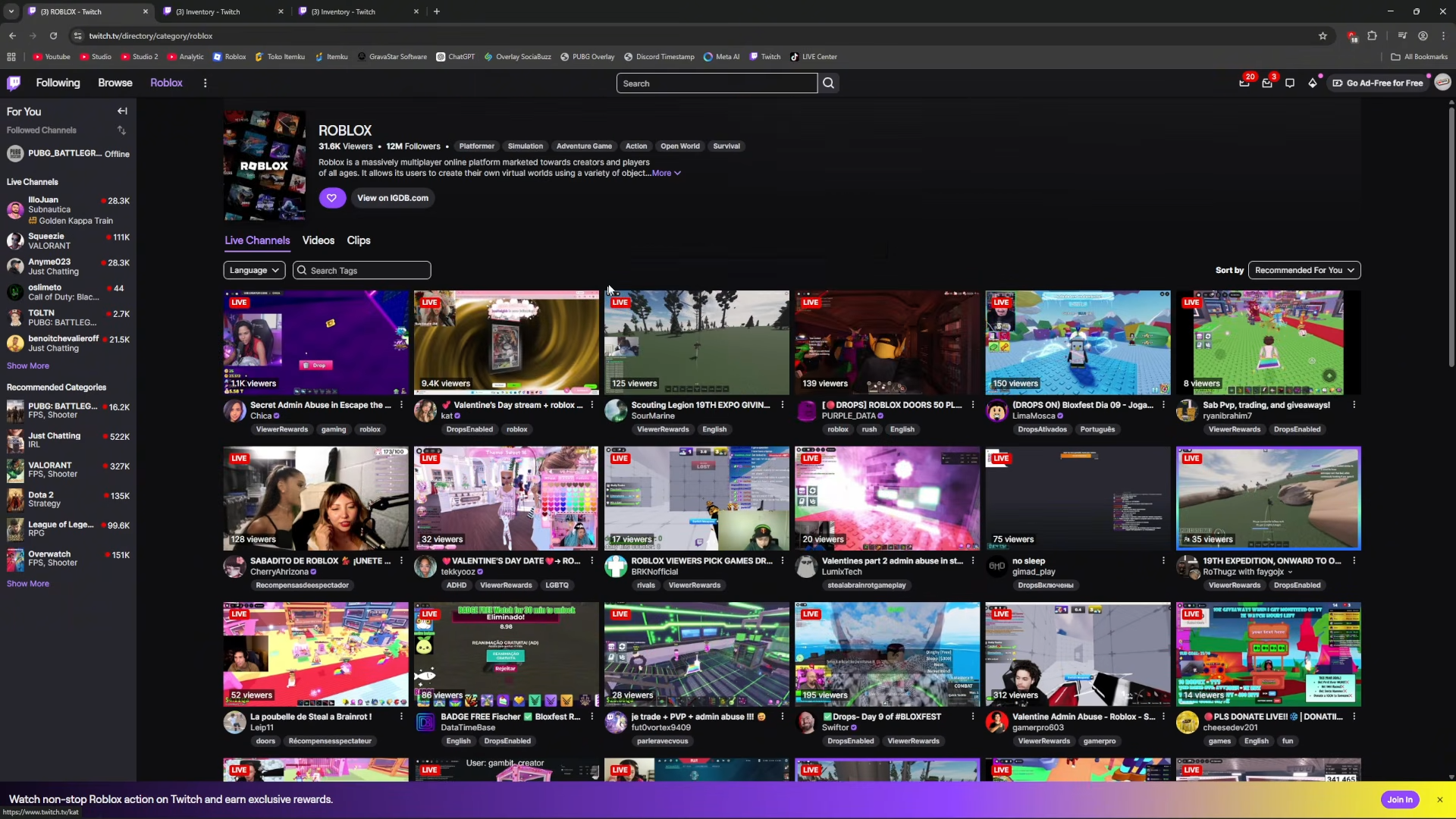
Head to Twitch and find any Roblox category stream at twitch.tv/directory/category/roblox. You do not need a Fisch-specific streamer.
Step 2
Watch the stream continuously for 1 full hour. Stay active in the tab to ensure the drop progress registers.
Step 3
After 1 hour, visit your Twitch drops inventory at twitch.tv/drops/inventory.
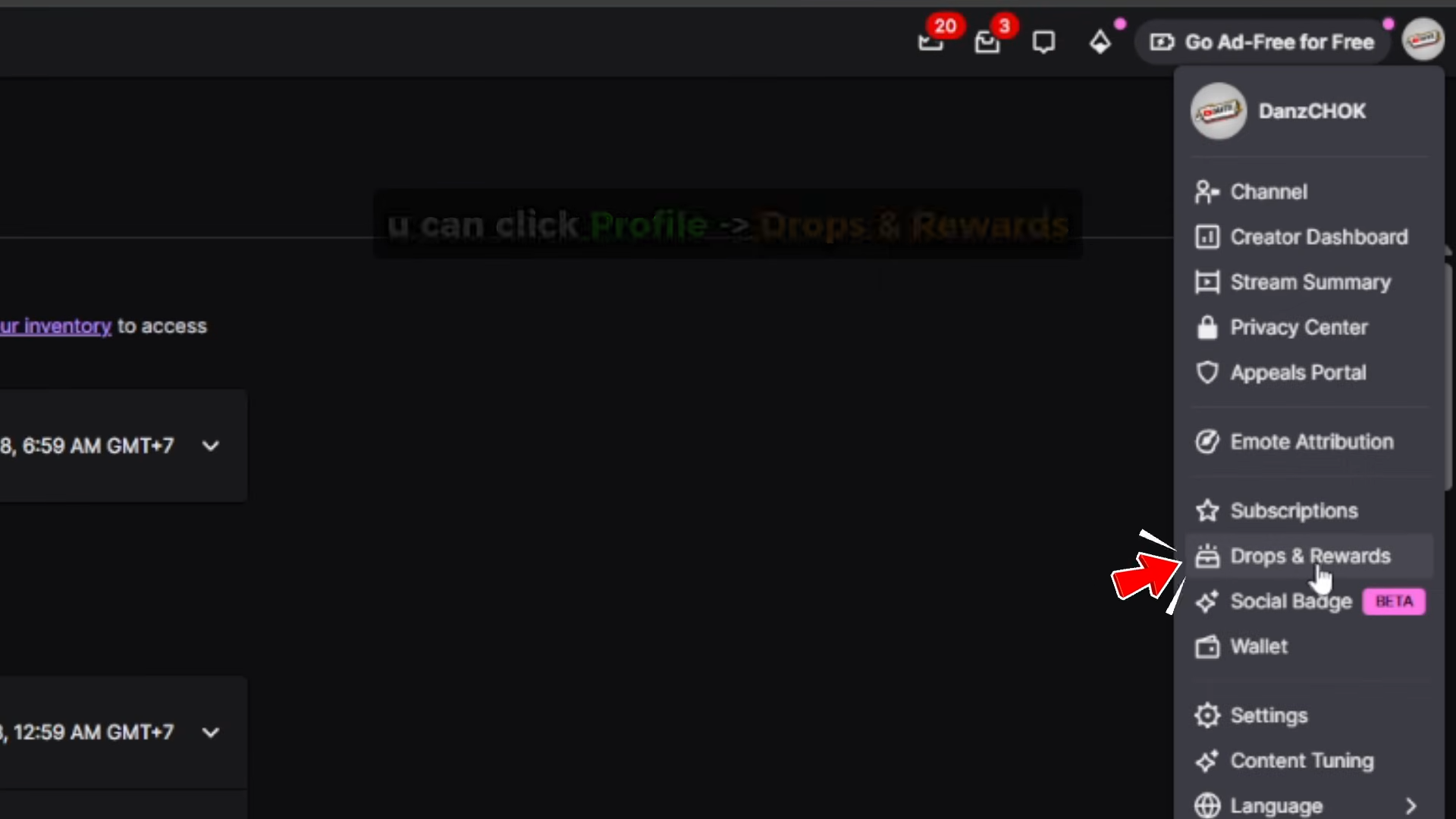
Scroll down to locate the Fisch Streaming Setup reward.
Step 4
Click redeem on the reward to generate your unique code.
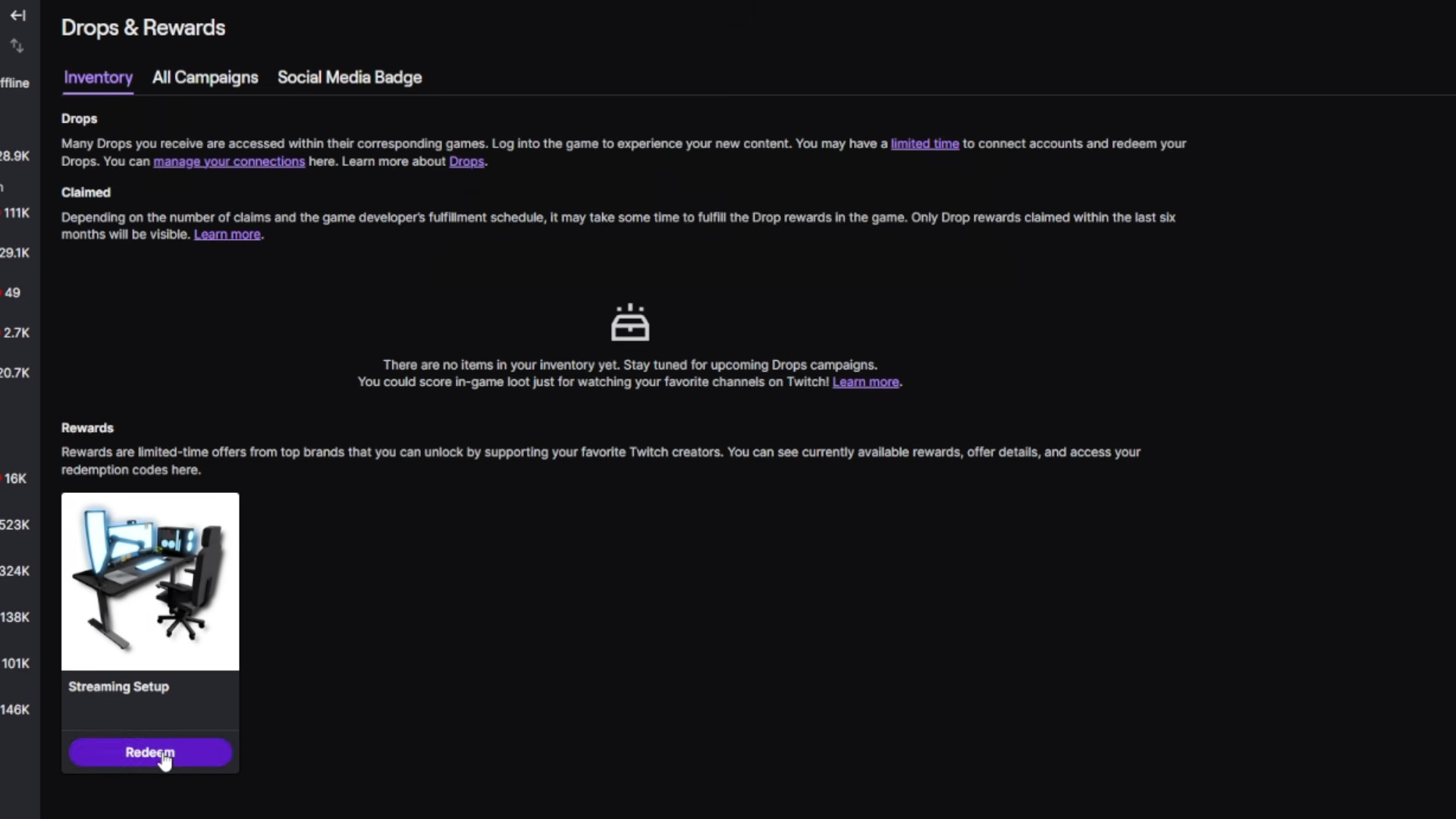
Copy it immediately as codes may expire.
Step 5
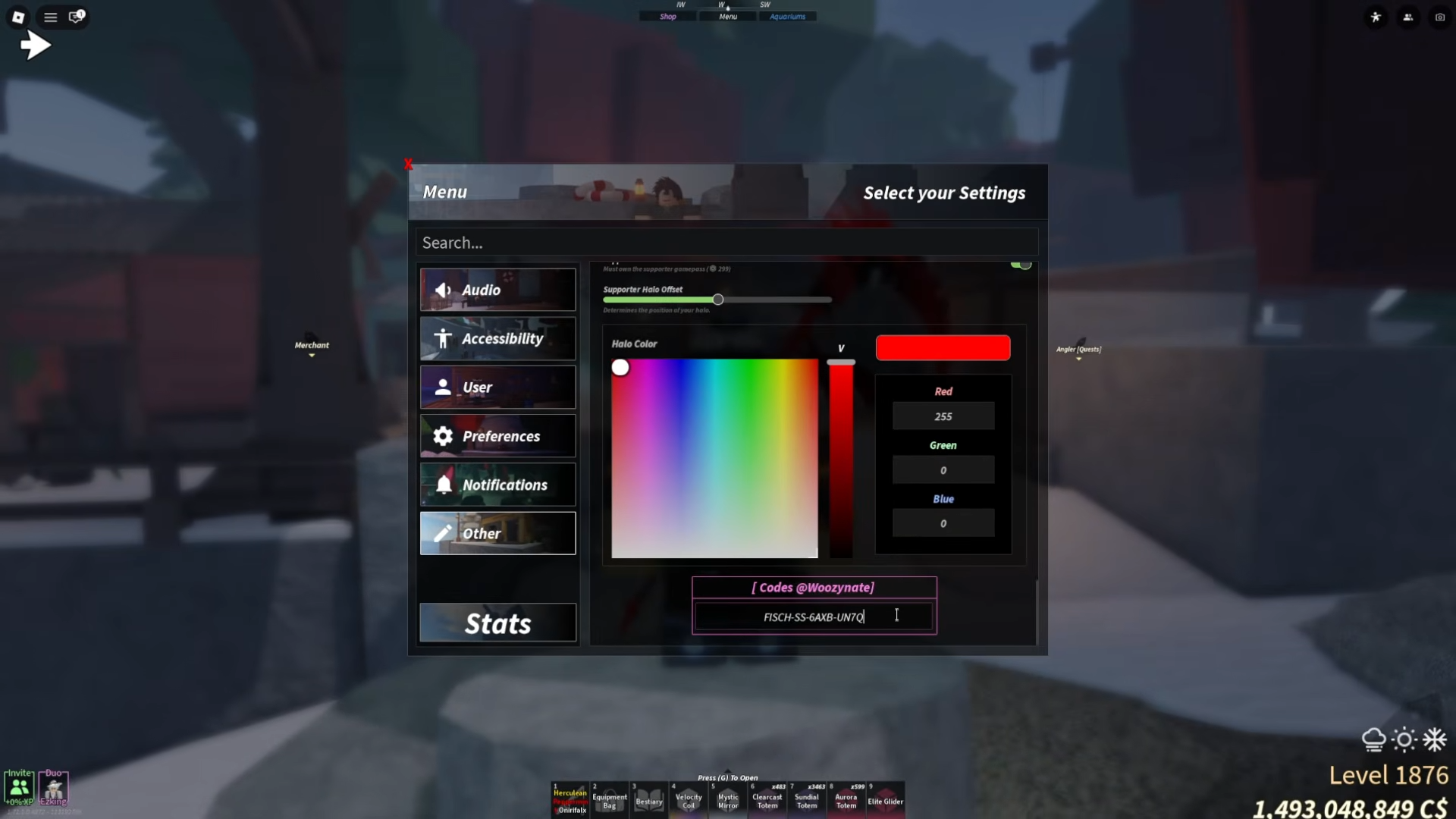
Launch Fisch in Roblox, open the settings menu, paste the code into the redeem field, and press enter.
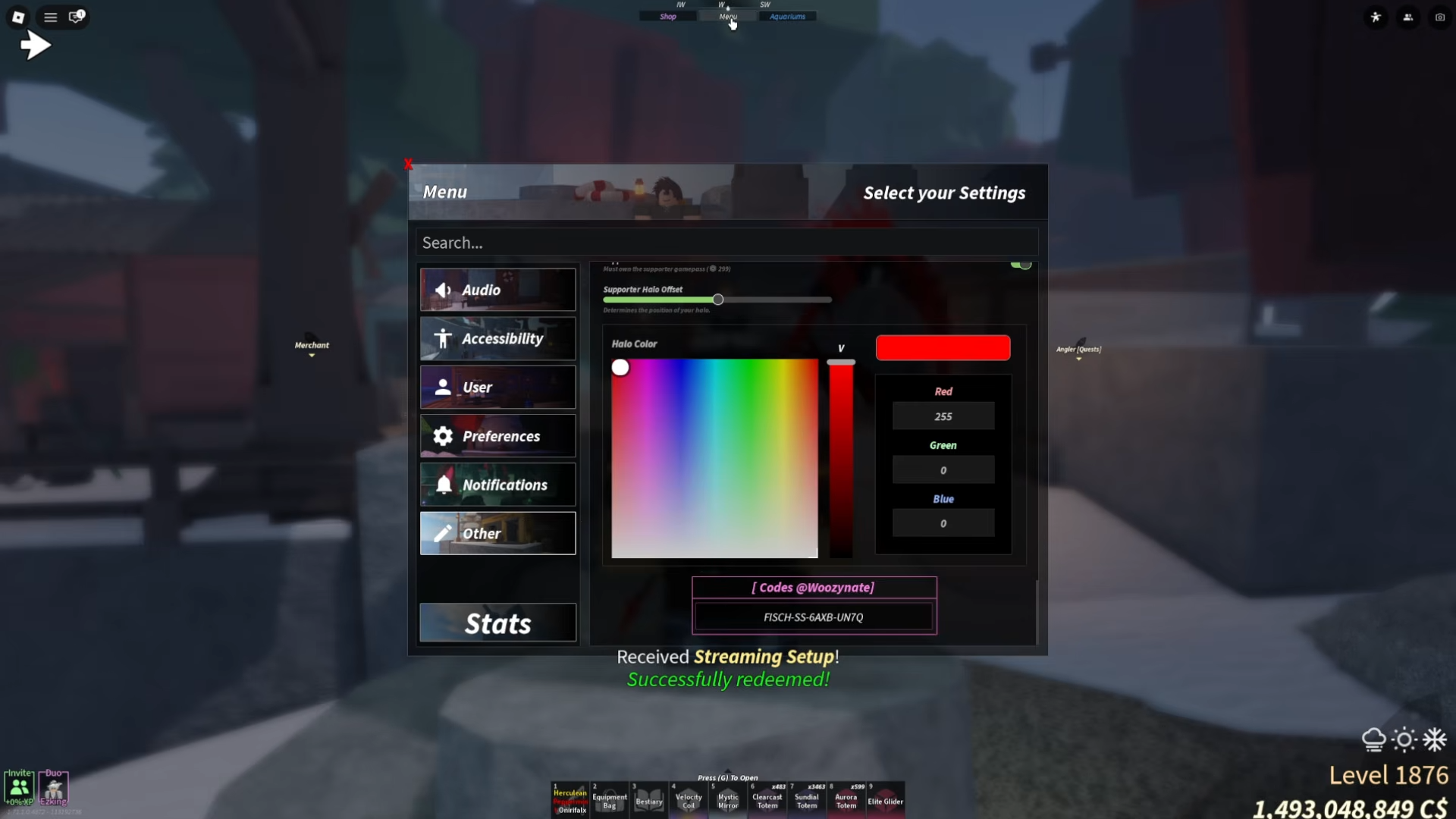
The boat appears in your inventory right away.
Streaming Setup Boat
You gain a visually striking boat resembling a complete streaming rig with monitors and gear. It prioritizes style over speed, making it ideal for display rather than racing across waters. Test it out near spawn to feel its handling firsthand.
Grab this limited Streaming Setup Boat before the Twitch event ends, and elevate your Fisch collection with this unique ride. Sail out and show it off to other players.