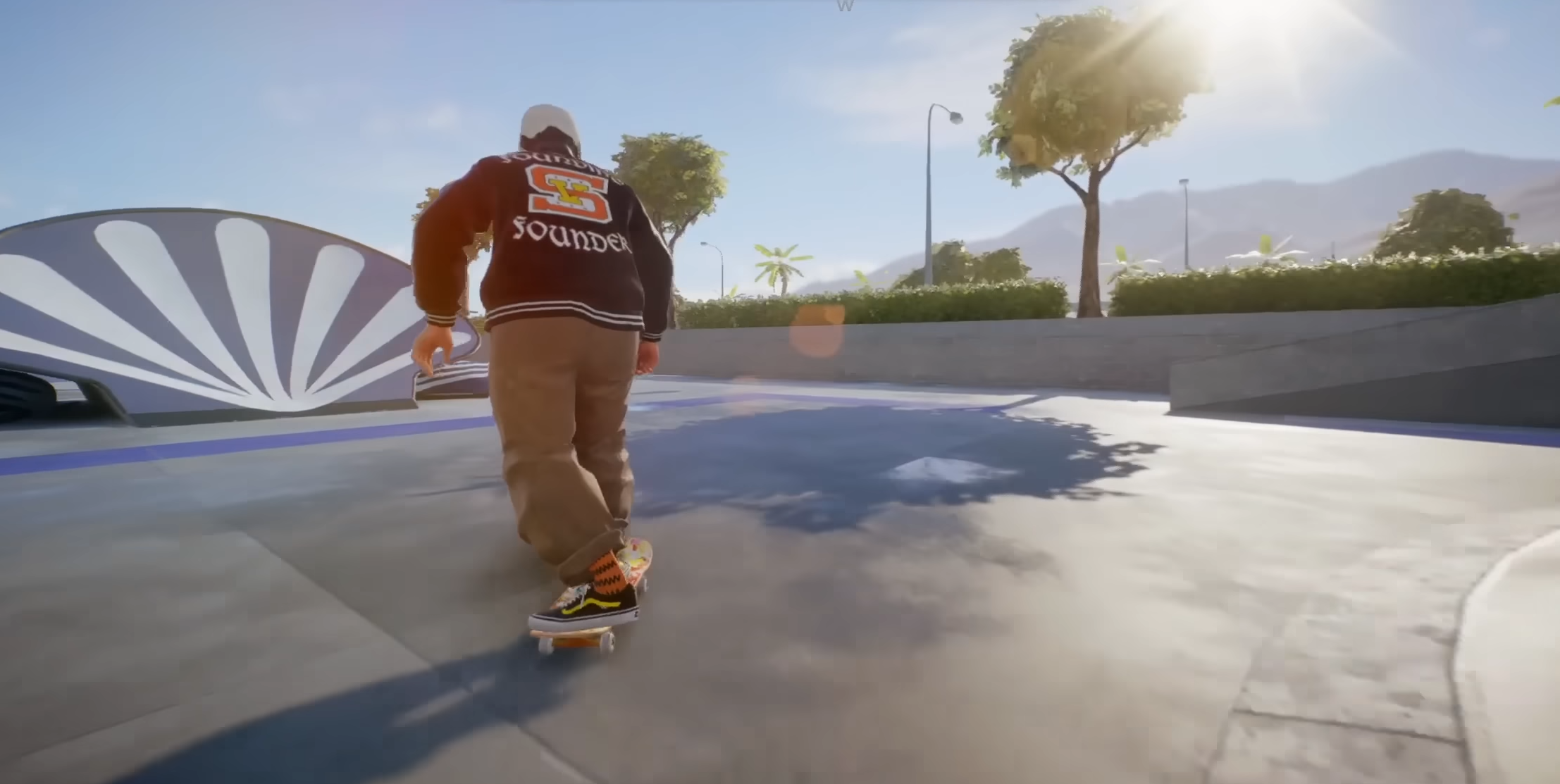
Dialing in the best camera settings in Skate 4 (aka Skate.) makes every trick feel smoother, with a view tailored to see obstacles and landings better.
What to know
- The latest Skate 4 camera settings aim for smoother movement and more visibility, accessible via the Gameplay Settings menu in the Hub.
- Adjusting field of view, follow strength, and framing can change both style and gameplay feel.
- Settings are split into “on-board” (while skating) and “off-board” (walking/running) for a custom view in each mode.
- Advanced settings unlock options for dynamic side switching, camera shake levels, effects, and pitch control.
Fine-tuning the camera in Skate 4 – dubbed simply skate. officially – can make tricks more consistent and runs through San Vansterdam feel even more immersive. Whether a fan of a classic low board view or a higher, wider perspective to spot more of the world, today’s camera settings let skaters dial things in for their own style.
Core camera settings every player should try in Skate.

Here’s a breakdown of recommended baseline camera settings to start with. These are widely used for a clean, comfortable skateboarding experience:
| Setting | On-board Value | Off-board Value | Purpose |
|---|---|---|---|
| Horizontal Follow Strength | 5 | 5 | Smooth camera tracking |
| Vertical Follow Strength | 5 | 5 | Vertical camera movement stability |
| Field of View (FOV) | +75 to +80 | +85 | Wide enough to spot obstacles |
| Maintain Camera Distance | Off | On | Keeps camera steady around player |
| Camera Framing | High | High | More environmental awareness |
| On-board Camera Offset | 4 | — | Slight horizontal adjustment |
| Horizontal Sensitivity | — | 30 | Controls rotation responsiveness |
| Vertical Sensitivity | — | 30 | Controls vertical look sensitivity |
| Off-board Default Pitch | — | -12 | Sets camera angle when off-board |
These values ensure a balanced mix of visibility and smooth camera motion that won’t interfere with gameplay flow.
Exploring advanced camera settings for more control

Skate 4’s advanced camera settings unlock deeper customization and polish. Here’s our recommended advanced camera settings:
| Advanced Setting | Recommended Value | Description |
|---|---|---|
| Switch Side Controls | Enabled | Allows manual switching of the camera side |
| Dynamic Side Switching | Disabled | Auto side switching based on direction; often found annoying and better off disabled |
| Camera Height Control | Enabled | Toggle between high and low camera angles with the right stick |
| Camera Reset Controls | Enabled | Allows quick resetting of the off-board camera to behind the player |
| Camera Shake Intensity | 0 (Off) | Disables camera shake to reduce distraction during tricks |
| High-speed Effects | Enabled | Zoom out effect at highest speeds for better speed feeling |
| Drop-off Pitch Prediction | Enabled | Camera anticipates pitch changes during moves |
| Collision Offset | 0 | Prevents camera clipping into objects, kept minimal for smoothness |
| Onboard Camera Follow at Low Speed | Enabled | Camera follows smoothly at low speeds for steadier view |
For everything below these settings, let them be as they are.
These settings enhance visual comfort and control, allowing players to switch views quickly and maintain a stable, non-distracting camera while skating. Disabling dynamic side switching resolves one common camera annoyance by letting users control the camera side manually. While the zoom effect at high speed adds immersion without overwhelming the experience. Finally, turning off camera shake prevents jitters that can interfere when doing complex tricks.
This balance is ideal for most players seeking a smooth yet reactive camera feel in Skate 4. However, if you’re serious about getting the best skating experience on Skate 4, we highly recommend you check out each camera setting and see what it does yourself. Taking time to customize and test these settings will boost confidence and enjoyment, turning San Vansterdam into your playground.