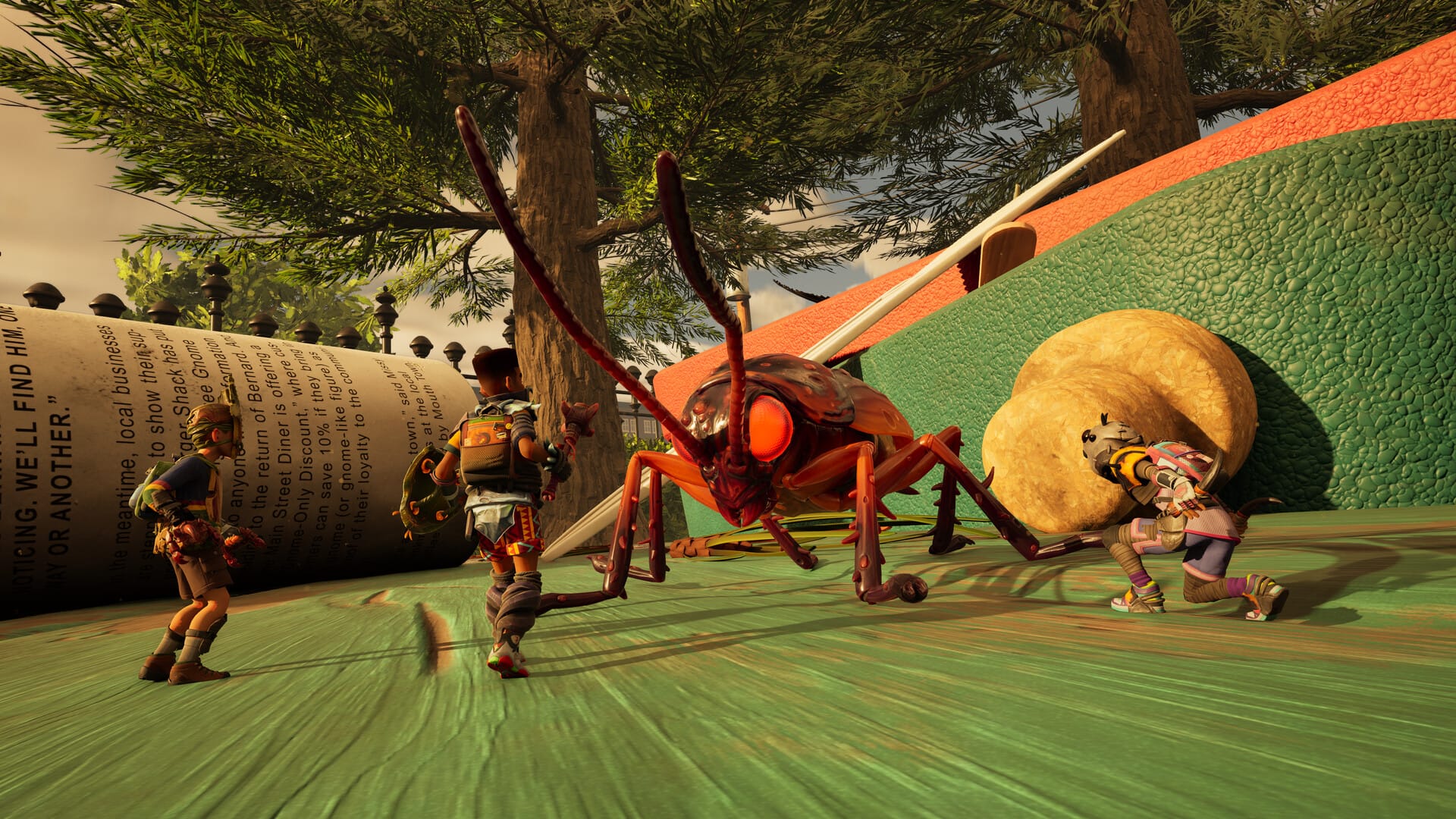
Experiencing the “buggy disappeared” glitch in Grounded 2? This post provides three simple, proven fixes to help you get your buggy back and running smoothly in multiplayer.
What to know
- Ants Nest Fix: Before a non-host player leaves the game, they must send their buggy to an Ants Nest. When they rejoin, the buggy can be reassigned to them from the nest.
- Respawn Fix: If the buggy is missing, a player can die and respawn at an outpost. This action can force the glitched buggy to return to an available Ants Nest.
- Game Repair Fix: The host can use the “Reset Backpacks” option in the “Game Repair” menu. This will fix the buggy issue and send the player’s ant back to the anthill with its inventory intact.
It’s a frustrating bug: you and your friends are enjoying a multiplayer session of Grounded 2, and suddenly, the buggy disappears. This can happen when a player who isn’t the host leaves the game. Fortunately, the community has found a few reliable fixes. Here are three of the best solutions to get your buggy back and rolling.
Fix 1: The “Reset Backpacks” Game Repair
If the other methods don’t work, there’s another option the host can use to reset the game’s state.
- The host should open their menu.
- Navigate to the “Game Repair” section.
- Select “Reset Backpacks.”
This action will fix the buggy issue by sending the player’s ant back to the anthill. The buggy will be unassigned, but its inventory will be safe and intact. This method is a great fallback if the first two solutions fail.
Fix 2: Respawn at an Outpost
Another community-suggested fix involves using the game’s respawn mechanic to your advantage. This solution is specifically for when a buggy has gone missing.
- Ensure you have an Ants Nest with an open slot.
- Die in the game.
- Respawn at the nearest outpost.
According to a user, this action forces the glitched ant back to the nest, making the buggy available for you to reassign.
Fix 3: Use an Ants Nest
This is the most common and reliable fix. The core of the problem is that when a player leaves the game, their buggy becomes unassigned and can sometimes de-spawn. An Ants Nest acts as a central location to store and re-assign the buggies.
- Before a non-host player leaves the game, they should send their buggy to the nest.
- When that player rejoins, they can go to the nest and reassign the buggy to themselves.
This method ensures the buggy has a designated home and doesn’t get lost in the game world.
Let us know just in case if this still doesn’t work for you.