

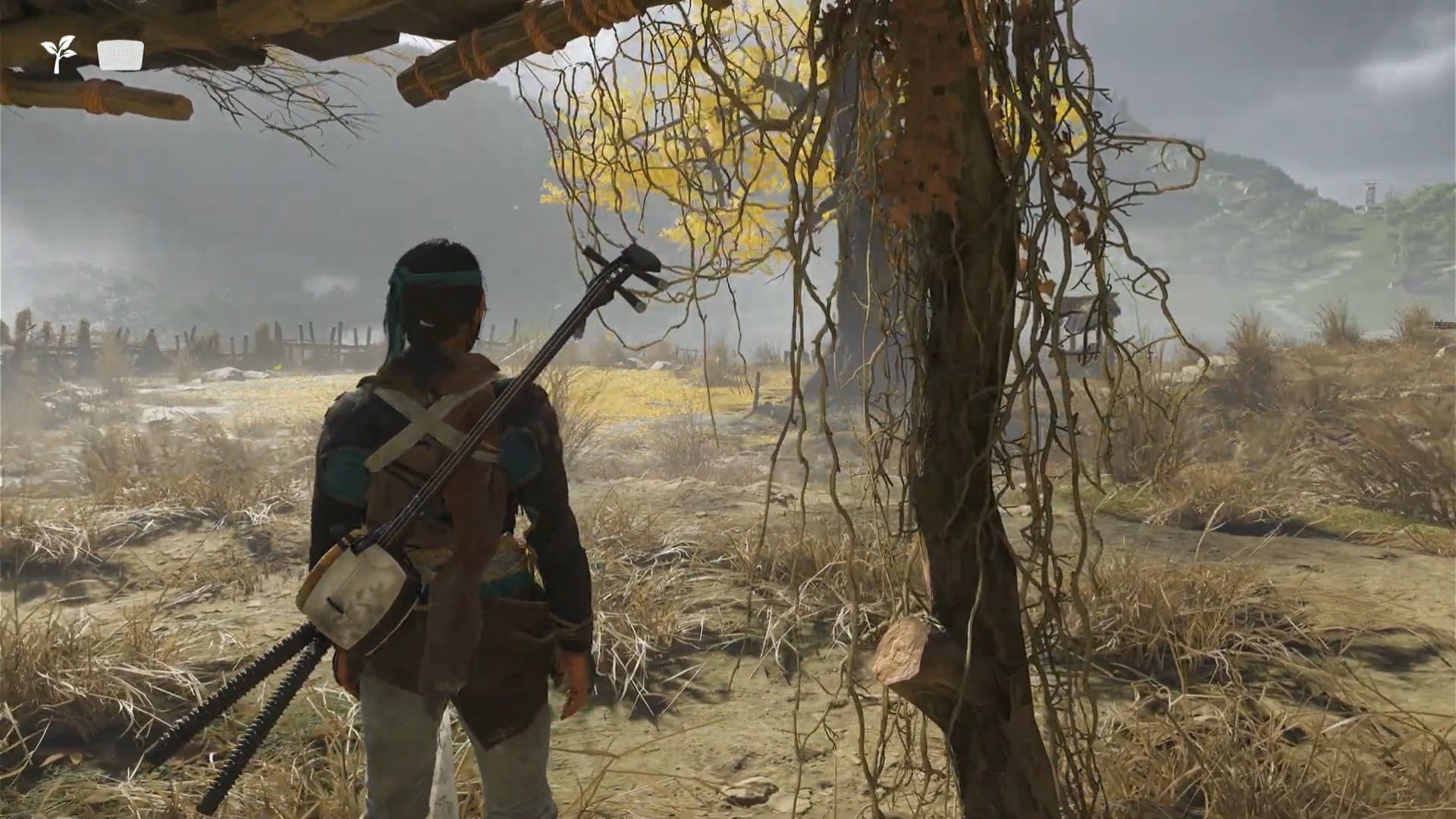
Swap the score, keep the combat — Watanabe Mode remixes Ghost of Yotei’s atmosphere with original lo-fi beats.
What to know
- Watanabe Mode swaps the standard Ghost of Yotei music for original lo-fi tracks directed by Shinichiro Watanabe.
- The mode is entirely audio-based and does not affect gameplay, camera, visuals, or difficulty.
- You can enable Watanabe Mode anytime via the in-game Display settings menu.
- Ideal for peaceful exploration or creating a relaxed experience while playing through all aspects of the game.
Ghost of Yotei’s Watanabe Mode is a unique option for players seeking a calmer, modern soundtrack during their samurai journey. Named after the legendary anime director Shinichiro Watanabe—famous for works like Samurai Champloo and Cowboy Bebop—this mode is designed to infuse every moment, whether exploring, riding, or fighting, with exclusive chill beats that can make your playthrough stand out.
What sets Watanabe Mode apart from other modes
Watanabe Mode is an audio presentation setting that plays lo-fi music composed specifically for Ghost of Yotei under Watanabe’s direction. Unlike Kurosawa Mode (black-and-white visuals and film grain) or Miike Mode (more blood/mud and tight combat camera), Watanabe Mode keeps all gameplay mechanics and visuals untouched—only changing the music to fit a more relaxed, contemporary vibe.
| Mode | Main change | Where it applies | Notes |
|---|---|---|---|
| Watanabe | Lo-fi soundtrack | Exploration & most combat | Audio-only; curated for a chill vibe. |
| Kurosawa | Black & white visuals, film grain | World & cutscenes | Classic film homage; changes tone and visibility. |
| Miike | Closer combat camera, more blood/mud | Combat | Grittier, closer-up fights; makes combat feel more visceral. |
How the soundtrack works in Watanabe Mode
Activating Watanabe Mode replaces all game music—including menu, exploration, and combat tracks—with a playlist of sequential lo-fi beats that don’t shift dynamically as scenes change. All tracks are newly composed for Ghost of Yotei and are not from Samurai Champloo or any of Watanabe’s previous works.
How to enable Watanabe Mode in Ghost of Yotei
Note: Only one cinematic mode can be active at a time, so switching to Watanabe Mode will disable any other modes.
Step 1

Open the in-game menu by pressing the Options button on your controller.
Step 2

Navigate to the Settings tab and select the Display section. Use R1 or L1 to switch between screens.
Step 3

Scroll to the Cinematic Modes option. Choose “Watanabe Mode” from the available presets (Kurosawa, Miike, Watanabe).

Step 4

Move the selection to Watanabe Mode and then use the left or right on controller to change it from Off to On.
Step 5

Hit Circle button to come back. Hit again to enter the game and resume playing.
When to use Watanabe Mode for the best experience
This mode is best suited for quieter moments: riding between villages, taking in scenic views, hiking to shrines, photo hunts, or side-quests. It brings a meditative background to the samurai action and can make solo play and exploration feel like an evening stroll with headphones. If you want adrenaline-pumping music for boss fights, you can manually toggle Watanabe Mode off and switch back as desired.
Watanabe Mode: Tips for a chill playthrough
- Use the mode when you want downtime or relaxing exploration between intense combat scenarios.
- Toggling is manual—keep the option handy in the menu for quick changes.
- The lo-fi tracks are exclusive and don’t impact combat challenge or story progression.
Why choose Watanabe Mode?
Watanabe Mode in Ghost of Yotei stands out as a purely stylistic and musical change that lets players craft a uniquely chill playthrough. It’s the perfect option to immerse in the samurai world with a modern twist, enhancing atmosphere without impacting mechanics.




