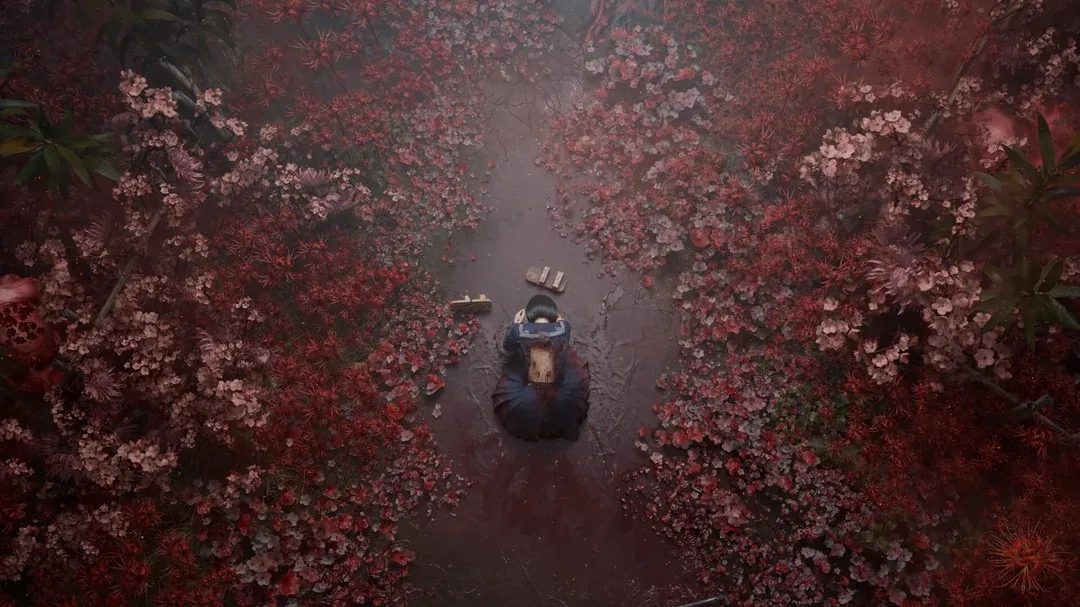
Silent Hill f features both autosave and manual save systems. Autosave happens at certain story checkpoints, but manual saving at Shrines (called Hokora) is the main way to control and protect your progress reliably.
What to know
- Autosave occurs only at key story or transition points, not continuously.
- Manual saving is done via Hokora / Shrine locations, where you can “Record” anytime.
- In later chapters, especially ones with long segments or backtracking, autosave becomes unreliable.
- Some players have reported autosave failures, rollback bugs, and stuck progress due to buggy behavior.
As you navigate the fog-shrouded streets of 1960s Ebisugaoka as Hinako Shimizu, preserving your fragile sanity means mastering the game’s dual saving approach. Released on September 19, 2025, by Konami and Neobards Entertainment, Silent Hill f modernizes the series’ tension while introducing autosave for smoother play. This setup ensures you can focus on unraveling family secrets and evading yokai-inspired horrors without the frustration of rigid checkpoints from older entries.
How autosave works in SHf and What triggers it
- Autosave is tied to major story events: when entering a new area or after a cutscene, the game generally triggers an autosave.
- In the early chapters, autosave is more reliable — you’ll often see it working seamlessly during transitions.
- In longer sections (e.g. chapters involving school, exploration, or backtracking), autosave may not cover every segment.

Limitations with Autosave
- Because autosave is sparse, if you die or quit during exploration in between checkpoints, you may lose significant progress.
- Some players report that reloads didn’t restore what they thought autosave should have captured, meaning the “last autosave” sometimes falls far behind their actual last session.
- One Steam user recounted being stuck and unable to continue after relying on autosave, having to restart (or else refund).
- There is no known setting (at present) to disable autosave or adjust its frequency—so you can’t force more frequent autosaves. (No sources mention an autosave toggle)
Because of these limitations, it’s unwise to rely solely on autosave for your progress.
How to manual save in Silent Hill f using Hokora/Shrines
- Manual saves are done at Hokora or Shrine locations scattered across the game world.
- When you interact with a Shrine, you can choose “Record” to save your current progress.
- There is no limit to how many manual save files you can create at a Shrine — you can save repeatedly.
- Shrines also serve additional functions: restoring sanity, managing stat upgrades (using Faith), changing outfits, crafting Omamori charms, etc.
Best practices for manual saving
- Whenever you reach a new area or complete a tough fight, save at a nearby Shrine.
- Don’t skip saving before entering unknown zones or risky environments.
- Use multiple manual saves (if the UI allows different slots) so you can roll back to an earlier state if a later save gets glitched.
- In chapters with long segments without cutscenes, you’ll want to lean heavily on manual saves.
Known bugs, reports, and community feedback
- A Steam user said that “reloading my save didn’t work, re-launching the game did nothing,” and they were forced to restart after relying on autosave.
- Game8’s bug list does not specifically list autosave failure, but mentions general glitches and stability issues as known problems.
- Some player discussion threads (though not specific to SHf) mention autosave icons showing but not effectively saving progress, or being rolled back to older states. (Not direct for SHf, but echoes how autosave bugs are common in other titles)

How to reduce risks and protect your progress
Here’s a practical checklist:
- Save manually at every Shrine as soon as you can, especially before entering new zones or dangerous areas.
- Don’t skip manual saves even if autosave just fired — treat autosave as a backup, not your main safety net.
- Maintain multiple manual saves (if supported) so you can revert if a save file gets glitched.
- After a long session, when you’re done playing, try to reach a Shrine and save before quitting.
- Keep your game patched and watch for updates from the developers — autosave bugs may get fixed over time.
- Back up your save folder (on PC) periodically — the local save files include both autosaves and manual saves.
Wrap-up: trusting saving but being cautious
Silent Hill f does support both autosaving and manual saving via Shrines, which gives you flexibility. The autosave feature is designed to kick in at key narrative transitions, but it is not frequent enough for continuous coverage. Worse, there are community reports of autosave failures and progression issues that make it risky to rely entirely on autosave alone.
If you want a smoother and safer experience, make manual saving a habit. Save early, save often, and don’t assume autosave will preserve everything. With that approach, you’ll reduce the chance of losing critical progress — and stay focused on the horror, not the frustration.