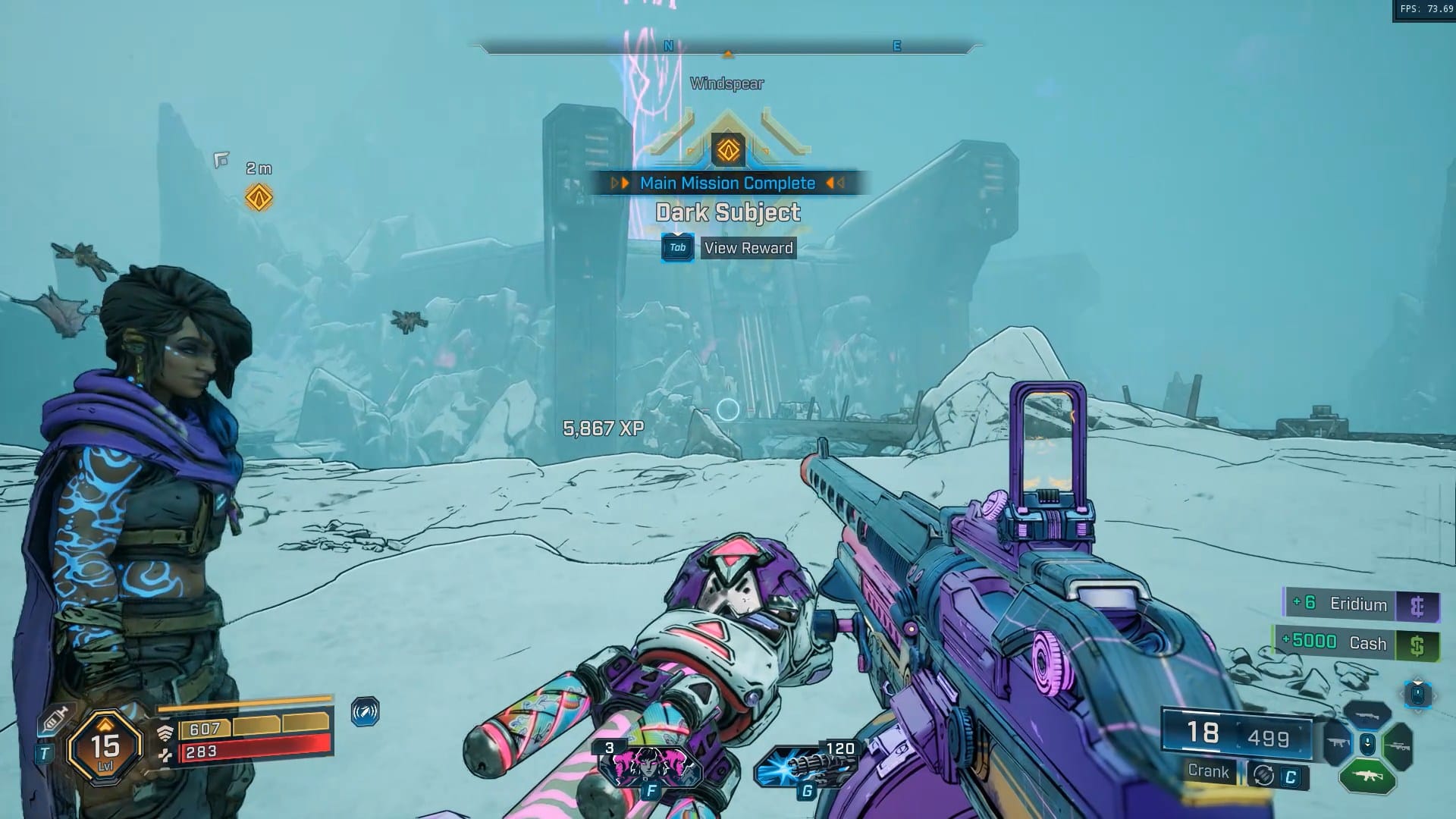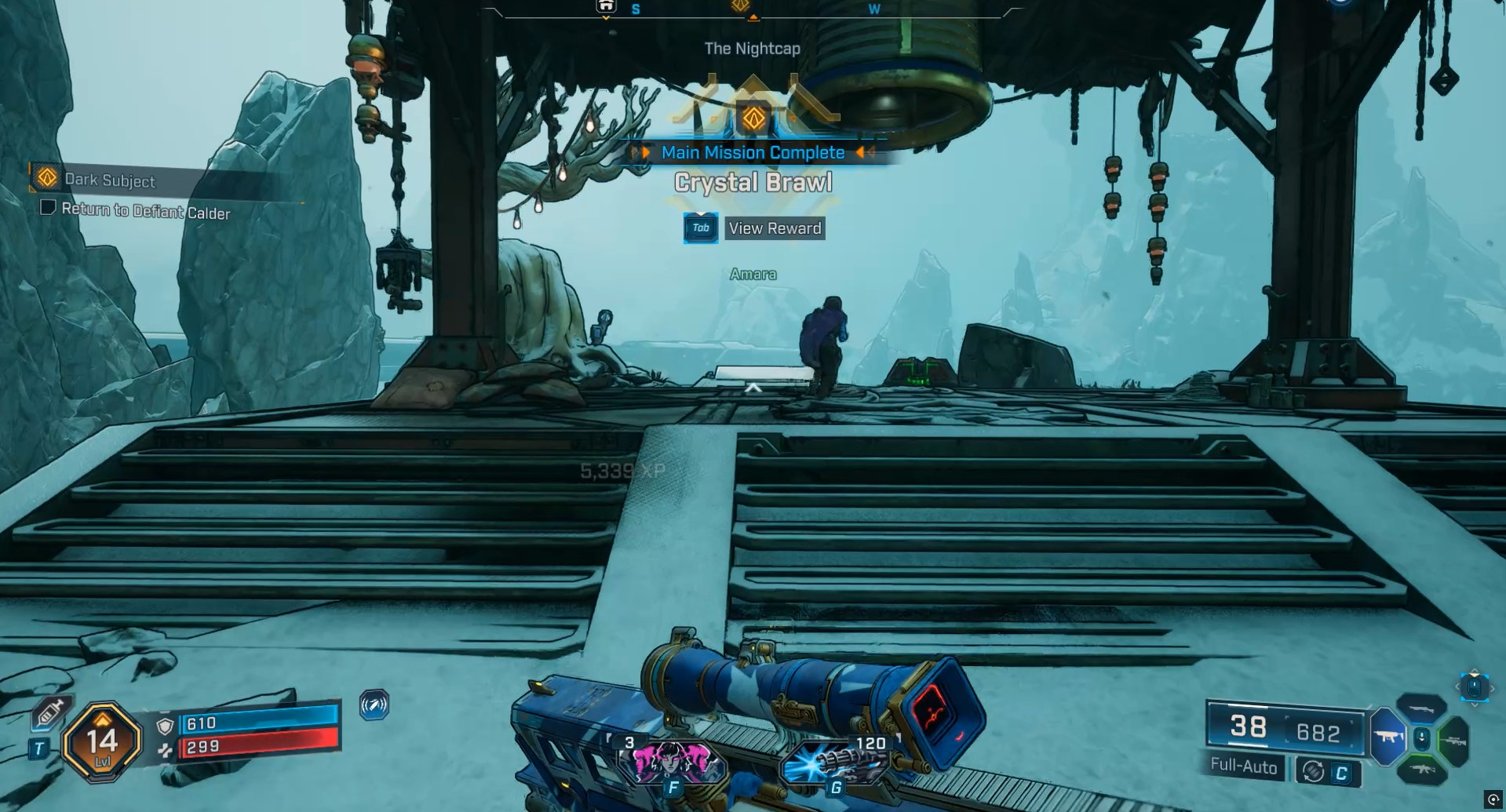
Borderlands 4 uses a fully autosave system, with no option to manually save your game. Progress is continually recorded during play, so your loot, mission status, and location are saved frequently.
What to know
- Borderlands 4 only allows autosaving, not manual saves.
- The game autosaves at Fast Travel stations, New-U respawn points, and when quitting.
- A small save icon appears during autosave; avoid closing the game while this is active.
- Using Fast Travel or reaching a checkpoint is the safest way to ensure your progress is saved.
Borderlands 4 has moved to a streamlined save system that works entirely in the background. This means you don’t have to worry about pausing to save progress or hunting for a save slot—autosave ensures your game is regularly backed up as you play.
How autosaving works in Borderlands 4
Borderlands 4 automatically records your progress at key moments in the game:
- Entering or using Fast Travel stations triggers an autosave. This is the most reliable way to ensure your position and gear are recorded.
- Respawning at New-U stations also triggers autosave. If you die and respawn, the latest progress is saved.
- Quitting the game saves your current checkpoint, inventory, and mission status, ensuring you restart from the latest autosave.
There’s no menu option to save manually, and trying to close the game during a saving icon can cause minor progress loss.
When progress might be lost
Because the autosave is frequent, very little progress is typically lost—usually less than a minute’s worth if the game crashes unexpectedly. If you want to ensure absolutely everything is saved before you exit, use a Fast Travel station as your last action before closing the game.
Quick reference autosaving table
| Autosave Trigger | What is saved |
|---|---|
| Fast Travel station | Location, inventory, progress |
| New-U station (respawn) | Checkpoint, respawn location, mission state |
| Exiting the game | Current save point, loot, mission progress |
| Mission advancements/pickups | Ongoing actions, loot collected |
Troubleshooting autosave issues
If you ever encounter a “failed to save” error, common solutions include restarting the game, verifying or repairing files, or double-checking hardware requirements. This ensures that any autosave glitches do not result in permanent progress loss.
Wrap-up: A safe and simple autosave system
Borderlands 4’s persistent autosave system is designed to make playing and experimenting with loot or missions worry-free, as your progress is always being recorded in the background. Just remember to use Fast Travel before quitting for the safest results.