


What to know
- Prox’s Request quest can bug due to missing or lost quest items.
- The Calligraphic Paintings are the main quest items.
- Most issues are fixable by re-acquiring the item or resetting the area.
- Completing the quest rewards inventory expansion and crafting material.
Prox’s Request is one of the more deceptively simple quests in Crimson Desert, yet it has become widely known for its frustrating bugs and progression issues. While the objective itself is straightforward, the way the game handles quest items introduces multiple points of failure. If you are stuck, confused, or unable to turn in the quest, understanding both the intended flow and the underlying bugs is essential.
Below, you’ll find a complete breakdown of how the quest works, why it bugs out, and how you can reliably complete it.
Crimson Desert Prox’s Request quest details
| Category | Details |
|---|---|
| Quest Name | Prox’s Request |
| Starting Location | Goldleaf Trading Post |
| Key Item | Calligraphic Paintings |
| Objective | Deliver counterfeit goods to investigator |
| Common Issue | Item missing or not recognized |
| Completion NPC | Goldleaf merchant (investigator) |
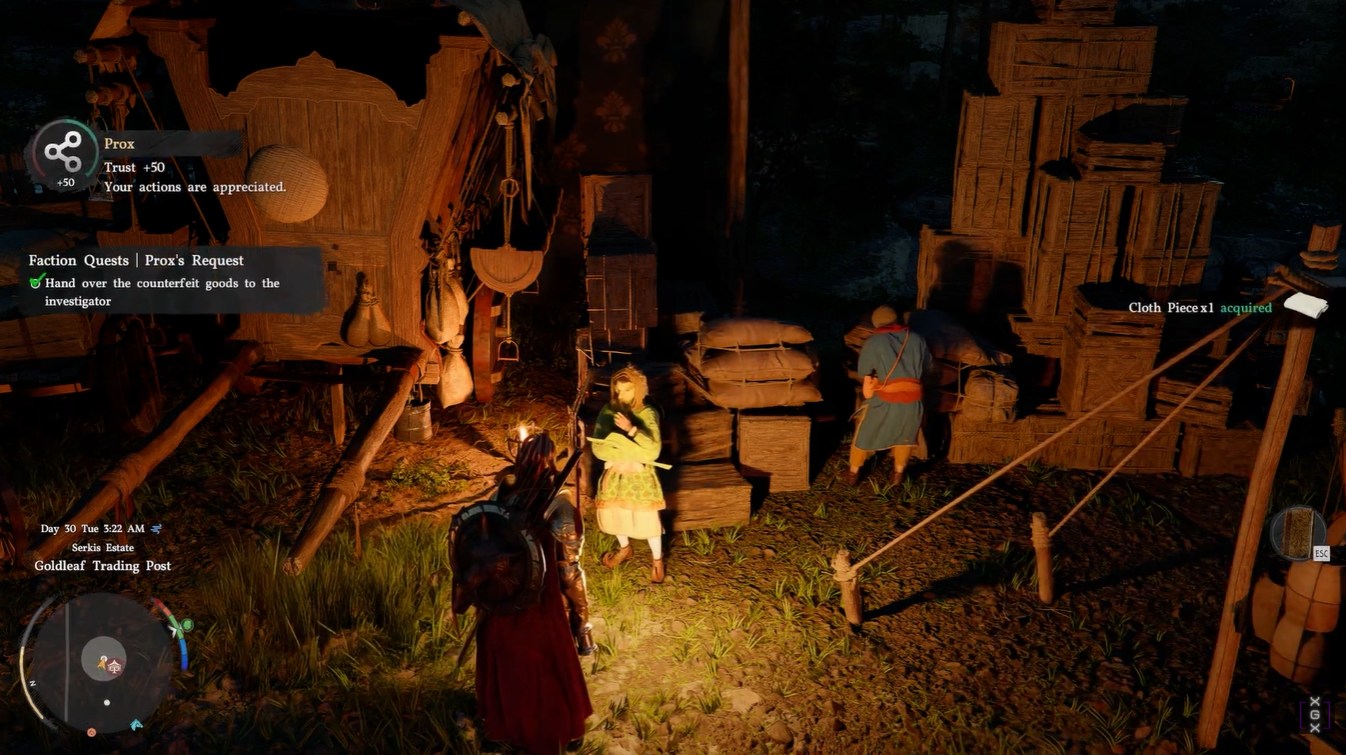
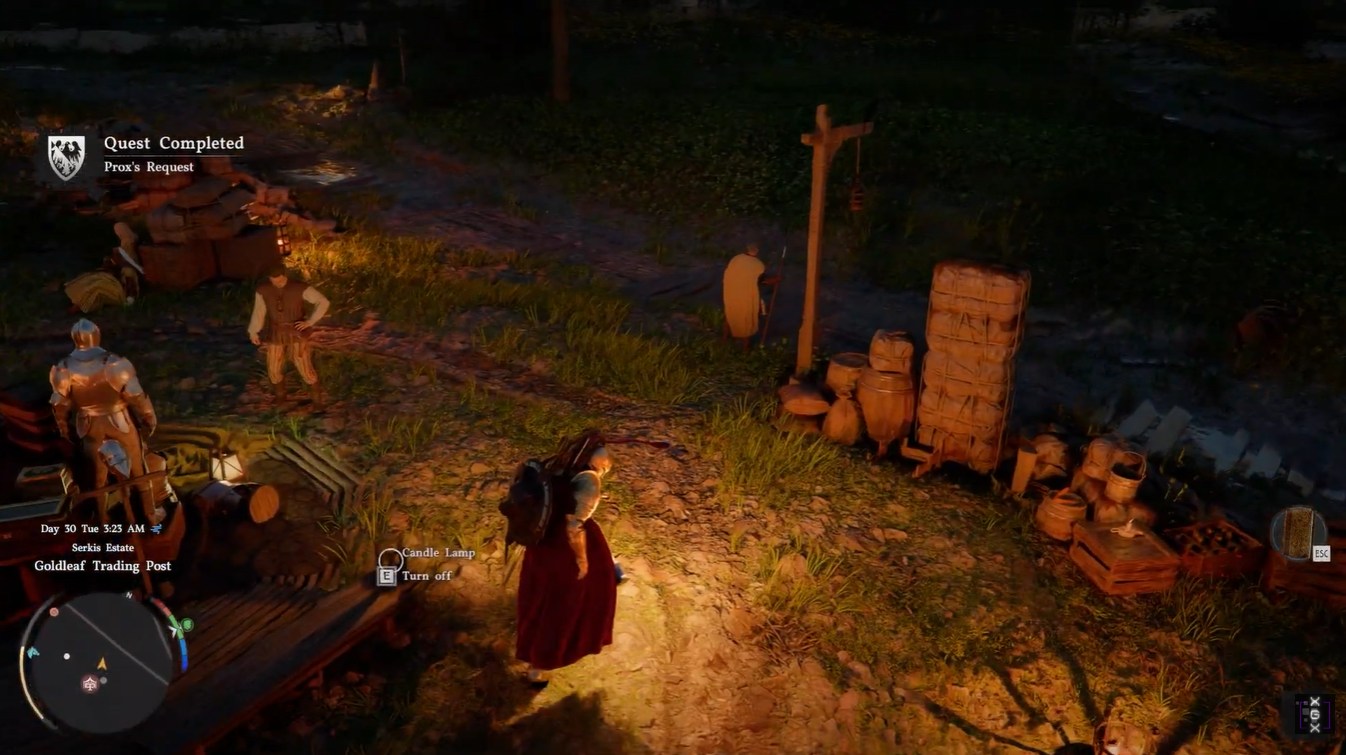
| Rewards | Medium Bag (+3 slots), Cloth Piece |
Crimson Desert Prox’s Request quest location
The quest primarily revolves around the Goldleaf Trading Post, which serves as both the starting and ending point. You won’t need to travel across multiple regions, but the issue arises from how the item is handled rather than where you go.
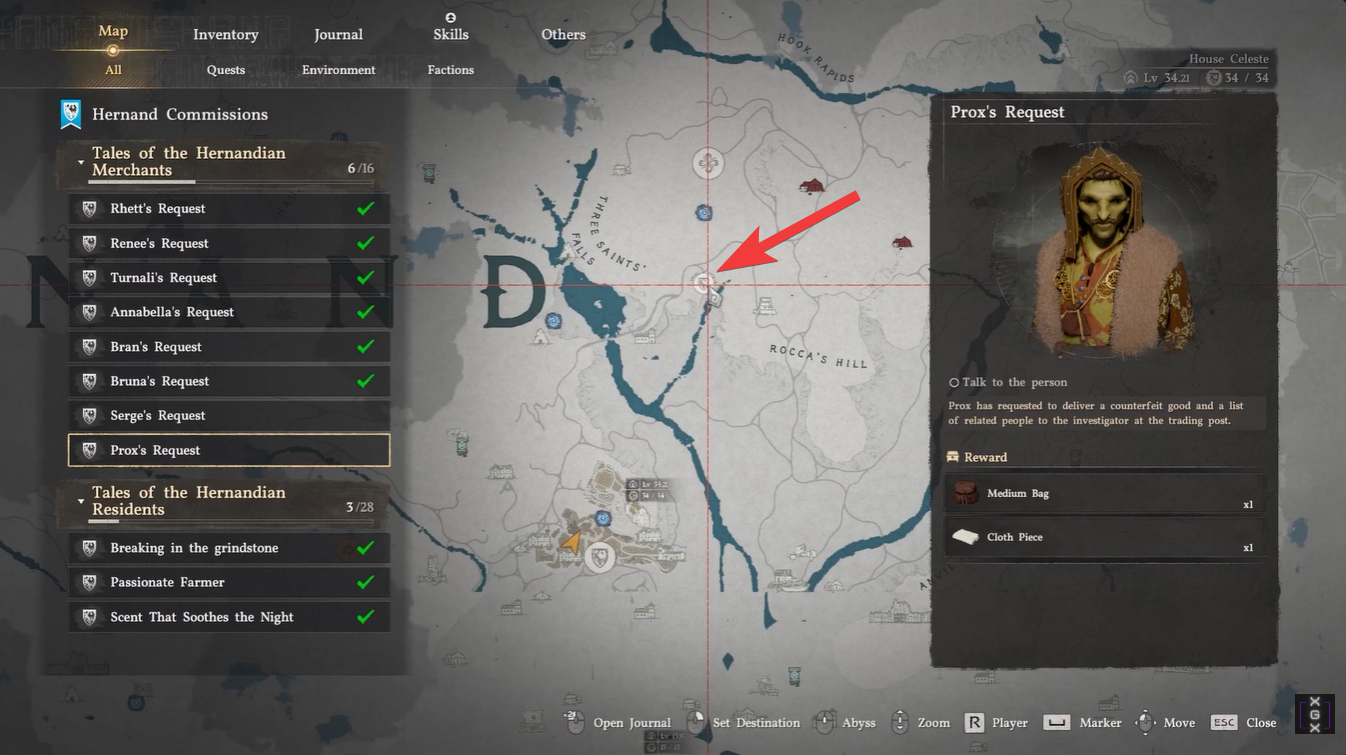
If the bug occurs, however, you may find yourself exploring nearby camps, warehouses, or loot-heavy areas to recover the missing item. This turns a simple delivery quest into an unexpected scavenging loop.
How to complete Prox’s Request quest in Crimson Desert
Step 1
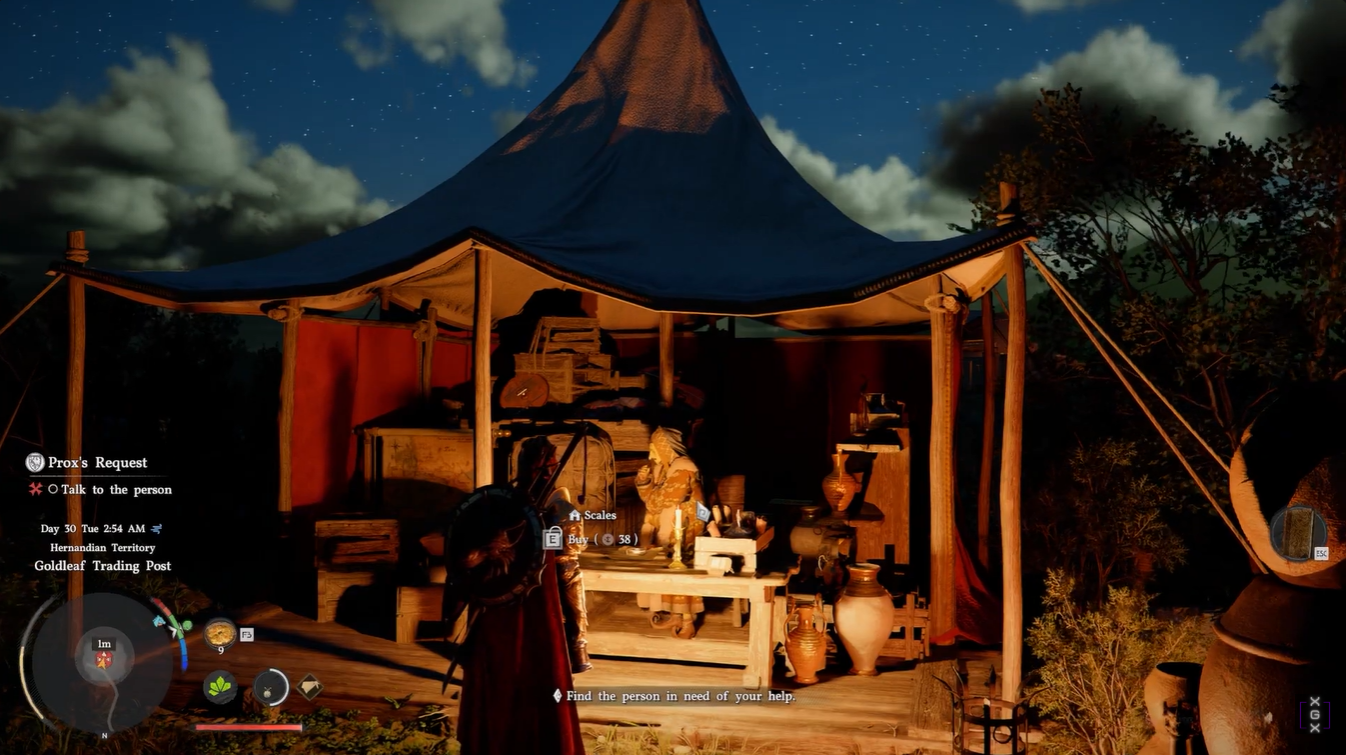
Talk to Prox at the Goldleaf Trading Post. This initiates the quest and sets up the delivery objective.
Step 2
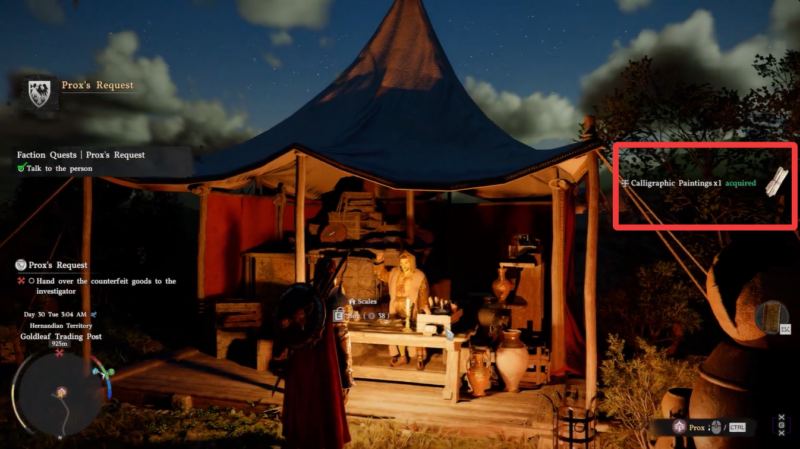
Receive the Calligraphic Paintings after the conversation ends. This is the most critical step because the item is not always properly registered in your inventory due to bugs.
Step 3
Deliver the counterfeit goods to the investigator at the trading post. This involves handing over the Calligraphic Paintings to the correct NPC, often labeled as a merchant or investigator.
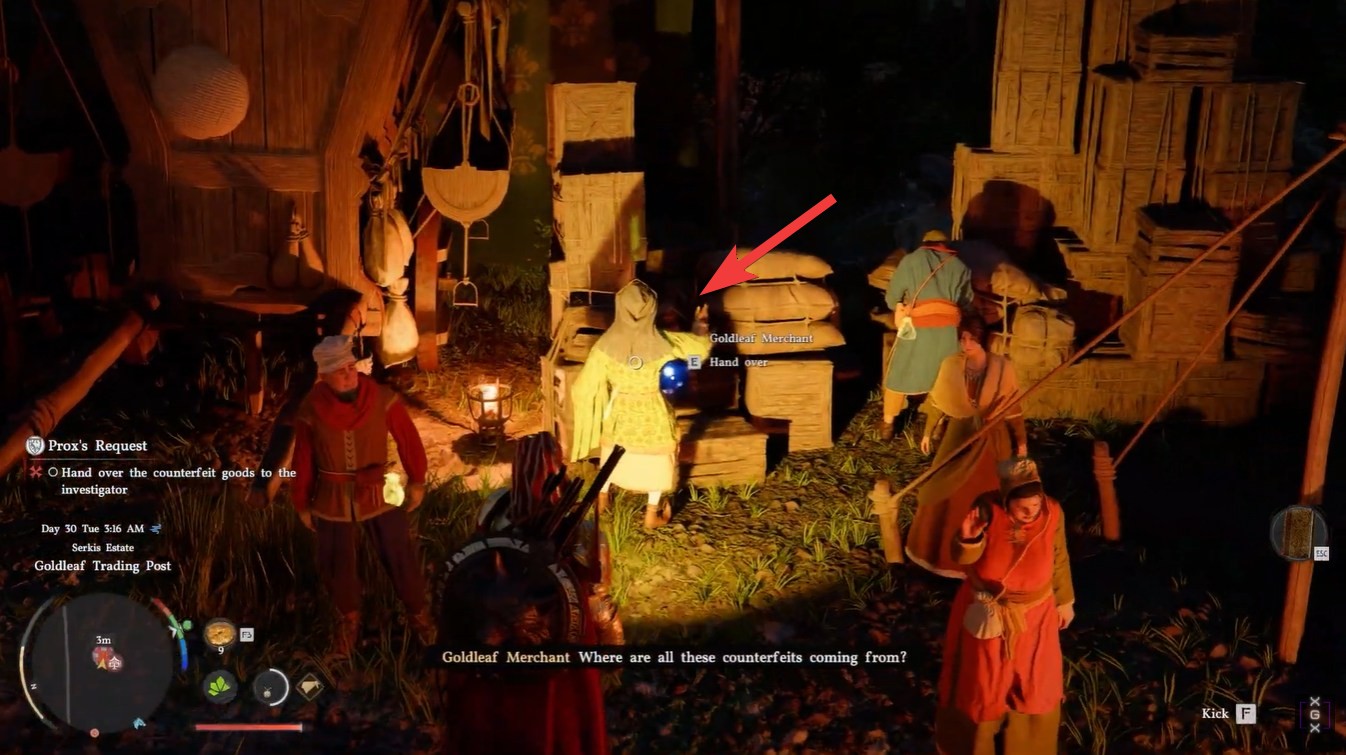
If everything works correctly, the quest should complete immediately after the handover.
Why the Prox’s quest bugs out for many players
The core issue lies in how the game treats the Calligraphic Paintings. Unlike typical quest items, this item behaves like a normal tradable object. This leads to several problems that players commonly encounter.
| Issue Type | What Happens | Why It Happens |
|---|---|---|
| Missing item | Cannot complete quest | Item never spawned or disappeared |
| Sold accidentally | Item gone permanently | Not marked as quest item |
| NPC won’t accept item | No interaction prompt | Quest state desync |
| Item not recognized | Still cannot turn in | Inventory detection bug |
This combination of design oversight and technical issues makes the quest unreliable without proper awareness.
How to fix Prox’s Request quest bugs
1 – Re-acquiring the missing item
If the Calligraphic Paintings are missing, the only consistent fix is to farm them again. You can do this by exploring camps, breaking crates, and looting containers in nearby areas. The item is part of a general loot pool, so persistence is key.
2 – Resetting the game state
Fast traveling away from the area and returning can reset loot and NPC states. This method is especially useful if the item refuses to drop or the NPC interaction is bugged.
3 – Reloading your save
Loading a previous autosave can sometimes restore the item or fix interaction issues. This works best if you notice the bug early before progressing further.
4 – Avoiding the issue entirely
The safest approach is to never sell or discard the Calligraphic Paintings. Since the game does not protect the item, it can be lost permanently if treated like regular loot.
Rewards for completing Prox’s Request
Unlike typical quest bugs that block progression outright, Prox’s Request creates confusion by appearing functional while silently failing. You may think you completed all objectives, yet the game refuses to acknowledge it. This subtle failure is why many players misinterpret the issue as a progression bug rather than an item problem.
| Reward | Effect |
|---|---|
| Medium Bag x1 | +3 Inventory Slots |
| Cloth Piece x1 | Crafting material |
The Medium Bag reward is especially valuable early on, as it directly increases your carrying capacity. This makes the quest worth completing despite its issues.
Community findings strongly suggest that most failures are tied to the item not being present in your inventory, even if you never realized it disappeared. This makes awareness your best tool in avoiding wasted time.




