


- What to know
- Quick overview of housing unlock system
- How story progression unlocks your first house
- How to complete the Rustling Hill quest and unlock your base
- Where your house is located and how to find it
- Why decoration is locked initially and how to unlock it
- How to place furniture and customize your house
- What rewards and benefits housing provides
- Why housing matters more than you think in Crimson Desert
- Building your personal space in Crimson Desert
What to know
- You unlock housing after reaching Chapter 3 and progressing through the Greyman storyline.
- The Rustling Hill quest is essential to claim your base location.
- Decoration features unlock later after rescuing key characters like Pier.
- Your house is located southeast of your camp, across a ravine.
Stepping into ownership in Crimson Desert is more than just a milestone—it’s where your journey begins to feel truly personal. Having your own house allows you to customize your experience, store items, and create a base that reflects your playstyle. If you’ve been wondering when and how this becomes available, the process is tied closely to story progression and specific quests.
Quick overview of housing unlock system
| Feature | Requirement | Outcome |
|---|---|---|
| House Unlock | Chapter 3 progression | Access to base placement |
| Key Quest | Rustling Hill | Enables base establishment |
| Decoration Unlock | Greyman questline continuation | Furniture placement access |
| House Location | Southeast of camp | Fixed base location |
| Customization | After Pier quest | Place and manage furniture |
How story progression unlocks your first house
You won’t get access to a house early in the game, and that’s intentional. The system is designed to tie into your growth as a character. Once you reach Chapter 3, the Greyman questline begins to expand significantly, introducing mechanics that go beyond combat and exploration.
As you progress through the pioneering quest chain, you’ll notice that the game starts hinting at settlement and base-building features. This is your signal that housing is about to unlock, but you still need to complete a few more steps before it becomes available.
How to complete the Rustling Hill quest and unlock your base
Step 1
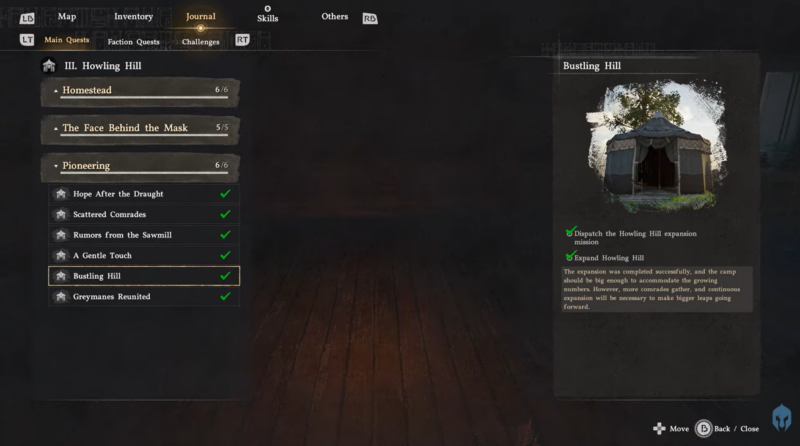
Head into Chapter 3 and continue progressing through the Greyman’s storyline quests until you encounter the Rustling Hill mission.
Step 2
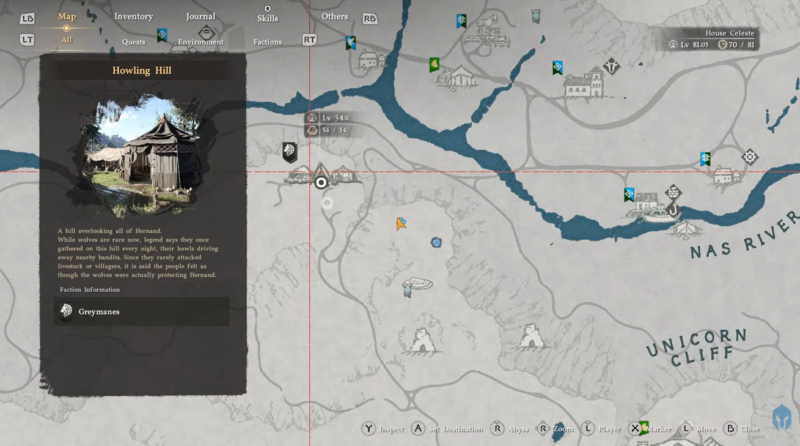
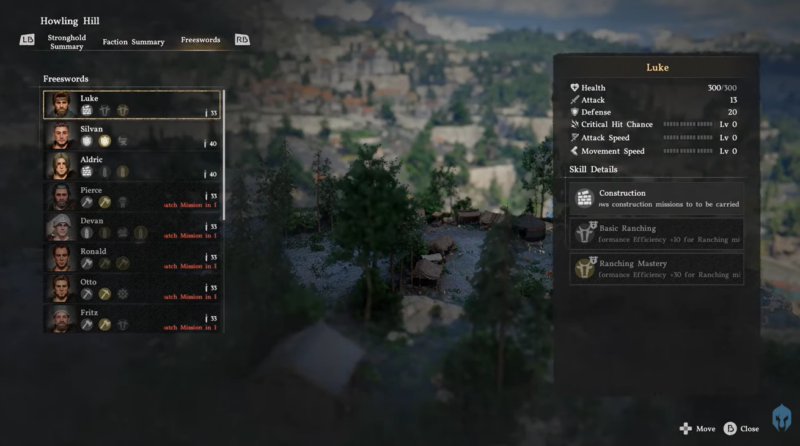
Open your map and locate Howling Hill, which is clearly marked once the quest is active. This location is critical because it acts as the trigger point for your base unlock.
Step 3
Travel to the marked area and interact with the environment using the inspect button. This action initiates a mission sequence that finalizes your claim to the base.
Step 4
Complete the objective tied to Rustling Hill. Once done, you officially unlock the ability to establish your house, though customization features may still be locked.
Where your house is located and how to find it
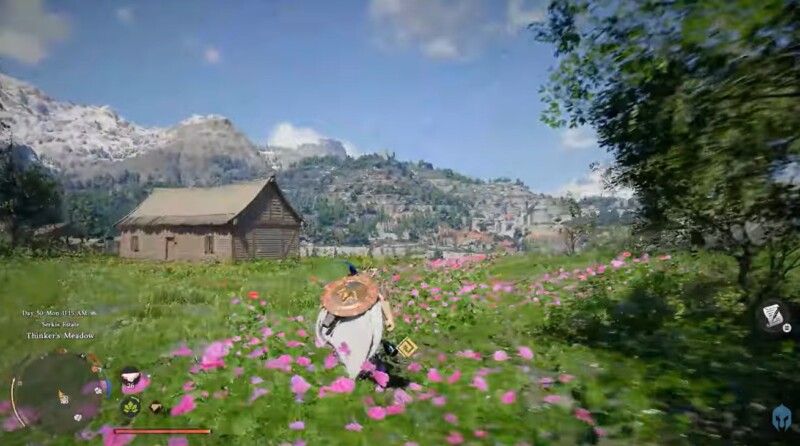
Your house is not randomly placed—it has a fixed position in the world. You’ll find it just southeast of your main camp, across a noticeable ravine. The terrain makes it stand out, so once you know where to look, it becomes easy to revisit.
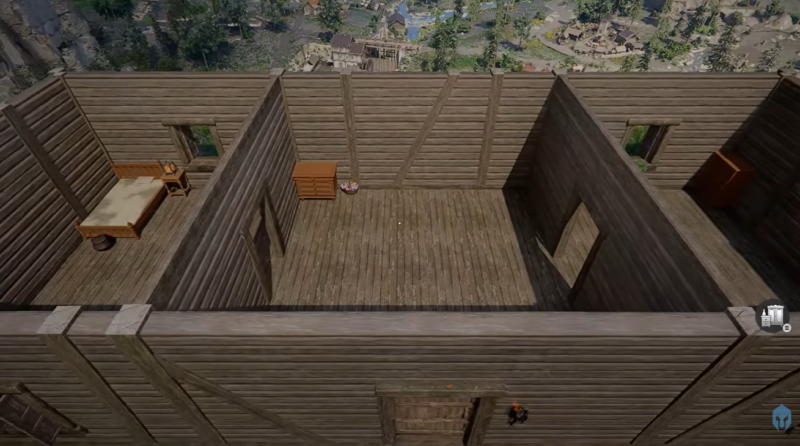
This location is strategically chosen, giving you quick access to nearby resources while still feeling like a separate personal space. Over time, this house becomes a central hub for your activities.
Why decoration is locked initially and how to unlock it
One of the most common points of confusion is why you can’t decorate your house immediately after unlocking it. The answer lies again in the Greyman storyline.
After obtaining your house, you must continue progressing through quests that involve rescuing members of your group. These missions gradually unlock additional features tied to your base.
Eventually, you’ll receive a quest from Pier, which acts as the turning point.
Step 1
Continue completing Greyman-related quests, focusing on rescuing companions.
Step 2
Wait until you receive a quest involving Pier, which introduces new base functionality.
Step 3
Complete Pier’s quest to unlock furniture placement and decoration mechanics.
Only after this point will your house truly feel like your own.
How to place furniture and customize your house
Once decoration is unlocked, the system becomes simple and intuitive. You don’t need complex menus or crafting chains to get started.
Step 1
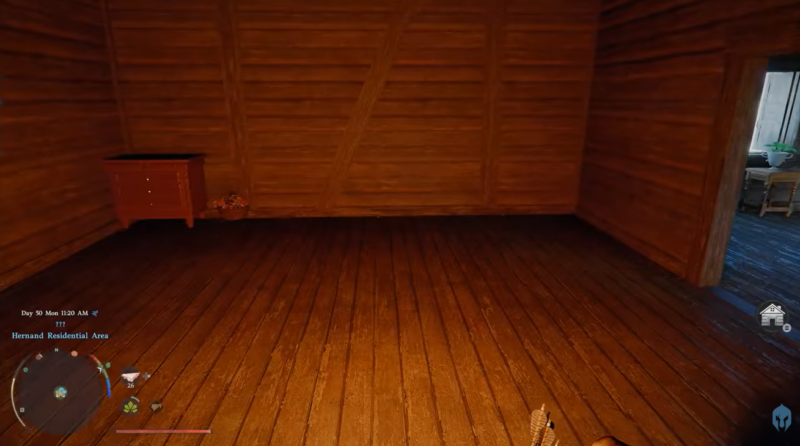
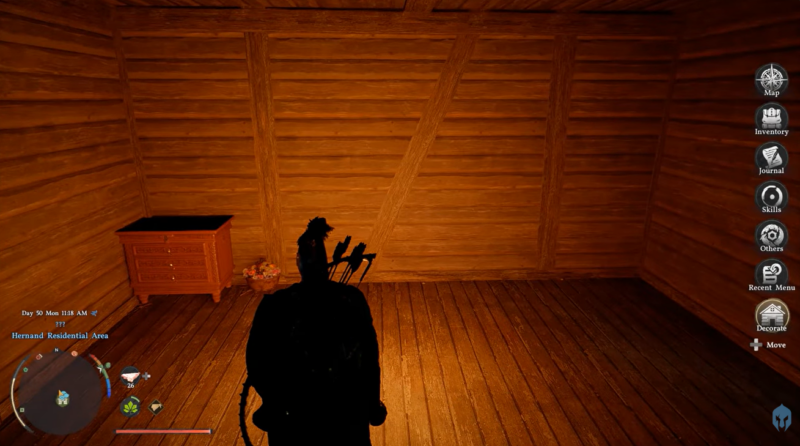
Look at the right side of your screen for the house icon, which appears once decoration is available.
Step 2
Open the interface to view all furniture items you’ve collected or purchased during your journey.
Step 3
Select an item and place it within your house. You can freely adjust positioning to match your preferred layout.
Step 4
Continue collecting more furniture to expand and personalize your space.
This system encourages exploration, as many decorative items are found throughout the world rather than simply bought.
What rewards and benefits housing provides
| Benefit | Description |
|---|---|
| Personal Base | A permanent location tied to your progress |
| Customization | Place and arrange furniture |
| Storage Potential | Likely used for managing items |
| Immersion | Enhances role-playing and world connection |
| Progression Feature | Unlocks alongside story growth |
Owning a house is not just cosmetic—it reinforces your progression and gives you a stronger connection to the game world.
Why housing matters more than you think in Crimson Desert
At first glance, housing might feel like an optional feature, but it quickly becomes a meaningful part of your journey. It represents your advancement from a wandering adventurer to someone establishing roots in the world.
As more features unlock through the Greyman questline, your house evolves alongside your character, making it more than just a static location. It becomes a reflection of your choices, exploration, and achievements.
Building your personal space in Crimson Desert
Getting your own house in Crimson Desert is a rewarding process that unfolds naturally through story progression. By reaching Chapter 3, completing the Rustling Hill quest, and continuing the Greyman storyline, you gradually unlock both ownership and customization.
Once everything is unlocked, your house transforms into a true home base—one that grows with you as you explore the world. Taking the time to fully unlock and decorate it adds depth to your experience and gives you a place that feels uniquely yours.




