What to know
- Luke’s Request revolves around placing a flower basket inside the old house using decoration mode.
- The most common bugs involve Luke not appearing or the flower basket missing.
- You can still complete the quest even if items are lost or NPCs are unavailable.
- Simple workarounds like buying or finding replacement baskets usually solve the issue.
The Luke’s Request quest in Crimson Desert is straightforward in design but can quickly become frustrating due to several known bugs and inconsistencies. If you’ve found yourself stuck because Luke isn’t showing up or the flower basket has mysteriously disappeared, you’re not alone. These issues are fairly common, but fortunately, they’re also easy to fix once you understand how the quest logic works.
Here is a quick overview of Luke’s Request quest in Crimson Desert:
| Aspect | Details |
|---|---|
| Quest Name | Luke’s Request |
| Objective | Place a flower basket in the old house |
| Key NPC | Luke |
| Main Mechanic | Home decoration mode |
| Common Issues | Missing basket, Luke unavailable |
| Fix Difficulty | Easy |
Why Luke may not appear at the camp
One of the most frequent issues is Luke simply not being present when you try to start or complete the quest. This usually happens because he has been assigned to a dispatch mission.
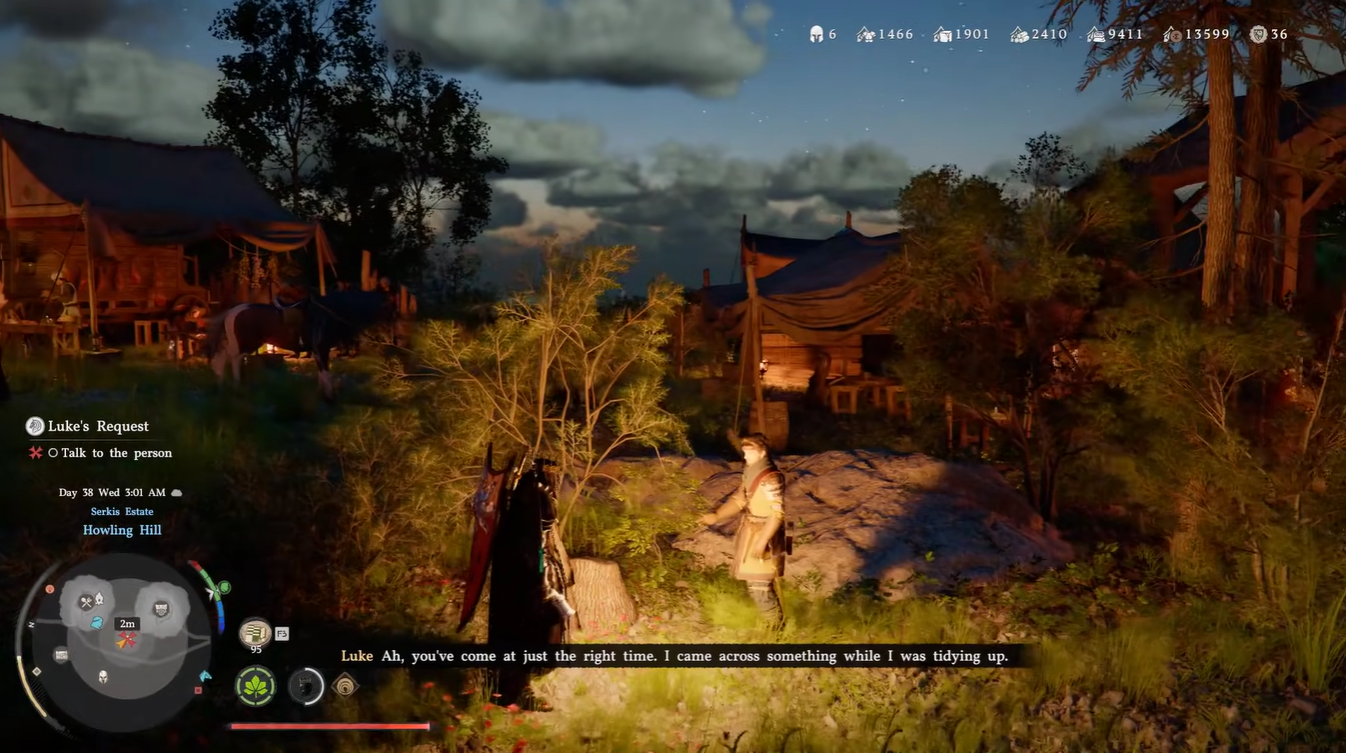
Instead of waiting or assuming the quest is broken, you can directly travel to the location where Luke has been dispatched. He physically exists in that world location and can still be interacted with there. This workaround bypasses the need to wait for him to return.
How to fix the missing flower basket problem
Luke hands you the Flower Basket initially. But in case he is not at the camp, or if you sold the basket already, you may have to arrange it in other ways.
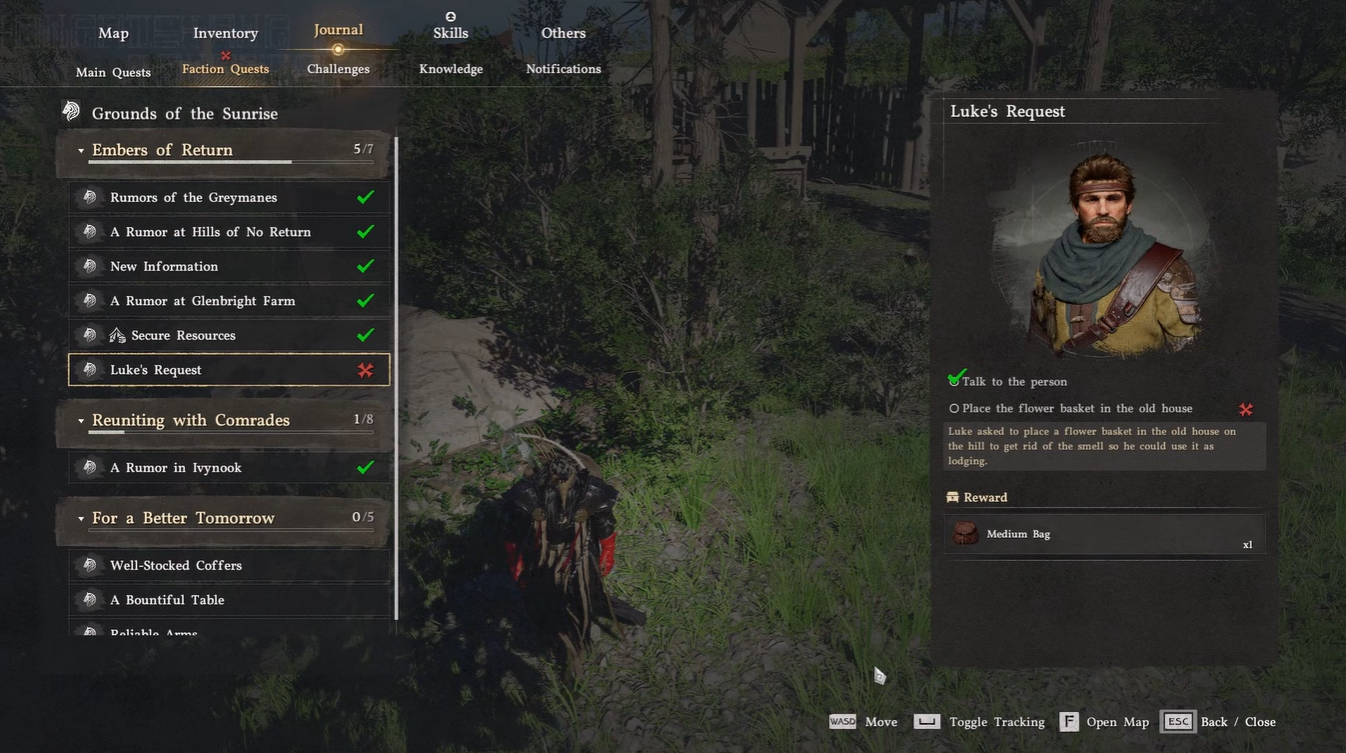
If you no longer have the basket, you can purchase a new one just outside the Provisioner’s Shop in Hernand Town. Look for street vendors displaying flowers rather than inside the shop itself. These baskets are extremely cheap, typically costing only a small amount of copper.
Alternatively, you can find a backup basket at your camp. To the left of Tranan, there is often a flower basket placed on the ground that you can pick up and use for the quest.
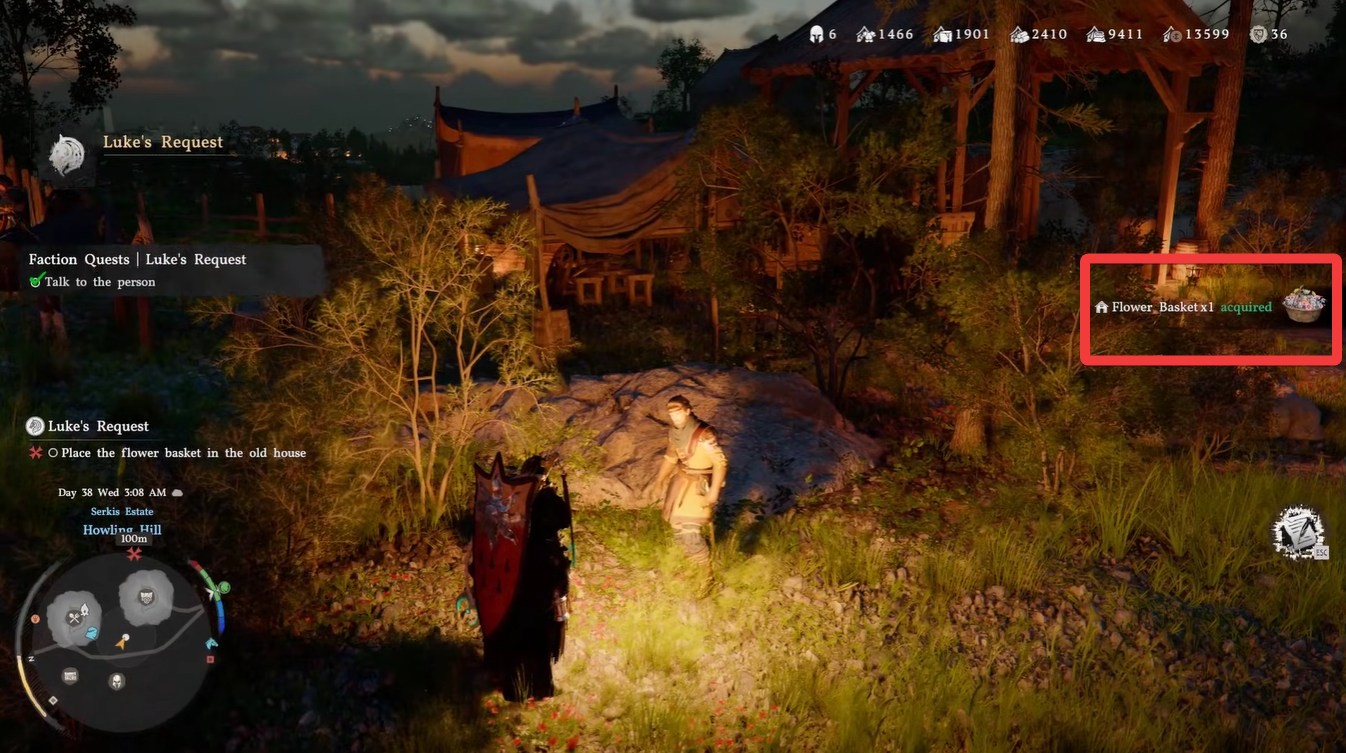
What to do if the basket does not appear in decoration mode
Even if you have the basket in your inventory, it may not show up in the decoration menu due to UI glitches. In such cases, try re-entering the house or toggling decoration mode again.
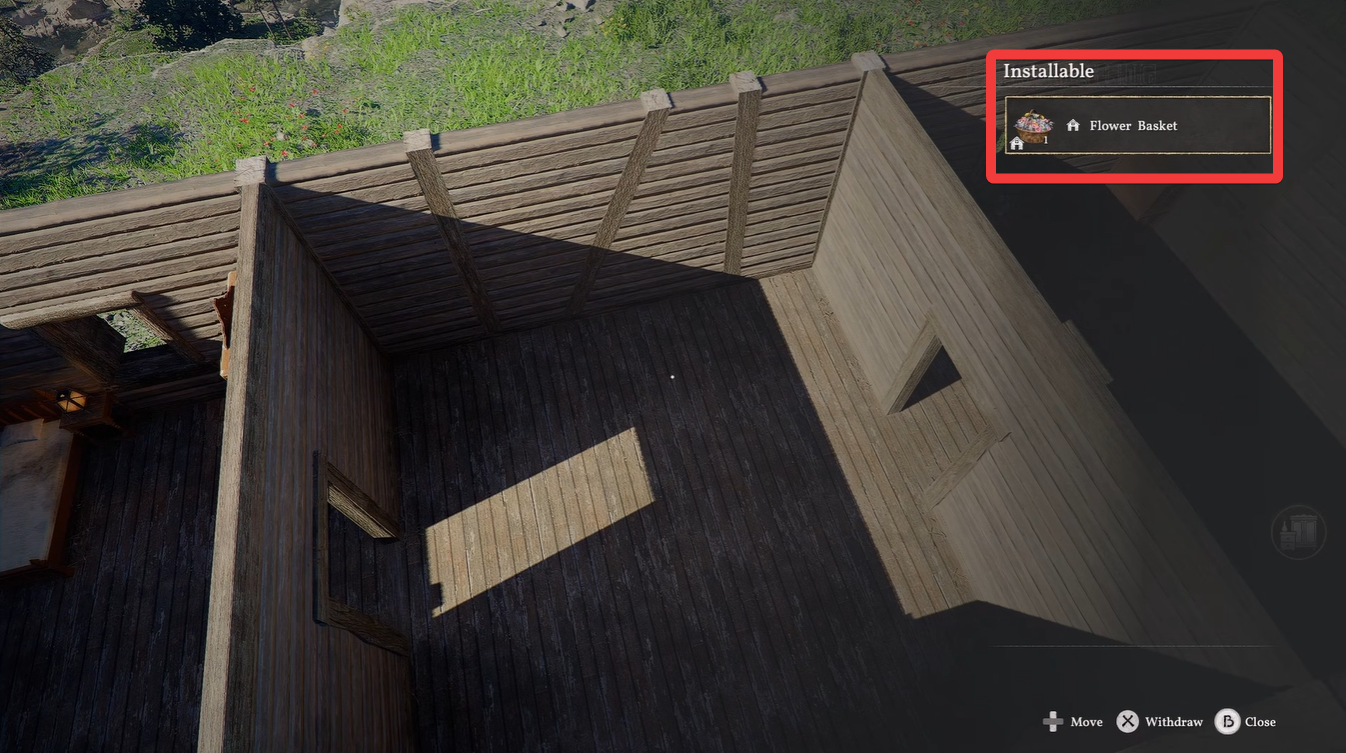
Make sure you are selecting the correct category under installables. The basket will only appear in the appropriate placement category and not in general inventory menus.
How to complete Luke’s request quest in Crimson Desert
Step 1
Speak to Luke at the camp to initiate the quest. If he is missing, locate him at his dispatch location.
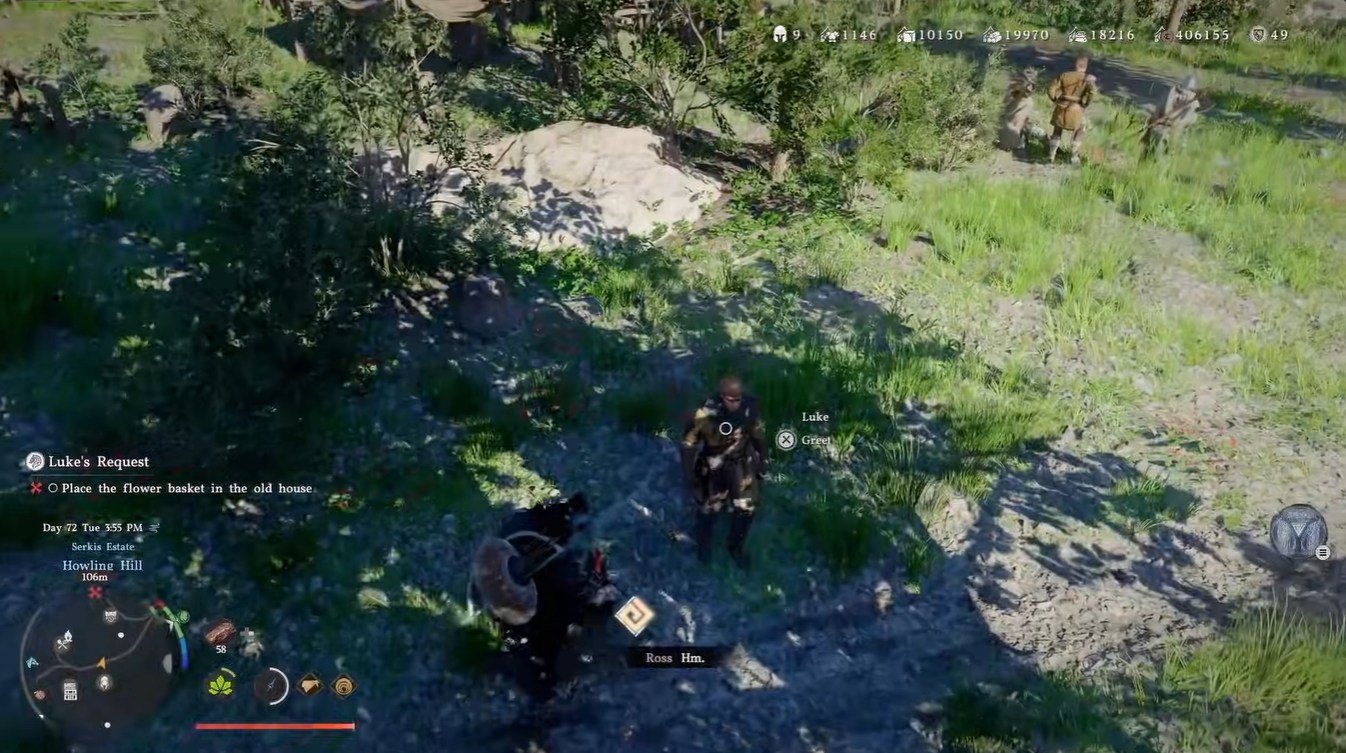
Step 2
Travel to the old house and enter decoration mode. This is essential for placing quest items.
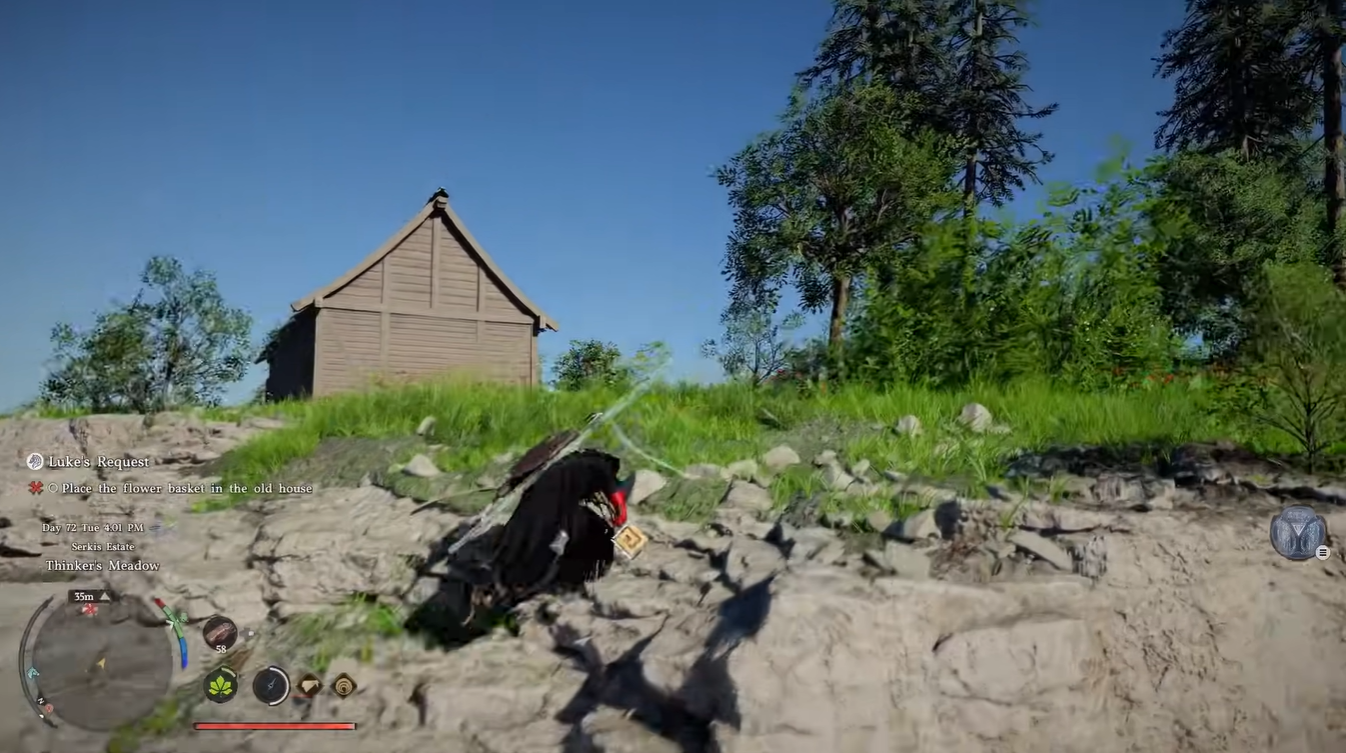
Step 3
Open the installables menu and locate the flower basket. Ensure you are in the correct category.
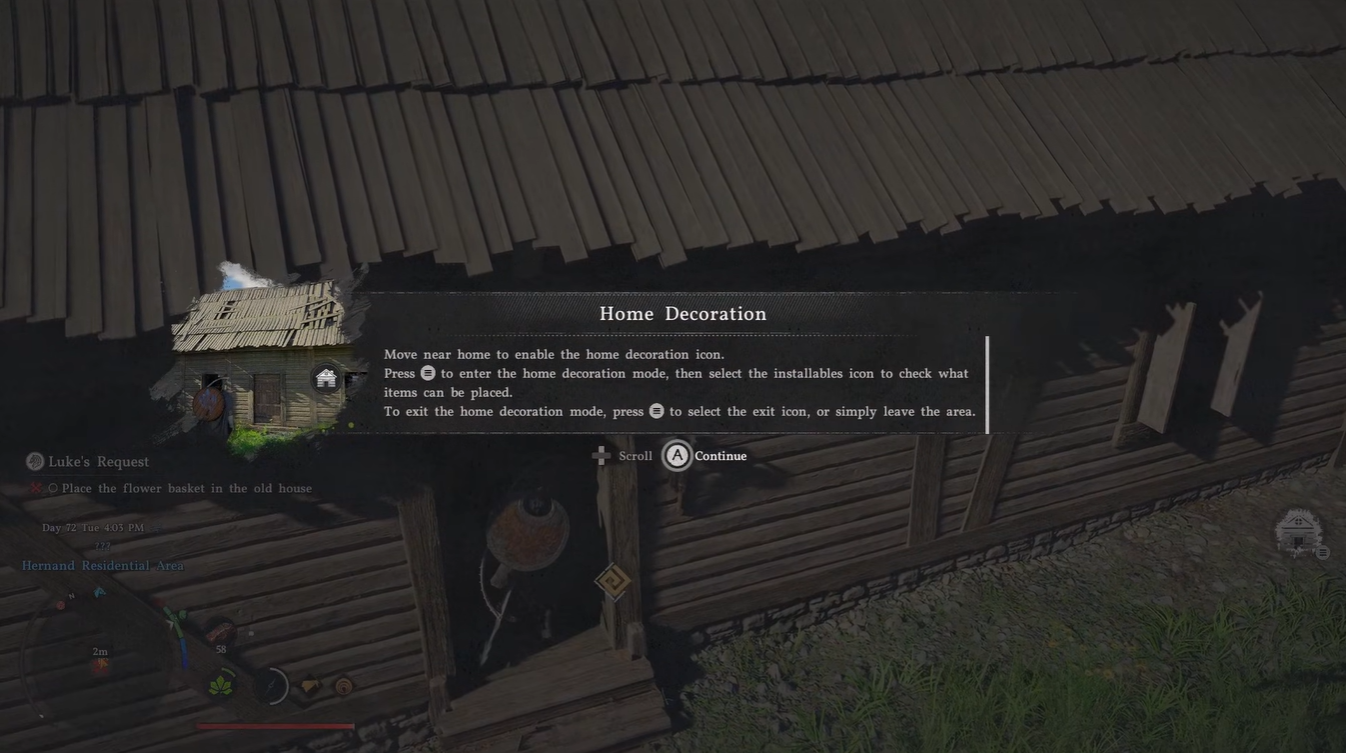
Step 4
Position the basket using placement controls. Adjust its placement carefully using directional inputs.
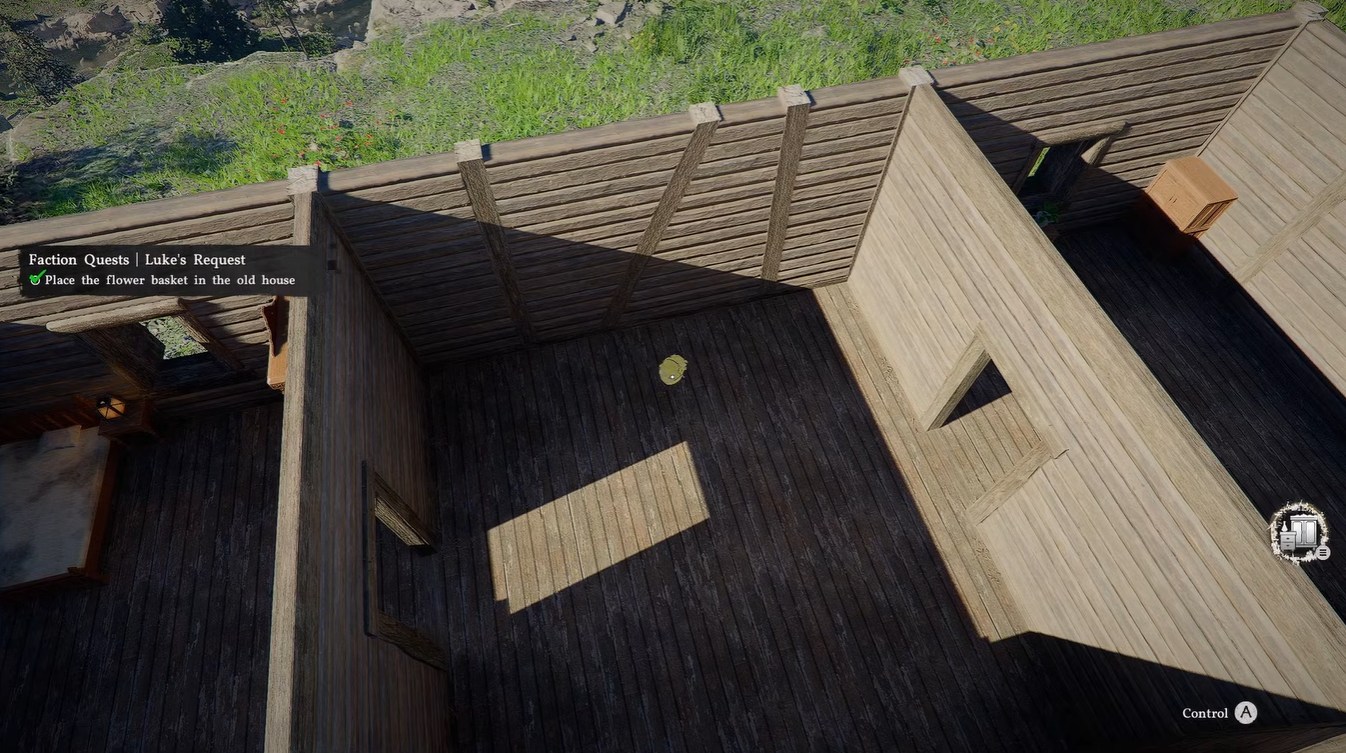
Step 5
Confirm placement to finalize the action. The quest will not progress unless placement is completed.
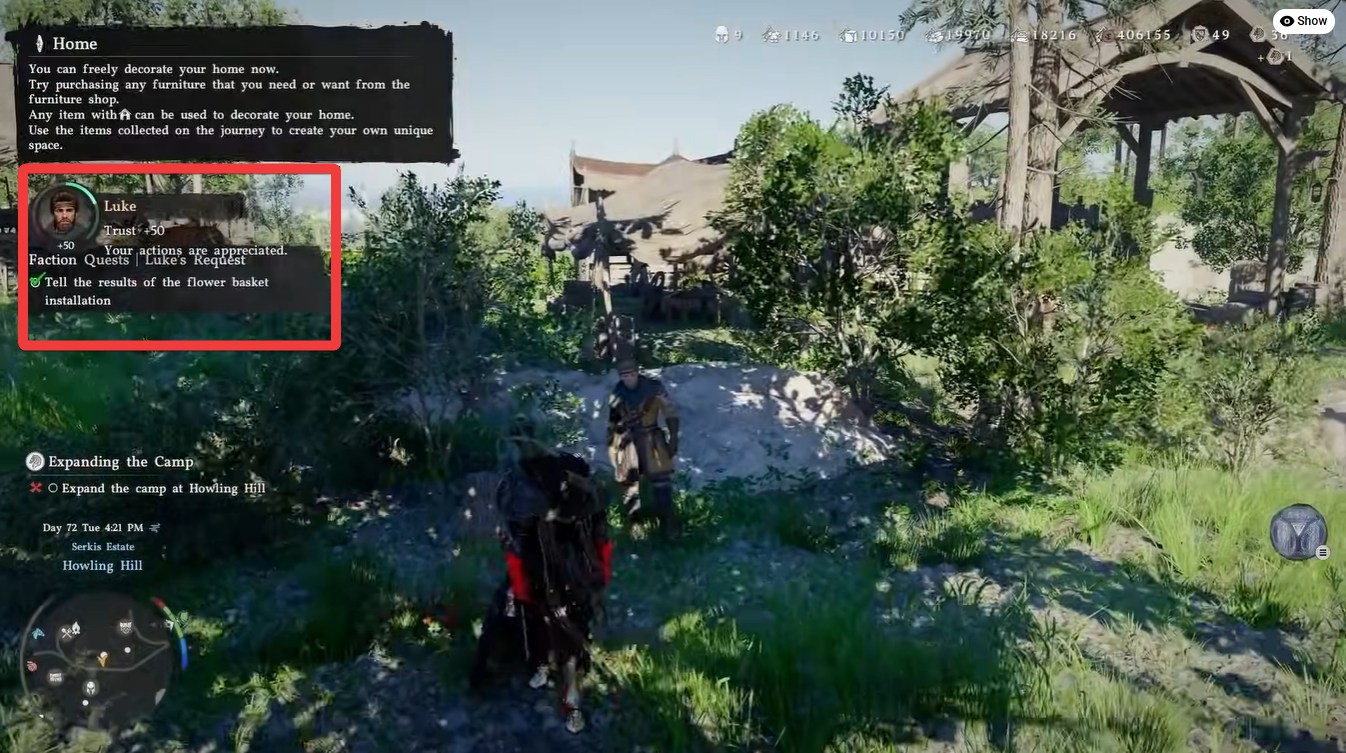
Step 6
Return to Luke and complete the dialogue. This finishes the quest.
Luke’s request bugs and their fixes
| Issue | Cause | Fix |
|---|---|---|
| Luke not at camp | On dispatch mission | Visit his dispatch location |
| Basket missing | Sold or discarded | Buy from Hernand Town or pick up from camp |
| Basket not in menu | UI glitch | Re-enter decoration mode |
| Cannot complete quest | Basket not placed properly | Reposition and confirm placement |
Luke’s Request can feel broken at first, but nearly every issue has a reliable workaround built into the game. Whether it’s tracking down Luke in the field or replacing a lost flower basket, you’re never truly locked out of completing the quest. Once you understand how decoration mode and dispatch systems interact, the quest becomes much easier to manage.