


What to know
- You can pass time using bonfires and cooking spots instead of beds.
- Not all light sources work—only specific interactable campfires are valid.
- The wait mechanic lets you fast-forward hours instantly.
- This is especially useful for quests tied to daytime or visibility.
If you’ve ever been stuck wandering in the dark during a mission in Crimson Desert, you already know how frustrating it can be when visibility drops or objectives become harder to track. The game does not always make it obvious how to skip time, especially when you’re far from a bed or camp. Fortunately, there’s a simple mechanic that lets you control time progression using environmental elements like bonfires.
| Feature | Details |
|---|---|
| Main method | Bonfires / cooking pots |
| Requirement | Interactable campfire icon |
| Time control | Select number of hours to skip |
| Availability | Open world (not all areas) |
| Limitation | Cannot use random light sources |
Why passing time matters during quests
Time of day in Crimson Desert directly affects gameplay, especially during missions tied to visibility, NPC schedules, or enemy behavior. You may find certain objectives nearly impossible to complete at night, or specific quest triggers only activating during daylight hours.
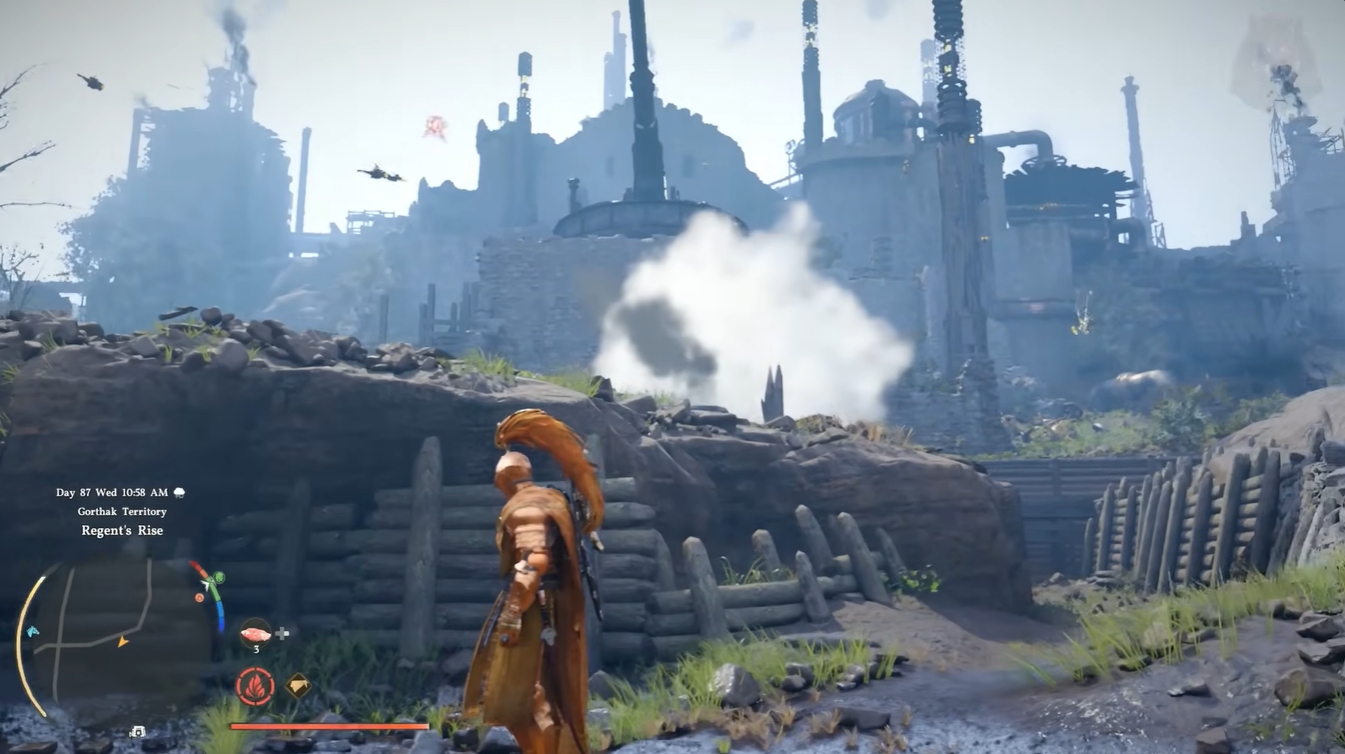
Instead of waiting in real-time or abandoning your progress, using the wait mechanic allows you to stay efficient and maintain your flow. It becomes an essential tool once you understand how and where to use it.
How to identify valid resting spots in the world
Not every fire or light source you see is usable, and this is where many players get confused. The game includes both decorative and functional objects, but only a select few allow interaction.
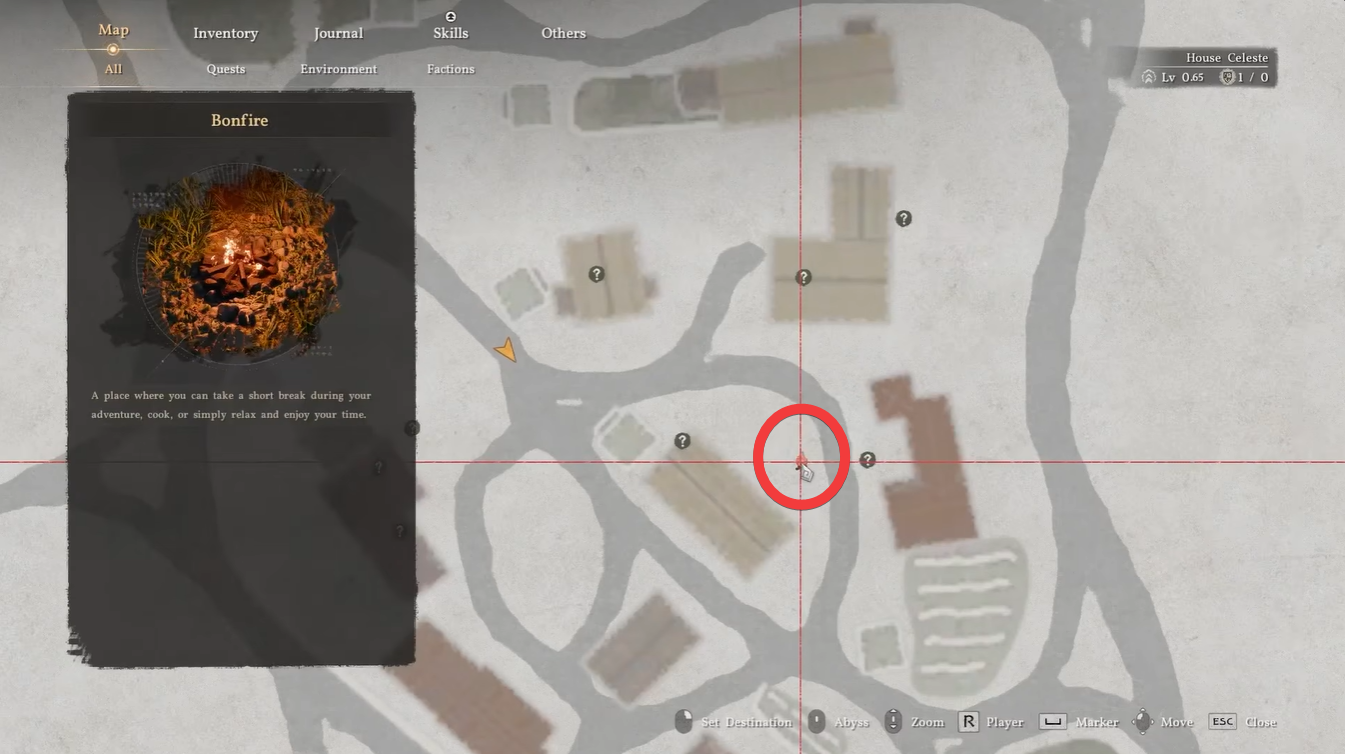
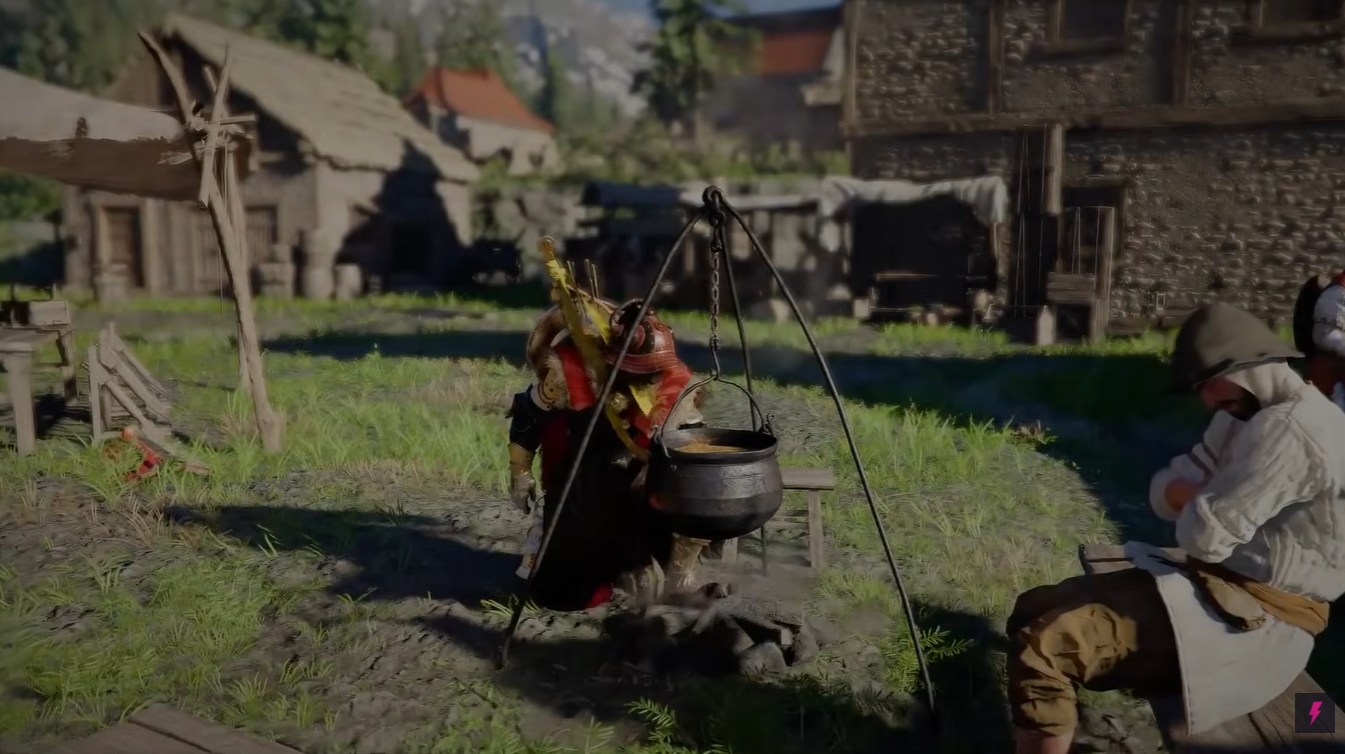
When you explore the map, look specifically for bonfires or cooking pots. These are usually placed near camps, outposts, or safe zones. As you approach one, your map or HUD will display an interaction icon, confirming that it can be used for resting.
Regular lamps, torches, or environmental lighting will not work, even if they visually resemble a campfire. This distinction is important because attempting to interact with the wrong object wastes time and breaks immersion.
How to wait or pass time in Crimson Desert
Step 1
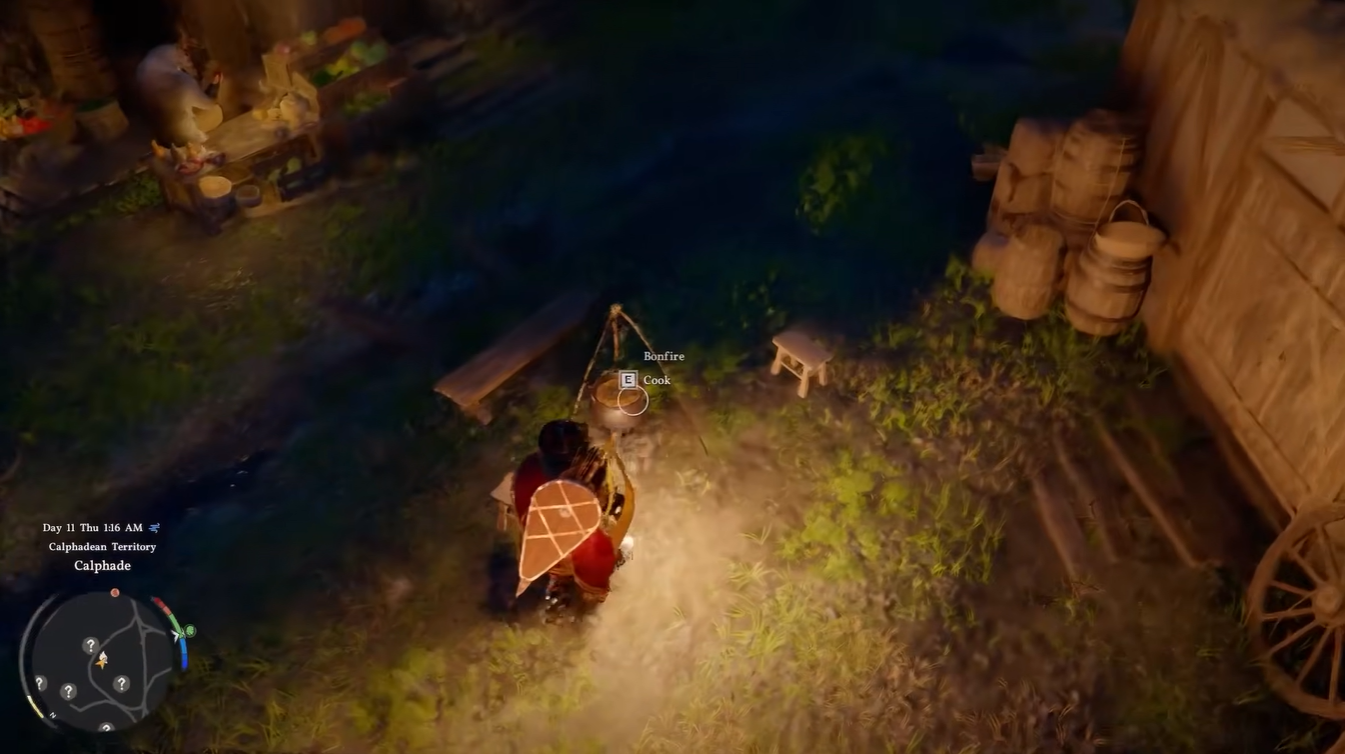
Locate a valid bonfire or cooking spot in your vicinity.
Focus on areas with signs of habitation like camps or travel routes, as these are the most reliable locations.
Step 2
Select the “wait” option from the menu.
This triggers the time-skipping interface.
Step 3
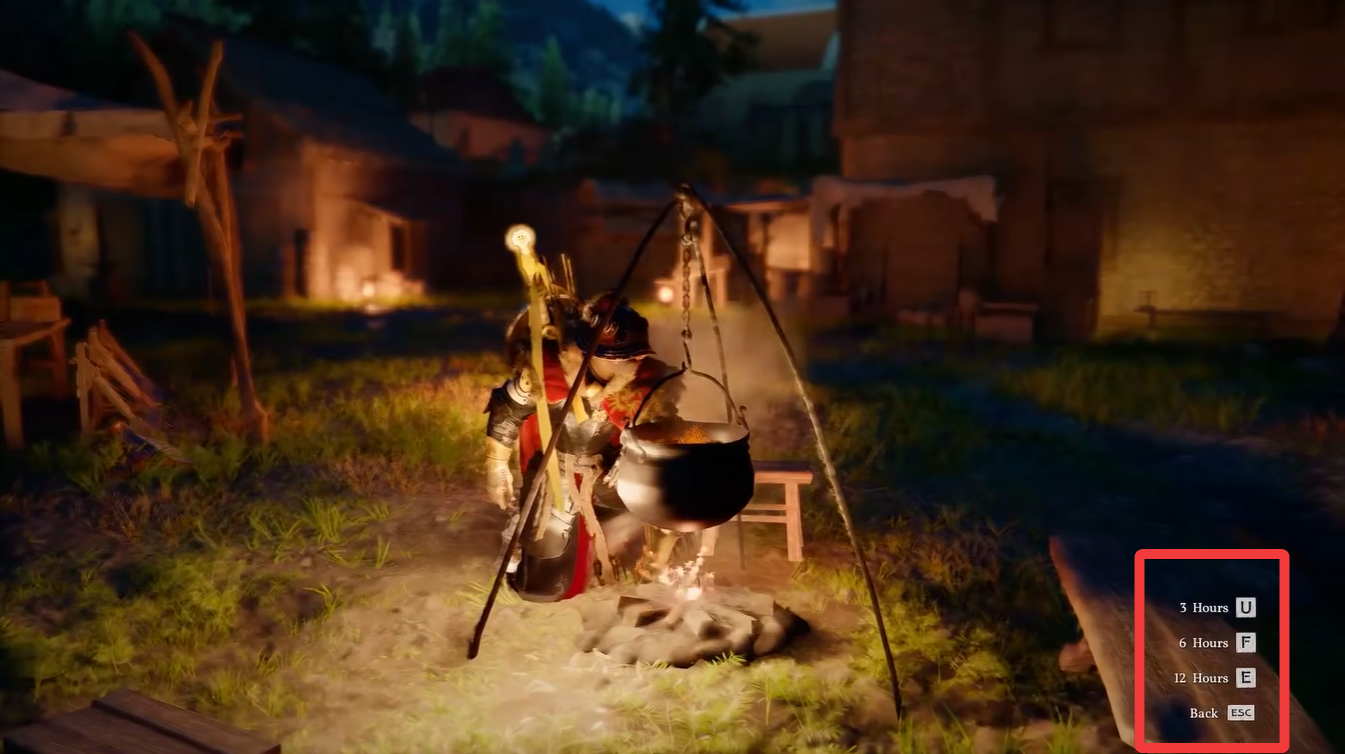
Choose how many hours you want to pass.
You can adjust this depending on whether you want dawn, daylight, or nighttime conditions.
Step 4
Confirm your selection and allow the game to process the change.
After a brief loading transition, the world will update to the selected time of day.
Situations where this mechanic becomes essential
Certain missions in Crimson Desert are significantly easier during daylight, especially exploration-heavy quests or those requiring environmental awareness. Nighttime can obscure pathways, reduce visibility, and make enemy encounters more unpredictable.
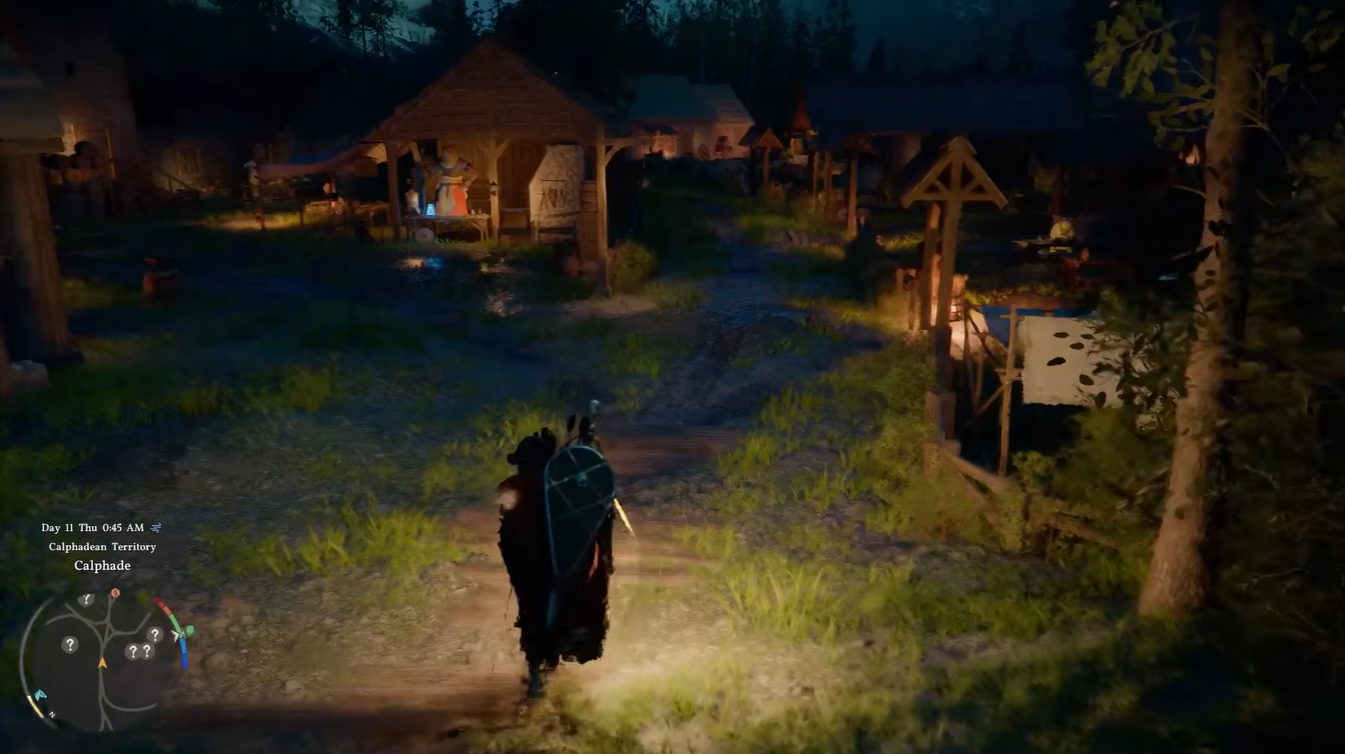
You’ll also notice that some NPC interactions or scripted events depend on specific times, making it necessary to adjust the clock manually rather than waiting passively.
Additionally, this mechanic is useful for immersion and strategy, allowing you to prepare for encounters under optimal conditions instead of reacting to unfavorable ones.
Common mistakes to avoid while trying to pass time
A frequent issue players face is trying to interact with the wrong objects, assuming any fire source will work. This leads to confusion and wasted time.
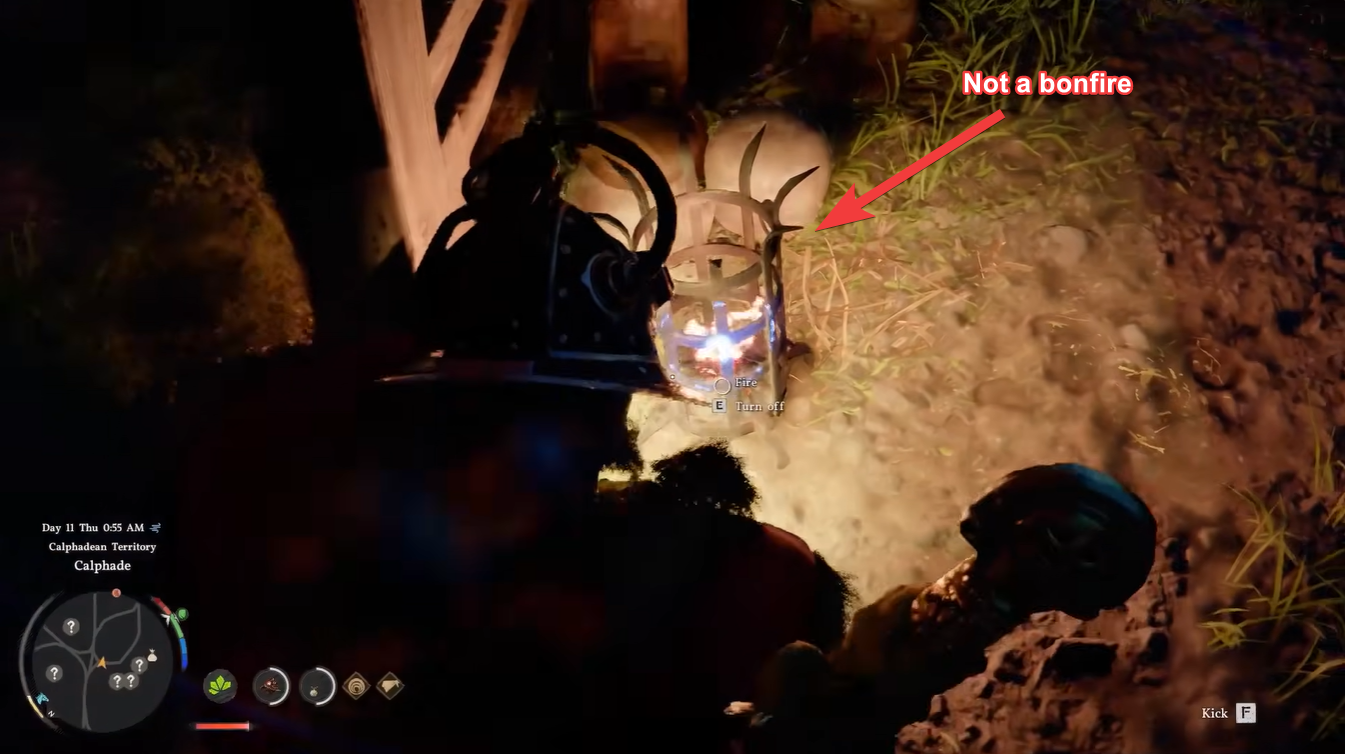
Another mistake is overlooking the map indicator, which is the most reliable way to confirm whether a bonfire is usable. Ignoring this visual cue often results in unnecessary trial and error.
Finally, some players forget that not all areas have immediate access to resting spots, so planning ahead and noting nearby camps can save effort during longer quests.




