


What to know
- You can feed your horse using items like sugar cubes, apples, oats, and sugar beet.
- Feeding can be done directly from inventory or by dropping food on the ground.
- If the horse doesn’t eat, it may not be hungry or the item may not be valid.
- A visual bug may show food still present even after it’s been consumed.
Taking care of your horse in Crimson Desert is essential if you want reliable travel and performance. Feeding your horse is a simple mechanic, but it can sometimes behave inconsistently due to minor bugs or unclear signals in the game. This guide walks you through how to feed your horse correctly and explains what to do if things don’t seem to work.
| Aspect | Details |
|---|---|
| Feeding Methods | Inventory use or dropping food |
| Common Food Items | Sugar cubes, apples, oats, sugar beet |
| Requirement | Horse must be nearby |
| Indicators | Horse animation and stat changes |
| Known Issue | Visual bug where food remains visible |
How to feed your horse in Crimson Desert
Feeding your horse in Crimson Desert revolves around proximity and correct item usage. Unlike some games where feeding is automated, here you need to manually initiate the process. You also need to pay attention to whether your horse actually needs food, as overfeeding is not always allowed.
Step 1
Call or move your horse close to your character so it is within interaction range. If the horse is too far, feeding options won’t trigger properly.
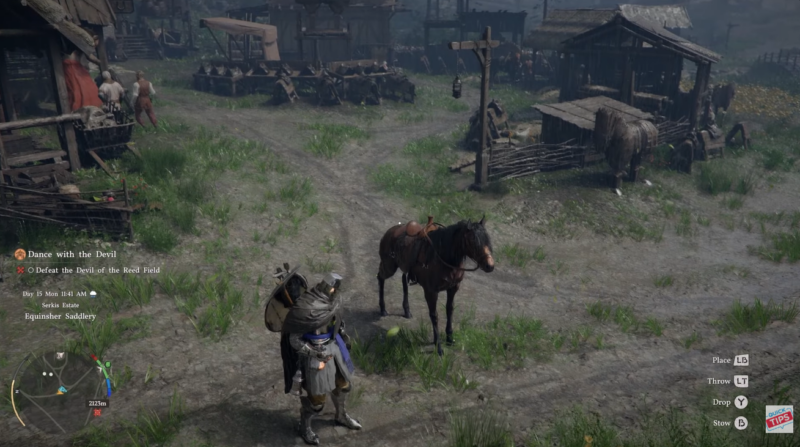
Step 2
Open your inventory and locate a valid food item such as sugar cubes, apples, oats, or sugar beet. These are commonly found or purchased early in the game.
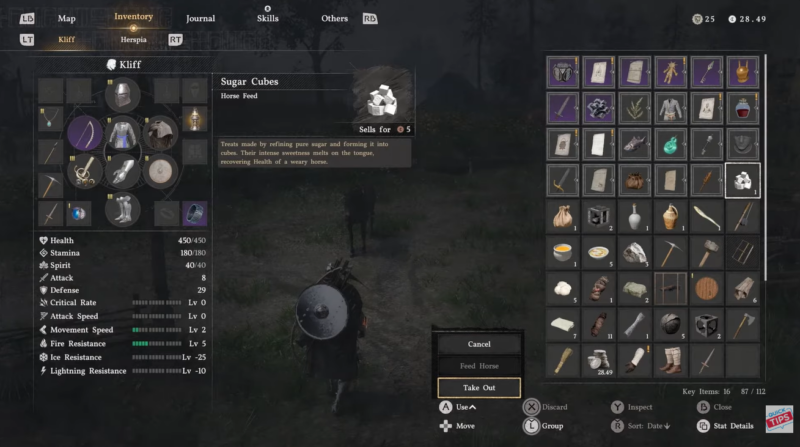
Step 3
Select the item and choose to use it directly on the horse. This is the fastest and most reliable method.
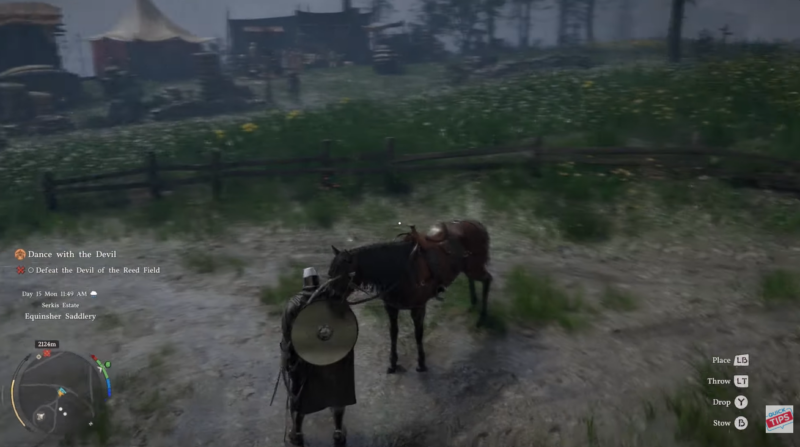
Step 4
Alternatively, drop the food item on the ground near your horse. Your horse may automatically walk up and eat it if it recognizes the item.
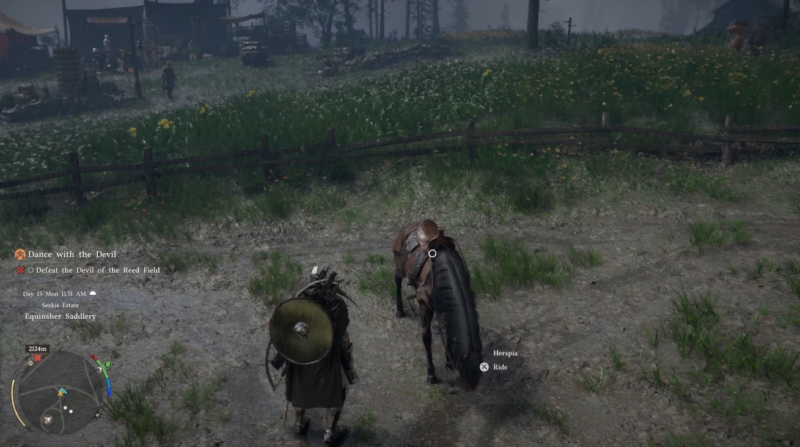
Step 5
Observe your horse’s reaction and stats to confirm feeding. A proper feeding usually triggers an animation or stat improvement.
Which items actually work as horse feed
Not every consumable item in the game is suitable for horses, even if it looks edible. You should stick to known safe options to avoid confusion.
| Item | Effectiveness | Notes |
|---|---|---|
| Sugar Cubes | High | Quick energy boost |
| Apples | Medium | Common and reliable |
| Oats | High | Ideal standard feed |
| Sugar Beet | Medium | Works but less common |
Using the wrong item can result in your horse ignoring the food entirely, which may look like a bug but is actually intended behavior.
Why horse might not be eating in your game
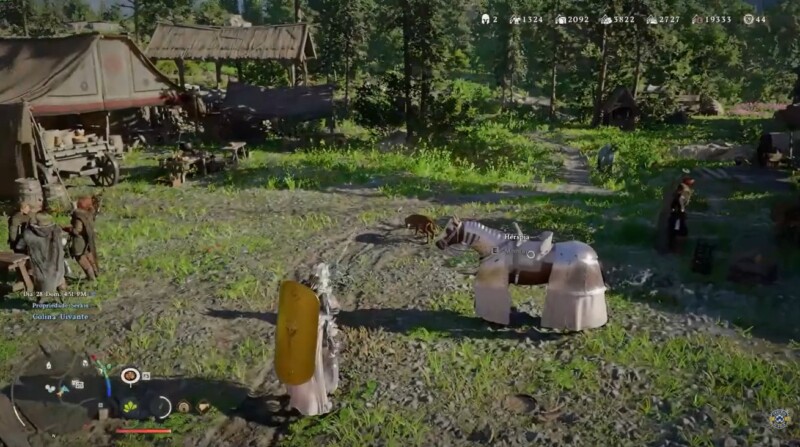
One of the most reported issues is the visual bug where the horse appears to eat, but the food remains on the ground. This can be confusing, especially if you’re trying to track resources.
Here’s what’s actually happening:
- The horse may have already consumed the item, but the game fails to update the visual state.
- The horse might not have been hungry, so no actual consumption occurred.
- The item could be incompatible, causing the animation to play without effect.
This is primarily a visual sync issue rather than a gameplay-breaking bug.
How to fix the horse feeding visual bug
If you encounter this issue, there are a few quick workarounds that usually resolve it without much effort.
Fix 1
Check your horse’s stats immediately after feeding. If stats improved, the food was consumed despite the visual glitch.
Fix 2
Try moving away and returning to the area. This can refresh the item state.
Fix 3
Save your game and reload. This is the most reliable way to fix desync issues.
Fix 4
Avoid repeatedly feeding if unsure. You might waste resources if the bug misleads you.
In most cases, the issue is temporary and does not impact long-term gameplay. However, if it persists frequently, it can become inconvenient, especially during extended exploration sessions.
Tips to make horse feeding smoother
You can avoid most feeding issues by sticking to a few simple habits. Always use known food items, keep your horse close, and rely on stat changes rather than visuals alone.
Feeding directly from inventory is generally more reliable than dropping items on the ground, especially if you want to avoid animation glitches.




