


What to know
- The bank “Refreshing” bug is a known issue affecting multiple regions like Hernand and other towns.
- It blocks access to stored items, disrupting quests and gear management.
- No permanent fix is live yet, but several workarounds are effective.
- Clearing your bounty at a church has helped some players restore access.
If you’ve encountered the frustrating “Refreshing” loop when trying to access the bank in Crimson Desert, you’re dealing with one of the most widely reported issues in the current build. While most fixes revolve around resetting your session, a newer community discovery suggests that your bounty status may also interfere with bank access.
Below is an updated and complete breakdown of all known solutions, including this newly reported workaround.
What are the bank bugs and issues in Crimson Desert
Crimson Desert bank issue appears to stem from a mix of server synchronization errors and player status conflicts. Most commonly, the game fails to properly sync your stored inventory when interacting with the bank.
| Bug | Description | Notes / Cause |
|---|---|---|
| Bank stuck on “Refreshing” | UI keeps loading indefinitely; no transactions visible | Players forced to relog/restart to fix |
| Deposits not showing up | Gold/items deducted from inventory but not reflected in bank balance | Often appears after fast travel or server sync delay (Has been patched in 1.00.03) |
| Withdrawals failing silently | Clicking withdraw does nothing (no error, no gold returned) | Likely UI or server response failure |
| Bank UI freezing | Menu becomes unresponsive when opening storage or switching tabs | Requires restart or menu exit |
| Desync between inventory & bank | Items appear in both places or disappear temporarily | Usually resolves after restart; caused by sync issues |
| Investment system not updating | Bank investments (interest/returns) don’t refresh or show incorrect values | UI not updating or backend delay |
However, newer player reports suggest that active bounties may interfere with certain services, including banking. This implies that the system might restrict or bug out when your character is flagged under specific conditions.
This would explain why clearing a bounty—something not directly related to inventory—can still resolve the issue.
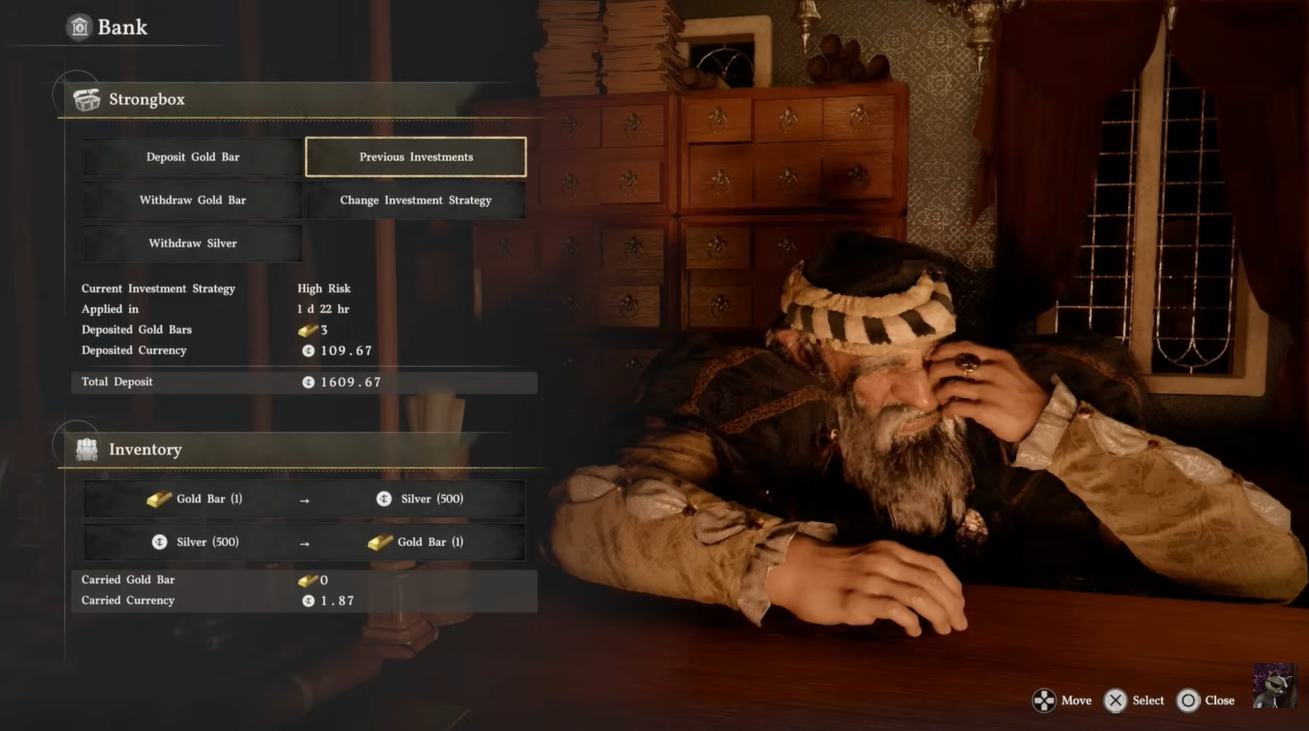
How to fix bank stuck on refreshing issue in Crimson Desert
Fix 1 – Reset your session using fast travel
Travel to a different region or town far from your current bank location. Wait a few seconds after arriving to allow the game to fully load. Return to the original bank and try again.
This forces a backend refresh of your character data, which often clears the bug.
Fix 2 – Force a reload by logging out
Exit completely to the main menu. Wait 30–60 seconds before logging back in. Re-enter and access the bank immediately. This resets your server connection and session state, resolving many sync issues.
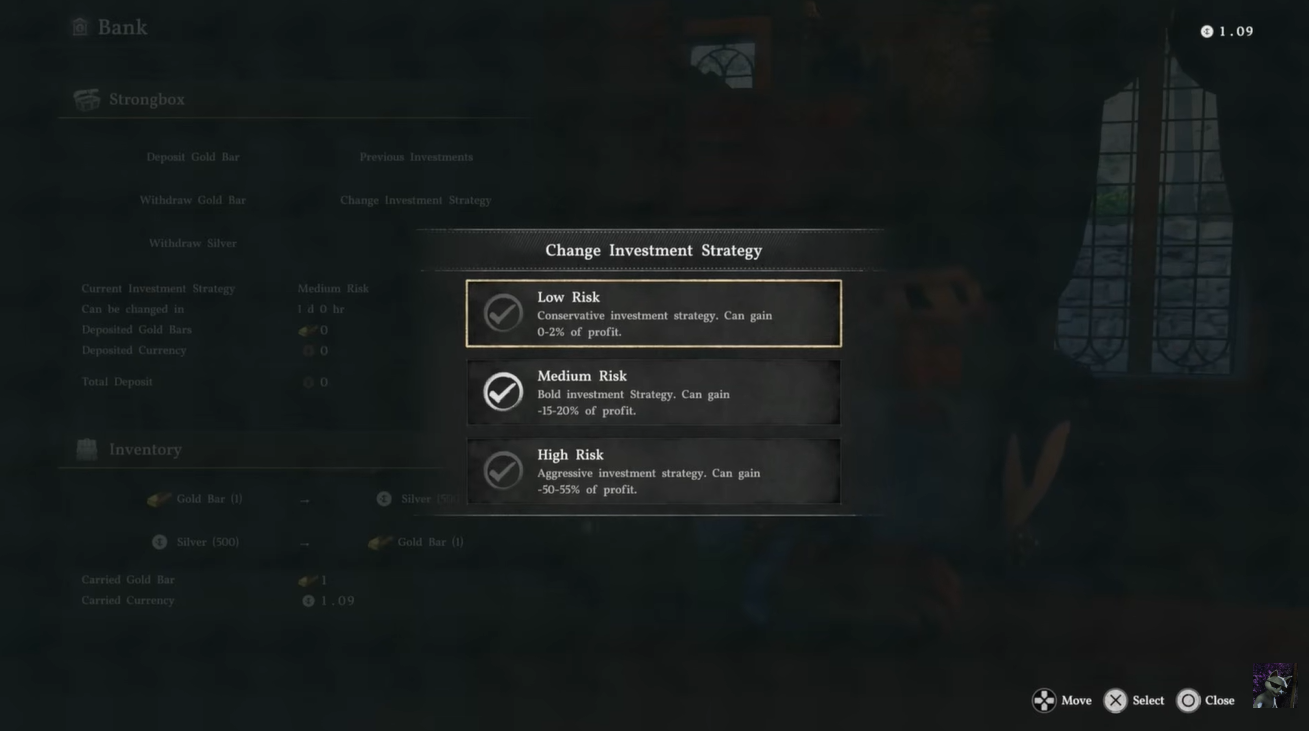
Fix 3 – Use another bank location workaround
Find a different bank NPC in another town. Access your storage there. Return to your original bank afterward.
Different locations can bypass the bug due to separate interaction instances. Not ideal if you have a lot of gold saved in a particular bank, but gives an idea if its a one-bank problem.
Fix 4 – Clearing your bounty at a church
Locate a nearby church or priest NPC in your current region. Interact and choose the option to clear or pay off your bounty. Confirm the action and ensure your bounty status is removed. Return to the bank and interact again.
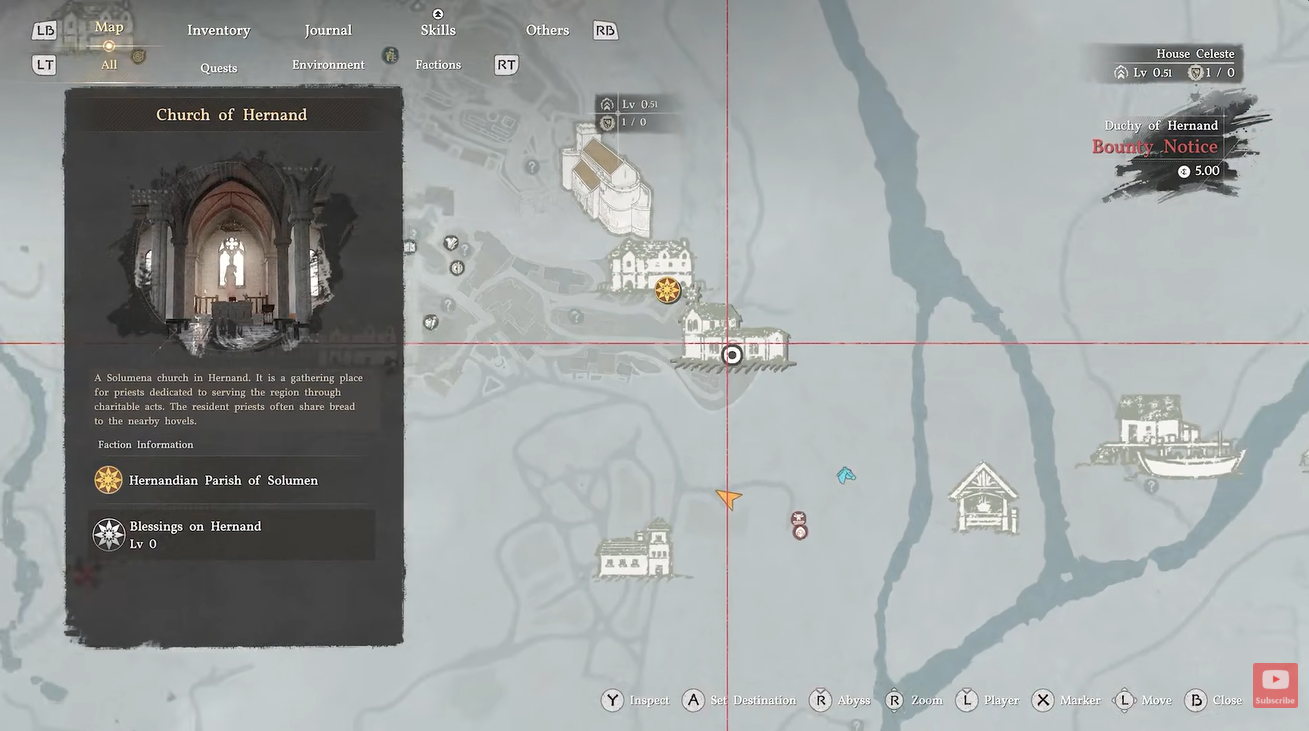
This method has worked for several players because removing bounty status may reset hidden restrictions or flags affecting services like banking. While not universally confirmed, it’s one of the more interesting and surprisingly effective fixes reported so far.
Additional workarounds players are using
Some players have managed to resolve the issue by interacting with other systems first, such as merchants or crafting stations, before attempting the bank again.
Others suggest manually adjusting your inventory, like moving items around, which can trigger a sync refresh.
For more persistent cases, a full game restart tends to provide better results than a simple logout.
When to expect an official fix for bank bug
The bug is still present in current gameplay, and no official patch has fully resolved it yet. Given its impact, it’s highly likely that developers are working on a fix related to inventory syncing and service access logic.
Until then, these workarounds remain the most effective solutions.
While this issue persists, it’s best to avoid storing essential quest items in the bank. Keeping critical gear in your inventory ensures you won’t get stuck mid-objective.
You should also try to access banks after a fresh login or after clearing any bounty, which seems to reduce the likelihood of encountering the bug.




