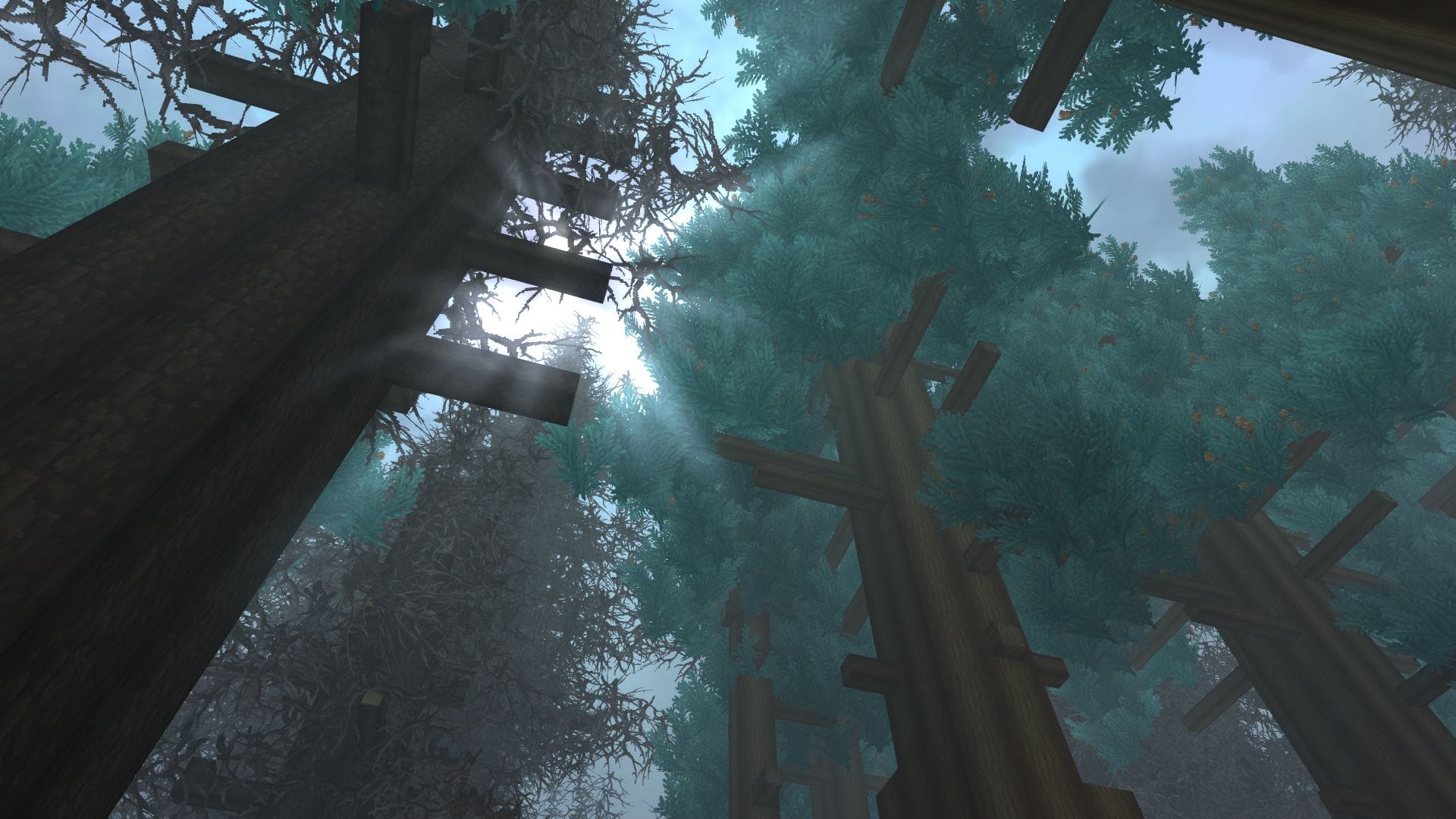
What to know
- You need an Arcanist workbench, Azure logs, and Azure kelp to craft the teleporter.
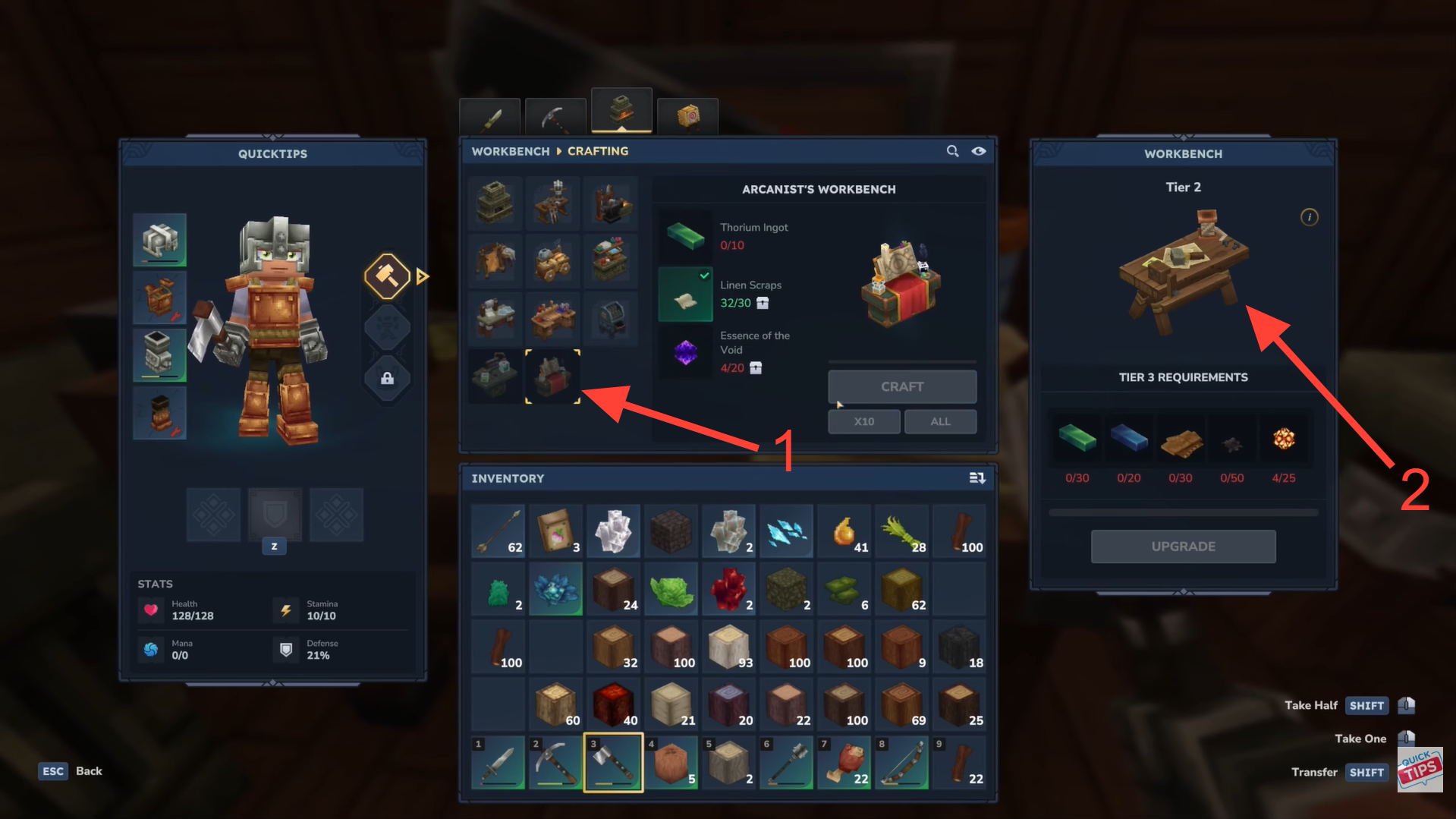
- The Arcanist workbench is made at a regular workbench using linen scraps, methods of voids, and thorium ingots.
- You must be at least tier 2 in the relevant skill to craft the Arcanist workbench.
- Once placed, teleporters can be named and linked so you can instantly warp between them.
Fast travel in Hytale becomes a breeze once you unlock teleporters. Using the Arcanist Workbench and materials like Azure Logs and Azure Kelp, you can craft teleporters, place them in the world, and link them for instant warps between locations. This guide walks you through everything, from crafting your first Arcanist Workbench and making teleporters, to naming, linking, and even creative mode shortcuts, so you can move across your world quickly and efficiently.
How to craft the teleporter
First, you need to make the Arcanist workbench, which is required to craft the teleporter.
Step 1: Unlock the tier and craft the Arcanist Workbench
Ensure your character is Tier 2 in the required skill so the teleporter recipe is available. Then, at a regular Workbench, craft the Arcanist Workbench using Linen Scraps, Essence of the Void, and Thorium Ingots, and place it in your world.
Step 3: Craft the Teleporter
Interact with the Arcanist Workbench and craft the Teleporter using:
- Azure Log: x8
- Azure Kelp: x2
- Any Stone: x10
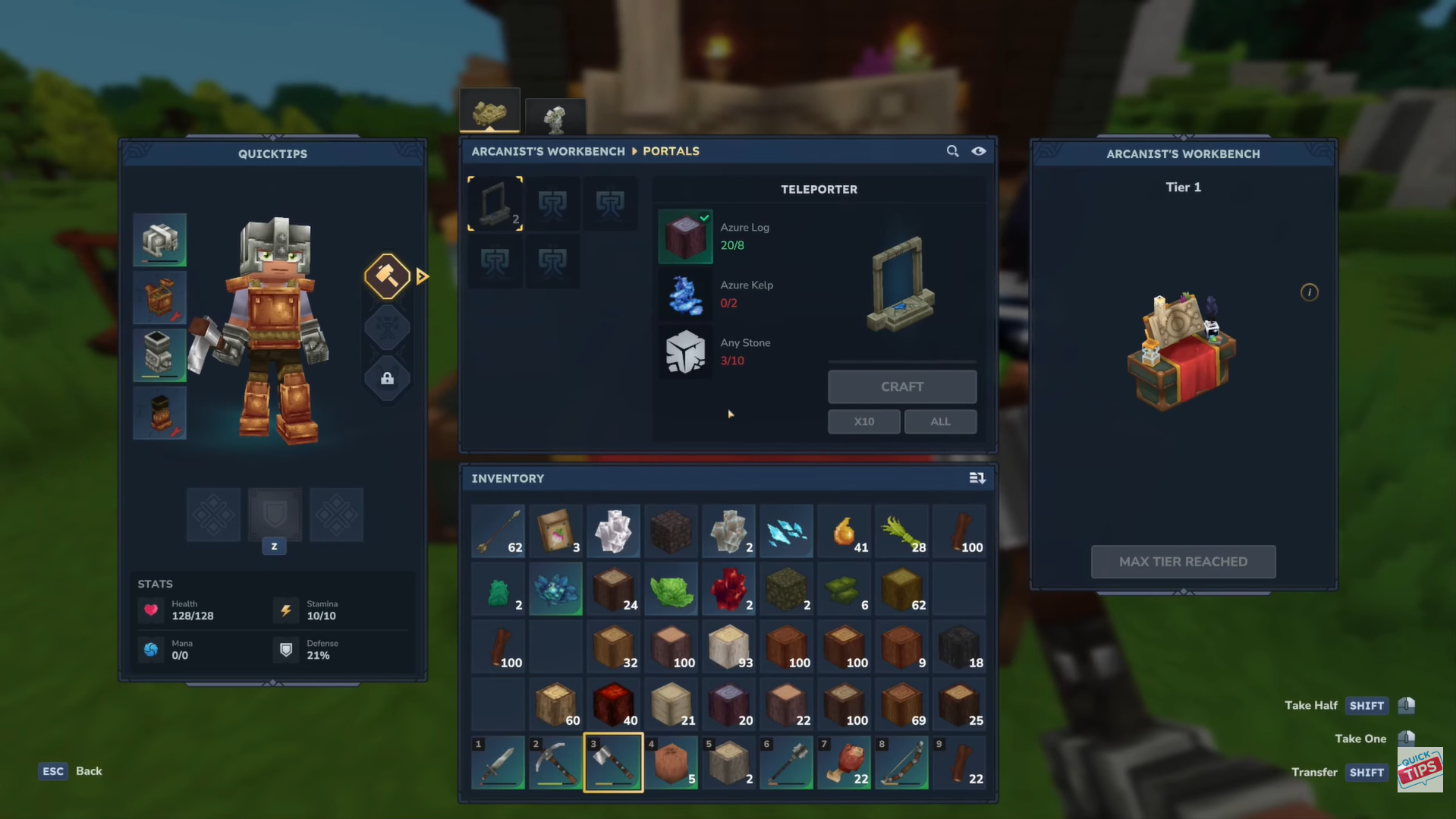
Crafting once will give you two teleporters, which are used as a linked pair.
How to place and name a Teleporter
To set up a teleporter, select it in your hotbar and place it where you want your warp point (e.g., at your base). Press F (or your interact key) to open its interface, give it a name like “Home,” and save the changes. The teleporter will now display a warp icon on your map, ready for use.
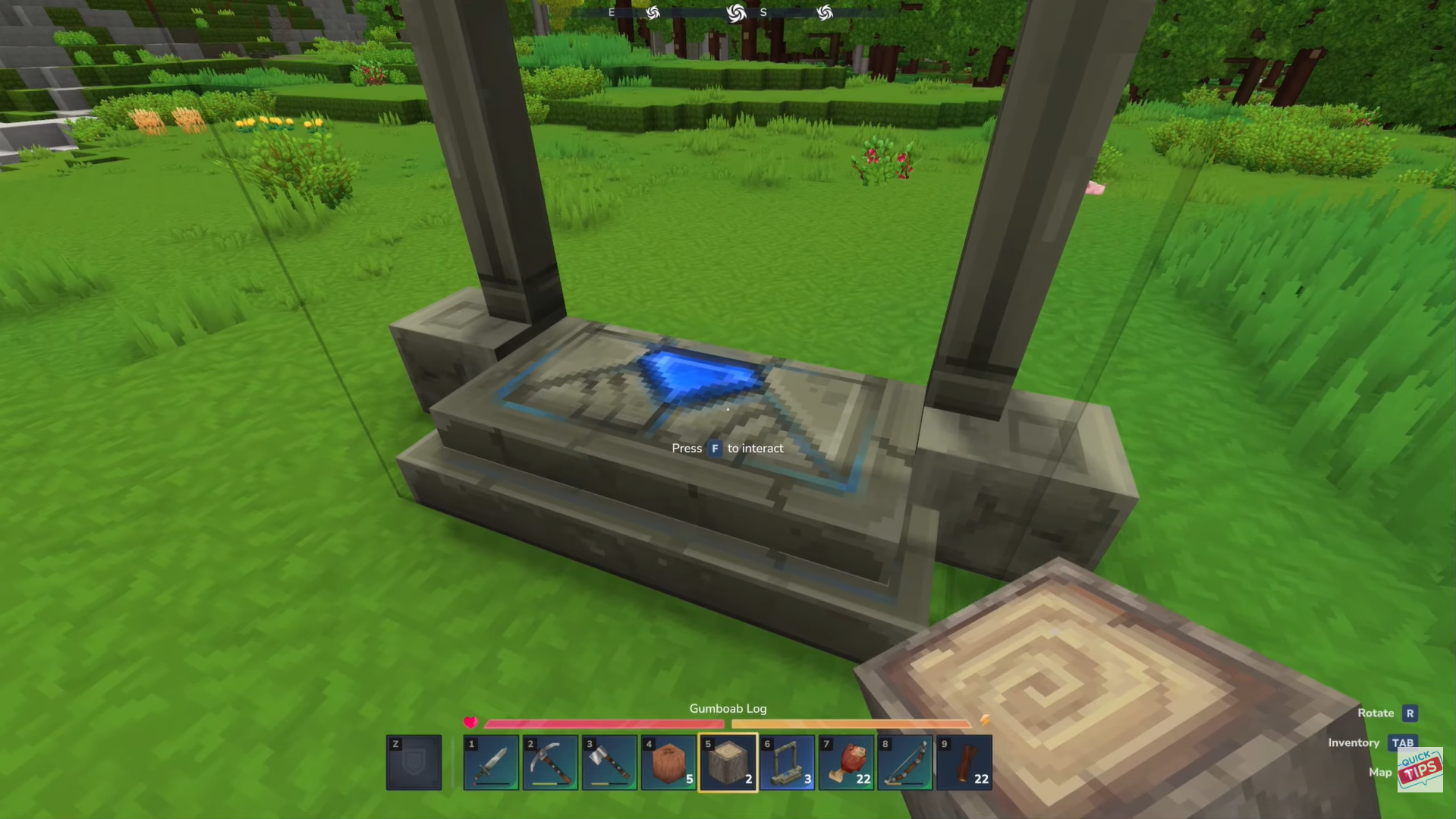
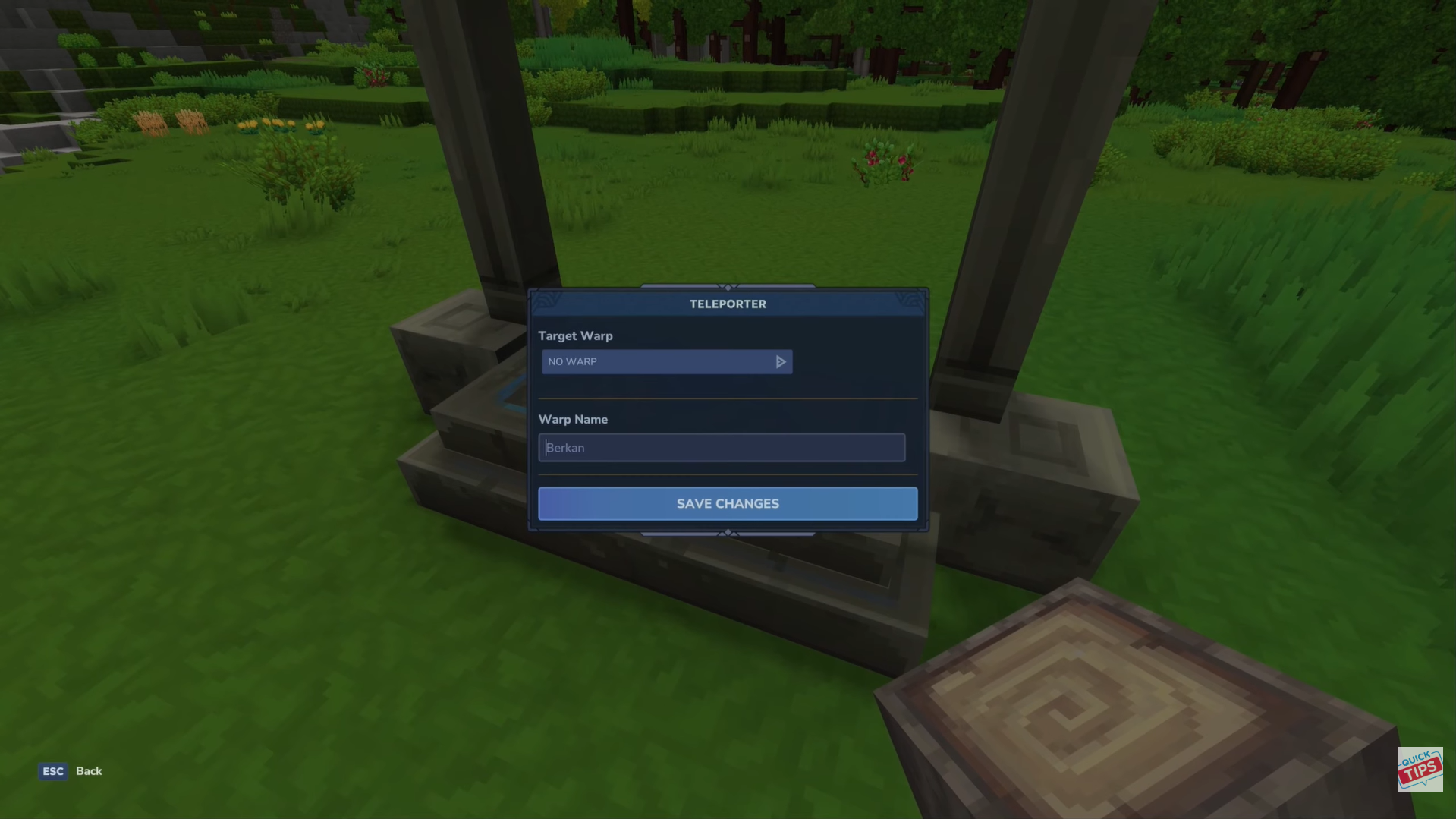
Place and name the Teleporter. Image credits: Hypixel Studios / YouTube: Quick Tips
How to link two Teleporters
Follow the steps below to learn how to use the Teleporters in Hytale:
Step 1: Place the second teleporter
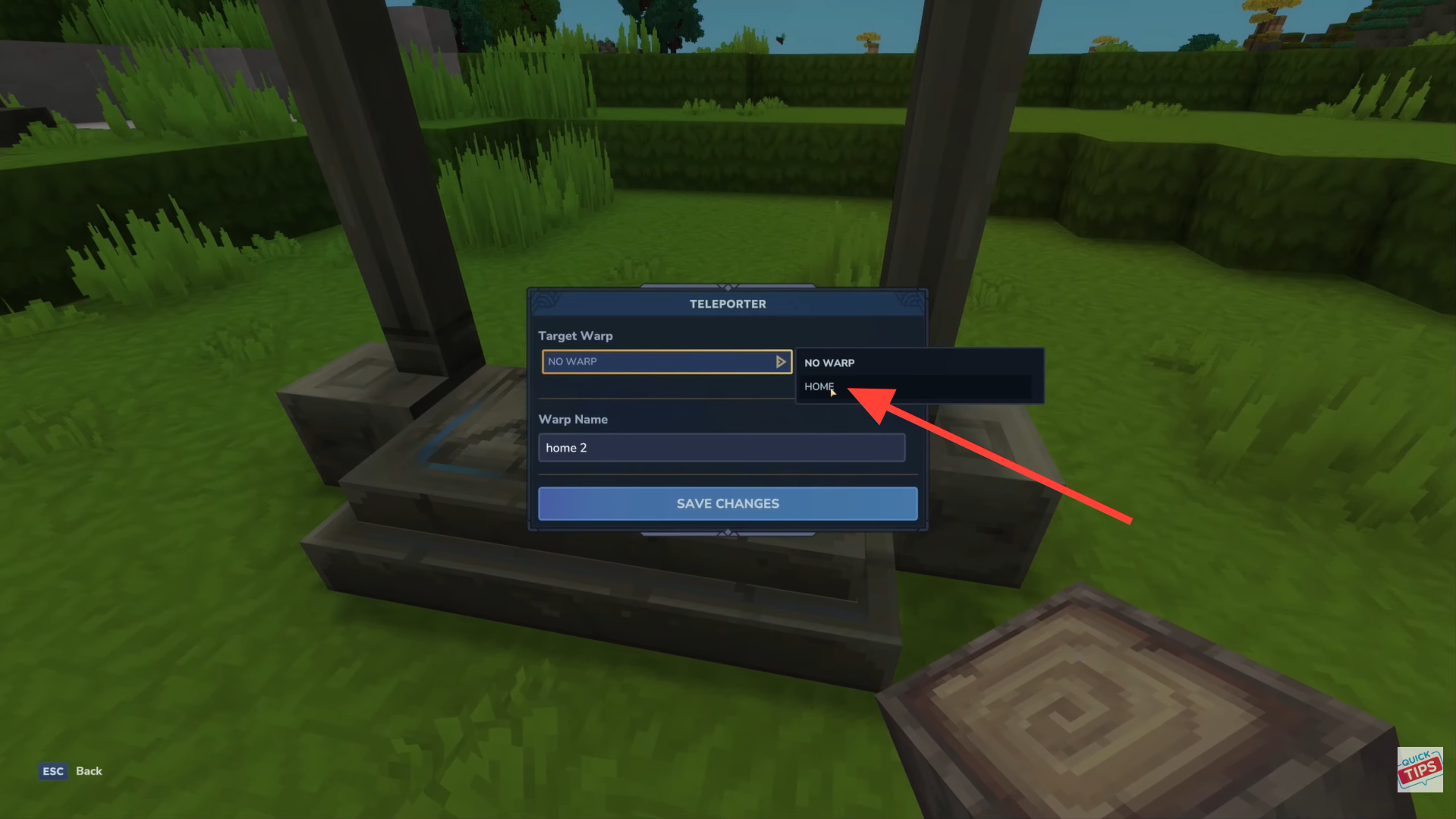
Put a teleporter at your second location (e.g., a distant area).
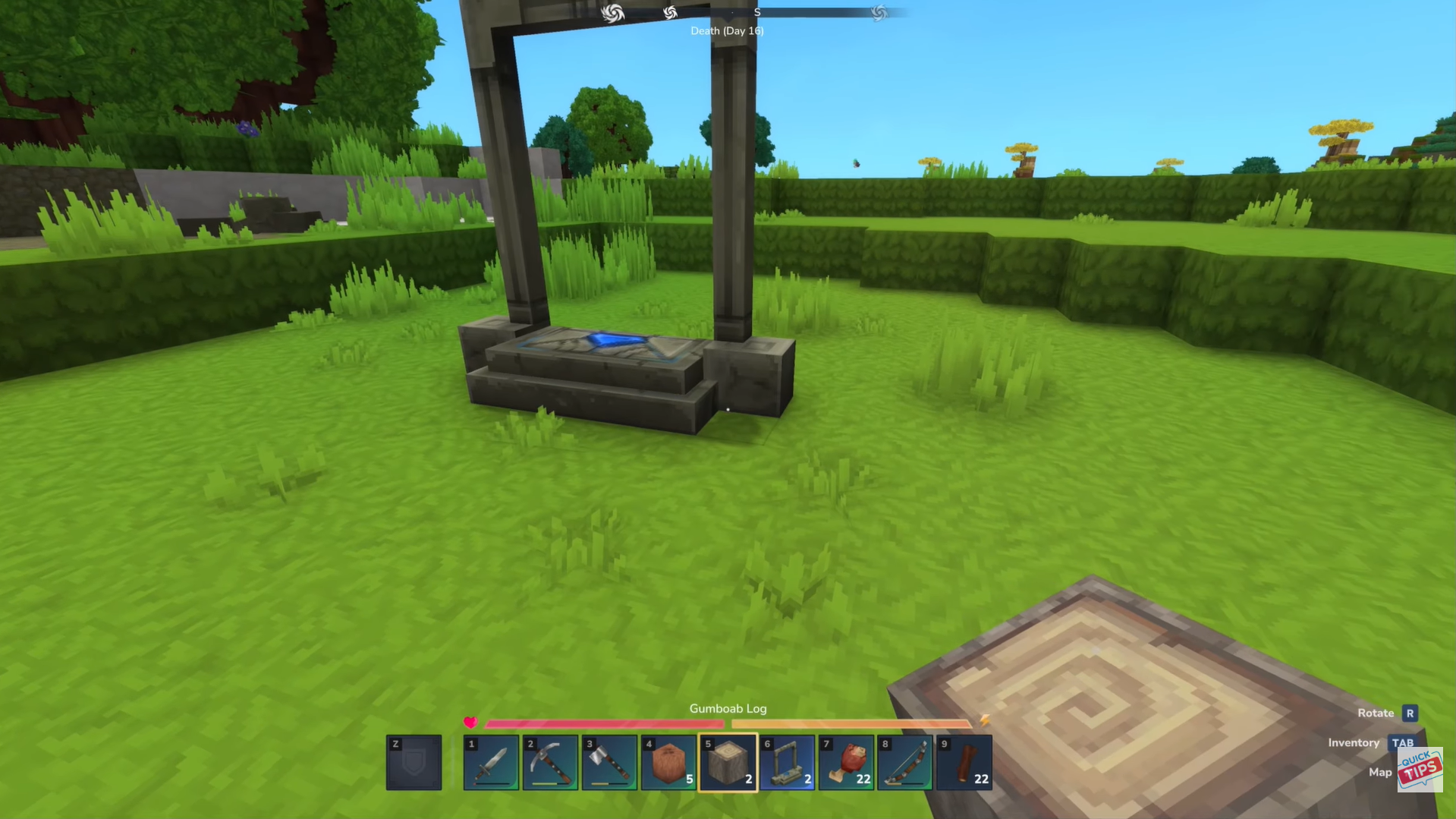
Step 2: Name and set target
Interact with the second teleporter, give it a name (e.g., “Home Two”), and set its target to the first teleporter (e.g., “Home”). Save the changes.
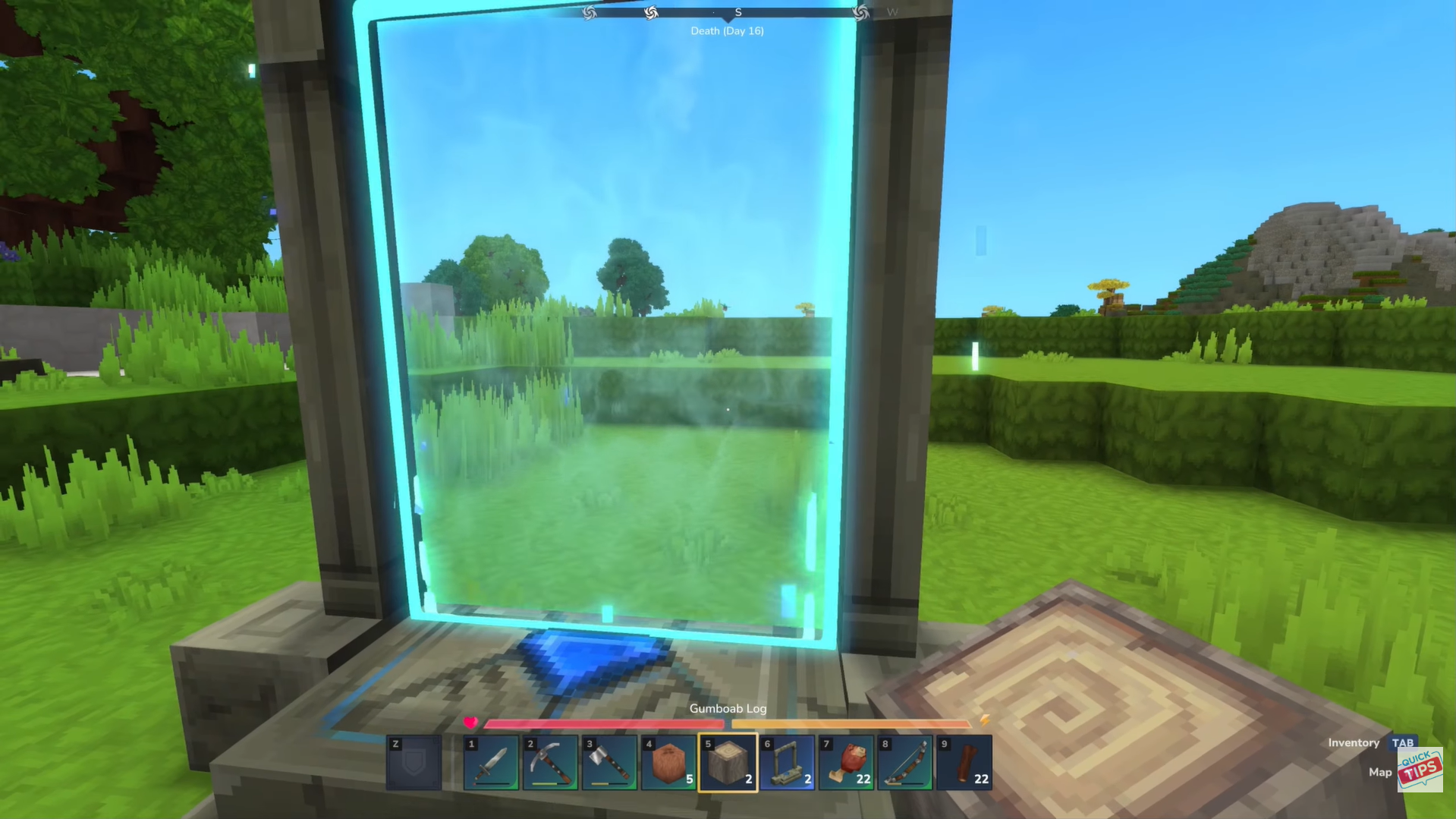
Step 3: Teleport to the first location
Step into the second teleporter to instantly warp to the first.
Step 4: Set up return teleport
Interact with the first teleporter, set its target back to the second teleporter, save, and step in to warp back.
Bonus: Creative mode teleport
If playing in creative mode, there’s a quick way to teleport without building:
- Open your map and right‑click on any spot.
- A teleport button will appear; use it to instantly move there.
Unlocking fast travel with Teleporters
In Hytale, teleporters make traveling across your world quick and effortless. Craft them at the Arcanist Workbench using Azure Logs and Azure Kelp, then place and name each one. Link each teleporter to its destination, and with a simple step through, you can instantly warp between locations, perfect for exploring, farming, or connecting distant bases.
Thanks for reaching the end! Share your experience or doubts in the comments below—we read them closely and try to reply as quickly as possible.