

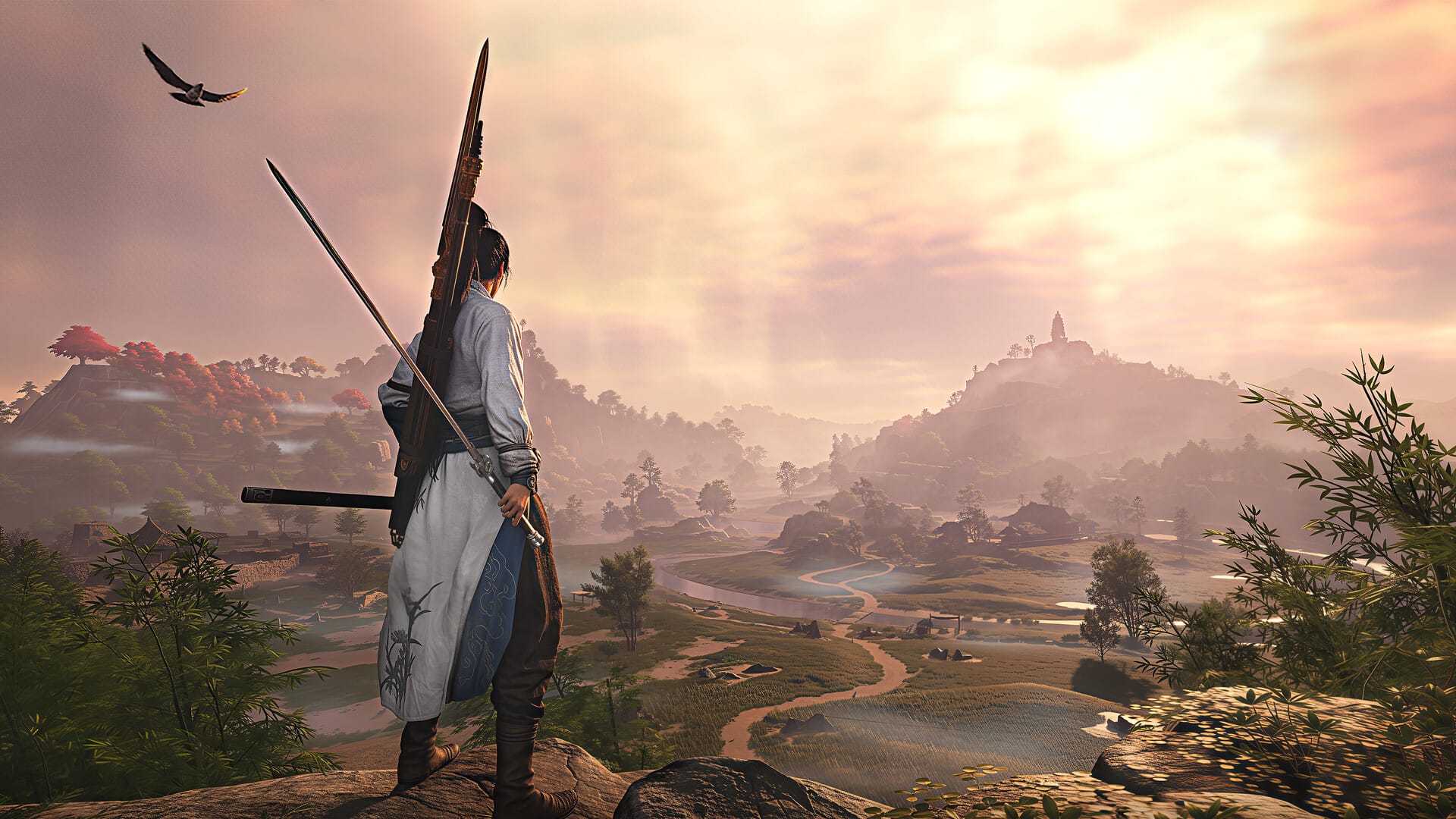
Struggling to switch to solo mode in Where Winds Meet? A massive recent update resolves this common login issue for many players.
The server-dependent solo mode access can be frustrating for Where Winds Meet players during peak times or bugs. You might find yourself looped at the login screen despite good connections. Fortunately, developer updates and community fixes provide reliable paths forward.
How to fix can’t enter solo mode bug
Follow these detailed steps from community successes and recent patches.
Step 1
Launch Steam, right-click Where Winds Meet > Properties > Installed Files > Verify Integrity (repairs files). Restart launcher.
Step 2
In launch window, select “Repair Client” if visible; wait 5+ mins on main screen post-relaunch.
Step 3
Download and install the full 76GB update (v1.2, Jan 9 2026 UTC+8). Users confirm solo access after downloading this update.

Step 4
If persistent, use official site launcher: Download from developer page, login separately, force-quit Steam version.
The v1.2 patch (Jan 9) raised solo cap to Lv.11, added Kaifeng region/bosses, but primarily stabilized mode switching amid high traffic. Earlier patches fixed signpost/voice bugs in solo.




