What to know
-
Outdoor sleep is triggered from the small quick menu on PlayStation by holding L2 and choosing the moon icon with Zs
-
On PC, first press X. Then hold 1.
-
It is meant for short rests rather than a full, efficient night of recovery.
-
This option is useful when you cannot or do not want to place the bivouac tent.
-
You can do it wherever you are standing, as long as you can safely pause to rest.
You do not always need the bivouac tent to recover in Cairn, and that is a big quality-of-life win when you are mid-route, low on time, or simply trying to keep moving. Outdoor sleep is a quick action you can trigger from the same tiny on-screen menu you use for other small utilities, so it is easy once you know where to look.
| Topic | Quick details |
|---|---|
| What it does | Lets you sleep outside without using the bivouac tent. |
| Platform shown | PlayStation controls are demonstrated. |
| Input (PS) | Hold L2 to bring up the quick menu. |
| Input (PC) | Press X |
| What to select | Choose the moon icon with Zs to sleep. |
| Best use case | Short recovery when you do not want to set up the tent. |
How to sleep outdoors outside of the tent
Step 1
Get to a safe spot where you can stop for a moment without immediately needing to move.
Step 2
Hold L2 on PlayStation to open the small quick menu.
On PC, press X.
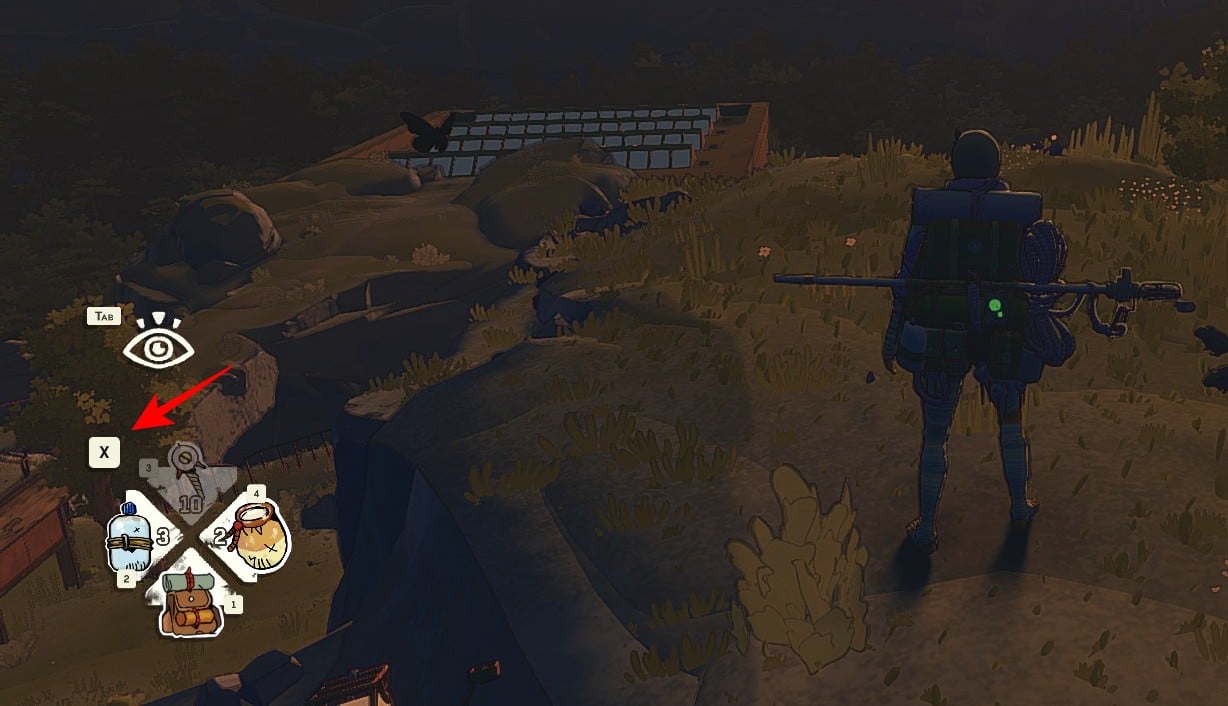
Step 3
Look for the moon icon with Zs in that menu.
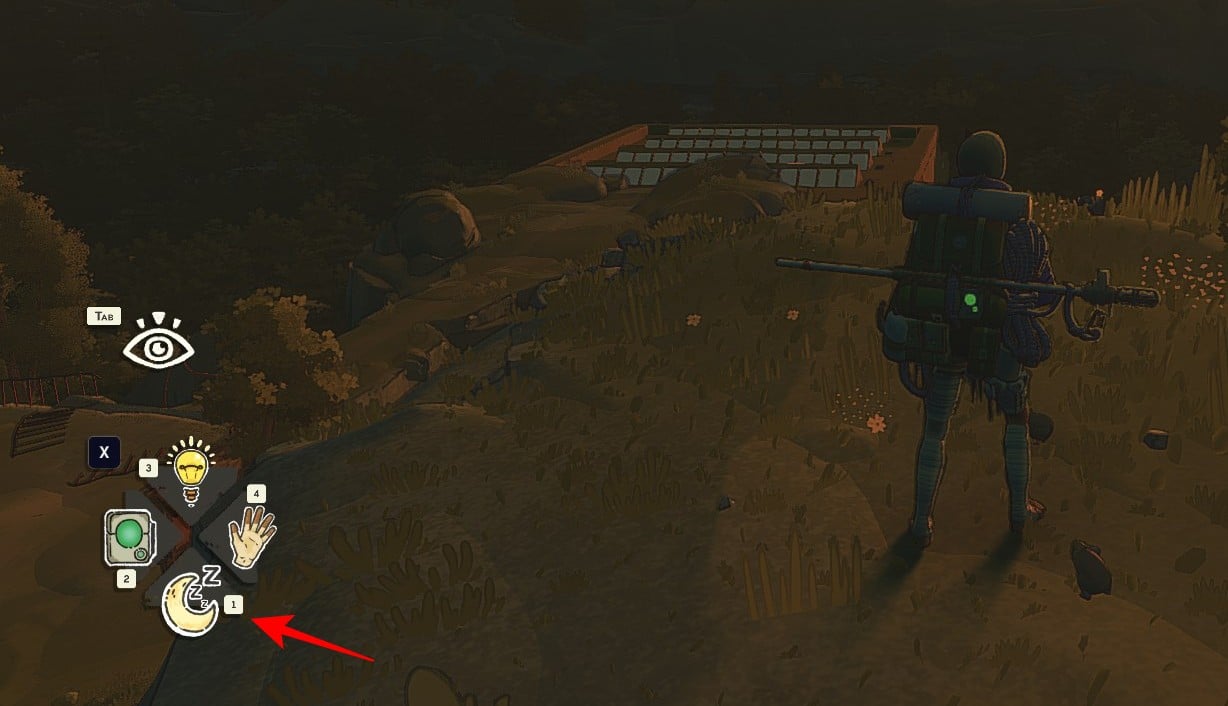
Step 4
Hold the button for the moon with Zs to sleep outdoors.
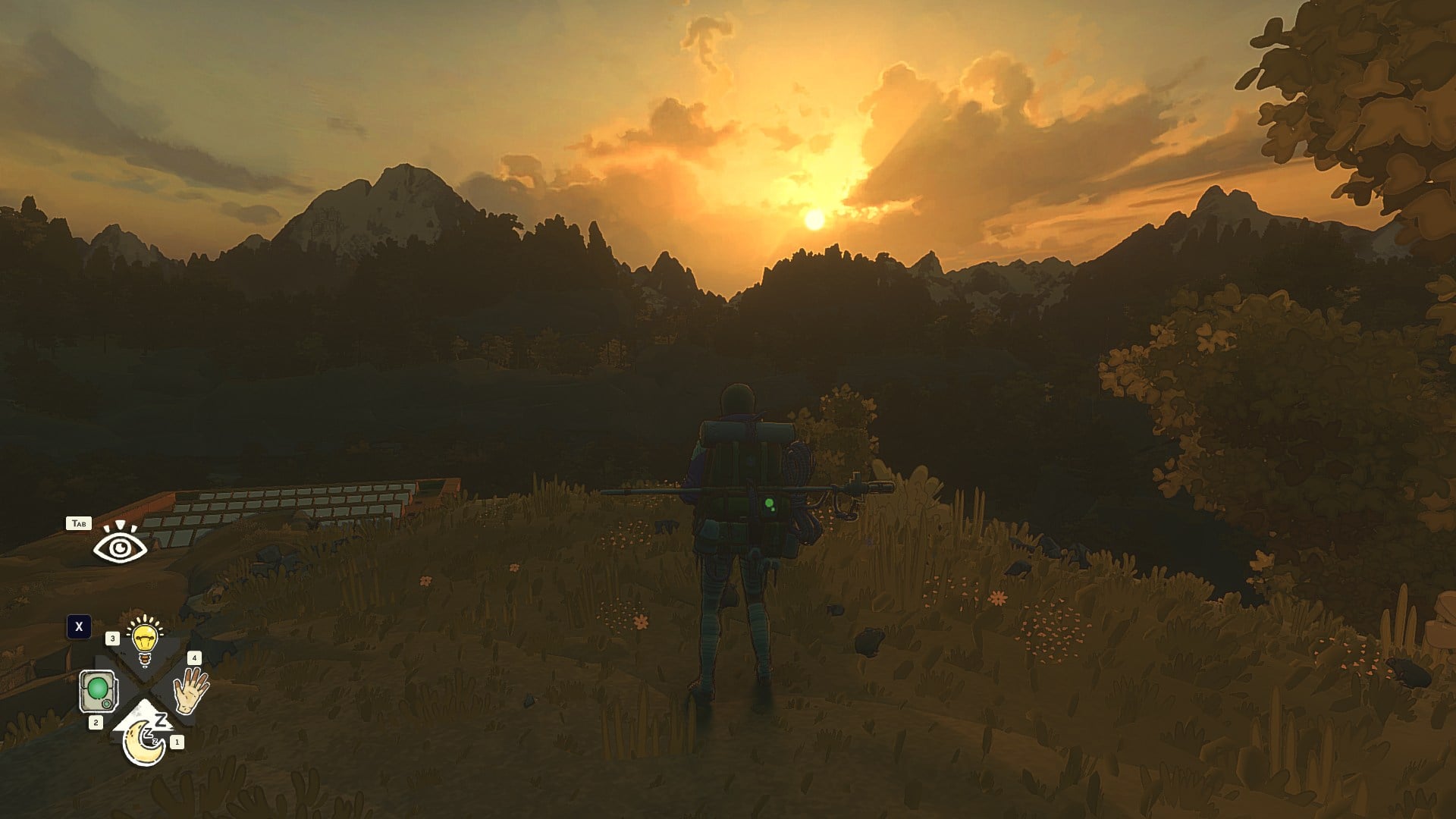
Note that this will only lead to a short sleep, and won’t be enough for deep rest.
Step 5
Whenever you want to wake up, simply press Space (PC).
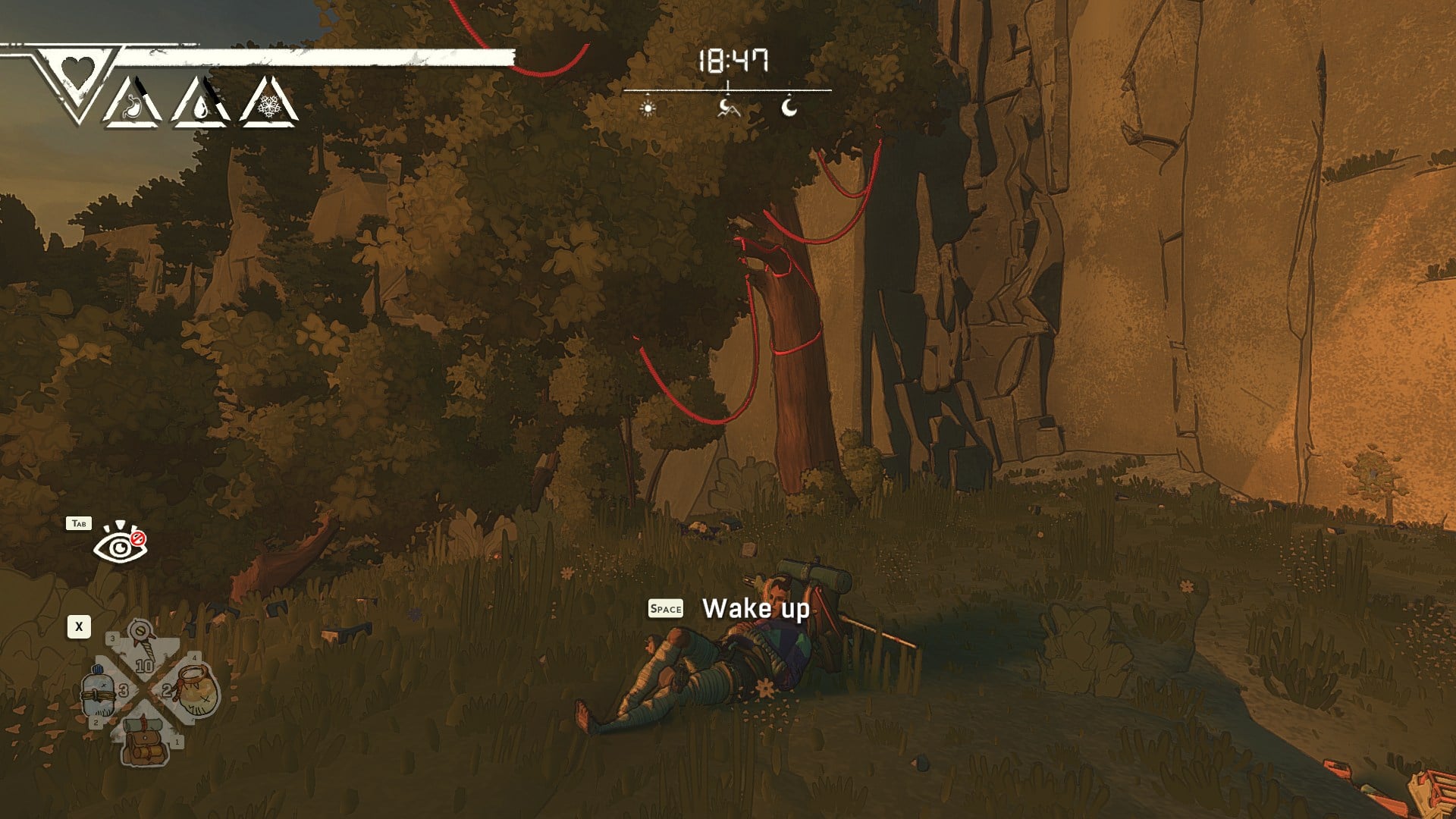
Why you would sleep outside instead of using the tent
Outdoor sleep is the lightweight option: it is fast to trigger and does not require you to deploy anything first.
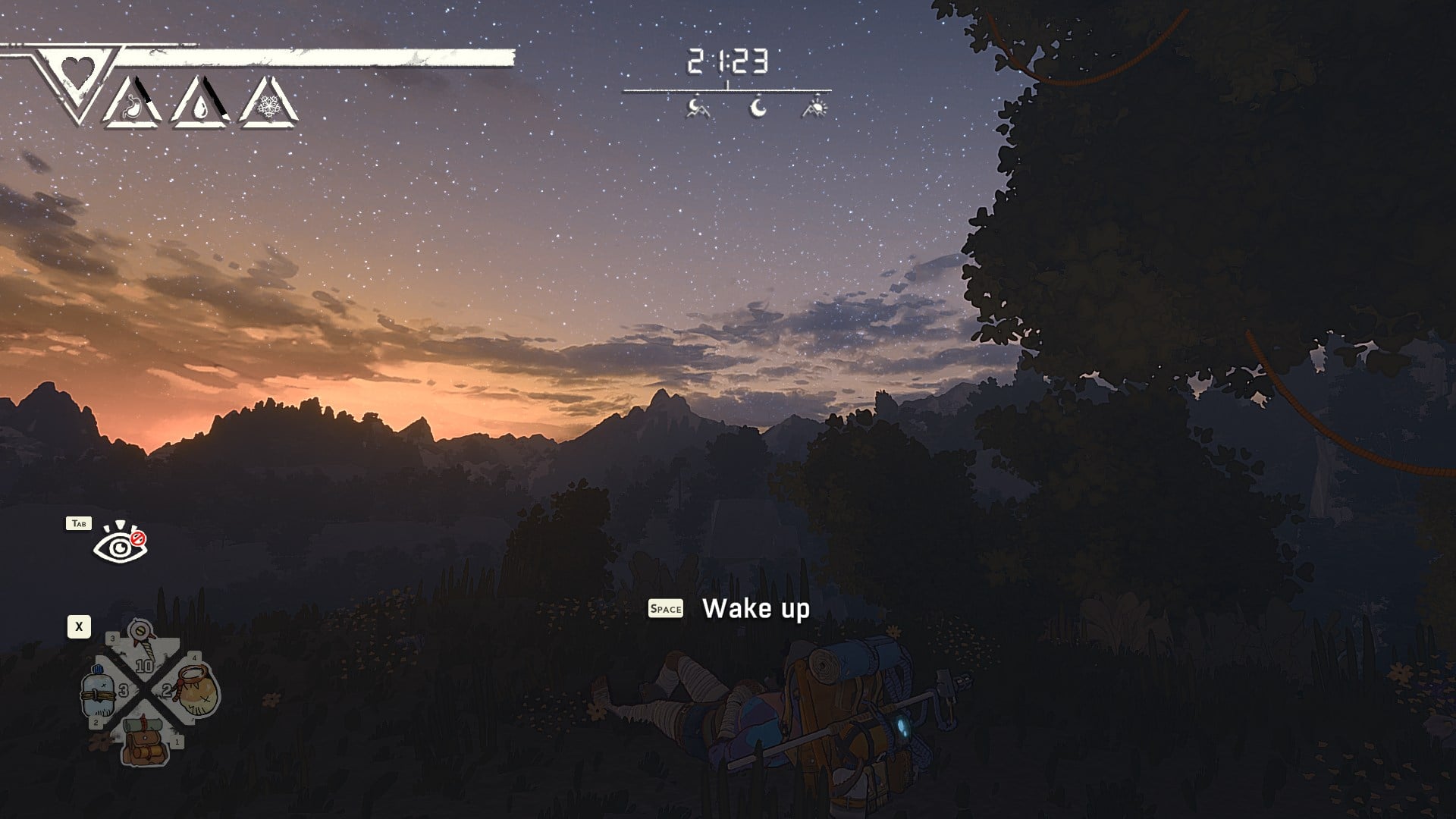
In practice, it is the kind of mechanic you use when you are managing risk and time, like taking a brief rest before you commit to the next tricky section.
If you want a simple backup to tent sleeping, the outdoor option is straightforward: hold L2, pick the moon-with-Zs icon, and take a short rest. Once it is in your muscle memory, you can treat it like a quick reset button when you are not ready to commit to a full bivouac.