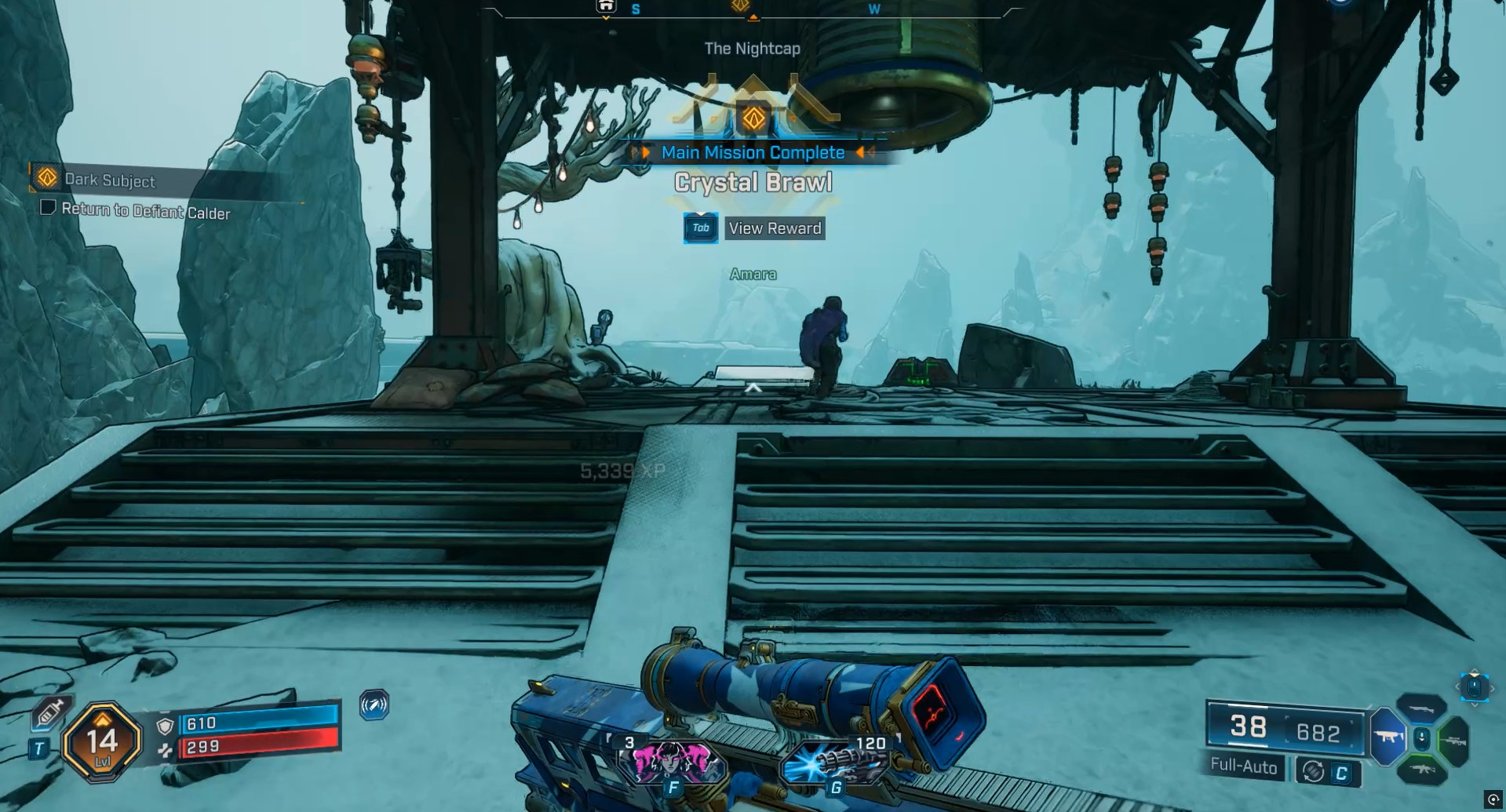
Borderlands 4 pushes PC hardware harder than any previous series entry. Here’s a practical breakdown of everything you need to know to get up and running on modern hardware.
What to know
- Minimum specs demand at least an Intel Core i7-9700/Ryzen 7 2700X, 16GB RAM, and an SSD.
- NVIDIA RTX 2070/AMD RX 5700 XT or better is required, plus 8GB VRAM.
- You’ll need 100GB SSD storage and Windows 10/11 (64-bit).
- Eight CPU cores (or equivalent) are now a baseline for performance.
If you’re planning to play Borderlands 4 on PC, expect much higher hardware demands than previous titles. Whether you want to jump in on older hardware or future-proof your setup, here’s a step-by-step guide covering specs, settings, and PC readiness.
Borderlands 4 minimum PC specs in detail
Unlike past Borderlands games, Borderlands 4 sets a surprisingly high bar for minimum specs. This is likely due to its open-world design and lack of loading screens, demanding more from both CPU and storage.
| Component | Minimum Spec |
|---|---|
| OS | Windows 10 / Windows 11 (64-bit) |
| CPU | Intel Core i7-9700 / AMD Ryzen 7 2700X (8 cores) |
| RAM | 16 GB |
| GPU | NVIDIA GeForce RTX 2070 / AMD Radeon RX 5700 XT |
| VRAM | 8 GB |
| Storage | 100 GB SSD |
| Others | 64-bit processor required |
These requirements will let you play at 1080p, 30 FPS, with settings on Low.
Why the specs are so high for this game
Borderlands 4 moves to a seamless open world, meaning your PC must stream new environments quickly. The game specifically requires an SSD for this reason, and the demand for 8 CPU cores—rather than just threads—is intended to support smoother streaming and more complex background processing.
Expectations for graphics have also risen, so even at minimum, an older mid-level card like the RTX 2070 is now just enough.
Do the minimum specs really hold up in practice?
Early reports from testers indicate that running Borderlands 4 right at minimum specs yields playable framerates, but with some visible stuttering and long asset streaming times. If your system doesn’t quite meet all specs, lowering resolution and effects further can help, but for a truly smooth experience, having hardware closer to or beyond the recommended specs is advised.
Comparison: minimum vs. recommended specs
For those considering an upgrade, here’s a side-by-side for clarity:
| Requirement | Minimum (1080p/30fps, Low) | Recommended (1440p/60fps, Medium) |
|---|---|---|
| CPU | i7-9700 / Ryzen 7 2700X | i7-12700 / Ryzen 7 5800X |
| RAM | 16 GB | 32 GB |
| GPU | RTX 2070 / RX 5700 XT | RTX 3080 / RX 6800 XT |
| VRAM | 8 GB | 10 GB |
| Storage | 100 GB SSD | 100 GB SSD |
| OS | Win 10/Win 11 (64-bit) | Win 10/Win 11 (64-bit) |
Step-by-step: preparing your PC for Borderlands 4
- Check your core hardware: Use PC info tools to check CPU, RAM, and GPU specs.
- Install on an SSD: Borderlands 4 will not install on an old-school hard drive.
- Update to Windows 10 or 11: Older Windows versions are not supported.
- Confirm VRAM total: Make sure your graphics card has at least 8GB.
- Free up space: At least 100GB of SSD storage must be available.
- Close background apps: Reduces memory and CPU load for smoother gaming.
What if your PC is a bit behind?
If your CPU has fewer than 8 cores (but supports many threads), the game may still run, albeit below optimal performance. Similarly, older GPUs with less than 8GB VRAM may start but expect reduced visuals and possible crashes or artifacting. Upgrading RAM to 16GB or more is a major help.
Ready for the vault hunt?
Borderlands 4 is a bold leap in scope for the franchise, and its PC requirements reflect this shift. If your PC meets or exceeds the minimum specs—especially if you’re running an SSD and a recent multi-core CPU—you’re set for hours of looting mayhem. For the smoothest experience, aiming for recommended hardware is strongly advised.