What to know
- Grass removal is done through the Build Menu, not with tools or weapons.
- Use the Natural Decor → Terrain section to replace grass.
- Set the terrain brush to the smallest size for precision.
- You can swap grass with sand or soil to design paths and clear zones.
If you are redesigning your island in Starsand Island, removing grass is part of the landscaping system rather than a destruction mechanic. The game treats grass as terrain, meaning you replace it instead of deleting it. Once you understand where the option sits inside the build interface, clearing areas becomes quick and controlled.
| Feature | Details |
|---|---|
| Method | Build Menu terrain replacement |
| Menu Path | Build → Natural Decor → Terrain |
| Replacement Options | Grass, Sand, Soil |
| Best Brush Size | Smallest setting for precision |
| Main Uses | Paths, farms, decorative zones, clean layouts |
The grass removal system works by swapping terrain types. You are not erasing the ground but painting over it with another terrain option.
Step 1
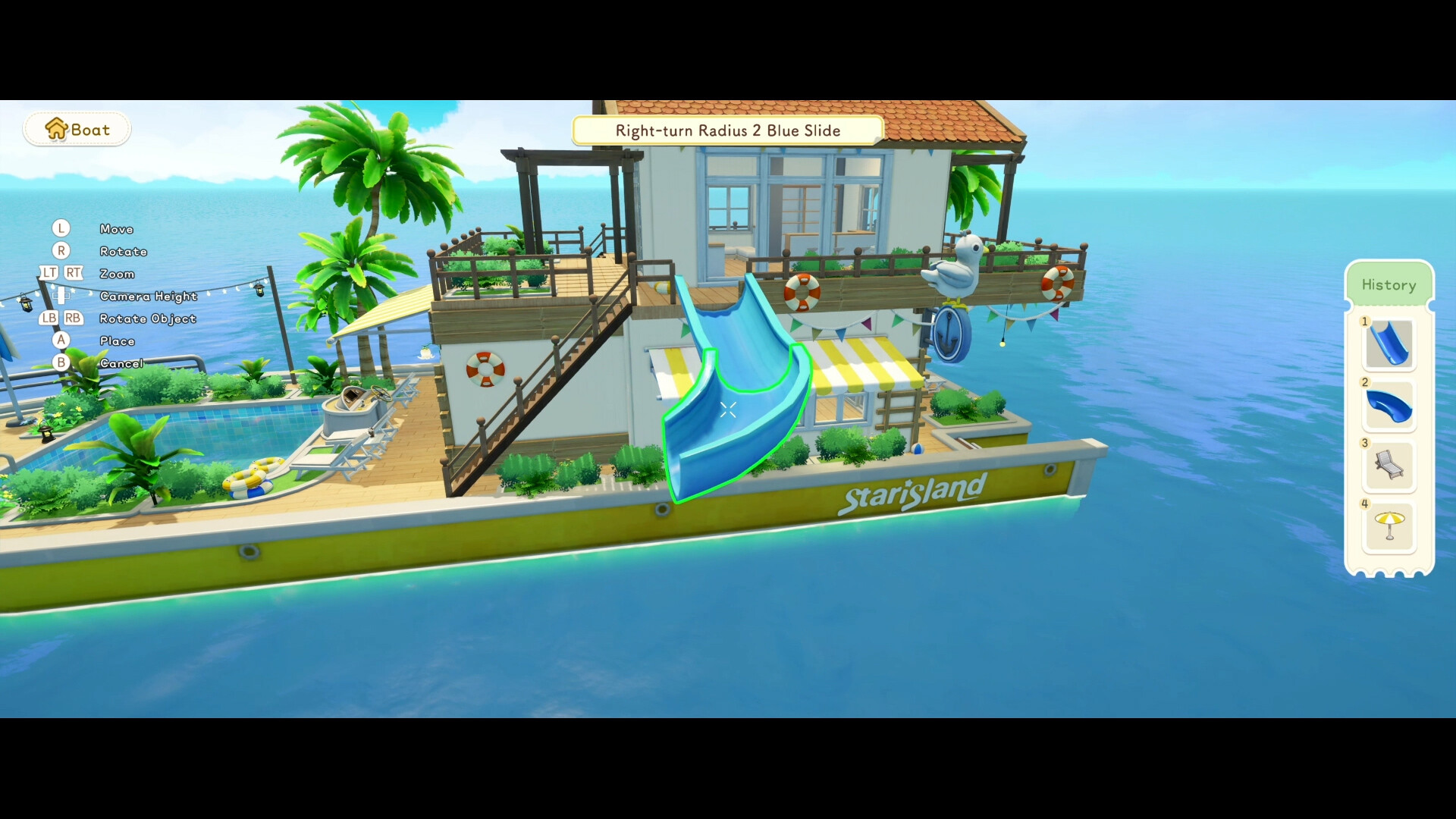
Open the Build Menu while standing on your island. This is where all construction and landscaping tools are located.
Step 2
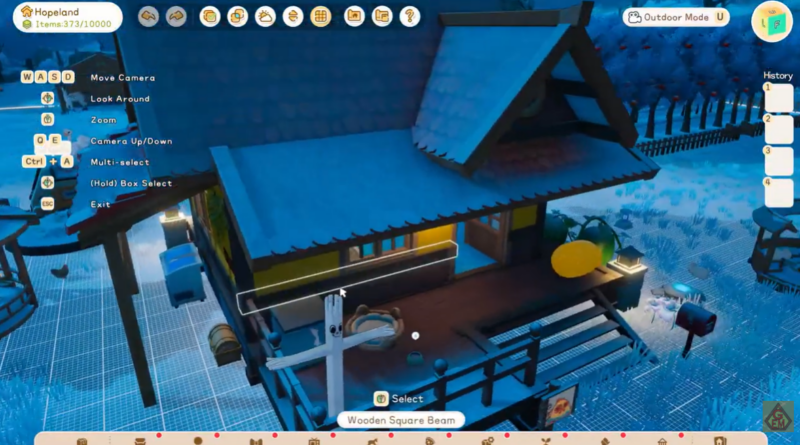
Navigate to the Natural Decor section. This category contains environmental elements, including terrain options.
Step 3
Select one of the terrain replacements such as Sand or Soil. Choosing one of these allows you to overwrite the existing grass texture.
Step 4
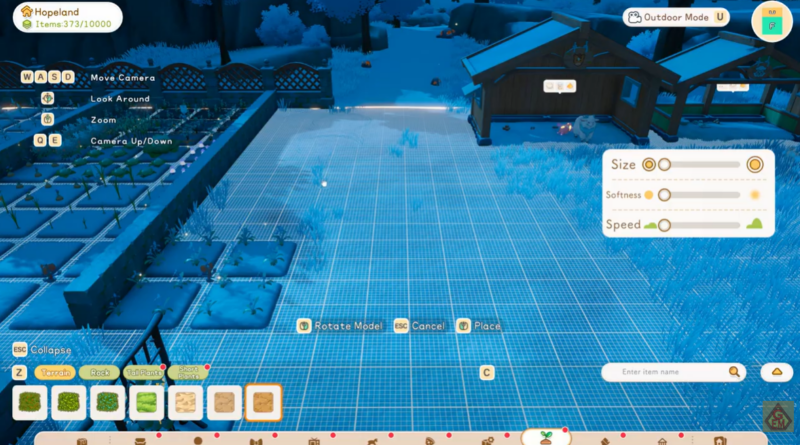
Adjust the terrain brush size to the smallest available setting. This is important if you want clean edges, especially when making paths or clearing tight spaces around buildings.
Step 5
Click on the grassy area you want to clear. The grass will immediately be replaced with your selected terrain type.
You can repeat this process to carve out larger areas or create detailed landscaping patterns. If you make a mistake, simply switch back to grass and repaint the area.
Creating clean paths and decorative layouts
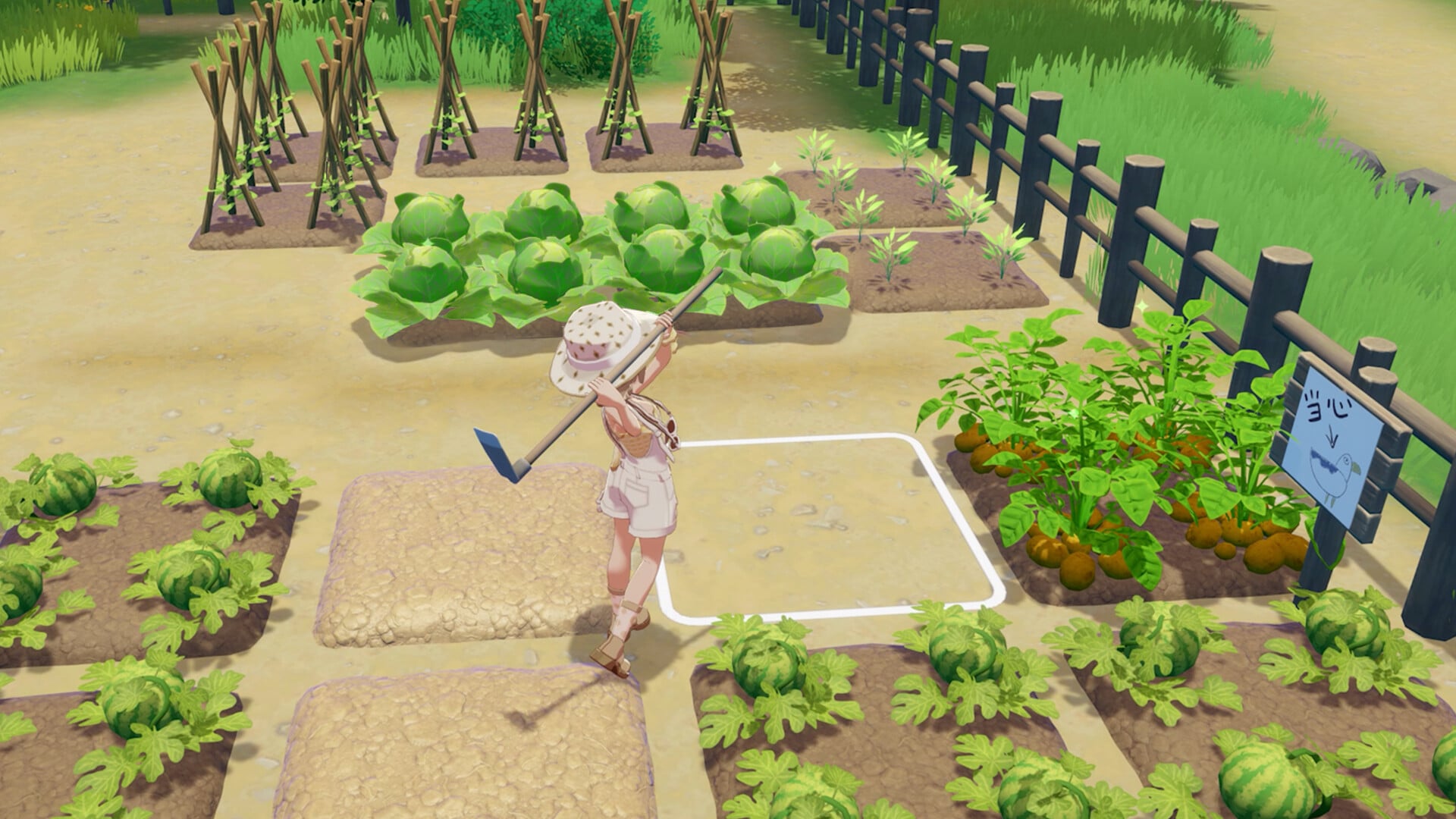
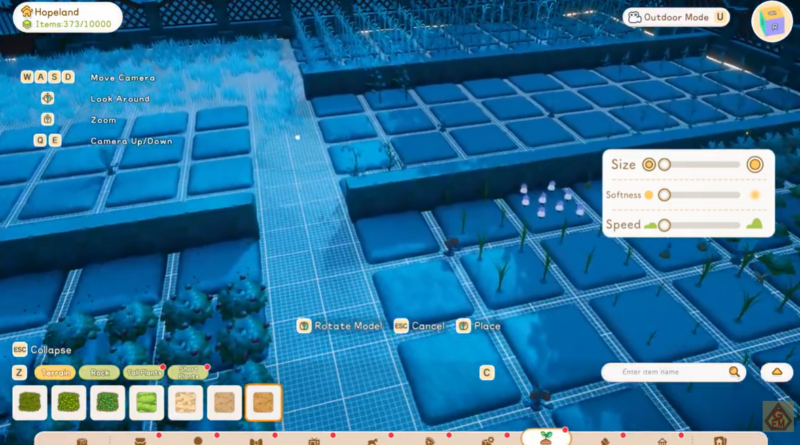
Replacing grass with sand is ideal if you want to build natural-looking walking paths. Soil works better for farming areas or structured landscaping. Because the brush size can be adjusted, you can create narrow walkways or wide open courtyards without affecting nearby decorations.
Precision matters most when working near fences, houses, or decorative objects. Keeping the brush small prevents unwanted overlap and keeps your island looking intentional rather than messy.
Why terrain replacement is better than removal
Instead of a delete function, the game uses a non-destructive terrain system. This design allows you to experiment freely without permanently altering your island. If you do not like how an area looks, you can repaint it back to grass instantly.
This flexibility makes landscaping in Starsand Island more creative. You are essentially painting the island floor, which encourages experimentation with layouts, themed zones, and farming grids.
Common issues players face
If you cannot remove grass, double-check that you are in the correct category under Natural Decor. Sometimes players search in furniture or tools instead of terrain options. Also ensure you are not trying to modify restricted zones where building is disabled.
Another common mistake is using a brush size that is too large, which can unintentionally change surrounding areas. Keeping it small gives you much better control.
Removing grass in Starsand Island is really about terrain customization rather than deletion. Once you learn to use the Build Menu and terrain tools properly, you can shape your island exactly how you want. Whether you are planning structured farms, decorative gardens, or simple walking paths, this system gives you full control over your landscape.