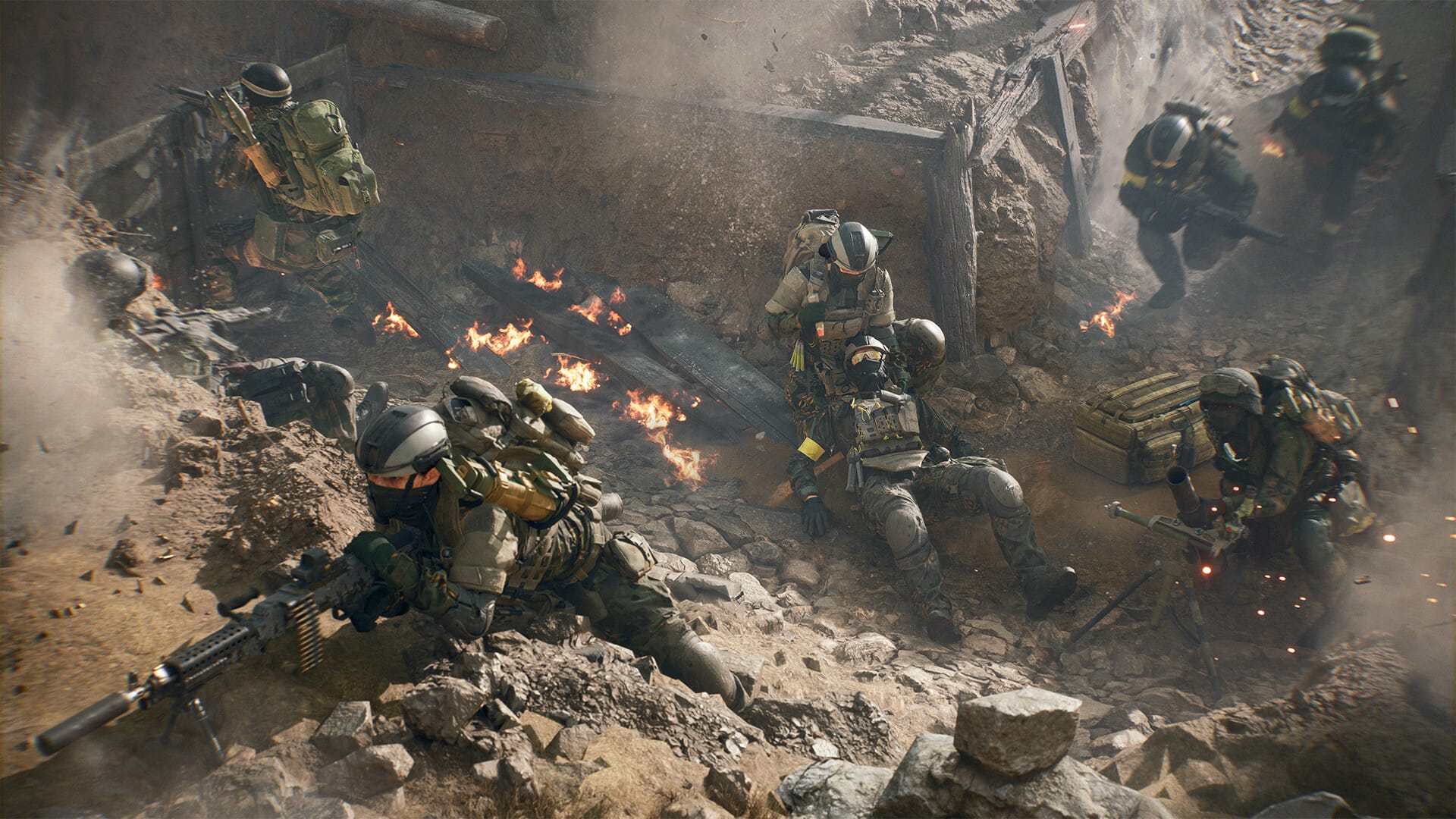
Running into an “Undefined Error Occurred” message in Battlefield 6 that blocks access to online play? Here’s what it means and how to fix it.
The “Undefined Error Occurred” issue in Battlefield 6 is a broad connection error that typically appears when the game fails to communicate properly with EA’s online services. The error, which is accompanied by the code 1:8600, has been reported most frequently during launch periods and server congestion spikes.

Common reasons include:
| Possible Cause | Description |
|---|---|
| Server overload | EA’s servers struggle under heavy player traffic, often at launch or during peak hours. |
| Network issues | Unstable connections, NAT type restrictions, or firewall interference can block communication. |
| Corrupted or missing files | Damaged game data can cause version mismatches with the server. |
| Windows exploit protection | Features like “Mandatory ASLR” may interfere with Battlefield 6’s executable. |
| EA account or license issues | Authentication or entitlement syncing errors between EA servers and your account. |
Even though the error provides the code 1:8600, this error is non-specific, and identifying the exact cause will require trying multiple fixes.
EA has acknowledged these connection problems affecting Battlefield 6’s online systems. The company is actively adjusting server capacity and releasing patches to stabilize matchmaking. Expect hotfixes and maintenance windows over the coming days as they address the root cause.
-
How to fix the “Undefined Error Occurred” issue in Battlefield 6
- Step 1: Check Battlefield 6 server status
- Step 2: Restart everything
- Step 3: Verify or repair game files
- Step 4: Reset network and firewall settings
- Step 5: Adjust exploit protection settings
- Step 6: Re-authenticate your EA account
- Step 7: Update drivers and Windows
- Step 8: Wait for server congestion to ease
How to fix the “Undefined Error Occurred” issue in Battlefield 6
Most likely, you will need to wait for EA to fix the issue on their end. But if patience is running thin, you can try out the following so you can be sure it’s at least not you (or your system).
Step 1: Check Battlefield 6 server status
Visit EA’s official Battlefield 6 status page or the game’s social channels.
If servers are undergoing maintenance or are overloaded, the problem is on EA’s end — you’ll need to wait until it’s resolved.
Step 2: Restart everything
Close Battlefield 6 completely, exit the EA App (or Steam), and restart both your system and router.
This helps clear temporary network errors and refresh your IP configuration.
Step 3: Verify or repair game files
Corrupted or missing files can cause sync failures.
- In EA App: Go to Library → Battlefield 6 → Repair.
- In Steam: Right-click Battlefield 6 → Properties → Local Files → Verify Integrity of Game Files.
Step 4: Reset network and firewall settings
- Ensure Battlefield 6 and EA App are allowed through your firewall or antivirus.
- If you’re on Wi-Fi, try switching to a wired connection.
- Disable VPNs or proxies temporarily.
- On Windows, open Command Prompt (as Administrator) and run:
ipconfig /release
ipconfig /flushdns
ipconfig /renew
netsh int ip reset
netsh winsock reset
- Restart your PC afterward to apply the changes.
Step 5: Adjust exploit protection settings
Windows Exploit Protection can sometimes cause conflicts.
- Open Windows Security → App & Browser Control → Exploit Protection Settings
- Under System Settings, find Force Randomization for Images (Mandatory ASLR)
- Turn it Off globally or create an exception for the BF6 executable (e.g.,
bf6.exe). - Restart the PC.
Step 6: Re-authenticate your EA account
Log out of the EA App, restart it, and sign back in.
If Battlefield 6 says “Purchase to Play” despite owning it, that indicates a temporary entitlement issue on EA’s side.
This typically resolves automatically once the account syncs.
Step 7: Update drivers and Windows
Outdated drivers or OS builds can cause launch and network conflicts. Make sure your graphics drivers (NVIDIA, AMD, or Intel) are updated, and install all pending Windows updates.
Step 8: Wait for server congestion to ease
If all local fixes fail, the issue likely stems from EA’s backend. Many users report the “Undefined Error” appears when queue positions reach zero, hinting at overloaded matchmaking servers. Retry later when global traffic is lower.
The Battlefield 6 “Undefined Error Occurred” message is mostly a connection or server-side issue, not a problem with your PC or console. Start by verifying servers, repairing files, and checking your network setup. If everything looks fine, the issue is almost certainly on EA’s end — in which case patience and retrying later are the best options until the servers stabilize.