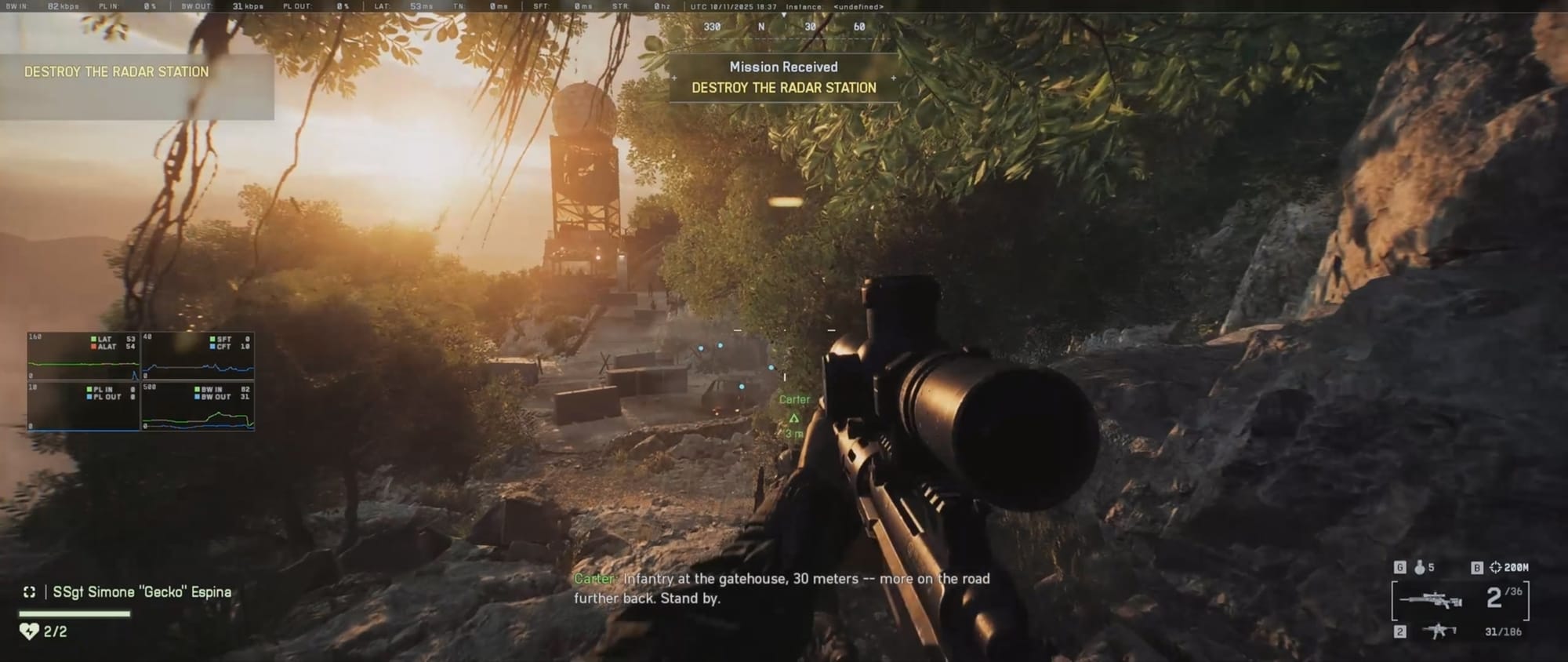
Battlefield 6 PC players are frustrated after discovering the class ability key is locked to “6” with no option to remap, sparking widespread complaints and calls for DICE to fix the issue before full release.
What to Know
- The Class Active Ability key in Battlefield 6 is currently locked to the “6” key on PC.
- Players report no in-game option or config workaround to change it.
- Other bindings like crouch and gadget keys also appear partially fixed.
- Fans urge DICE to enable full key remapping before launch for better accessibility.
Battlefield 6 players are calling out a strange design oversight in the game’s current build — the “Class Active Ability” keybind on PC appears to be locked to the “6” key, with no way to reassign it through the in-game settings.
The issue came to light in a Reddit thread titled “Class Active Ability M&K keybind”, where multiple players reported being unable to change the key for their class-specific ability. Despite searching the control menu and even inspecting configuration files, users have found no option to alter the mapping.
Players say “6” key is awkward and unusable for ‘Class Active Ability’ keybinding
The original post quickly gained attention as players voiced frustration over the hardcoded bind.
“Is there a way to change ‘6’ for another keybind on mouse & keyboard? Maybe I’m blind, but I can’t find it anywhere,” one player wrote.
Others echoed the same concern, noting that the “6” key is too far for quick access during combat — especially in a fast-paced game like Battlefield 6.
“I have small hands so ‘6’ is kinda far in the heat of battle,” the same guy explained.
“I wanna bind it to a mouse button but there’s nothing there to change it at all,” another added.
The consensus: the current setup feels clunky and unintuitive, especially for PC players used to customizing their controls.
Community attempts workarounds
Several users have tried to find unofficial solutions — from editing the game’s PROFSAVE_profile file to experimenting with mouse macros — but so far, none have worked reliably.
One player reported digging into the game’s settings folder:
“I went through the config file and even tried swapping key codes, but it looks like the class ability is hardcoded. Nothing changes.”
Others resorted to assigning macros via their mouse software, but many worry about whether that could trigger anti-cheat issues or create inconsistencies across matches.

Other keybinds also under fire
The “Class Ability” isn’t the only input causing headaches. Players also pointed out that “C” for crouch and certain gadget or call-in keys appear to be locked or overlapping.
“Along with the toggle crouch being stuck to ‘C’, not being able to rebind such an essential thing is really weird,” one user complained.
“I unbound ‘C’, but it still crouches when I press it. It’s super frustrating.”
Another comment noted a possible conflict between the ability and grenade keys:
“The call-in gadget keybind seems to do nothing, and whatever you assign there just throws grenades.”
The result: even experienced players are getting confused during firefights, unsure which action each key will trigger.
Too bad it was part of beta and is present in stable version too
Most players are hoping this limitation was a temporary beta issue and would be fixed within the launch version.
“Hopefully this gets fixed before release. No option to remap it is just lazy,” one user said.
Many compared Battlefield 6’s keybinding system to more flexible modern shooters like Helldivers 2, which allows players to assign multiple inputs and customize hold/tap behavior.
“Helldivers 2 did this perfectly — tap, hold, toggle options — super flexible. Battlefield should really learn from that.”

Why this is a problem
For a competitive first-person shooter, keybinding flexibility is essential. Locked inputs limit accessibility, create ergonomic issues for some players, and break long-established habits within the PC gaming community.
Hardcoding controls like crouch or class abilities also raises questions about design priorities and player testing — especially in a beta meant to gather feedback.
If left unchanged, this could become one of the small but persistent annoyances that hurt Battlefield 6’s overall user experience, similar to earlier backlash over UI clutter and movement restrictions in previous installments.
EA or DICE are yet to respond…
As of now, neither EA nor DICE has publicly commented on the issue. Players are continuing to flag the bug on Reddit and EA’s official forums, hoping for confirmation that full key remapping will be included at launch.
Until then, users looking for a workaround are relying on third-party tools or simply enduring the awkward “6” reach during matches.