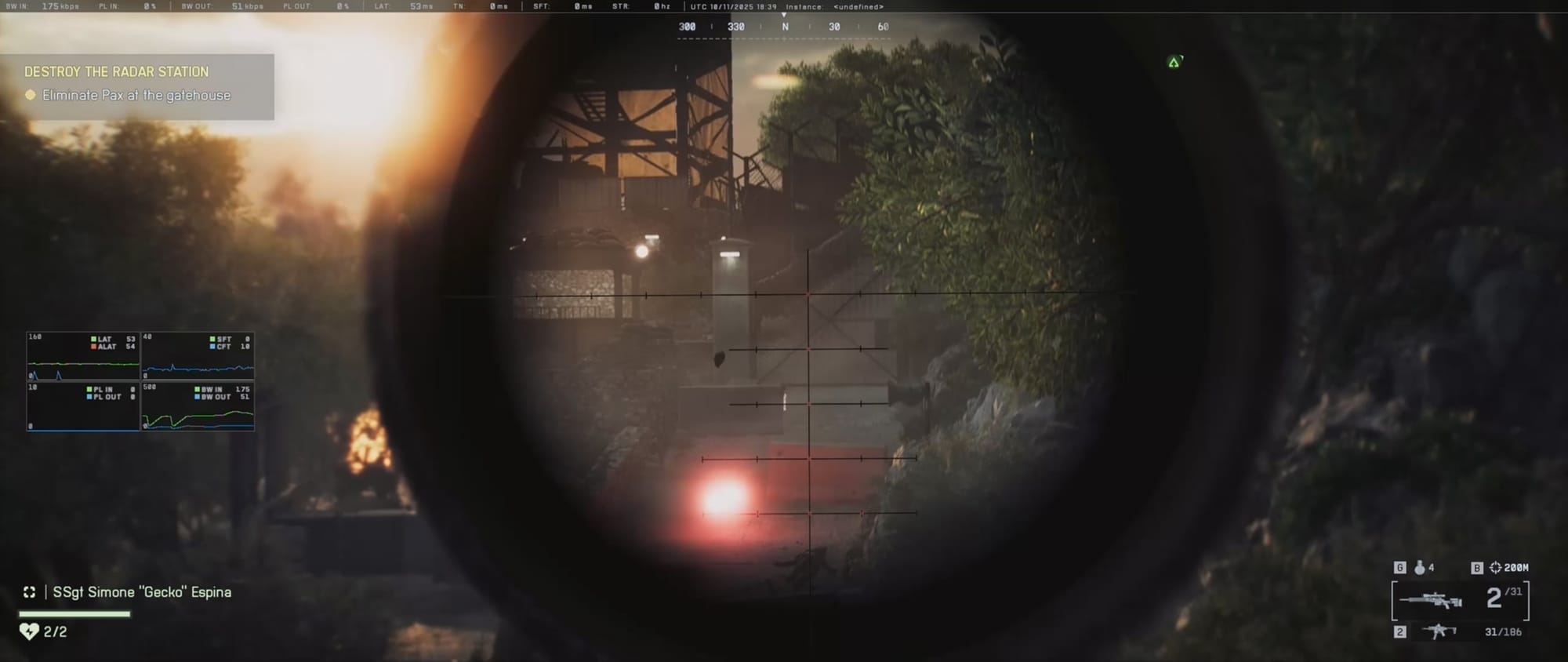
Battlefield 6 includes AI bots to fill matches—but it still doesn’t offer a true offline mode where you can play entirely solo against them.
Battlefield 6 does not offer a traditional offline skirmish mode like earlier series entries. Instead, AI soldiers appear in select online playlists and custom experiences, ensuring matches stay populated while maintaining server dependency.
Battlefield 6 requires a live server connection for all bot encounters. No offline client-only option is provided, so server outages or lack of internet prevent bot play.
Ways to play a bot match in Battlefield 6
Even without an official bot mode, there are still a few ways to practice with bots.
Method 1 – Setup Training Grounds “Initiation Breakthrough”
Training Grounds is designed as a guided introduction to core Breakthrough mechanics, supplementing human players with bots to fill empty slots.
How to access Initiation Breakthrough

- Navigate to the Training Grounds section in the main menu.
- Select Initiation Breakthrough—available for ranks 1–15.
- Click Start match to enter a map populated by both players and bots.
Bots here fill spots automatically, offering practice without fully human lobbies.
Method 2 – How to create custom bot matches in Portal
Portal’s builder allows extensive customization of matches—including bots—but requires an internet connection and EA account sign-in.
Step 1
Go to Portal from the Battlefield 6 main menu and sign in.
Step 2
Select My Experiences to configure mode, map, player count, and enable AI soldiers.

Step 3
Adjust bot difficulty, spawn points, and count according to preference.
Step 4
Save and launch your custom server—bots will populate based on your settings.
Method 3 – How to access bots via Community
You can join or browse others’ bot-focused matches to skip manual setup.
Find bot matches in Search Experiences
Step 1
Open Battlefield 6 and select Portal from the main menu.
Step 2
Navigate to Community and choose Search Experiences.

Step 3
Enter “bots” in the search field and apply the filter.

Step 4
Browse the resulting list and join a match that includes bots.

Find bot servers created by others
Step 1
In Portal, go to the Community tab.
Step 2
Select Browse Servers to view all available servers.

Step 3
Look through server names for “Bots,” “AI,” or similar keywords.

Step 4
Select a server and click Join to start playing with bots.
While Battlefield 6 revives AI soldiers for training and custom matches, all bot modes remain online-dependent. Players seeking solo practice must connect to EA servers via Training Grounds or Portal.