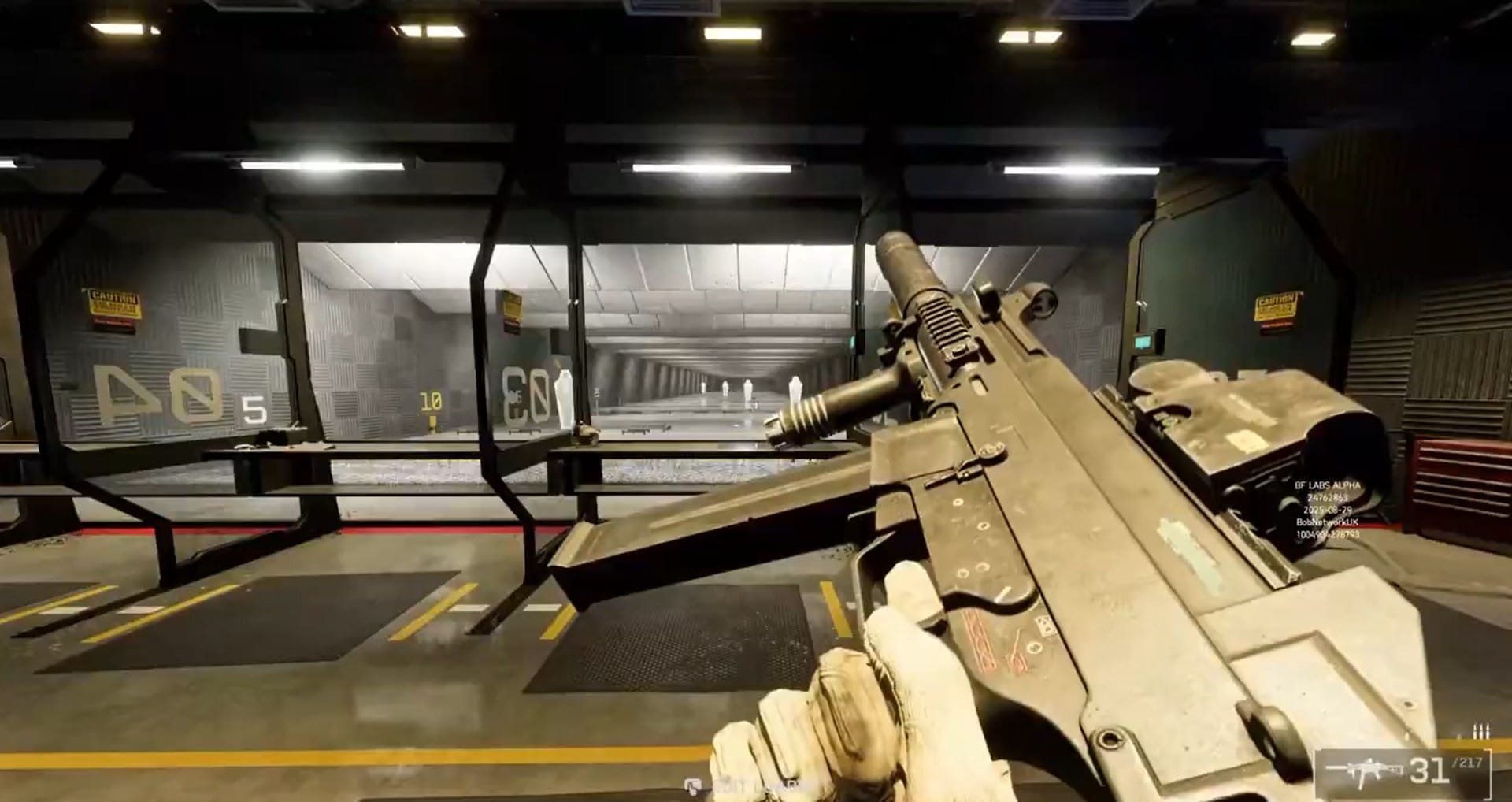
Inspecting weapons in Battlefield 6 is quick and fluid, giving you a close-up look at your gear directly in-game. This guide shows the controls and best tips for checking your weapon on every platform.
Inspecting your gun before heading into battle not only keeps things realistic and immersive but also lets you show off skins or double check attachments. Despite being a cosmetic feature, it’s a detail many players enjoy for personalization and bragging rights.
Press inspect. Know your weapon. Win the fight. 💥#Battlefield6 pic.twitter.com/YrfWtrZLPr
— Battlefield (@Battlefield) October 12, 2025
Quick guide
Weapon inspection is available on all major platforms, though the button is slightly different depending on your setup. This feature lets you display your weapon in a dedicated animation and even move the camera to appreciate every angle.
| Platform | Default Action | Inspect Button | Rotate / Free-look |
|---|---|---|---|
| PC | Keyboard / Mouse | Hold “I” | Mouse movement |
| Xbox | Controller | Hold Right D-pad | Right stick |
| PlayStation | Controller | Hold Right D-pad | Right stick |
How to inspect weapons on PC

Step 1
Press and hold the “I” key by default—this initiates the weapon inspection animation.
Step 2
While inspecting, use your mouse left/right to rotate the weapon for a complete look at skins, attachments, and wear.
Step 3
Release the “I” key to exit inspection and get back to the match.
Note: If the default key is not working, check your keybinds in the Settings menu, as updates may hide or remap this option.
How to inspect weapons on Xbox and PlayStation

Step 1
Hold right on the D-pad while equipped with any gun. This triggers the inspect animation automatically.
Step 2
If available, use the analog stick to rotate and view the weapon from different angles—showcasing camos or customizations.
Step 3
Release the D-pad when ready. Inspection ends and returns you to normal gameplay.
With weapon inspection just a button away, Battlefield 6 lets you show off your kit in style and enjoy some of gaming’s most realistic gun animations. Whether on PC or console, quick button presses, a bit of rotation, and attention to recent updates will make sure you see everything your loadout has to offer.