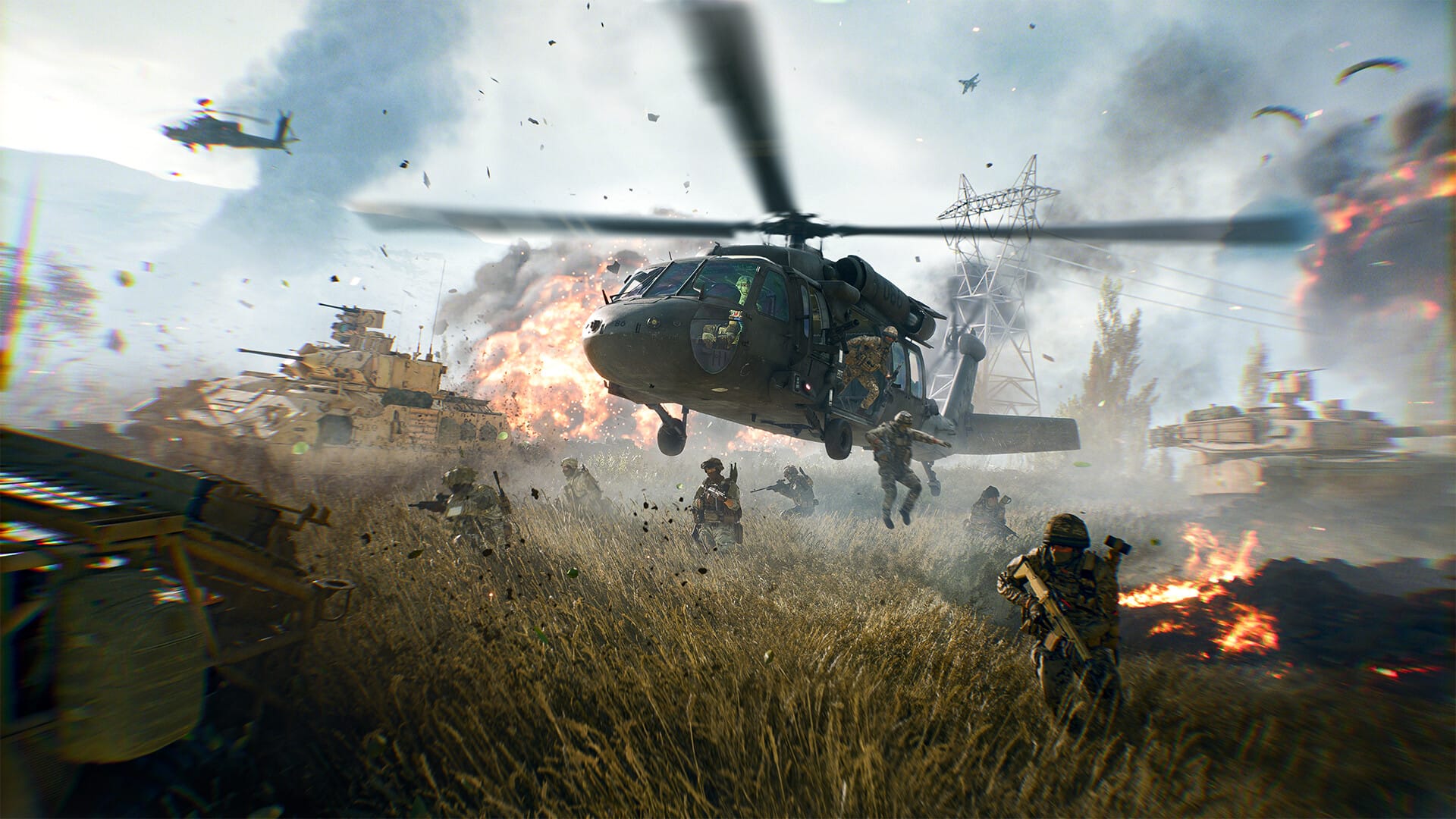
Master the skies with precise controls, essential settings, and combat tactics to become an ace helicopter pilot in Battlefield 6.
Flying a helicopter in Battlefield 6 combines mechanical precision with tactical awareness. Whether taking off, mastering maneuvers, or engaging targets, understanding controls and in-game settings is the first step toward aerial dominance.
Understanding helicopter controls and settings
The default helicopter controls share similarities across platforms, but customizing them can enhance responsiveness.
| Action | Keyboard & Mouse | Controller |
|---|---|---|
| Ascend (Throttle ↑) | W | Right trigger |
| Descend (Throttle ↓) | S | Left trigger |
| Yaw left/right | A / D | Left stick left/right |
| Pitch (nose down/up) | Move mouse forward/back | Right stick forward/back |
| Roll (tilt left/right) | Move mouse left/right | Right stick left/right |
| Free look | V | Right stick click |
| Toggle assist mode | Settings → Vehicles → Helicopter control assist | Settings → Vehicles → Helicopter control assist |
Adjusting settings:
- Helicopter control assist: On for automatic hovering, off for manual lift management.
- Vehicle sensitivity: Raising sensitivity to around 100% (or even 200%) aids quick corrections.
- Alternative button layout: Maps throttle to triggers and yaw to bumpers for controller users, freeing index fingers for aiming.
How to execute basic flight maneuvers
Step 1
Press W (keyboard) or pull the right trigger (controller) to increase throttle and lift off slightly.
Step 2
Use A and D (keyboard) or left stick (controller) to yaw the helicopter left or right, rotating the body without changing altitude.
Step 3
Tilt the nose down by pushing the mouse forward or right stick forward to move in that direction; combine with throttle to maintain lift.
Step 4
Roll by moving the mouse or right stick left/right while yawing for sharper, faster turns—useful for evasive maneuvers.
Step 5
Release all inputs to enter a stable hover. Make micro adjustments with throttle and pitch as needed to hold position.
How to engage targets and evade threats
Effective combat flying requires more than simply controlling altitude and direction.
Use your pilot rockets for ground strafing and air-to-air missiles against aircraft. Coordinate with your gunner’s autocannon for infantry suppression. When locked on by enemy AA, deploy flares immediately and break line of sight by dipping behind terrain or structures.
How to recover and maintain your helicopter
After taking damage, utilize nearby repair stations or engineer teammates for field repairs. Employ hit-and-run tactics: pop out to fire, then retreat behind ridgelines or buildings to repair. Flying with an engineer as a gunner ensures faster in-field repairs and longer sorties.
Mastering a helicopter in Battlefield 6 demands practice with controls, fine-tuned settings, and tactical combat awareness. By customizing your keybinds, refining maneuvers through stepwise practice, and employing advanced evasion and teamwork techniques, you can transform from novice to ace pilot ready to dominate the skies.