A Battlefield 6 “content not installed” error is affecting some players, especially on the EA App platform, due to license recognition issues rather than missing game files.
What to know
- The error mainly affects Battlefield 6 players using the EA App, with Steam users less impacted.
- It causes the game to falsely report missing content that was already installed, blocking multiplayer access.
- The cause links to EA App license registration errors flagging content as unowned.
- You can try verifying game files and repairing installation while waiting for an official patch from EA.
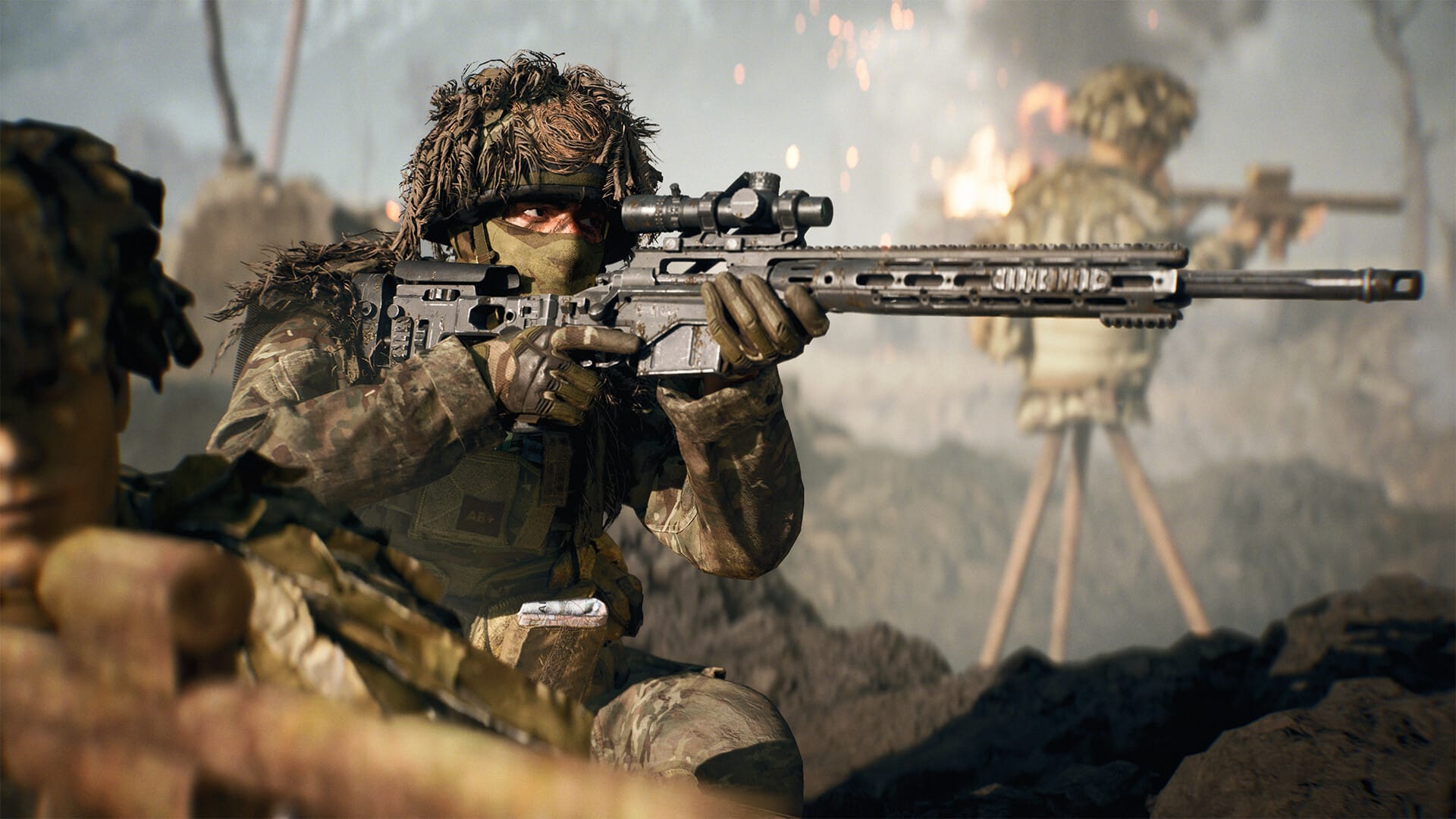
Battlefield 6 launched with strong player numbers but has unfortunately suffered from a “content not installed” error. This error prevents players from accessing core parts of the game, especially the multiplayer mode, despite the content being fully downloaded and installed.

Reason behind the “content not installed” error
The issue appears primarily on the EA App, where license recognition glitches flag installed content as unowned or missing. This results in players seeing messages prompting them to purchase content they already have. Reports from the official Battlefield Discord and EA communications confirm this is an authentication/licensing error rather than missing game files.
Installation of Content
We’re aware of an issue preventing players from accessing the game with some receiving an error stating they need to purchase DLC or similar.
Stay tuned for further updates as the team investigates this issue.
Thank you for your patience!
— Battlefield Comms (@BattlefieldComm) October 10, 2025
Steps to troubleshoot the error on PC
To fix or mitigate the issue while EA works on an official patch, players can try these steps:
Step 1: Verify and repair game files
- On EA App: Go to “My Collection,” click Battlefield 6, press the three-dot menu, and select “Repair.”
- On Steam: Right-click Battlefield 6 in the Library, go to Properties > Installed Files, and click “Verify integrity of game files.”
Step 2: Check add-ons and components
- Ensure that Multiplayer and other game components are installed and enabled in the EA App under “Manage Add-ons” or similar sections.
- If Multiplayer shows “Not installed,” download or enable it.
Step 3: Restart and clear cache
- Restart the game client and PC.
- Clear the EA App cache if possible.
Step 4: Reinstall the game
- As a last resort, uninstall and reinstall Battlefield 6 using the EA App to reset the installation and license detection.
The error is particular aggravating as it prevents access to multiplayer content, severely limiting gameplay despite users owning the game. It is causing frustration for many, with some seeking refunds. The problem highlights ongoing challenges in digital license management in large-scale game launches.
EA is actively investigating and working on a fix, so keep an eye out for updates from official channels. Meanwhile, patience and these troubleshooting steps can help restore access.