Master Battlefield 6 controller aiming by adjusting aim assist and slowdown sliders to your preferred sensitivity.
What to know
- Battlefield 6 introduces Aim Assist 2.0 with refined control over sticky aim and slowdown effects.
- Adjust aim assist settings like slowdown and sticky aim independently for better feel and less “stickiness.”
- Ideal aim assist values are between 70-90% to provide help without overpowering control.
- Additional controller settings like sensitivity, deadzones, and input curves impact overall aiming performance.
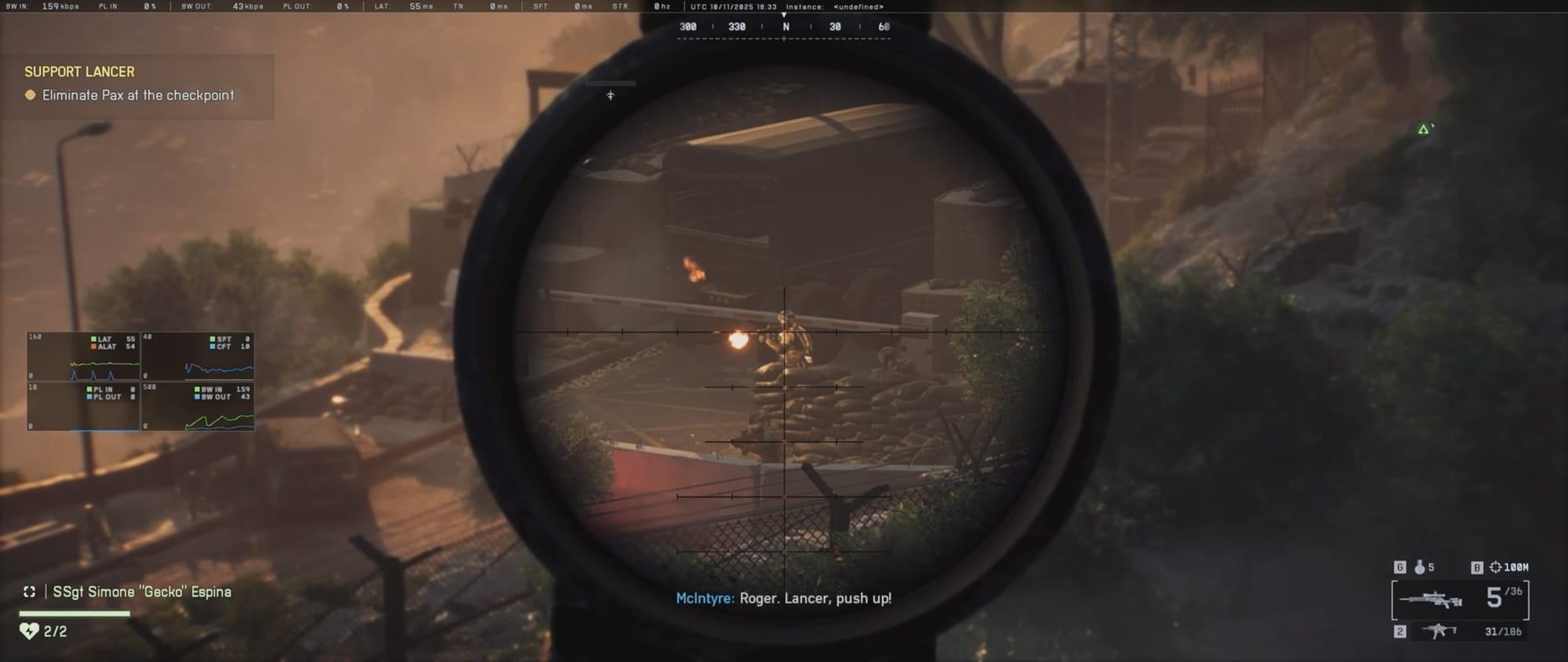
Battlefield 6 features an evolved aim assist system designed to help controller players with smoother and more consistent aiming. The aim assist consists mainly of two important components: sticky aim (how the aim sticks to enemies) and slowdown (how much aiming slows down near targets). Tunable sliders allow adjusting these effects to your personal playstyle.
Key Aim Assist Settings in BF6
| Setting | What It Does | Typical / Recommended Value* |
|---|---|---|
| Infantry Aim Assist | Base strength of aim assist in infantry / foot combat | 100 (max) |
| Infantry Aim Assist Slowdown | Slows your aim movement when near a target, making micro-adjustments easier | 100 |
| Infantry Aim Assist Zoom Snap | Helps lock your aim when zooming (snap the reticle toward a target) | 100 |
| Vehicle Aim Assist / Slowdown / Zoom Snap | Similar assist settings but in vehicles (for tanks, aircraft, etc.) | Usually also 100 in guides |
| Vertical Aim Ratio / Zoom Ratio | Adjusts how sensitive the vertical aiming (look up/down) is, often relative to horizontal | ~ 55–60% |
| Stick Input / Acceleration / Input Curve | Changes how the controller stick input scales (linear vs curved) | Many use “BF1 / BF4” curves |
Other controller settings that improve aiming in BG6
- Infantry Aim Sensitivity: Around 40-45 for smooth target tracking.
- Vertical Aim Sensitivity: Match horizontal sensitivity (e.g., 45 or 50%) for balanced movement.
- Field of View (FOV): 100-115 for good peripheral vision without distorting aim.
- Deadzones: 5-10 to prevent stick drift but keep input responsive.
- Vibration: Off to improve aiming stability.
How to adjust aim assist for your playstyle in BF6
Step 1
Set Aim Assist Percentage around 80% for baseline assist.
Step 2
Adjust Slowdown Slider slightly downward if aiming feels too sluggish.
Step 3
Keep Sticky Aim linked and close to Aim Assist level for consistent target lock.
Step 4
Test in gameplay and tweak based on comfort—reduce aim assist if it feels overpowering, or increase if tracking is difficult.
Step 5
Combine with sensitivity tuning to optimize overall responsiveness.

Battlefield 6’s aim assist system is designed to “humanize” aim assistance, letting you feel in control while benefiting from assistance when tracking enemies. The new sliders allow personalized tuning of sticky aim and slowdown effects to match your comfort level. Start with moderate aim assist and slowdown values around 70-80%, and adjust gradually based on your playstyle and how each setting impacts your aiming precision and reaction time. Pair aim assist with finely tuned sensitivity and deadzone settings for the best overall aiming experience.