What to know
-
OpenClaw is an “agentic” assistant designed to run on your own hardware, not a cloud service.
-
ASUS argues the ROG Ally’s compact Windows design and Ryzen Z1 Extreme chip make it a strong fit for local-first AI.
-
Model choice hinges on memory: ASUS recommends smaller LLMs for the 16GB Ally and larger options for the 24GB Ally X.
-
Setup guidance centers on WSL, Ollama, VRAM allocation in Armoury Crate, and running OpenClaw as a service.
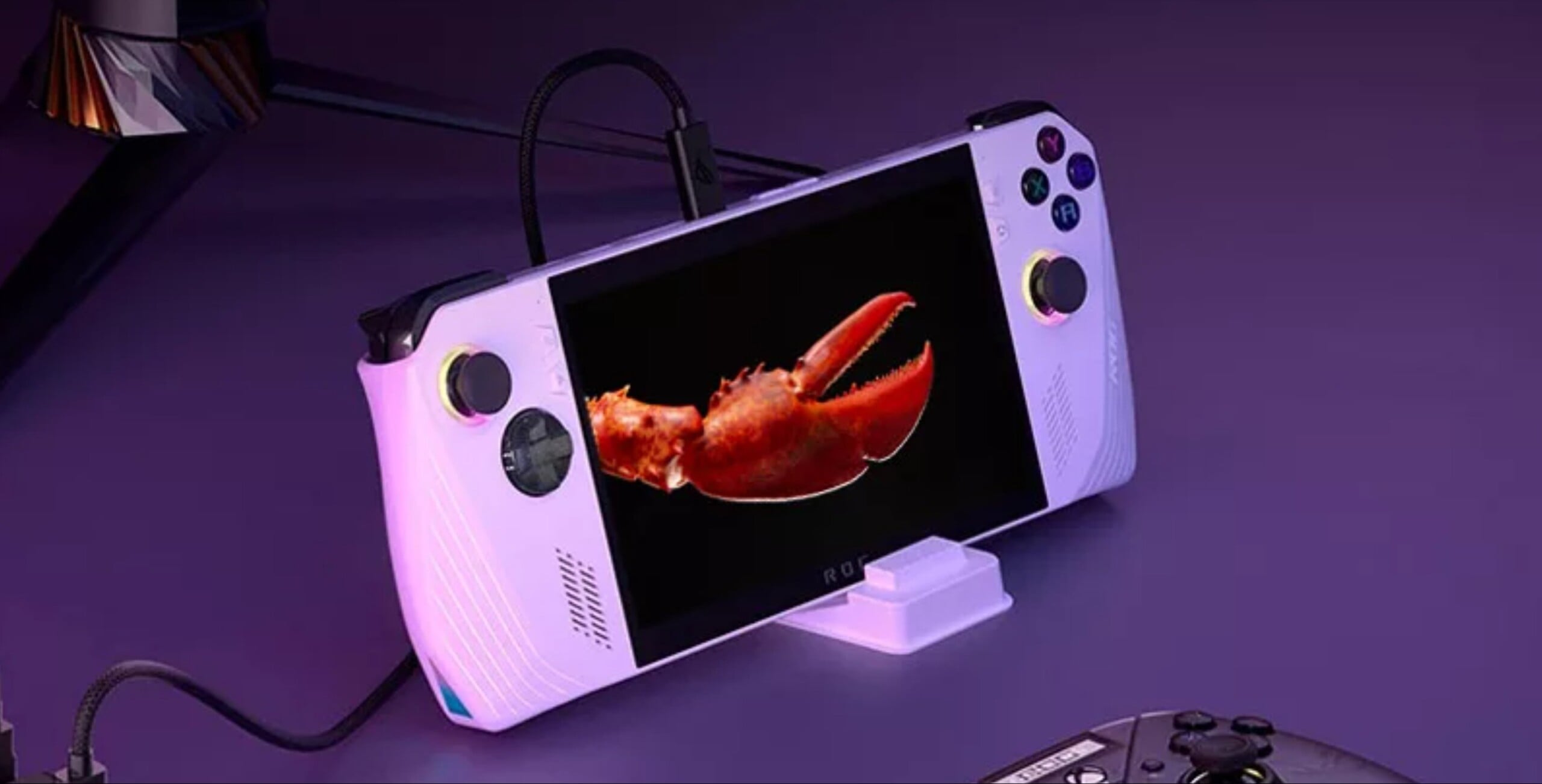
ASUS is pitching an unexpected second life for the ROG Ally. In a new article, it’s described how to run OpenClaw on the ROG Ally, positioning its gaming handheld as a dedicated, fully local AI assistant that stays on and performs tasks, not just chat. It frames the agentic assistant as a practical use for spare or older handhelds—especially as some owners move to newer models—while keeping the assistant separate from a primary PC for security reasons.
What OpenClaw does according to ASUS
OpenClaw is presented as an always-on, self-hosted “agentic” assistant that can deliver daily briefings, run shell commands, help manage inbox tasks, automate workflows in apps like WhatsApp or Slack, and even place phone calls.

ASUS emphasizes the local-first angle—running on your own hardware rather than in the cloud—as a key reason the project has attracted heavy interest from developers and tinkerers. On GitHub, the OpenClaw repository describes itself as a personal AI assistant for any OS/platform and shows a very large star count and frequent releases.
Why the ROG Ally is being pitched for this job
ASUS’s core argument is that the ROG Ally hits a sweet spot for “always-active” local AI: it’s small enough to stash anywhere, includes a built-in display for maintenance, and is designed for low idle power while still providing a Ryzen Z1 Extreme APU with an integrated GPU.
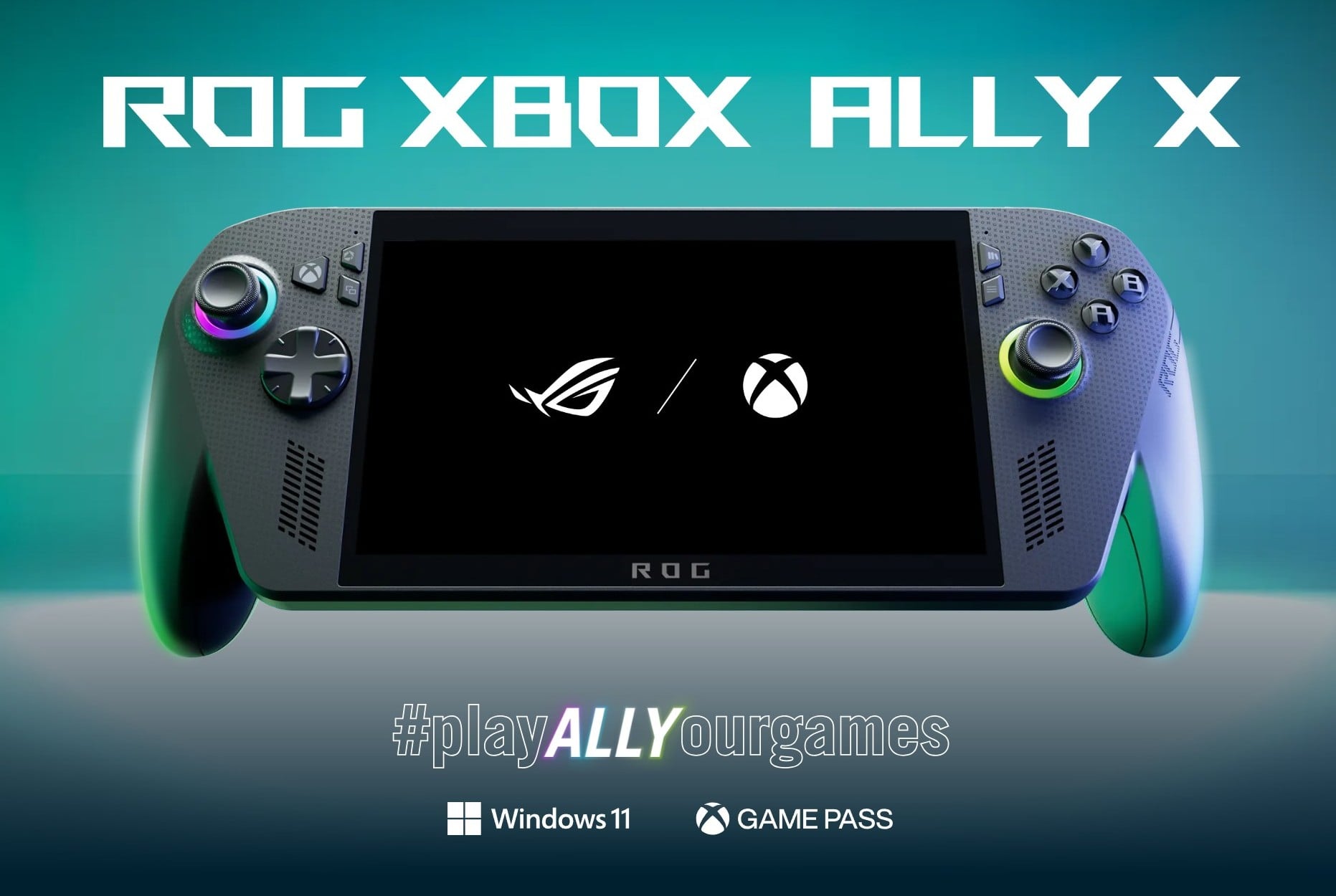
It also highlights the handheld’s unified memory setup as especially useful for LLM workloads because VRAM allocation can become the limiting factor, and the Ally lets VRAM be adjusted. ASUS’s official specs page lists the ROG Ally (2023) with an AMD Ryzen Z1 Extreme processor and RDNA 3 graphics (12 CUs).
Picking a model and memory targets
For the original 2023 ROG Ally (16GB RAM), ASUS says up to 8GB can be dedicated to VRAM and suggests starting with efficient models such as Gemma3 4B or DeepSeek-R1 7B, with Mistral 7B also mentioned if using Q4 quantization. For the ROG Ally X (24GB RAM), ASUS says up to 16GB can be allocated to VRAM, enabling larger models or higher precision. ASUS’s ROG Ally X product page explicitly notes the jump from 16GB to 24GB of LPDDR5X memory and explains the shared memory pool between the onboard GPU and the rest of the system.
The setup flow ASUS recommends
The suggested checklist is straightforward: keep the Ally plugged in and set to Turbo Mode, install WSL (or another command-line environment), install Ollama and download chosen models, adjust VRAM in Armoury Crate (Settings → Performance → GPU Settings), then install OpenClaw and start the service. ASUS cautions against maxing VRAM because system RAM still needs headroom, and it suggests that—depending on quantization—around 6–7GB VRAM may be a practical starting point on the 16GB Ally.
Security and “dedicated device” framing
A notable part of ASUS’s pitch is security separation: running an always-on assistant on a dedicated device can limit exposure compared to installing it on a primary PC that already has broad access to personal accounts and data. ASUS recommends containment tactics such as a separate OS account with limited privileges, guest Wi‑Fi, and potentially sandboxed/secondary email accounts or intermediary automation services, while also urging readers to consult best practices.
Local AI for handheld owners
This is a clear attempt to expand the ROG Ally’s identity beyond gaming by tying it to a fast-moving “local AI” trend and an agentic assistant narrative. The practical hook is reuse: a handheld that might otherwise sit unused can become a small, screen-equipped home “AI box” without requiring a mini PC, dedicated monitor, or cloud subscriptions.
What to watch next
Performance and responsiveness will depend heavily on model size, quantization, and VRAM/RAM balancing, so real-world results will vary even if the setup is simple. Long-running assistants also raise operational questions—permissions, account boundaries, and network isolation—that matter as much as raw compute.
A gaming handheld doubling as a local AI assistant is no longer a novelty concept—ASUS is actively packaging it as a repeatable setup with concrete steps and model guidance. The bigger takeaway is the direction of travel: compact, relatively efficient consumer hardware is being reframed as “always-on AI infrastructure” for personal workflows.