


What to know
-
You typically gain reliable power in Originium Science Park after completing the “Outpost: Infra-Station” mission.
-
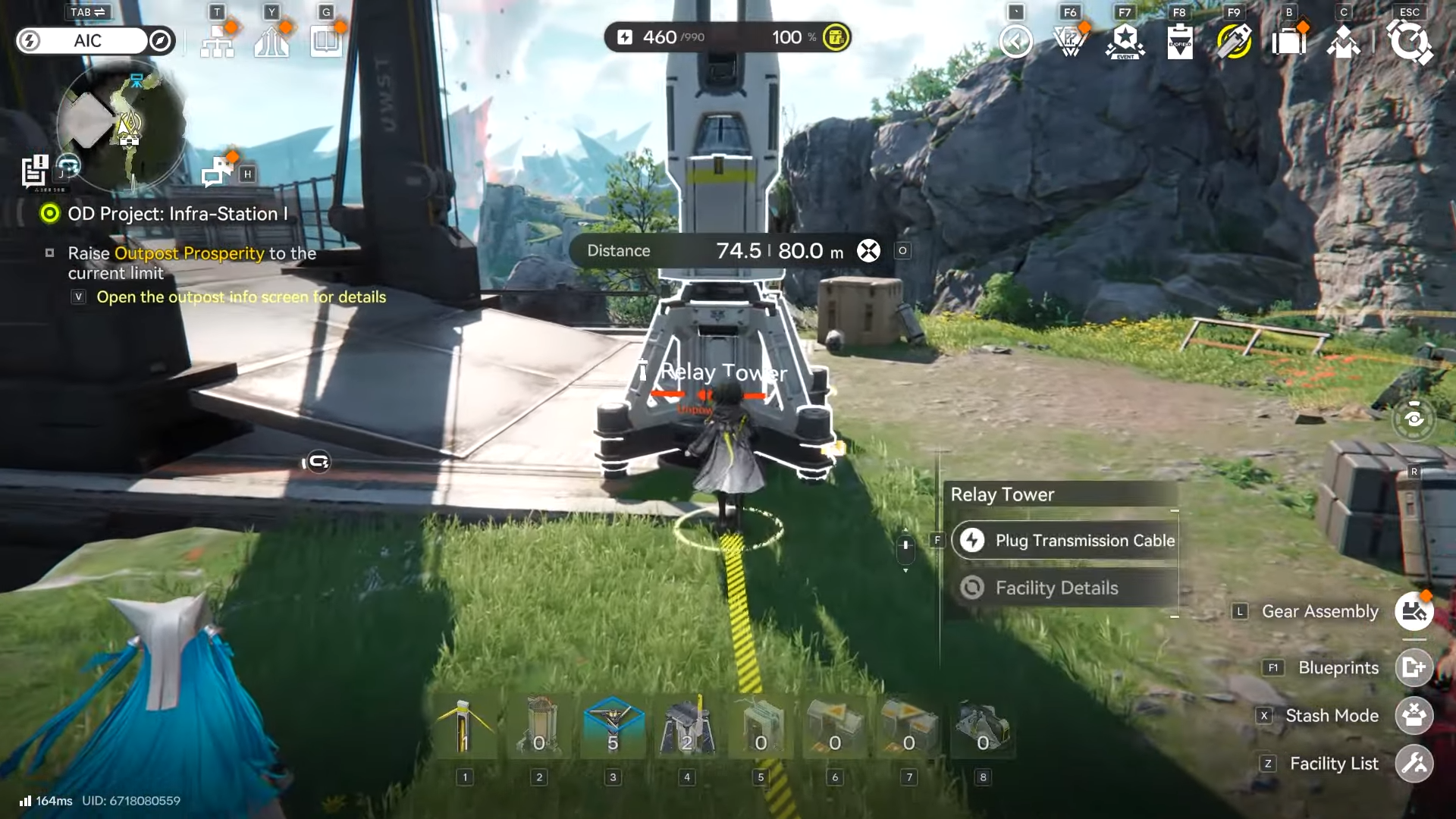
Relay Towers are the core tool for extending electricity across distance, with up to 80 meters per cable segment.
-
Power transfer requires manually starting transmission and physically connecting the cable to the next tower.
-
If you overload your grid, you’ll need added capacity (such as Thermal Banks) to prevent low-power shutdowns.
In Arknights: Endfield, Originium Science Park is designed to make you build a localized grid rather than relying on one long connection from earlier regions. When you’re looking to power the Originium Science Park, your goal is to establish the Infra-Station outpost as a power foothold, then push electricity to whichever park facilities you’re trying to activate.
| Item | What it does | Why it matters in Originium Science Park |
|---|---|---|
| Outpost: Infra-Station | Unlocks/establishes a local outpost in the park | Gives you a reliable “starting point” for local power instead of routing from far away. |
| Relay Towers | Extends your power grid outward like power lines | Used to reach distant facilities across the park. |
| Power transmission cable | The actual connection you drag between powered and unpowered points | Each segment has a max range of 80 meters, so you may need multiple towers. |
| Thermal Banks | Increases power capacity (acts like additional generation using fuel) | Helps when adding more machines pushes you into low-power state. |
Why the Originium Science Park power works differently
Originium Science Park tends to gate deeper automation behind local infrastructure, meaning you may arrive with plenty of progress but still lack workable power coverage in the area. The intended solution is completing “Outpost: Infra-Station,” which sets you up to power things like automated mining rigs and other park systems more reliably.
Locations
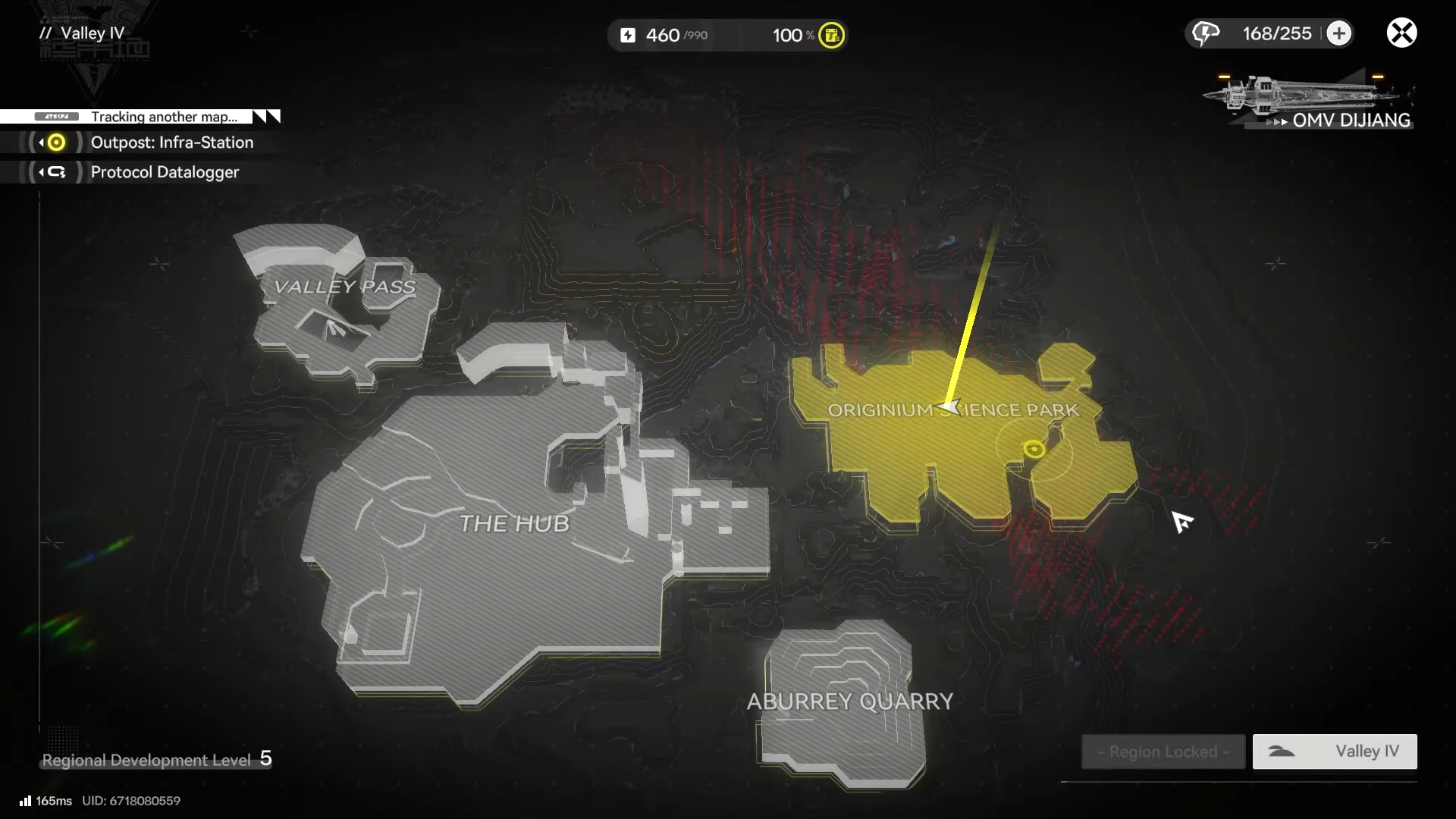
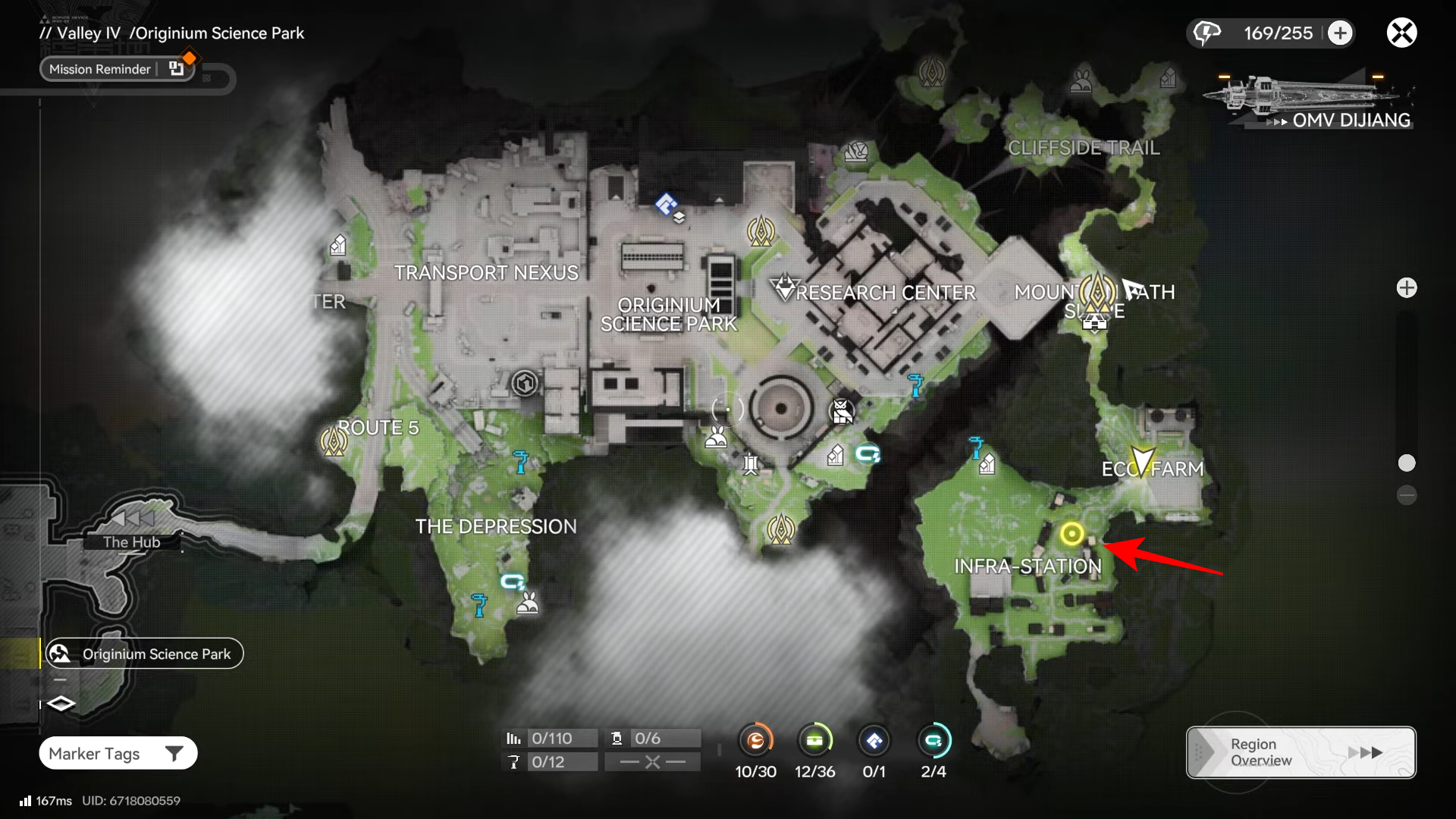
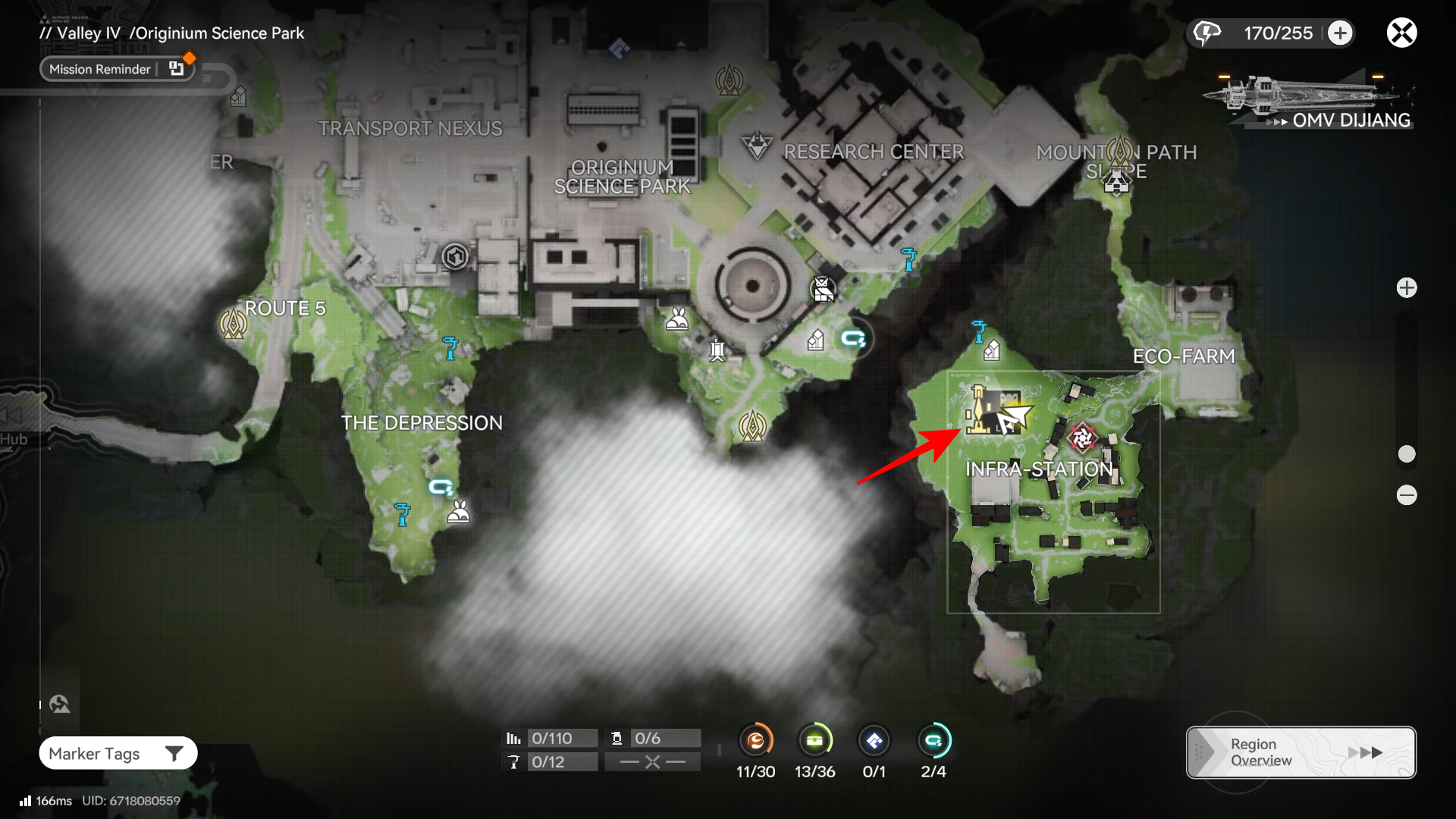
The Infra-Station outpost is positioned in the east side of Originium Science Park, and completing the related outpost mission is what enables practical power routing for the area. You’ll then use Relay Towers to reach your specific targets, such as mining nodes and facility clusters spread around the park.
How to unlock power via Outpost: Infra-Station
You’re aiming to complete the side mission that establishes the Infra-Station outpost, because that completion is the point where powering drill setups in the park becomes practical.
Step 1: Progress until Outpost: Infra-Station is available
Keep advancing the main story in Originium Science Park until the “Outpost: Infra-Station” mission is available in your mission list, since the park’s long-term power access is tied to completing it.
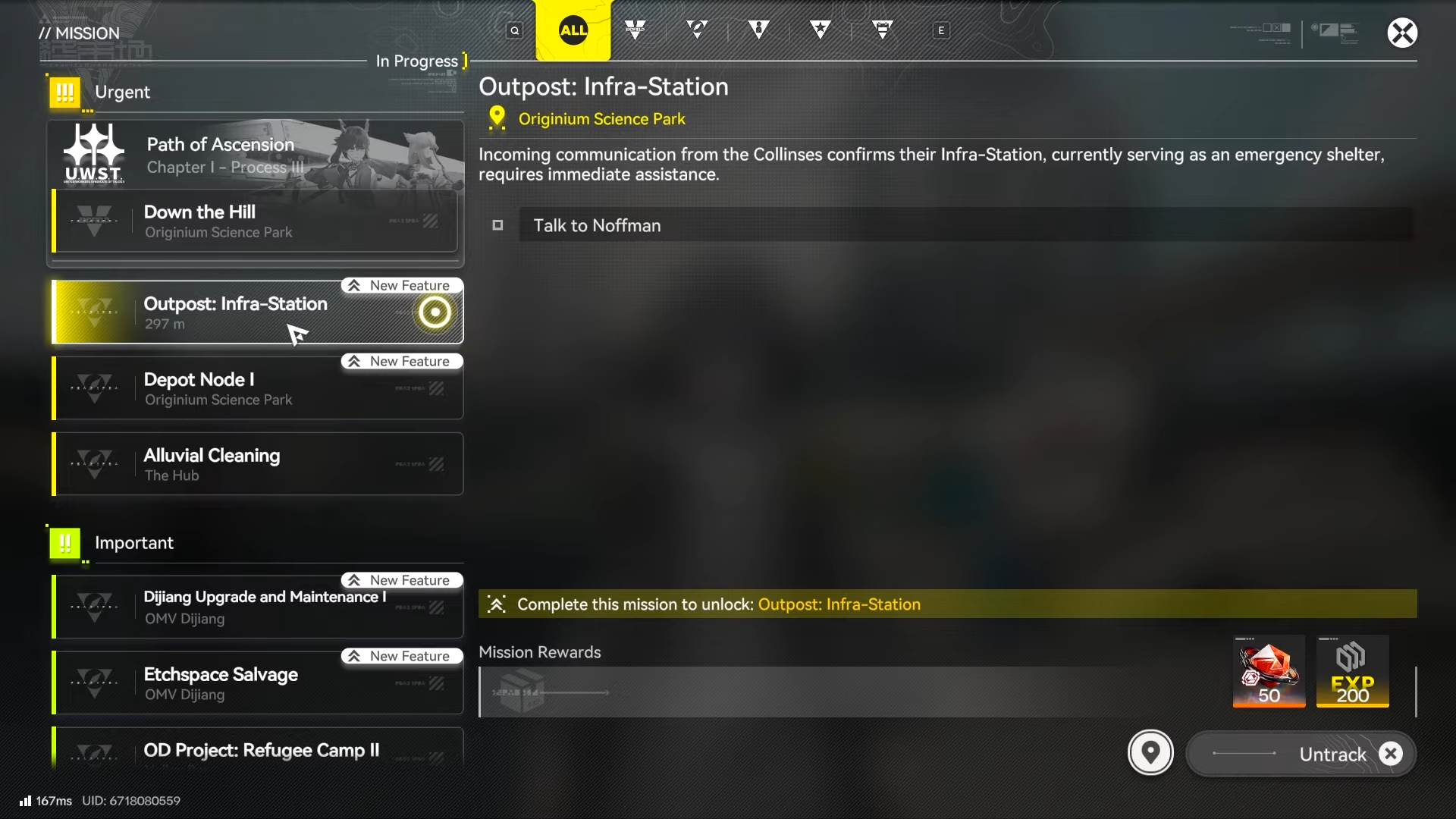
Step 2: Finish Outpost: Infra-Station to establish a local power foothold
Complete the Outpost: Infra-Station objectives to set up the outpost in the park, which effectively becomes your nearby base for expanding the grid.

Step 3: Treat the outpost as your power source for the park
Once the outpost is online, build outward from it rather than trying to route power from distant earlier-region infrastructure, since the park is meant to be powered locally.
How to extend power across Originium Science Park with relay towers
Relay Towers are the practical method for spreading electricity from your powered base/outpost to remote machines and puzzle points in the park.
Step 1: Craft or prepare Relay Towers
Relay Towers can be made at an AIC base using Origiocrust, so make sure you have enough materials before you start a long run through the park.
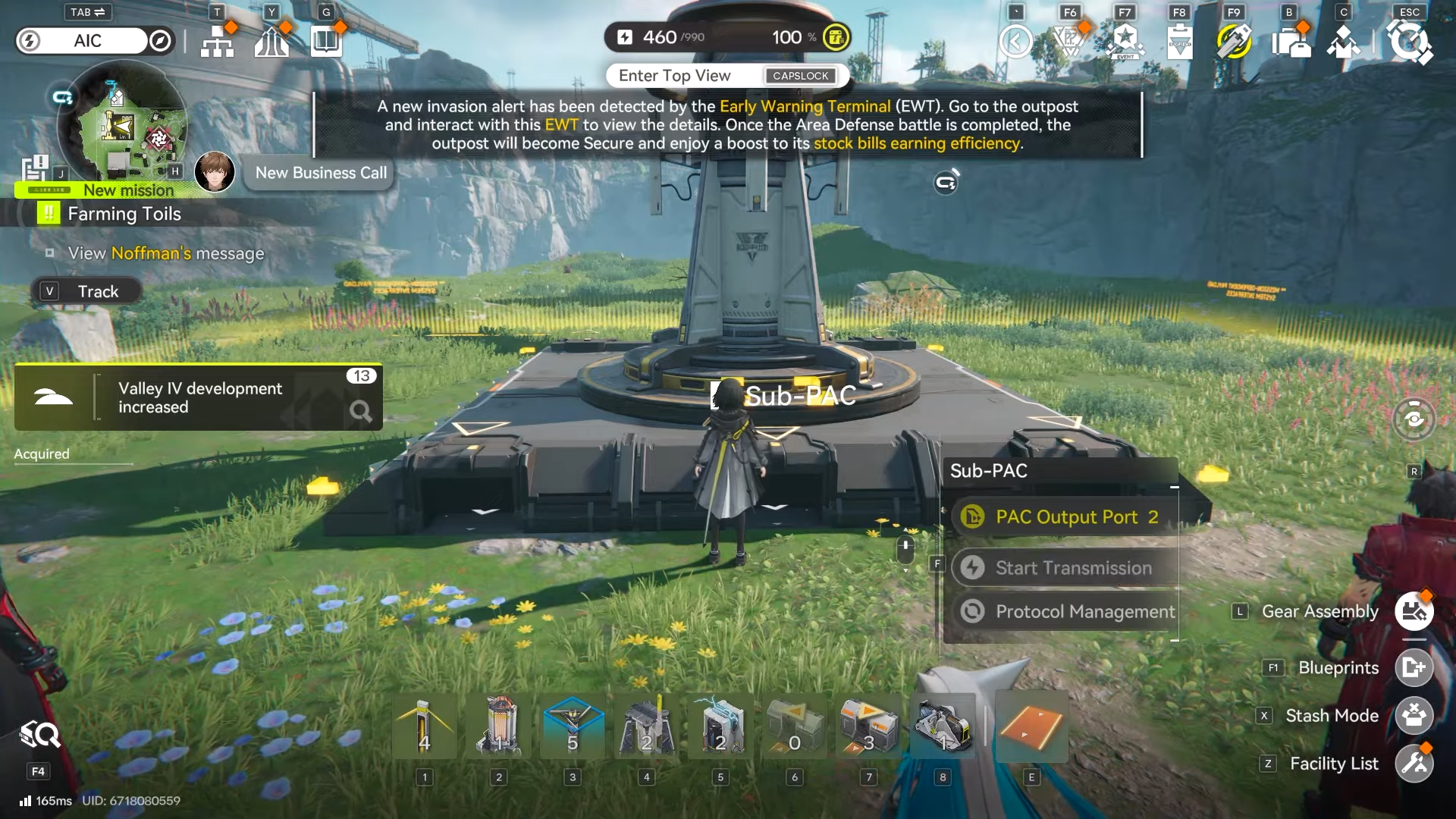
Step 2: Place Relay Towers in a line toward your target
Drop towers in a path heading from your powered source toward the facility you want to energize, watching placement distance so you don’t exceed cable range.
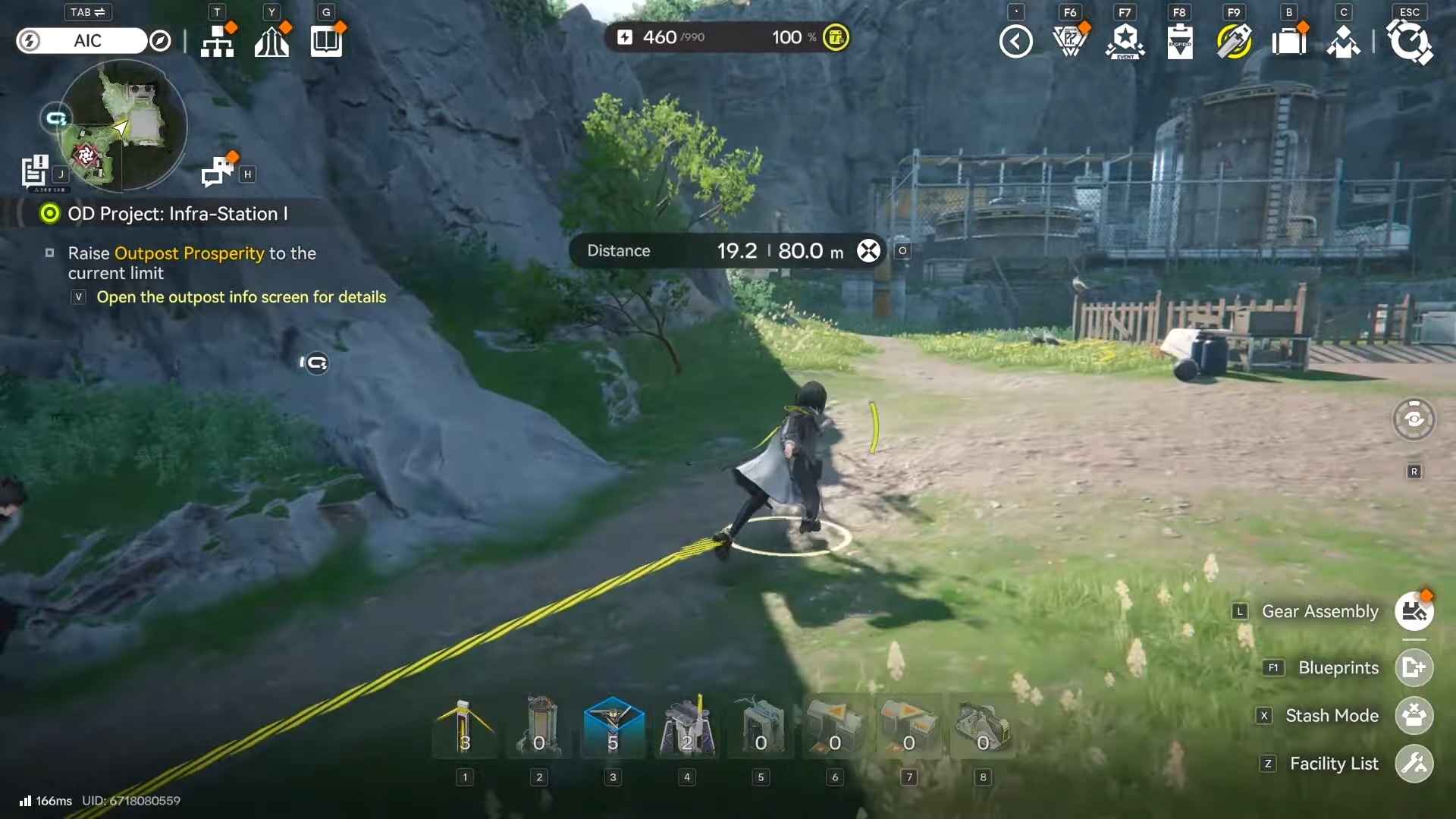
Step 3: Respect the 80-meter transmission limit
Plan for one tower roughly every 80 meters (or less), since the power transmission cable can only reach up to 80 meters between connection points.
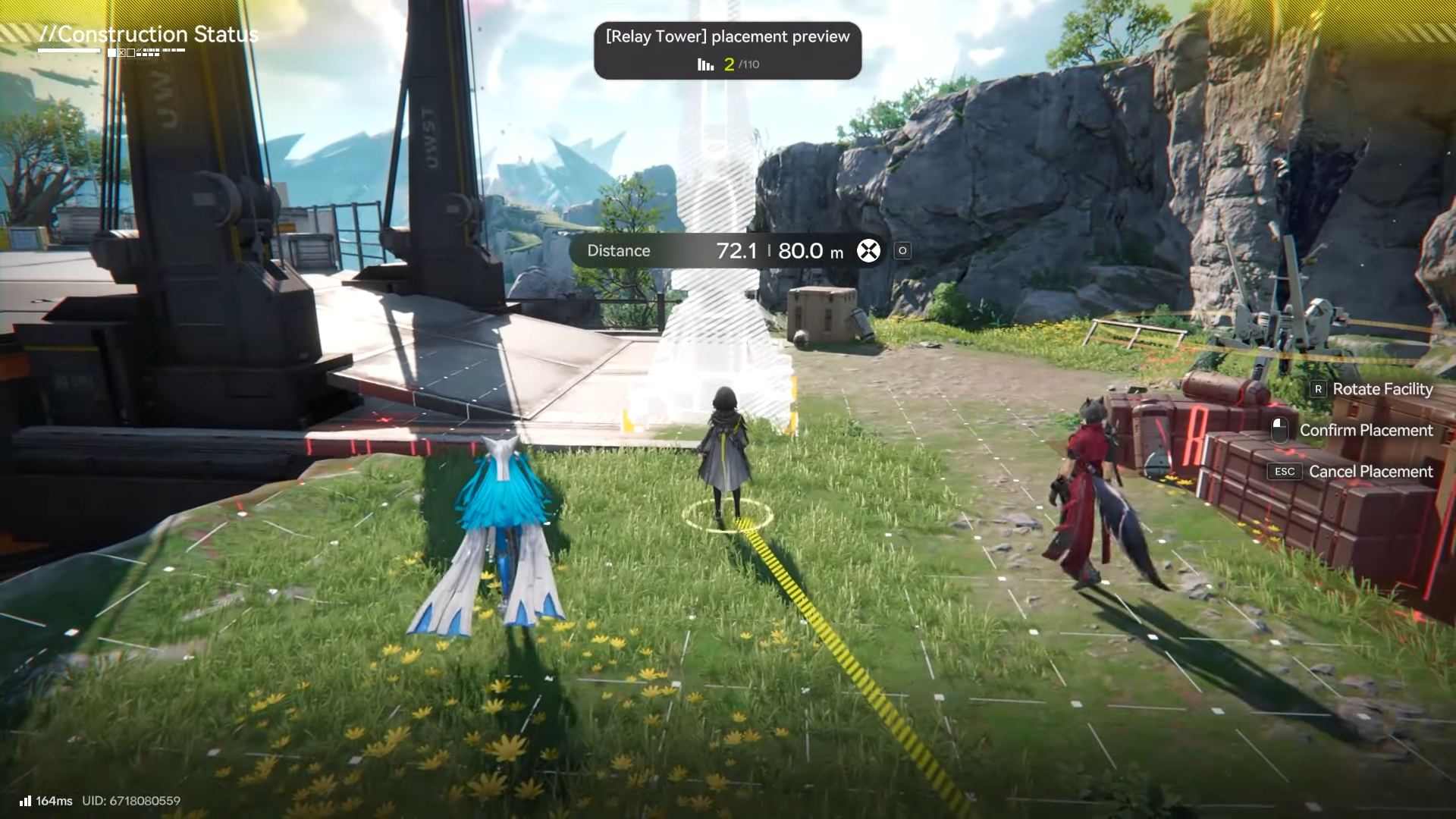
Step 4: Start transmission and manually connect the next tower
After placing towers, select “Start Transmission” on a powered tower or AIC base.
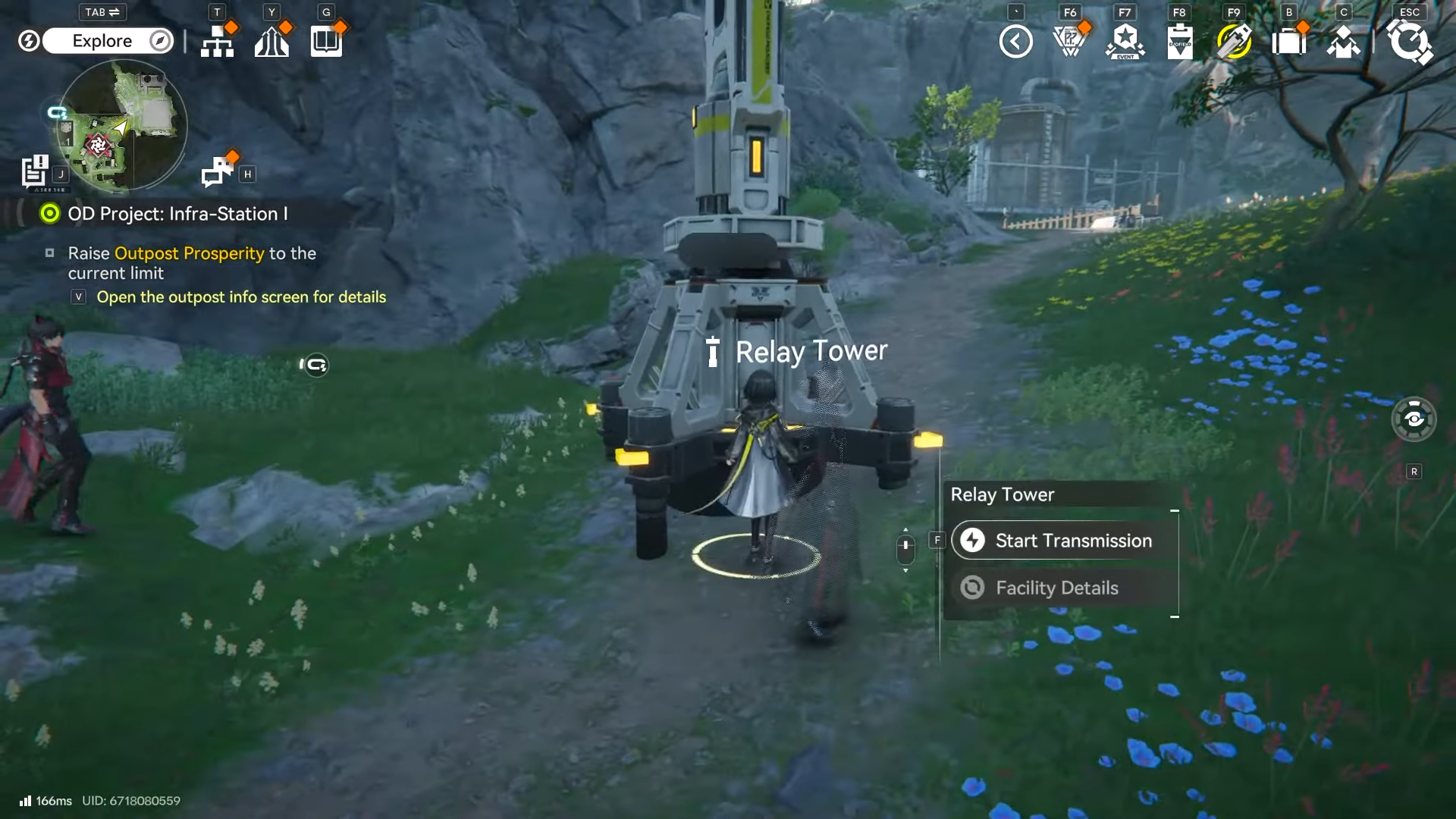
Then run the cable to the next unpowered Relay Tower and plug it in to complete the link.
Step 5: Repeat until your target location is inside your powered network
Continue tower placement and manual cable linking until the endpoint (your machine cluster, puzzle node, or drill site) is within powered coverage.
How to avoid low-power failures while expanding
As you power more machines, you can exceed your power capacity, which pushes your base into a low-power state that can disrupt production. The fix is increasing capacity with Thermal Banks, which raise the power limit by consuming fuel.
Step 1: Watch for capacity pressure as you add machines
If your systems start shutting down or entering a low-power state, assume you’ve exceeded capacity and need more power support before expanding further.
Step 2: Build Thermal Banks to raise your power limit
Thermal Banks increase total power capacity, acting like extra generation so your grid stays stable as you scale up.
Step 3: Fuel your Thermal Banks consistently
Thermal Banks consume fuel, and Originium Ore is called out as an efficient early option, so keep supply steady if you’re running bigger setups.
Build from the Infra-Station outpost outward in short, deliberate hops, and always assume you’ll need multiple Relay Towers due to the 80-meter cable limit. If you’re scaling into heavier automation, prioritize capacity upgrades early so you don’t spend time debugging failures that are really just a power ceiling problem.




