

- What to know
- What the Field Stash actually is in Arknights
- When and where you should use a Field Stash
- How to unlock the Field Stash
- How to place a Field Stash
- Powering the Field Stash (mandatory)
- How Field Stash item transfer works
- Step-by-step: using a Field Stash in practice
- Why the Field Stash is so important
- Using Field Stashes with production chains
- Best practices and placement tips
- Common misconceptions about Field Stash
- Troubleshooting issues
- How the Field Stash fits Endfield’s design
- Field Stash boosts your AIC productions
What to know
- Field Stash, Protocol Stash, and Easy Stash refer to the same core utility concept
- It stores items remotely and transfers them to your Depot automatically
- Power and grid connection are mandatory for item transfer
- It dramatically reduces backtracking during exploration and farming
As Arknights: Endfield expands into larger maps and deeper automation systems, the game quietly expects you to solve one major problem: how do you move loot back to base without constantly running home?
That’s exactly what the Field Stash is designed for.
Whether you see it labeled as Protocol Stash or Easy Stash, this AIC utility facility is one of the most valuable quality-of-life tools in the game, especially once you start farming remote regions.
What the Field Stash actually is in Arknights
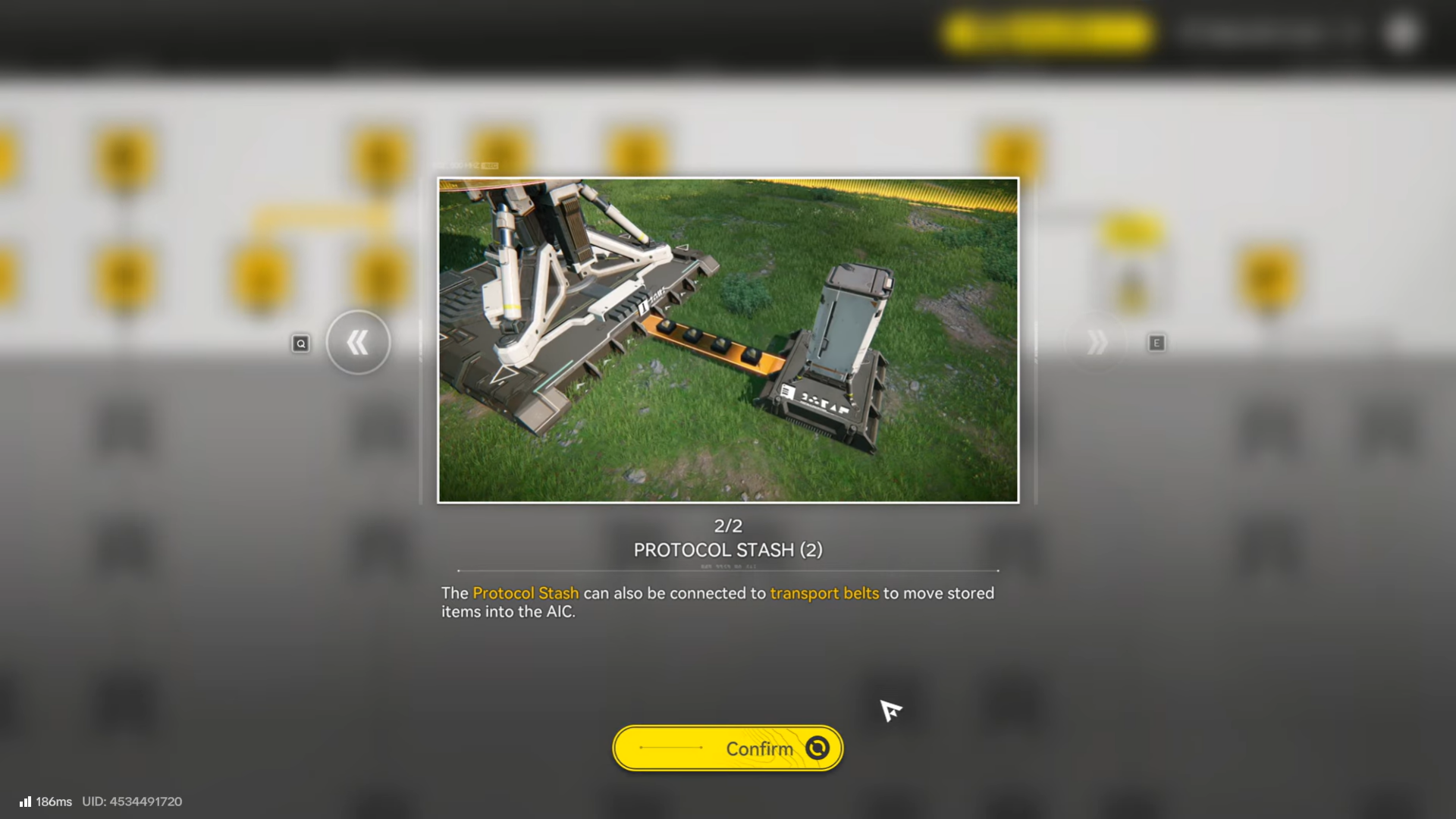
The Field Stash is a remote storage and transfer facility within the Automated Industry Complex (AIC) system.
Its core functions are simple:
- Store items locally in the field
- Automatically transfer those items to your central Depot
- Eliminate the need to manually haul resources back to base
Once powered and connected, the stash works in the background while you continue exploring or fighting.
Naming clarification
You may encounter multiple names:
- Protocol Stash – official wiki terminology
- Easy Stash – exploration-oriented variant
- Field Stash – common community shorthand
Functionally, they all serve the same role.
When and where you should use a Field Stash
Field Stashes are most effective in remote or high-yield areas, such as:
- Distant mining zones
- Valleys far from a Core AIC area
- Regions dense with plants, crates, or enemies
- Temporary outposts you revisit frequently
If you’re filling your backpack faster than you want to travel back, that area deserves a stash.
How to unlock the Field Stash
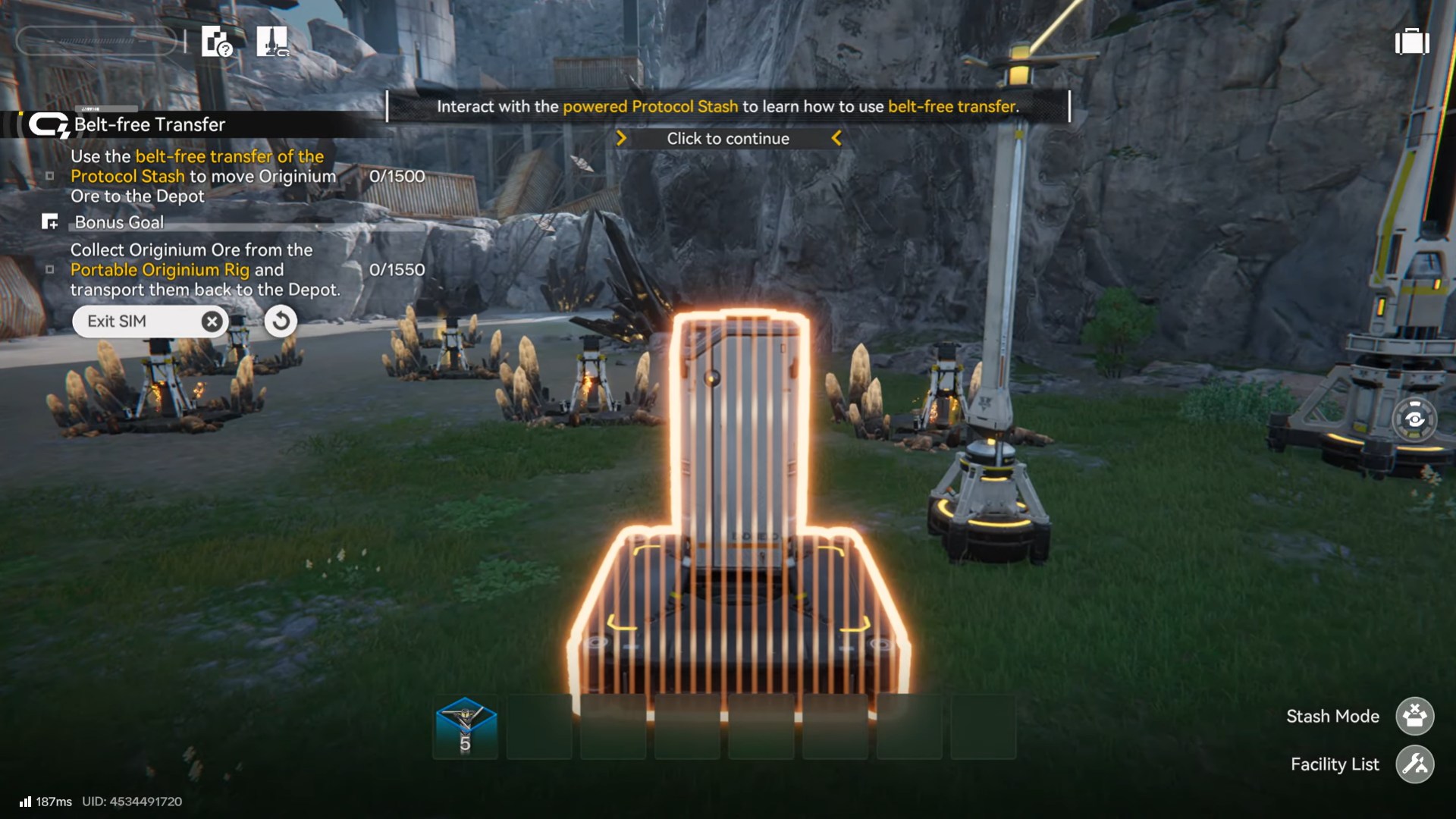
The Field Stash blueprint is unlocked through AIC Plan research and early-to-mid story progression.
If you don’t see it yet:
- Progress the main story
- Complete AIC tutorial objectives
- Unlock Exploration or Utility branches in the AIC Plan
Once unlocked, it appears under the Exploration / Utility category in AIC Mode.
How to place a Field Stash
Step 1: Enter AIC Mode
You must be in AIC Mode to place any facility. This can only be done while near a valid AIC deployment area.
Step 2: Select the Field Stash blueprint
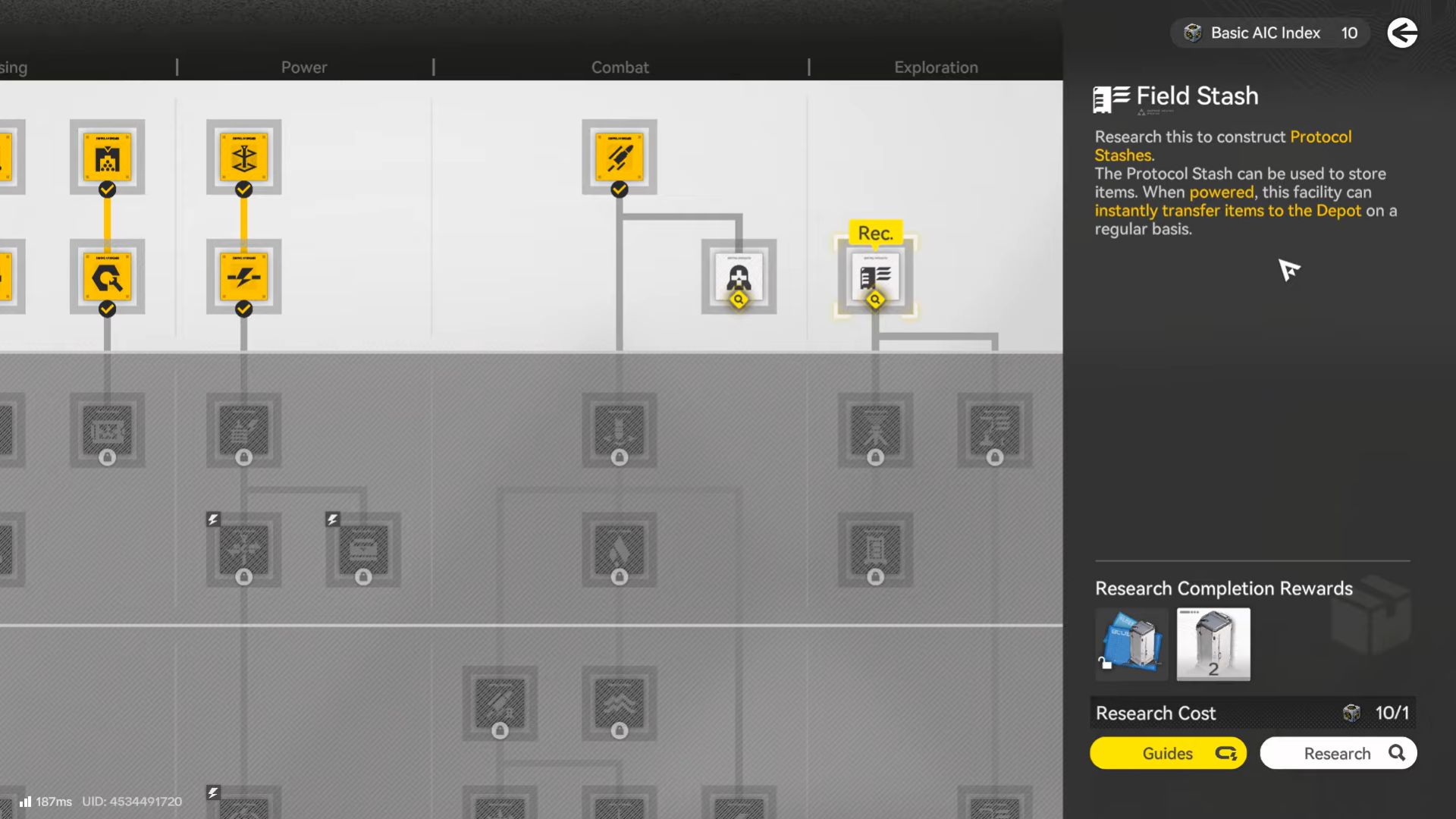
Open the facility list and choose:
- Protocol Stash / Easy Stash
Placement rules are flexible, but terrain and grid coverage still apply.
Step 3: Place it near your farming area
The closer it is to where you gather items, the more useful it becomes. There’s no benefit to placing it far from activity.
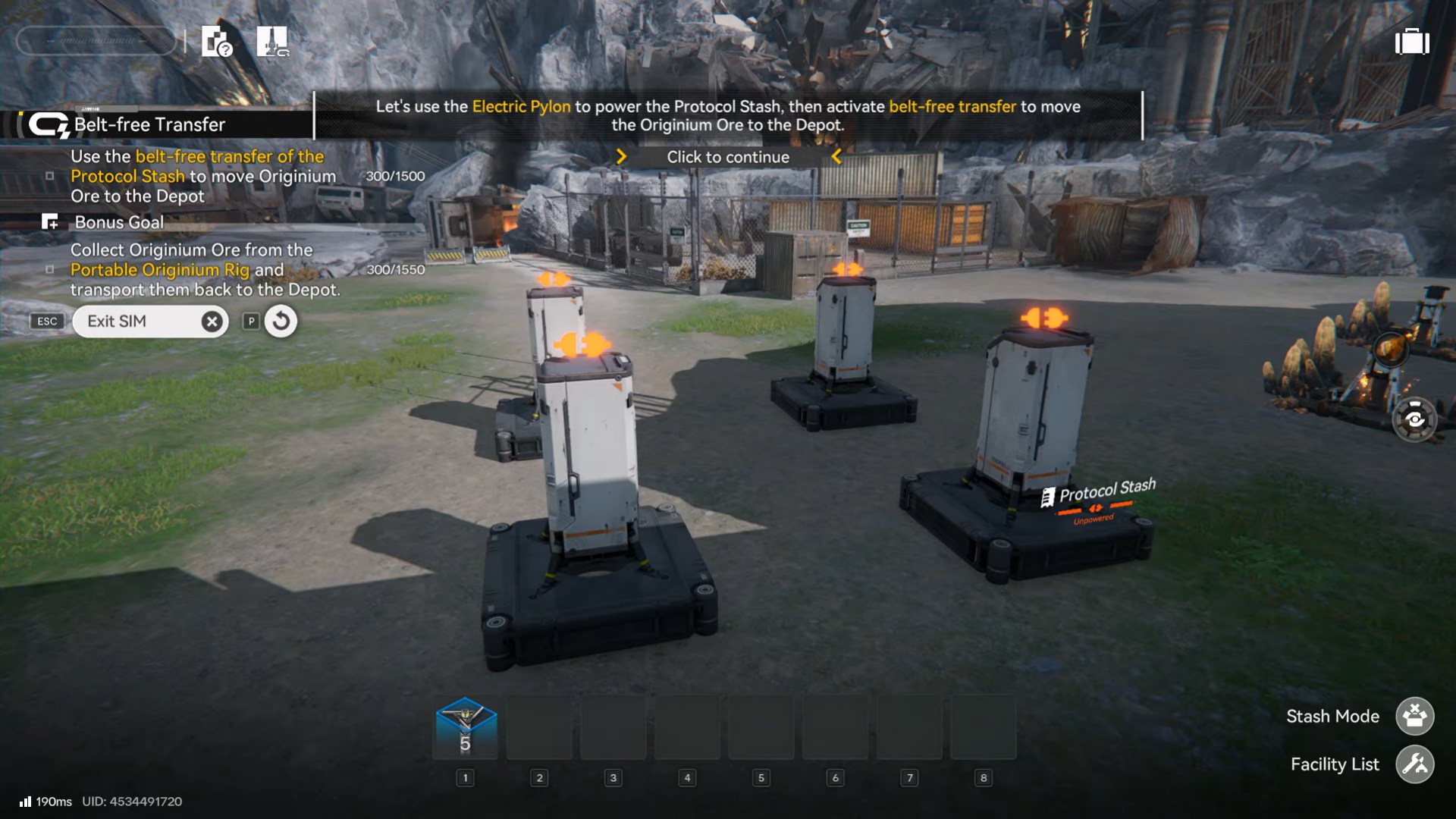
Powering the Field Stash (mandatory)
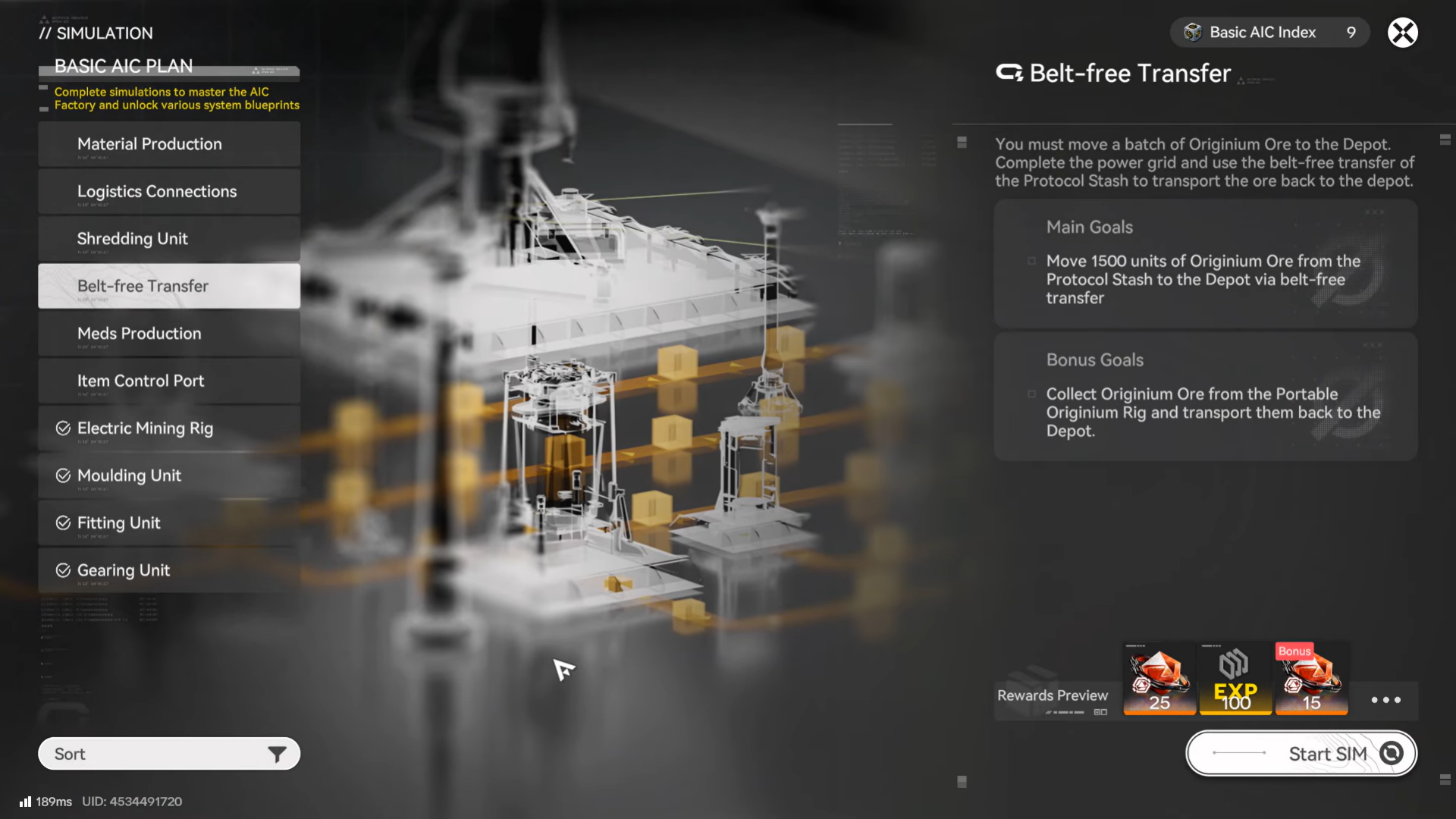
A Field Stash does nothing without power.
To activate it:
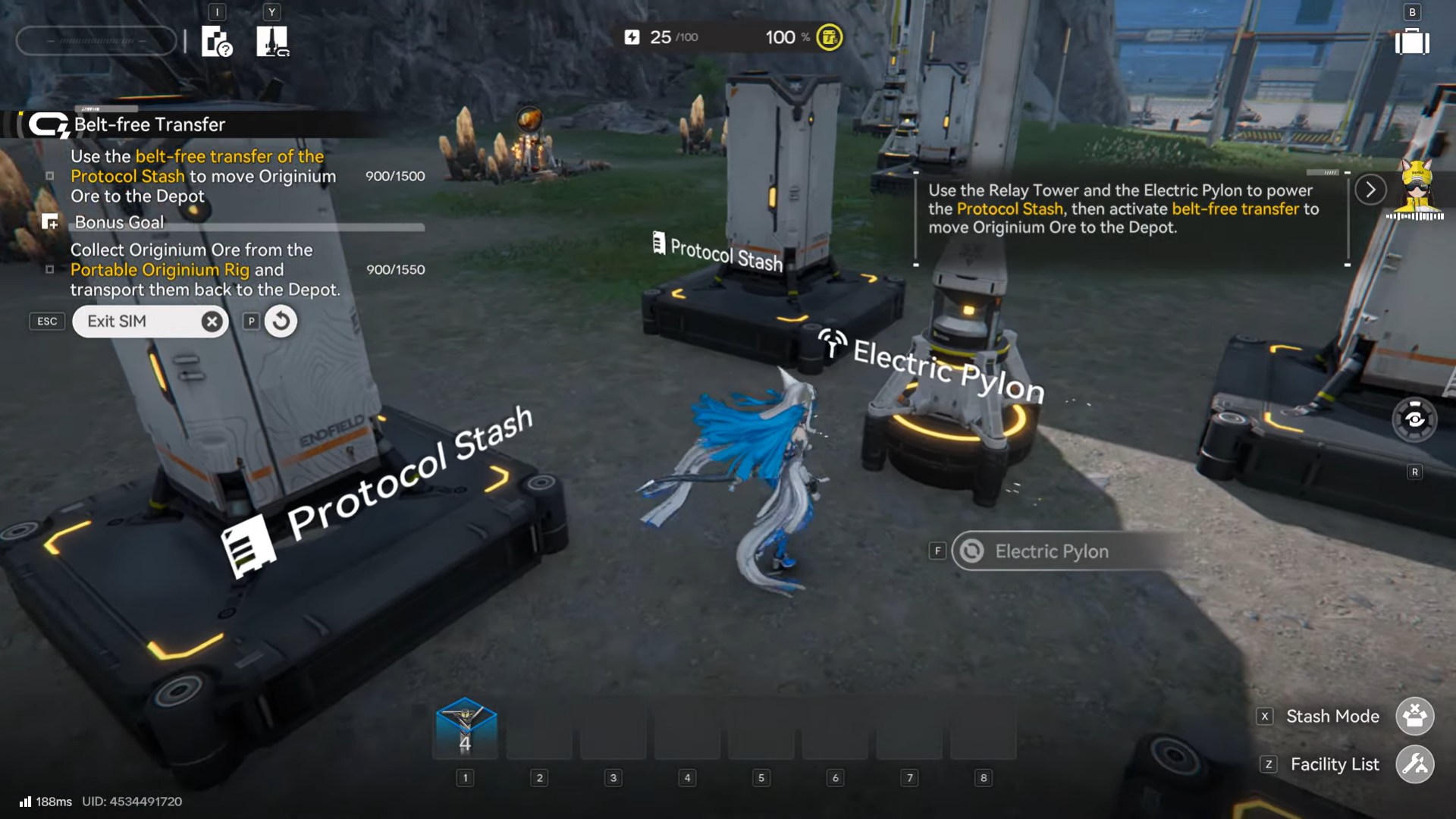
- Connect it to your power grid using pylons or relay towers
- Ensure the region has sufficient electricity
Once powered:
- Item transfer becomes automatic
- No further player input is required
If power drops, items remain stored locally until power is restored.
How Field Stash item transfer works
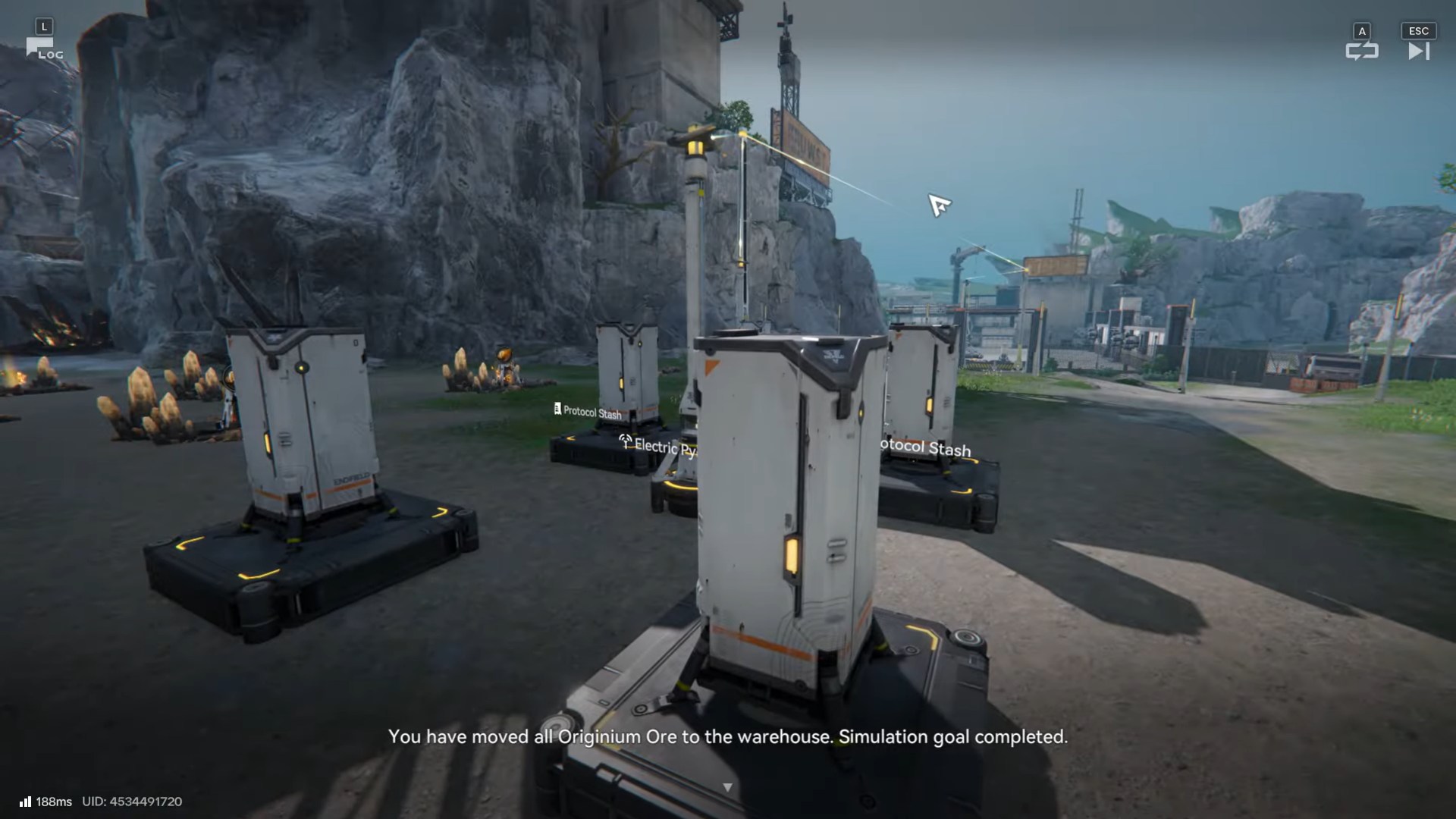
When active, the Field Stash:
- Holds items in its internal inventory
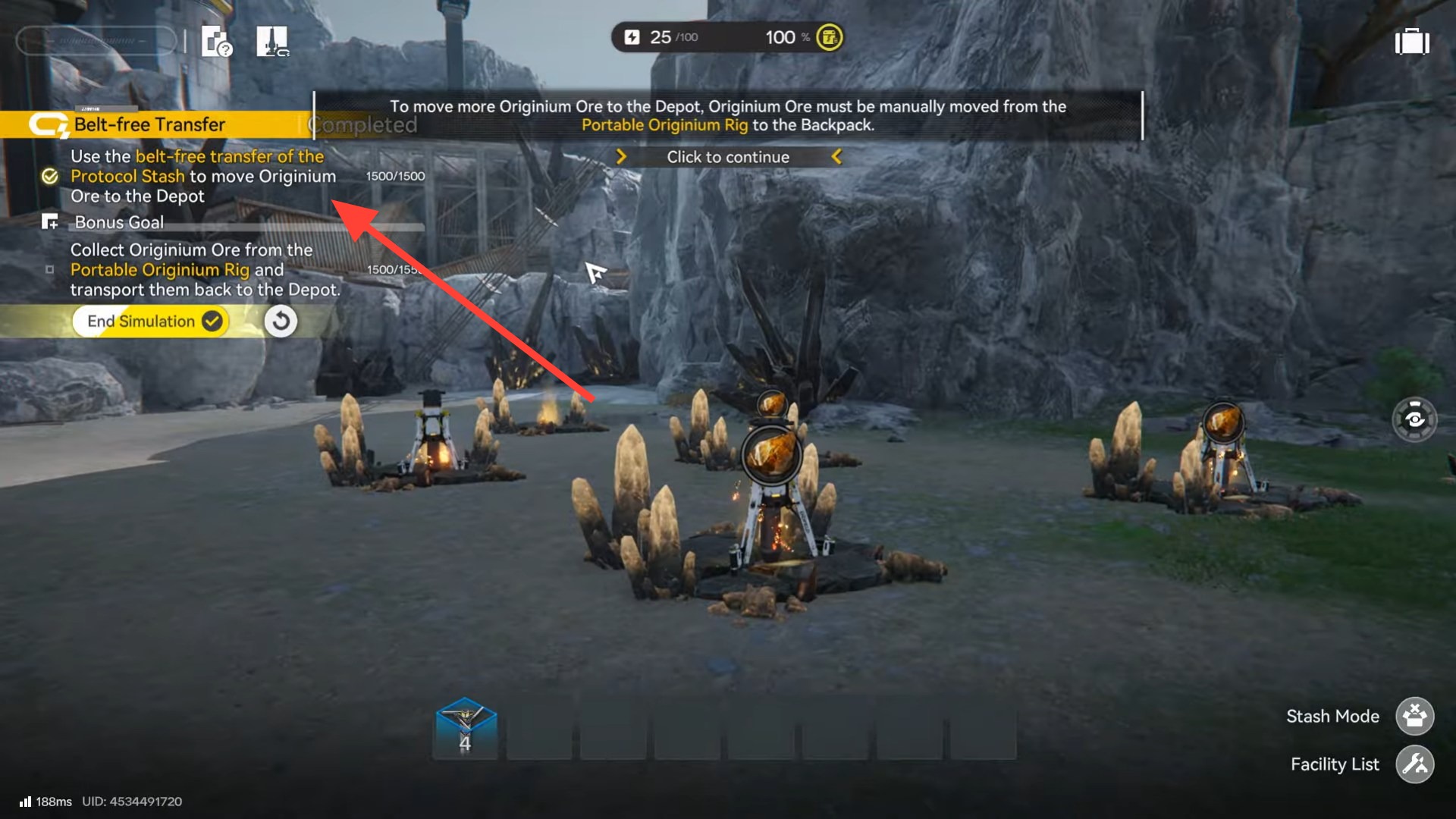
- Transfers them to your Depot on a recurring cycle
- Clears its inventory gradually, not instantly
Important notes:
- Transfer is not real-time
- Large volumes may take multiple cycles
- Items are never lost—they queue safely
You can confirm successful transfer later by checking your Depot inventory.
Step-by-step: using a Field Stash in practice
Step 1: Gather items
Mine ore, collect plants, open crates, or defeat enemies in a remote area.
Step 2: Store items in the stash
Interact with the Field Stash and place items into its inventory (or drop items within its collection range, depending on variant).
Step 3: Ensure power connection
Verify pylons or relay towers are supplying electricity.
Step 4: Continue exploring
You don’t need to wait. The stash works while you play.
Step 5: Check the Depot later
Return to a Core AIC area or open Depot management to confirm items have arrived.
Why the Field Stash is so important
Exploration efficiency
Without a stash, exploration becomes:
- Gather → backtrack → unload → return
With a stash:
- Gather → keep moving
This dramatically speeds up map completion.
Inventory management
Backpack space fills quickly in Endfield. Field Stashes act as overflow buffers, preventing forced returns.
Long farming sessions
For plants, ore, or enemy drops, stashes enable long farming loops without interruption.
Early automation bridge
Before you unlock advanced logistics, Field Stashes are your first taste of remote automation.
Using Field Stashes with production chains
While Field Stashes don’t process items, they integrate cleanly with factory workflows.
Common use cases:
- Mining in remote regions → stash → Depot → Refining
- Plant harvesting → stash → Depot → Seed-Picking
- Looting components → stash → immediate availability for crafting
They effectively extend your AIC’s reach into the overworld.
Best practices and placement tips
Place them where yield is high
High-traffic farming zones benefit most. Avoid wasting stashes in low-yield areas.
Always check power coverage
Most “stash not working” issues are power-related. Relay towers solve almost every case.
Use more than one
Multiple stashes in different regions are perfectly viable and expected later on.
Don’t expect instant transfer
Plan around transfer cycles. If you need items right now, return to base.
Common misconceptions about Field Stash
“It’s just a chest.”
No—powered stashes actively send items to your Depot.
“It generates resources.”
It only stores and transfers what you put in.
“It works without power.”
Power is mandatory. No power, no transfer.
Troubleshooting issues
Items not reaching the Depot
- Check power grid connection
- Confirm stash is in an active AIC region
- Wait for the next transfer cycle
Stash inventory full
- Wait for transfers to clear space
- Add a second stash nearby if farming heavily
Can’t place the stash
- Ensure you’re in AIC Mode
- Confirm blueprint is unlocked
How the Field Stash fits Endfield’s design
The Field Stash reflects Arknights: Endfield’s philosophy of reducing friction through systems, not convenience buttons. It rewards players who:
- Plan logistics
- Understand power grids
- Think in regions rather than rooms
As maps grow larger, this facility shifts from “nice to have” to essential infrastructure.
Field Stash boosts your AIC productions
The Field Stash turns exploration from a stop-and-go process into a continuous flow. Once powered and placed correctly, it quietly handles logistics while you focus on combat, discovery, and progression.
If you find yourself running back to base too often, the solution isn’t faster movement—it’s better logistics. And that’s exactly what the Field Stash provides.




