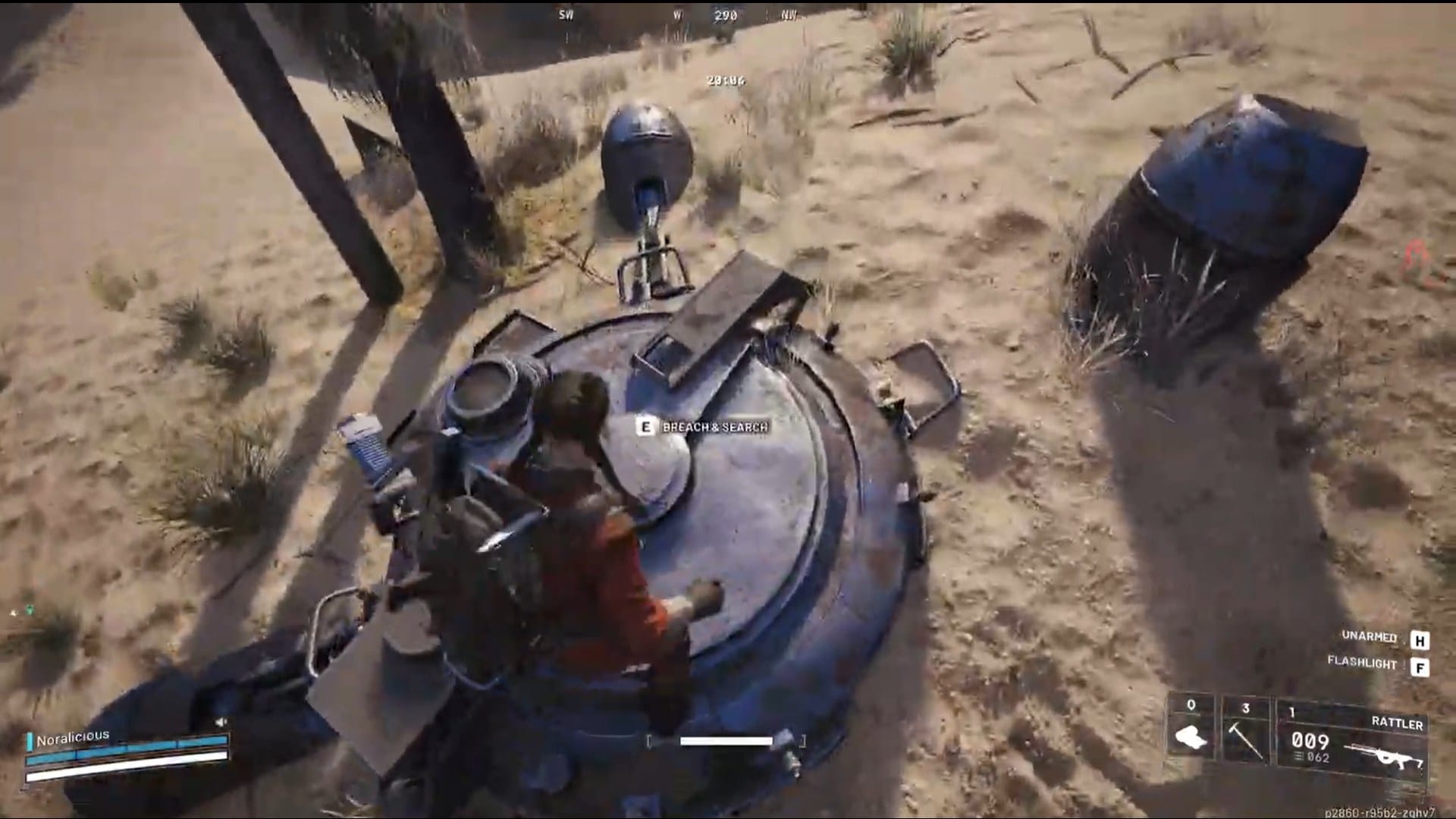
The Damaged Rocketeer Driver is a common recyclable component in ARC Raiders. Here’s where to find it, how to use it effectively, and the best areas to farm it efficiently.
The Damaged Rocketeer Driver may be common, but it’s a vital resource for players building or upgrading mechanical systems in ARC Raiders. Efficient farming and recycling make it a cornerstone for early progression, so keep a few handy for crafting or trade value.
ARC Raiders Damaged Rocketeer Driver details
| Item Name | Damaged Rocketeer Driver |
|---|---|
| Item Type | Recyclable Mechanical Component |
| Rarity | Common |
| Stack Size | 3 |
| Weight | 0.25 kg |
| Found In | ARC zones, Military Containers, Derelict Wrecks |
| Primary Use | Recycling |
| Recycle Output | 3x arc alloys |
| Best Maps | Dam Battlegrounds, ARC Base, Power Plant |
| Sell Value | 2000 |

ARC Raiders Damaged Rocketeer Driver location
The Damaged Rocketeer Driver spawns in the mechanical and military loot pool, commonly found inside ARC-controlled zones or wreckage near combat sites. Players can locate it in ARC dropships, crashed drones, and reinforced containers.
| Map | Farming Area / Region | Spawn Type |
|---|---|---|
| Dam Battlegrounds | North Industrial Zone & ARC Relay Yard | Mechanical Containers / Drone Wreckage |
| Battleground Power Plant | Generator Decks & Lower Maintenance Areas | ARC Chests / Military Lockers |
| Spaceport | Cargo Hangars & Damaged Drone Bays | Industrial Crates / ARC Containers |
How to use the Damaged Rocketeer Driver in ARC Raiders
The Damaged Rocketeer Driver can be recycled or used in crafting advanced mechanical parts for weapon and gadget upgrades.
Recycle output:
- 3x Arc alloys

Tips for faster Damaged Rocketeer Driver farming
- Focus on ARC zones and military wrecks instead of civilian areas
- Use light loadouts to extract quicker once you find it
- Farm during low-activity periods for safer scavenging
- Use the Safe Pocket for extraction if carrying rare materials
- Prioritize industrial and ARC-specific containers over loot bags
- Always check drone crash sites — they have higher mechanical loot chances