

- What to know
- How cosmetics and skins work in Hytale
- Hytale cosmetics overview
- Free in-game avatar customization options
- Standard Edition cosmetic sets
- Supporter Edition exclusive cosmetics
- Cursebreaker Edition premium cosmetics
- How to equip cosmetics in Hytale
- Community-made cosmetics and mods for Hytale
- What’s planned for cosmetics after Early Access
What to know
- Cosmetics in Hytale are purely visual and never affect gameplay.
- Early Access editions grant exclusive cosmetic sets and capes.
- Every player gets free, in-game avatar customization options.
- More cosmetics are planned post–Early Access, with no pay-to-win elements.
Hytale’s cosmetic and skin system is all about visual expression, letting you customize your avatar with outfits, capes, and accessories that never affect gameplay. Whether you’re using free in-game options or exclusive Early Access rewards, personalization stays fair and flexible.
How cosmetics and skins work in Hytale
Cosmetics and skins in Hytale are visual customization options that let you shape how your avatar looks without changing stats, combat strength, or progression. Everything from clothing layers to capes and accessories exists purely for expression.
There are two main ways you get cosmetics right now:
- Early Access edition rewards
- In-game avatar customization options available to all players
The system is built around layered clothing, meaning you can mix outfits, accessories, and armor visuals to create a unique look.
Hytale cosmetics overview
| Category | What it includes | How you get it |
|---|---|---|
| Early Access sets | Full themed outfits | Purchase specific editions |
| Capes | Static and animated capes | Tied to editions |
| Base clothing | Shirts, pants, boots, accessories | Free in-game |
| Hairstyles & faces | Facial presets and hair styles | Free in-game |
| Community cosmetics | Custom skins and outfits | Modded/community servers |
Early Access editions determine which exclusive cosmetic sets and capes you unlock. Higher tiers automatically include everything from lower tiers.
Free in-game avatar customization options
Even without purchasing higher editions, every player has access to a deep avatar customization system through the My Avatar menu. You can freely adjust:
- Skin tone
- Facial structure
- Eye styles
- Hairstyles and colors
Layered clothing system
Hytale uses a layered approach so you can stack visuals naturally. Clothing layers include:
- Undertops like shirts and tunics
- Overtops such as cloaks, jackets, and robes
- Legwear including trousers and skirts
- Footwear like boots and sandals
- Accessories such as gloves, hats, and mittens
These options are unlocked and adjusted directly in-game at no additional cost.
New Customization Options Added in Hytale Update 1
The first major Hytale update has expanded the in-game avatar customization system with several brand-new options and improvements. Players can now enjoy the following additions:
-
New eye types: Cat Eye, Demonic Eyes, Goat Eye, Reptile Eye
-
New mouth options: Large Mouth, Tiny Lips
-
New hair color: Lavender
-
Hairstyle improvements: Reworked Bangs hairstyle and a brighter Dark Brown color
-
Supporter Edition fix: Featherbound Hood now displays correctly
These updates add even more depth to Hytale’s character creator, giving players greater freedom to customize their avatars without requiring any additional purchases.
New Customization Options Added in Hytale Update 2
The latest Hytale update further expands the avatar customization system with new cosmetic choices, visual upgrades, and a long-requested quality-of-life feature for armor visibility. Players can now personalize their characters with even more detail thanks to the following additions:
- New face cosmetics: Bandit Mask (Side Knot variant), Blindfold (Thick variant), and Bandage Blindfold variants for Left Eye, Right Eye, and Full
- New mouth options: Vampire Mouth, Cute Mouth, Orc Mouth
- New cosmetic color: White added to the fantasy cotton palette
- Hairstyle visual upgrades: Single Side Pigtail, Hair Stick Bun, Simple Bobcut, Fighter Buns, Smart Elven, and Windswept have all received visual improvements
- Armor visibility toggles: Players can now hide or show equipped armor pieces directly from the character panel, while server hosts can enable or disable this feature for PvP or immersion rules
- Cape animation improvements: Capes now flow more naturally while running
These additions make the character creator more expressive than ever, while the new armor visibility toggle gives players better control over how their outfits look without sacrificing stats.
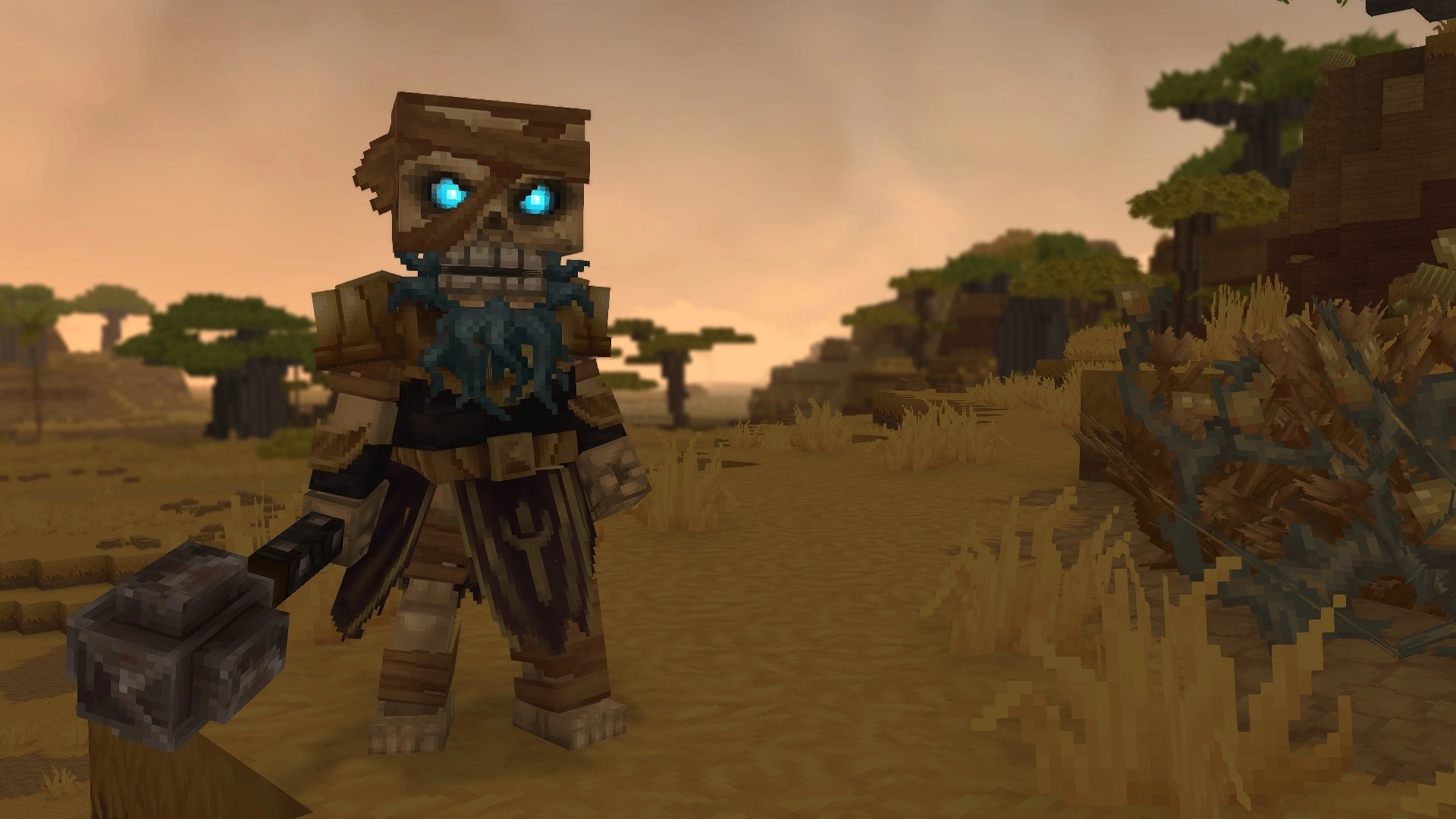
Standard Edition cosmetic sets
The Standard Edition includes two complete outfit sets and multiple capes designed around exploration themes.
Included sets
- Forest Guardian Set
Focused on nature-themed textures like bark, leaves, and vines. - Voyager Set
A rugged explorer look with layered outerwear and travel gear. - Savanna Scout Set
Lightweight clothing designed around warm climates and scouting aesthetics.
Included capes
- Classic solid-color capes
- Minimalist stripe cape
- Crest of Orbis cape
These cosmetics unlock automatically once you purchase the Standard Edition.
Supporter Edition exclusive cosmetics
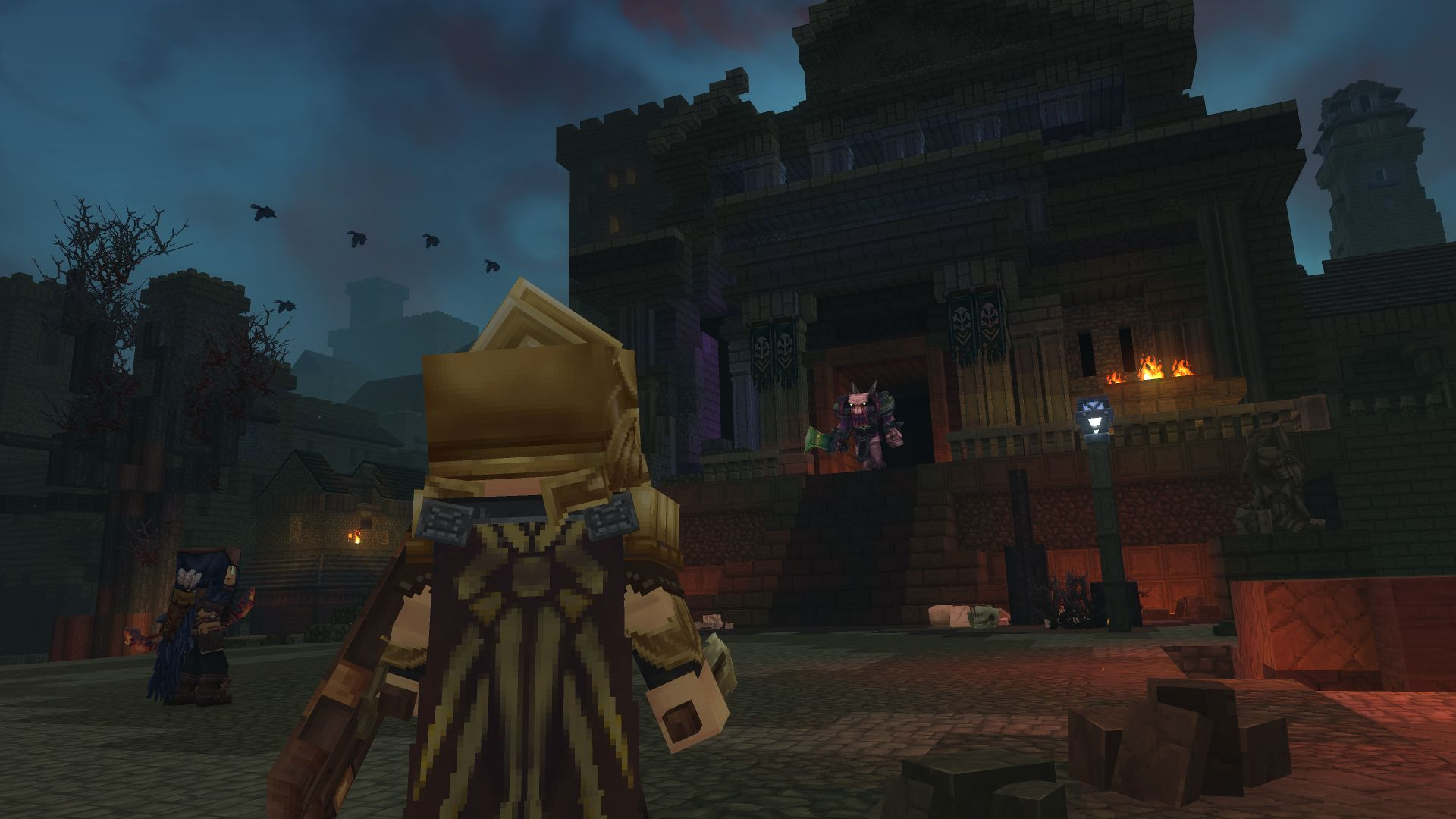
The Supporter Edition adds several visually distinct outfits and exclusive capes on top of all Standard rewards.
Additional cosmetic sets
- Featherbound Set
Features plumes, wing-like accents, and talon-styled boots. - Scavenger Set
A survivalist look with gas masks, patchwork coats, and utility gear. - Arctic Scout Set
Cold-weather clothing with fur linings and insulated layers.
Extra accessories
- Explorer Goggles
Supporter-exclusive capes
- Golden Trim Cape
- Constellation Cape
- Wind-swept Tattered Cape
These items cannot be earned in-game and remain edition-exclusive.
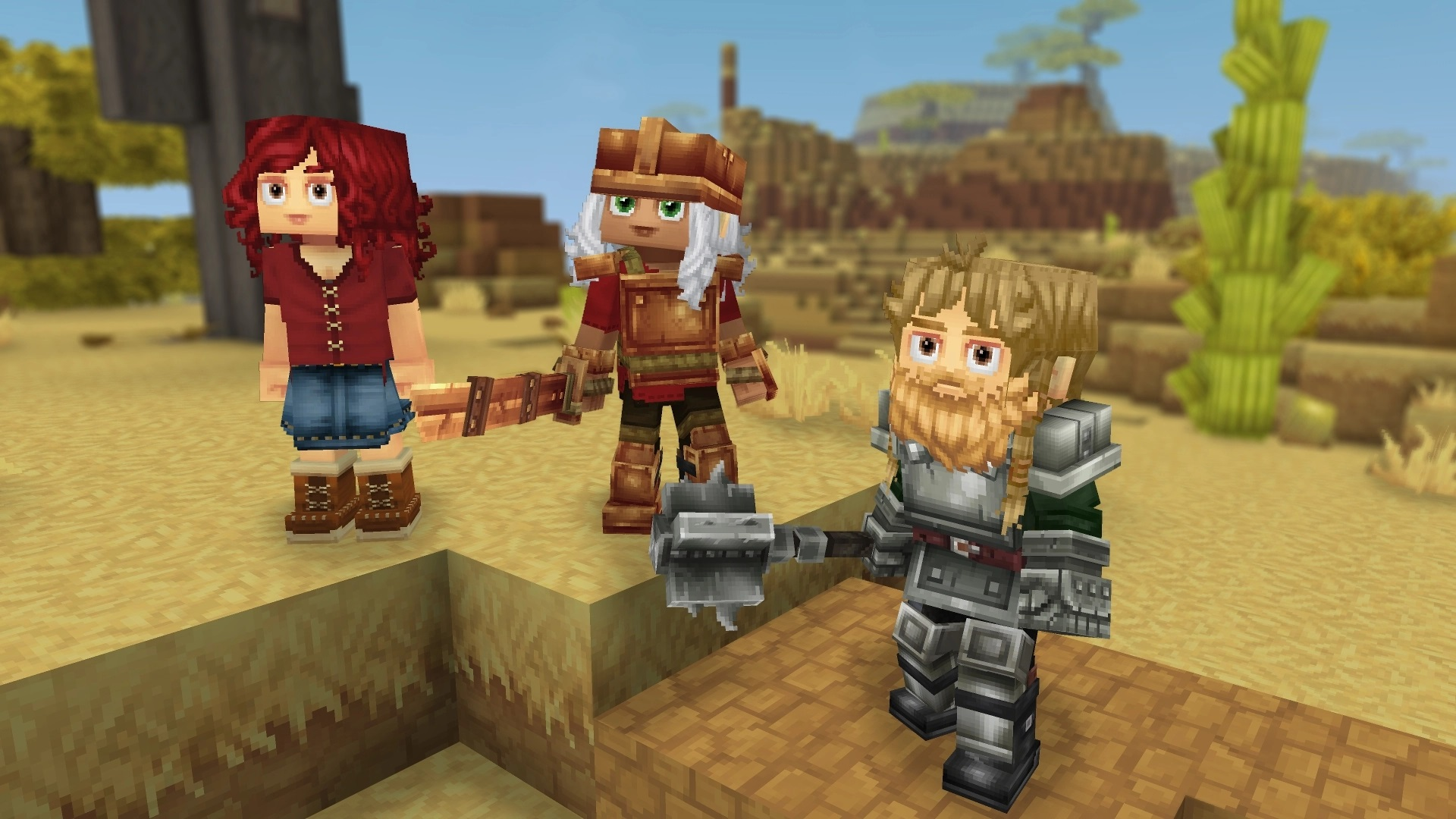
The Cursebreaker Edition is the most cosmetic-heavy tier, offering fantasy, sci-fi, and modern-inspired designs.
- Hope of Gaia Set
Light-themed robes and glowing accessories. - Void Hero Set
Dark armor with void-infused visuals. - Pop Star Set
Modern streetwear with neon highlights. - Voidbearer Set
Organic, alien-inspired armor with pulsing effects.
Exclusive capes
- Royal Emissary Cape
- New Beginning Cape (animated)
- Shadow-step Cape
This edition grants every cosmetic currently available through Early Access.
How to equip cosmetics in Hytale
- Open the main menu or pause menu and select My Avatar.
- Browse cosmetic categories such as outfits, capes, accessories, and clothing layers.
- Select an item to preview it instantly on your character.
- Mix and match layers, then save your avatar appearance.
Cosmetics can appear under or over armor depending on the item’s layer rules, letting you maintain visual identity even while geared up.
Community-made cosmetics and mods for Hytale
On mod-friendly and community servers, players can use custom cosmetics created with community tools. These include:
- Custom skins
- Unique hats and accessories
- Visual-only pets or effects
These cosmetics are not official content and only function on servers that allow them.
What’s planned for cosmetics after Early Access
Developers have confirmed several future goals for cosmetics:
- Regular additions of free cosmetics through updates
- No pay-to-win or stat-boosting visuals
- Possible introduction of a cosmetic marketplace or creator system, with details still undecided
Thanks for staying till the end! If this cosmetics and skins guide for Hytale made things easier or gave you useful insights, we’d love to hear your thoughts. Drop your feedback or questions in the comments—we’re always active and ready to assist with anything that still feels unclear.




