Quick, exact steps to redeem Borderlands 4 SHiFT codes on PC, PlayStation, and Xbox (web and in-game).
- What to know
- All Active SHiFT Codes [Updated September 30, 2025]
- How to redeem your ShiFT key in two ways
- Option 2: Redeeming SHiFT codes in-game (step-by-step)
- How to use Golden Keys you redeemed
- Troubleshooting: when a code won’t redeem
- Quick checklist
- Codes can work for multiple platforms and games!
- Wrap-up: get your golden loot fast
What to know
- SHiFT codes usually grant Golden Keys (or cosmetics) and are often time-limited.
- You must have a SHiFT account and link your platform account (Steam/PSN/Xbox) to claim rewards.
- Redeeming works either in-game (Social → SHiFT/Rewards) or on the official SHiFT website; rewards then appear in your in-game mailbox.
- Each code is usually redeemable once per SHiFT account; expired/region-locked codes won’t work. Check the latest lists when you use a code.
All Active SHiFT Codes [Updated September 30, 2025]
Here are the currently active SHiFT codes for Borderlands 4 as of 30 September 2025:
| SHiFT code | Reward | Expiration Date |
|---|---|---|
| THRBT-WW6CB-56TB5-3B3BJ-XBW3X | 1 × Golden Key | 30 Sep 2025 |
| JS63J-JSCWJ-CFTBW-3TJ3J-WJS5R | Vault Hunter “Break Free” cosmetics + Legendary Ripper shield + 2 × ECHO-4 Drone skins | 31 Dec 2030 |
| 39FB3-SHWXS-RRWZK-533TB-JHJBC | 1 × Golden Key | 1 Oct 2025 |
| T9RJB-BFKRR-3RBTW-B33TB-KCZB9 | 1 × Golden Key | 1 Oct 2025 |
| WHWJB-XH3SX-39CZW-H3BBB-BTF55 | 1 × Golden Key | 1 Oct 2025 (may require linked 2K account) |
| TZXT3-XJXCB-CXBJW-BTTJT-9SK6B | Rafa Cosmetic “Savings Savior” | 31 Dec 2030 |
Expired SHiFT Codes [Updated September 30, 2025]
The following are expired SHiFT codes for Borderlands 4:
| Shift Code | Reward | Date |
|---|---|---|
| T9RJB-BFKRR-3RBTW-B33TB-KCZB9 | Gold Key | 09/11/2025 |
| THRBT-WW6CB-56TB5-3B3BJ-XBW3X | Gold Key | 09/11/2025 |
| WHWJB-XH3SX-39CZW-H3BBB-BTF55 | Gold Key | 09/12/2025 |
| JS63J-JSCWJ-CFTBW-3TJ3J-WJS5R | Break Free Pack | 09/16/2025 |
| 3SR3J-CS63T-CFB3K-J3JTT-RZ5JR | Gold Key | 09/16/2025 |
| 3SRBB-X9RBJ-CRTBW-3BBB3-KJFW6 | Gold Key | 09/16/2025 |
| 39RTJ-3JZTJ-C6T35-JBTT3-5TFCC | Gold Key | 09/17/2025 |
| 3ZXJB-53STT-56T3W-B3TT3-HTS95 | Gold Key | 09/19/2025 |
| BSRT3-FTZBJ-K6BTW-JB3T3-WXT99 | Gold Key | 09/19/2025 |
| 3H63J-Z3S3J-KR3BK-BTJ33-ZWKTK | Gold Key | 09/20/2025 |
| TSR3B-J5S3T-KRBJW-BTTBJ-JRCXX | Gold Key | 09/20/2025 |
That’s all.
How to redeem your ShiFT key in two ways
You can either redeem them online on the developer’s website or do it in-game itself. Both the guides are given below.
Option 1: Redeeming on the official SHiFT website (step-by-step)
Step 1:
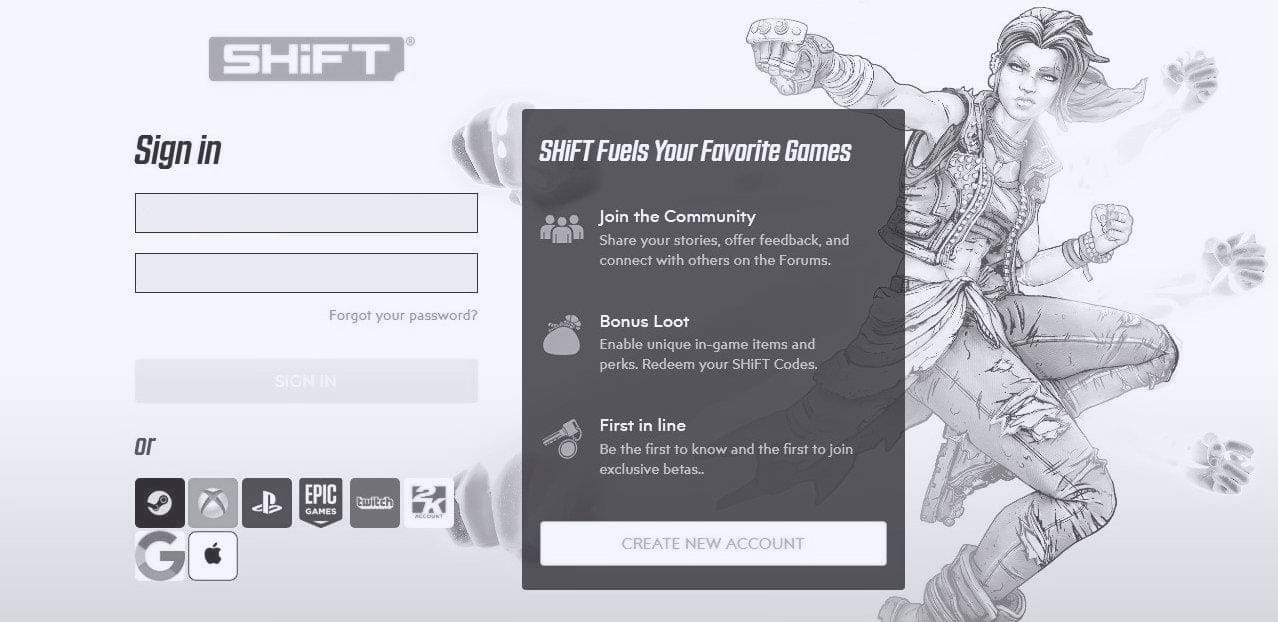
Go to shift.gearboxsoftware.com and sign in (or create a SHiFT account).

Step 2:
In your account, link your platform account (Steam/PSN/Xbox).

Step 3:
Click the Sign in button to start connecting the platform on which you have the game to your SHiFT account. When done successfully, it will show “unlink” as shown below.

Step 4:
Go to the Rewards / Redeem tab, paste the code, and confirm.

Step 5:
Paste the code here.

Step 6:
When successfully redeemed, you will see this message.

Some codes may may work on a specific platform only, for example, one code above asks for 2K account.

Option 2: Redeeming SHiFT codes in-game (step-by-step)
If you wish to redeem the SHiFT codes from within the game, then follow the guide below.
Step 1:
Launch Borderlands 4 and sign into your usual platform account (Steam/PSN/Xbox Live).
Step 2:
From the main menu, open Social (or the SHiFT tab) → look for Rewards / Redeem Code.
Step 3:
Paste or type the 25-character code (hyphens may auto-format).
Step 4:
Confirm redeem.
Step 5:
Open your in-game mailbox or SHiFT rewards UI and claim the Golden Key. If it doesn’t appear, log out and back in.
How to use Golden Keys you redeemed
Step 1: Claim the Golden Key from your in-game mailbox.
Step 2: Find any Golden Chest in a hub area.
Step 3: Interact, confirm you want to spend a Golden Key, and open it.
Step 4: Collect the randomized high-rarity loot and repeat when you have more keys.
Troubleshooting: when a code won’t redeem
Step 1: Double-check formatting (no extra spaces, correct characters).
Step 2: Verify the code hasn’t expired or been region-locked.
Step 3: Confirm your platform account is linked in your SHiFT account.
Step 4: Remember each code works once per SHiFT account.
Step 5: If the reward doesn’t show, relog or restart the game.
Step 6: Still broken? Contact Gearbox/SHiFT support with your code, platform, and screenshots.
Read: Failed to Redeem Shift Code Issue in Borderlands 4: How to Fix in 9 Ways
Quick checklist
- You have a SHiFT account and are signed in.
- Your play platform is linked to SHiFT.
- The code is current (not expired).
- Reward claimed in mailbox and Golden Key used at a Golden Chest.
Codes can work for multiple platforms and games!
You need to choose the platform and game where you’d like to claim your SHiFT rewards. To redeem a code that works across multiple games and platforms: Simply repeat this process for each game and platform you want rewards on. You can use the same code for every eligible game and platform.
Wrap-up: get your golden loot fast
Redeeming SHiFT codes in Borderlands 4 is quick once your SHiFT and platform accounts are linked. Most issues resolve with a relog or re-link. Keep an eye on Gearbox and major outlets for fresh codes — they’re your ticket to extra loot.