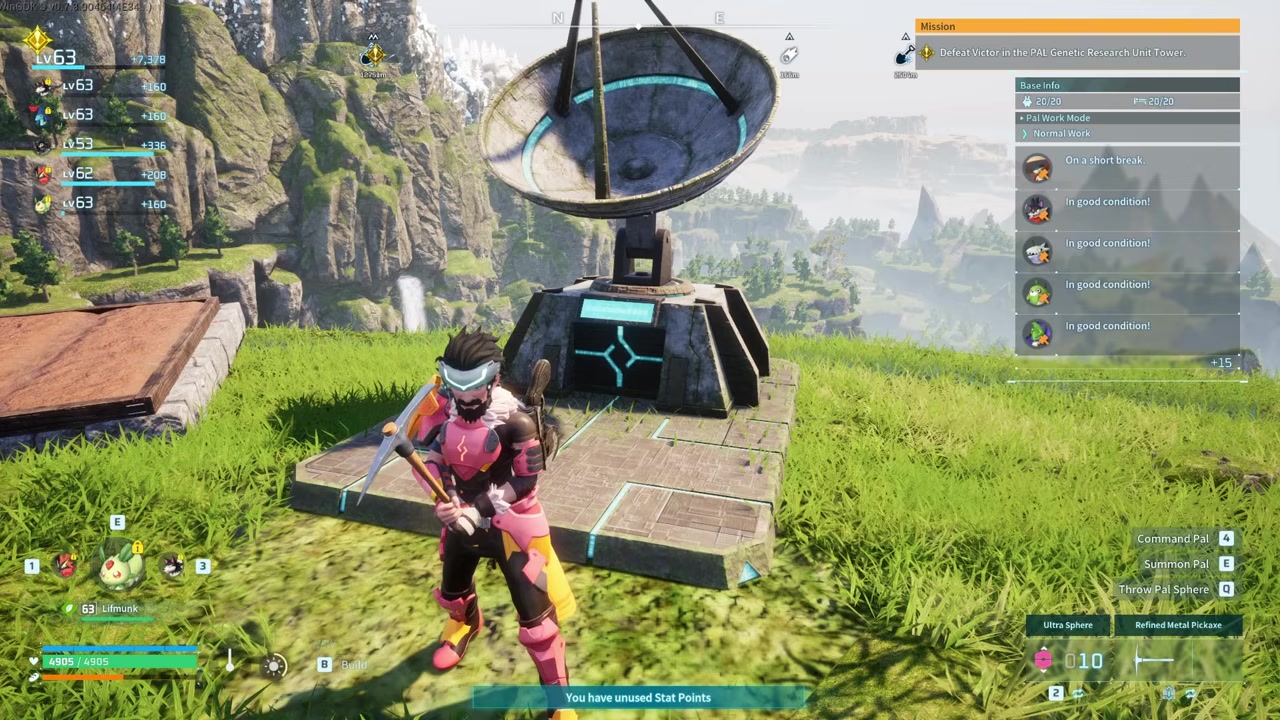
Palworld has no linked storage between bases, so you must either manually haul items using the Grappling Gun or use Guild Chests to teleport resources via fast travel.
Palworld splits your inventory network across every base you own, forcing you to physically move resources if you want them centralized. Whether you are funneling ore from a mining outpost to your main crafting hub or relocating your entire operation, the lack of a global chest system means you have to get creative with the mechanics that do exist. The good news is that over-encumbrance and fast travel can be combined to move massive loads in just a few trips.
- Palworld does not have a global cross-base inventory
- Move bulk items with the grappling-gun and fast-travel method
- Over-encumbered Grappling Gun hauling as an early-game fallback
- World-settings workaround to reduce or zero out item weight
- Optimization tips for chest placement and carrying capacity
- Common mistakes players make when transferring items
- Relocation a base safely and base-slot unlocks
- Frequently Asked Questions
Palworld does not have a global cross-base inventory
Set your expectations early: Palworld currently features no unified inventory or automatic cross-base resource transport system. Resources produced or stored at one base stay there until a player physically moves them. Players repeatedly request a universal storage chest tied to the Palbox, but that linked-storage update does not exist natively.
Standard Wooden Chests and Big Chests are strictly local to the base they are built in. The Item Retrieval Machine is equally limited—it only pulls items from storage within the same base, prompting endless community requests for cross-base functionality. Until the developers add a global network, every transfer requires manual hauling or clever use of guild mechanics.
Move bulk items with the grappling-gun and fast-travel method
STEP 1/5
Load up on resources
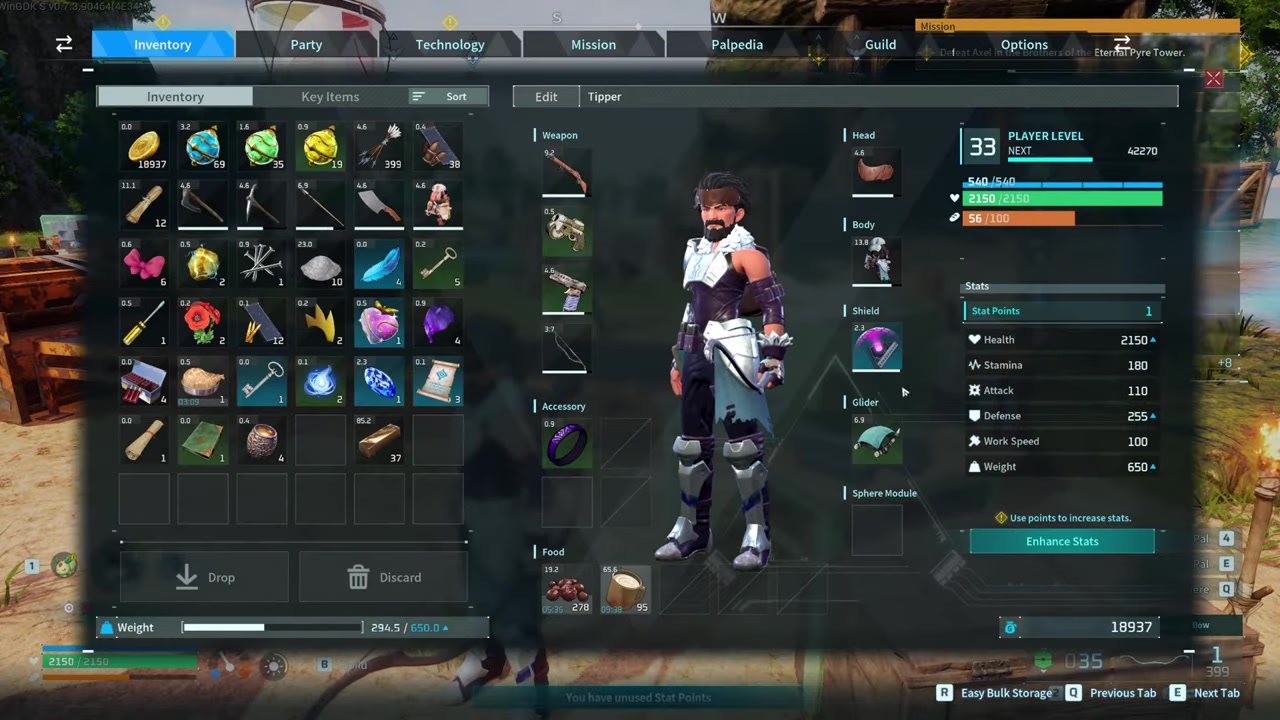
Accept the over-encumbered status and load up on as many items as you can carry from your origin base chests.
STEP 2/5
Grapple toward the Palbox
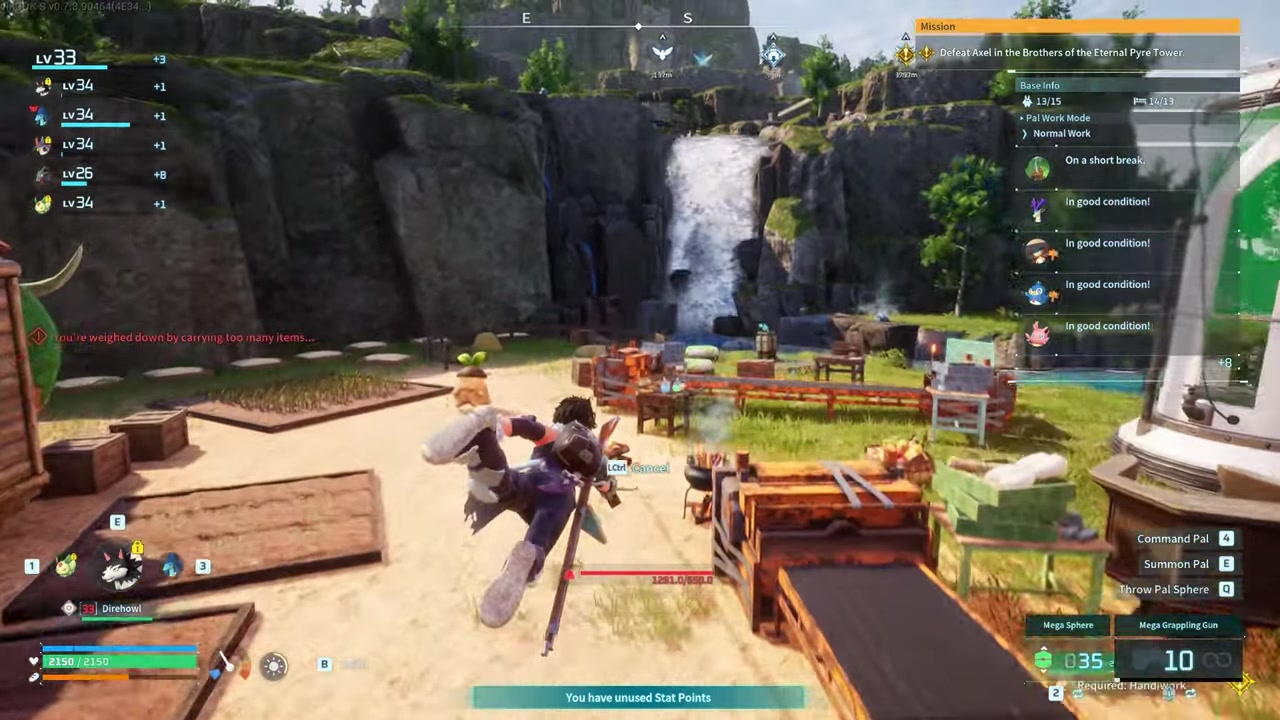
Use the Grappling Gun to cover ground quickly and offset the snail-pace movement penalty, despite its long cooldown.
STEP 3/5
Open Palbox management
Interact with the Palbox to access the base management screen and select your destination base.
STEP 4/5
Fast travel to the destination
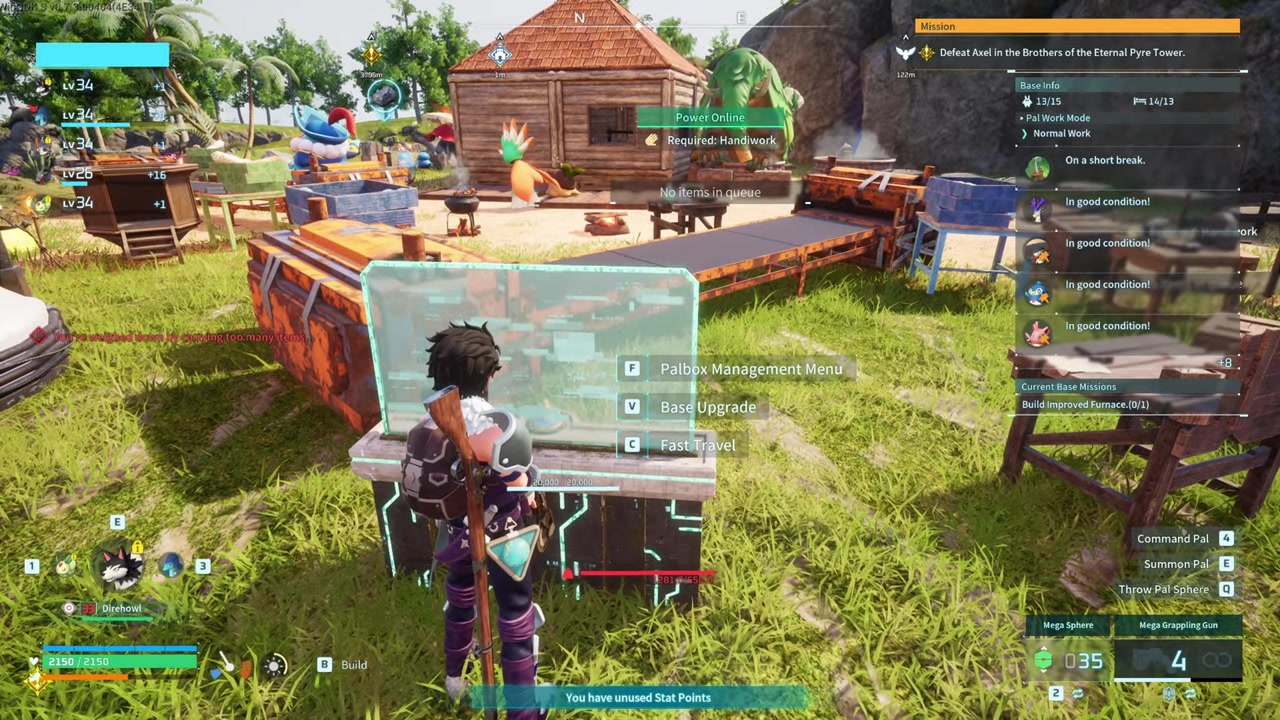
Use the Palbox map icon to fast travel to your new base instead of walking the open world.
STEP 5/5
Dump items in a spawn-point chest
Video help
Over-encumbered Grappling Gun hauling as an early-game fallback
If you are playing solo or do not have access to guild shared storage, the Grappling Gun is your best fallback for moving heavy loads. Craft the Grappling Gun once unlocked in the Technology tree—though note that exact material costs differ slightly across guides and patches, so confirm the recipe in your in-game Technology menu.
Load your character past the normal weight limit from the storage boxes at your origin base. Equip the Grappling Gun and use it to grapple from your chests directly to the Palbox. It is vital to understand that the grapple is meant specifically for this chest-to-Palbox movement, not for traversing the open world while over-encumbered. Once you reach the Palbox, fast travel to the destination base and dump the items into a chest placed right next to the spawn point.
World-settings workaround to reduce or zero out item weight
If you own or control the world, you can bypass the encumbrance penalties entirely through the world-settings screen. When logging into your world, open the custom settings menu and locate the Item Weight multiplier. You can lower this value to 0.5 to halve the weight of all items and keep things somewhat realistic, or drop it all the way down to 0.0 to eliminate encumbrance penalties altogether. This setting only applies if you are the world owner, but it is the cleanest way to avoid dealing with slow movement if you are sick of being over-encumbered.
Optimization tips for chest placement and carrying capacity
The single most effective optimization is placing your transfer chests directly beside the Palbox. By eliminating the walking distance between your storage and the fast-travel spawn point, you remove the need for complex grappling maneuvers entirely. Some players argue that simply upgrading your carrying-weight stat and placing a chest next to the Palbox makes the Grappling Gun unnecessary.
Common mistakes players make when transferring items
The biggest mistake is assuming that base storage inventories automatically link together—they do not. Similarly, expecting the Item Retrieval Machine to pull items from other bases will leave you waiting, as it only works locally within a single base.
Relocation a base safely and base-slot unlocks
| Base Slots | Player Level Required |
|---|---|
| 1 slot | Level 1–10 |
| 2 slots | Level 10–15 |
| 3 slots | Level 15+ |
If you are transferring items because of a full base relocation, you must empty all chests before dismantling the Palbox. Any items left in storage when the Palbox is removed may be permanently lost. When you are ready to rebuild, base slots unlock as you level up, dictating how many simultaneous bases you can operate.
Place a storage chest directly beside your Palbox at every base to eliminate walking distance when dumping over-encumbered loads.
Frequently Asked Questions
Is there a linked storage system or global chest in Palworld?
No, Palworld does not have a linked storage system or global chest. Resources stay at the base where they are mined or stored until you physically move them. Players have repeatedly requested a universal chest tied to the Palbox, but it does not exist natively in the game.
Can Pals transport items between different bases automatically?
No, Pals cannot transport items across different base boundaries. Pals assigned to a base will only move items and resources within that specific base’s radius.
Does the Item Retrieval Machine pull items from other bases?
No, the Item Retrieval Machine only works locally. It pulls items from storage within the same base, not from chests at your other bases. This local-only limitation is why players often resort to manual hauling.
What happens to items in chests if I dismantle my Palbox to move bases?
If you dismantle your Palbox while items are still in chests at that base, those items may be permanently lost. You must empty all chests completely before dismantling the Palbox to ensure nothing is destroyed during a base relocation.
Can I reduce or remove the weight limit so I don’t get over-encumbered?
Yes, if you own or control the world, you can open the custom world settings and lower the Item Weight multiplier. Reducing it to 0.5 halves item weight, while setting it to 0.0 removes encumbrance penalties entirely so you never get over-encumbered.