To play with friends in SAND: Raiders of Sophie, open the prep lobby, click an empty crew slot to invite a friend from your Steam list (or share a crew code), have everyone mark ready, then launch the expedition together.
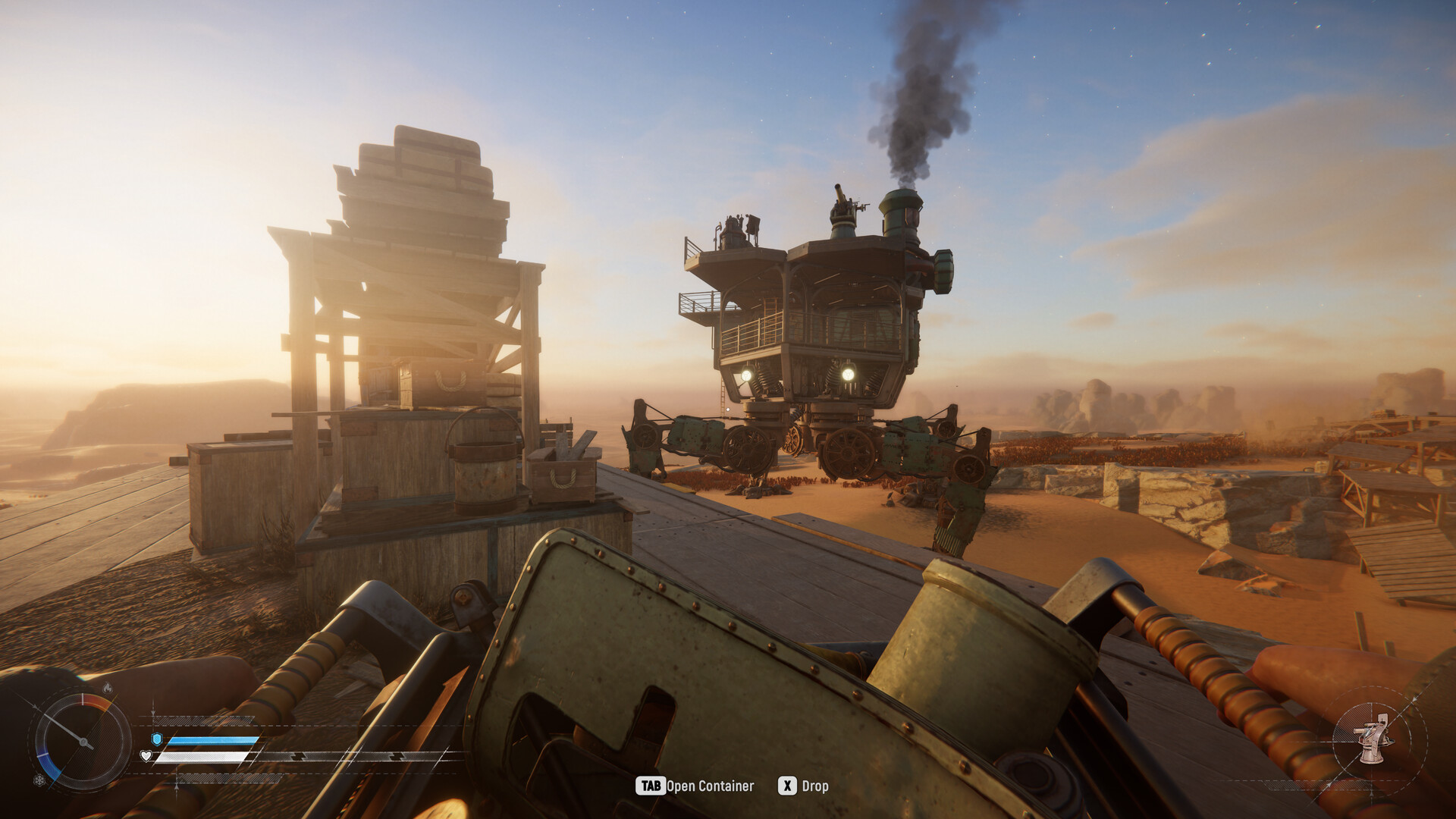
Teaming up in SAND: Raiders of Sophie revolves around the game’s Crew system, which turns a solo drop into a coordinated squad effort. You and your friends share a single Trampler—a massive, customizable walking mech that serves as your mobile fortress on the planet Sophie. Getting your group together happens entirely in the preparation lobby before you ever touch down on the dunes, and the game gives you two straightforward ways to fill your roster.
How to invite friends and launch a crew in SAND: Raiders of Sophie
| Mode | Style | Stakes/loot | Best for a crew |
|---|---|---|---|
| Voyage | Persistent, lower-stakes open world | Standard progression and exploration loot | Long-term group progression and base building |
| Storm Dive | Short, battle-royale-style runs | Higher-tier, high-risk loot | Coordinated, high-reward extraction raids |
STEP 1/8
Spot the empty crew slots
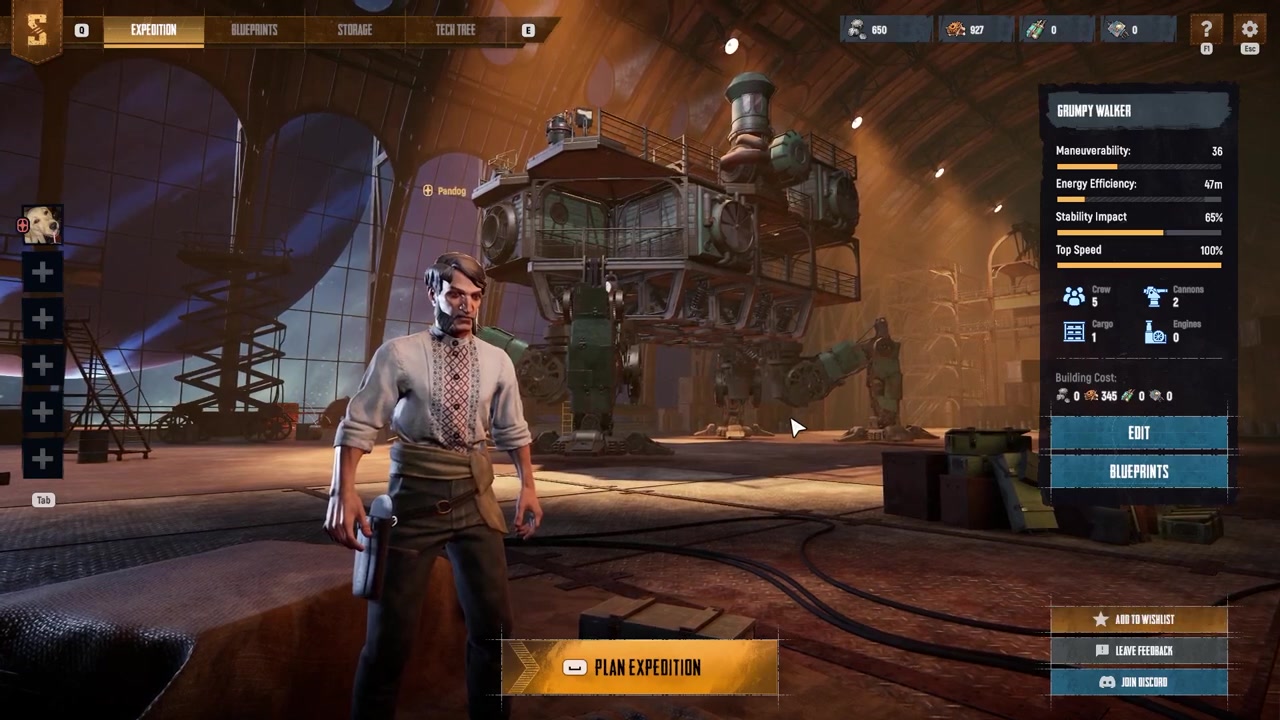
As soon as you enter the game lobby, look for the empty slots with plus signs on the left side of the screen, which are reserved for your squad members.
STEP 2/8
Click a slot to invite
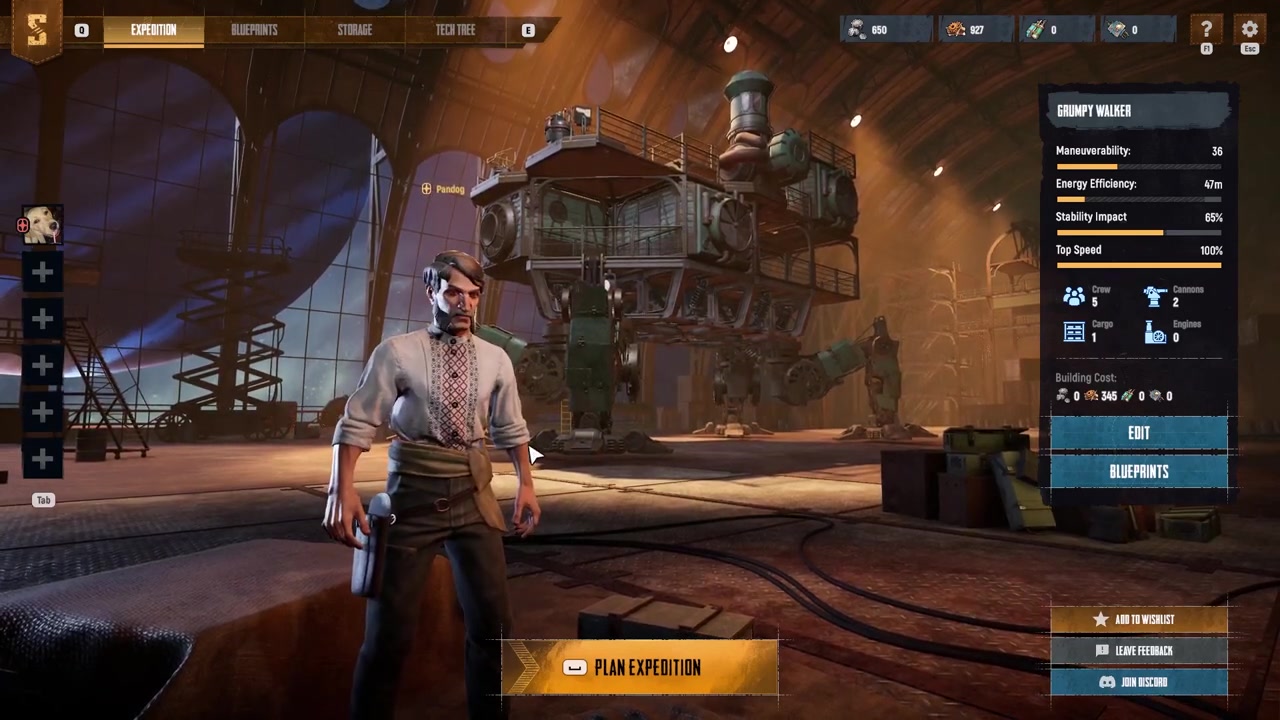
Click one of the empty slots, then scroll through your friends list and find the Steam profile of the person you want to invite.
STEP 3/8
Send the invite
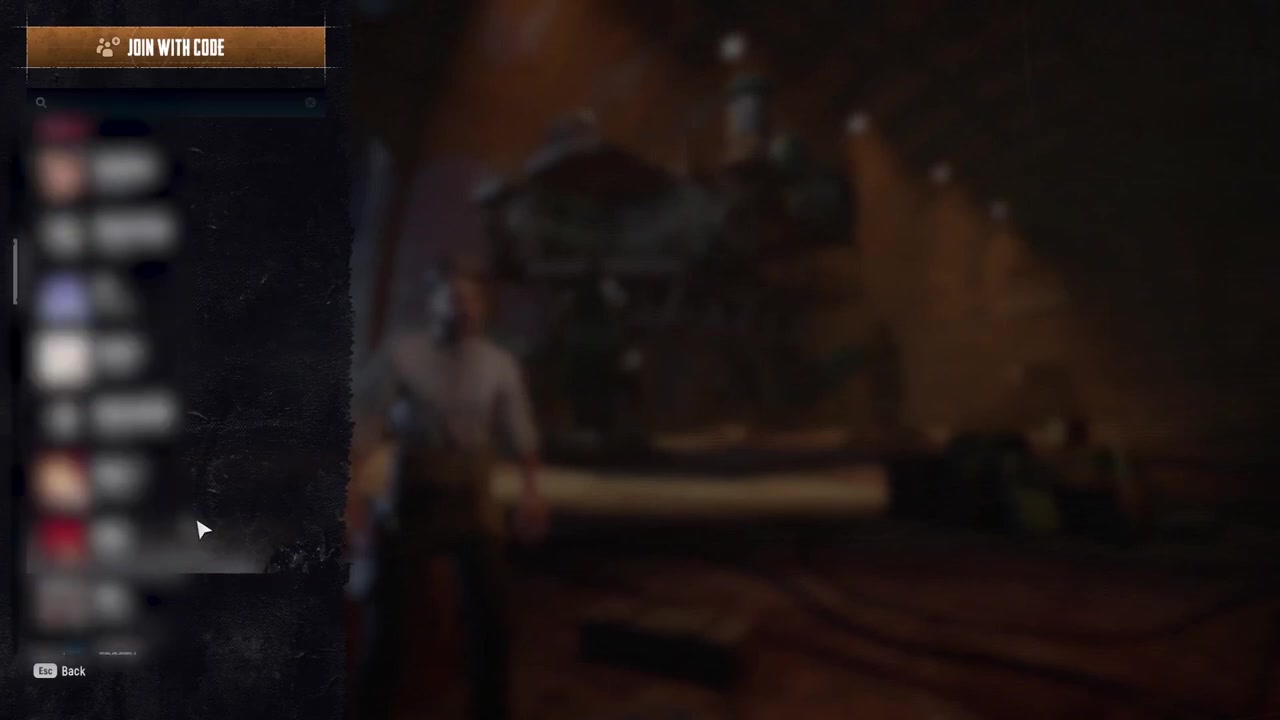
Click on your friend’s name and select the invite option to send them a notification directly through Steam.
STEP 4/8
Occupy the crew slot
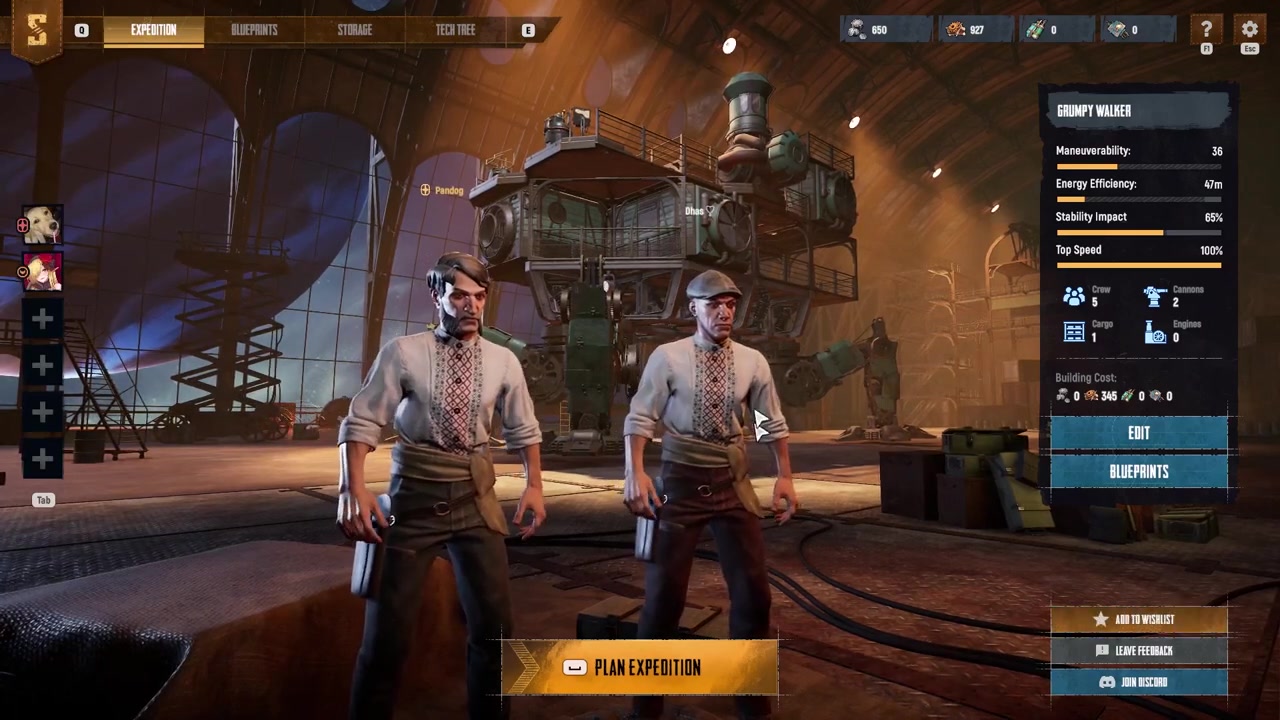
Once your friend accepts the invite, they will immediately occupy one of the available slots in your crew while you remain in the preparation lobby.
STEP 5/8
Use a crew code instead
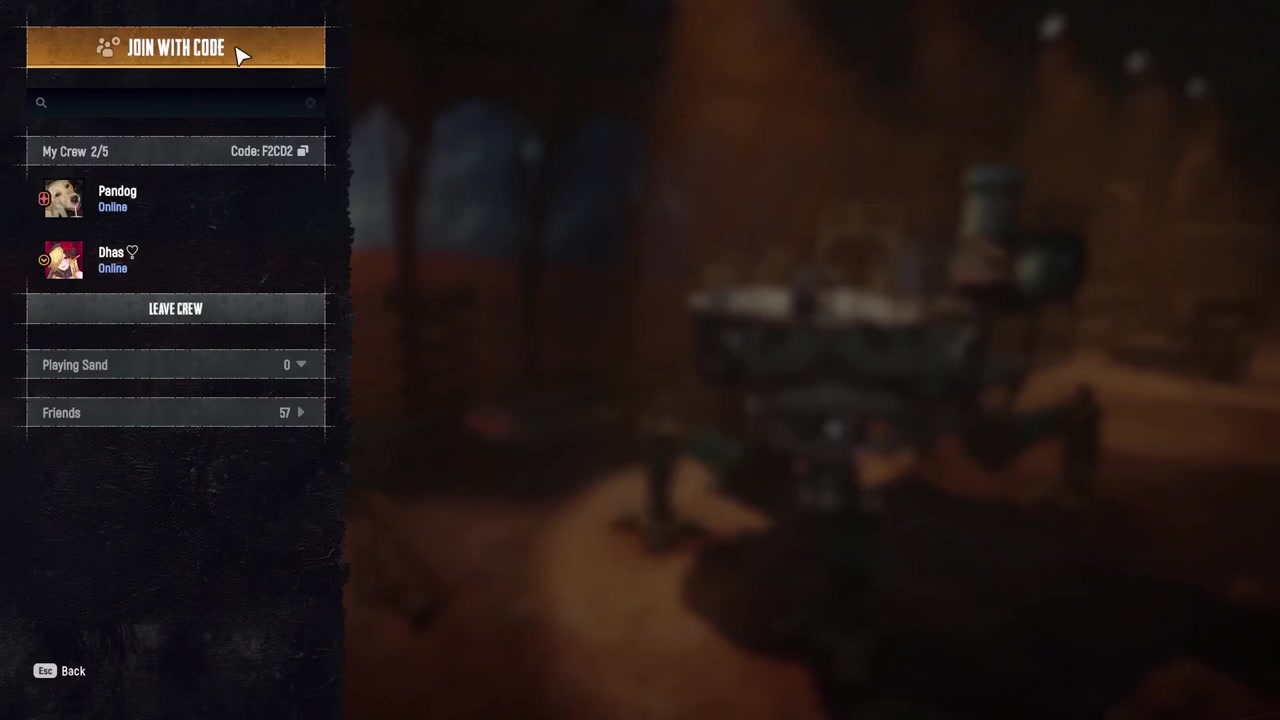
Click on an empty slot and select join with code to display your unique crew code, which you can share outside of Steam.
STEP 6/8
Enter the crew code
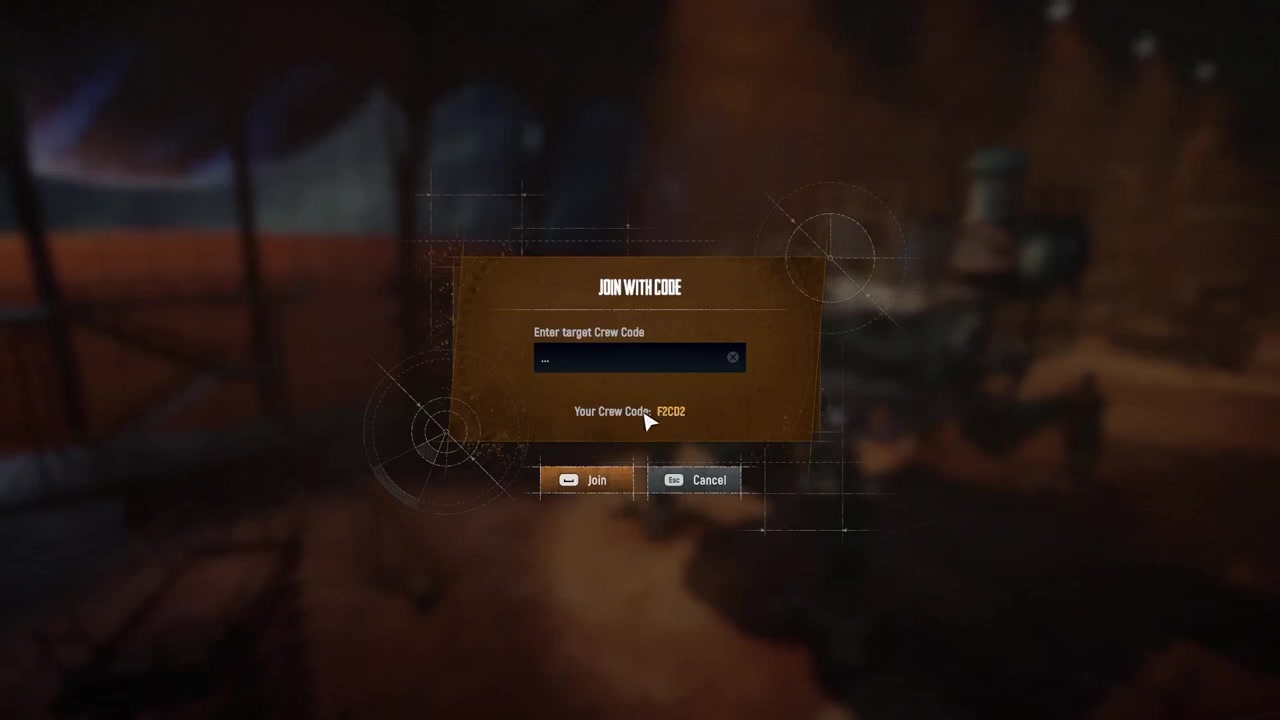
Your friends can enter the code into the crew code field to join your party directly, bypassing the Steam friends list entirely.
STEP 7/8
Mark everyone as ready
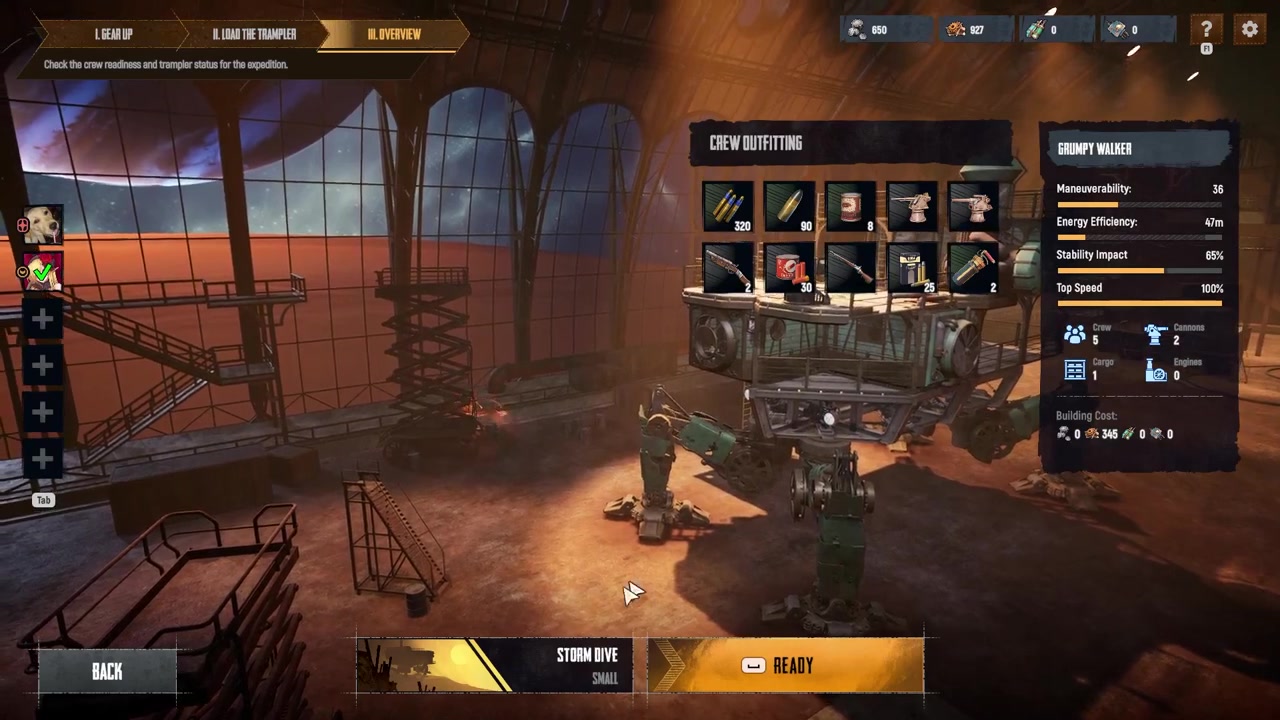
After everyone finishes preparing their gear, have each player mark themselves as ready, which displays a green check mark on their profile picture.
STEP 8/8
Launch the expedition
Once the whole crew is ready, you are free to launch your expedition and head out into the wasteland together.
Most joining problems stem from players being on different multiplayer servers or regions. If you and your friend are not on the same server, you will not be able to see each other’s lobbies or send viable invites. The game includes a server selector specifically so you can sync up your regions before trying to group up.
Another common mistake is assuming there is a generic quick join button. SAND specifically uses the slot-based Crew system for party play, so you must send targeted invitations or share a crew code. Mode mismatch is also a frequent hurdle: friends already running a Voyage cannot seamlessly pull in a squadmate who is queued for a Storm Dive. You need to back out, agree on one mode, and start together from the menu. If multiplayer simply “isn’t working” and you are certain you share a server, double-check that no one is stuck in an offline mode or a solo-only menu state.
If an invite doesn’t go through, verify everyone is on the same multiplayer server before re-sending, as cross-server lobbies are invisible to each other.
Video help
Frequently Asked Questions
How many players can play together in one crew in SAND?
The reported max crew size is 8 players on a single Trampler. However, this is a community playtest figure and has not yet been officially confirmed by the developer in patch notes.
Is it free to invite friends and play co-op?
No in-game currency cost is listed for inviting friends or forming a Crew, so it is reasonable to infer this is free. That said, this has not been explicitly confirmed by the developers.
Why can’t I see or join my friend’s game?
The usual cause is being on different multiplayer servers or regions. If you are not on the same server, you will not be able to see each other’s lobbies or invites. Sync your server selection and try inviting again.
Can players in Voyage and Storm Dive play together?
No. Friends in Voyage and Storm Dive cannot seamlessly join each other mid-run. The entire crew must agree on one mode and start the expedition together from the menu.