Learn how to restart your current fight in UFC 6 from the in-game menu, reset the bout instantly, and start again with the same matchup and fresh clock.
To restart a fight in UFC 6, open the in-game menu with the menu button (the one with three lines) on your controller, choose Restart, press A, and confirm Yes.
Sometimes a round goes sideways early and you just want a clean slate against the same opponent. UFC 6 lets you wipe the current fight and start it over without backing out to the menu, and the whole thing takes about four button presses. Here’s exactly where that option lives and what it does.
What restarting does to the current bout
How to restart your fight in UFC 6
STEP 1/4
Open the in-game menu
Press the menu button with the three lines on your Xbox controller mid-fight.
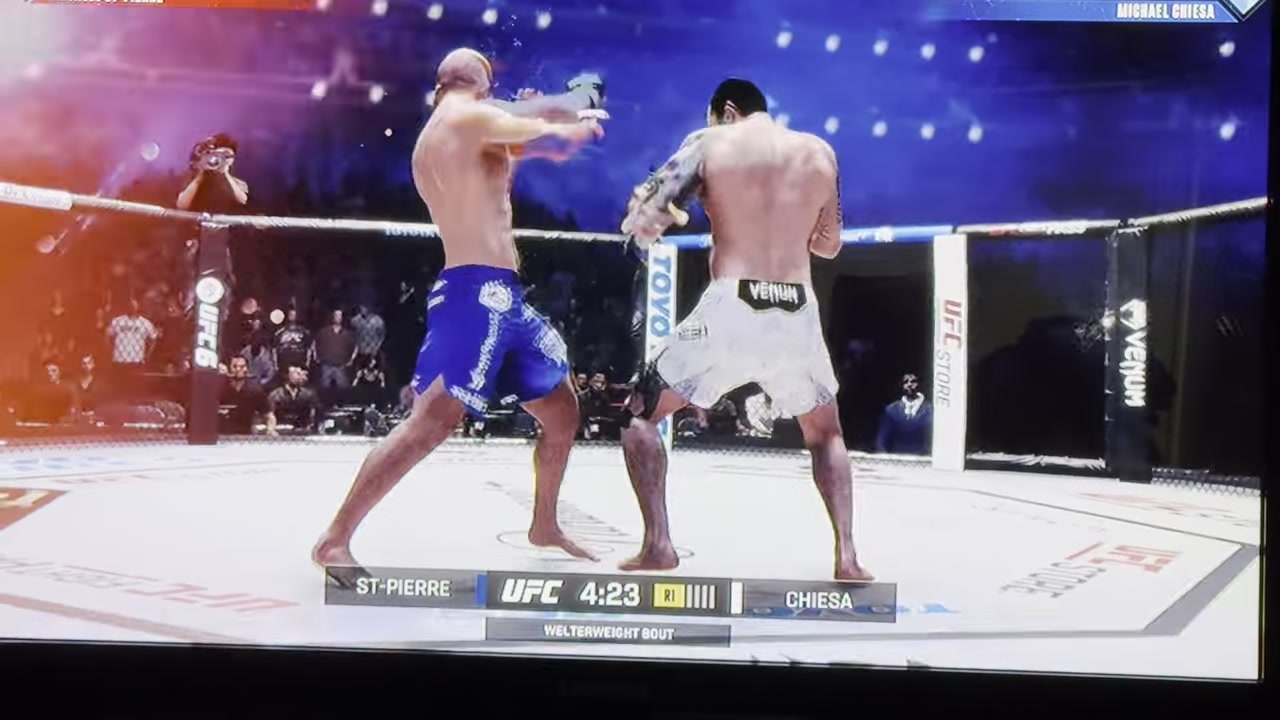
STEP 2/4
Find the Restart option
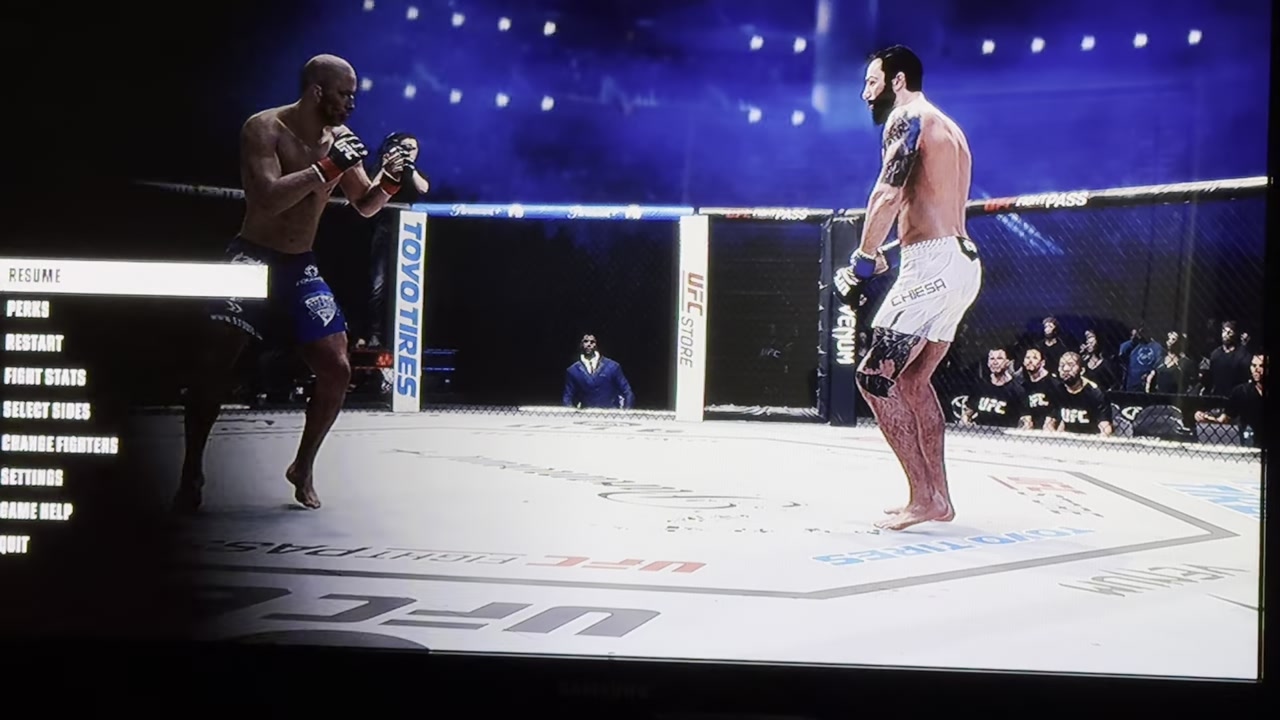
The menu lists Restart — move to it so it’s highlighted.
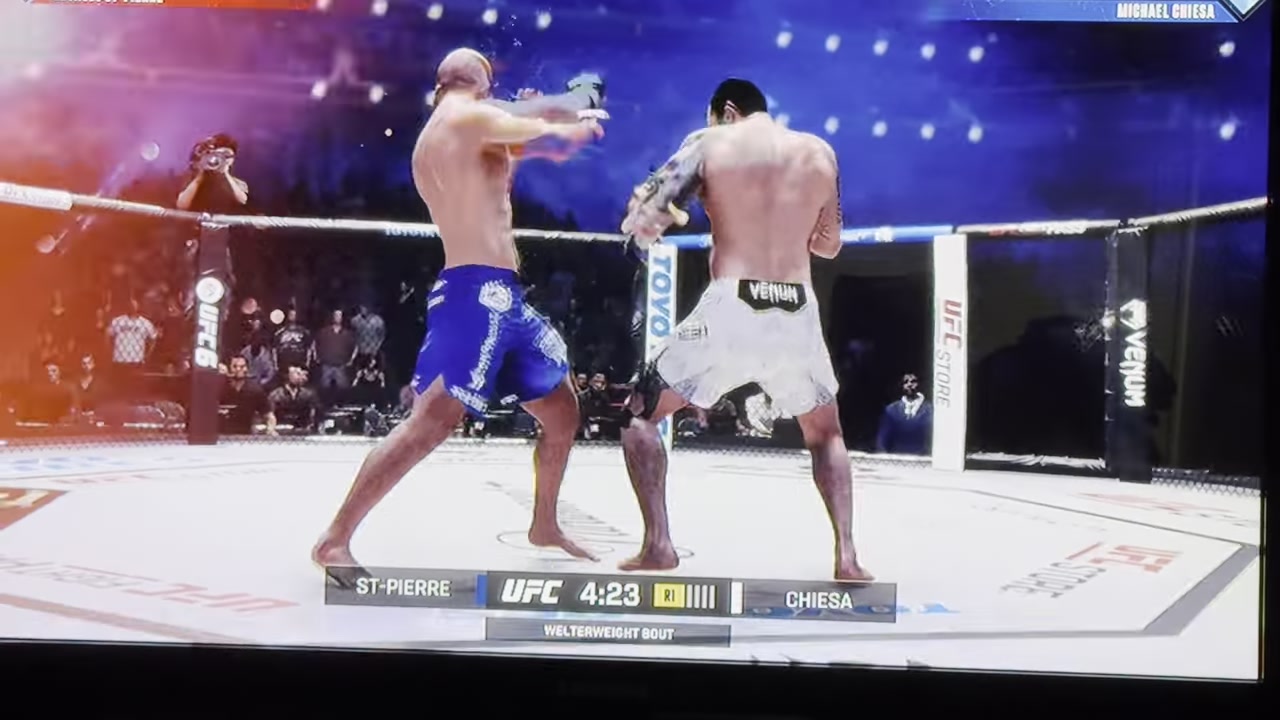
STEP 3/4
Press A on Restart
With Restart selected, press A to choose it.
STEP 4/4
Confirm with Yes
An Are you sure? prompt appears — pick Yes and the fight reloads from the start.
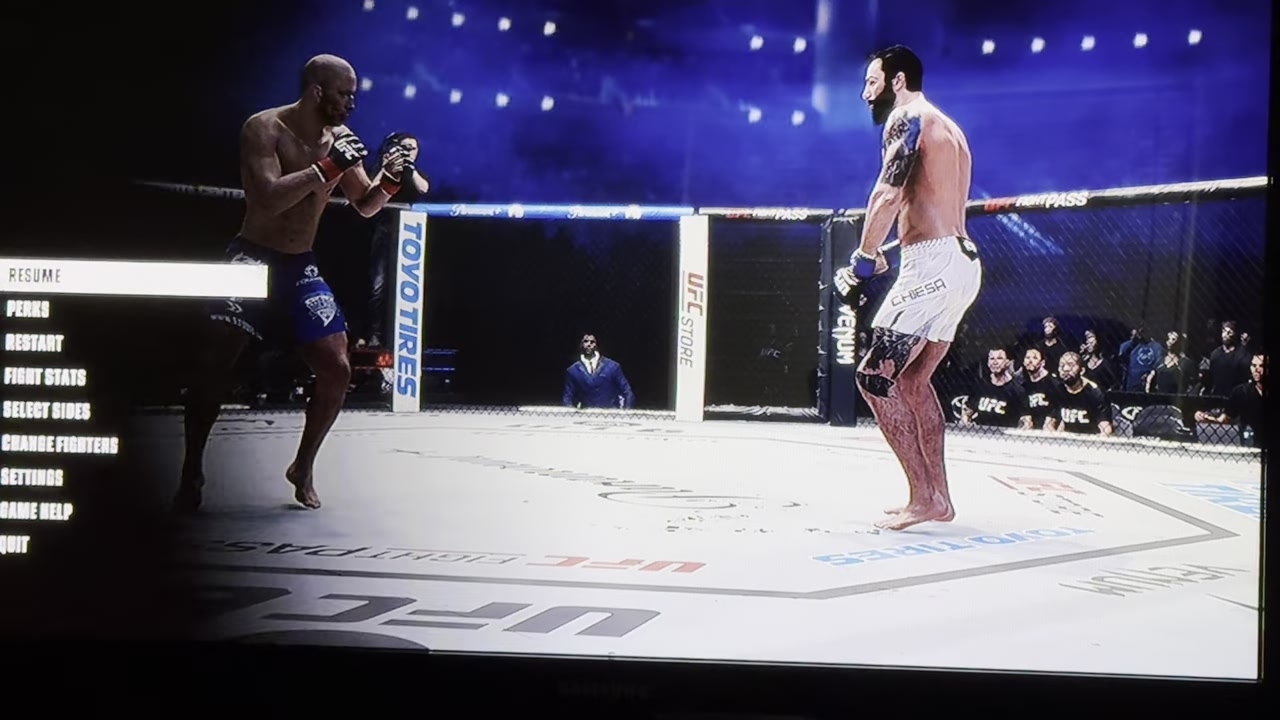
The three-lines button shown here is the Xbox menu button — the same one you’d use to pause — so there’s no separate restart shortcut to hunt for.
Video help
Frequently Asked Questions
Does restarting a fight in UFC 6 lose your progress or count as a loss?
Restarting takes the current bout back to its start rather than ending it — you’re replaying the same fight, not quitting out of it, so it doesn’t drop you to the main menu. How a restart is treated across different modes isn’t confirmed, so don’t assume it behaves identically everywhere.
Which controller button opens the menu to find Restart?
On Xbox it’s the menu button — the one marked with three lines. Press it during the fight, highlight Restart, press A, then confirm Yes. On other controllers, use the equivalent menu or pause button to bring up the same list.
Can you restart a fight in every mode, or only some?
The restart option is shown here in a standard fight, and we can’t confirm it appears identically in every mode such as career or online play. If it isn’t there in a given mode, that’s most likely a mode-specific difference — open the in-fight menu and check before ruling it out.