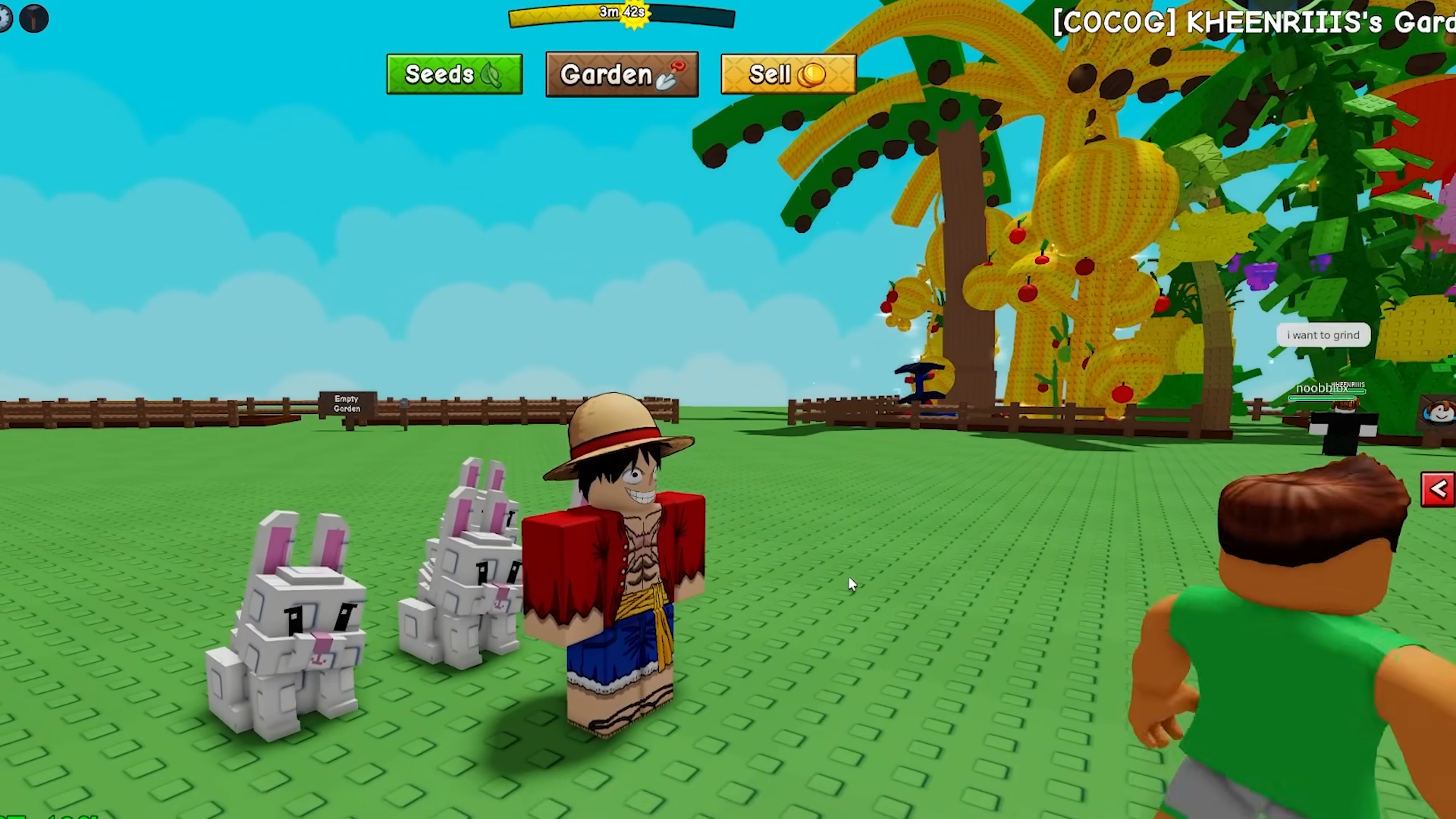
Get the Light Prop in Grow a Garden 2 by buying a Light Crate, opening it for a light-themed decoration, and placing it anywhere in your garden.
In Grow a Garden 2, you get a Light Prop from the Light Crate. And getting one is a quick loop: buy the crate at the Prop Shop, open it, and drop the light into your garden. Here’s the full process and what’s actually in the crate.
The Light Prop in Grow a Garden 2 is a purely cosmetic decoration you obtain by buying a Light Crate from the Prop Shop and opening it, then placing the light in your garden with the Build tool.
Light Prop is decor, not a gameplay buff
In Grow a Garden 2, “Light Prop” is a light-type prop category that comes out of the Light Crate. That pool includes the Moss Light, Rope Lights, Small Rope Light, Bonfire and Star Lights, so which “light prop” you end up with depends on your roll.
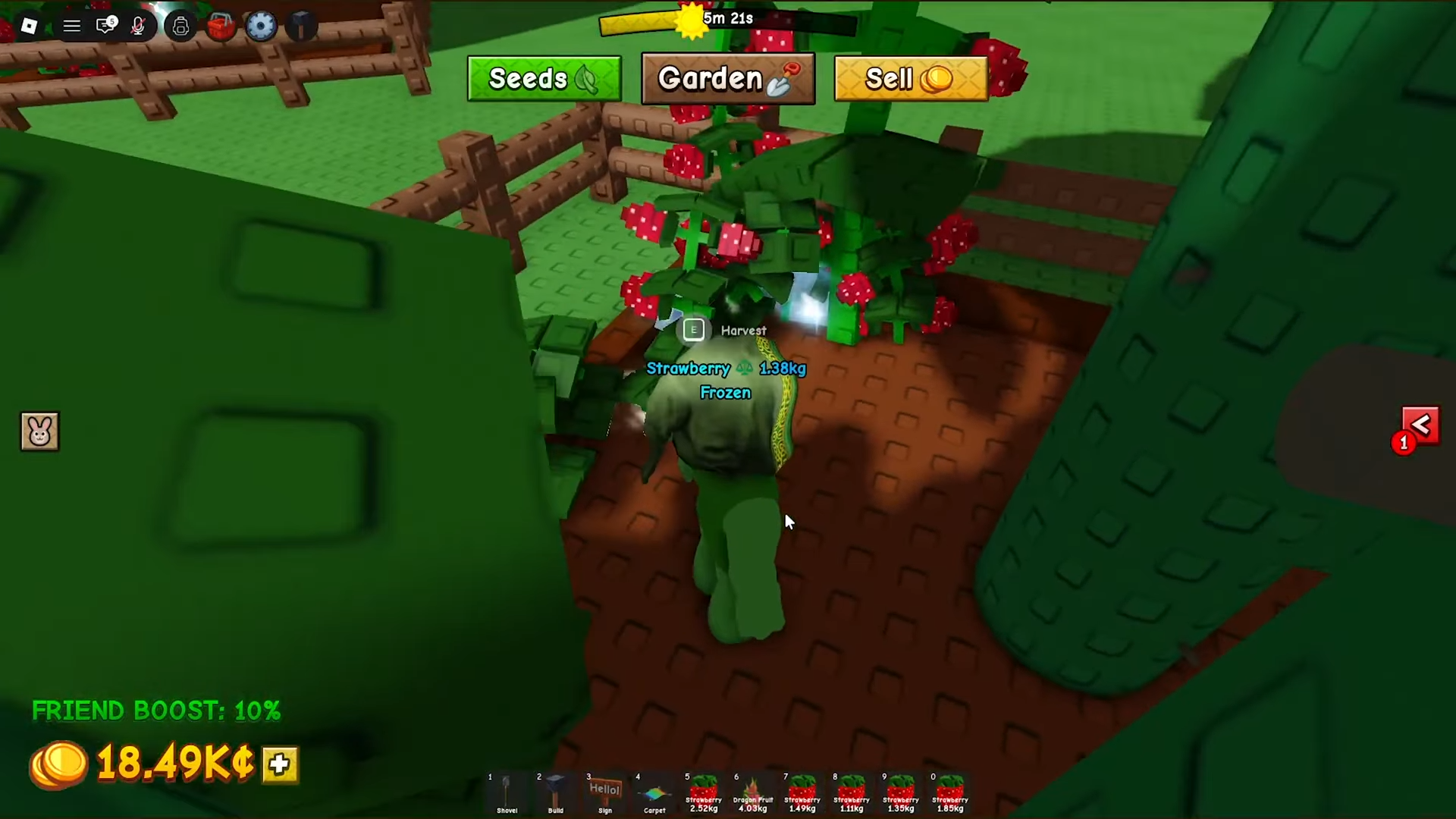
Every one of them is pure decoration. Placing a light in your garden won’t speed up crop growth, raise your income, or add any kind of multiplier — props only change how your plot looks. If you’re rolling the crate expecting a stat boost, you’ll be disappointed; this is a cosmetic system, nothing more.
How to get and place the Light Prop in Grow a Garden 2
STEP 1/4
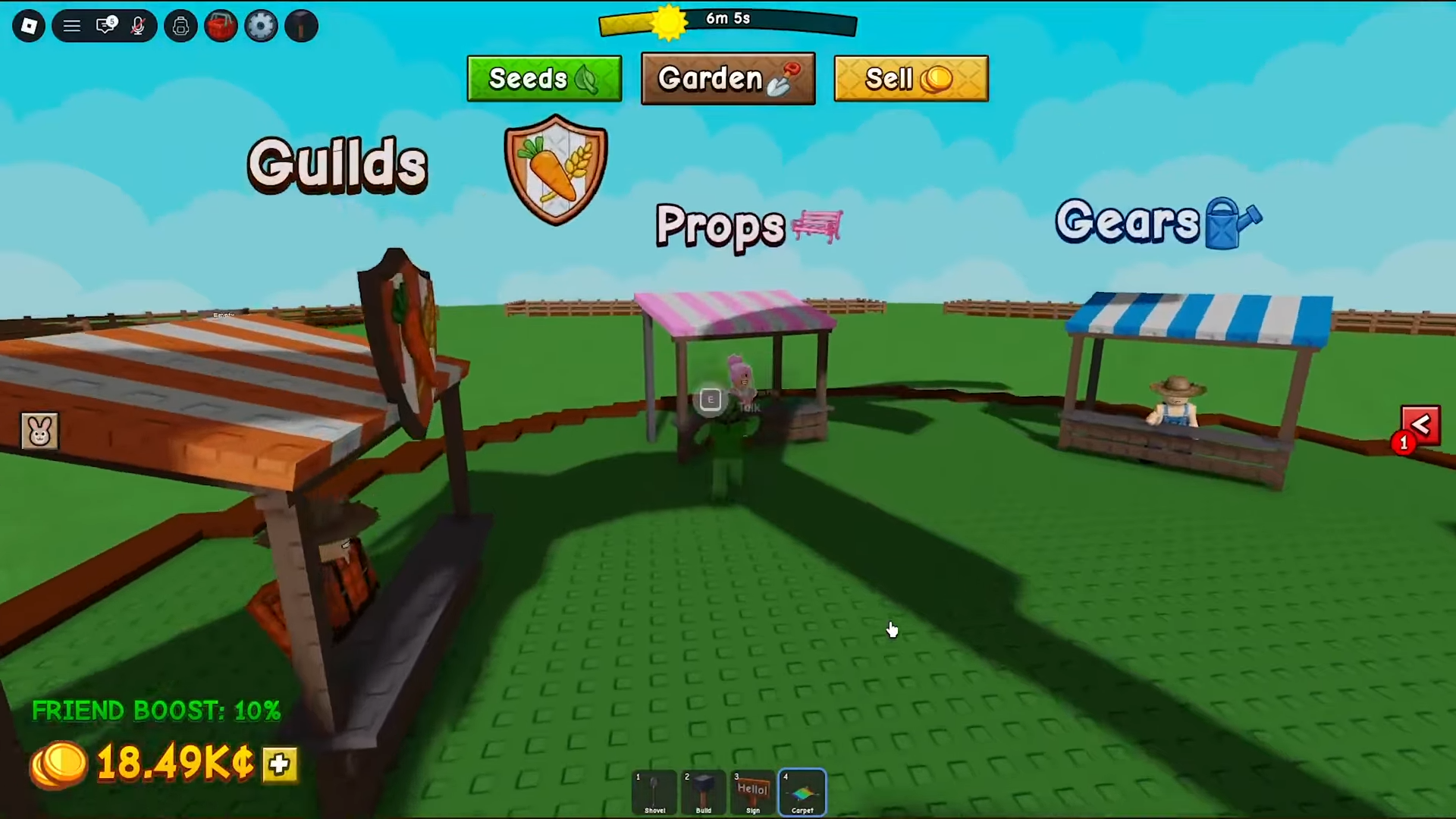
Fly to the Prop Shop
Head over to the main market area in the center of the map and go to the Prop Shop menu.
STEP 2/4
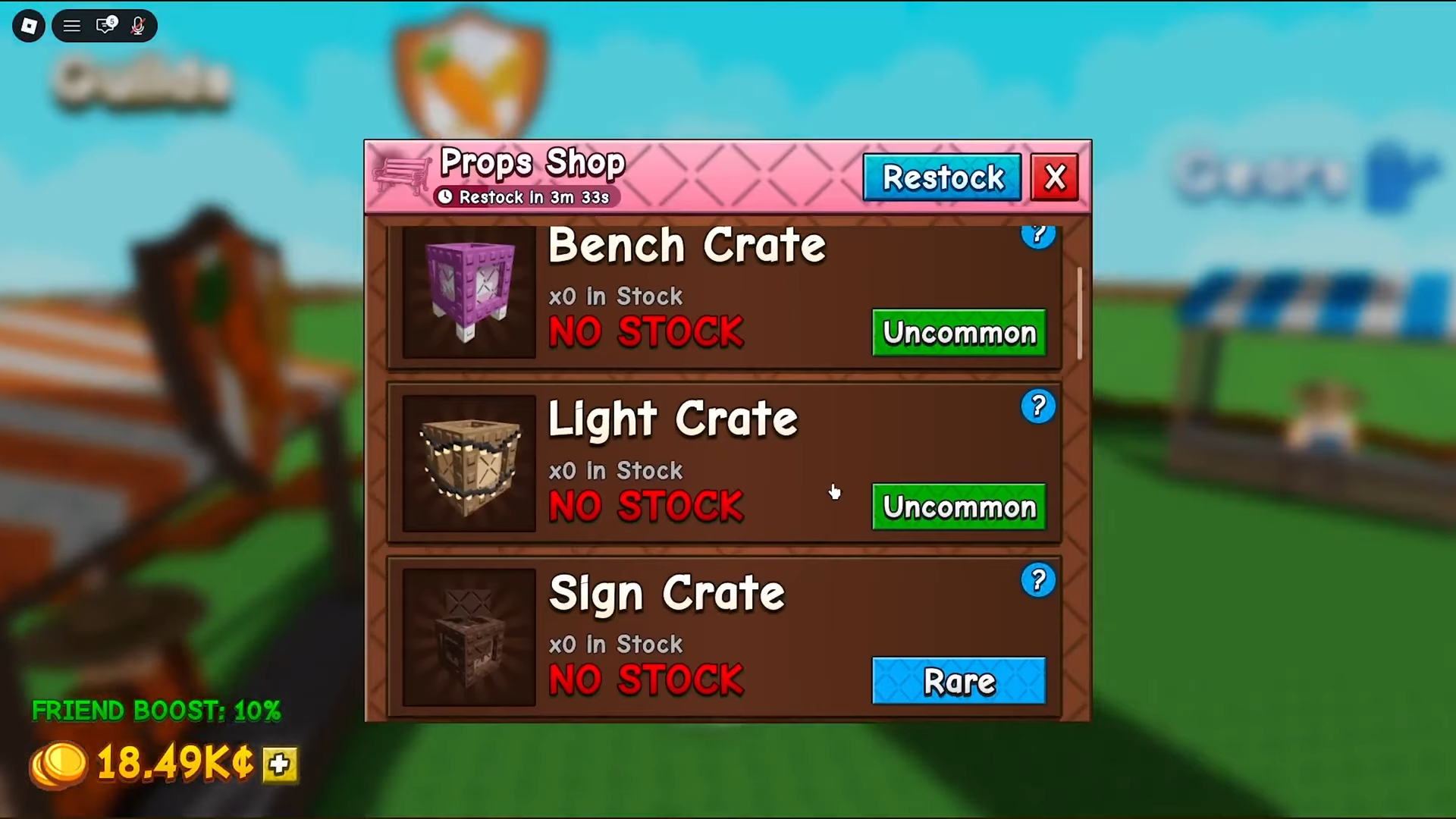
Find and Buy the Light Crate
Find and get the Light Crate. It is quite expensive, around 90,000 Sheckles, but it’s still cheaper than some of the others.
STEP 3/4
Head to your garden
Once you buy the Light Crate, fly back to your own plot and place it down to open it for one random light prop.
STEP 4/4
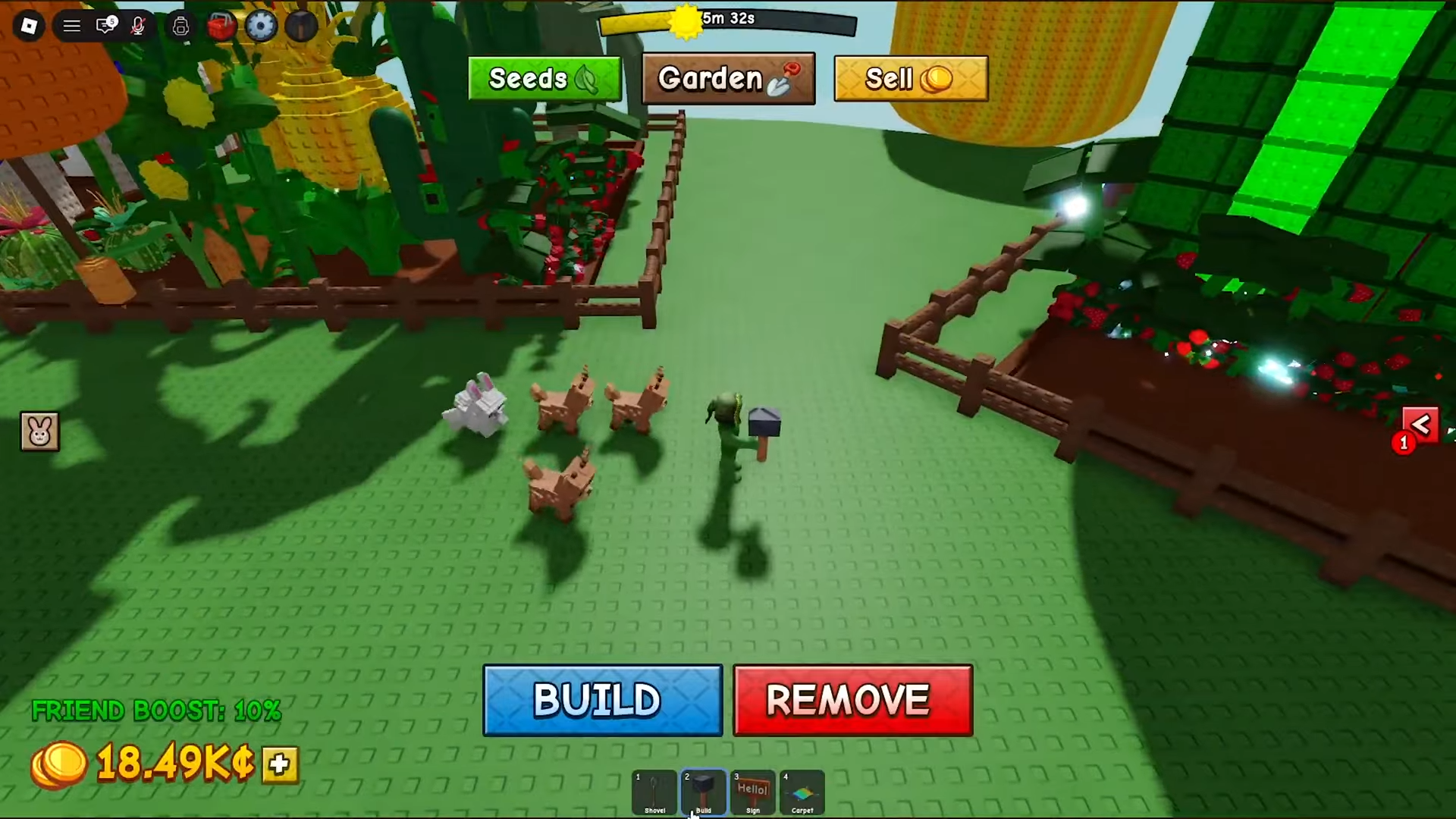
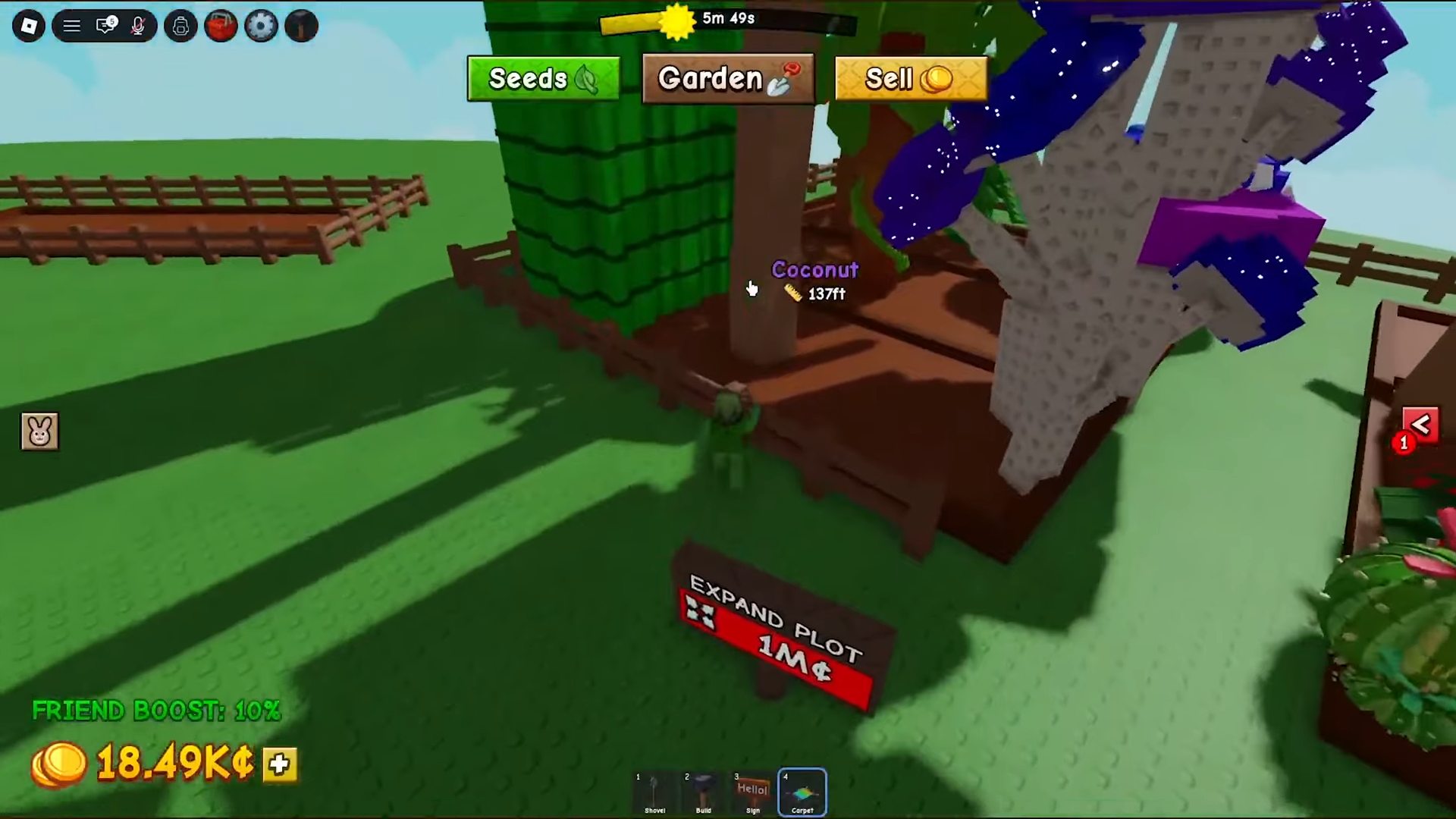
Open the Build menu and place the light
Select Build, hit build, and set the light prop down where it fits your setup — it’s there for light and decor only.
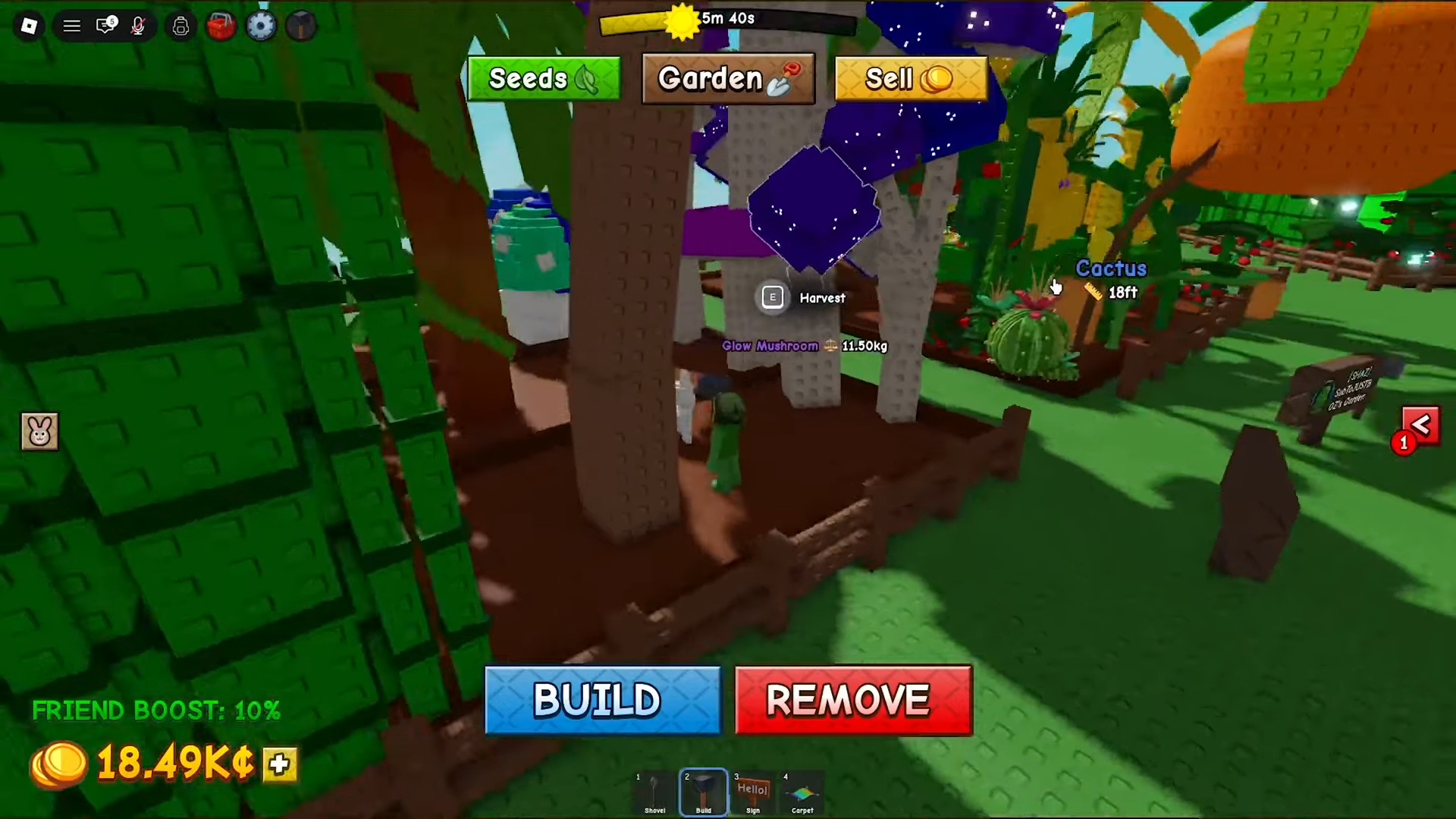
What you can pull from the Light Crate
| Light Prop | Drop chance |
|---|---|
| Moss Light | ~30% |
| Rope Lights | ~26% |
| Small Rope Light | ~22% |
| Bonfire | ~15% |
| Star Lights | ~7% |
On those numbers, the Moss Light is the prop you’re most likely to pull, while Star Lights is the rarest of the bunch.
Placing, moving, and removing your light
The Build tool, beside dropping a prop on the ground, also lets you fine-tune placement and pull a light back later without losing it.
STEP 1/5
Open the Build tool
Select the Build tool from your hotbar or inventory and hit Build to enter edit mode.
STEP 2/5
Pick the light from your props stash
Open your Props stash inside the Build menu — every light prop you own lives here.
STEP 3/5
Place it inside your plot
Drop the light anywhere within your garden fence; props can’t be set outside your plot boundary.
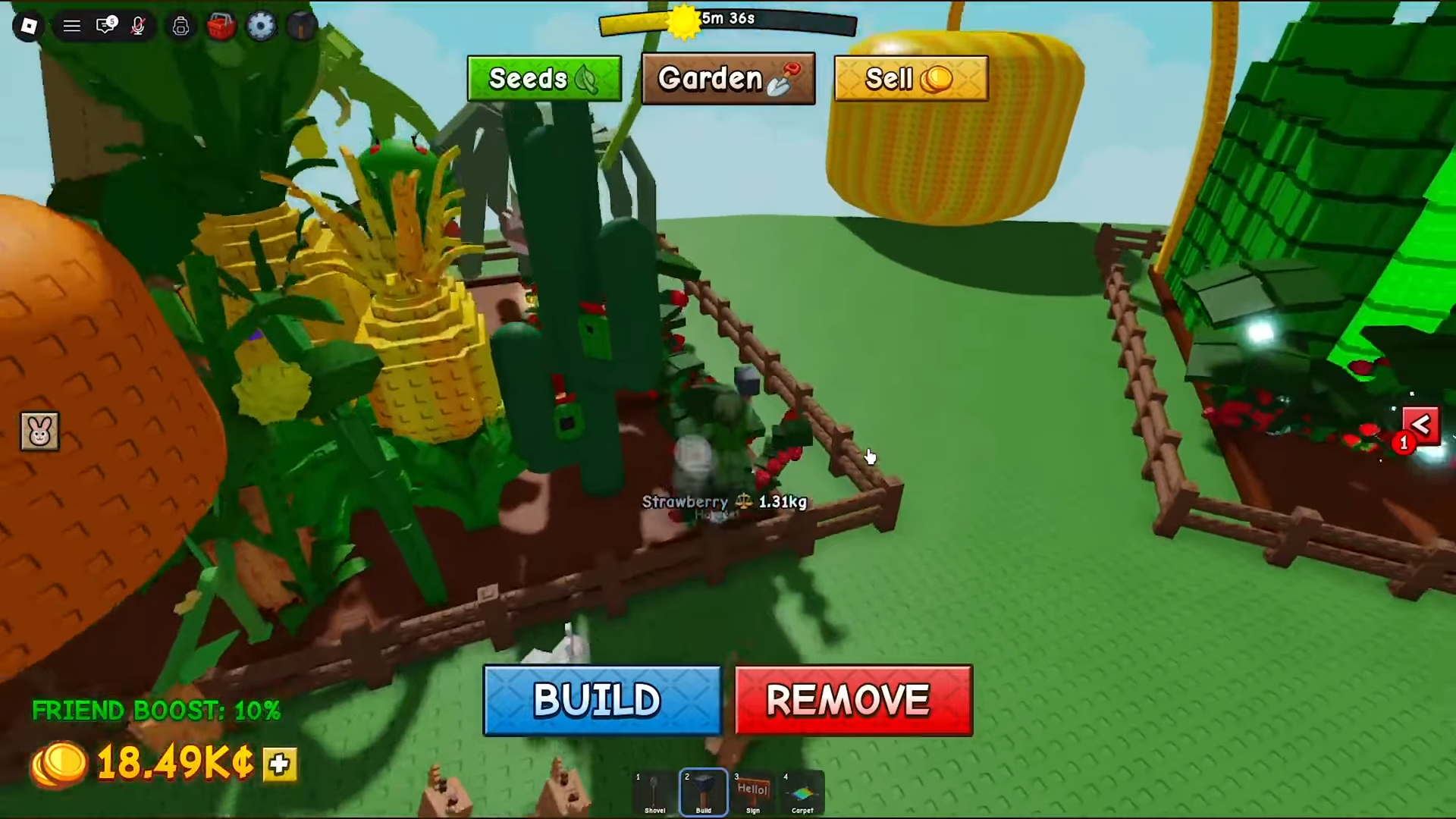
STEP 4/5
Rotate and snap it into place
Use the rotation controls and grid snapping to line the light up with the rest of your build.
STEP 5/5
Move or remove it later
Reopen the Build tool, choose Remove, and click the prop to send it back to your stash — you don’t lose it.
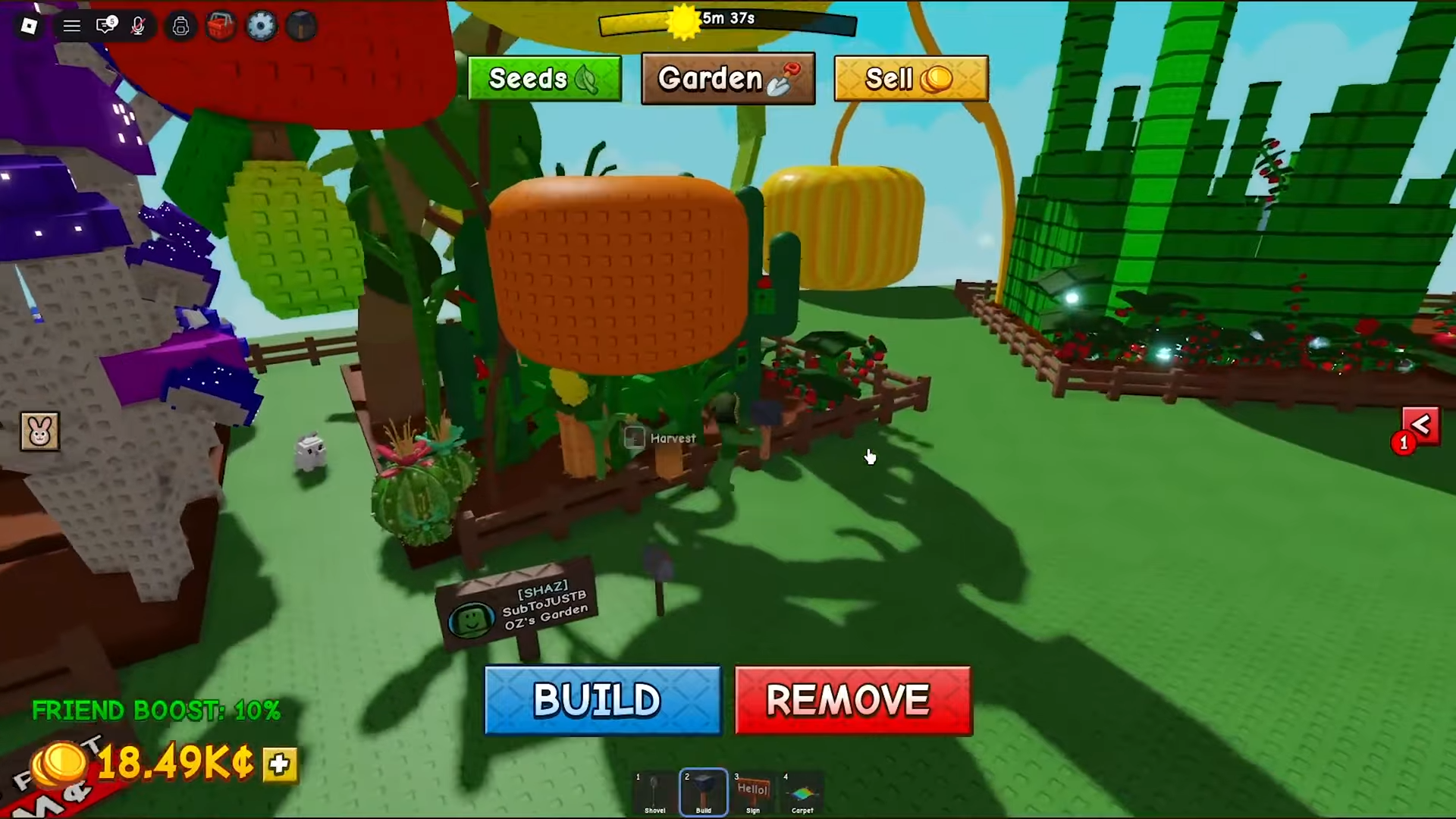
Use Build → Remove to send a placed light back to your stash — removed props aren’t deleted, so you can redecorate your whole garden as often as you like without ever losing a single prop.
Mistakes that trip players up
A few things catch people out with this crate. The biggest is expecting a gameplay payoff — there isn’t one, so don’t pass on food or gear crates hoping a light will water your plants. The second is shopping in the wrong place: lights come from the Prop Shop in the center of the map, not the Gear Shop or Seed Shop.
The crate also isn’t guaranteed to be sitting in stock. Shop inventory is RNG, and it refreshes roughly every five minutes, so you may need to check back a few times before the Light Crate shows up. And remember placement is fenced in — a light has to go inside your own plot, not out on the open map.
Where to go after your first light
Once your garden’s lit, the natural next step is filling out the rest of it. There are well over a dozen prop crate types in the shop, each with its own drop table, so it’s worth learning which crates hold the aesthetics you’re after before you spend.
All of that runs on Sheckles, so a tight harvest-and-sell loop — efficient crop layouts and early sprinklers — pays for crates a lot faster. And once you’ve got a few props in hand, leaning on grid snapping and rotation lets you lay out a build that actually looks designed rather than scattered.
Frequently Asked Questions
Do Light Props give any gameplay benefit?
No. Light Props are purely cosmetic — they don’t speed up crop growth, increase your Sheckle income, or add any multiplier. They only change how your garden looks.
How much does the Light Crate cost?
It’s on the pricier end of the Prop Shop, but cheaper than some other crates, around 90,000 Sheckles.
Can you move or remove a placed Light Prop without losing it?
Yes. Open the Build tool, choose Remove, and click the prop — it goes straight back to your Props stash, so you can re-place it later instead of losing it.
What is the rarest Light Prop from the Light Crate?
Star Lights is the rarest pull at roughly 7%, while the Moss Light is the most common at around 30%.