Change a Parafolk’s name in Paralives with cheats by using EDITCHARACTER to reopen ParaMaker, update their name fields, and save the change instantly without spending Paradimes.
Renaming a Parafolk in Paralives is quick and costs nothing. Full character editing runs through cheats in this build — and the EDITCHARACTER cheat reopens the full ParaMaker editor, and the name field is right there. No Paradays or Paradimes are charged for the change.
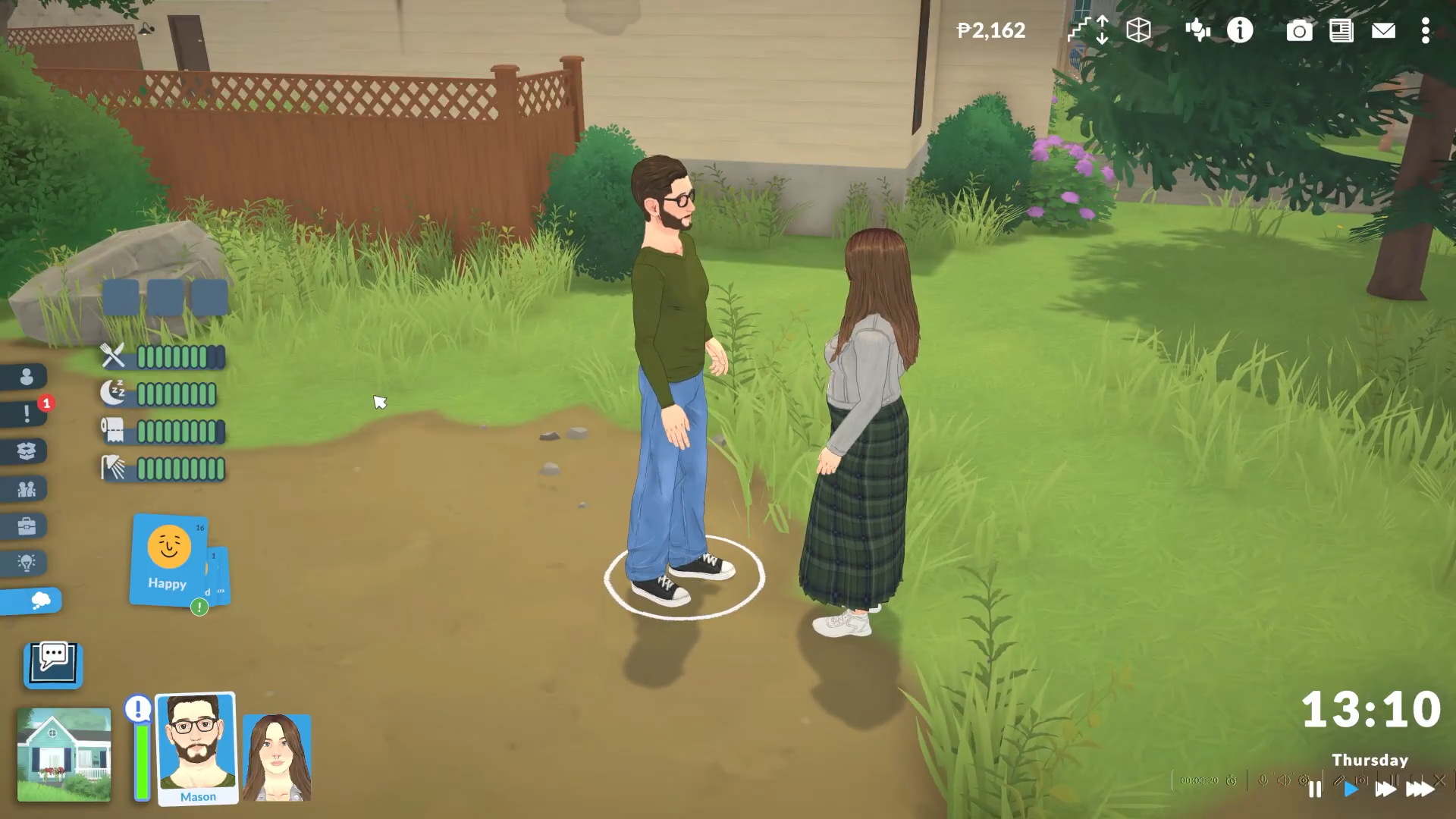
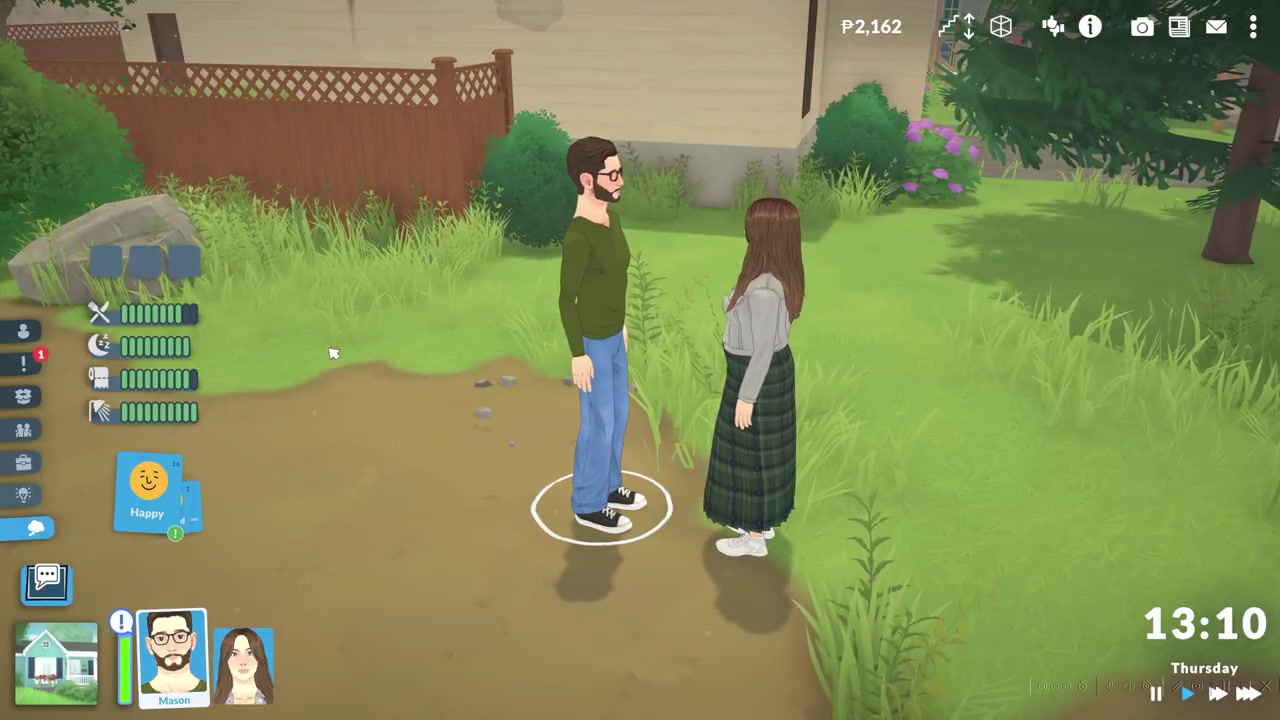
To rename a Parafolk in Paralives, select them, open the cheat console (Ctrl + Shift + C or Ctrl + F1 on PC, Command + Shift + C on Mac), type EDITCHARACTER and press Enter, then change the name in ParaMaker and click the check mark — it’s free and takes seconds.
How to change a Parafolk’s name in Paralives
STEP 1/5
Open the cheat console
With the Parafolk selected, hold Ctrl + Shift + C on PC (or Command + Shift + C on Mac); Ctrl + F1 also opens it on PC.
STEP 2/5
Type the edit character cheat
Enter EDITCHARACTER and press Enter — the command is case-insensitive, so lowercase works fine.
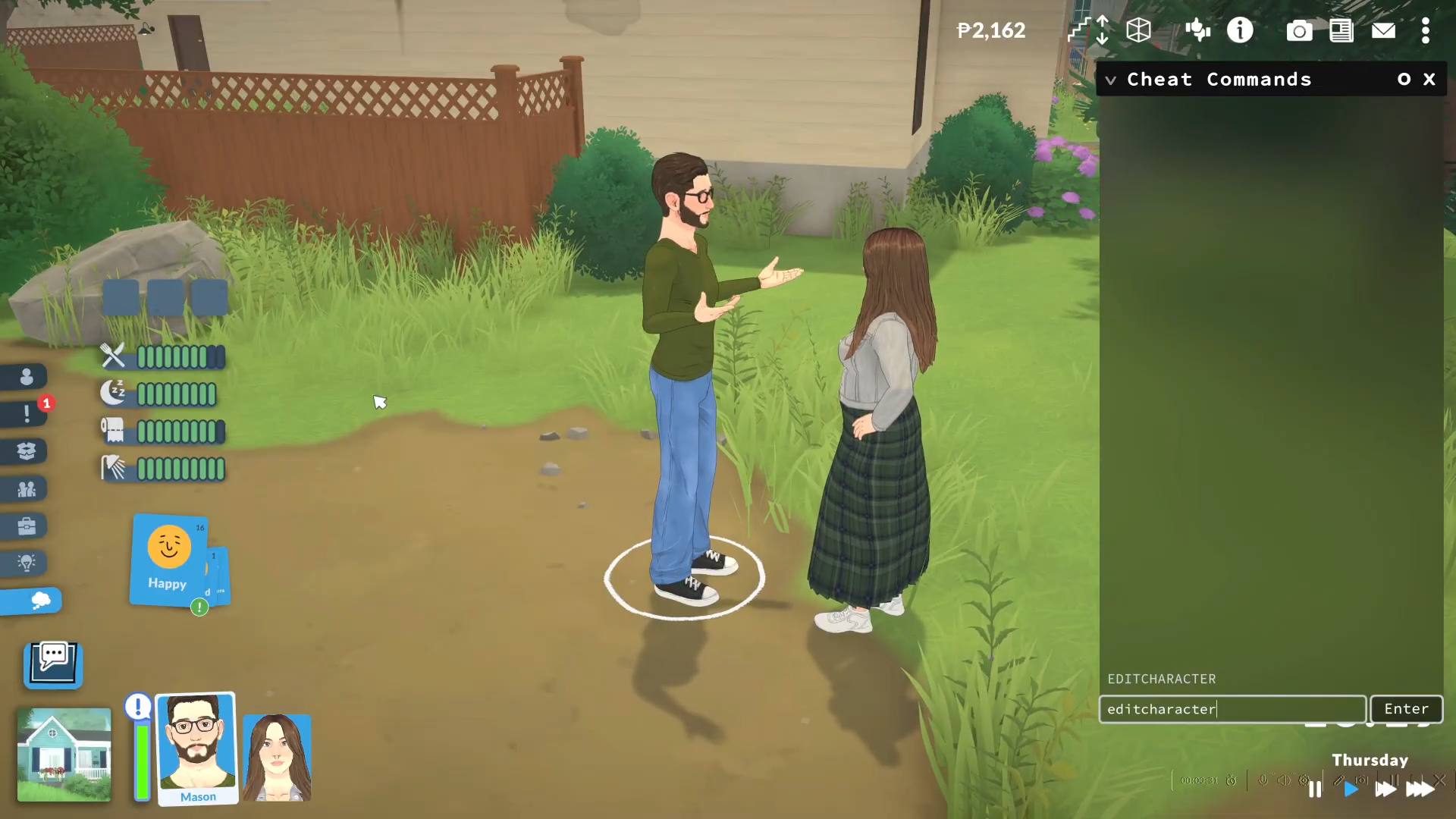
STEP 3/5
Let ParaMaker open
The game drops you straight into ParaMaker with that Parafolk loaded for editing.
STEP 4/5
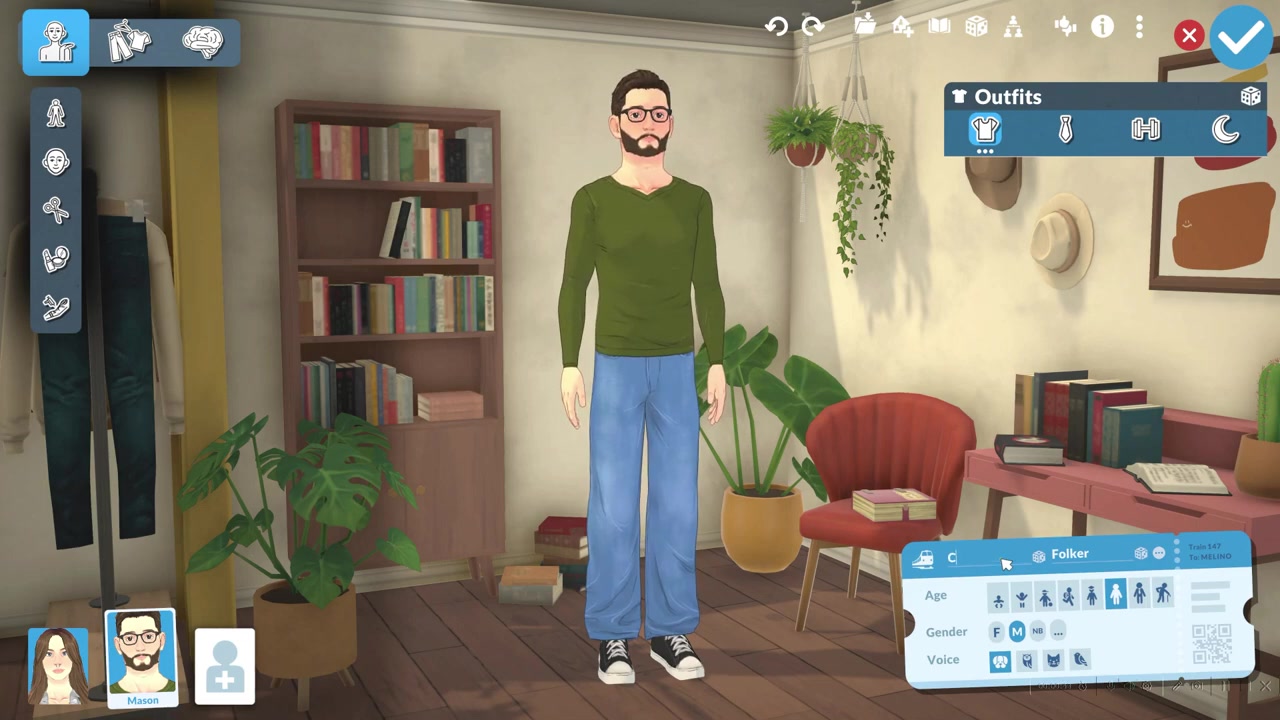
Type the new name
Clear the old name and type whatever you want in its place.
STEP 5/5
Save with the check mark
Click the check mark to confirm, and the Parafolk returns to live mode with their new name applied.
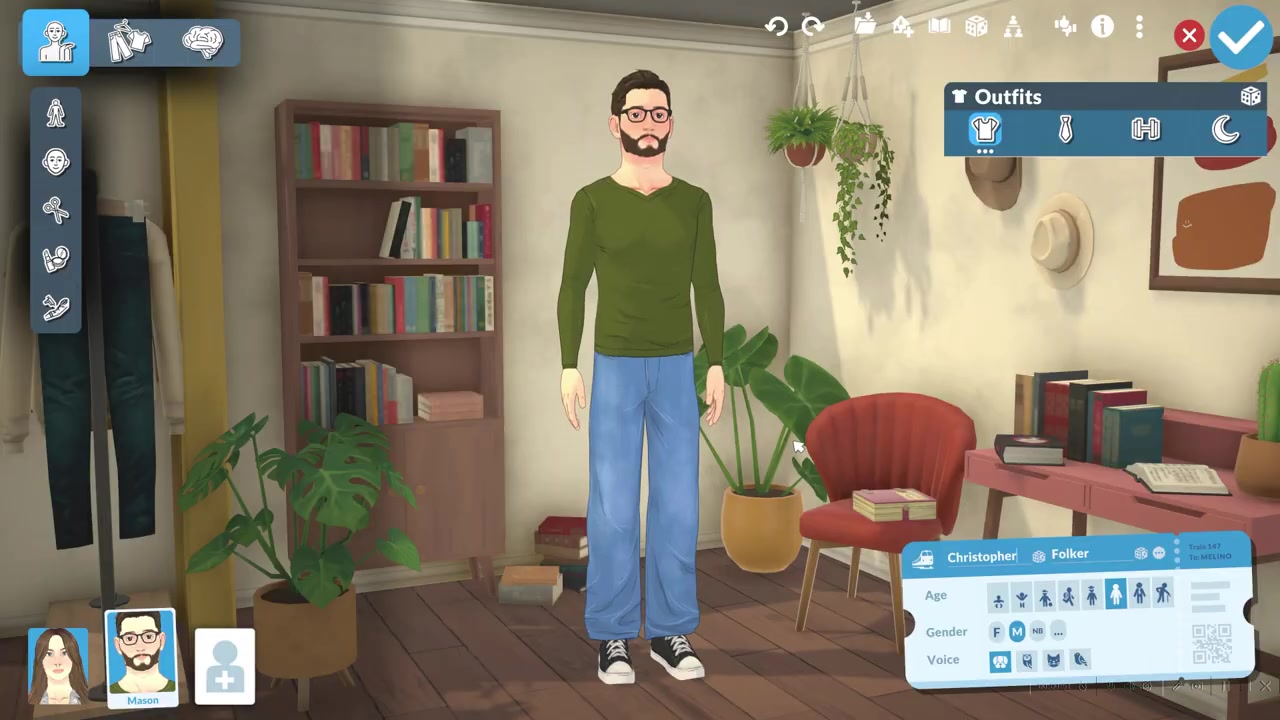
Click the Parafolk you want before running the cheat — EDITCHARACTER always opens whoever is currently selected, so selecting first is what stops you renaming the wrong one.
Which name fields you can edit in ParaMaker
Once ParaMaker is open, you edit the name the same way you set it during creation. The section sits in the lower section of the editor alongside the age, voice, and gender options. Type the new name there and you’re done.
The game’s Name Customization also supports a middle name and a nickname, along with an option to make the last name appear before the first, and a Parafolk left with no name entered is reportedly called “Nameless.”
Common renaming mistakes and townie edge cases
The most frequent slip is forgetting to select the right Parafolk first. EDITCHARACTER opens ParaMaker for whoever is currently selected, so if nobody — or the wrong person — is highlighted, you’ll end up editing a Para you didn’t mean to. Click the one you want before you open the console.
The other common dead end is hunting for a rename option in normal play. You can swap outfits at clothing and hairstyle shops, but you cannot rename a Para from a shop — the name lives in ParaMaker and only EDITCHARACTER gets you there.
Renaming a townie who isn’t in your active household takes one extra move: go to the map view, use the option to switch to that Parafolk’s household, load in, and then run EDITCHARACTER on them. Without that switch, the cheat can’t reach a Para outside your current household.
Other things EDITCHARACTER changes, plus nearby cheats
Because this cheat reopens the whole editor, the name is only one of many things you can change in the same session. While you’re in ParaMaker you can also overhaul a Parafolk’s appearance (body shape, facial hair, tattoos), personality traits and vibes, plus their age, voice, and gender — all before you hit the check mark. It’s worth tidying up everything you want in one pass rather than reopening the editor repeatedly.
A few related commands tend to come up right after renaming. Here are the ones worth knowing alongside EDITCHARACTER:
| Cheat command | What it does |
|---|---|
| EDITCHARACTER | Opens ParaMaker for the currently selected Parafolk |
| CREATECHARACTER | Creates a brand-new Parafolk |
| PIGGYBANK | Adds 1,000 of the in-game currency to your household |
| MAKEITRAIN | Adds 10,000 of the in-game currency to your household |
Frequently Asked Questions
Does changing a Parafolk’s name cost anything or have a cooldown?
No. There’s no fee, cooldown, or timer for renaming through EDITCHARACTER — the change is free and instant.
Is there a way to rename a Parafolk without cheats?
Not right now. There’s no confirmed standard in-world rename interaction — no phone, ID card, or menu button — so the working route is reopening ParaMaker with the EDITCHARACTER cheat.
How do I rename a townie who isn’t in my household?
Switch to that townie’s household first. From the map view, choose the option to switch to their household, load in, select the Parafolk, then run EDITCHARACTER as normal.
Is EDITCHARACTER case-sensitive, and do I need to enable cheats first?
It’s not case-sensitive — EDITCHARACTER, editcharacter, and any mix all work. You also don’t need to enable anything beforehand; there’s no testingcheats-style unlock, since the console is ready for commands as soon as you open it.