Learn how to get and use Mushroom gear in Grow a Garden 2, including where to buy each consumable, what its avatar buff does, and when to use it.
In Grow a Garden 2, mushrooms that are sold as gear are short-lived buffs that give a quick jump boost, a burst of speed, a shrink, a size-up, or a few seconds of invisibility. They’re cheap-to-pricey one-time items pulled from the Gear Shop’s rotating stock, and they really shine when you’re stealing crops or trying to slip away from another player. Here’s where to find them, what each one does, and how to actually use them.
Mushroom gear in Grow a Garden 2 are single-use Gear Shop consumables you buy with Sheckles that briefly change your character’s jump, speed, size, or visibility — they affect your avatar, not your plants.
How to get and equip a mushroom gear item in Grow a Garden 2
STEP 1/5
Head to the Gear Shop
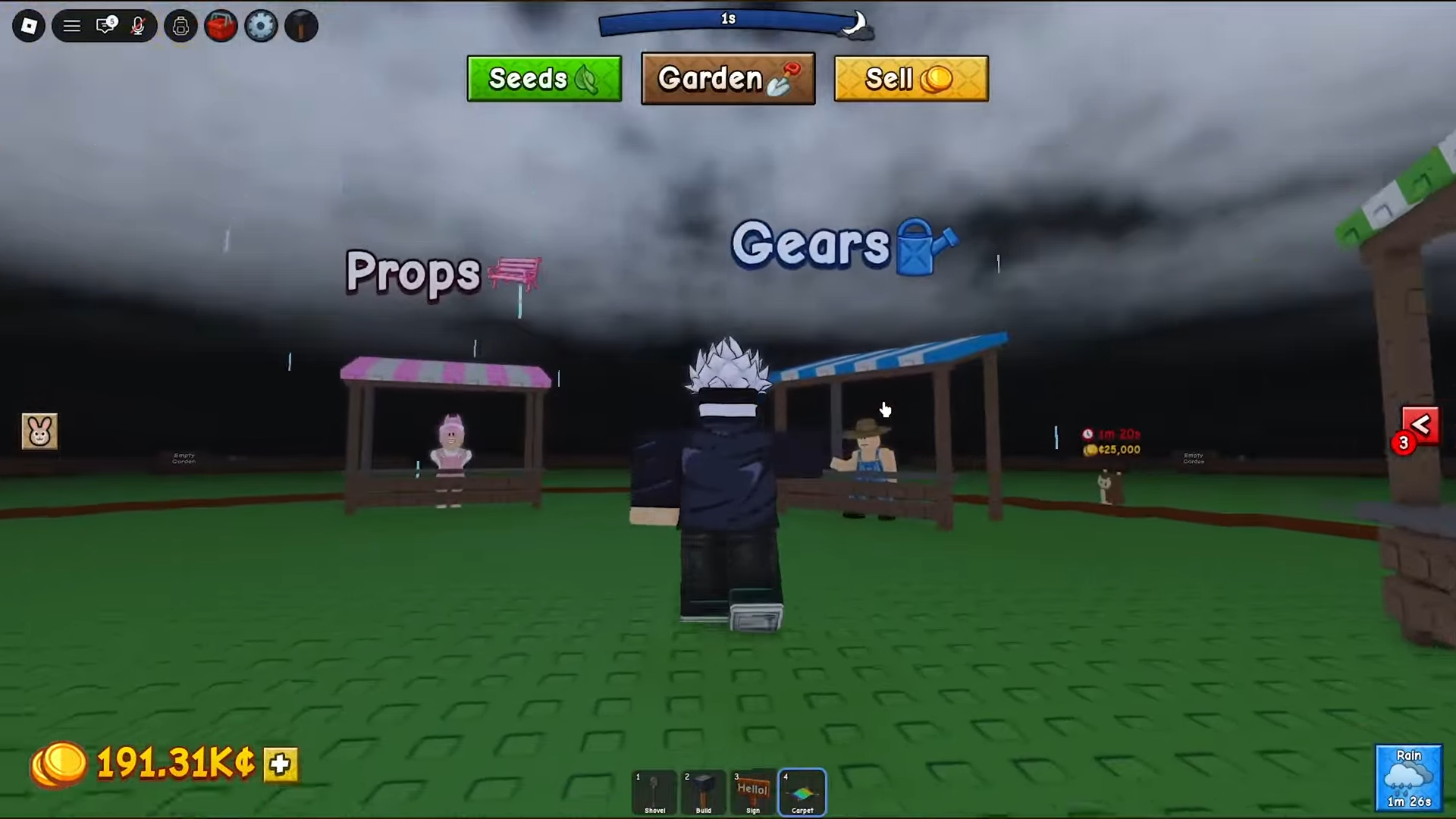
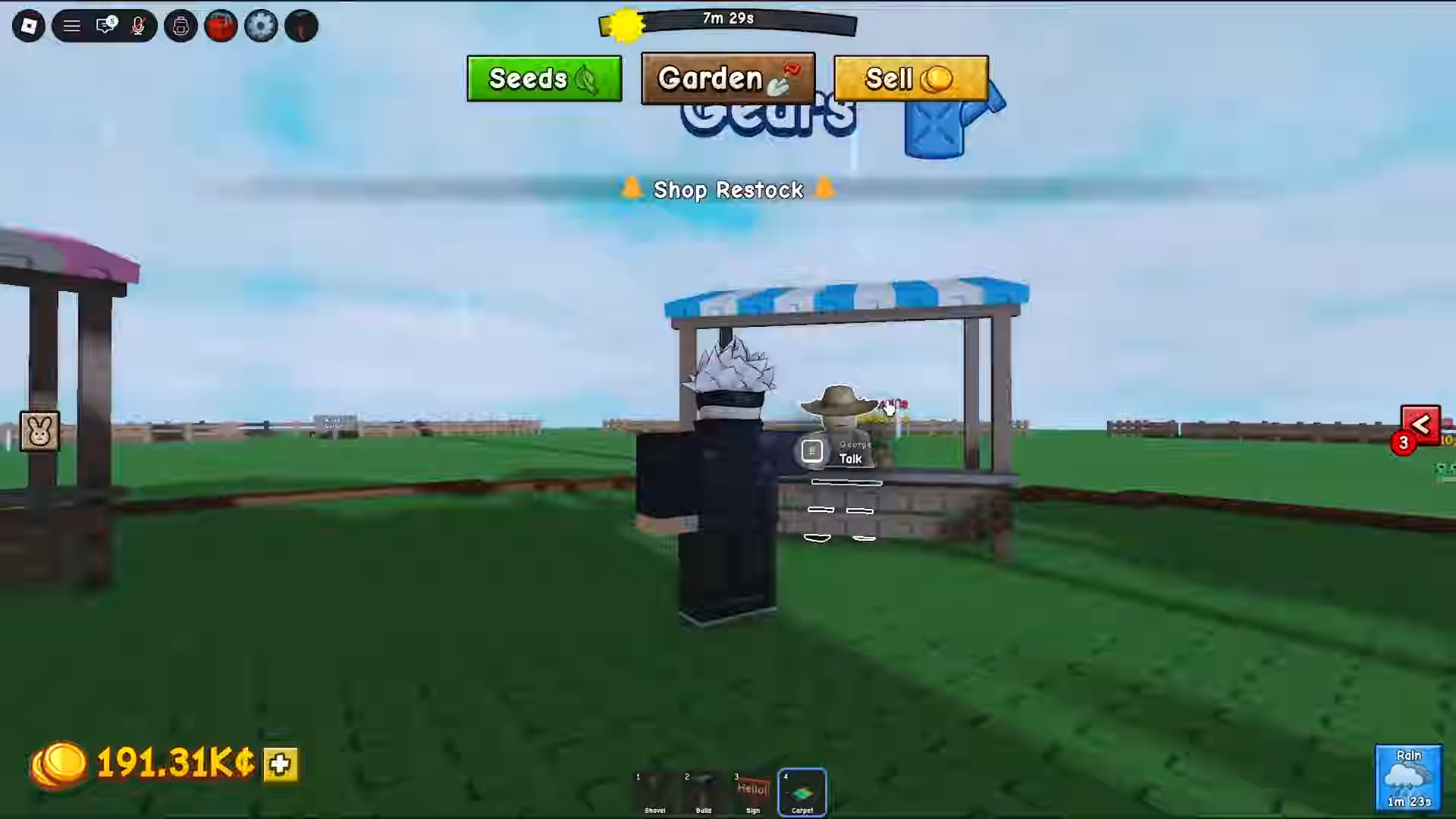
Make your way to the Gear Shop stall in the center of the map, next to the Seed, Sell, and Props vendors.
STEP 2/5
Open the gear menu
Interact with the gear stand to pull up the list of items the shop is currently selling.
STEP 3/5
Scroll to the mushroom you want
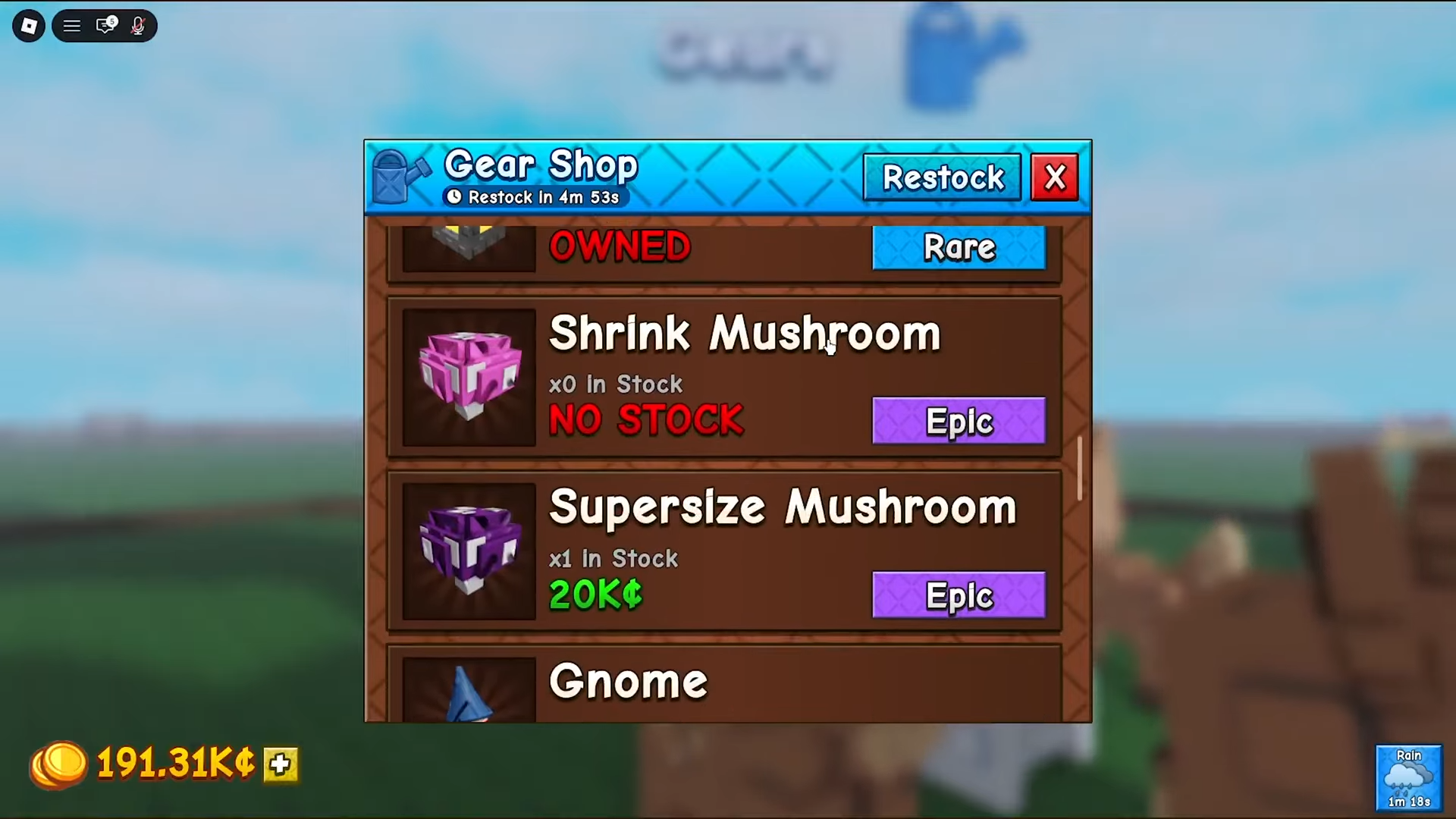
Scroll up or down through the stock to find the mushroom you’re after — you’ll spot entries like Supersize, Shrink, Speed and Jump, each at its own price.
STEP 4/5
Buy the one you actually want
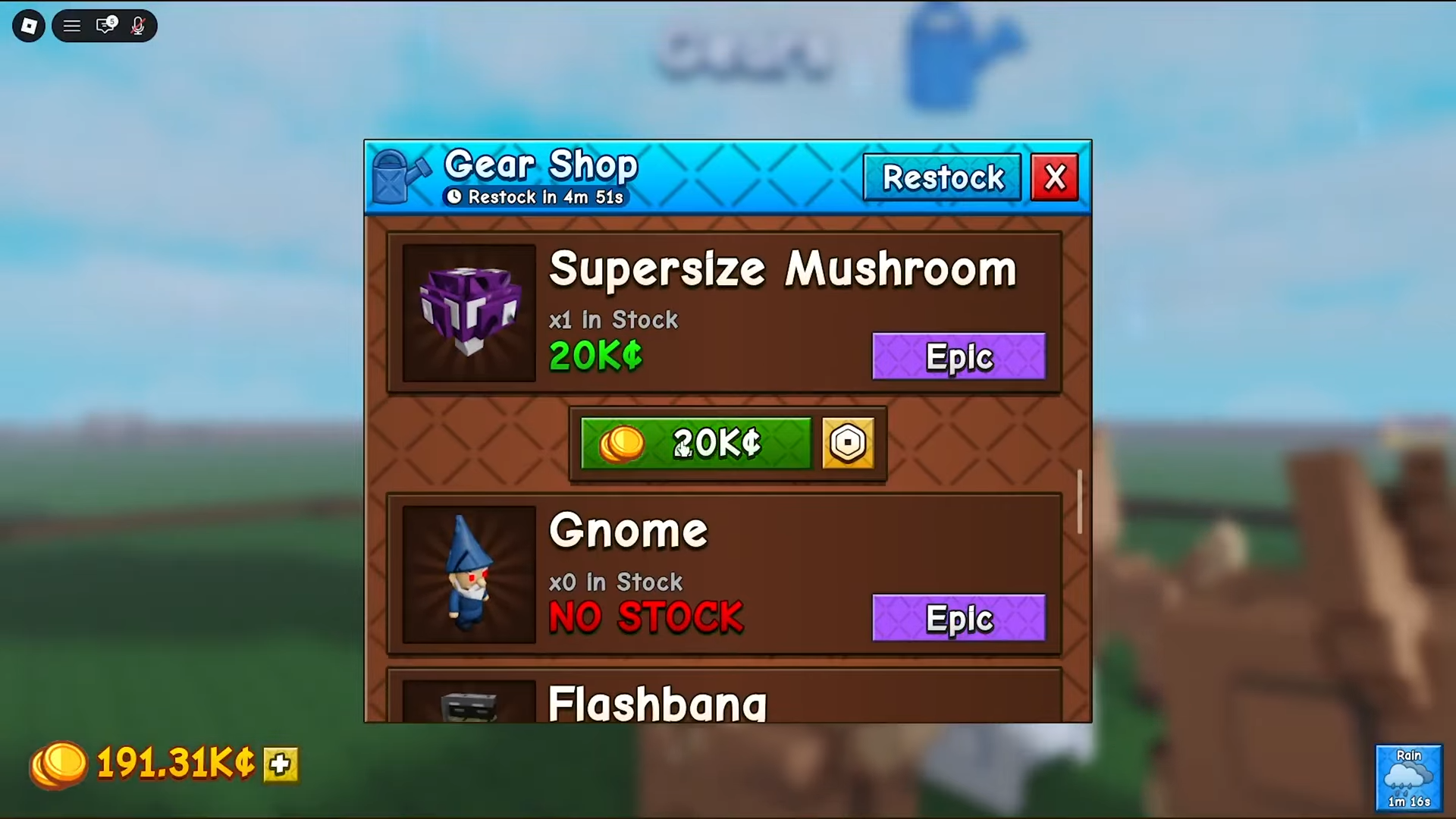
Prices differ a lot between mushrooms, so double-check before you confirm and pay with your Sheckles.
STEP 5/5
Equip and use it
Open your backpack, switch to the Gear tab, then equip and use the mushroom to trigger its effect — it’s a consumable, so it’s gone once used.
One thing worth knowing before you go shopping: the Gear Shop stock refreshes every 5 minutes, and rarer items like the mushrooms don’t appear every rotation. If the one you want isn’t there, it isn’t gone for good — just wait for the restock timer to tick over.
Mushrooms are single-use and affect only your character — they never speed up plant growth, and a missing one is usually just out of the 5-minute rotation, not removed.
Every mushroom gear item, its effect and reported price
| Mushroom | Rarity | Effect | price (Sheckles) |
|---|---|---|---|
| Jump Mushroom | Rare | Greatly increases your jump height for a short time. | 1,800 – 50,000 |
| Speed Mushroom | Rare | Boosts your walk speed for roughly a minute. | Around 1,500 |
| Shrink Mushroom | Epic | Shrinks your character, making you smaller and harder to spot or hit. | 4,500 – 10,000 |
| Supersize Mushroom | Epic | Enlarges your character — handy for body-blocking and intimidation. | 20,000 |
| Invisibility Mushroom | Legendary | Turns you invisible briefly — ideal for stealthy theft runs. | 30,000 |
That’s the full set: Jump, Speed, Shrink, Supersize and Invisibility.
Best mushroom for each situation, and what trips players up
Almost every mushroom earns its keep around stealing and escaping. The Speed Mushroom is your bread-and-butter getaway tool — pop it after grabbing someone’s fruit and you’ll usually outrun whoever’s chasing you, especially paired with a fast pet. The Invisibility Mushroom is the premium option for a clean theft run, letting you slip in and out without being seen, while the Jump Mushroom is the one to reach for when a crop setup is perched somewhere awkward and you need the extra height to parkour up to it.
The size mushrooms are more situational but still useful. Shrink is great for hiding — tuck yourself behind a structure or squeeze through a cramped build and you become a much smaller target. Supersize flips that idea: go big to body-block a narrow entrance or shove an intruder out of the way.
The mistakes are nearly always the same few. The biggest one is assuming mushrooms make your plants grow faster — they don’t touch your crops at all, only your avatar’s movement, size, or visibility. Players also forget they’re single-use and expect a permanent buff, then have to re-buy after one use. And plenty panic when a mushroom vanishes from the shop, thinking it’s been removed, when it’s really just out of the 5-minute rotation and due back soon.
Gear and pets to chase next
If you’re still early on, your Sheckles are usually better spent on the gear that grows your income rather than on pricey mushrooms — Sprinklers, the Super Watering Can and the Gnome are the usual early-to-mid-game picks. The Gnome doubles as the backbone of a defense setup, layered with walls and other anti-theft gear to keep crop thieves out of your plot.
On the offensive side, the standout combo is the Bunny pet together with the Speed Mushroom — the extra movement makes high-risk, high-reward steal runs far easier to pull off and walk away from. From here, the natural next reads are the best Gear Shop items to buy first and a fuller look at stealing versus stopping thieves.
Frequently Asked Questions
Are mushroom gears single-use or permanent?
They’re single-use. Each mushroom is a consumable — once you use it and the effect runs out, it’s gone, and you’ll need to buy another to use it again.
Do mushrooms make your plants or crops grow faster?
No. Mushroom gear only changes your character — jump, speed, size, or visibility. They have no effect on crop growth at all. For faster growth you want gear like Sprinklers instead.
Where is the Gear Shop and how do I get there fast?
It’s in the center of the map, alongside the Seed and Sell vendors. The quickest way there is to click the blue Gears icon at the top of your screen, which teleports you straight to the hub.
Why isn’t the mushroom I want showing up in the shop?
The Gear Shop’s stock rotates every 5 minutes, and rarer items like mushrooms don’t appear every cycle. If yours is missing, it isn’t removed — just wait for the restock timer and check again.
How long do mushroom effects last?
Only a short time, roughly a minute.