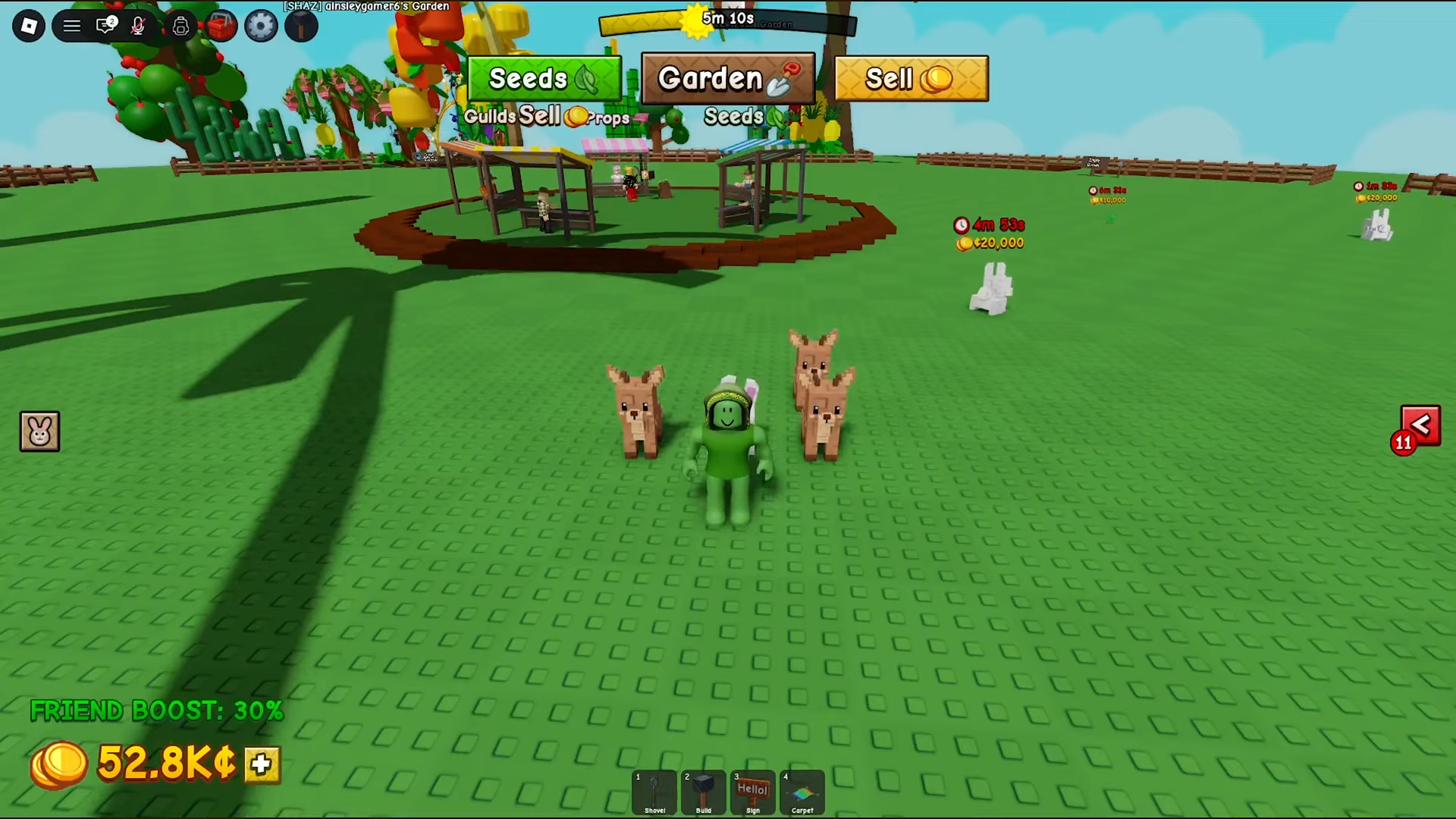
To harvest fast, walk through your fully-grown crops while holding the interact button (E on PC) to scoop up everything in your path, then scale it by stacking growth buffs and running a tight plant → harvest → sell → rebuy loop.
Harvesting quickly in Grow a Garden 2 comes down to one in-game move that the game actually demonstrates, plus a handful of setup choices that make the move pay off over time. The single fastest action is to hold your interact button and walk a line through grown crops so you grab the whole patch in one pass. Everything else — buffs, crop choice, and a sell-and-rebuy rhythm — is about getting more crops ready to sweep, more often.
- Holding the interact button to grab a whole row
- How to harvest fast in Grow a Garden 2
- Growth buffs that make crops ready sooner
- Single-harvest versus multi-harvest crops and what they cost
- Mutations, giant fruit, and the Harvest Tool
- Where to go after you’ve got the harvest loop down
- Frequently Asked Questions
The trick is simple: you only want to harvest plants that are already grown, not just any plant in the dirt. Once a patch is ready, you don’t have to tap each crop one at a time. Hold the interact button down and walk up to your plants, and you’ll pick up everything you pass — keep holding it and run along your crops and the game collects each grown plant in your route automatically.
While you’re holding the button, it grabs every grown crop in your path, no matter what — so if you’ve got something you’re deliberately leaving to keep growing or mutate, don’t run your harvest sweep next to it. The cleanest workaround is layout: keep the plants you want to leave alone out of your walking lane.
Hold the interact button (E on PC) and walk a straight line through your grown crops — you’ll collect the entire patch in one motion instead of clicking each plant.
How to harvest fast in Grow a Garden 2
Wait until crops are fully grown
Only finished plants can be picked up, so let the patch mature before you sweep it.
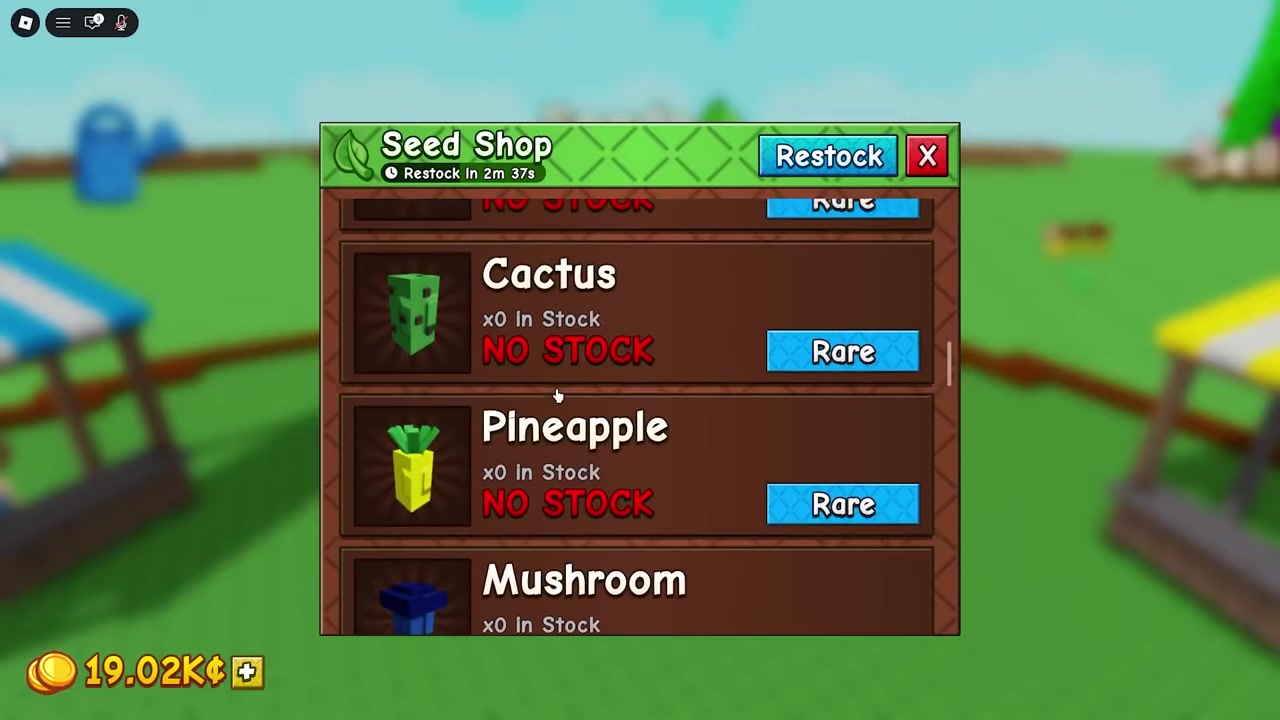
Walk up to a grown plant
Move right up next to any plant that’s done growing and get ready to interact.
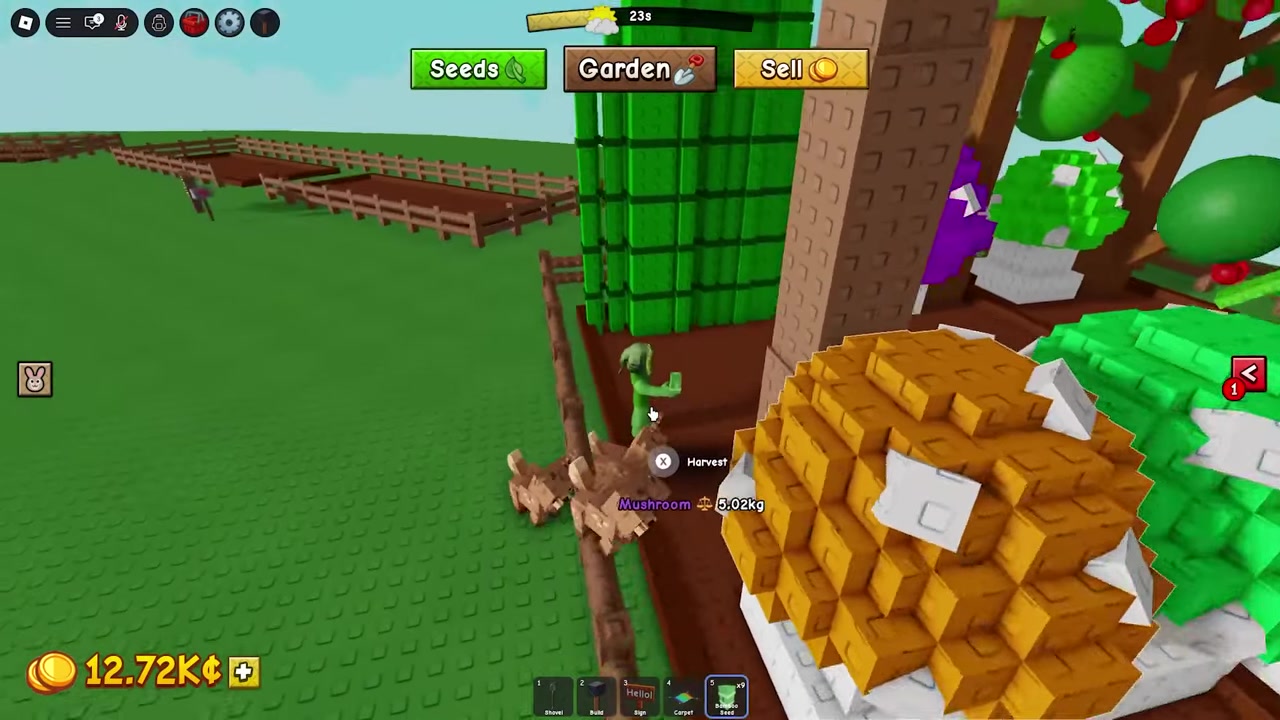
Hold the interact button down
The default on keyboard is to hold E; the on-screen prompt can show a different button depending on your input device, so go by your own bindings.
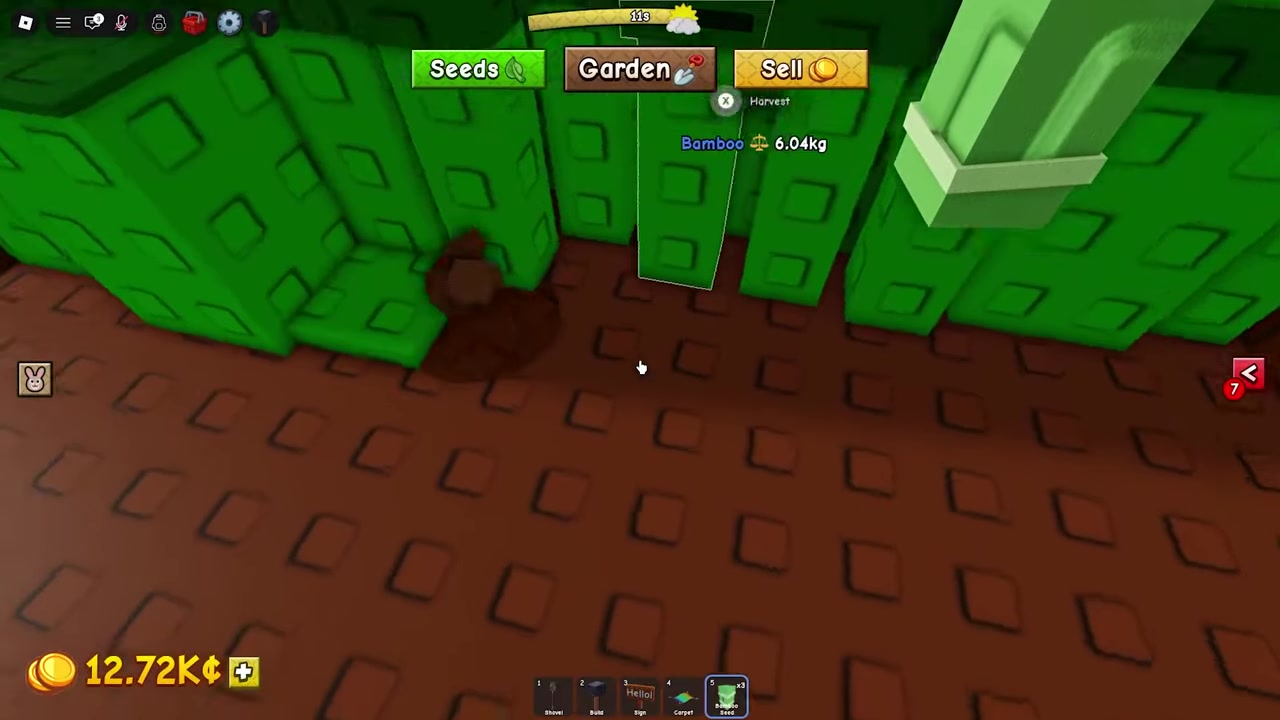
Sweep along a straight path
Keep the button held and run through your crops — it picks up everything in the area as you move.
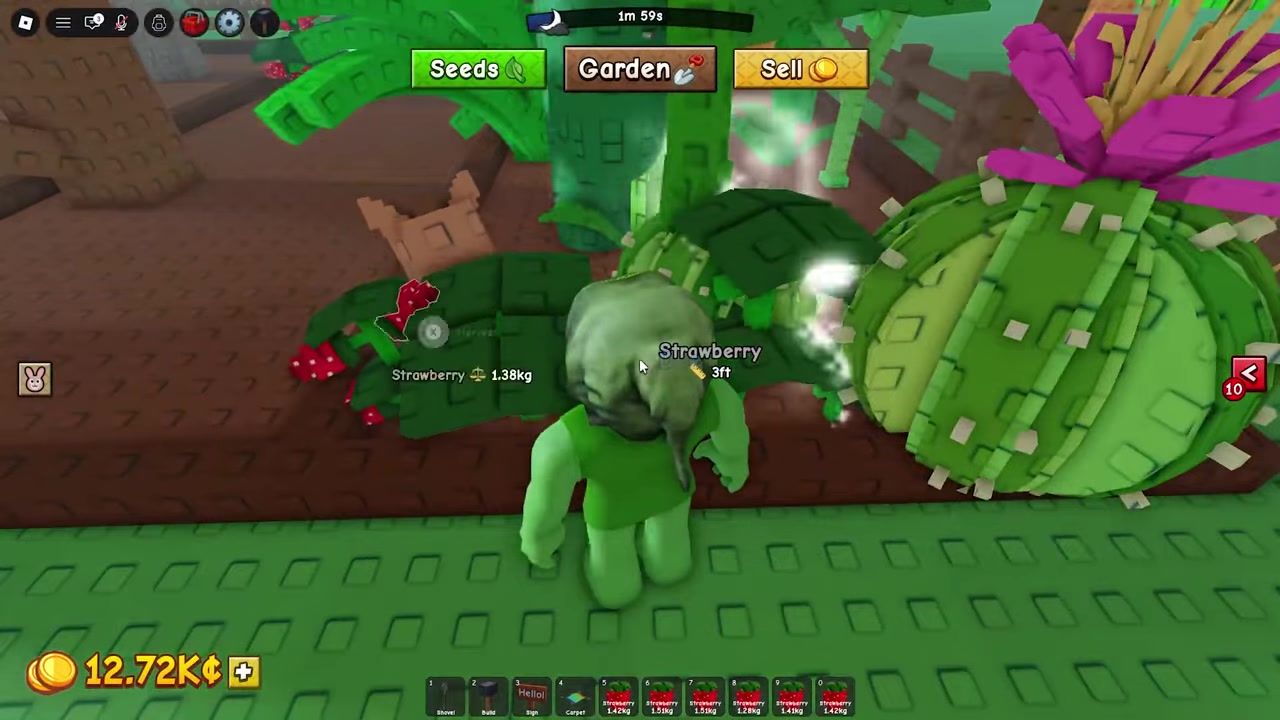
Keep unready crops out of your lane
The sweep grabs every grown plant you pass, so steer your path away from anything you want to leave growing.
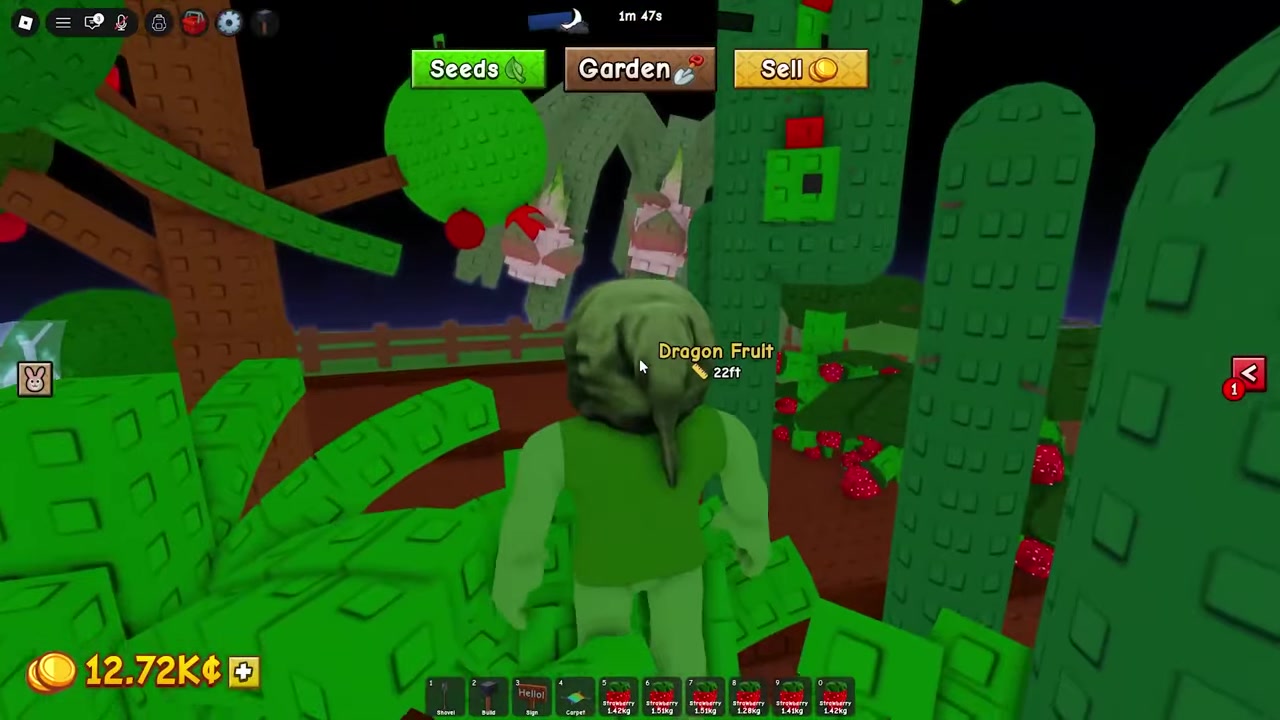
Sell the full haul
Once your inventory fills up, head to the seller and cash out everything in one trip.

Video help
Growth buffs that make crops ready sooner
Sweeping is only as fast as your crops are willing to grow, so the real speed comes from stacking growth buffs on the same patch. The community method is to layer multiple sprinkler types on one spot at the same time so all of their effects overlap, rather than relying on a single sprinkler. Sources don’t agree on how many sprinklers exist or what they’re called, though — one set is described as Common, Uncommon, Rare, Legendary, and Super while another lists Basic, Advanced, Godly, and Master, so treat any specific sprinkler tier list as unsettled and go by what your in-game shop actually offers.
On top of sprinklers, actively using a Watering Can in the same zone is said to push growth further, and it’s commonly recommended when you’re chasing fast regrows or giant plants. Deer pets are the other buff: early players say each Deer adds around 10% faster growth and that running roughly five of them gets you near +50%, but those percentages aren’t confirmed. Sprinkler duration is just as fuzzy — one account puts it at about 2 minutes before a sprinkler expires, while another describes setups left running for an hour or more, so don’t plan tight timings around a fixed number.
Single-harvest versus multi-harvest crops and what they cost
Which crops you plant decides how your loop feels. Single-harvest crops like Carrot, Tulip, Bamboo, and later Pineapple are one-and-done — you harvest once and replant, but they tend to pay strongly per pick, which makes them great money crops and great flips. Multi-harvest crops like Strawberry, Blueberry, Tomato, Apple, Corn, and Cactus keep producing without a replant, so they’re lower-maintenance fillers that keep your plots busy between big flips.
The seed prices below come from outside write-ups and are not confirmed in the game’s UI, so read them as rough guidance and trust whatever the in-game shop shows when you actually buy.
| Crop | Harvest type | Approx. seed cost (Sheckles) | Notes |
|---|---|---|---|
| Carrot | Single-harvest | — | Tutorial starter; strong early per-harvest payout |
| Tulip | Single-harvest | — | Fast single-harvest flip |
| Bamboo | Single-harvest | 700 | Strong early money crop; ~722 base resale reported |
| Pineapple | Single-harvest | 30,000 | Common mid-game money target |
| Strawberry | Multi-harvest | 10 | Cheap, keeps producing without replanting |
| Blueberry | Multi-harvest | 25 | Cheap continuous crop |
| Tomato | Multi-harvest | 200 | Steady multi-harvest filler |
| Apple | Multi-harvest | 400 | Mid-tier continuous crop |
| Corn | Multi-harvest | 2,500 | Higher-value multi-harvest |
| Cactus | Multi-harvest | 5,000 | Higher-value multi-harvest |
| Green Bean | Multi-harvest | 20,000 | Listed as a continuous crop |
| Banana | Multi-harvest | 30,000 | Listed as a continuous crop |
| Grape | Multi-harvest | 50,000 | Listed as a high-value continuous crop |
Mutations, giant fruit, and the Harvest Tool
Speed isn’t the only thing worth chasing — letting crops sit briefly can pay more. Plants can roll mutations, special variants that carry a profit multiplier, so harvesting the instant something matures isn’t always the most profitable call. The exact multiplier values aren’t confirmed, so think of it as a “wait a little, earn more” tradeoff rather than a fixed bonus.
The flip side is size. Very large or giant fruit can sink into the ground and become awkward or impossible to grab on a normal sweep — that sinking is the confirmed mechanic. The fix players point to is the Harvest Tool, which is meant to speed up manual collection of oversized fruit, though its stats and cost aren’t well documented yet, so treat those specifics as unconfirmed.
Where to go after you’ve got the harvest loop down
Once the sweep-and-sell rhythm is second nature, the natural next steps are getting mutations and giant plants reliably through better seeds, timing, and layouts; building a money farm that scales you toward late-game seeds like Pineapple; and tracking down and upgrading sprinklers and Deer pets so your buff zone keeps getting stronger. Early guides also pass around the code teamgreenbean for a starting boost, but it comes from a single source and may already be expired, so don’t count on it.
Frequently Asked Questions
Is there an instant “harvest all” button in Grow a Garden 2?
There’s no verified one-tap “harvest everything” button in the current information. The closest thing is the manual sweep — hold your interact button and walk a path through grown crops to collect them in one continuous motion.
Does the paid “Grow All” option harvest crops for me?
No. Grow All only advances growth (reportedly about 24 hours for roughly 375 Robux, and possibly not enough for very long crops). It speeds up growing, not collecting — you still harvest by hand afterward.
Why is my giant fruit stuck or sinking into the ground, and how do I collect it?
Very large or giant fruit can sink into the ground, which makes it hard to grab on a normal pass. The fix players point to is the Harvest Tool, meant to help collect oversized fruit, though its exact stats and cost aren’t well documented yet.
How do I avoid accidentally harvesting crops I want to keep growing?
Because the sweep grabs every grown crop in your path, the reliable approach is layout — keep the plants you’re leaving alone out of your walking lane. Some players use Favorite tools to flag crops, but that’s tied to a reported bug, so don’t rely on it.
How often does the seed shop restock?
The seed shop is reported to restock about every 5 minutes, so it’s worth circling back after each restock to buy what you can afford and keep your plots full.
More questions⤵
Which crops are best for fast harvesting and money early on?
Early on, single-harvest crops like Carrot and Tulip give strong per-pick payouts, with Bamboo as a solid money step up and Pineapple as a common mid-game target. Fill leftover budget with cheap multi-harvest crops like Strawberry and Blueberry so your plots are always producing.