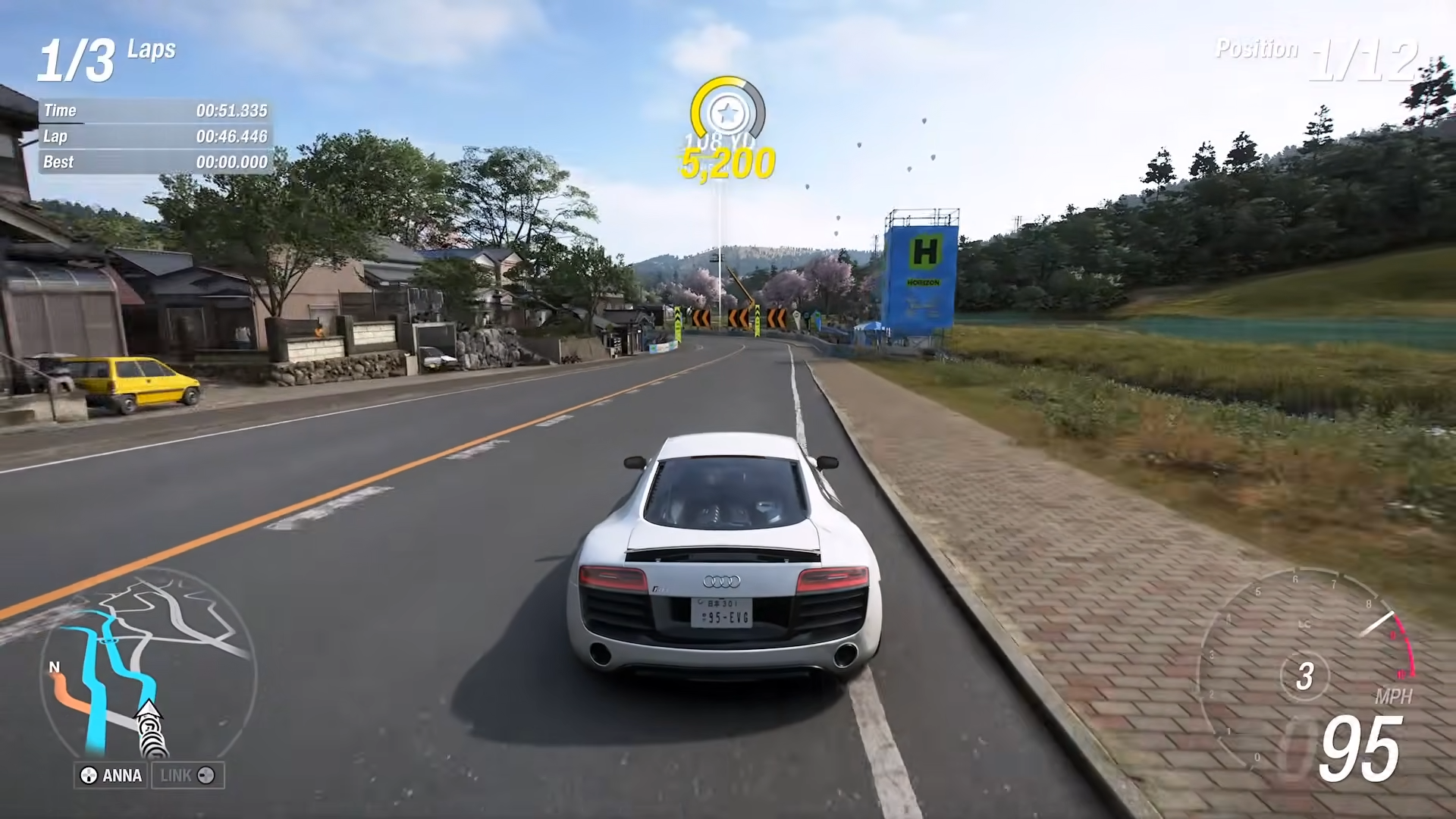
Forza Horizon 6 Series 2 Update is now live with 30+ bug fixes and improvements including major Drag Tire physics changes, Horizon Play XP rebalancing, AI difficulty improvements, and visual fixes.
The update (Steam version 375.327) was released on June 15, 2026, and is up to 8 GB in size across Xbox Series X|S and PC (Steam/Xbox app).
Series 2 Update Key Changes
How to Get the Series 2 Update

Step 1: Check for Update on Your Platform
Navigate to your game library and check for updates:
-
Xbox Series X|S: Go to My Games & Apps → Select Forza Horizon 6 → Press Menu button → Check for updates.
-
Steam: Right-click Forza Horizon 6 in library → Properties → Updates → Ensure automatic updates are enabled.
-
Windows PC (Xbox App): Open Xbox app → My Library → Click Forza Horizon 6 → Check for update button.
The update should automatically download if automatic updates are enabled. The patch is approximately 8 GB.
Step 2: Verify Version Number
After installation, confirm you have the correct version:
-
Steam: Version 375.327.
-
Xbox Series X|S: Version 375.327
-
Windows PC (Xbox App): Version 375.327.
Step 3: Launch and Confirm
Start Forza Horizon 6 and check the update notification on the loading screen. All changes should be active immediately.
Complete Patch Notes: All Fixes & Improvements
General Performance
-
Performance and stability fixes applied across all platforms.
-
Fixed issue where launching the game after running Benchmark Mode would take longer than expected.
AI Improvements
Audio Changes
-
Improvements to audio performance on lower specification devices.
-
Adjusted volume of air vents on the 2010 Lamborghini Murciéłago LP 670-4 SV.
Badge Fixes
-
Fixed issue with Screechy Clean Badge where progress would only count during a Touge Event.
Design & Leaderboards
-
Fixed issue where Leaderboards would sometimes display the wrong drivetrain.
-
Fixed Convoy Leaderboards issue where times may not appear consistently for all players in the Convoy at Drag Meets and Time Attack Circuits.
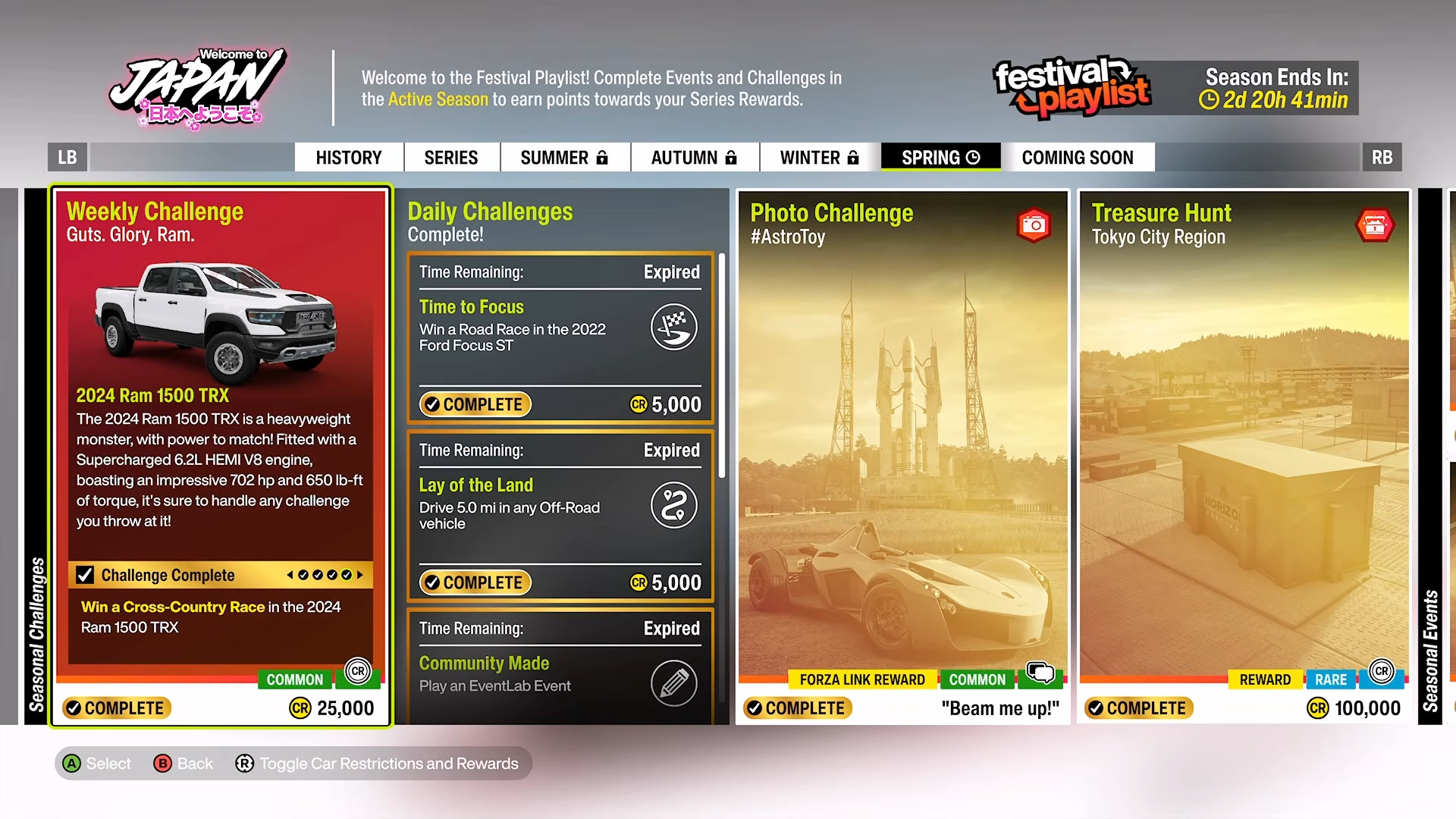
Festival Playlist Fixes
Horizon Play XP Rebalancing (Major Change)
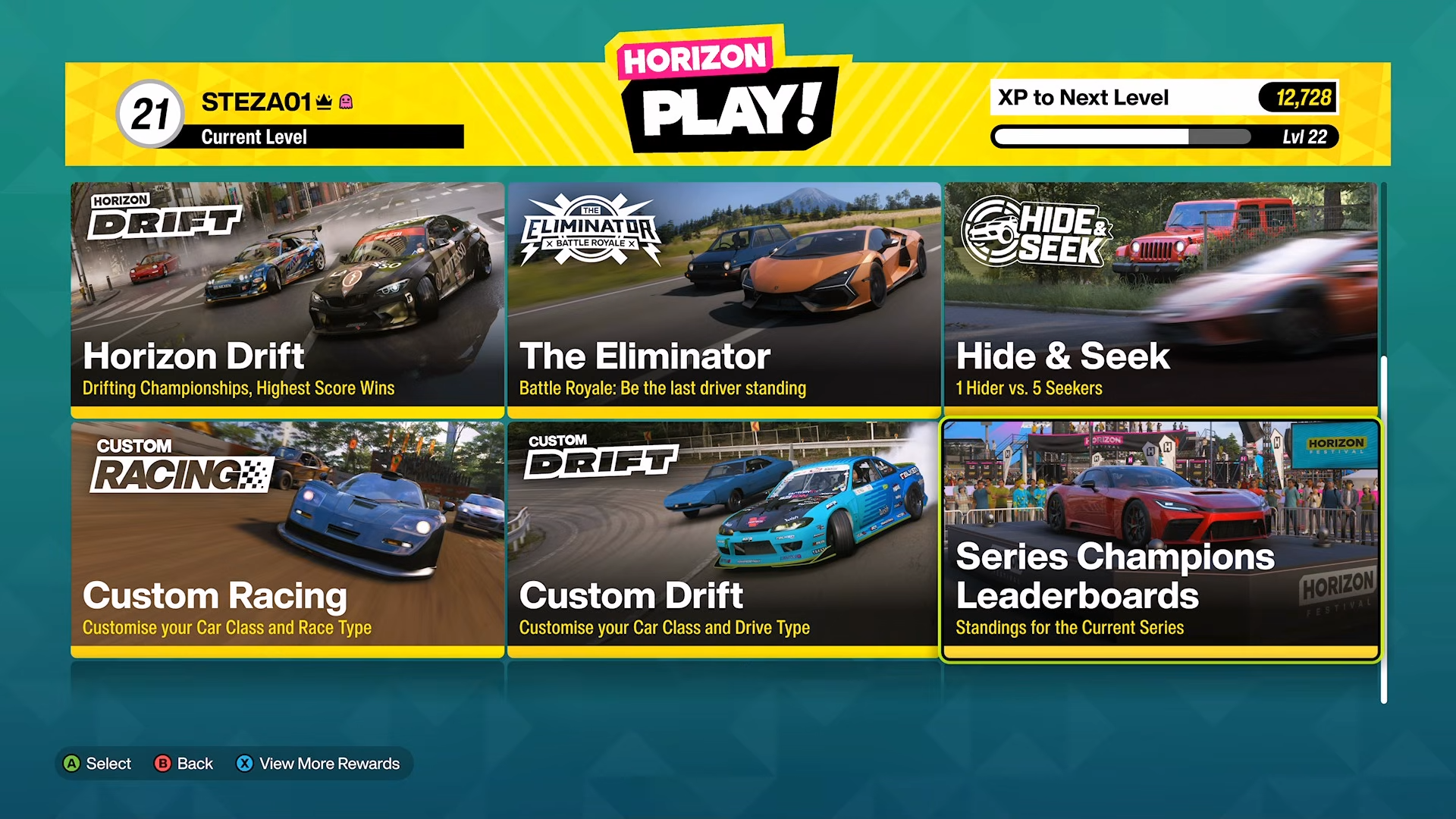
This is the most significant progression change in the update:
-
Fixed issue where some players did not unlock Level 12 in Horizon Play until entering another race Event.
-
Adjusted XP required between Level 26 and Level 100 – significantly reduces time for ‘Maxed Out’ Achievement.
Automatic Level Boosts:
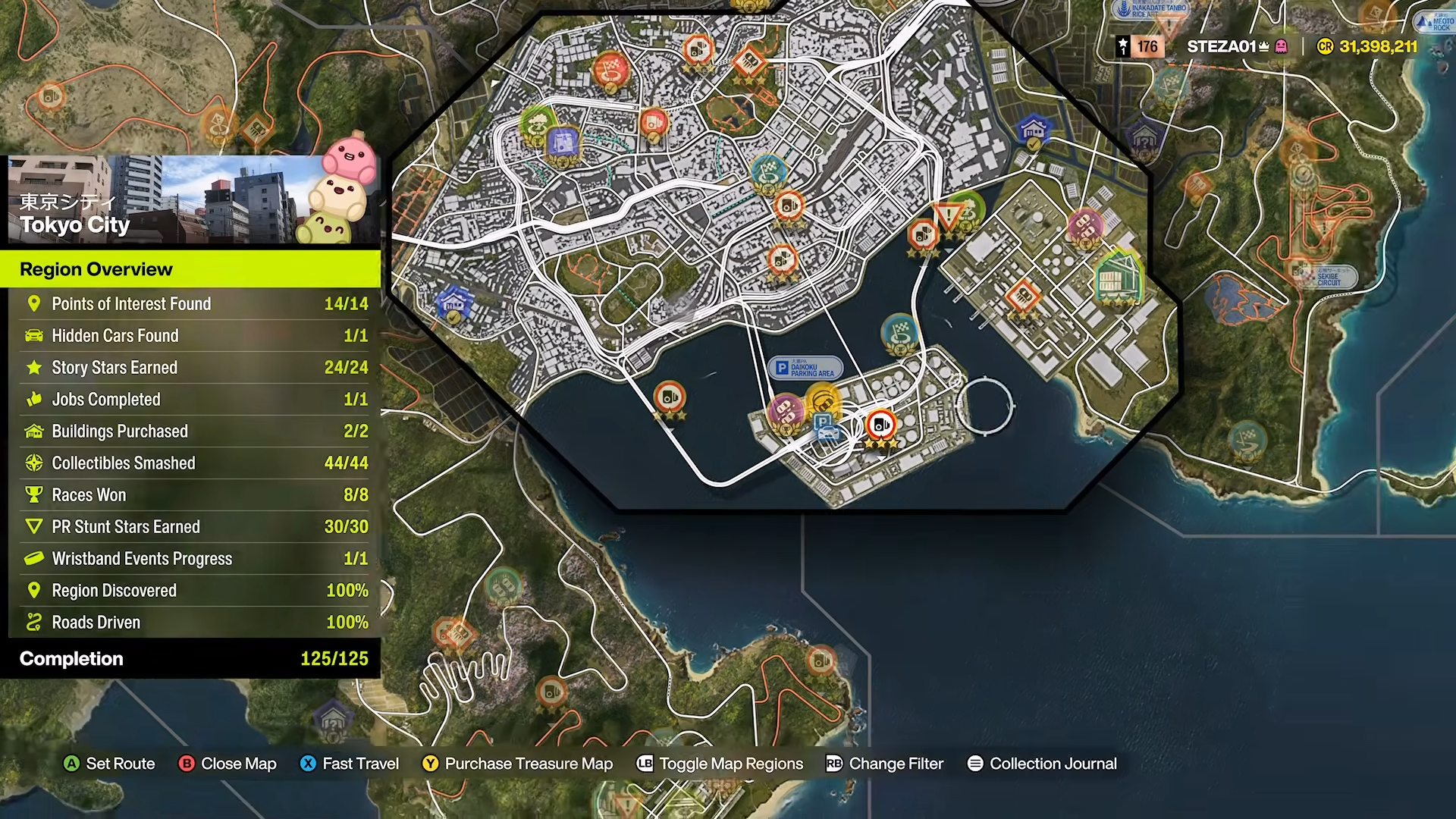
Road Discovery Updates
-
Added Roads Driven percentage to Region Overview.
-
Fixed issue where two road nodes would never be marked as Undiscovered.
-
Fixed inconsistencies in Road Discovery between Mini Map and World Map.
Visual Fixes
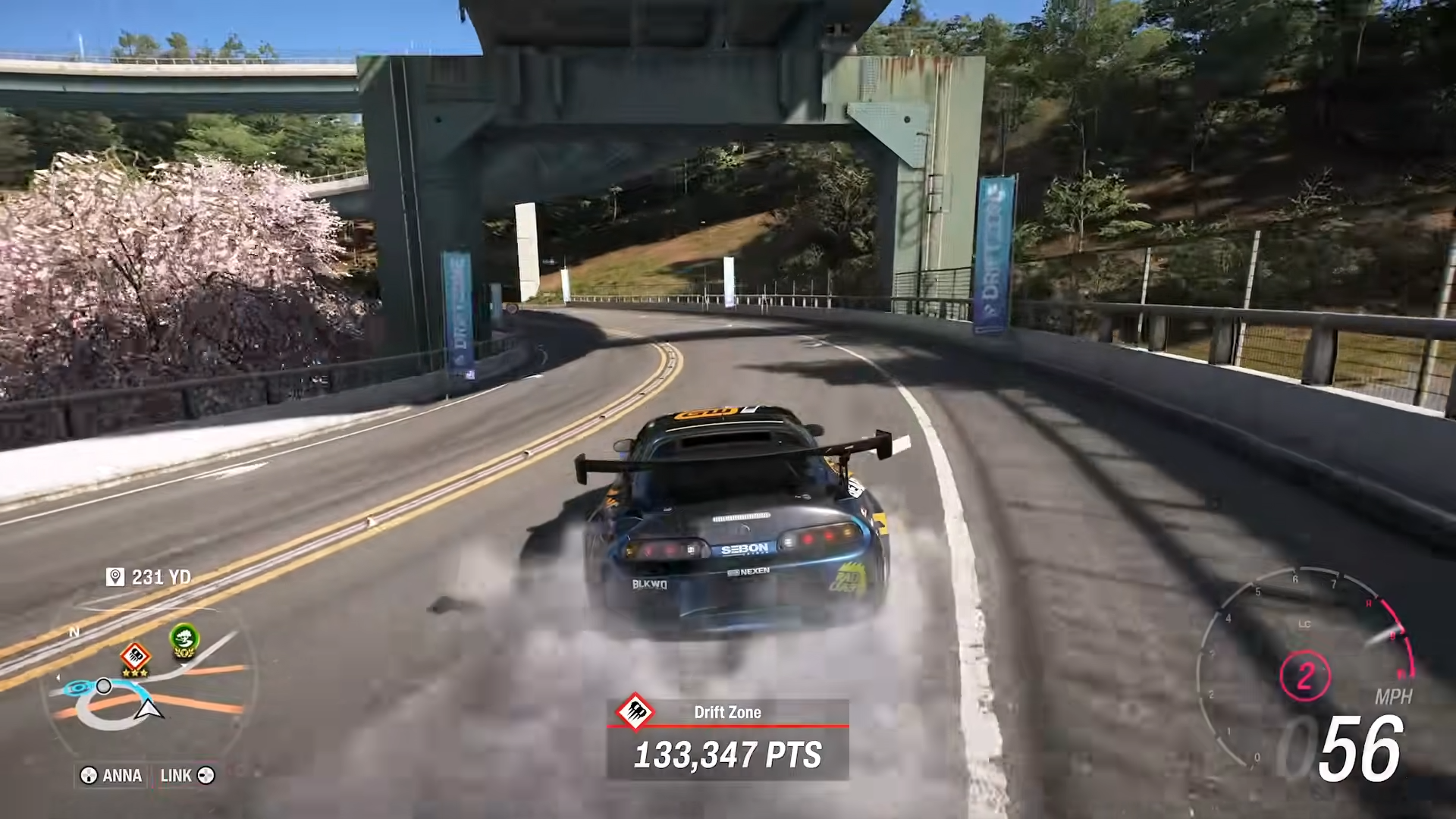
Upgrades & Tuning: Drag Tire Physics (Critical Change)
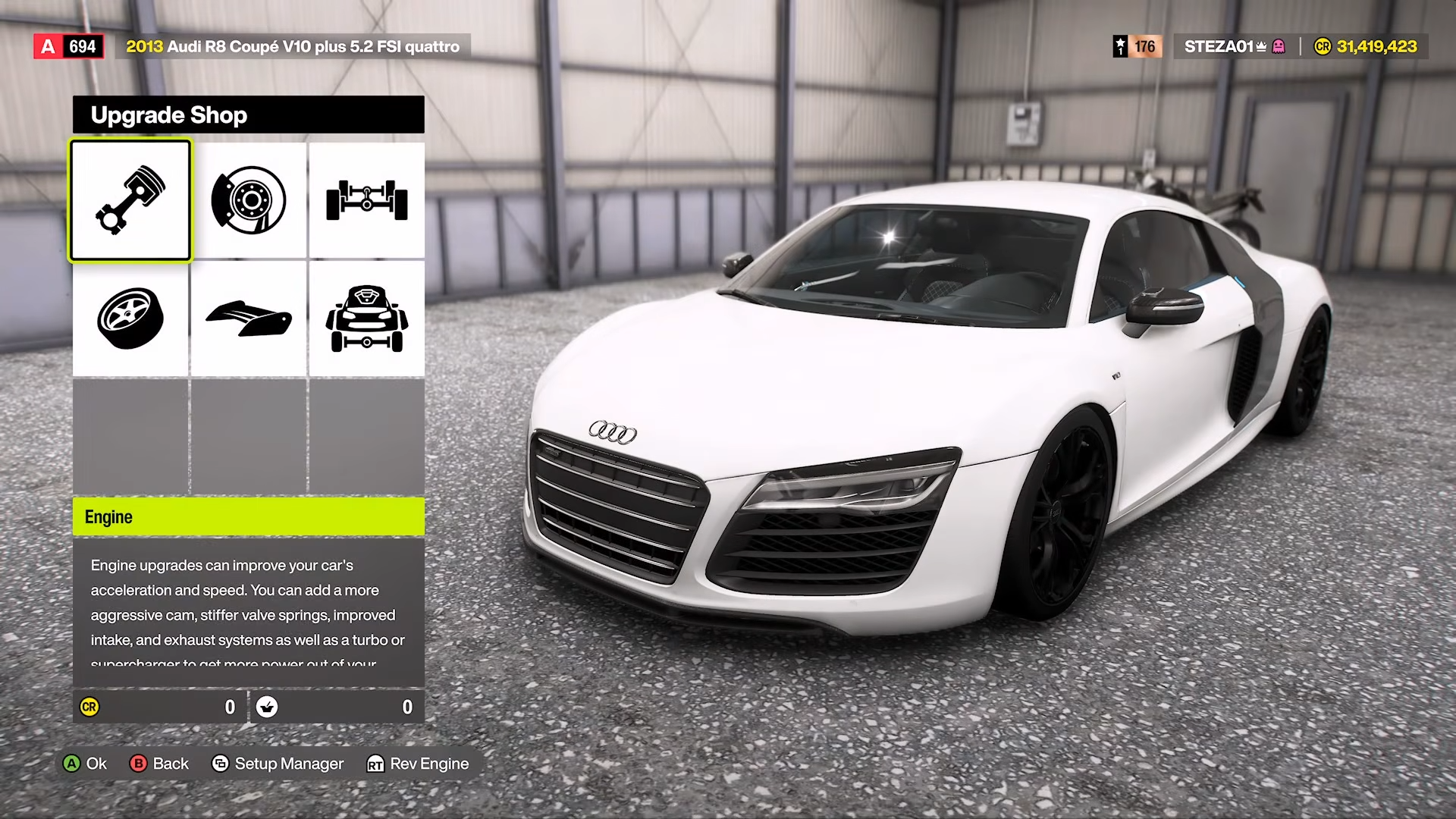
This is the most impactful gameplay change in Series 2:
Developer Notes:
The team noticed Drag tires were reducing Performance Index (PI) significantly while still providing enough lateral grip to work effectively outside Drag Racing. This is not the expected behavior. Drag Tire physics now align with their intended use case.
Critical Mistakes to Avoid After This Update
-
Don’t keep using Drag Tires on non-drag events – they now have significantly reduced cornering performance and are no longer optimal.
-
Expect leaderboard recalibration – lap times set with Drag Tires prior to this patch will be identified and removed.
-
Claim your Series 1 retroactive points – visit Series 1 in Playlist History to claim Daily Challenge Points you earned.
-
Don’t worry about PI changes – your existing tunes will stay in the same PI class but will perform differently.
-
If you’re Level 32+, you’ll automatically hit 100 – no need to grind XP manually.
The Series 2 Update delivers meaningful gameplay rebalancing with the Drag Tire changes, massive progression acceleration for Horizon Play grinders, and numerous quality-of-life fixes. If you’re competitive on leaderboards, recalibrate your tire choices immediately. If you’re chasing the ‘Maxed Out’ Achievement, you’re now months closer to completion.