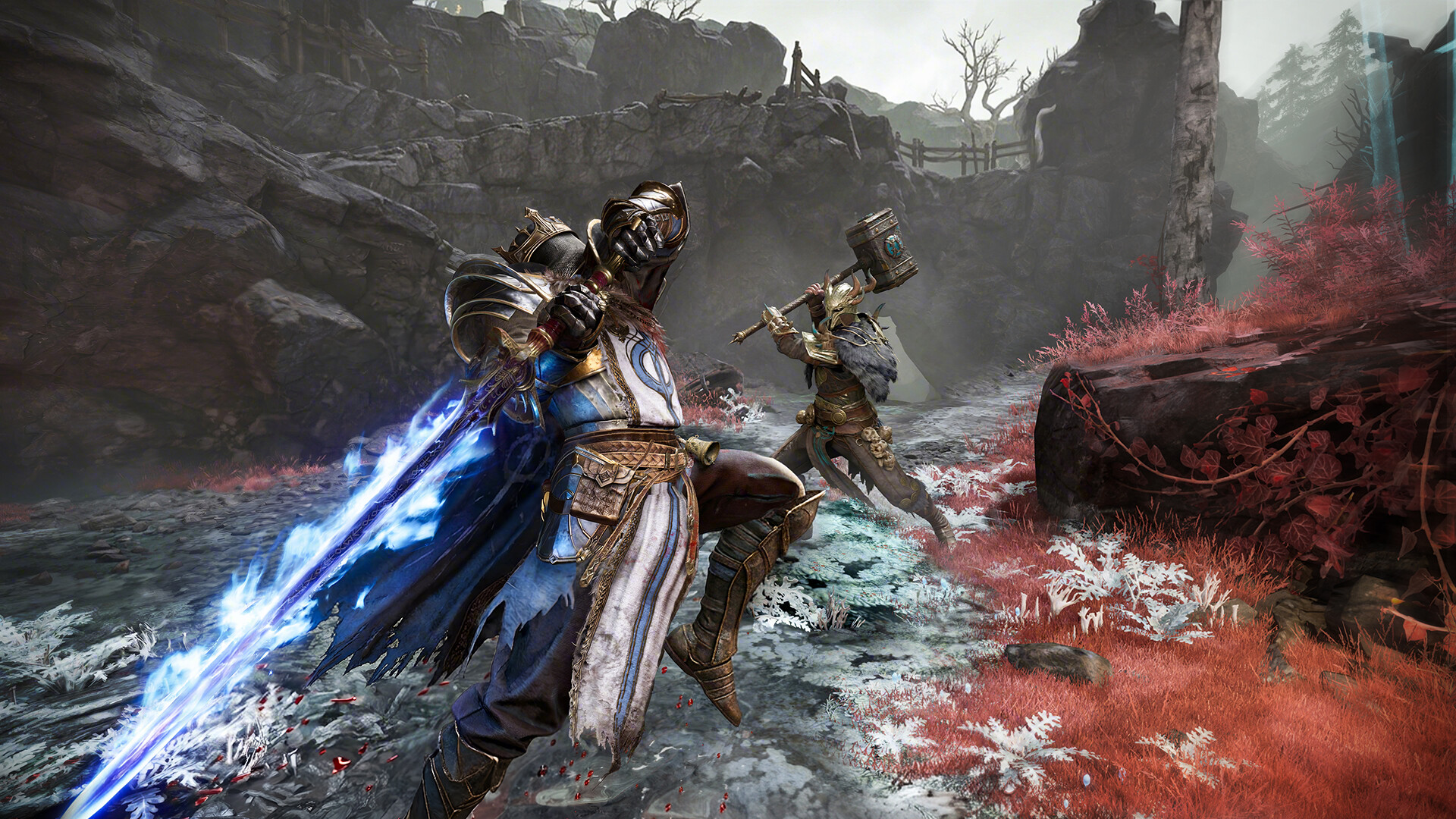
What to know
- Cross-platform play is supported between PS5, Xbox, and Steam players.
- The easiest way to add friends is by using their unique Player ID instead of their nickname.
- Friend requests are managed through the Team menu in the main hub.
- Once added, you can invite friends directly to your team regardless of platform.
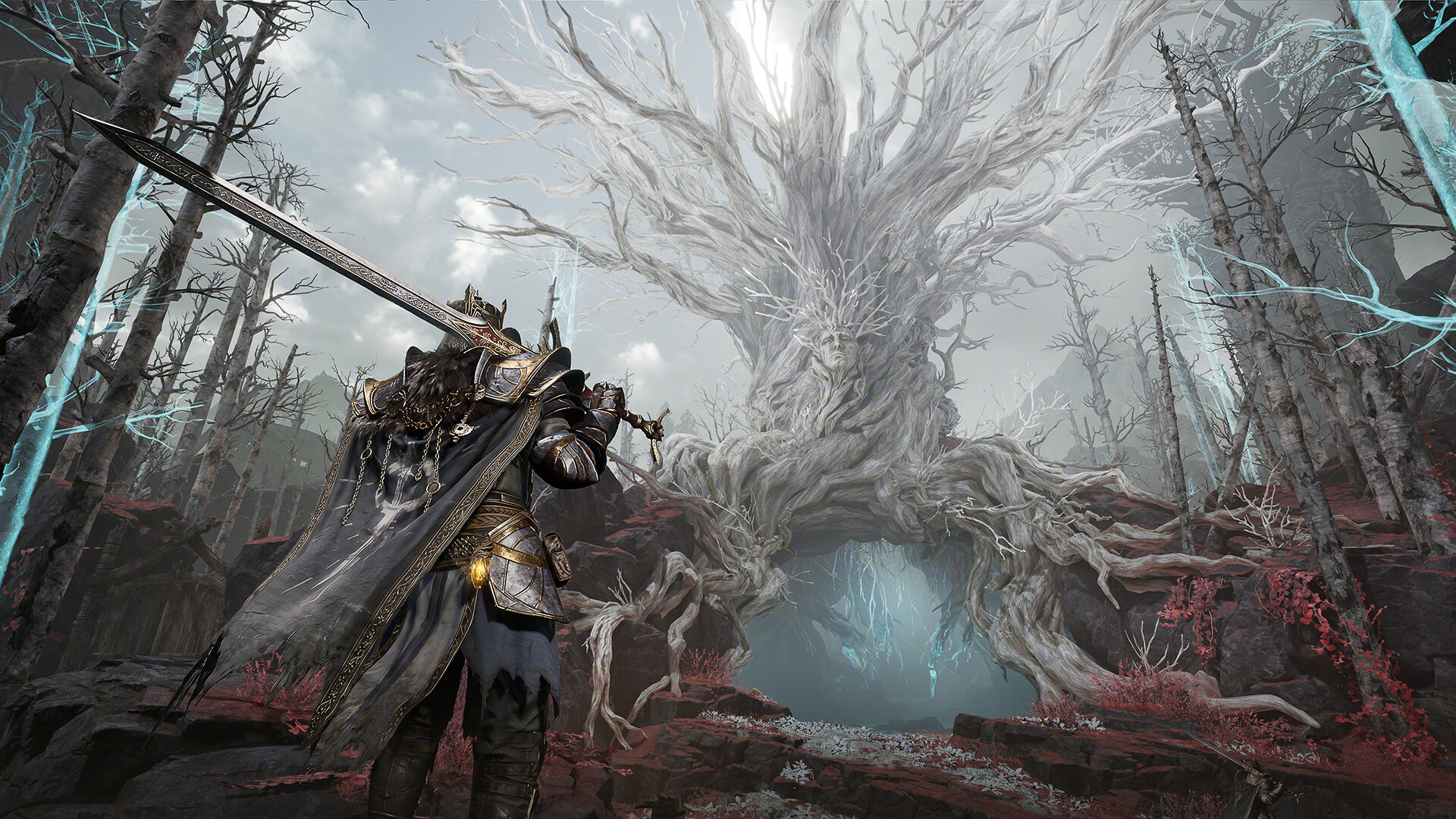
Mistfall Hunter makes it easy to squad up with friends across different platforms. Whether you’re playing on PlayStation 5, Xbox Series X|S, or Steam, the game uses a unified friend system that allows players to search for and invite each other using unique account IDs.
| Feature | Details |
|---|---|
| Cross-Platform Support | PS5, Xbox, Steam |
| Friend Search Method | Player ID or Nickname |
| Recommended Search Method | Unique Player ID |
| Team Size | Multiplayer team-based gameplay |
| Friend Management Location | Team Menu |
| Invite Requirement | Added to friends list first |
How cross-platform friends work in Mistfall Hunter
Unlike platform-specific friend systems, Mistfall Hunter uses its own in-game friend network. This means a Steam player can easily play with someone on Xbox or PlayStation without needing to add them through the console’s native friend list.
The key to successful cross-platform invitations is the game’s unique Player ID system. Every account receives an ID number that can be searched directly, preventing confusion caused by duplicate usernames.
How to find your Player ID
Before sending or receiving friend requests, you need to locate your Player ID.
Launch Mistfall Hunter and enter the main hub area.
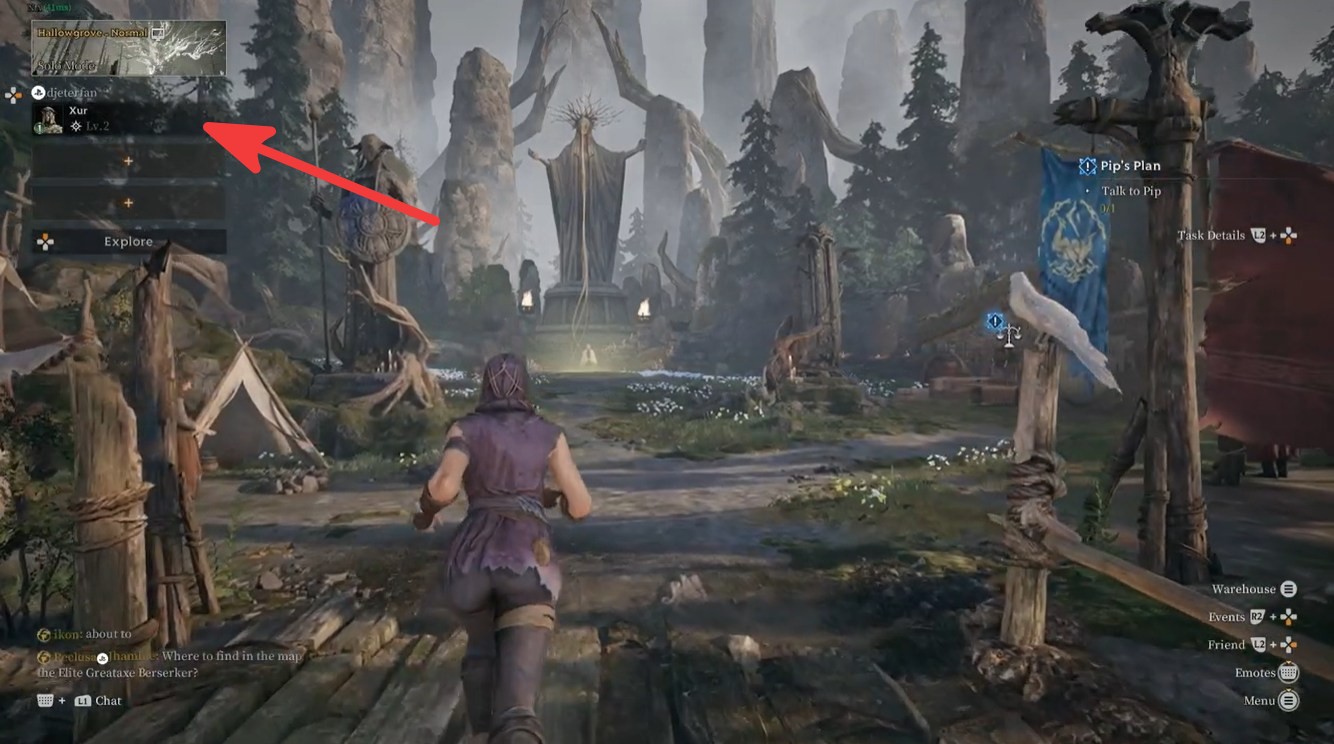
Open the Team screen using the indicator shown in the upper-left corner of the screen. Look toward the top-right section of the menu.
Your gamertag, player level, and a unique numerical ID will be displayed here.
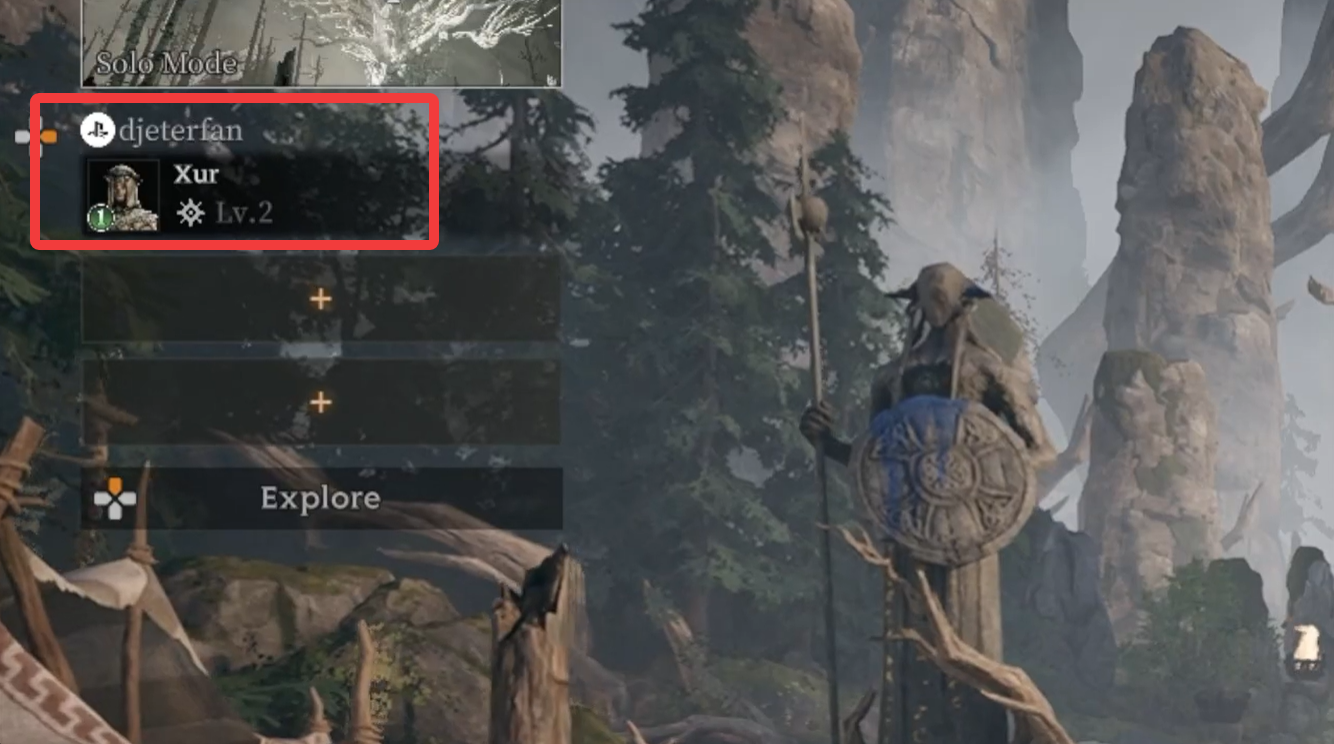
Share this ID with your friends or ask them to provide theirs.
How to add cross-platform friends
Once you have your friend’s ID, you can send a friend request.
Open the Team menu from the main hub. Select the Friend Management option located in the bottom-right corner.
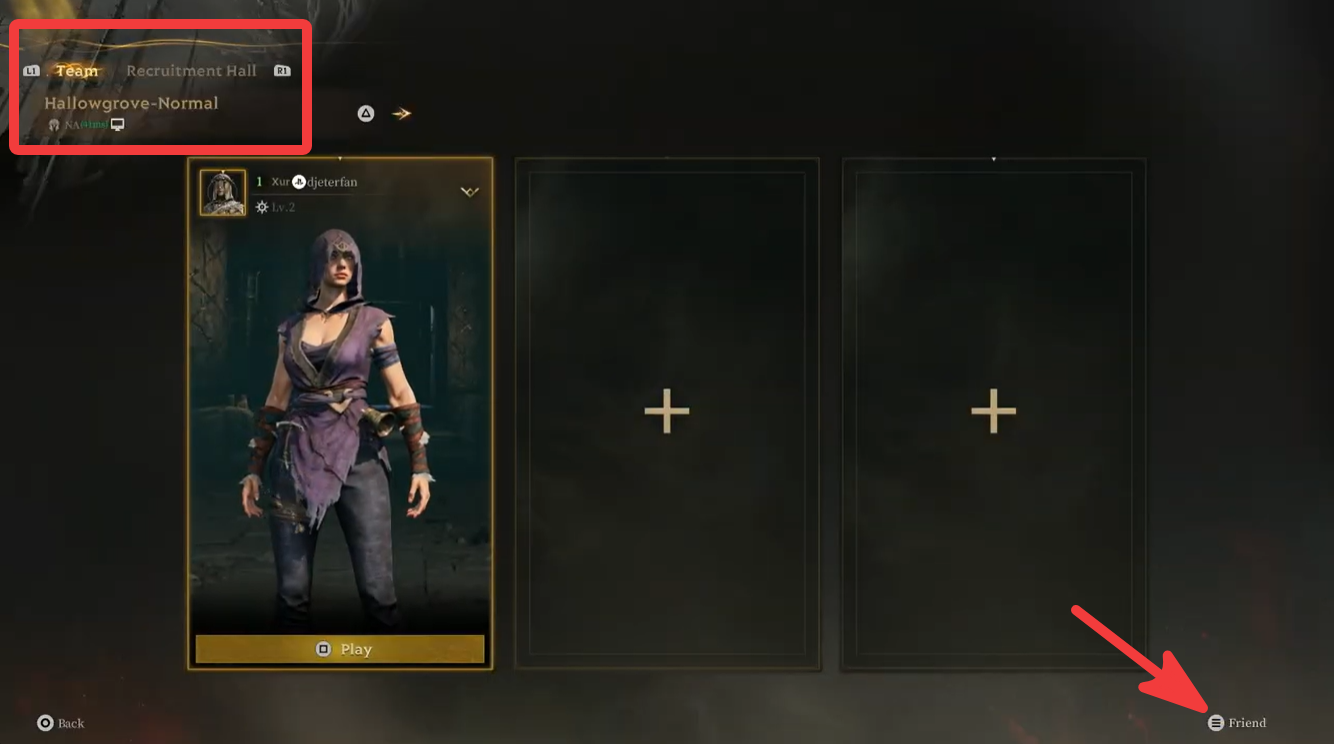
Open the Friends List interface. Navigate to the search box in the upper-right corner. Enter your friend’s Player ID. Select the correct profile and send a friend request.
Wait for your friend to accept the request.
While nickname searches are available, using the Player ID is strongly recommended because it guarantees you find the correct account.
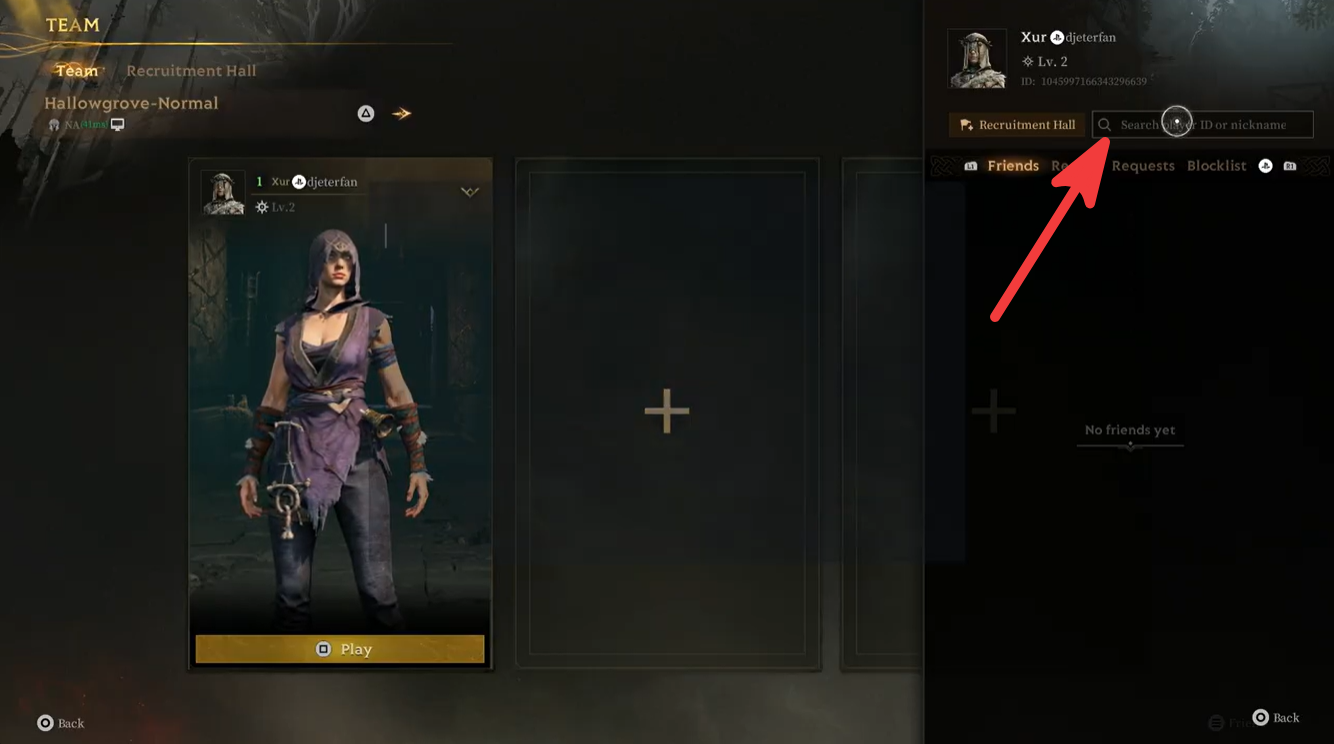
How to invite friends to your team
After both players are added as friends, forming a party is straightforward.
Return to the Team screen. Open your Friends List. Select the friend you want to play with.
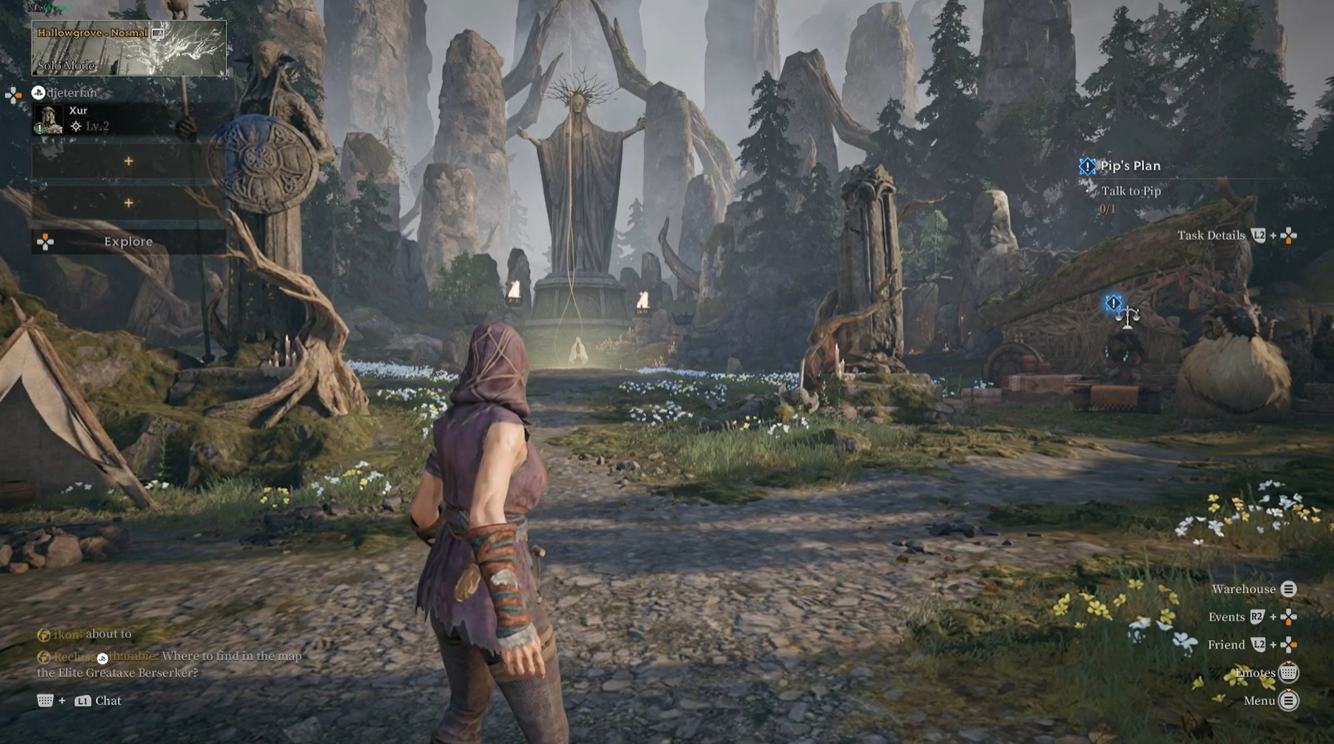
Choose the Invite to Team option. Your friend accepts the invitation. Once they join, your team is ready to queue for activities together.
Common issues when inviting friends
| Problem | Solution |
|---|---|
| Friend not appearing in search | Verify the Player ID is entered correctly |
| Wrong player found | Use the unique ID instead of nickname |
| Invitation not received | Ask your friend to check pending requests |
| Unable to join team | Ensure both players have accepted the friend request |
| Cross-platform concerns | Confirm all players are using the latest game version |
Can PS5, Xbox, and Steam players play together?
Yes. Mistfall Hunter’s friend and team system is designed to support cross-platform matchmaking and party creation. As long as both players have added each other through the in-game friend system, they can join the same team regardless of whether they are playing on PlayStation 5, Xbox Series X|S, or Steam.
The fastest way to invite friends in Mistfall Hunter is to use the in-game Player ID system. Open the Team menu, access Friend Management, search using your friend’s ID, send a request, and then invite them to your team once accepted. This method works across PS5, Xbox, and Steam, making cross-platform co-op quick and reliable.