iOS 27 has a very interesting energy around it. Yes, there is a new design. Yes, Siri is getting smarter. Yes, Apple Intelligence is getting deeper across the system. But the most exciting part is not any one feature by itself, but an overall strong “vibe coding” feel.
This is not vibe coding in the strict developer sense, where you ask an AI tool to write an app or generate a full codebase. This is the consumer version of the same idea. You describe what you want, and the system helps build the thing for you. That is a huge shift for the iPhone.
For years, the iPhone has been powerful, but most of its power was locked behind apps, menus, settings, and manual steps. Shortcuts could already automate many things, but it often felt like visual programming. You had to understand actions, triggers, inputs, outputs, and the right sequence of steps. iOS 27 moves that experience closer to plain language. And that may be Apple’s most important AI direction yet.
- What “Vibe Coding” Means on iPhone
- The Key Feature: Describe a Shortcut
- iOS 27 Is Not Just About Shortcuts
- Siri AI Makes This Feel Bigger Than Automation
- Visual Intelligence Adds the “Do Something With This” Layer
- Why This Is Great for iPhone Users
- Why This Is Great for Apple
- Apple Is Closing the Right Gap
- The Privacy Angle Matters Too
- But Apple Still Has to Prove It Works
- The Best Way to Think About iOS 27
What “Vibe Coding” Means on iPhone
Vibe coding became popular because it changed the starting point of software creation. Instead of beginning with syntax, structure, and implementation details, you begin with intent.
You say what you want and the AI figures out how to build it.
That same feeling is now coming to the iPhone through iOS 27. Apple is not turning every iPhone user into a developer. It is doing something more useful for normal people – it is letting them describe tasks, automations, edits, extensions, and actions in natural language.
That means the user no longer has to think like this:
“Which actions do I need to add? What order should they go in? What input does this action need? Why did the shortcut fail?”
Instead, the user can start closer to this:
“When I take a screenshot of a receipt, help me save the amount somewhere useful.”
Or:
“Build a shortcut that summarizes something, organizes it, and sends it where I need it.”
Those examples are not necessarily Apple-announced workflows word for word. But they capture the direction Apple is moving in: from manual setup to natural-language intent.
That is the vibe coding feeling.
The Key Feature: Describe a Shortcut
The clearest example is Shortcuts.
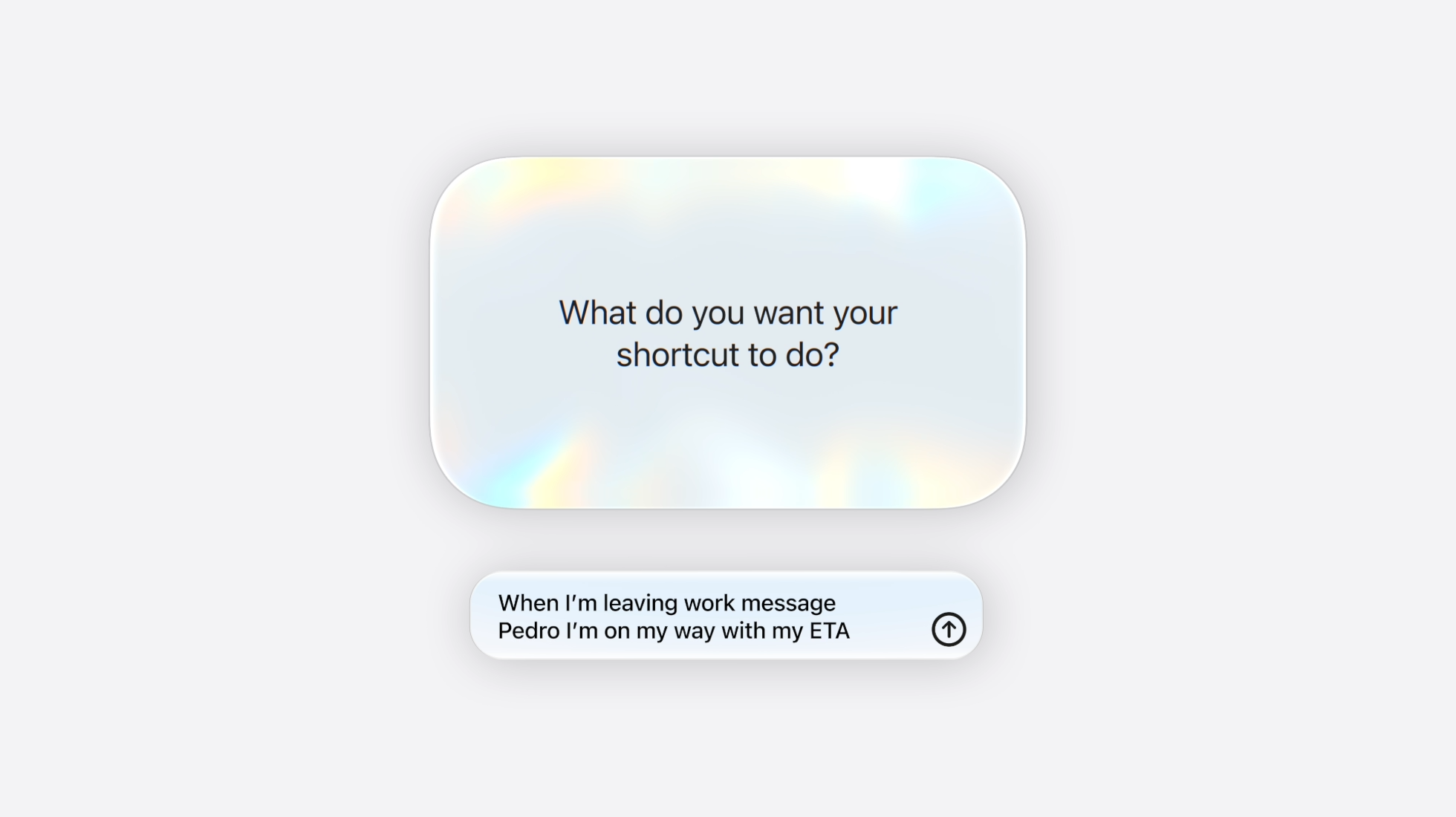
Apple says iOS 27 includes a feature called Describe a Shortcut. The idea is simple but powerful: you describe the shortcut you want, and Shortcuts assembles the steps. If you want to tweak the result, you can describe the change too.
That is a big deal because Shortcuts has always been one of the iPhone’s most underrated apps. It is powerful enough for advanced users, but too intimidating for most normal users.
Describe a Shortcut could change that.
This is the difference:
| Old Shortcuts experience | iOS 27-style experience |
|---|---|
| Build the workflow manually | Describe the workflow you want |
| Search for the right actions | Let the system assemble the steps |
| Think like a programmer | Think like a user |
| Fix the logic yourself | Ask for changes in plain language |
| Mostly for power users | Potentially useful for everyone |
That is why this feels so important. Apple is not just adding AI to Shortcuts. It is making Shortcuts more approachable.
iOS 27 Is Not Just About Shortcuts
Shortcuts is the most obvious “vibe coding” example, but it is not the only one.
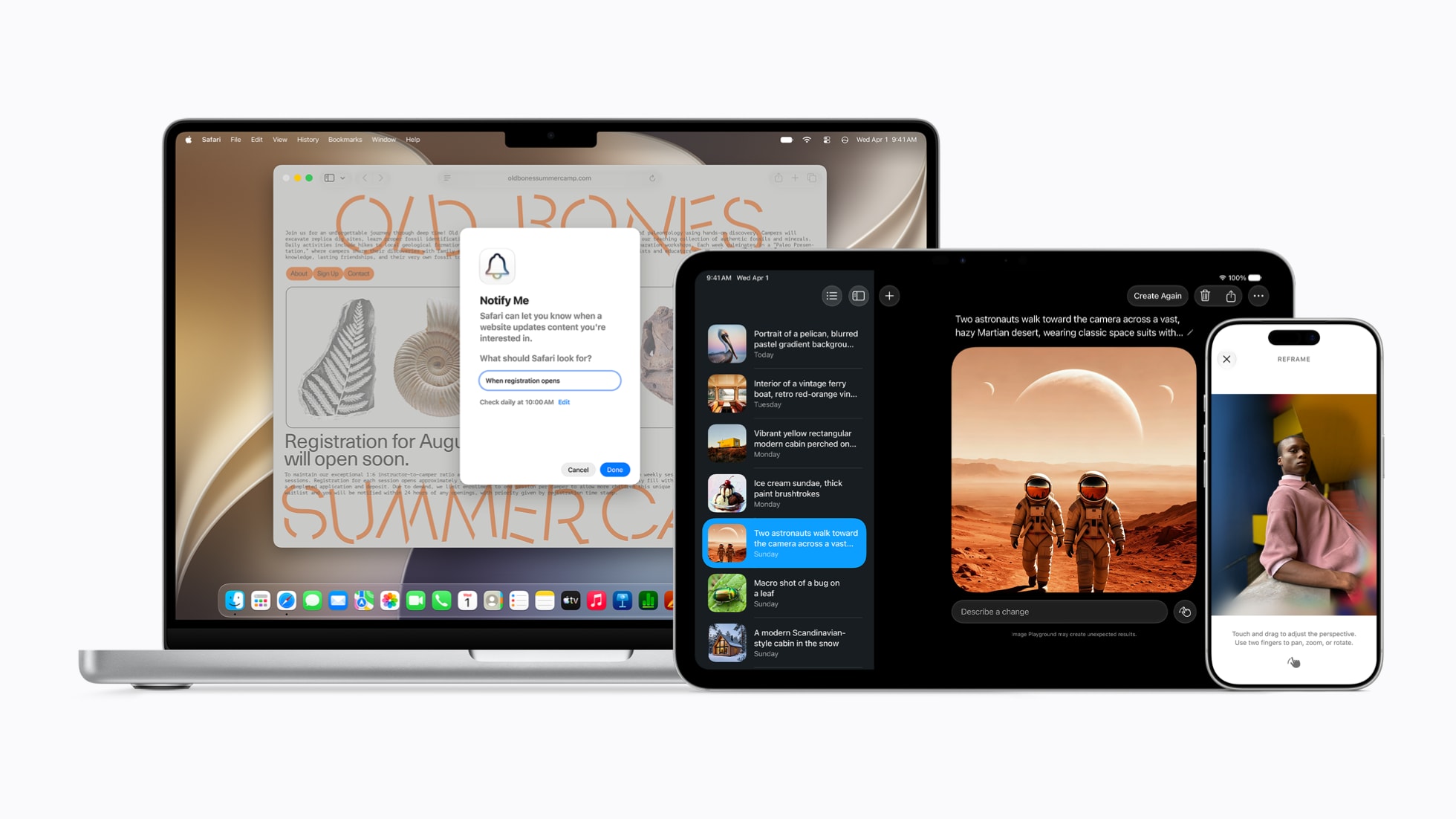
Apple is bringing this describe-and-create idea to more places in the system. With iOS 27 and Apple Intelligence, users can describe changes to images, create custom Safari extensions by explaining what they want, and rely on Siri AI for more contextual actions across apps.
That matters because this is not just one AI feature. It is a pattern.
The pattern is:
- Describe the outcome.
- Let Apple Intelligence understand the request.
- Let the system create, modify, or perform the action.
- Keep the user in control.
A chatbot is useful when you want an answer. But an iPhone is most useful when it can help you do something. The real promise of iOS 27 is that Apple is trying to make the iPhone less dependent on taps, menus, and manual app-switching.
That is where Siri AI, Visual Intelligence, App Intents, and Shortcuts all start to connect.
Siri AI Makes This Feel Bigger Than Automation
The new Siri AI direction is important because it brings the same idea to the assistant layer.
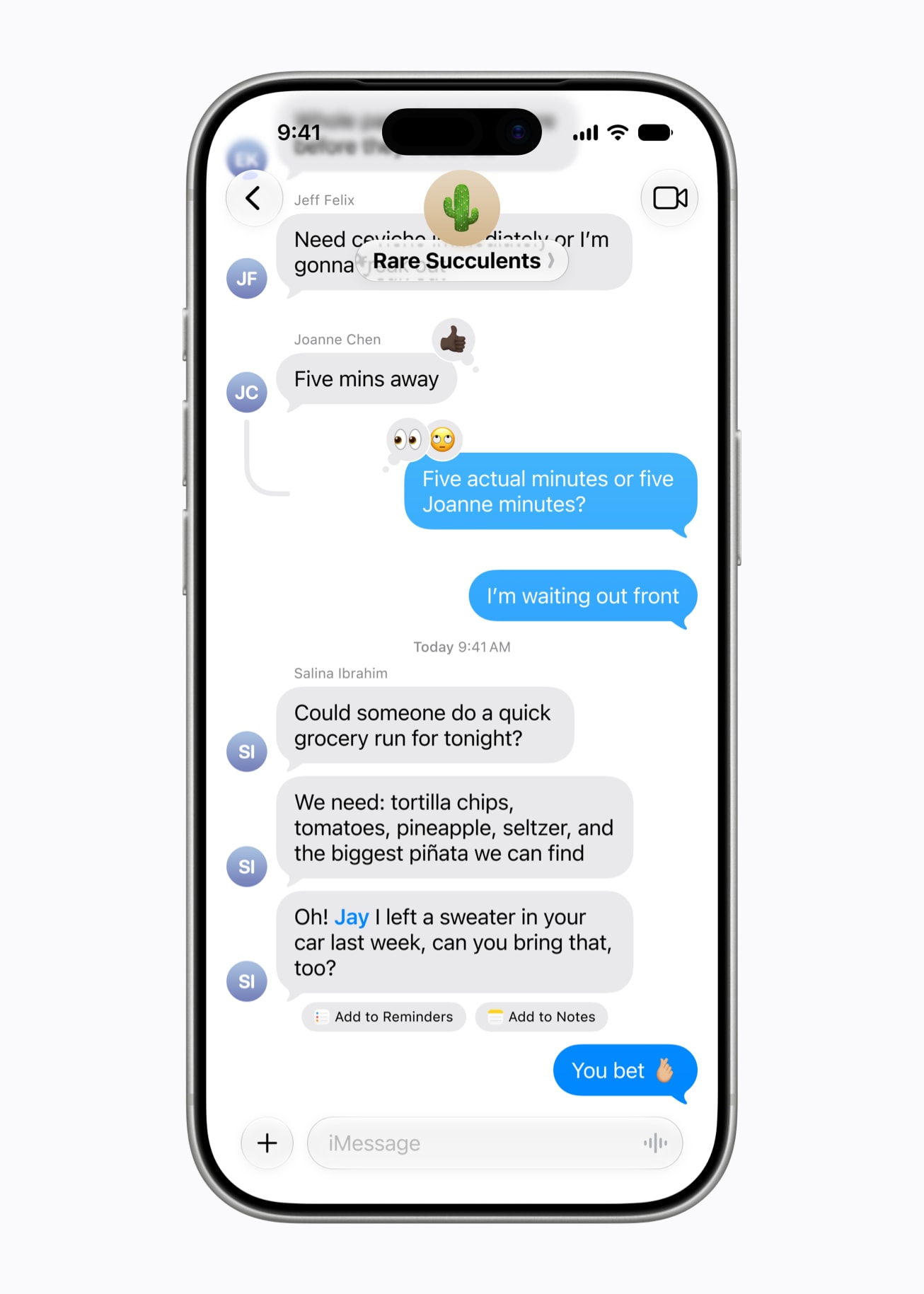
Apple says Siri AI is designed to be more conversational, more personal, and more deeply integrated across Apple products. It can use personal context, on-screen awareness, and app actions to help users get things done.
For years, Siri has felt more like a voice command system than a true assistant. It could set timers, send messages, start calls, play music, and answer simple requests. But it often struggled with complex, multi-step, contextual tasks.
iOS 27 appears to be Apple’s attempt to fix that in a more serious way.
The important part is not that Siri can talk more naturally. The important part is that Siri can become more useful inside the system.
A smarter assistant should understand what you are looking at, what app you are using, what you probably want to do next, and which action can help. It should not only answer a question. It should help complete the task.
That is why the vibe coding comparison fits. The interface becomes less about operating the device and more about expressing intent.
Visual Intelligence Adds the “Do Something With This” Layer
Another key part of the iOS 27 story is Visual Intelligence.
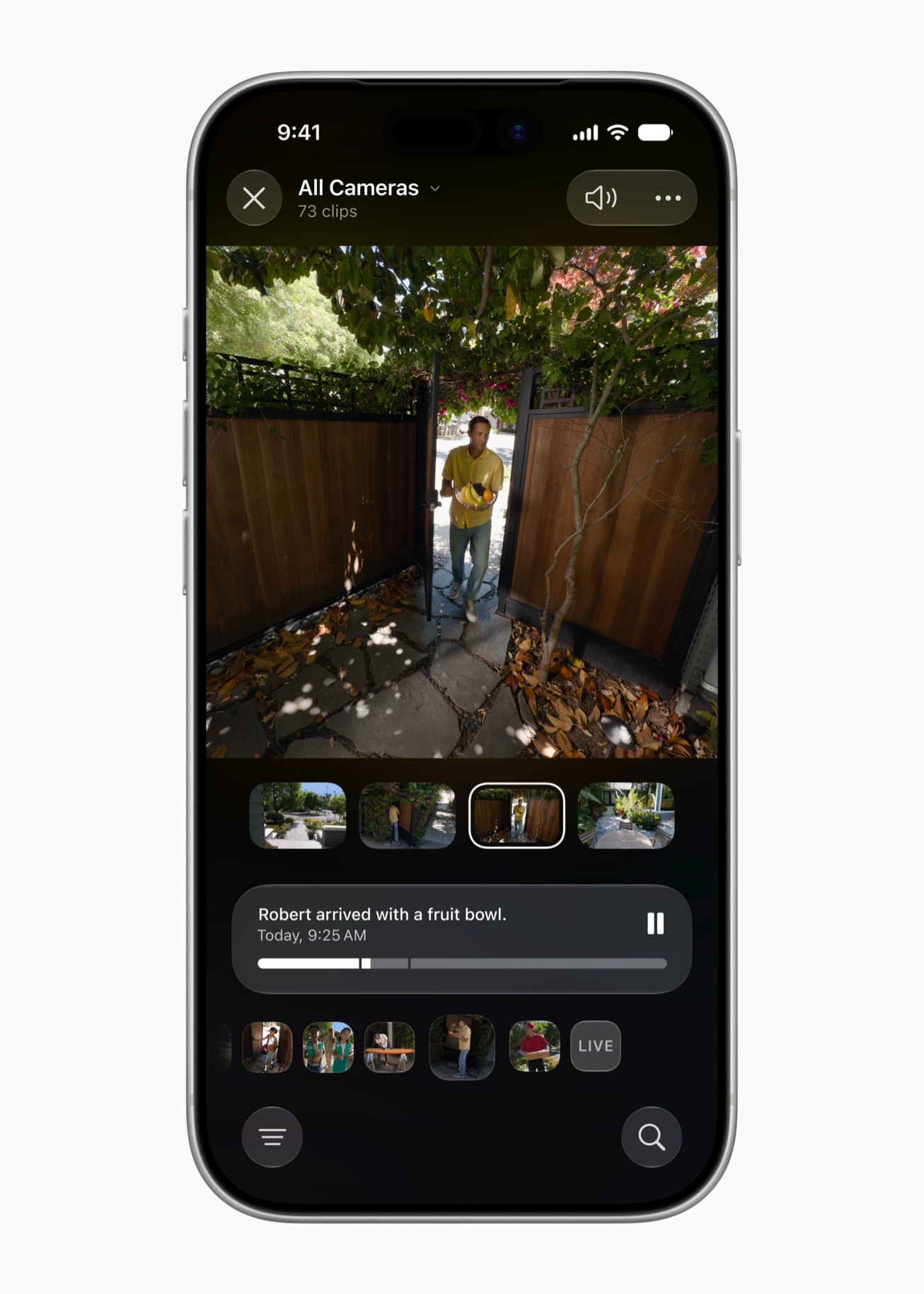
Apple says Visual Intelligence can let users search, ask questions, and take action based on what is on the iPhone screen. This matters because so much of modern phone use starts with something visual: a screenshot, a webpage, a message, a product, a calendar invite, an address, a poster, a receipt, or a piece of text.
The old phone experience was manual; the new direction is more direct.
That is another form of vibe coding. You are not coding an automation, but you are creating an action path from context.
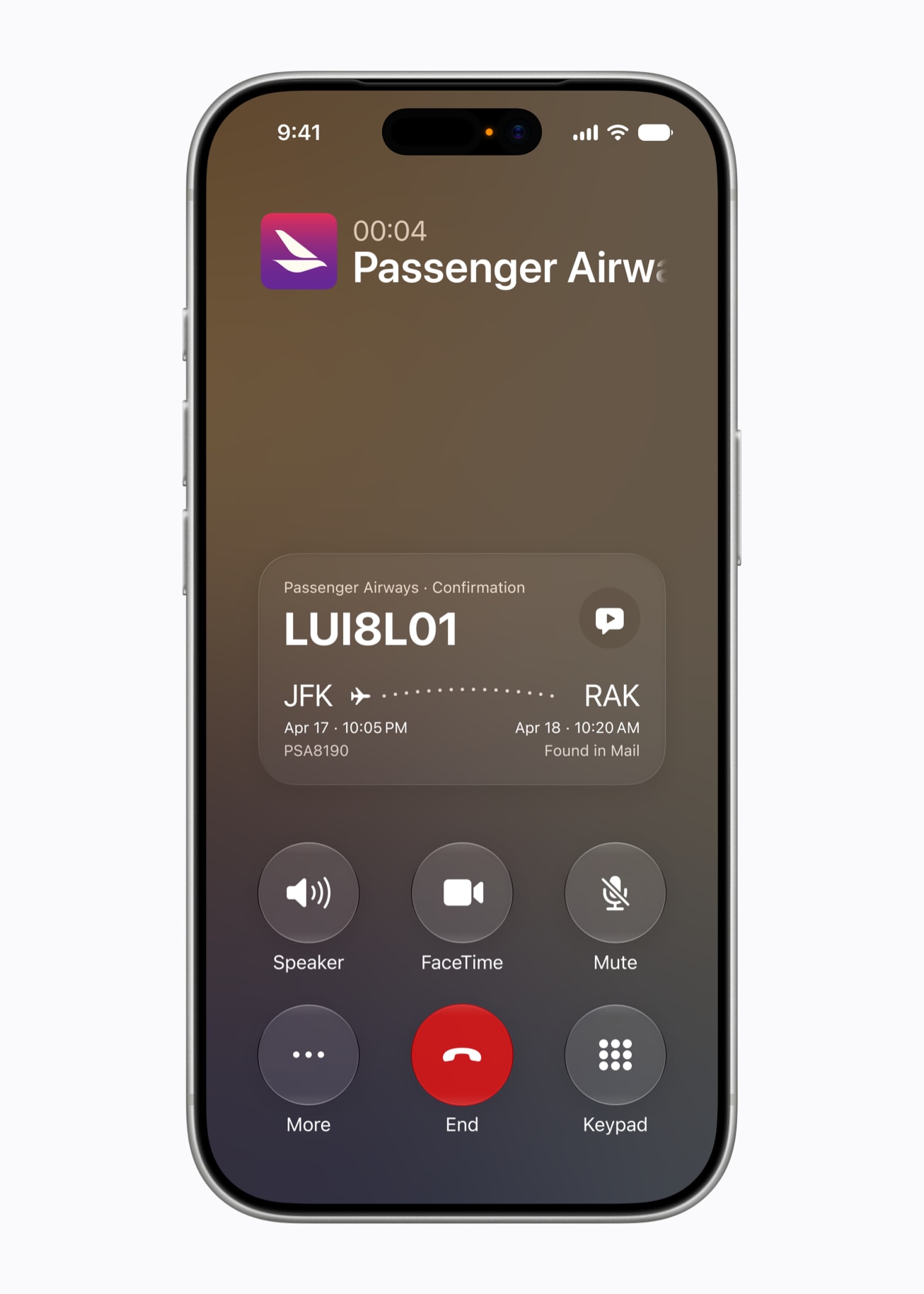
For normal users, this may be even more useful than a traditional AI chat window. It meets them where they already are: inside the task.
Why This Is Great for iPhone Users
The biggest win for iPhone users is friction reduction.
Most people do not want to “program” their phones. But they absolutely want their phones to save time, reduce repetitive work, and understand what they are trying to do.
iOS 27 can help make that possible in a more approachable way.
Here is what that could mean in real life:
| User need | Why iOS 27’s direction helps |
|---|---|
| “I want my phone to do this every day” | Describe a Shortcut can make automation easier |
| “I want to act on something on my screen” | Visual Intelligence can connect screen content to actions |
| “I want Siri to do more than answer questions” | Siri AI is moving toward app actions and context |
| “I want to create something without learning the tool” | Apple is adding description-based creation and editing |
| “I want AI, but not as a separate chatbot” | Apple Intelligence is integrated into the system |
This is the kind of AI that actually belongs on a smartphone.
Why This Is Great for Apple
This also gives Apple a stronger position in the AI race.
Apple has often looked slower than OpenAI, Google, and Microsoft in the visible AI conversation. ChatGPT became the default place people go to write, summarize, code, research, and brainstorm. Google has been pushing Gemini across Android and its services. Microsoft has Copilot across Windows and Office.
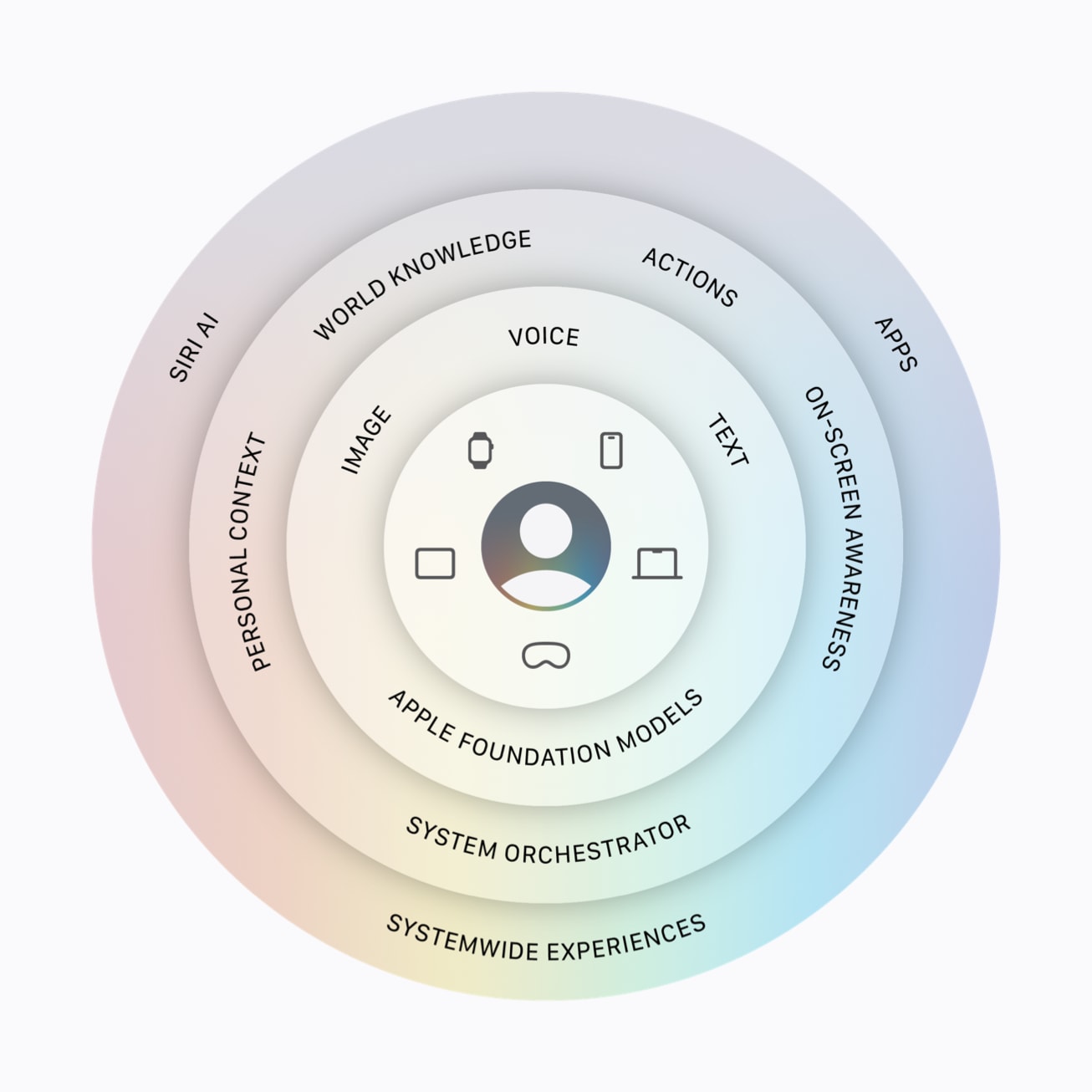
Apple’s opportunity is different.
Apple does not need to win only by having the flashiest chatbot. It can win by making AI useful inside the device people already use all day.
That is a very Apple-shaped advantage.
The iPhone already has the apps. It already has the permission model. It already has notifications, Focus modes, reminders, calendars, photos, messages, files, and Shortcuts. If Apple Intelligence can connect to those pieces safely and reliably, the iPhone can become more useful than a standalone AI chatbot in many everyday moments.
A chatbot can tell you how to organize your day. But an iPhone can potentially help you organize it. That difference matters.
Apple Is Closing the Right Gap
The AI gap Apple needs to close is not just “Can Siri answer harder questions?” That matters, but it is not enough. The bigger gap is action.
- Can the iPhone understand what the user wants to do?
- Can it connect that request to the right app?
- Can it create the automation?
- Can it act on what is on screen?
- Can it reduce five taps to one request?
- Can it make advanced workflows feel normal?
iOS 27 suggests Apple is finally moving directly toward that problem. That is why this update feels more important than a normal yearly iOS upgrade. It is not just about adding smarter text tools or better image generation. It is about changing how users interact with the phone.
Instead of learning the system, users can increasingly describe the result. That is the exact vibe coding shift.
The Privacy Angle Matters Too
Apple is also trying to do this in a very Apple way: with privacy as part of the pitch.
Apple Intelligence is designed around on-device processing when possible and Private Cloud Compute for more complex requests. That framing matters because AI on a phone is deeply personal. If the system is going to understand context, screen content, app actions, and personal information, users need to trust how that data is handled.
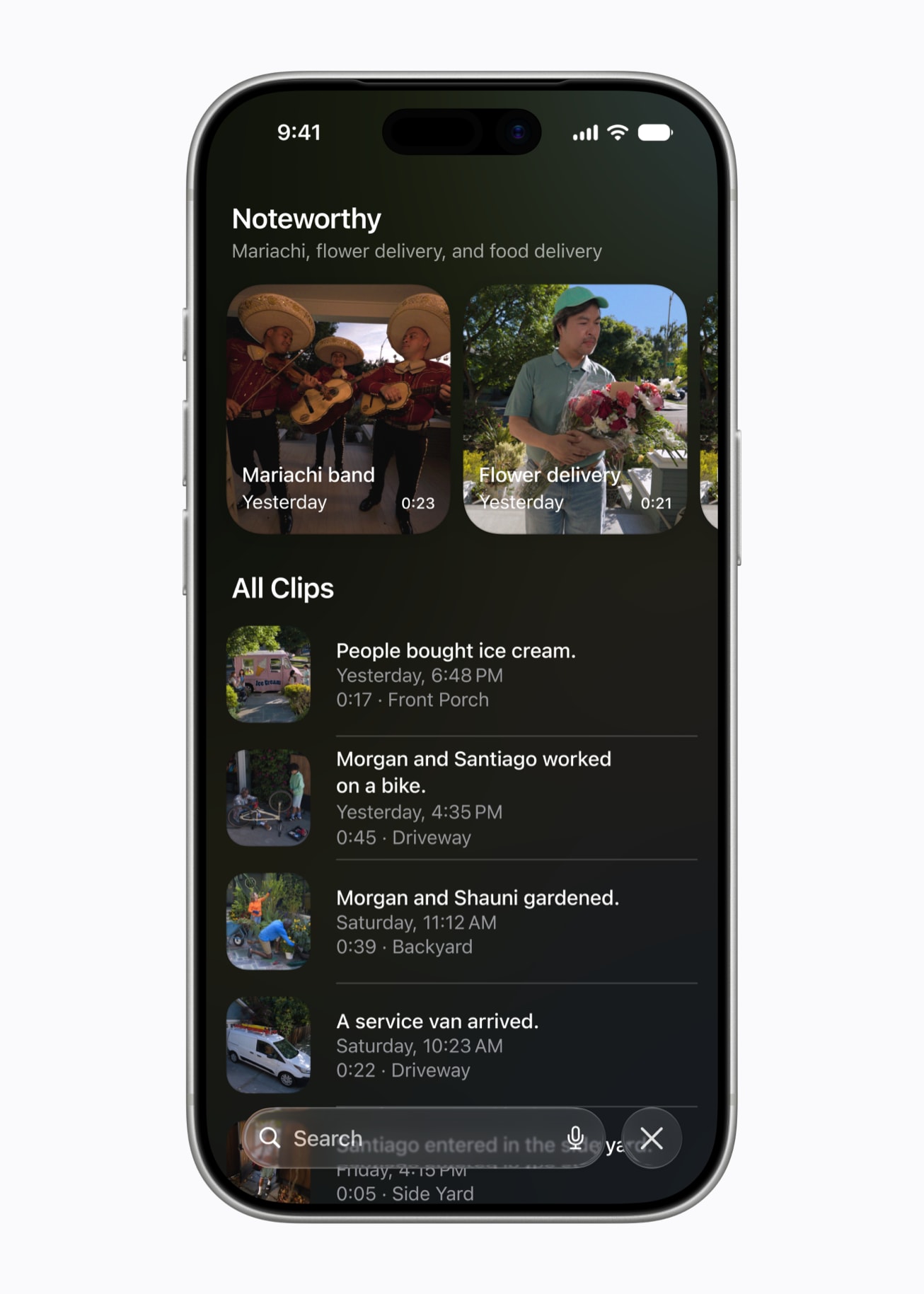
This is one of Apple’s best chances to differentiate itself.
Other companies may move faster or offer more aggressive AI features. But Apple’s pitch is that intelligence should be useful, integrated, and privacy-conscious.
For many iPhone users, that may be exactly the balance they want.
But Apple Still Has to Prove It Works
The excitement around iOS 27 should come with one important caveat: Apple still has to deliver this reliably.
Natural-language automation sounds magical only when it works. If Describe a Shortcut creates broken workflows, if Siri AI misunderstands context, or if app actions are too limited, users will lose interest quickly.
There are also availability limits. Not every iPhone that gets iOS 27 will get every Apple Intelligence feature. Some Siri AI features are starting with developer testing and will roll out gradually. Language and region support also matter.
Apple is laying the foundation for a more natural, more flexible, more personal iPhone experience. Even if the first version has limits, the idea is clearly the right one.
The Best Way to Think About iOS 27
The best way to understand iOS 27 is this:
Apple is making the iPhone more shapeable. You can describe the shortcut you want, describe changes you want to make, ask the system to act on what is on screen, and use Siri AI to move closer to task completion, not just answers. That is why iOS 27 feels like vibe coding for real life.
It is not so much about turning users into programmers as it is about removing the programming-like friction from everyday automation, about making the iPhone feel less like a collection of apps and more like a system that can understand intent.
That is great for users because it makes powerful features easier to access. And it is great for Apple because it gives the company a more meaningful AI identity: not just another chatbot, but AI built into the operating system. Furthermore, it is great for the iPhone because it points to a future where you do not just use your phone. But build, connect, and perform with it.