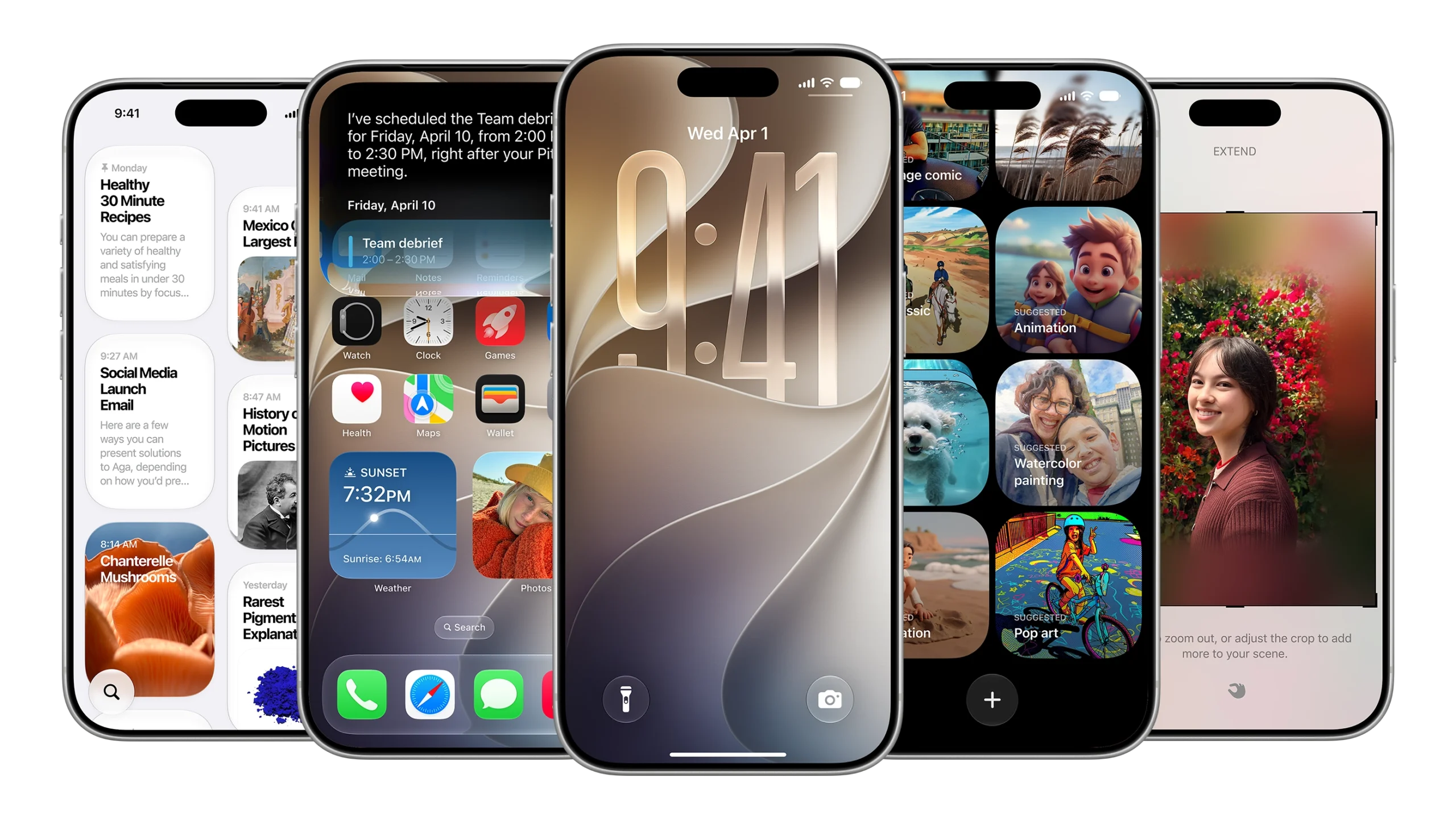
What to know
- iOS 27 is compatible with every iPhone since iPhone 11.
- Older iPhones will gain improved performance across app launches, photo loading, and AirDrop transfer.
- Liquid Glass customization will also appear on all iOS 27 compatible iPhones, as will the new parental controls and design changes.
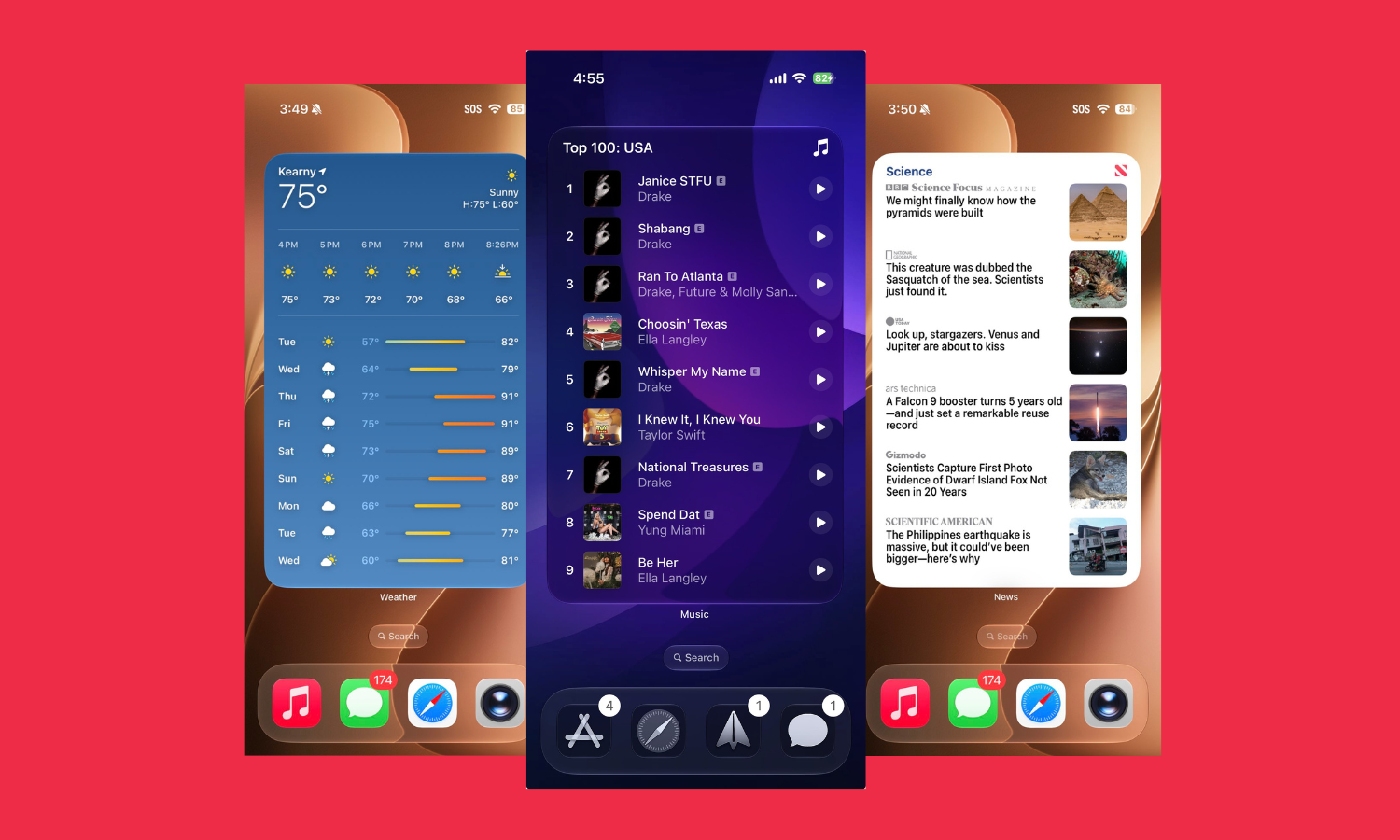
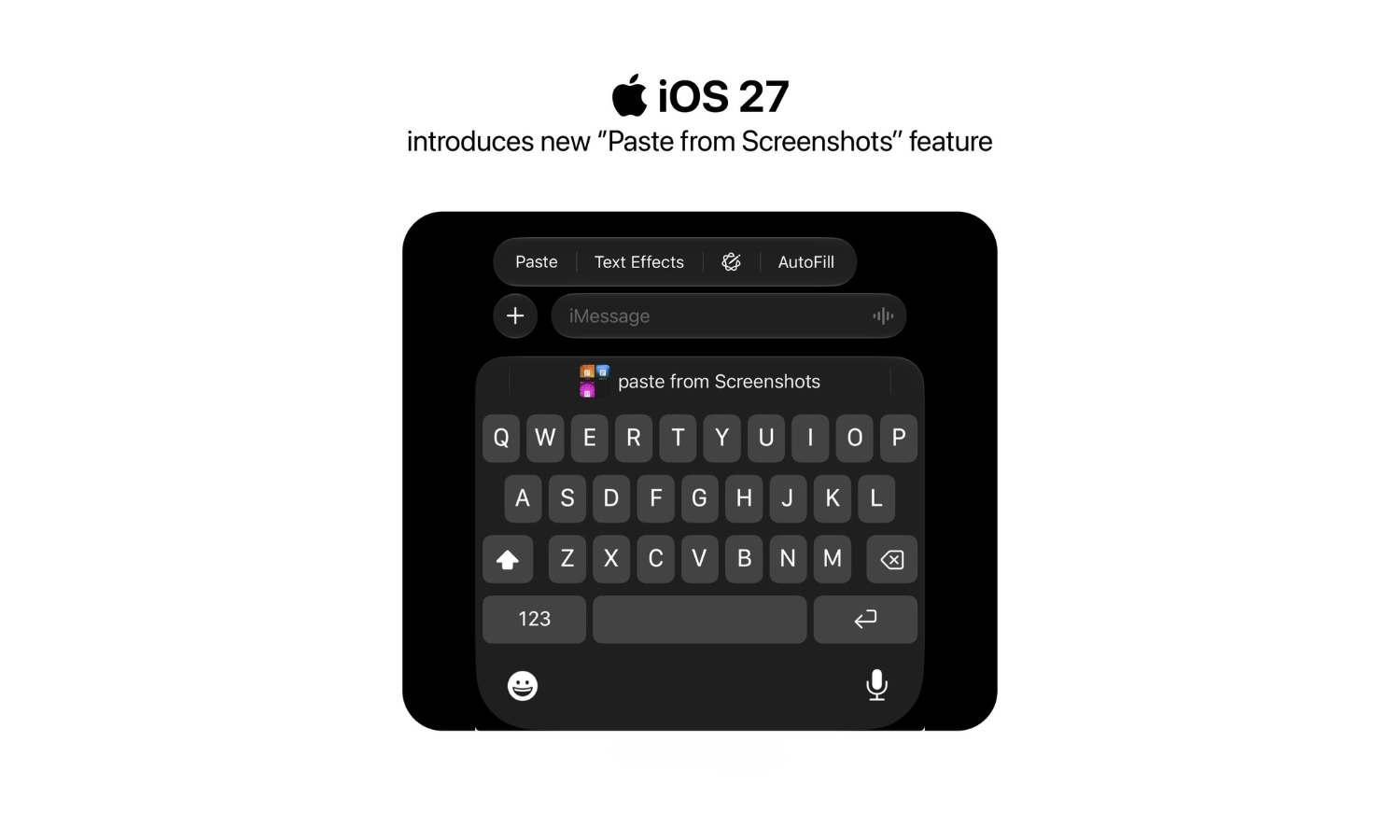
- Several QoL updates also appear, including a new extra large Widgets size, ability to paste screenshots and text from keyboard, and separate volume controls for alarms, ringtone, and system sounds.
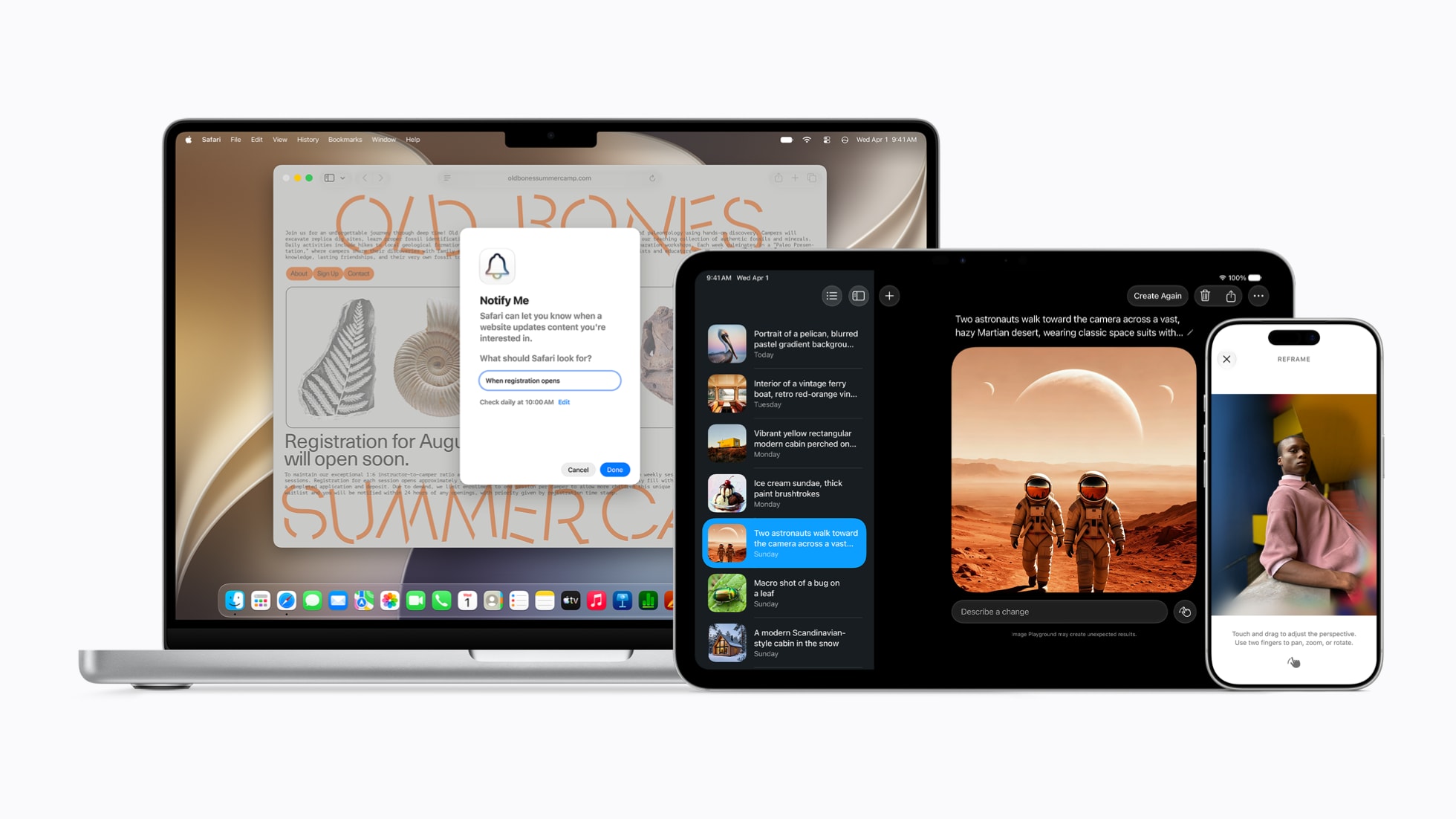
- Siri AI features remain available only to iPhone 15 Pro and above.
With iOS 27, Apple is extending a new lease of life to older iPhones. Not only are iPhones as far back as iPhone 11 still compatible with the latest update, but there are a few notable performance upgrades that are sure to speed up your older iPhones.
What iOS 27 brings to older iPhones
Every iPhone that was compatible with iOS 26 will be compatible with iOS 27 as well. However, not every iOS 27 compatible iPhone will get all the announced features.
Improved Performance
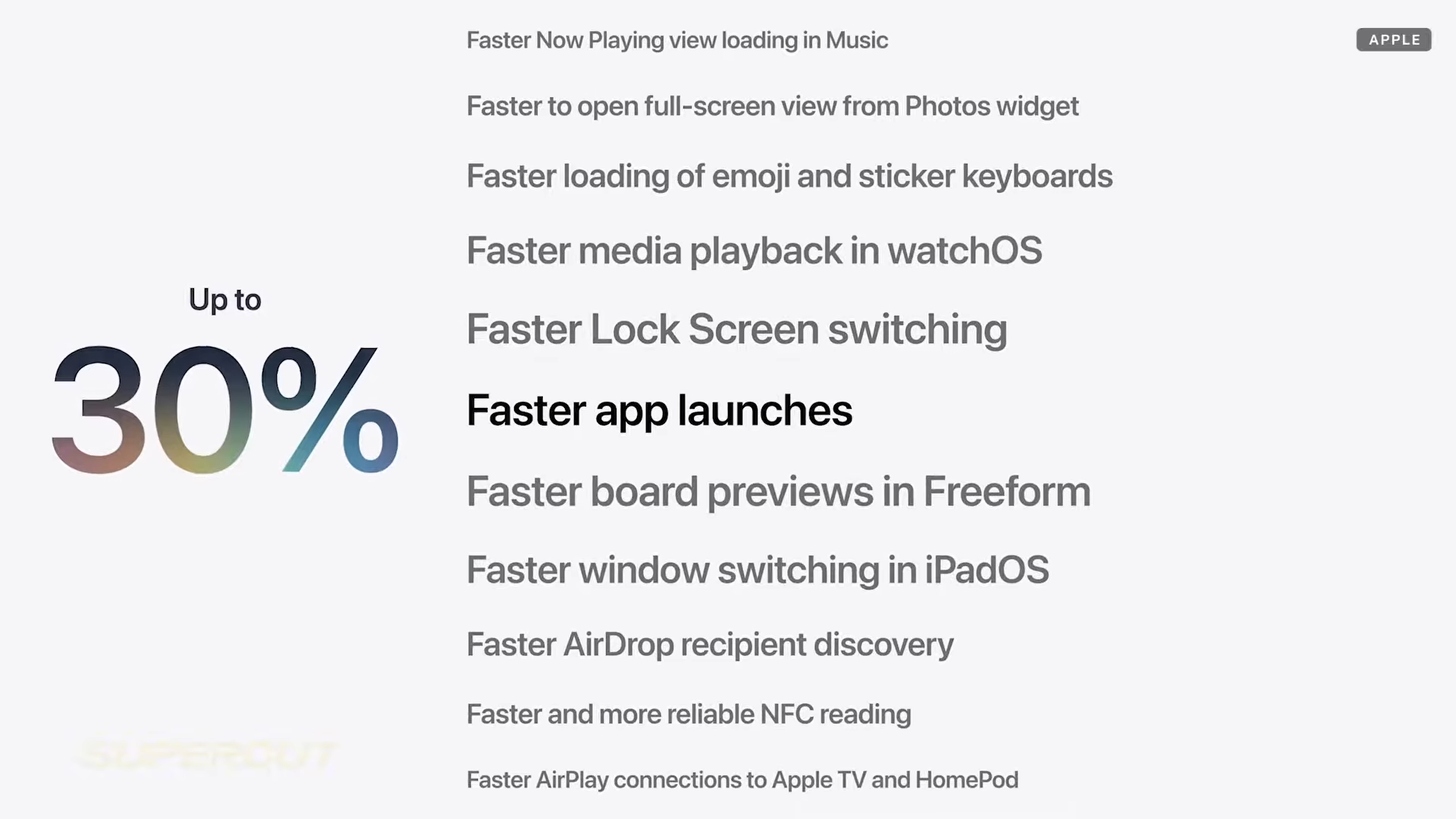
To ensure older iPhones do not buckle under the weight of latest apps and updates, Apple has focused on performance primarily. Here are some ways older iPhones will improve with iOS 27:
- Apps will open up to 30% faster.
- Photos will load up to 70% faster.
- AirDrop transfers will speed up by 80%.
Exactly how fast will depend on your device and how you use it.
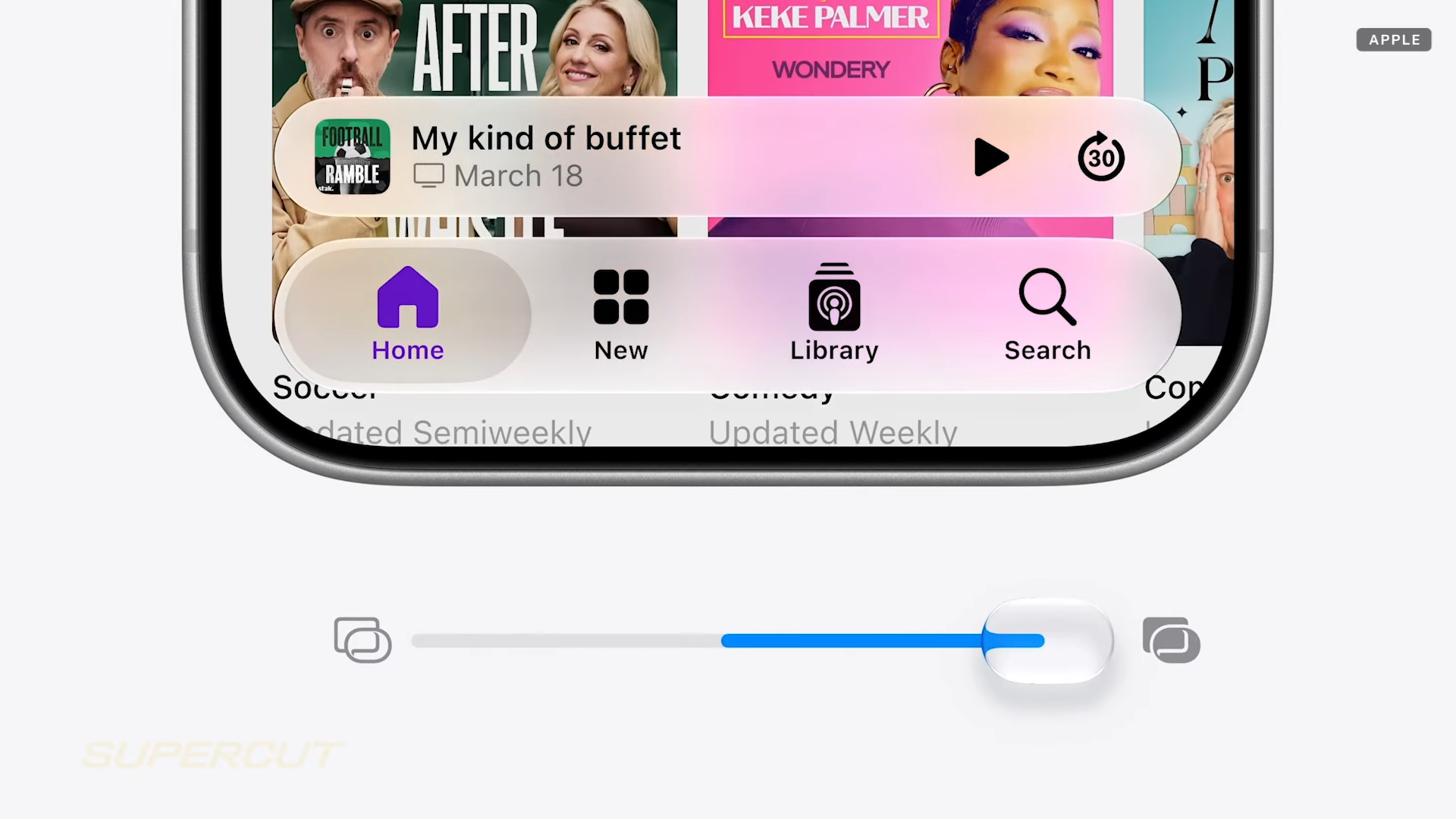
Customizable Liquid Glass
Older iPhones will also get the ability to customize Liquid Glass and set it from ultra clear to fully tinted, solving a major pain point for those not big fans of the UI redesign introduced last year.
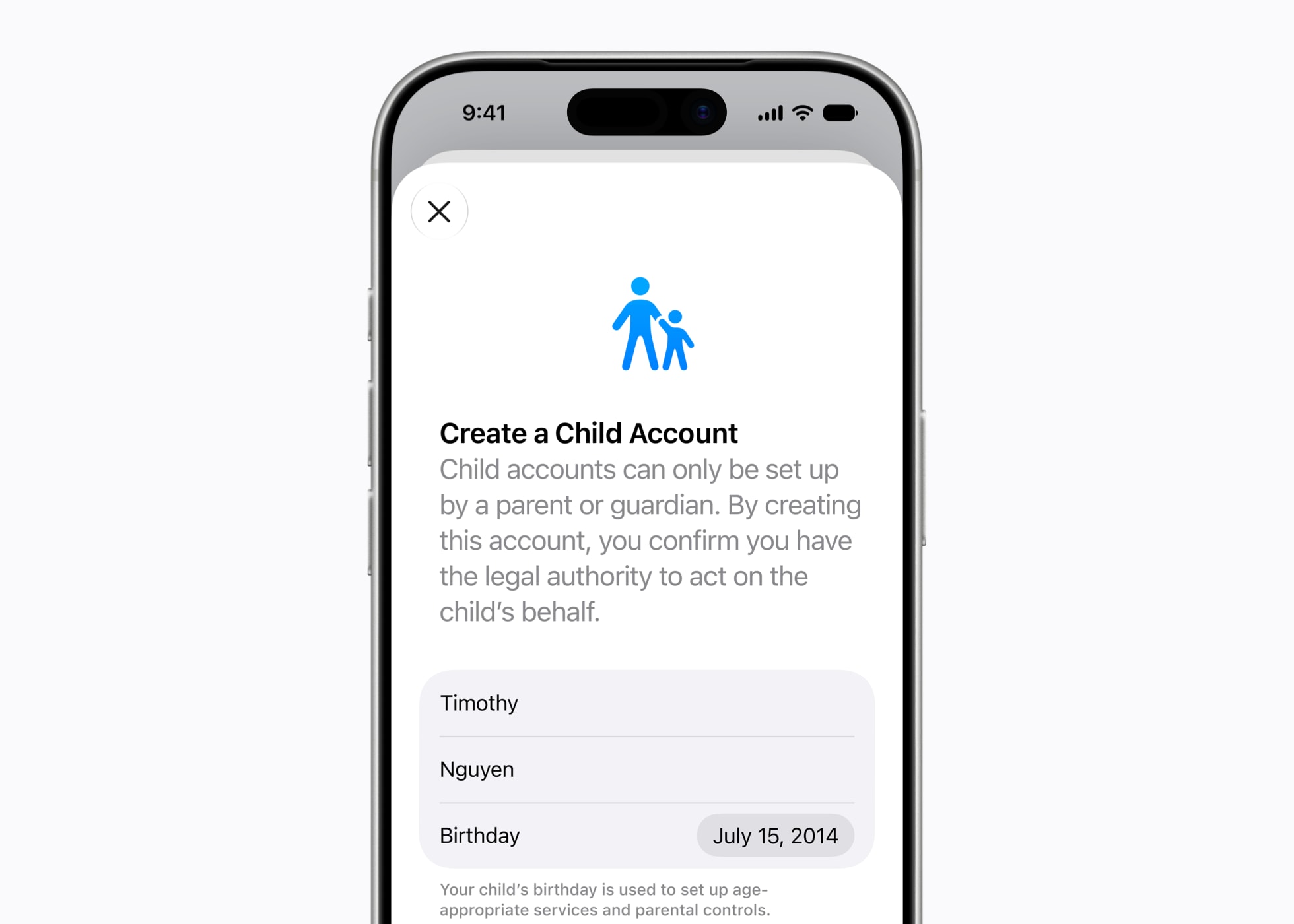
New Parental Controls
The new parental controls allowing for such features as Time Allowances and app schedules are also going to appear on all compatible iPhones.
QoL updates – Separate volume controls, Large Widgets, and Paste from Screenshots
iOS 27 has also ironed out some glaring issues. For instance, there are now separate volume controls for Alarms, Ringtones, and System Sounds.
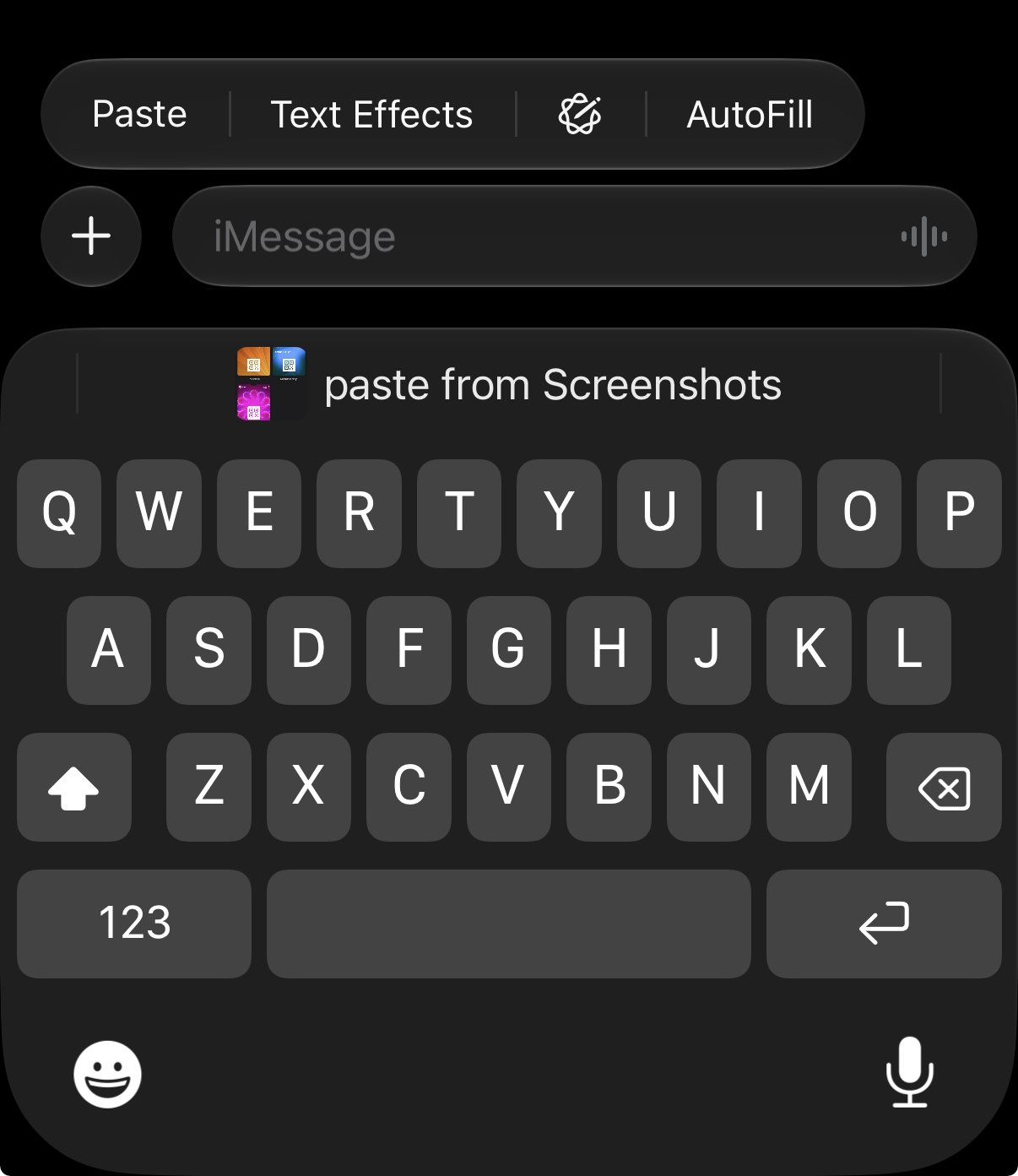
Also, you now can quickly paste text and screenshots directly from the keyboard. Whenever you have something in your clipboard – like text or screenshots – it will appear in the little bar above the keyboard so you can insert it directly from there.
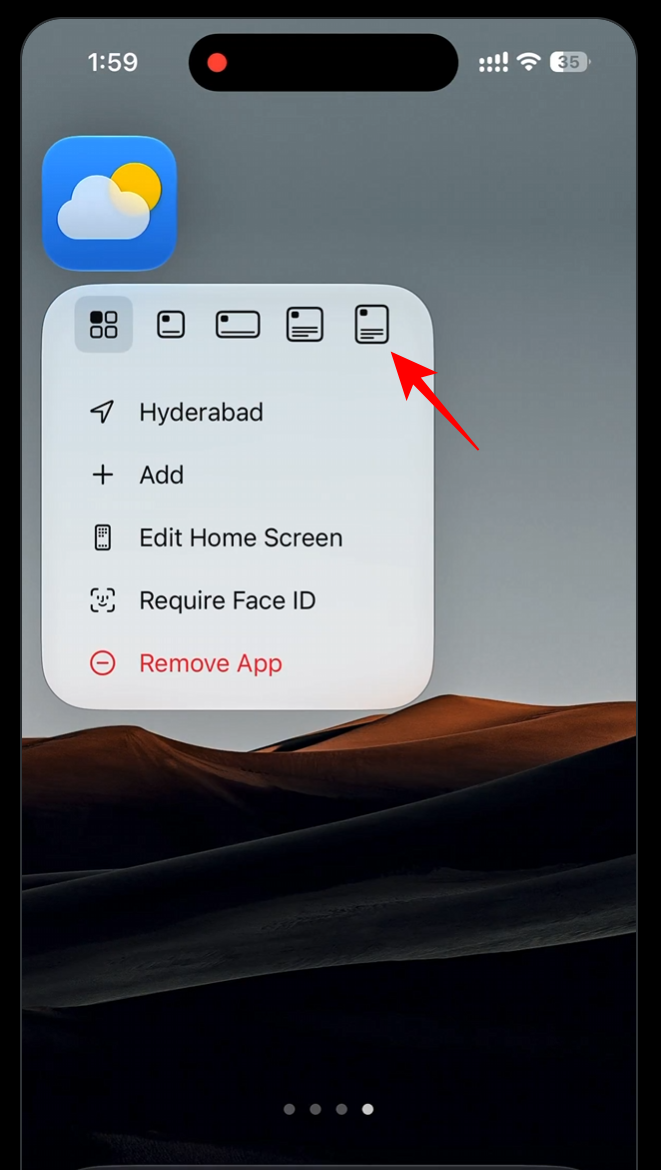
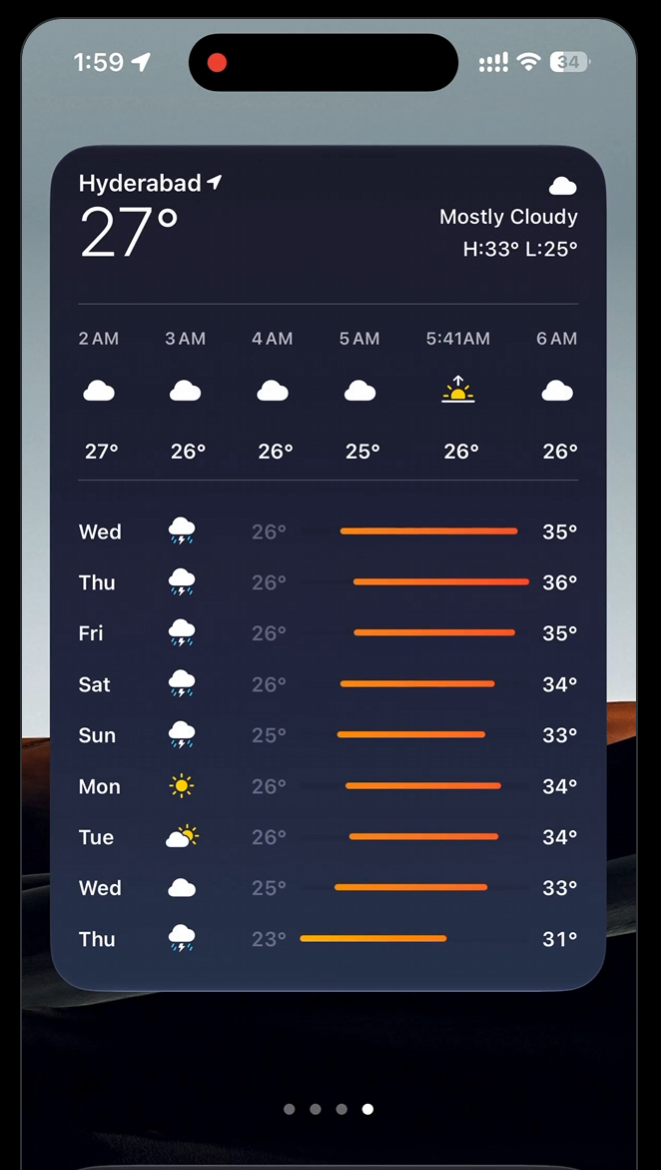
There is also a new widget size – XL. That means, your widgets can take up the entire home screen, allowing you to have separate screens for certain widgets.
Unfortunately, all the new Siri and AI features will be available to iPhone 15 Pro and above.
iOS 27: Compatible iPhones
Here is a list of all iOS 27 compatible iPhones:
- iPhone 11
- iPhone 11 Pro
- iPhone 11 Pro Max
- iPhone SE (2nd gen+)
- iPhone 12 mini
- iPhone 12
- iPhone 12 Pro
- iPhone 12 Pro Max
- iPhone 13 mini
- iPhone 13
- iPhone 13 Pro
- iPhone 13 Pro Max
- iPhone 14
- iPhone 14 Plus
- iPhone 14 Pro
- iPhone 14 Pro Max
- iPhone 15
- iPhone 15 Plus
- iPhone 15 Pro
- iPhone 15 Pro Max
- iPhone 16e
- iPhone 16
- iPhone 16 Plus
- iPhone 16 Pro
- iPhone 16 Pro Max
- iPhone 17e
- iPhone 17
- iPhone Air
- iPhone 17 Pro
- iPhone 17 Pro Max
Basically, every iPhone that was released since iPhone 11 seven years ago will still get all the performance boosts, Liquid Glass refinements, faster AirDrop transfers, and all the QoL updates. Since Apple didn’t go into details, more granular information will be available later.