What to know
- The fastest solution is the Unstuck button found in the pause menu.
- Using Unstuck cancels current interactions and teleports the Parafolk to the front of the lot.
- A cheat command called “unstuck” is also available.
- The menu-based option is generally the most reliable method in the current Early Access version.
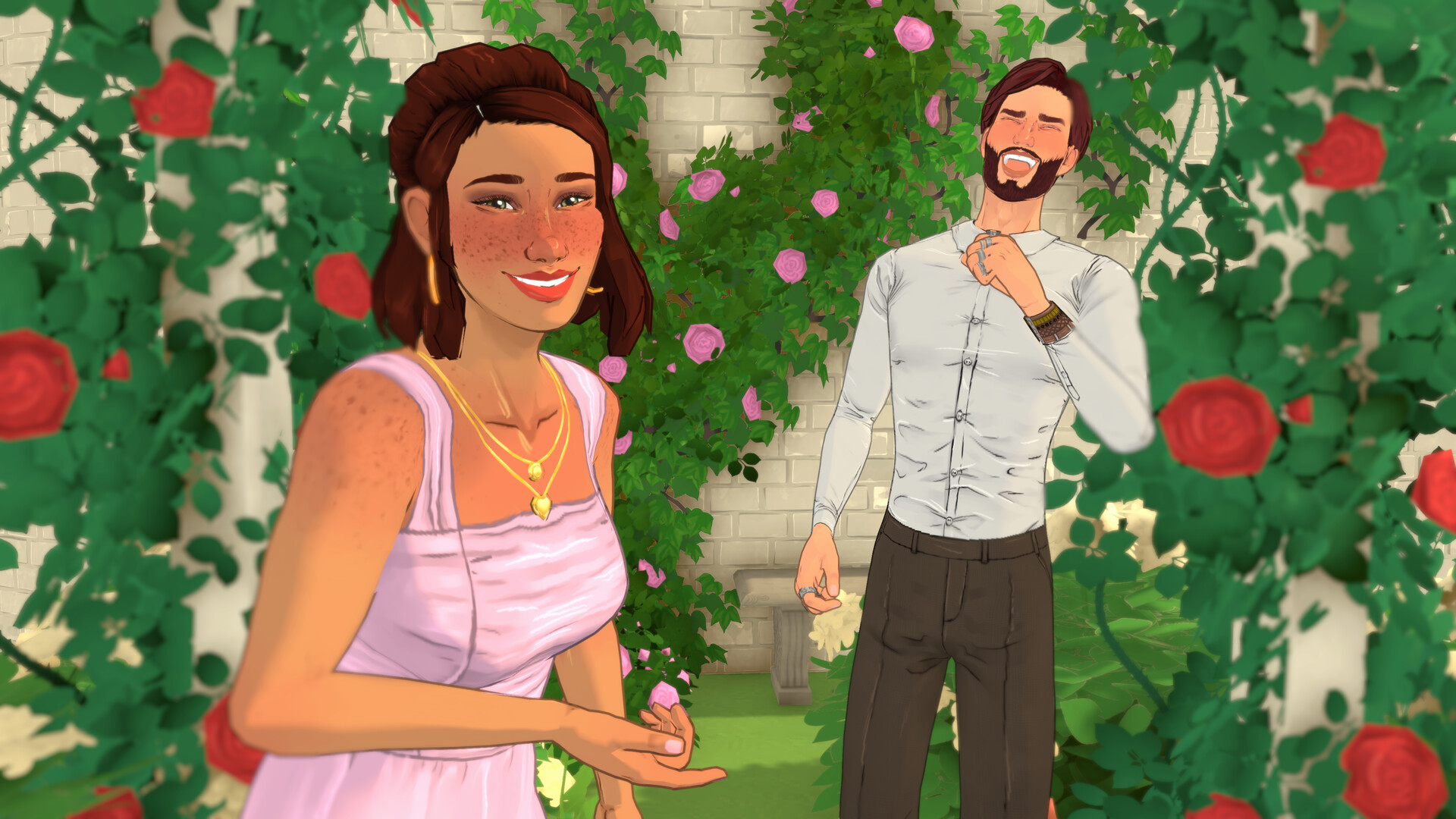
If a Parafolk becomes frozen, stops responding to commands, or gets trapped in an object, you can usually resolve the issue without reloading your save. Since Paralives is currently in Early Access, occasional pathfinding and interaction bugs can occur, but the game includes built-in tools to quickly reset affected characters.
| Feature | Details |
|---|---|
| Issue | Parafolk becomes stuck, frozen, or unresponsive |
| Recommended Fix | Use the Unstuck option from the pause menu |
| Alternative Fix | Use the “unstuck” cheat command |
| Result | Cancels actions and relocates the Parafolk |
| Risk to Save | None |
| Availability | Paralives Early Access |
Why Parafolk get stuck
As with many simulation games during Early Access development, Parafolk can occasionally become trapped while routing through furniture, interacting with objects, changing activities, or attempting multiple queued actions at once. In most cases, the character is not permanently broken and simply needs a reset.
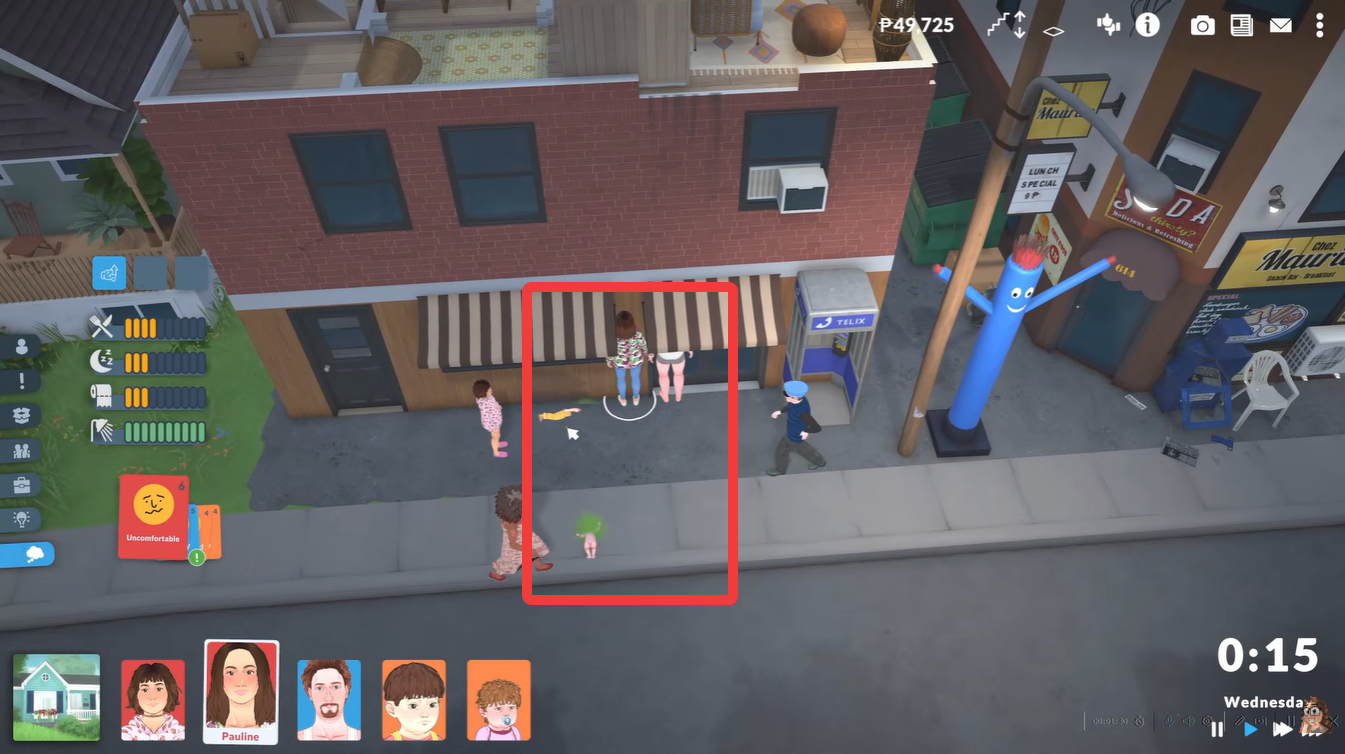
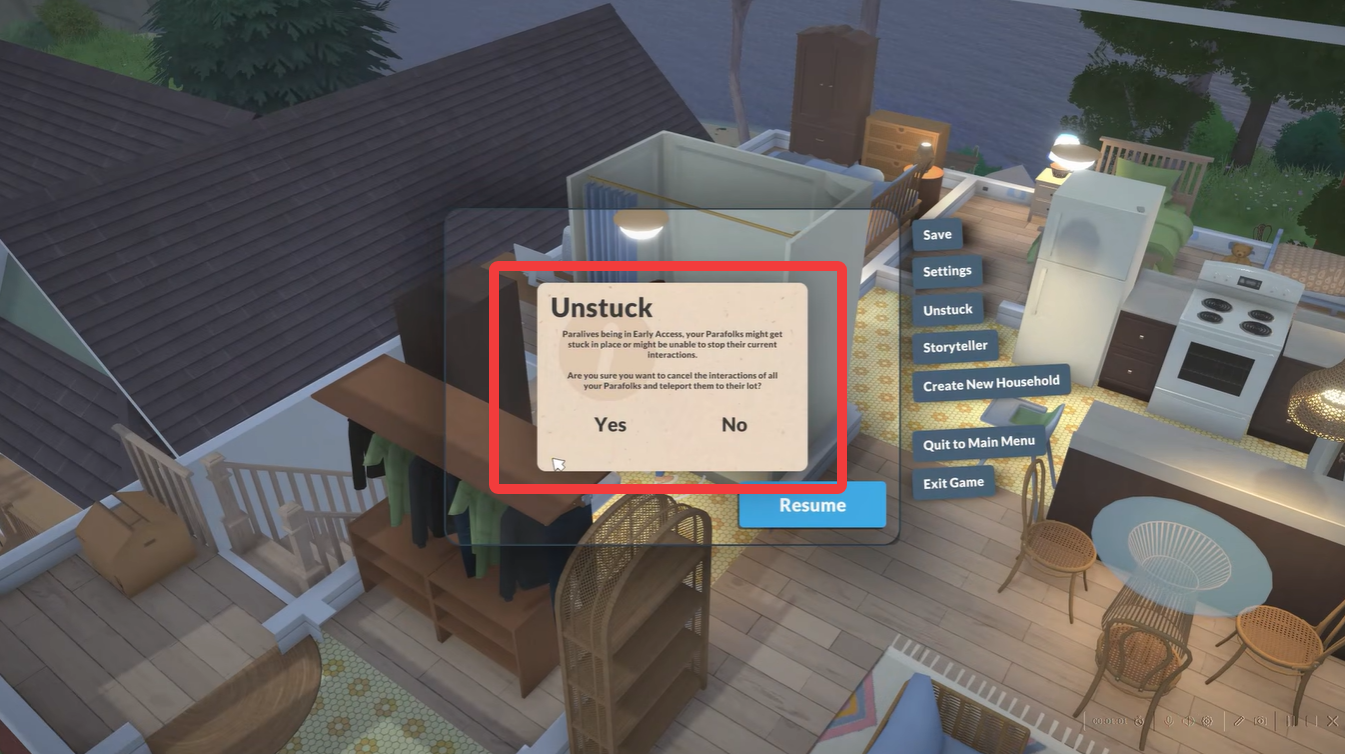
The built-in Unstuck feature is the easiest and most effective solution. Open your game and locate the three-dot menu in the upper-right corner of the screen.
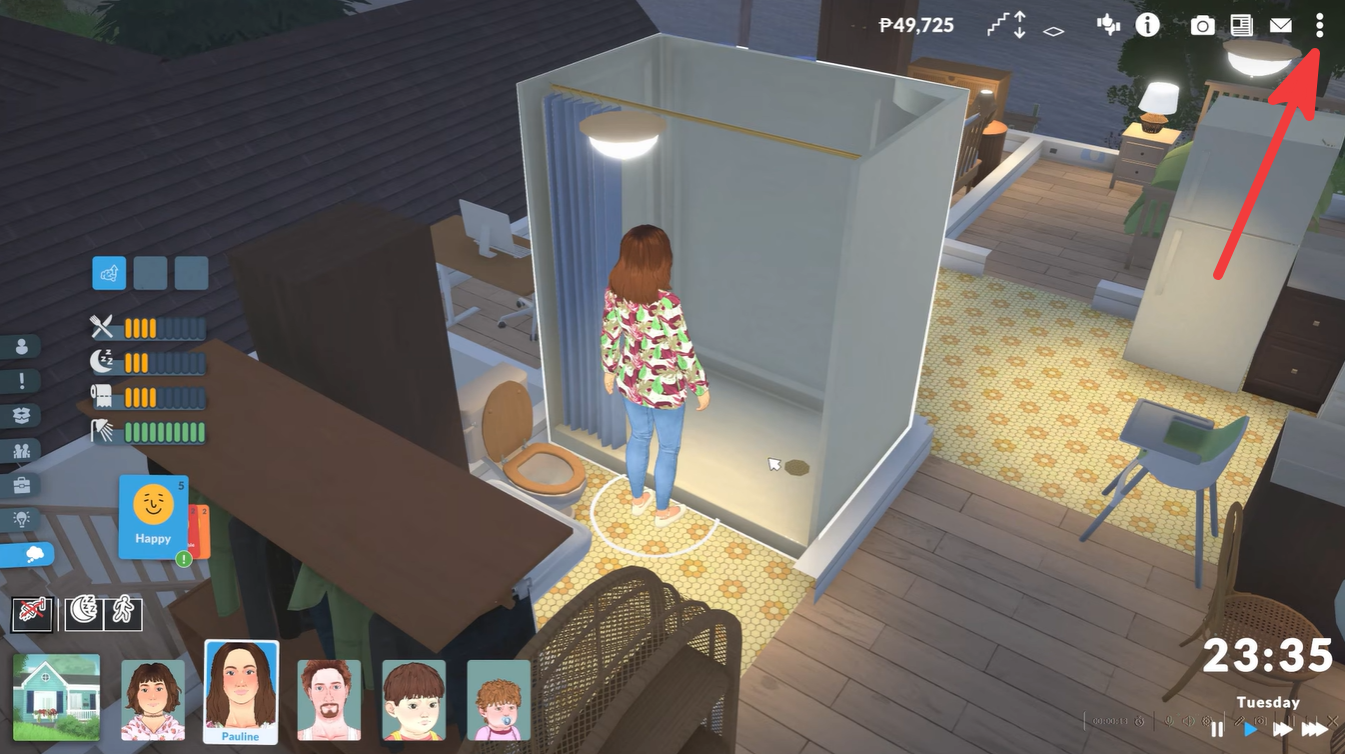
Click the menu to open additional game options. Select Unstuck from the available options. Wait a moment while the game resets the affected character.
The Parafolk will have all current interactions canceled and will be teleported to the front of their residential lot.
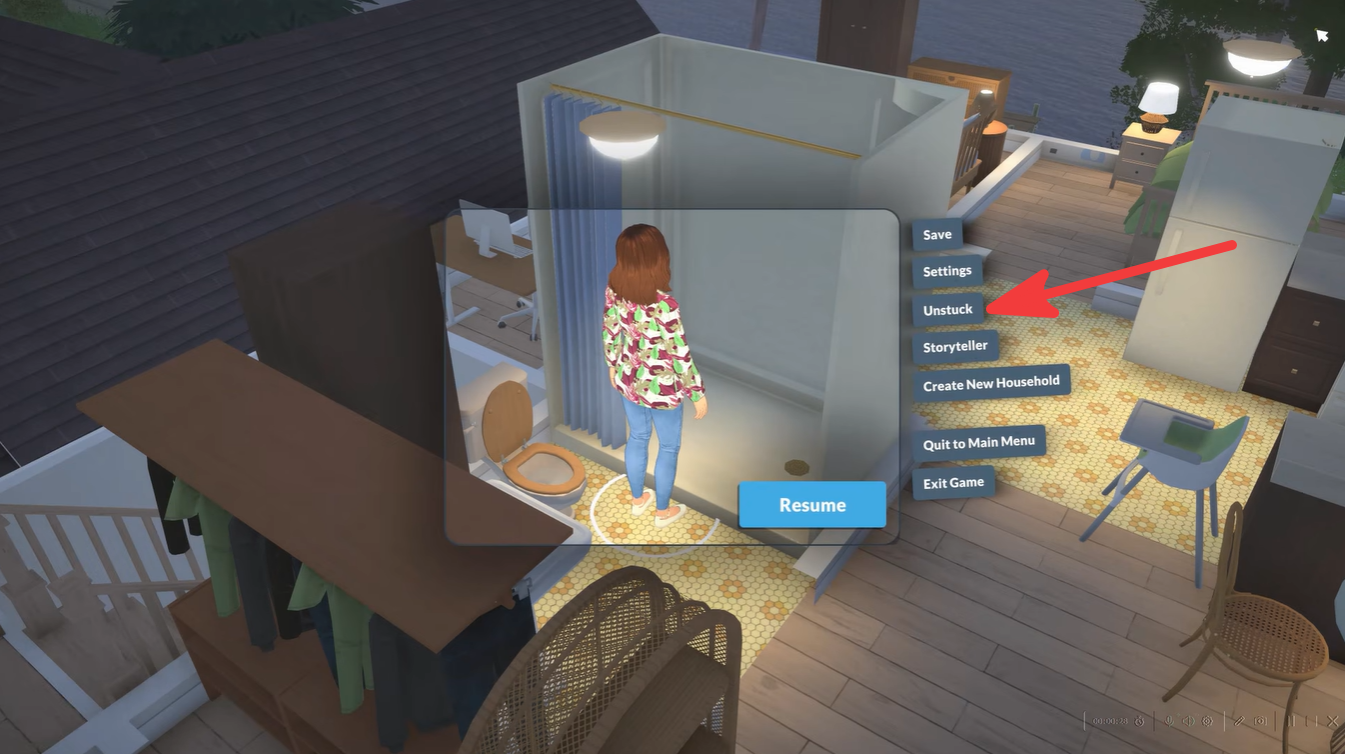
This method works even when a character is completely unresponsive and unable to perform new actions.
How to use the unstuck cheat command
If you prefer using cheats, Paralives also includes an unstuck command.
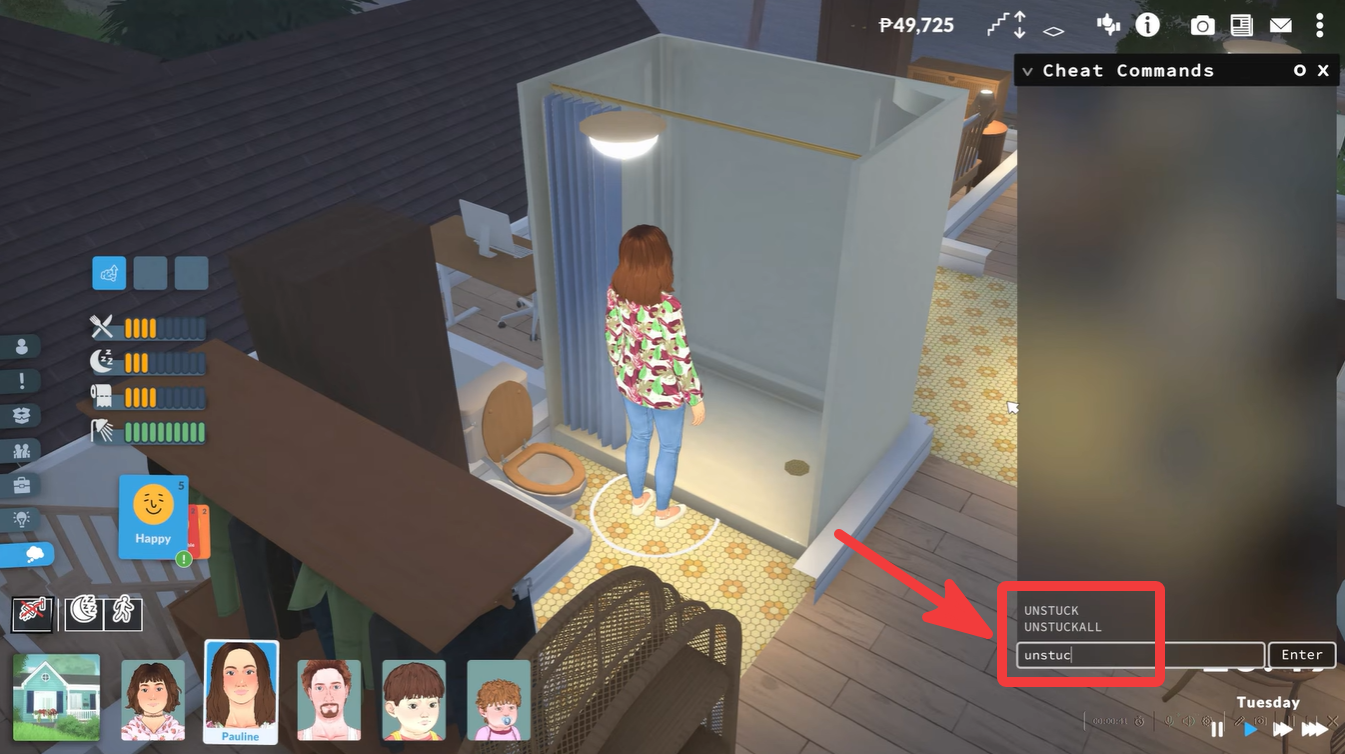
Open the cheat dialogue box. Type:
unstuck or unstuckallPress Enter to execute the command.
The game will attempt to reset the affected Parafolk. However, community testing and player reports suggest that the menu-based Unstuck option tends to be more reliable in practice.
Comparison of both reset methods
| Method | Ease of Use | Reliability | Recommended |
|---|---|---|---|
| Pause Menu → Unstuck | Very Easy | High | Yes |
| Cheat Command “unstuck” | Easy | Moderate | Backup Option |
What happens after using Unstuck?
When the reset is successful:
| Effect | Result |
|---|---|
| Current interactions | Removed |
| Queued actions | Cleared |
| Character position | Moved to lot entrance |
| Save progress | Preserved |
| Inventory and relationships | Unchanged |
The feature functions as a safe reset rather than a full character reload, meaning you will not lose progress, items, or relationship data.
When to use the Unstuck feature in Paralives
You should consider using Unstuck whenever a Parafolk:
- Stops responding to commands.
- Remains frozen in place.
- Gets trapped inside furniture or walls.
- Repeats the same animation indefinitely.
- Cannot reach a destination despite a valid path.
- Refuses to continue a queued interaction.
Until more bug fixes arrive during Early Access, the built-in Unstuck option is the best way to recover from character routing and interaction problems. If a Parafolk becomes frozen or unresponsive, opening the menu and selecting Unstuck will usually solve the issue immediately by clearing their actions and relocating them to a safe position on the lot.