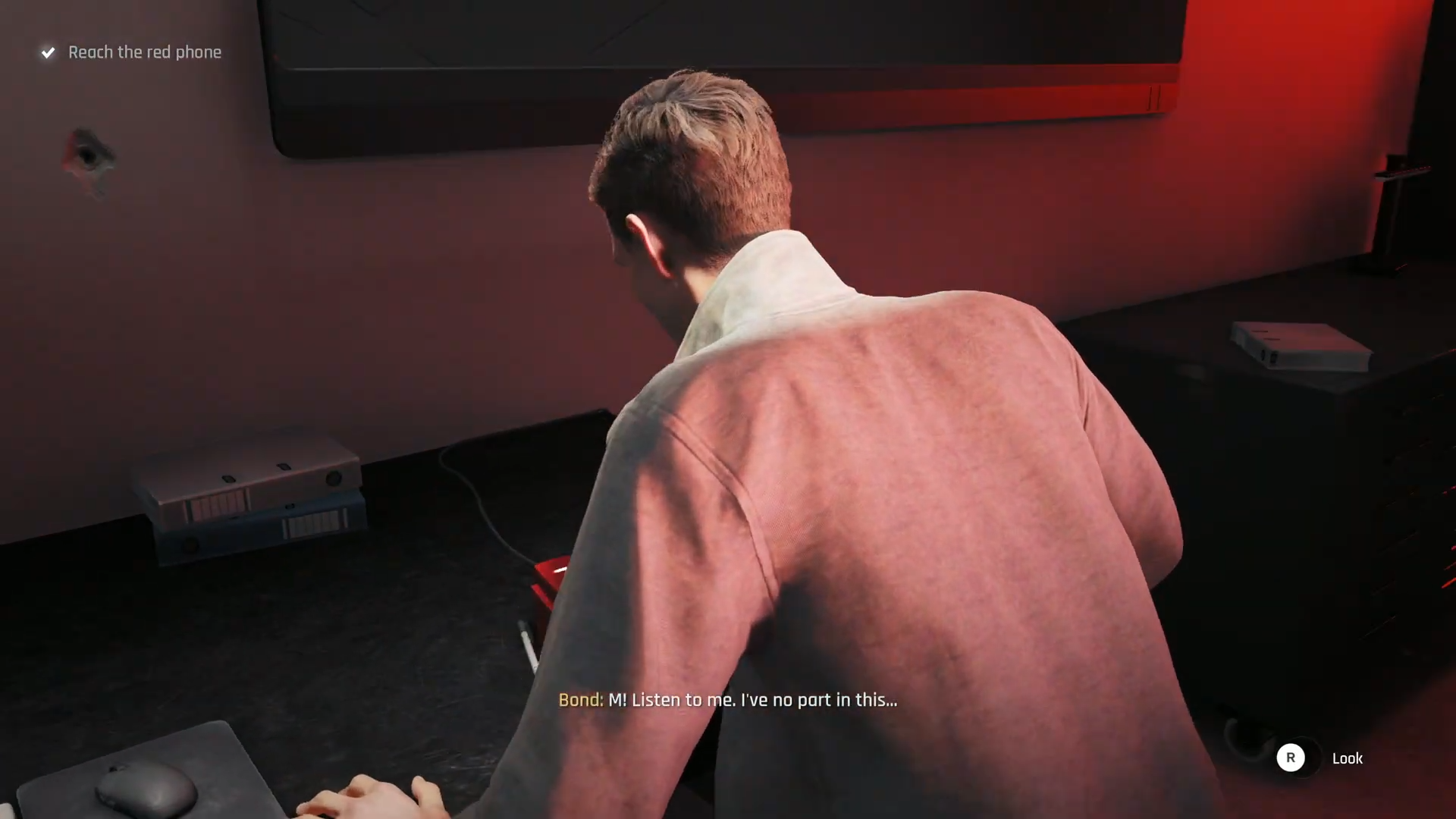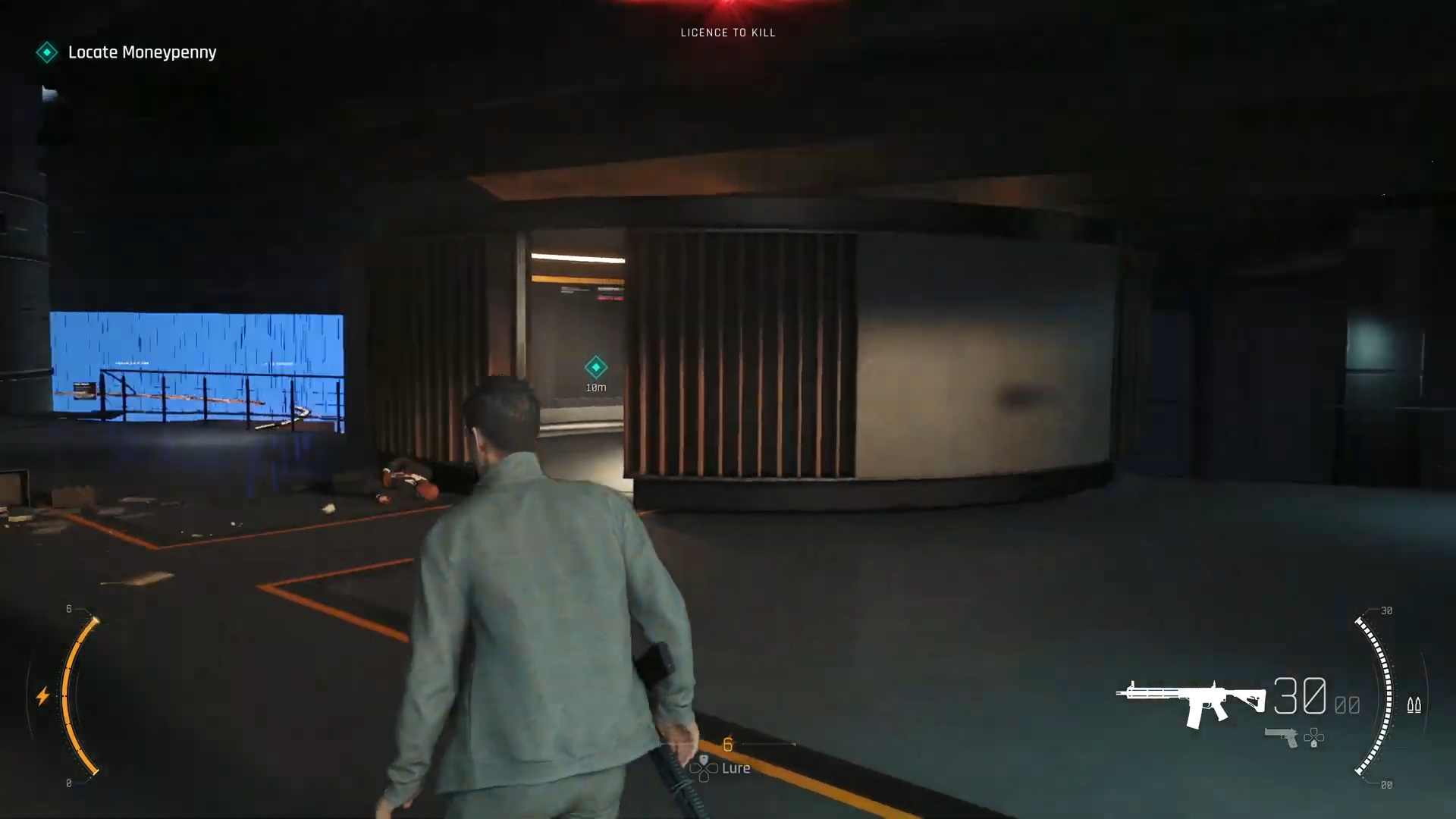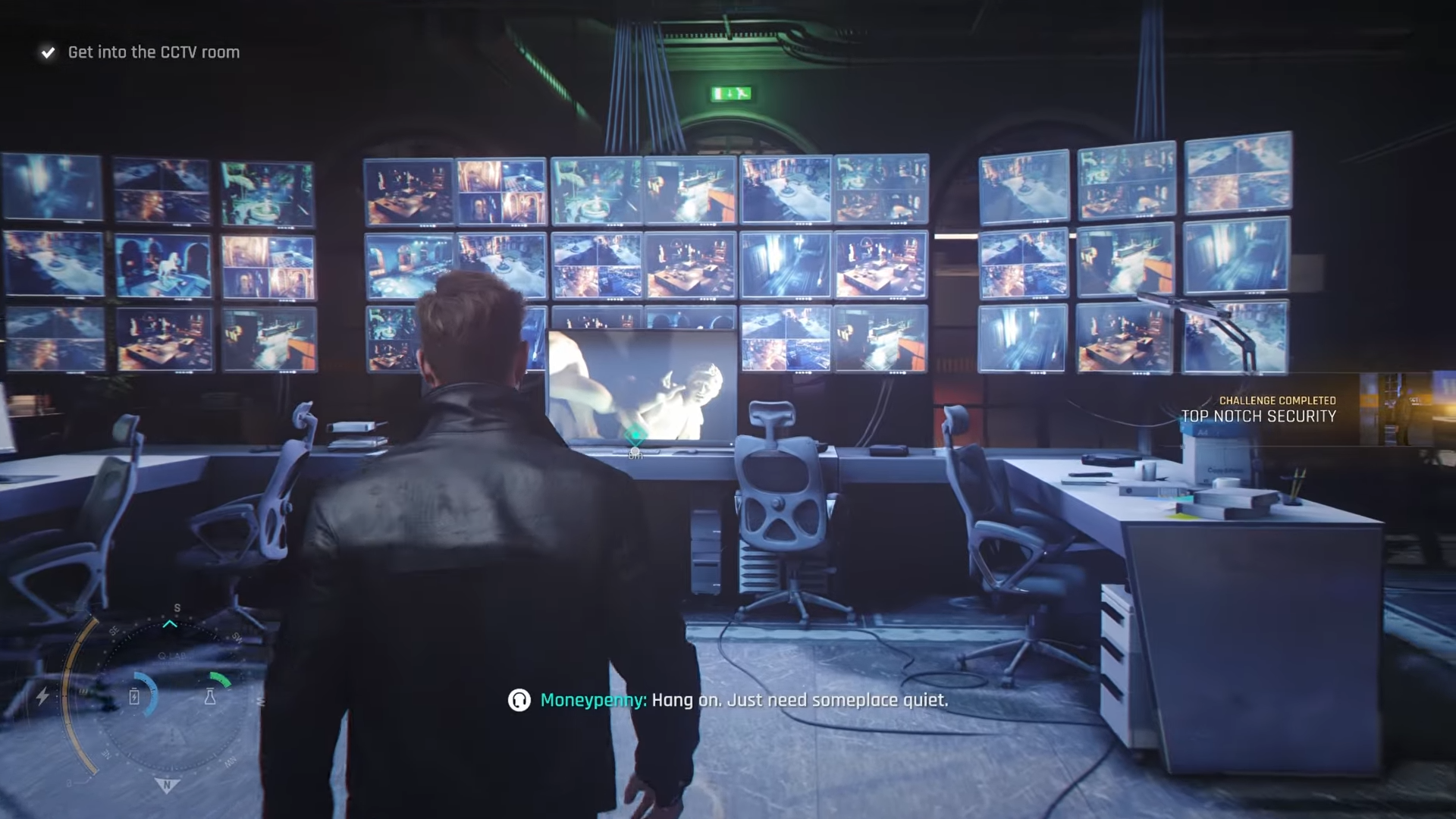
The fastest way to finish the 007 First Light Top Notch Security challenge is to disable every security camera in the Uninvited security office section without being spotted, by sneaking into the CCTV room, sabotaging the system, and leaving unseen.
- What Top Notch Security actually wants
-
How to complete Top Notch Security in 007 First Light
- Step 1: Enter the staff-only back route to Security Office
- Step 2: Secure a guard or staff disguise safely
- Step 3: Avoid all active camera cones on the way up
- Step 4: Reach the central CCTV room entrance
- Step 5: Create a distraction to isolate the CCTV operator
- Step 6: Silently neutralize the operator and secure the room
- Step 7: Disable the CCTV system at the console
- Step 8: Exit the security area without drawing heat
- Critical mistakes to avoid for this challenge
What Top Notch Security actually wants
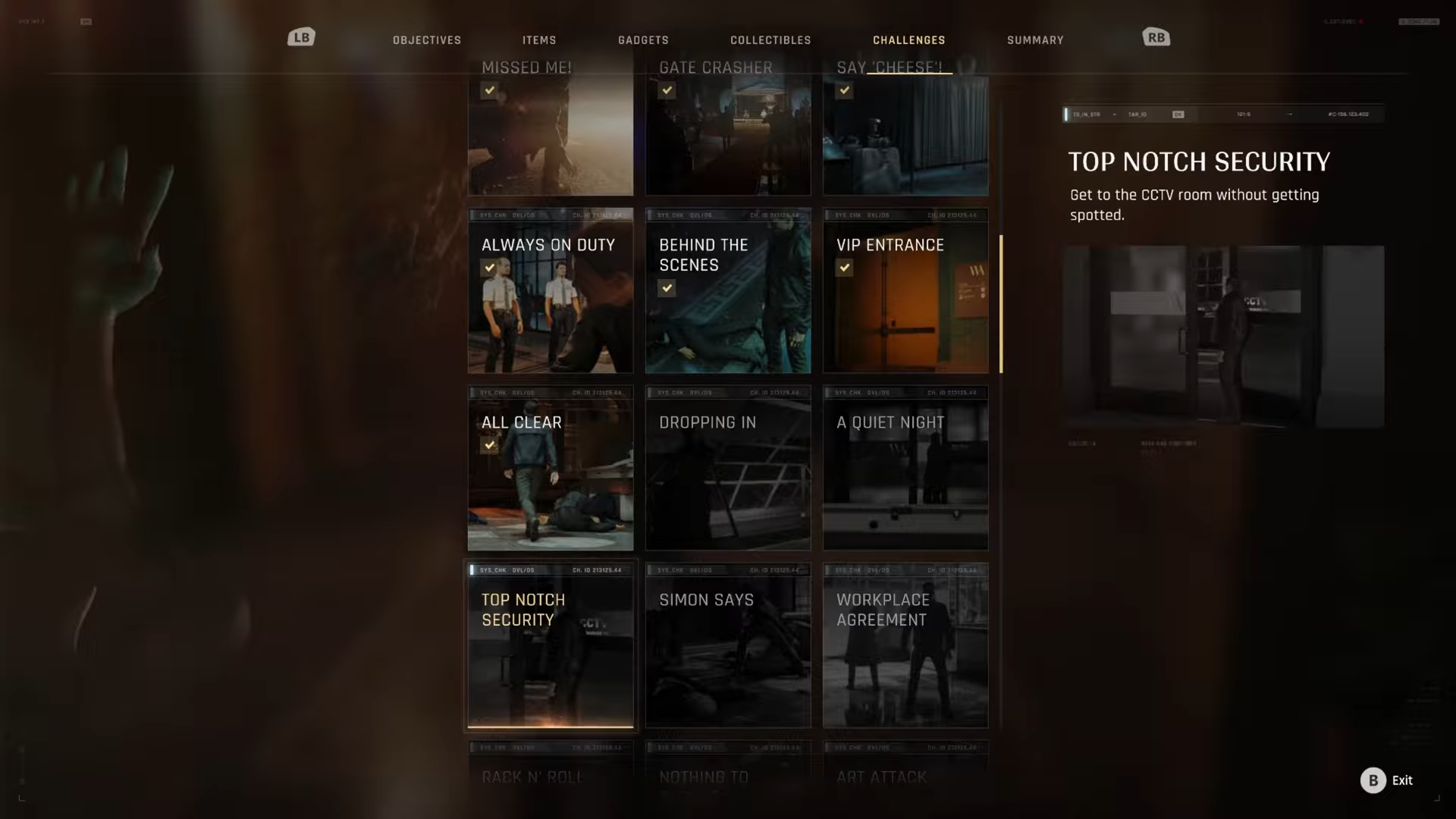
Top Notch Security sits in the Chapter 6 “Security Office” segment of Uninvited, after you’ve reached the backstage / staff-only areas of the gala. The challenge tracks whether you deal with the CCTV system like a professional: staying off camera, sneaking into the security hub, and disabling it cleanly instead of just tanking the alarms.
How to complete Top Notch Security in 007 First Light
Step 1: Enter the staff-only back route to Security Office
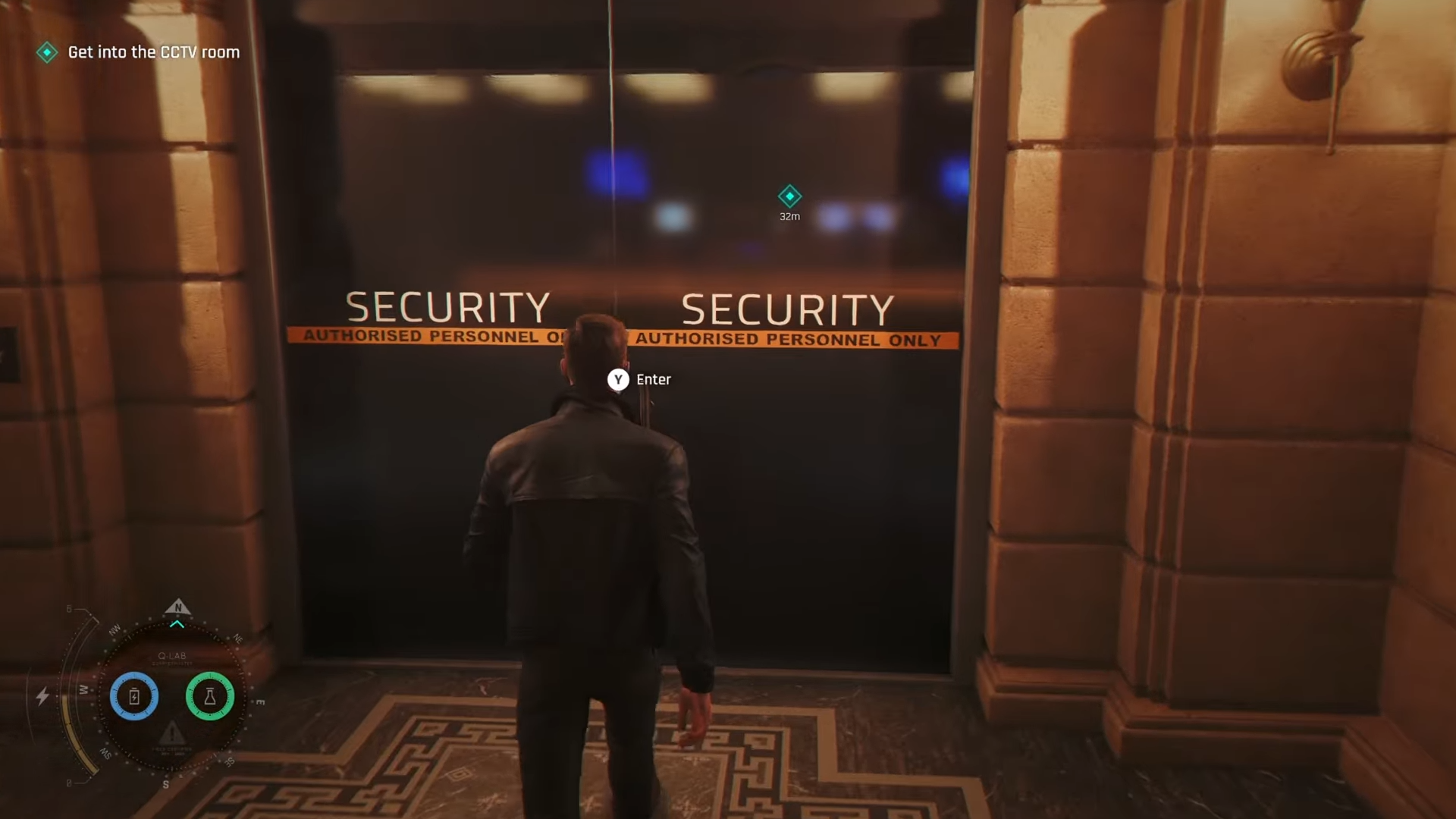
From the point where you gain access to the gala’s inner areas, move away from the main staircase and follow the staff corridor that loops behind the exhibition halls towards the upper levels.
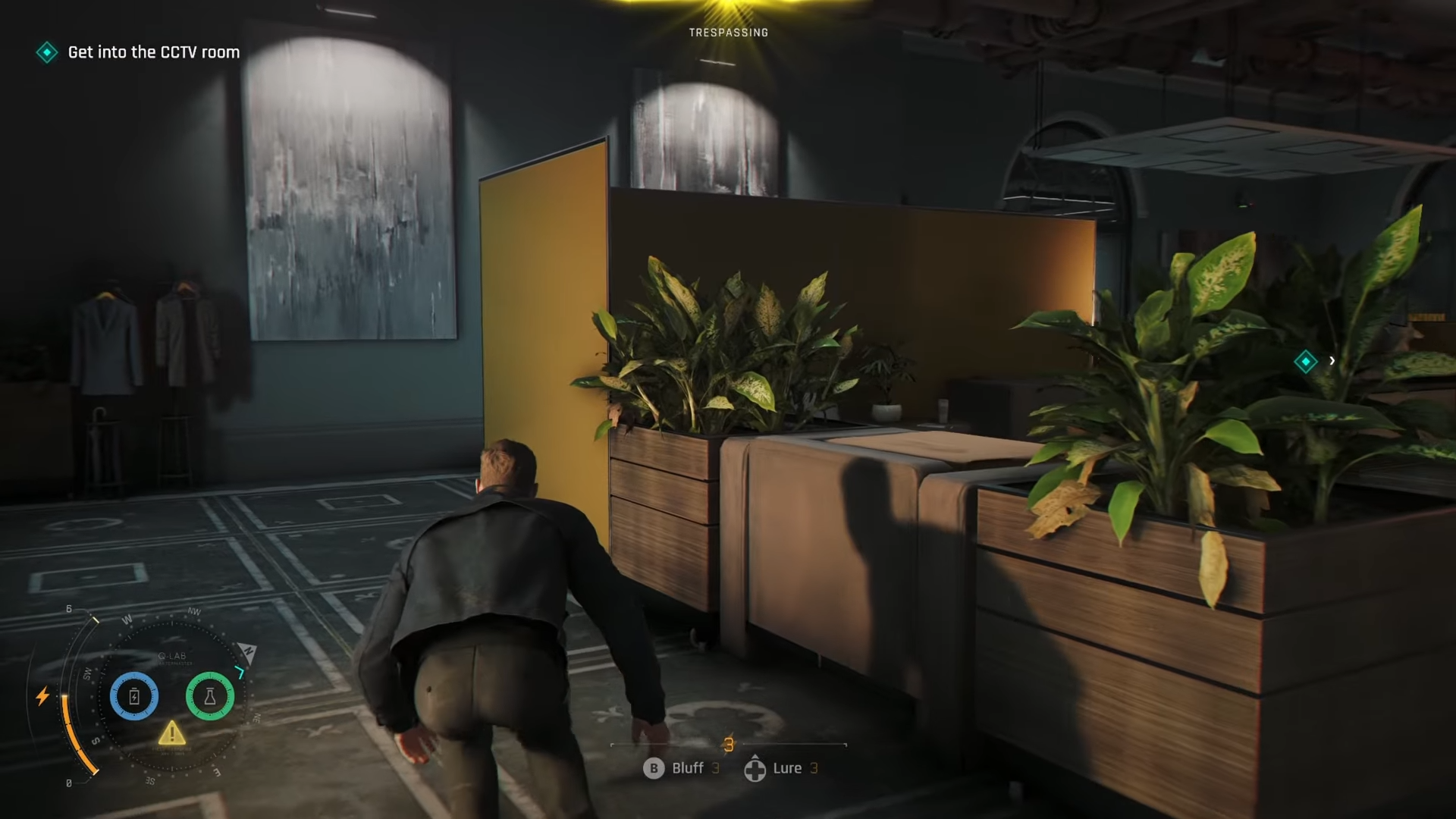
Use cover and basic distractions to avoid walking through camera cones in the main foyer; staying in these back corridors dramatically reduces sightlines and patrol density.
Step 2: Secure a guard or staff disguise safely
Before pushing further, isolate a lone guard or security staffer in a side room just off the back corridor near the lower security office door.
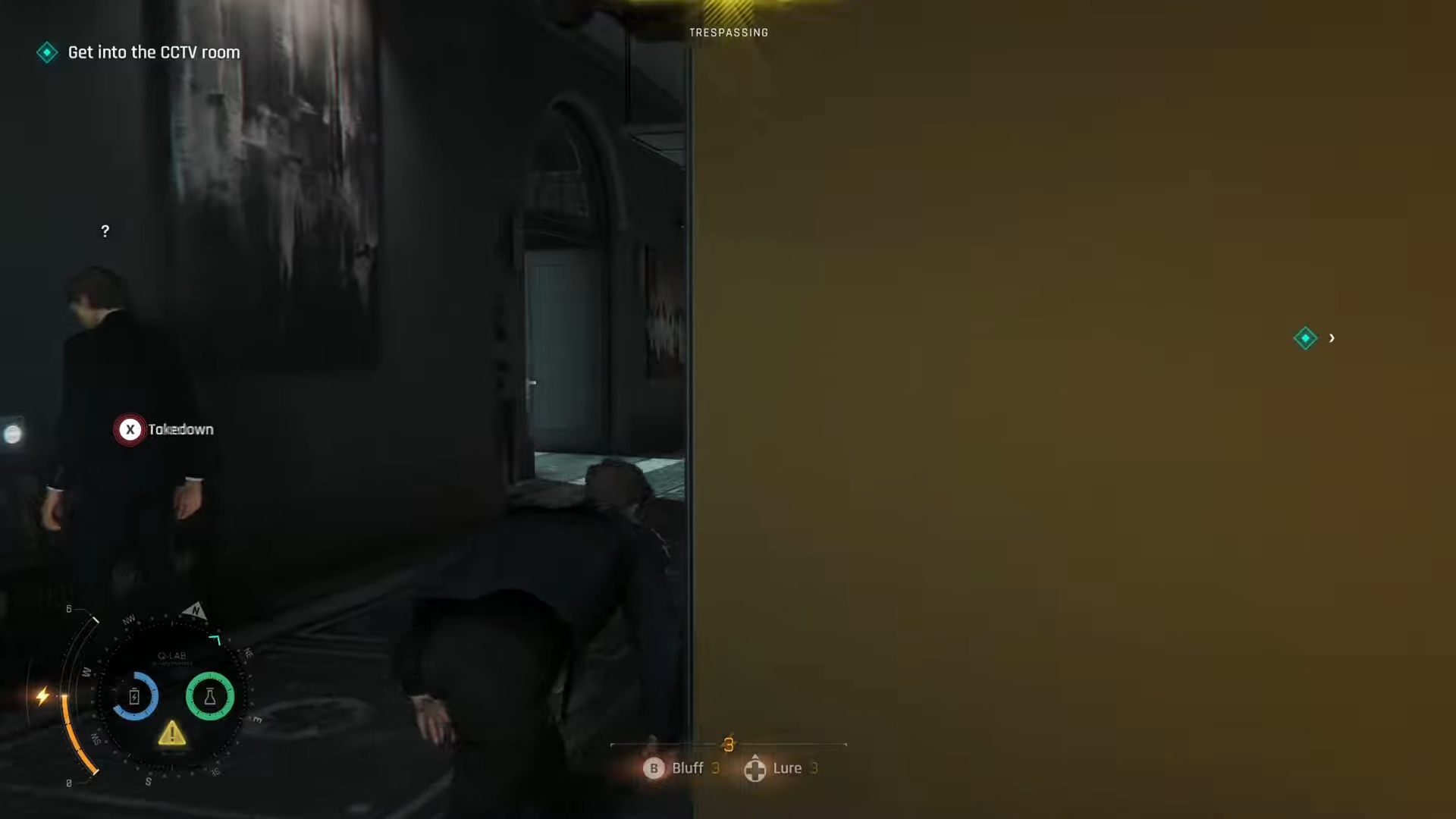
Use a silent takedown or dart, then stash the body in a nearby container; equipping this disguise lets you walk into most “Security”‑marked rooms without instantly triggering suspicion, especially on Normal difficulty.
Step 3: Avoid all active camera cones on the way up
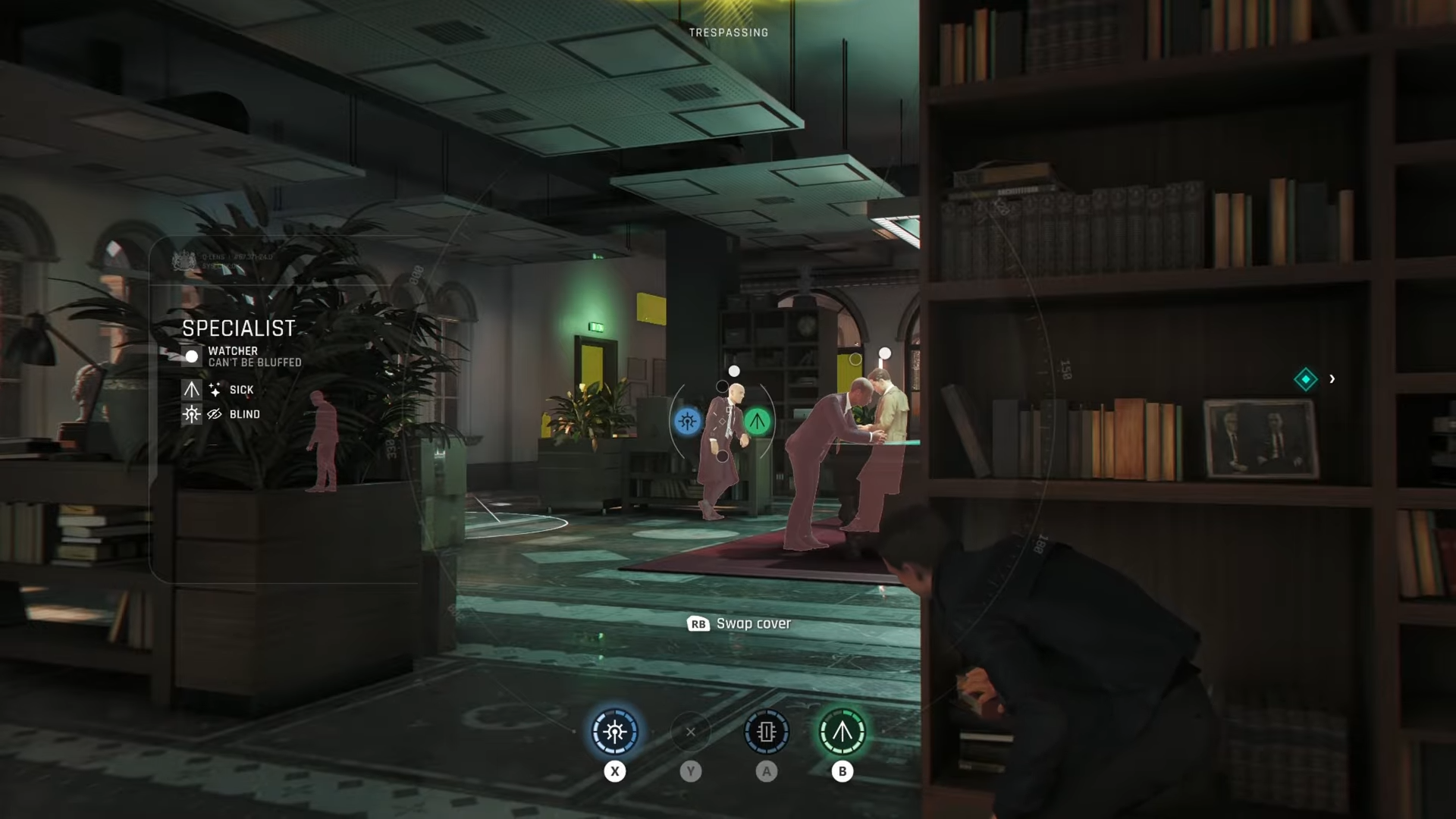
With the disguise on, head for the stairwell that leads up to the main security hub, but do not just sprint through doorways. Watch the camera sweeps at each landing, only slipping through when their cones point away; if a camera catches you, the challenge can bug out or fail, so use corners and doorframes as “hard cover” while timing your moves.
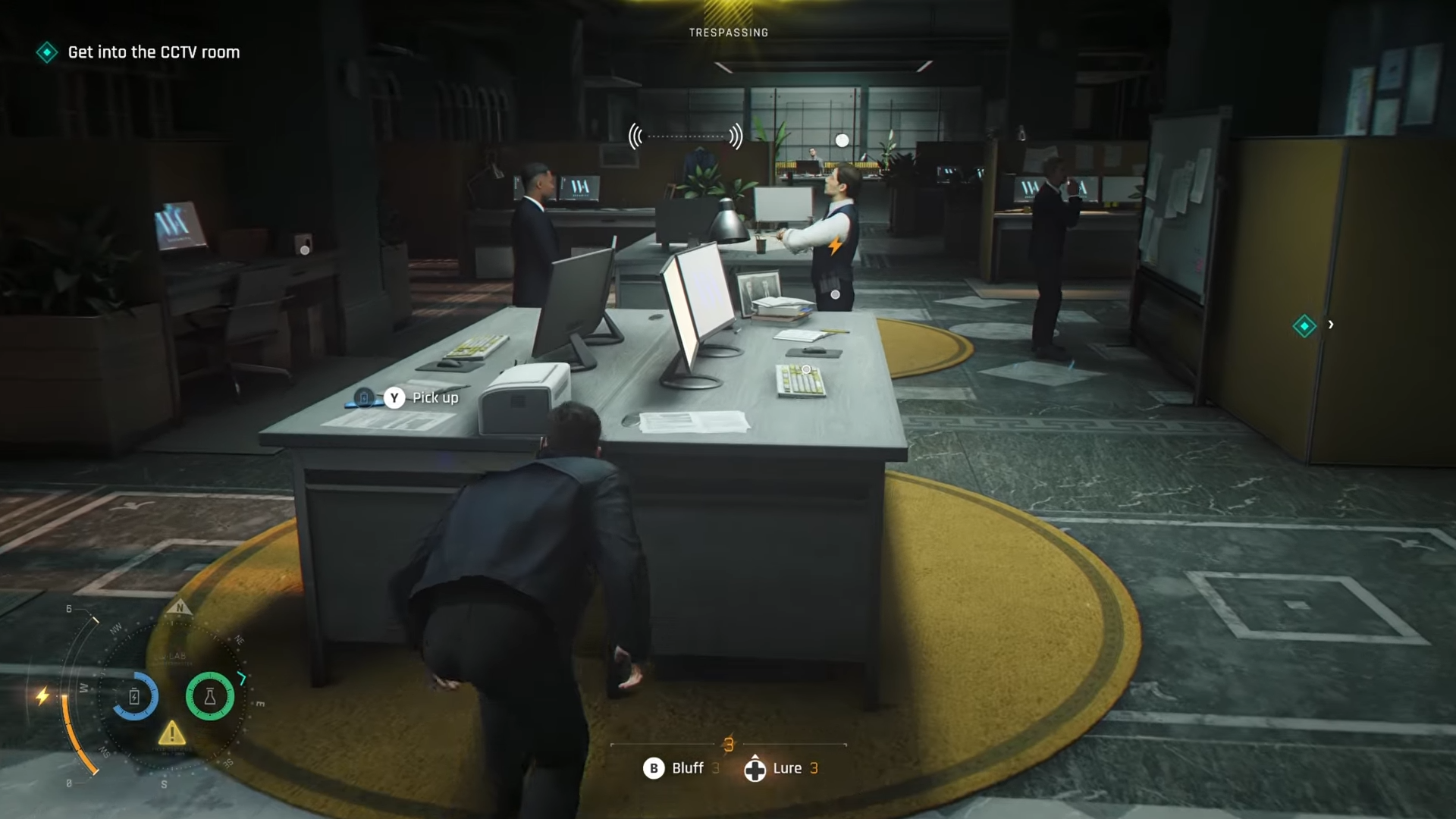
Step 4: Reach the central CCTV room entrance
Once upstairs, follow the hallway with Security Office signage until you see the door with a clear sightline into the CCTV monitors and a seated guard.
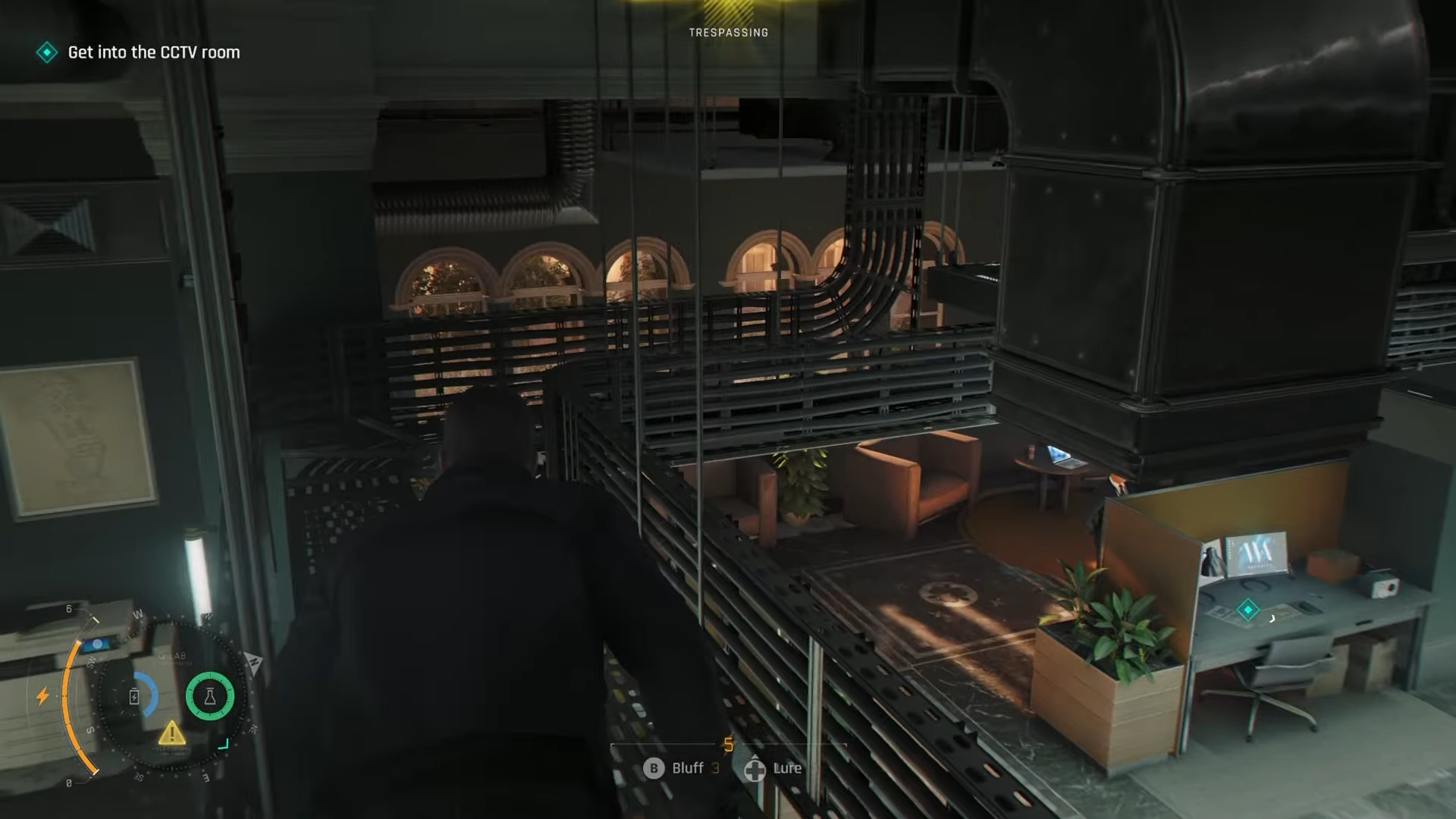
Even in disguise, barging straight in while the room is full is risky, so pause just outside and listen for patrol patterns—often one roaming guard exits on a loop, briefly leaving only the camera operator inside.
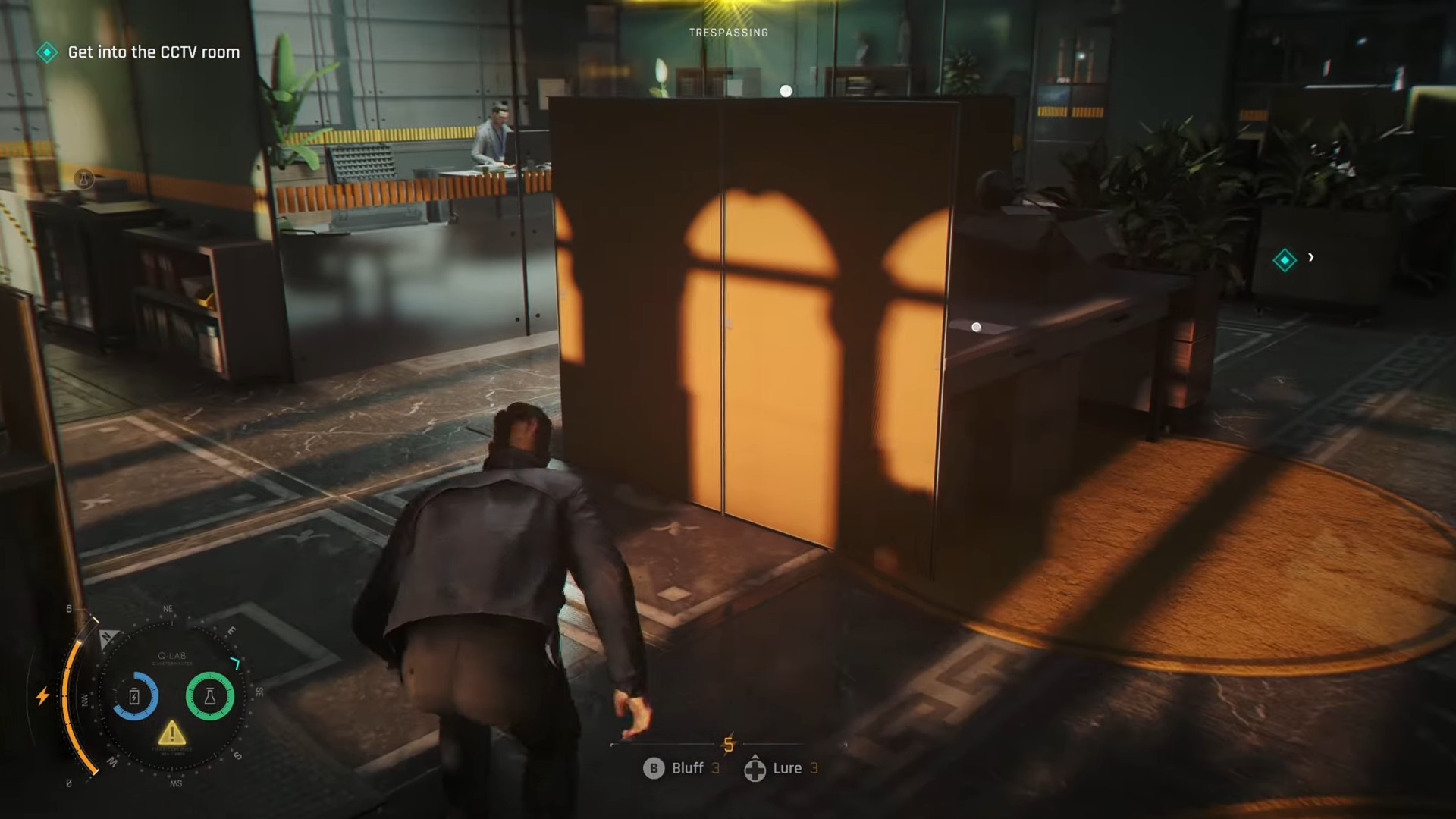
Step 5: Create a distraction to isolate the CCTV operator
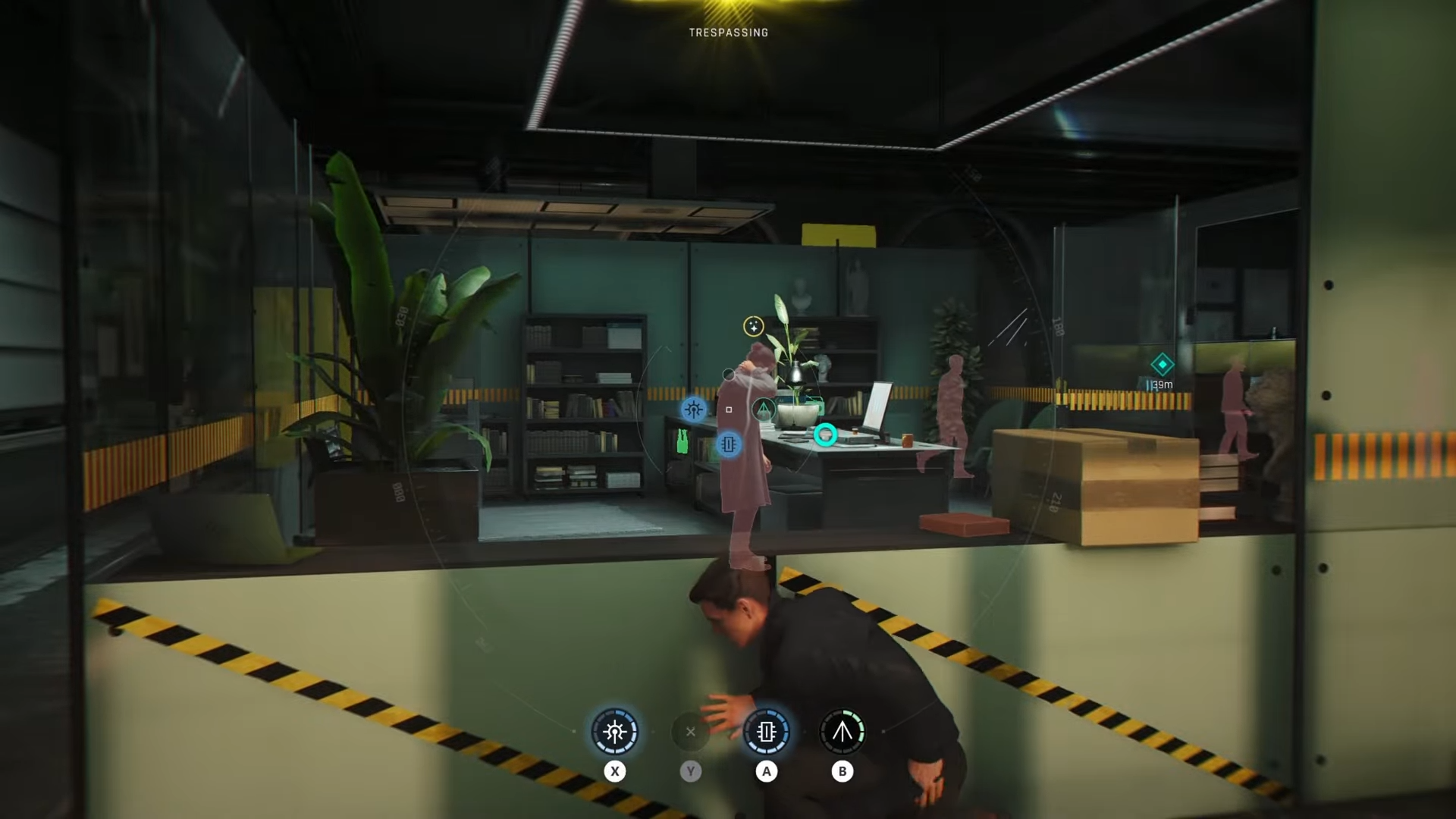
Use a subtle distraction like a radio, fuse box, or tossed coin in the hallway just outside the CCTV room to pull the roaming guard away and desync patrols. When one guard leaves to investigate, slip inside behind him or during his return window, so that you face just the camera operator rather than multiple enemies stacking in a tiny room.
Step 6: Silently neutralize the operator and secure the room
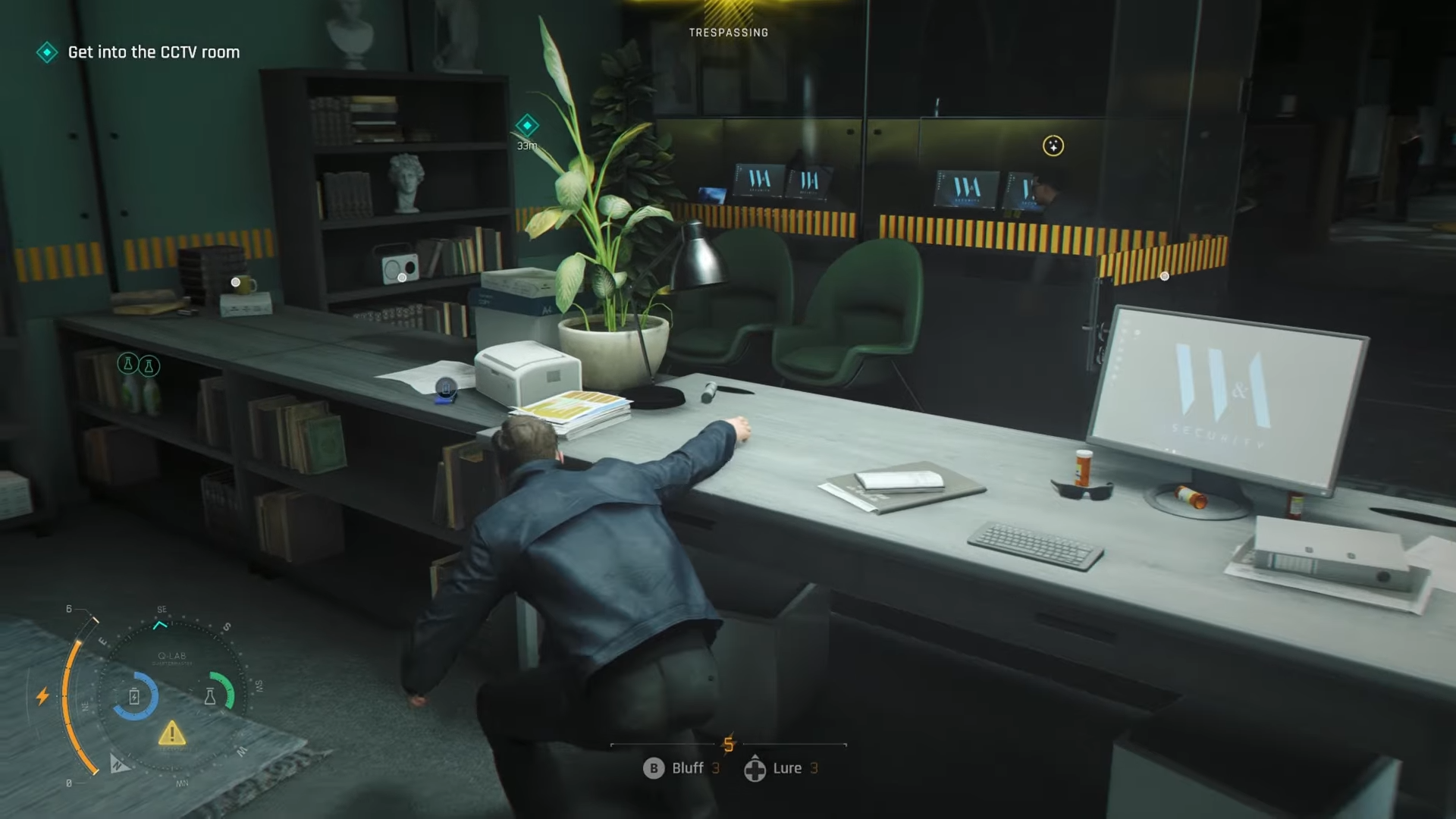
Once you’re in the CCTV room with only the operator present or with his back turned, perform a quiet takedown or use a dart from close range.
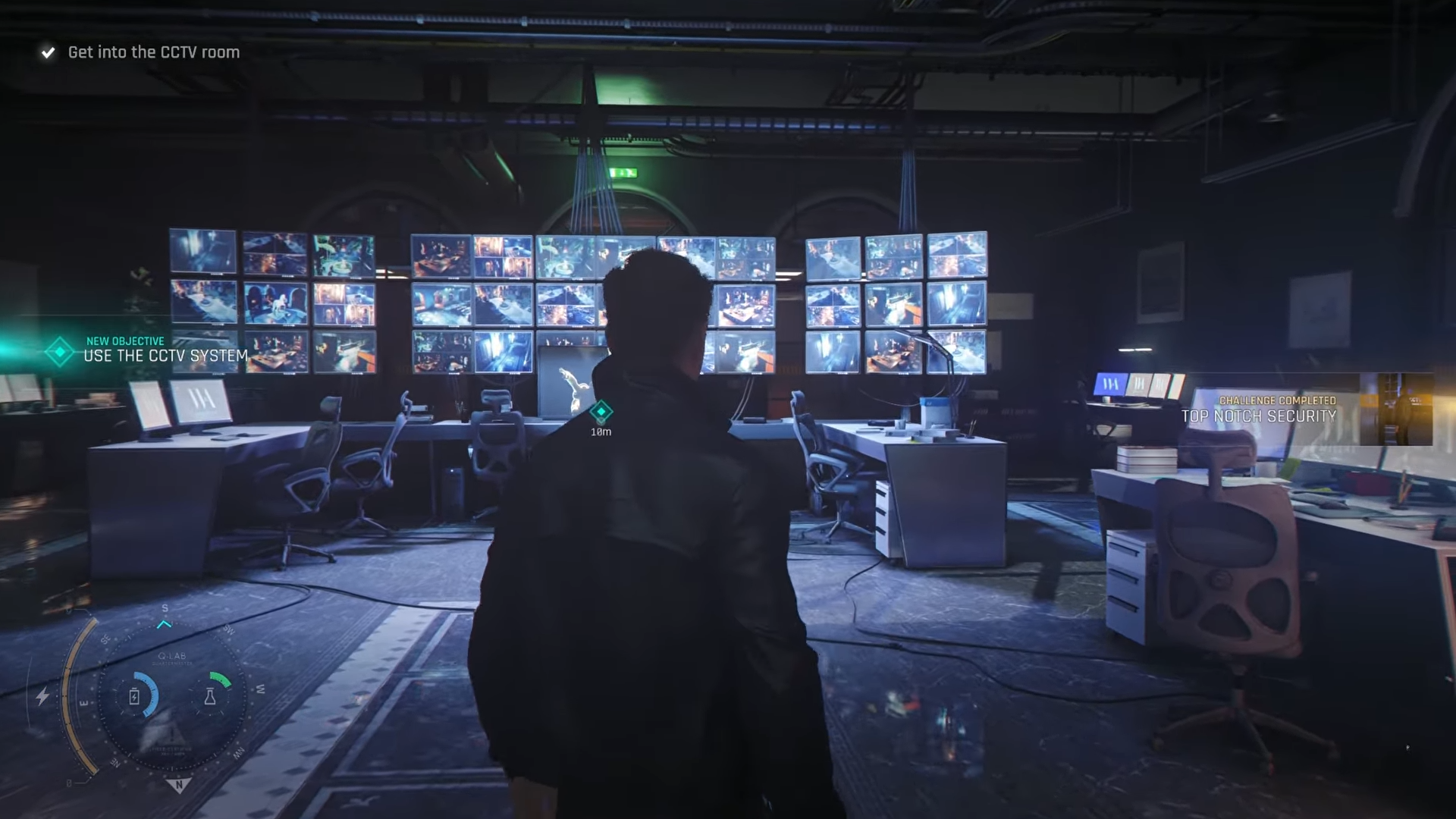
Step 7: Disable the CCTV system at the console
Move to the main CCTV console panel directly in front of the monitors and interact with it to shut down or erase the recordings, depending on the prompt for your build/version.
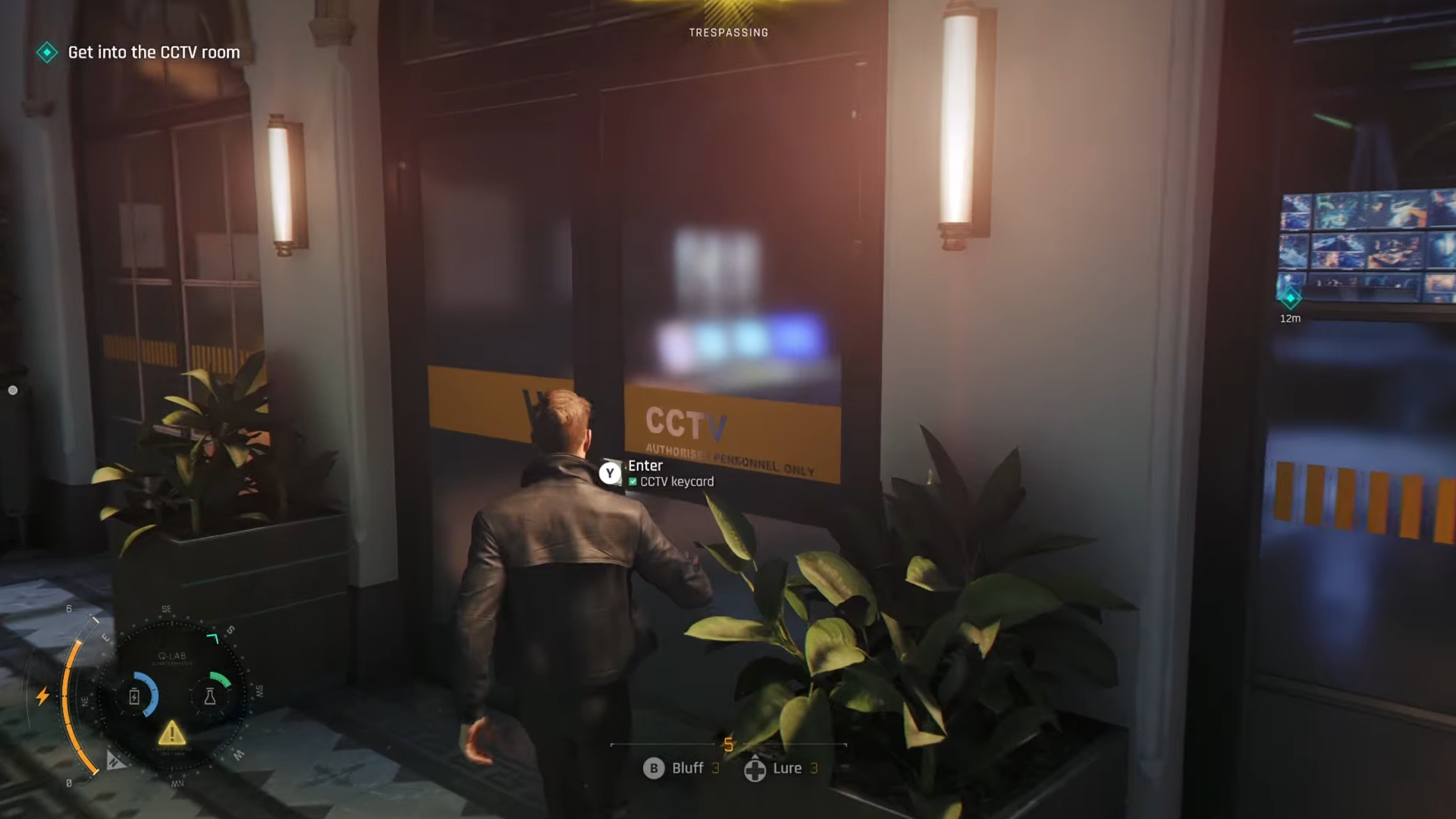
This single interaction counts as taking down the entire camera network for this section, which is the core requirement for the Top Notch Security challenge to pop.
Step 8: Exit the security area without drawing heat
With the cameras offline, walk back out via the same staff corridor route instead of cutting through guest-facing areas that may now be more heavily patrolled. If your stealth has been clean, you can continue directly into the next phase of Uninvited, allowing A Quiet Night and related stealth challenges to stay valid off this same run.
Critical mistakes to avoid for this challenge
-
Triggering a camera before shutdown
If a camera “!” pings you and raises suspicion, the challenge may not register correctly even if you later erase footage; reload a checkpoint if that happens. -
Fighting inside the Security Office
Going loud in the CCTV room tends to drag in half the floor, turning the space into a combat arena and voiding pacifist/ghost‑style stacks. -
Leaving bodies visible near the console
Guards who walk in and instantly spot a body will escalate to full alert, which again can desync the internal challenge flags tied to a “clean” security shutdown. -
Forgetting to interact with the actual CCTV console
Knocking out the staff but walking away without pressing the CCTV system prompt means the cameras technically remain active in the scripting and the challenge won’t complete. -
Rushing on Purist difficulty without recon
On Purist, extra patrols and tighter detection cones make “improvised” routes risky; always do one slow recon attempt to memorize camera sweeps before committing to a clean run.