What to know
- Burrowing holes act as save points throughout the game world.
- Walking over a hole triggers a quick save, while burrowing into it creates a more permanent save state.
- Death sends you back to the last burrowing hole you activated.
- Quitting without reaching a save hole can result in lost progress.
Mina the Hollower uses a classic action-adventure checkpoint system inspired by Soulslike games. If you’re looking for a traditional “Save Game” option in the menus, you won’t find one. Instead, your progress is tied to special burrowing holes that serve as checkpoints and save locations.
Quick overview of Mina the Hollower save system
| Feature | How It Works |
|---|---|
| Manual Save Option | Not available |
| Save Points | Burrowing holes |
| Quick Save | Walking over a hole |
| Hard Save | Burrowing into a hole |
| Respawn Location | Last activated burrowing hole |
| Save on Quit | No |
| Autosave Everywhere | No |
Why burrowing holes are important
As you explore the world, you’ll come across small holes in the ground that Mina can interact with. These holes function as the game’s checkpoint system and are the only reliable way to preserve your progress.
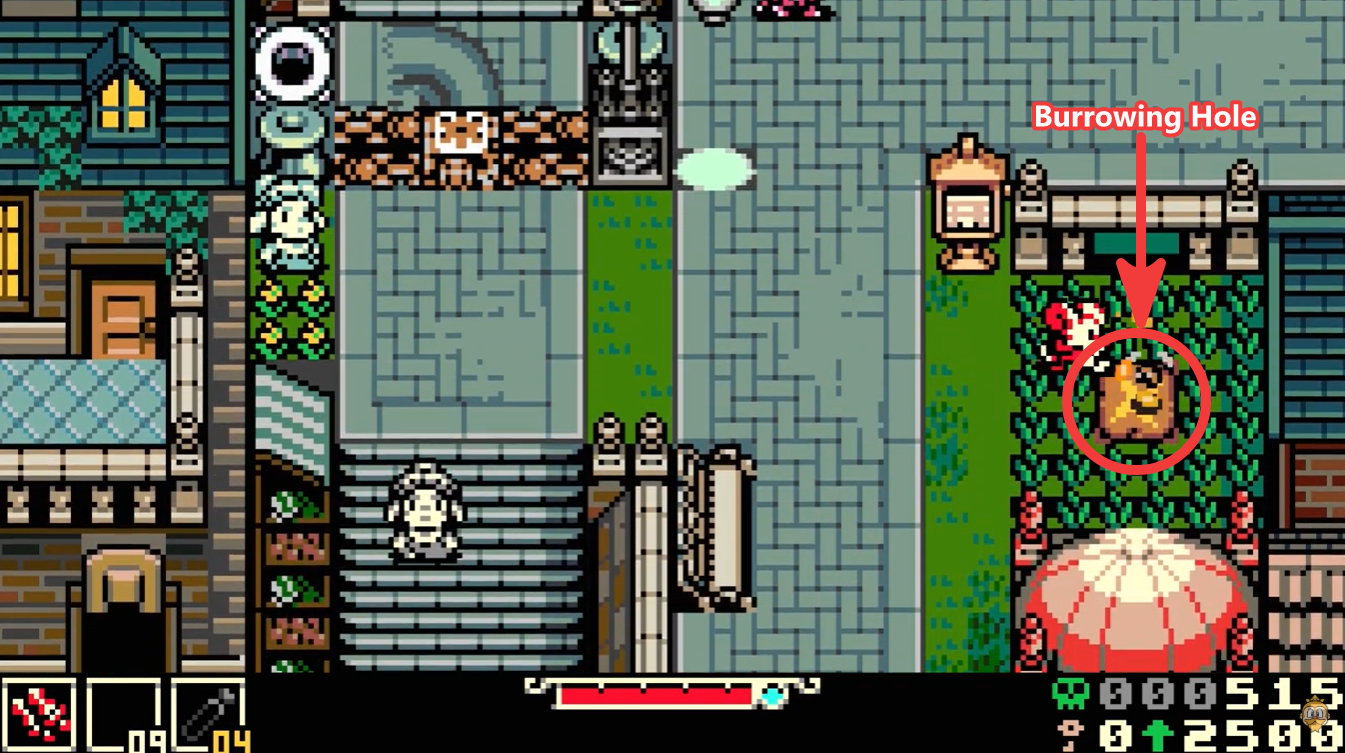
Simply passing over one of these holes triggers a quick save. If you choose to burrow into the hole, the game performs a more substantial save and establishes that location as your current checkpoint.
Because these holes are the backbone of the save system, it is a good habit to activate every one you encounter, even if you are only passing through an area.
How to save in Mina the Hollower
Step 1
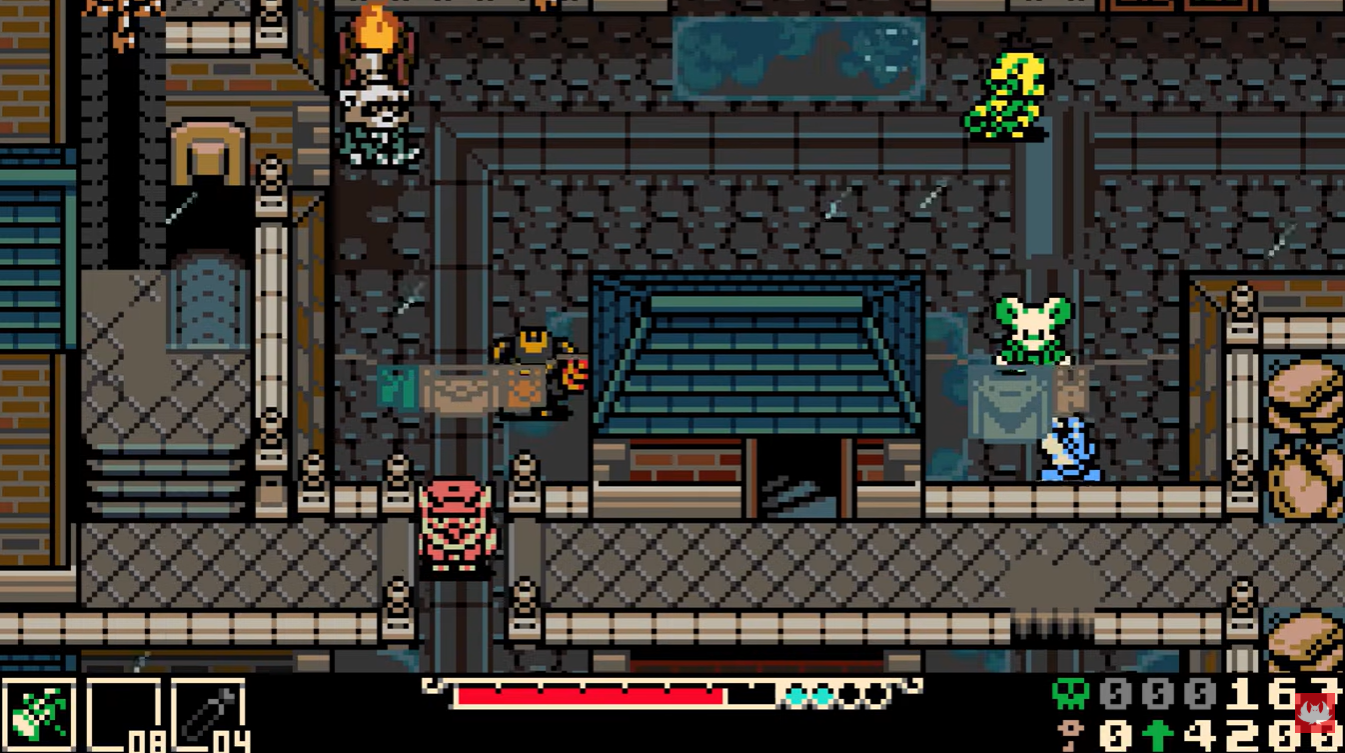
Explore the game world until you locate a burrowing hole. These are small, distinct openings in the ground placed throughout major regions and routes.
Step 2
Walk directly over the hole. Doing so triggers a quick save and updates your recent progress.
Step 3
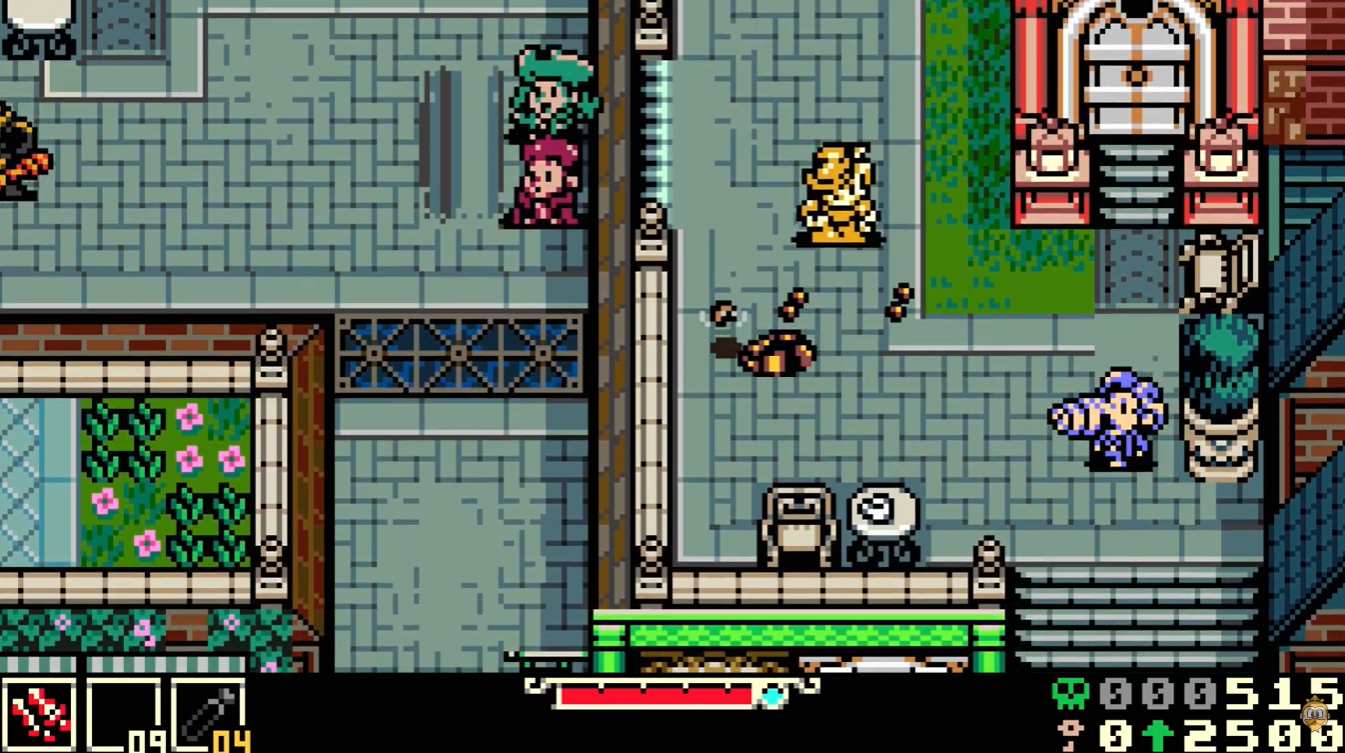
For maximum safety, interact with the hole and burrow into it. This establishes the location as your active checkpoint and creates a more reliable save state.
Step 4
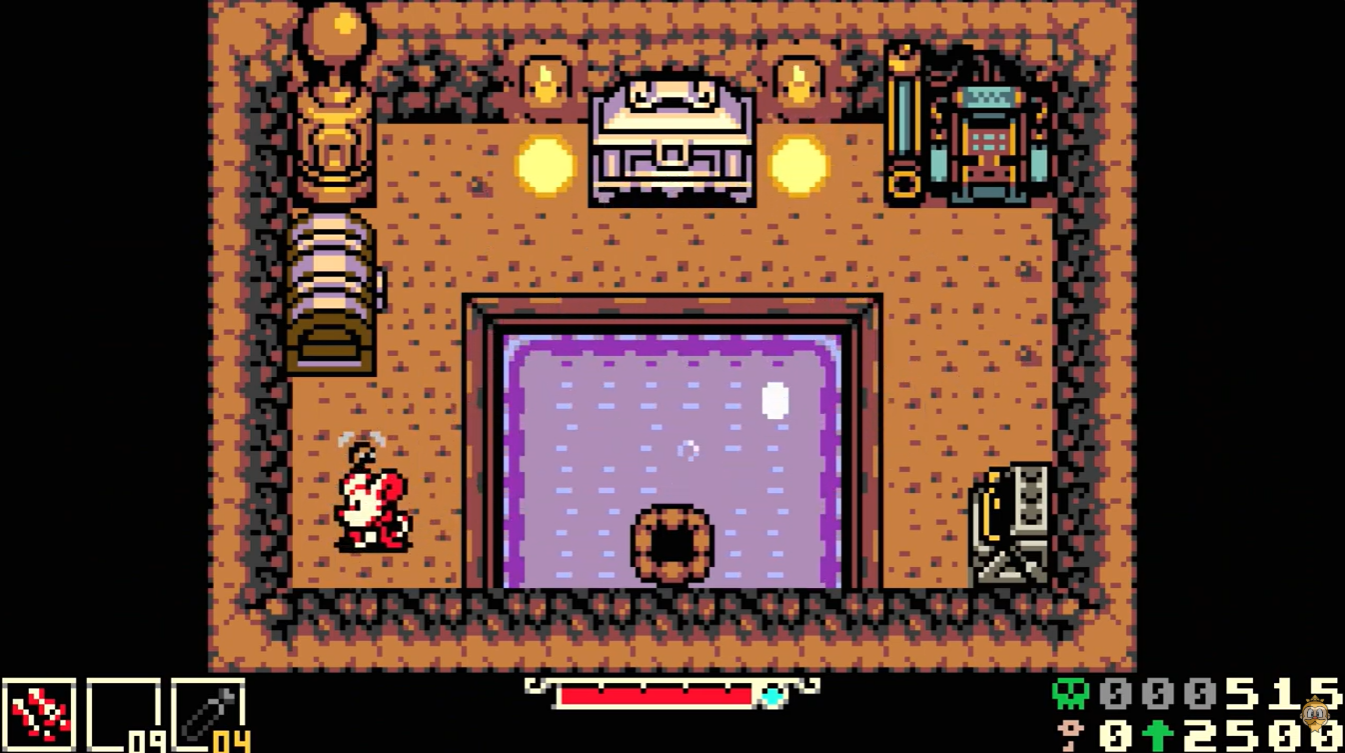
Continue exploring, fighting enemies, or completing objectives. If you die later, you will return to the last burrowing hole you activated.
What happens when you die
Death carries a meaningful penalty in Mina the Hollower. When defeated, you do not restart from the beginning of an area. Instead, you respawn at the most recently activated burrowing hole.
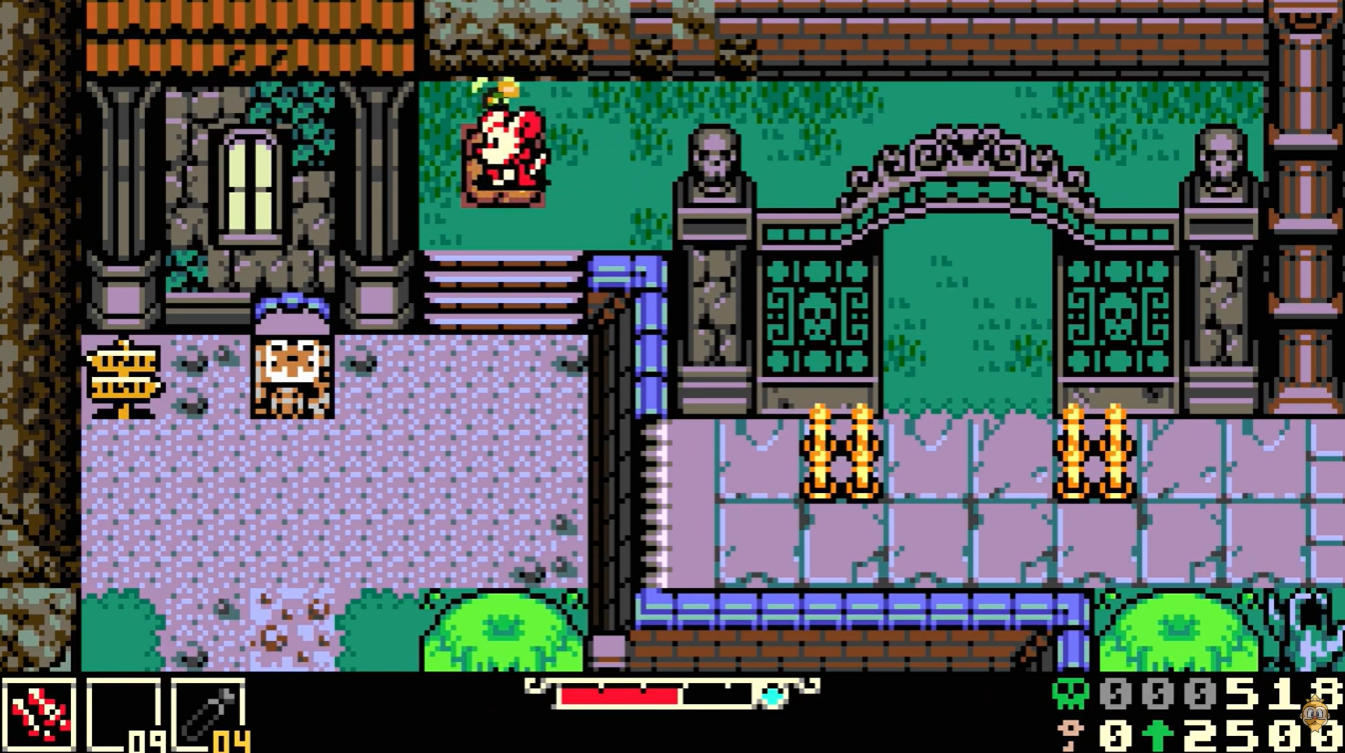
This makes checkpoint management an important part of exploration. Reaching a new burrowing hole before tackling a difficult section can save you from repeating large portions of gameplay.
No. The pause menu and main menu do not include a save option.
If you quit the game after making progress but before reaching a burrowing hole, your progress may be lost. When you reload your save, you will return to the last checkpoint that was successfully recorded.
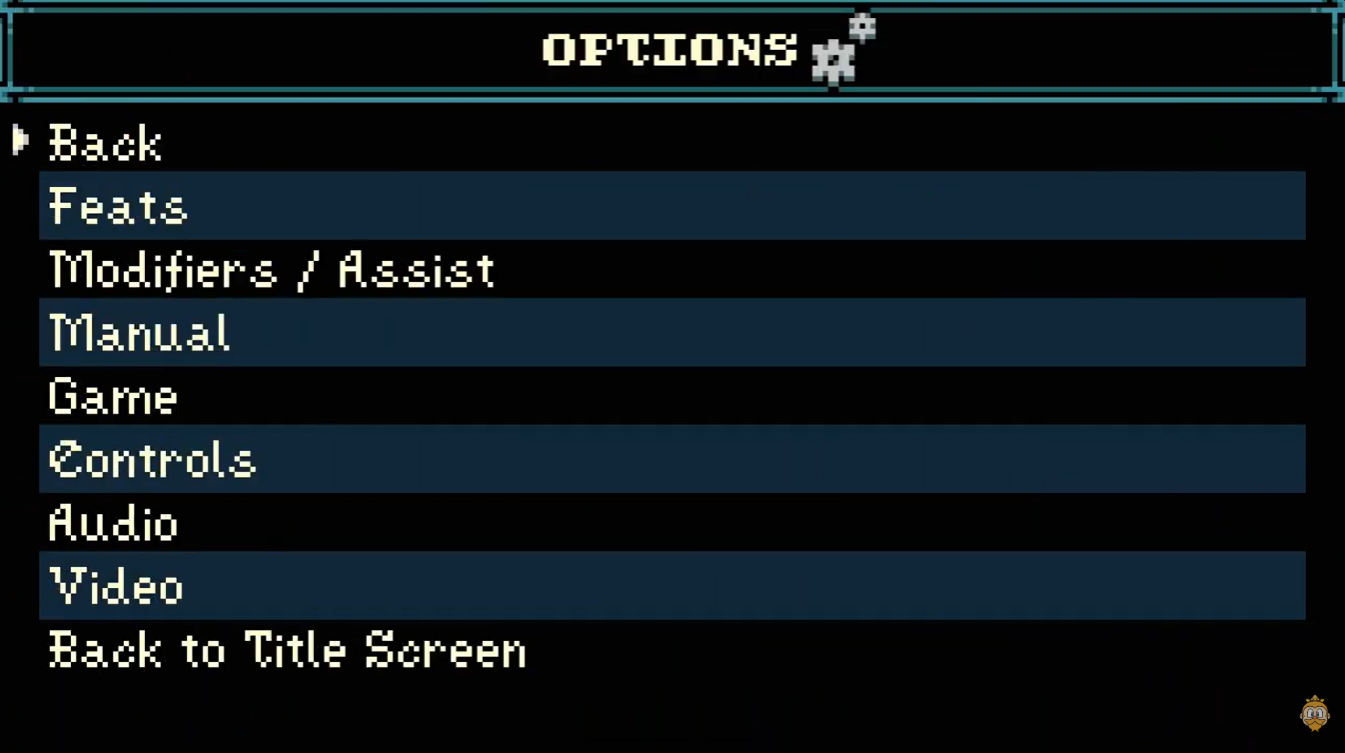
Because of this, it is always recommended to locate a burrowing hole before ending a play session.
Are there settings that increase save frequency?
At launch, Mina the Hollower does not include accessibility options or modifiers that change how often the game saves. The checkpoint system remains tied to burrowing holes regardless of your chosen settings.
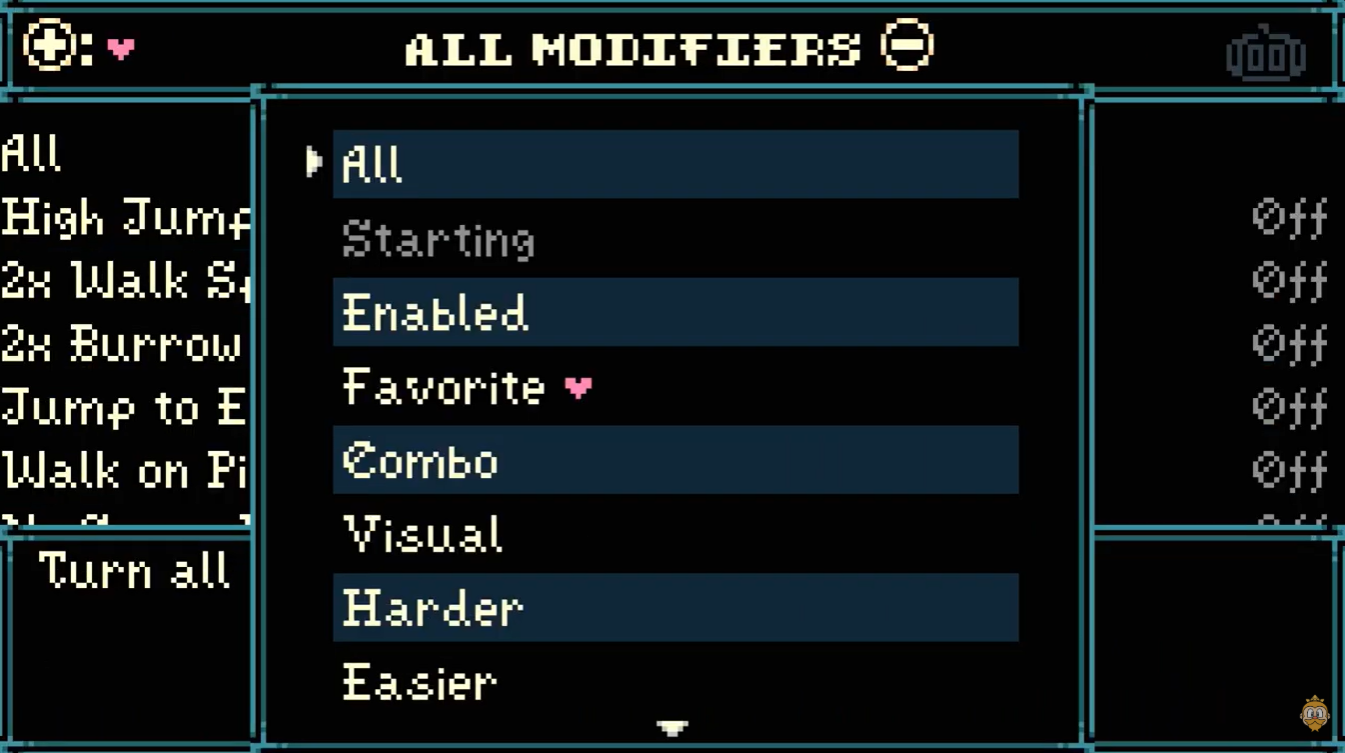
The game does offer gameplay modifiers that can adjust certain mechanics, such as movement and burrowing speed. However, enabling these modifiers disables Feats, which function similarly to achievements or trophies.
Tips for avoiding lost progress
| Tip | Benefit |
|---|---|
| Activate every burrowing hole you find | Creates frequent checkpoints |
| Burrow into holes before difficult bosses | Reduces lost progress after death |
| Save before quitting the game | Prevents rollback of progress |
| Explore carefully between checkpoints | Minimizes repetition if defeated |
Mina the Hollower intentionally uses a checkpoint-based save system rather than unrestricted manual saves. Burrowing holes are the only way to reliably save progress, set respawn locations, and protect your adventure from being lost. Whenever you discover one, make sure to activate it before continuing onward. Doing so will save you plenty of frustration if a boss, trap, or unexpected enemy sends Mina back to her last checkpoint.