What to know
- The lockdown override occurs during the Stop Damien objective on Pursuit difficulty.
- You must activate the laptop terminal to begin the override process.
- The upload only progresses while you remain near the designated pedestal area.
- Enemy attacks can interrupt the override, forcing you to restart the sequence from the interruption point.
If you’re struggling with the lockdown section during the Stop Damien mission in 007 First Light, the biggest challenge is surviving the enemy assault while keeping the override process active. On Pursuit difficulty, enemies are more aggressive, making positioning and crowd control especially important.
| Quick Overview | Details |
|---|---|
| Mission Objective | Stop Damien |
| Difficulty | Pursuit |
| Main Task | Override the lockdown |
| Starting Point | Activate the laptop terminal |
| Key Requirement | Stay within the upload zone |
| Failure Risk | Enemy interruptions and leaving the area |
| Completion Goal | Reach 100% override progress |
The lockdown override sequence explained
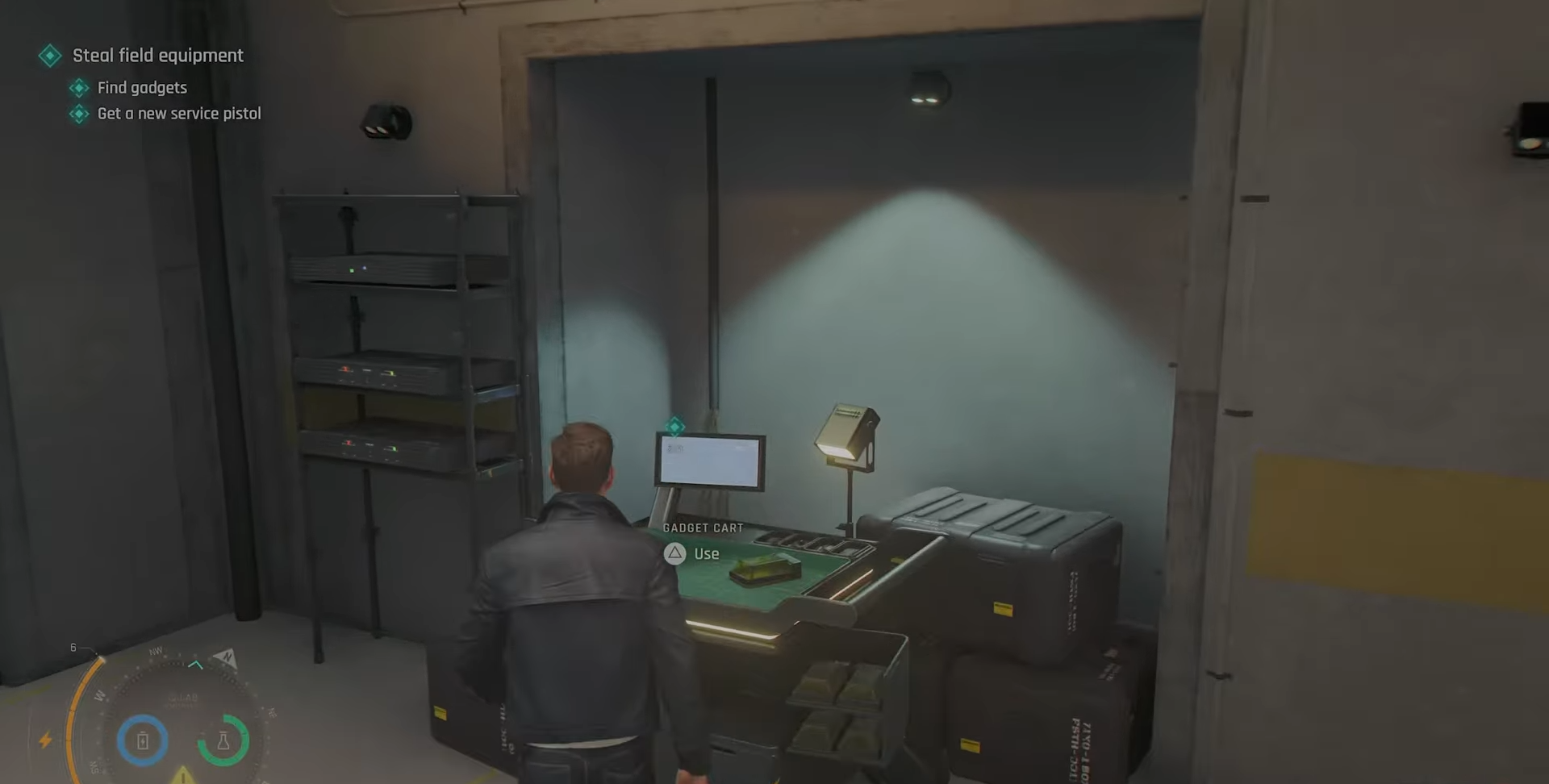
The objective begins after an intruder alert triggers a facility-wide lockdown. Your immediate task is to interact with a nearby laptop terminal to initiate the override sequence. Once activated, a percentage-based progress meter appears and begins uploading the override command.
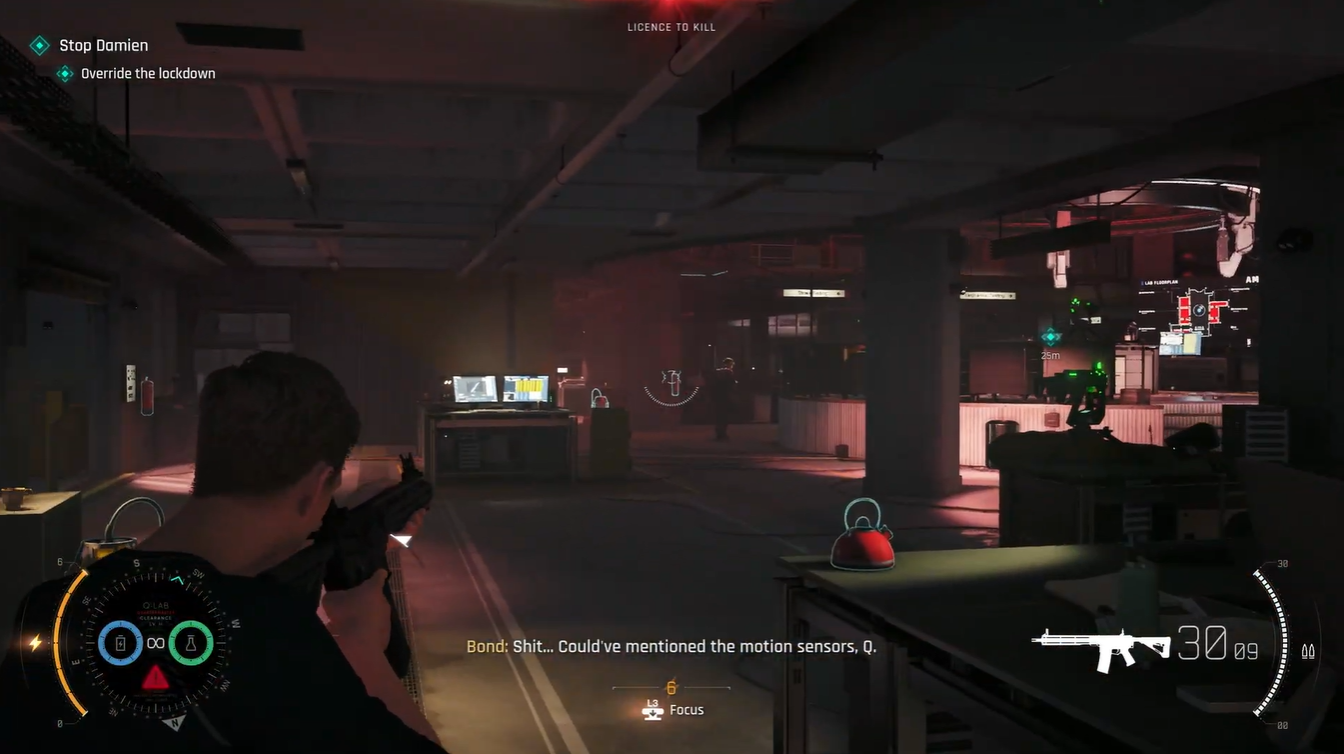
Unlike many defense objectives in the game, this sequence requires you to remain close to the upload pedestal. Moving too far away pauses the upload progress, preventing the override from advancing. Because of this restriction, you must balance survival with maintaining your position inside the designated area.
How to override the lockdown on Pursuit difficulty
Step 1
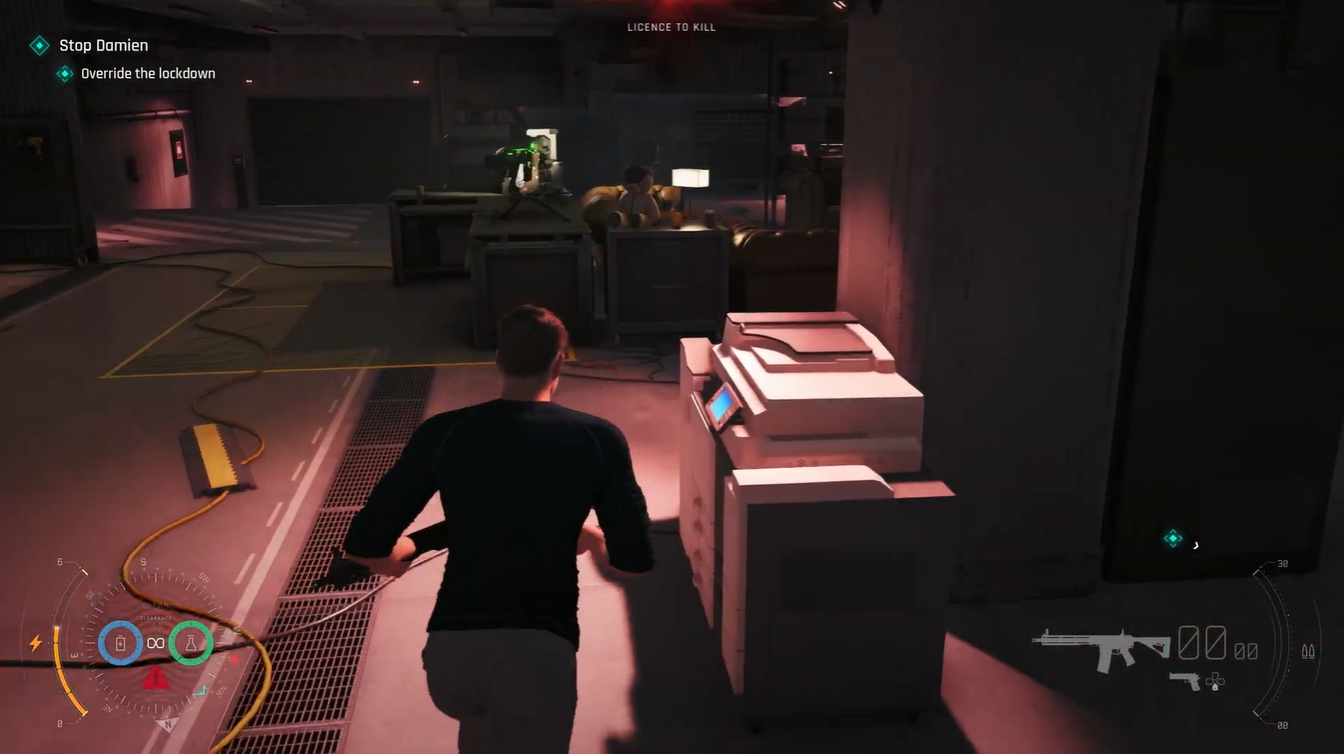
Approach the laptop terminal and interact with it to start the lockdown override process.
Step 2
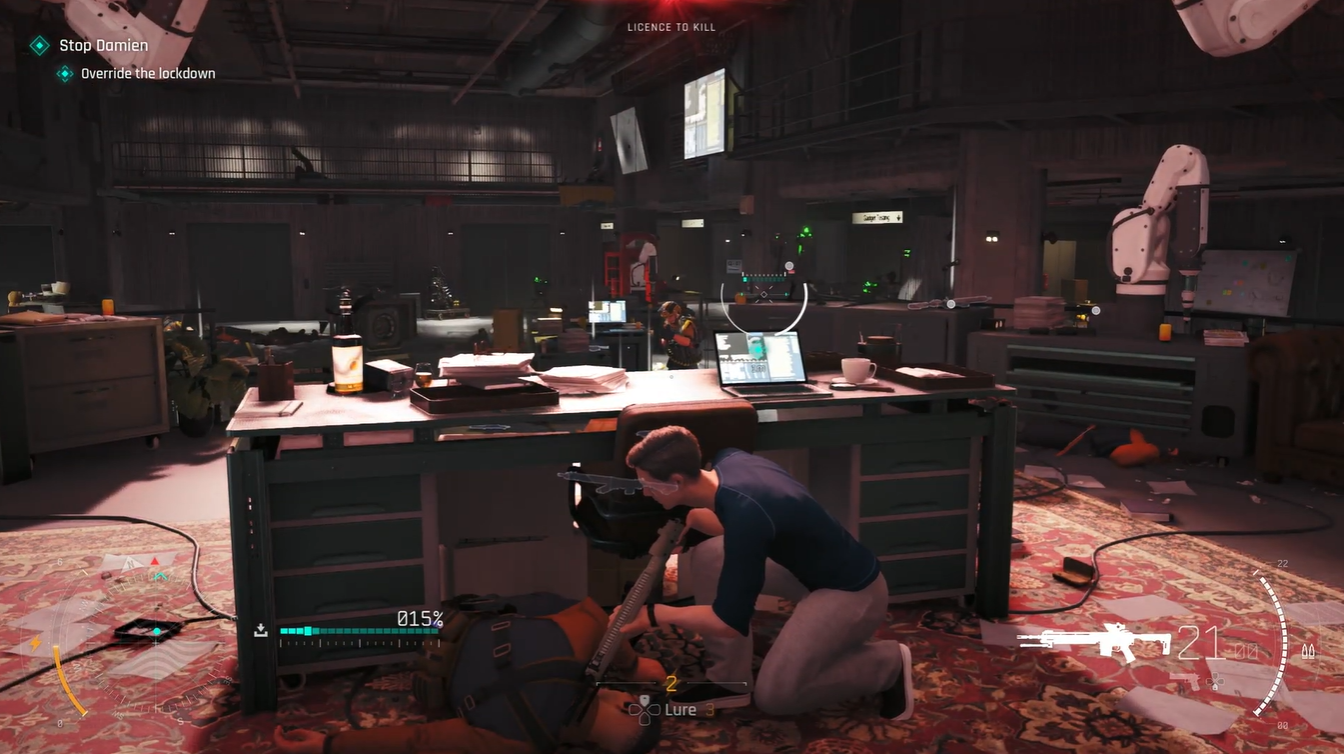
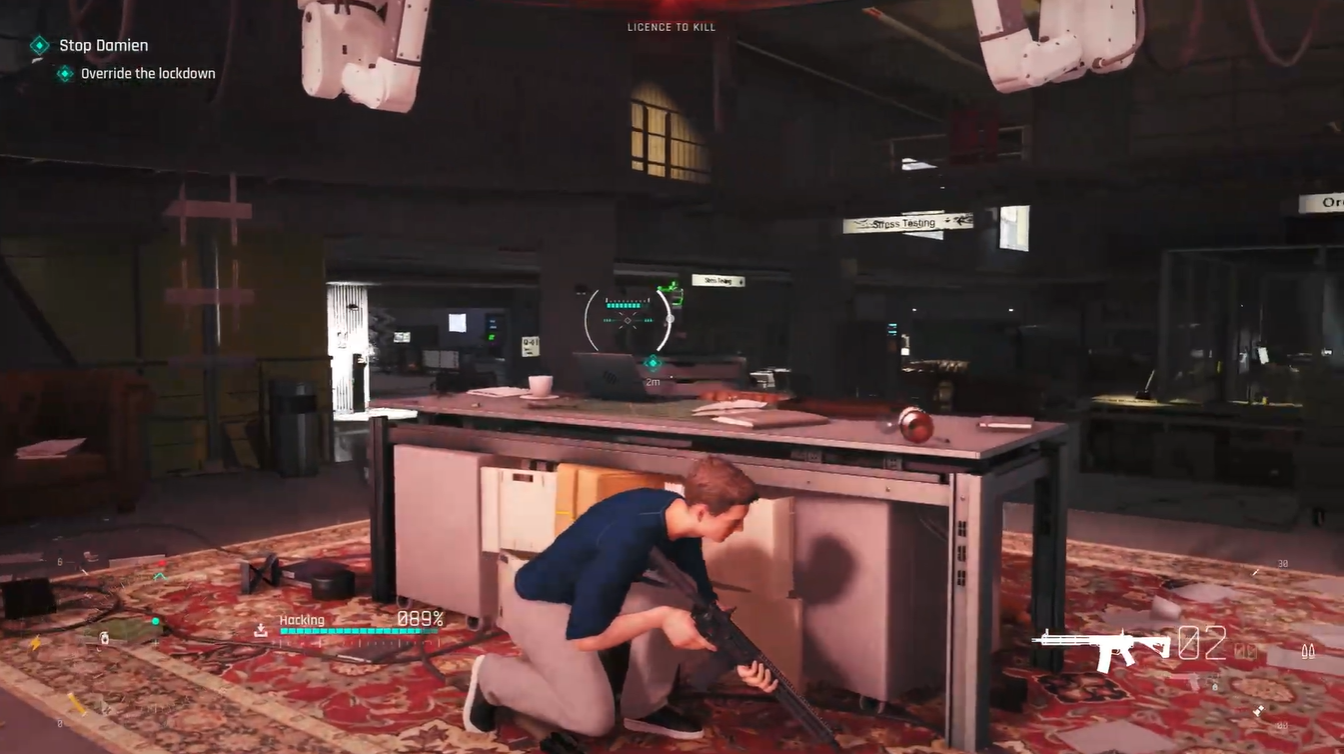
Immediately take up a defensive position that provides cover while still keeping you within the upload zone. Check that the progress percentage is actively increasing.
Step 3
Defeat incoming enemies as they enter the area. Prioritize aggressive attackers who rush your position, as they can quickly force you out of cover.
Step 4
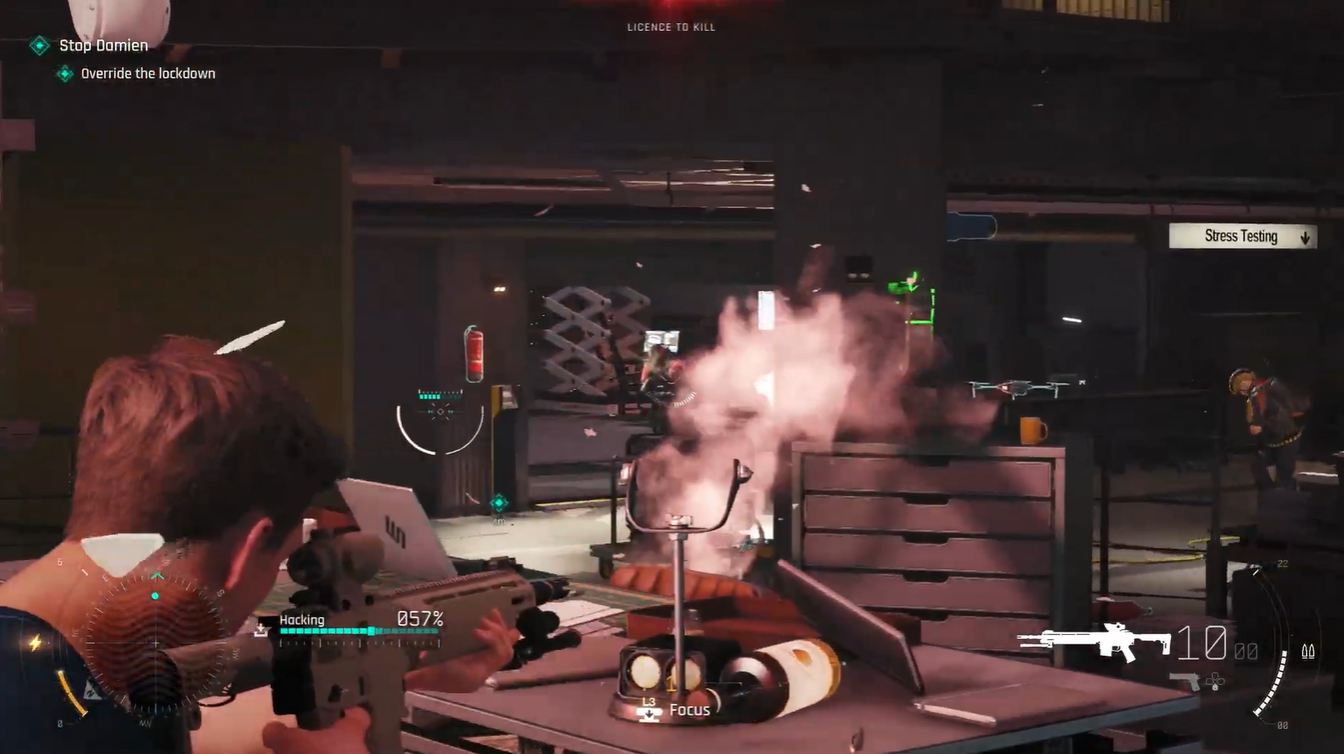
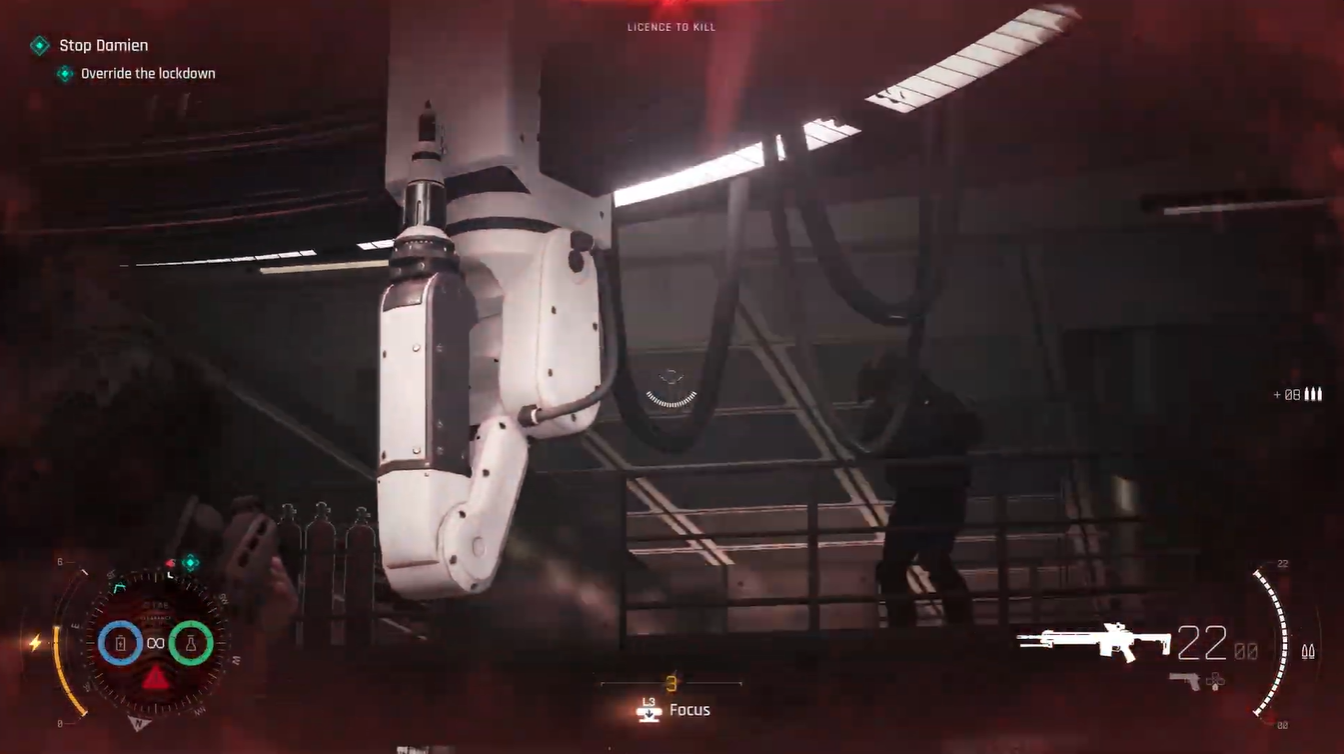
Remain near the pedestal throughout the upload. If you move too far from the objective area, the percentage meter stops increasing until you return.
Step 5
Watch for enemy interference attempts. During the sequence, hostile forces can disrupt the override process. When this happens, quickly return to the terminal area and resume the upload. Continue defending the position until the override reaches 100% completion.
Step 6
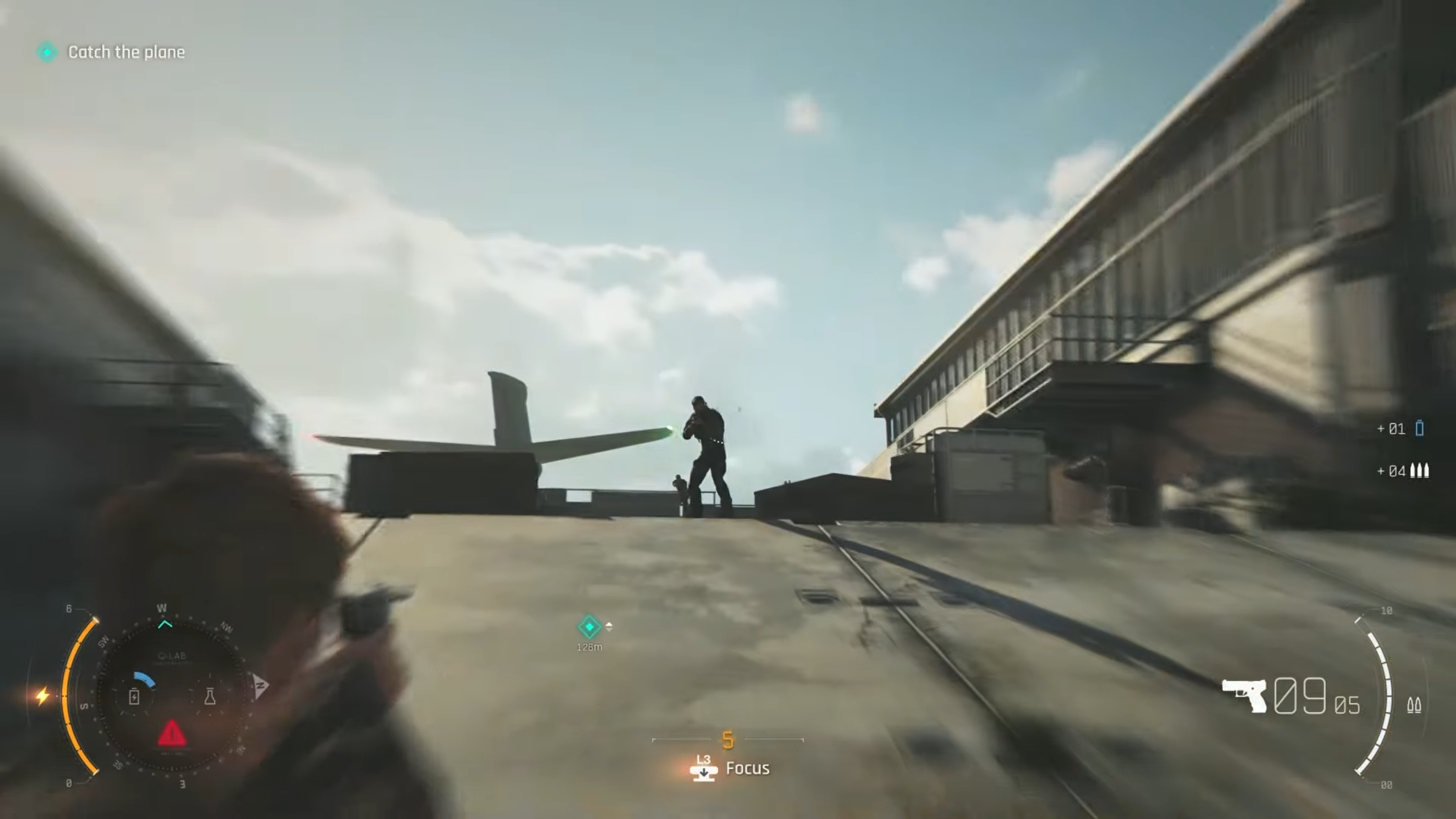
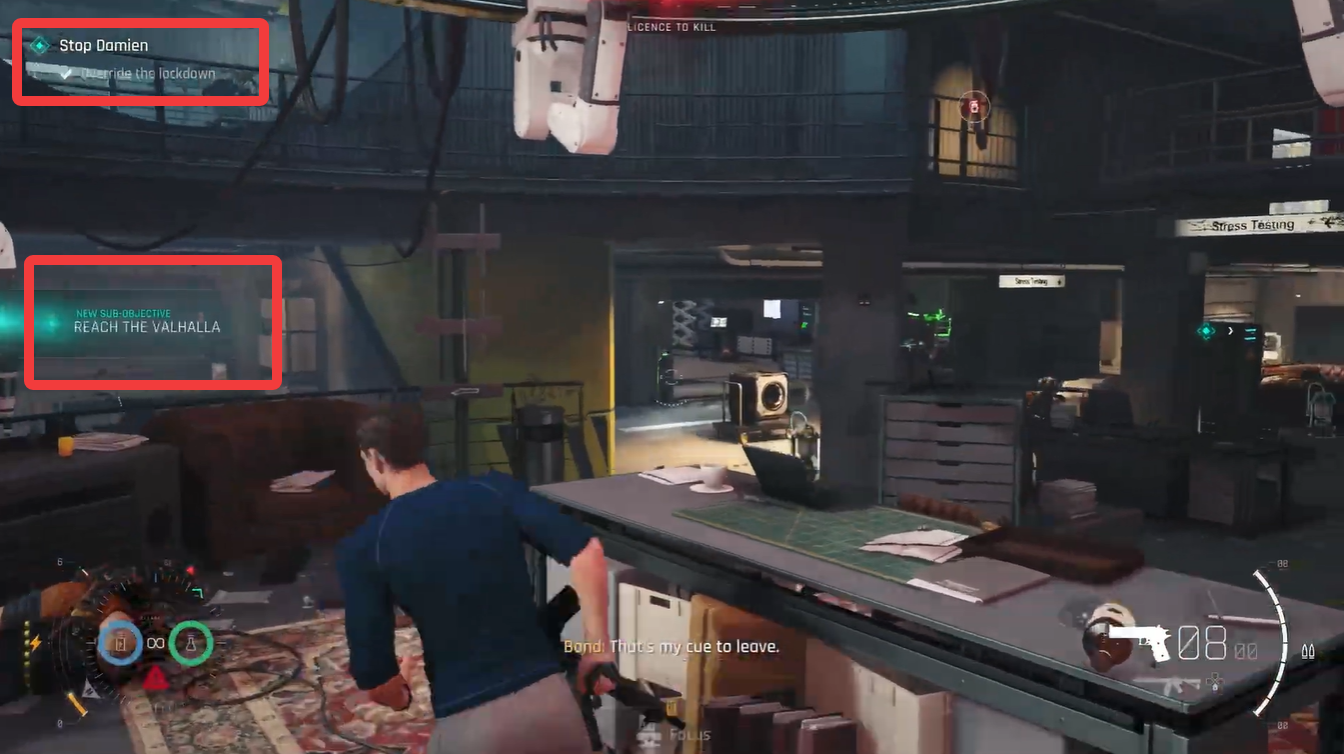
After the lockdown has been successfully overridden, complete the final cleanup objective by eliminating remaining enemies. In the showcased run, this is accomplished with a grenade before escaping the area.
Surviving the defense section
Pursuit difficulty places a greater emphasis on efficient combat. Staying mobile within the upload zone is often safer than remaining completely stationary. Use cover frequently, reload during quiet moments between enemy waves, and prioritize targets that threaten to flank your position.
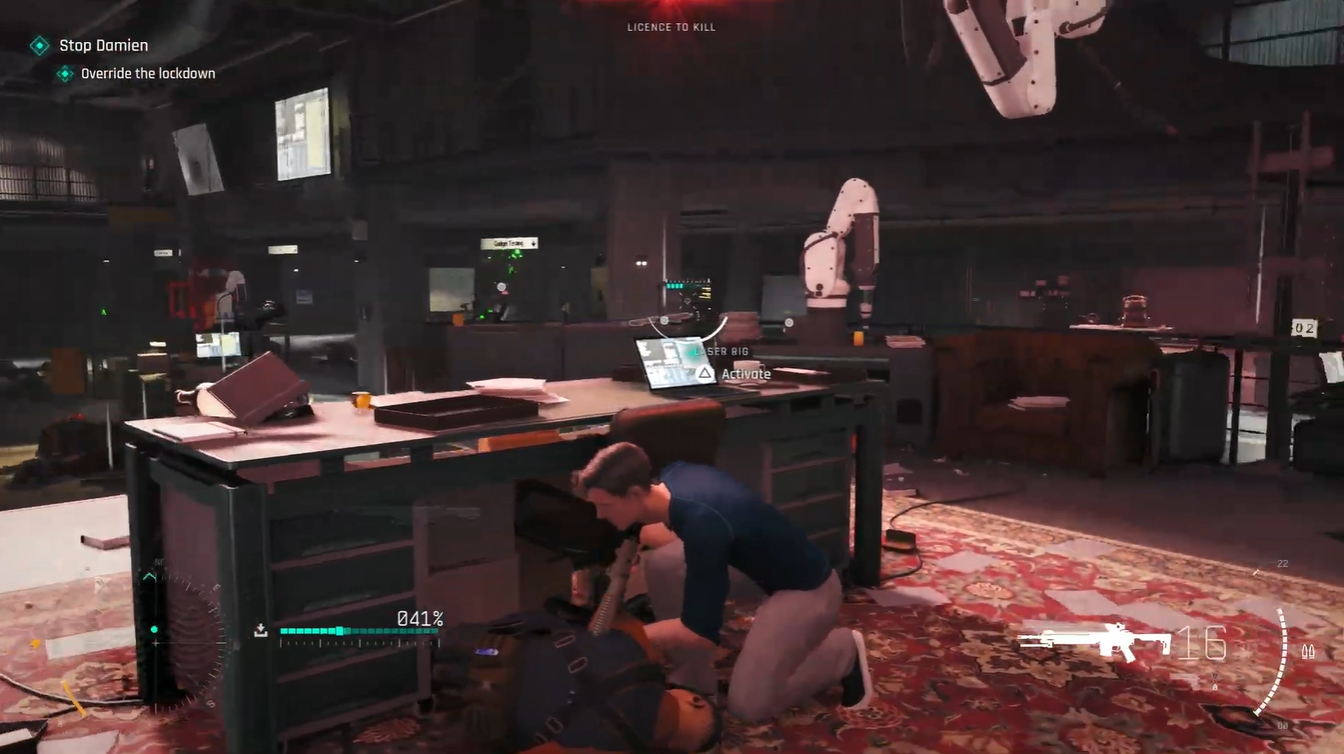
If the override is interrupted, don’t panic. The objective can be resumed, but every interruption extends the encounter and increases the chance of being overwhelmed. Eliminating enemies quickly is generally more effective than trying to avoid them.
What happens after the override reaches 100%
Once the upload meter reaches full completion, the lockdown is successfully overridden and the mission objective updates. You then receive instructions to clear the remaining hostiles before making your escape and continuing the pursuit of Damien.
The lockdown override during the Stop Damien mission is essentially a defense objective that combines area control and enemy management. Activate the laptop, remain within the designated upload zone, eliminate incoming enemies, resume the process if it is interrupted, and defend the terminal until the progress reaches 100%. Completing the sequence unlocks the final escape phase and allows you to continue the mission.