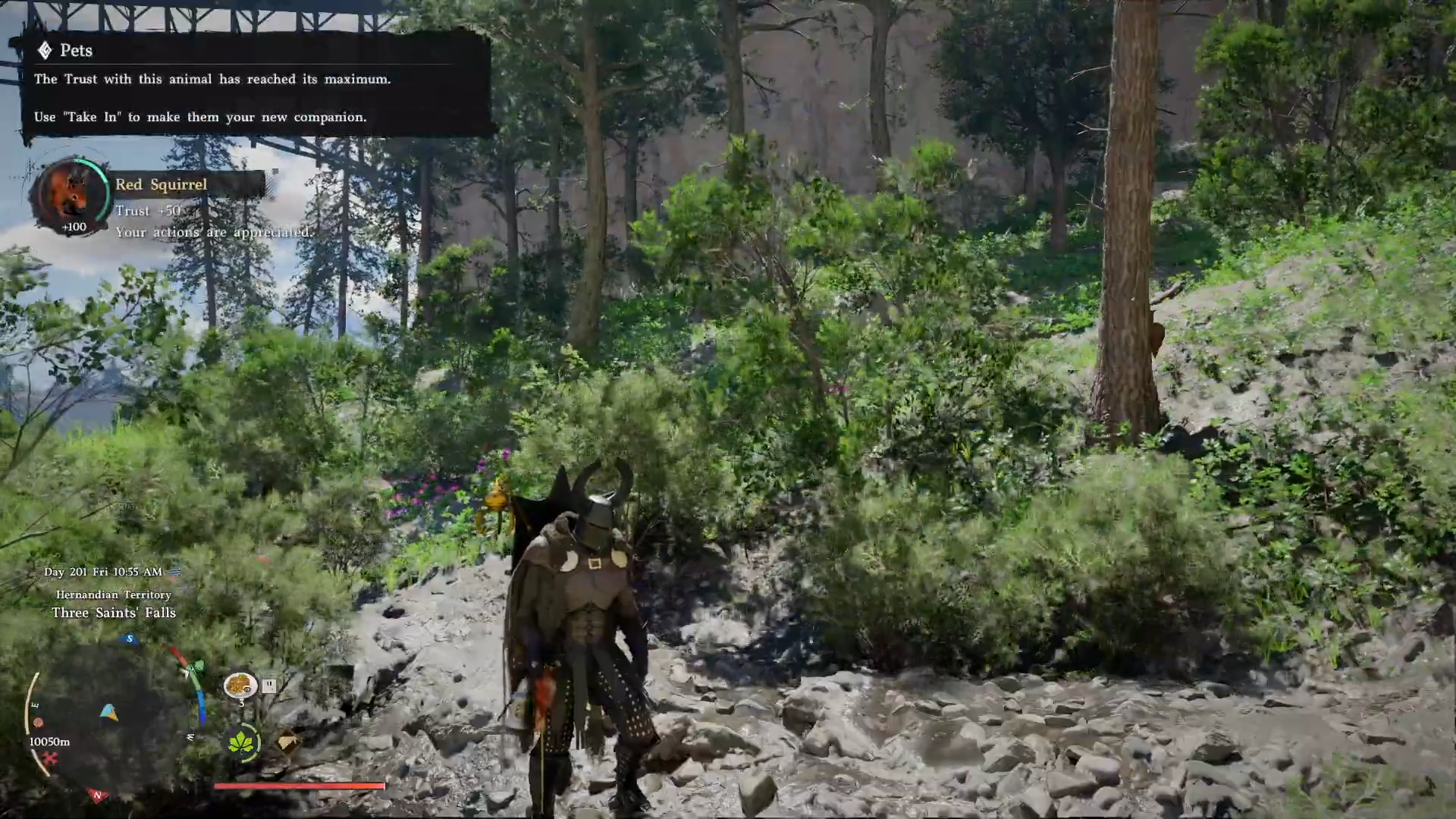
To get the new Red Squirrel pet in Crimson Desert, you must find a Red Squirrel spawn in the animal-dense forest north in the Hernand region, feed it two Barley to reach 100 Trust instantly, then use the Take In option to register it as a pet.
Where to find the Red Squirrel in Crimson Desert
The Red Squirrel comes from a forested hotspot that veteran players use for every new small‑animal patch because it’s absolutely packed with wildlife.
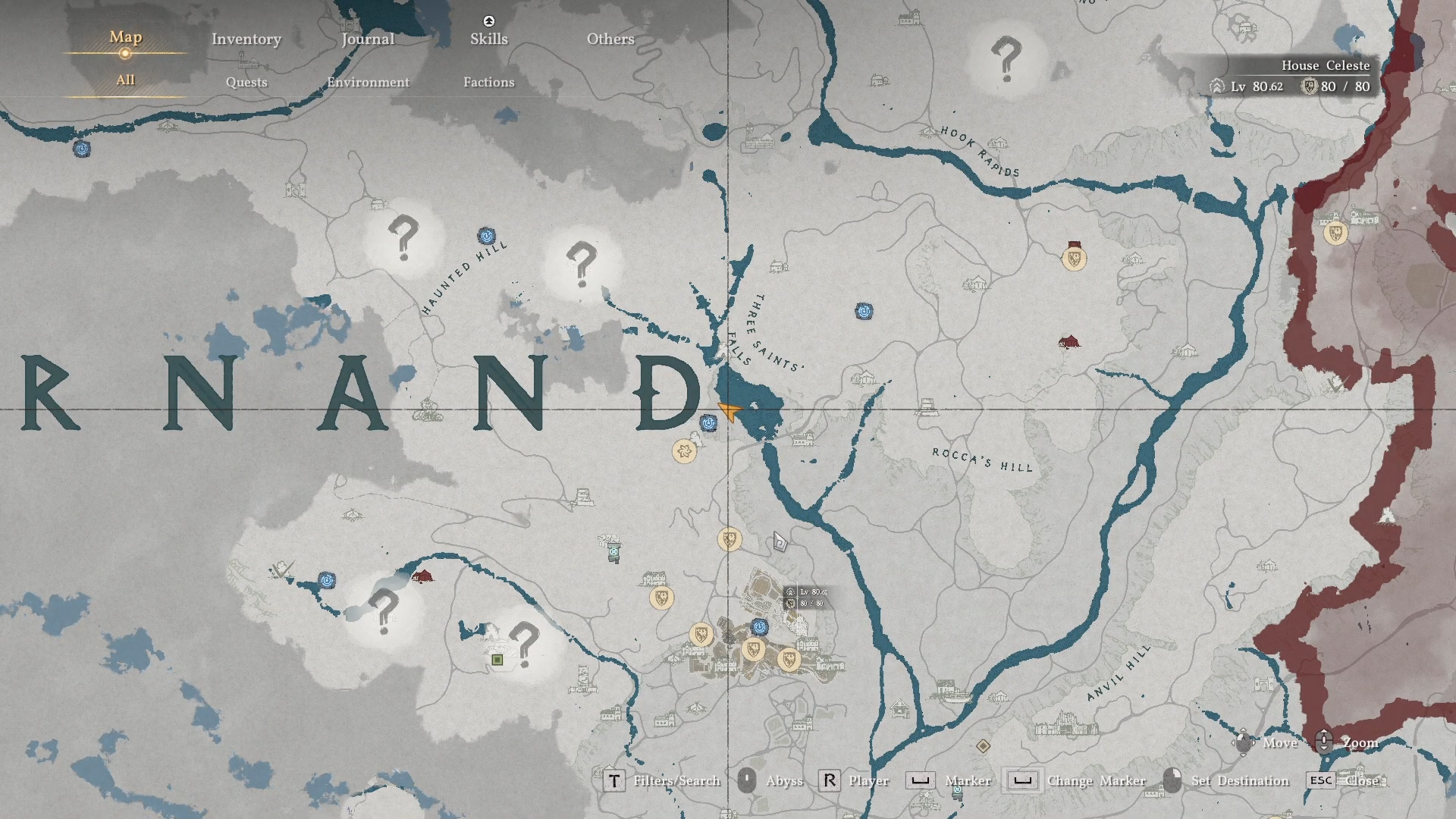
This spot is next to the Three Saints’ Falls in Hernand, right next to the ‘D’ on the map.
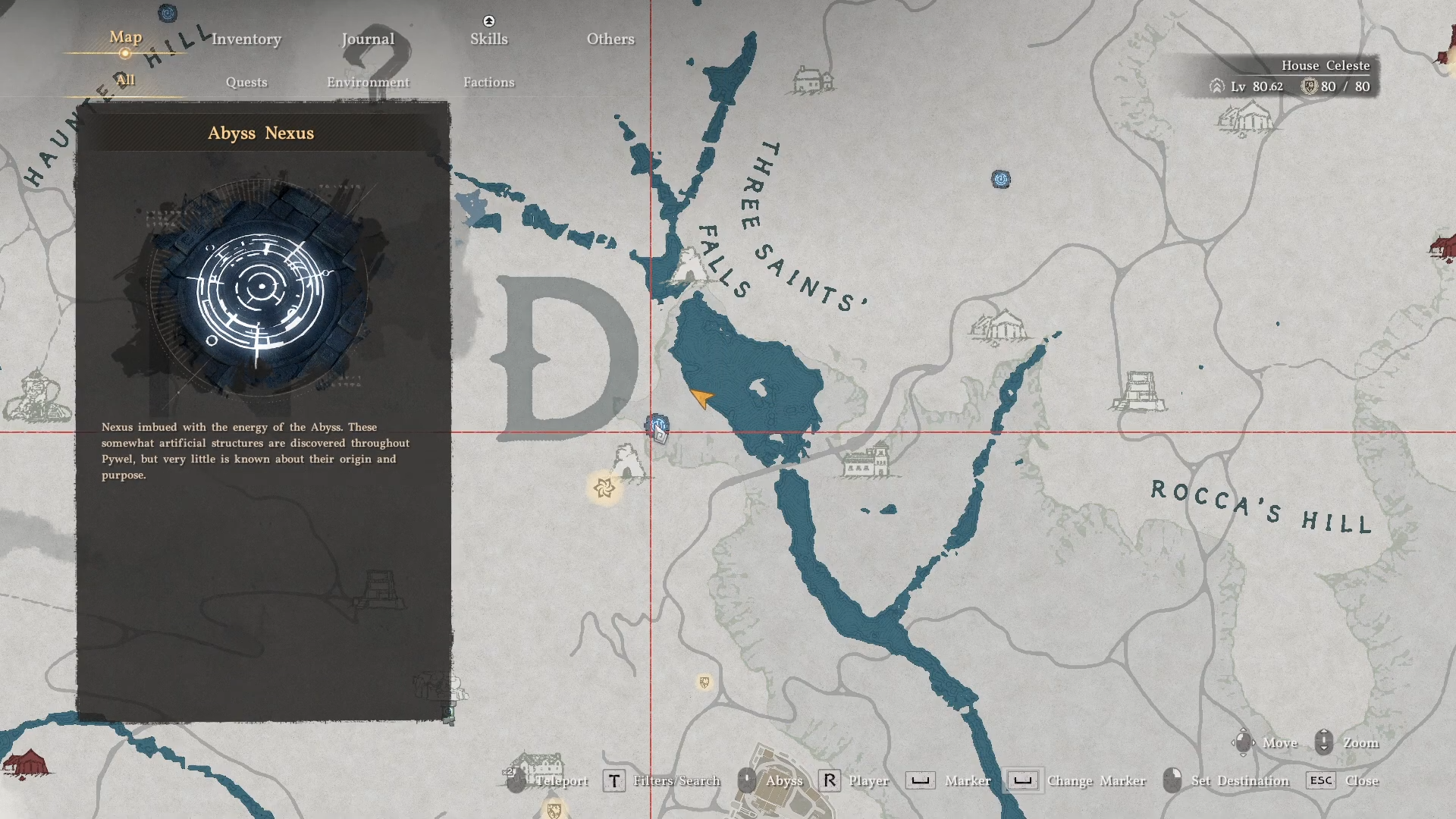
Ride or walk north to a short teleportation point, and just beyond that is the cluster where Red Squirrels appear.
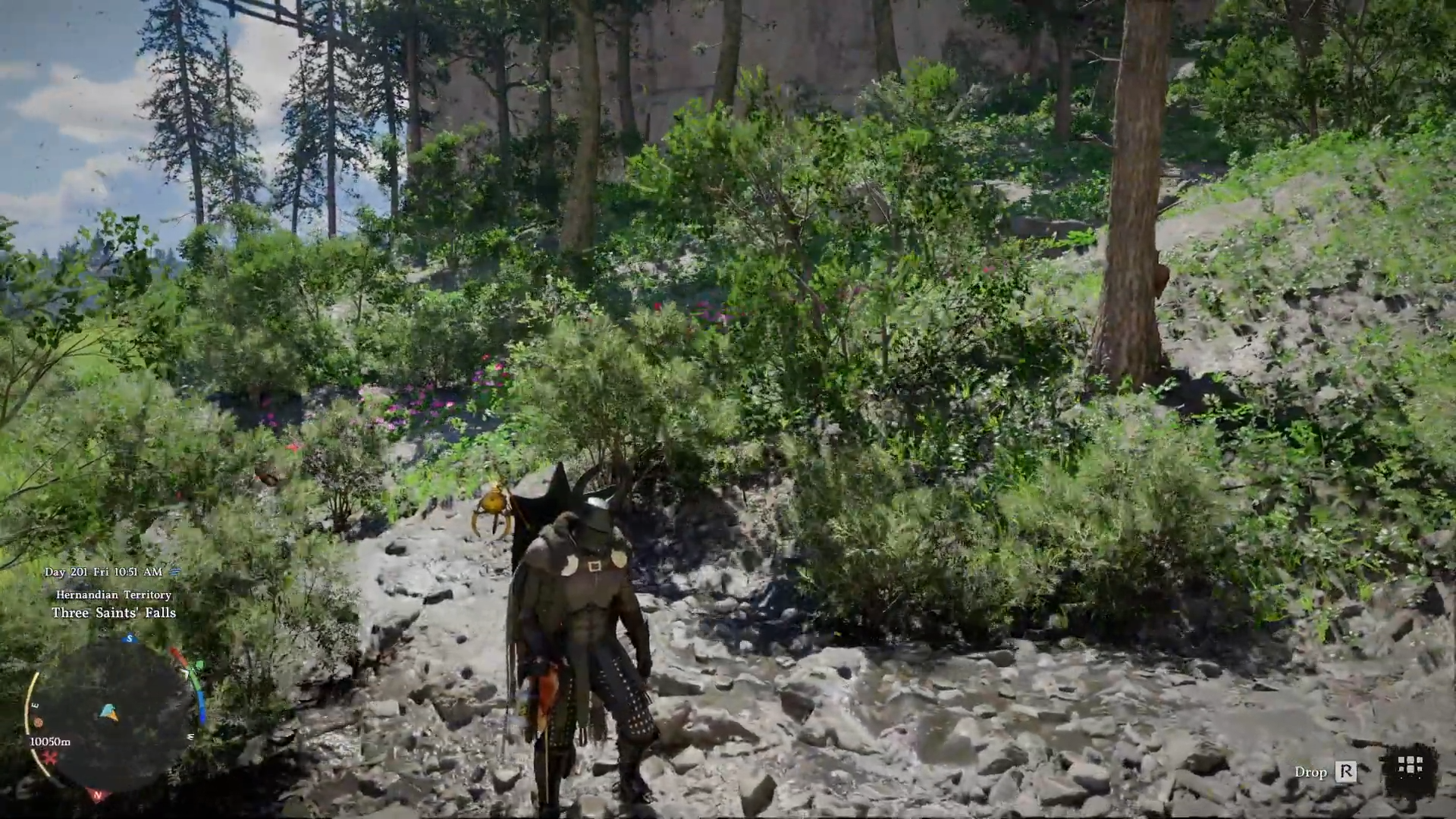
In this area, you will see multiple small animals spawning close together around trees and grass patches. Red Squirrels share the field with other critters like snails, so watch the models closely and use the target prompt to ensure you are locking onto the squirrel, not a different creature.
How to get the Red Squirrel pet in Crimson Desert
Step 1: Travel to the dense animal hotspot
Make your way to the forest section where small animals generally appear densely packed. This woodland is where the Red Squirrel, snails, and other critters spawn frequently.
Step 2: Locate a Red Squirrel among the critters
Once inside the forest pocket, sweep the surroundings around trees and undergrowth, looking for small reddish‑brown rodents rather than slugs or other low‑profile creatures. Use your interaction prompt on each small animal; if the name reads Red Squirrel, stay focused on that individual and ignore the snails nearby.
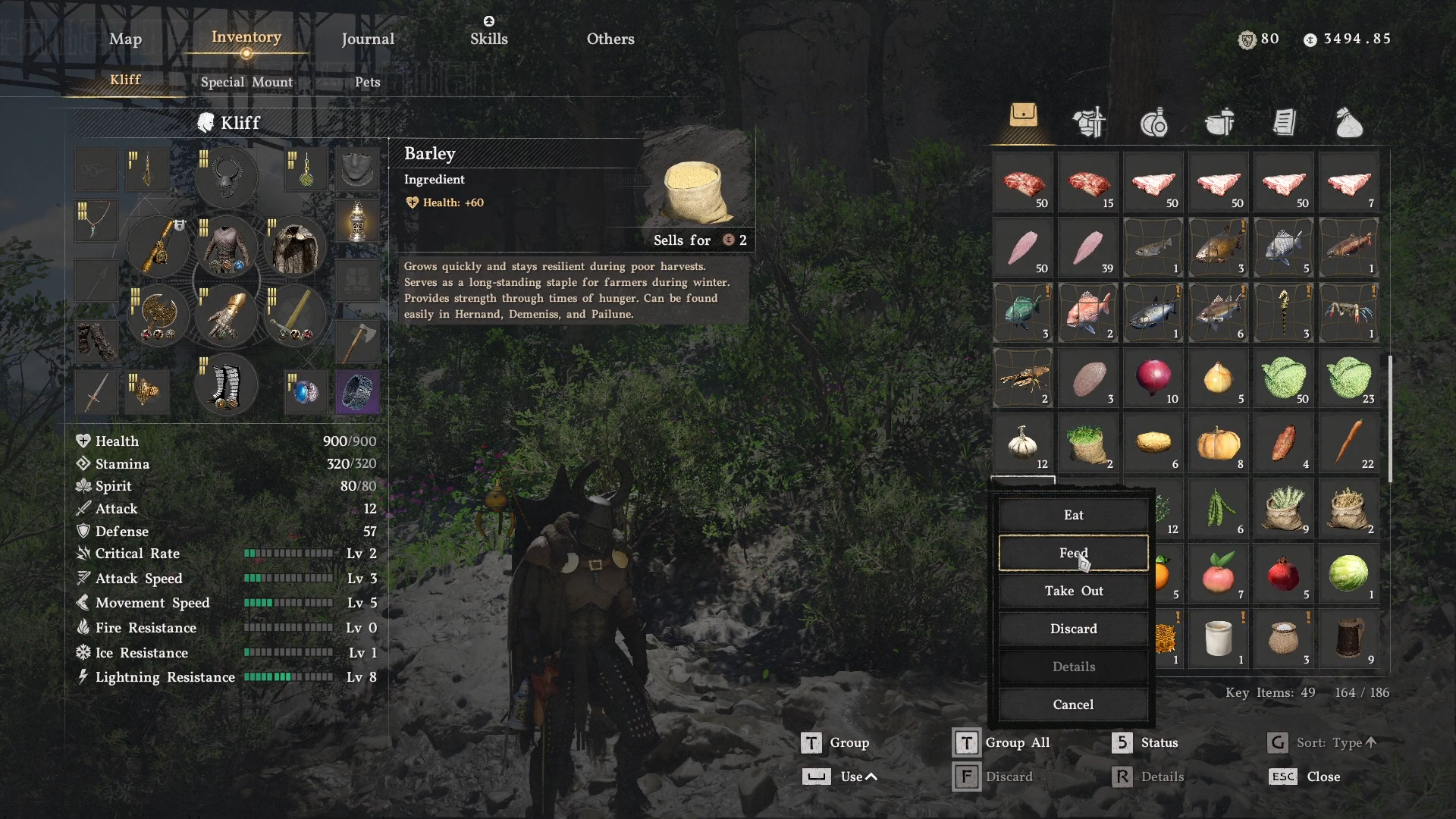
Step 3: Prepare Barley in your inventory
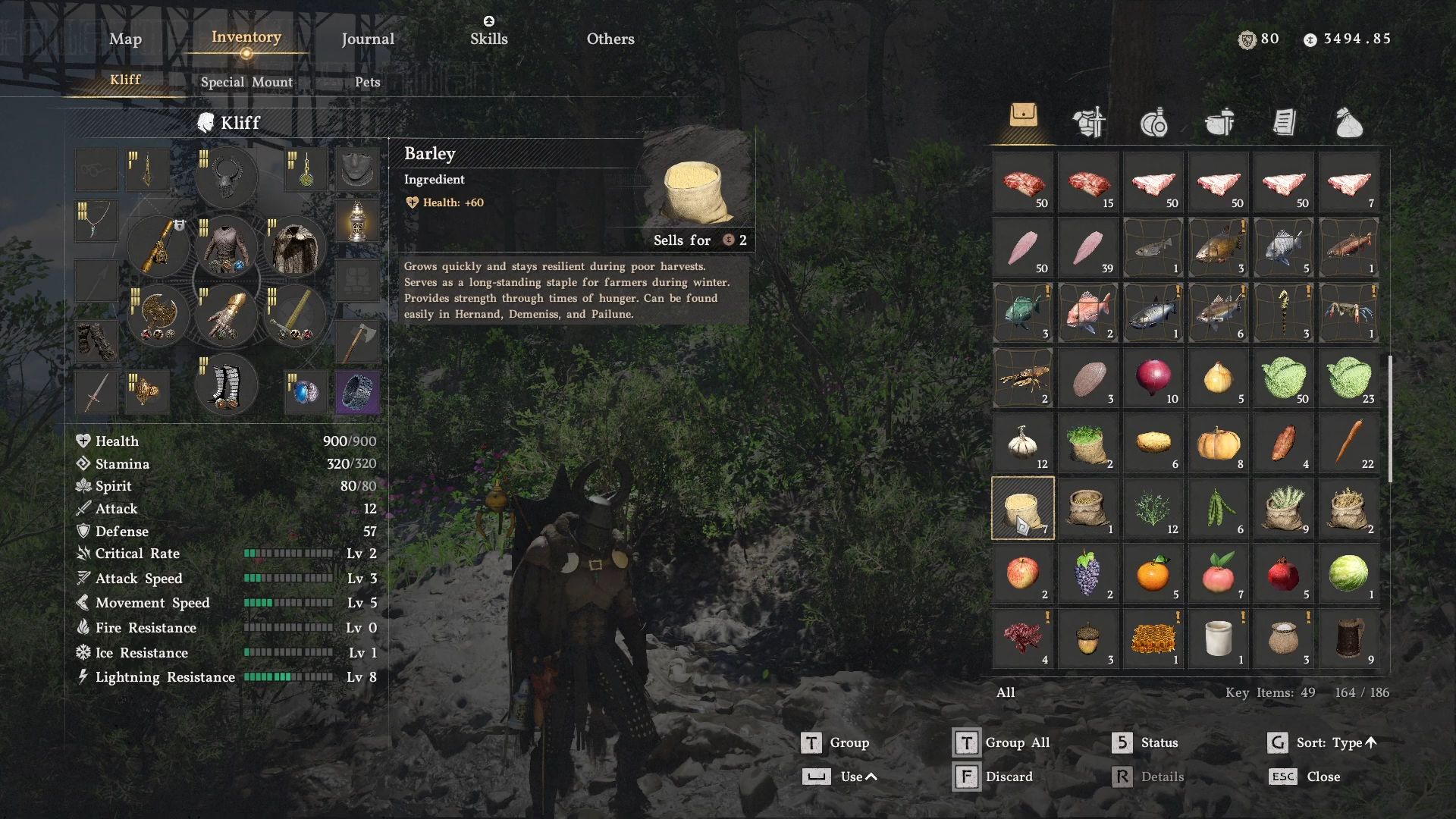
Before interacting, make sure you have at least two units of Barley in your inventory, obtained via farming, gathering, or trading. Open your Inventory → Consumables/Materials tab, highlight Barley, and get ready to use the drop/feed interaction so the squirrel can recognize it as food.
Step 4: Feed the Red Squirrel Barley twice
Stand close to the targeted Red Squirrel and use Barley from your inventory so it appears on the ground next to the animal, allowing it to approach and eat. You can also catch and carry it, and then feed it. Repeat this interaction two times, since each feed grants about +50 Trust, bringing the animal from 0 to 100 Trust in just a couple of seconds.
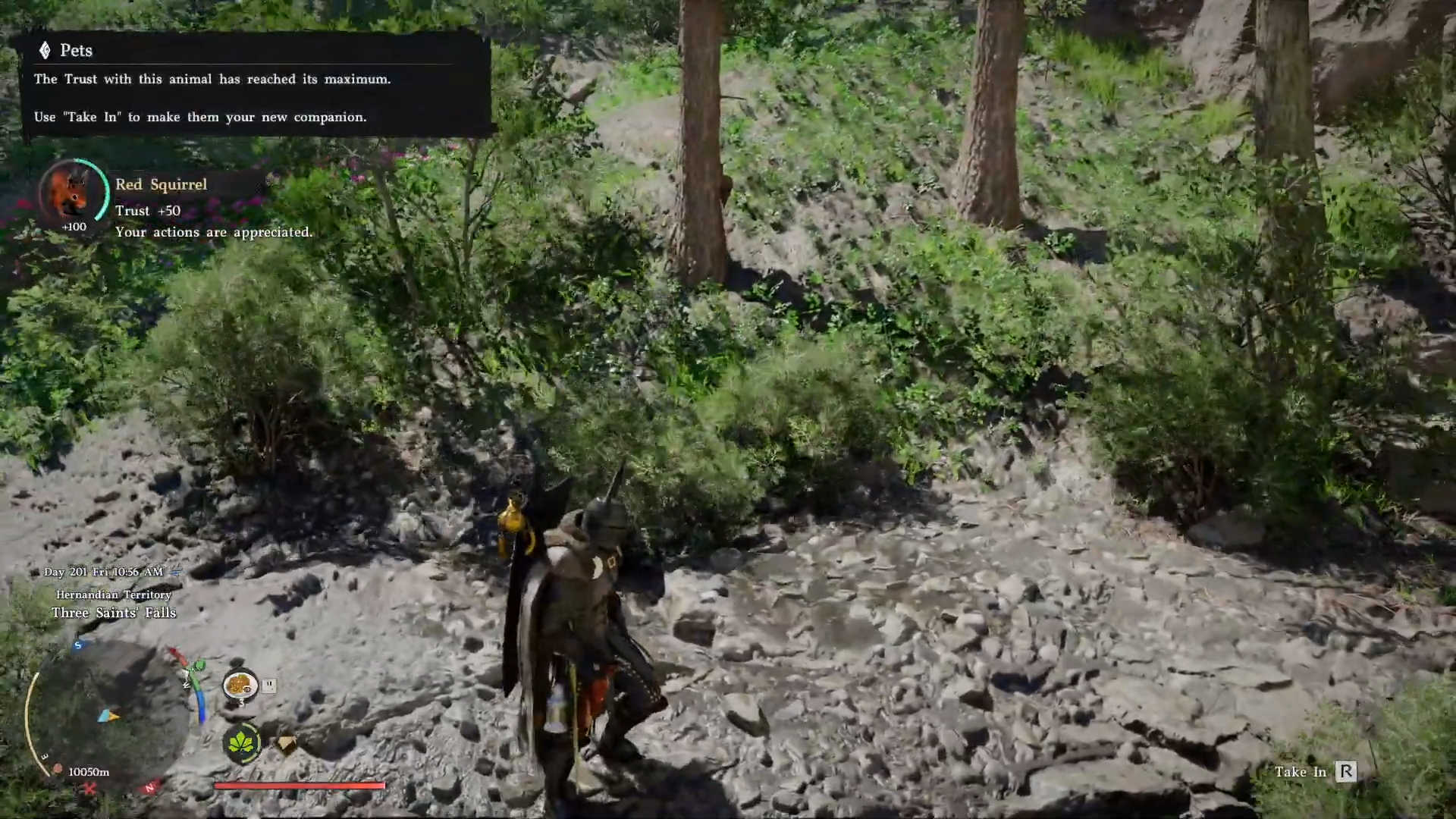
Step 5: Use the Take In prompt at 100 Trust
After the second Barley feed, the Trust meter hits 100. Interact with the squirrel until you see the “Take In” option in the bottom‑right prompt area. Hold the corresponding button (for example X on Xbox or Square on PlayStation) to register the Red Squirrel as your new pet companion.
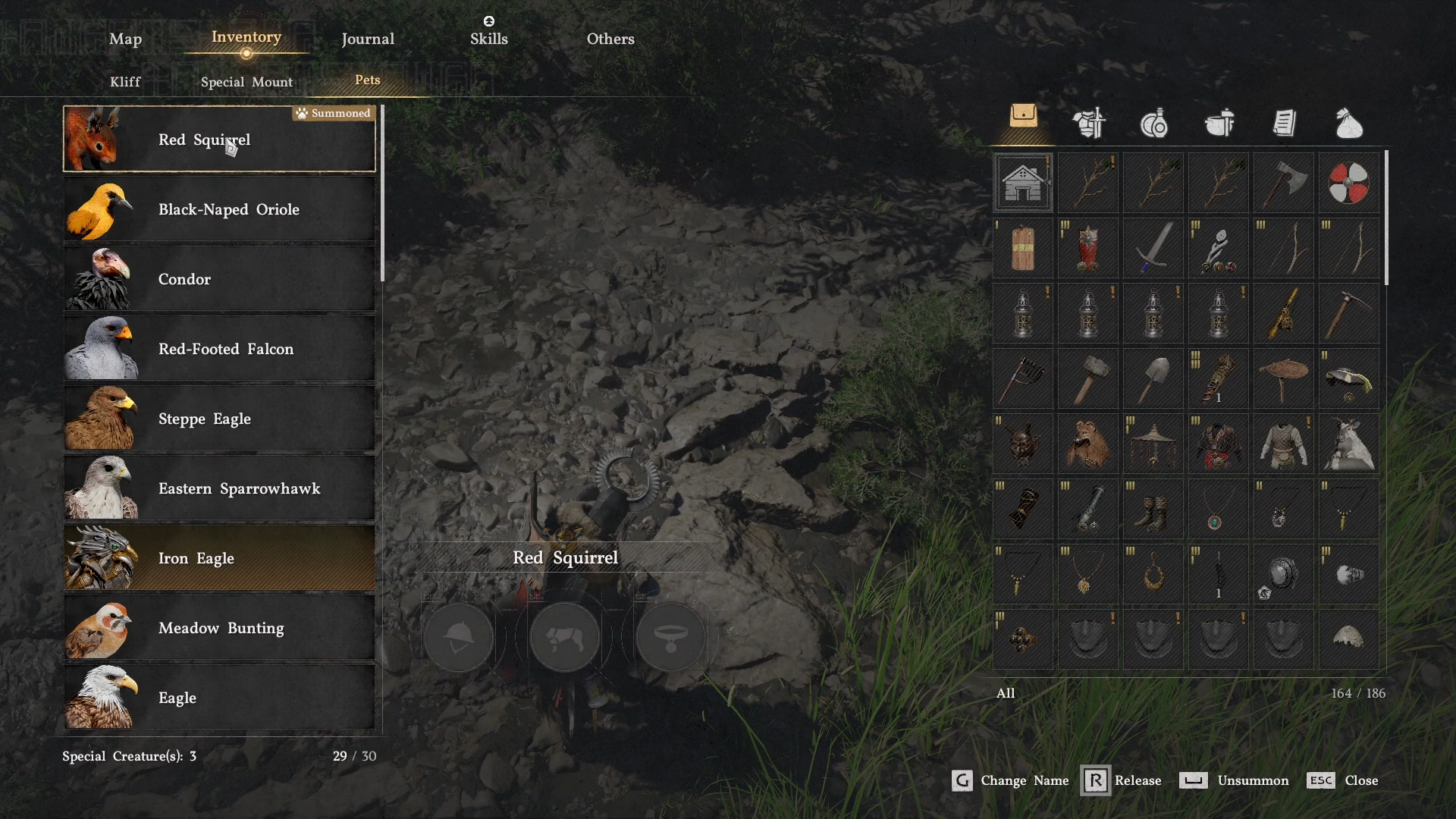
Step 6: Find and summon your new Red Squirrel pet
Open your Inventory → Pets tab and scroll through your companions until you see the Red Squirrel entry, then select Summon so it appears at your character’s feet. It functions like other pets, following you around and helping with auto‑loot and flavor while exploring or fighting.
Mistakes to avoid when taming the Red Squirrel
-
Feeding the wrong food
If you bring generic meat or random crops, you’ll likely waste time and Trust opportunities; Barley is the reliably preferred item for this pet and gives a huge +50 Trust per feed. -
Interacting with the wrong animal
Snails and other small creatures spawn in the same patch. Always check the nameplate says “Red Squirrel” before spending Barley, or you’ll buff Trust on a critter you don’t want. -
Ignoring the Trust cap and Take In prompt
Once Trust hits 100, you gain nothing from further feeding. If the Take In prompt doesn’t appear immediately, move a step away, re‑target the squirrel, and re‑interact instead of burning more food.
For the cost of just two Barley and a short ride into a stacked animal hotspot, the Red Squirrel gives Crimson Desert players a stylish, low‑maintenance pet that slots directly into the existing Trust and Take In system without any grind.